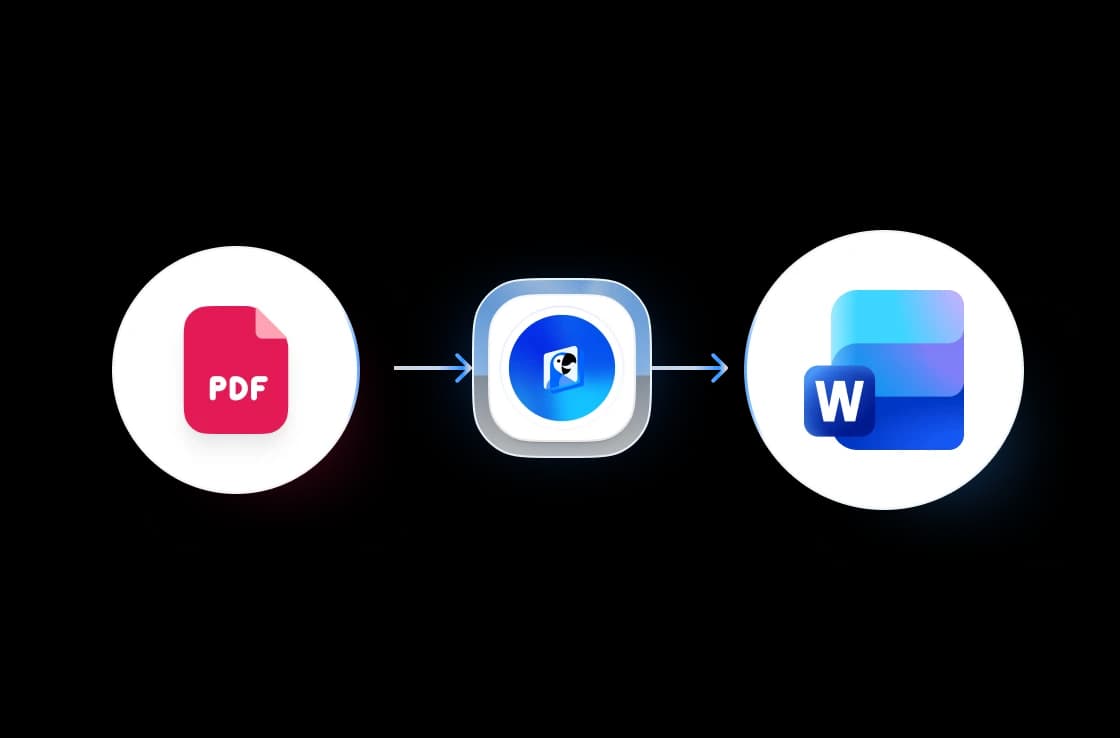
Three steps. That's it.
Convert your PDF to Word in three easy steps. No technical knowledge required.
Upload Your PDF
Drag & drop your PDF file or click to browse. Supports files up to 50 MB.
Convert
Our engine analyzes the layout, fonts, and images to build a pixel-perfect DOCX.
Download Word File
Your editable .docx file is ready in seconds. One click to download.
Built for accuracy, speed & security
Convert PDF to Word Online
Our converter preserves the exact layout of your PDF including fonts, images, tables, columns, and styling so your Word document looks just like the original.
FREE & No Sign-up Required
Our PDF to Word converter is 100% free with no account required. Upload your PDF and download the converted Word document instantly.
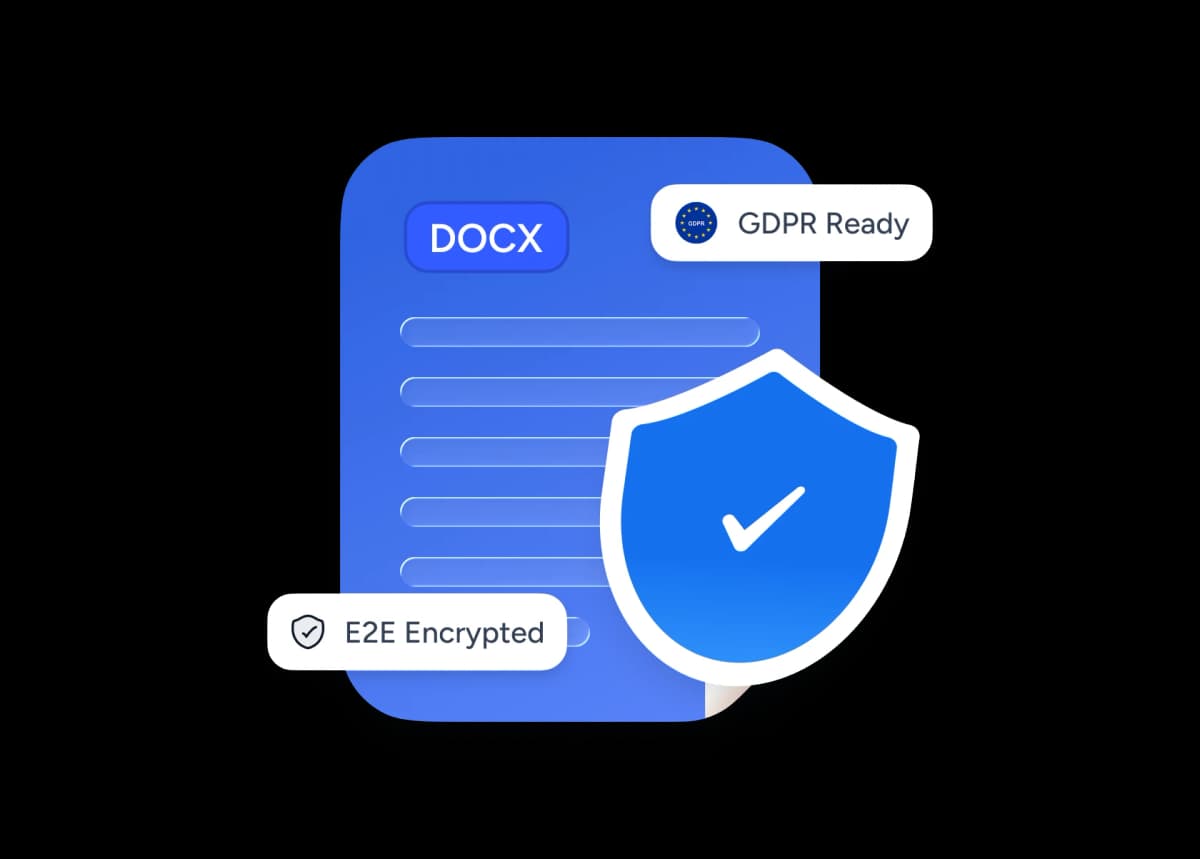
Safe and secure processing
At SlideSpeak, we prioritize data security and privacy above all else. We ensure that every PDF you upload is stored with top-notch encryption and automatically deleted after processing.
Why choose SlideSpeak?
Native Word Format
Our converter produces a true native .docx file fully compatible with Microsoft Word, Google Docs, and LibreOffice. No plugins required.
Maintain Visual Quality
Fonts, headings, paragraphs, tables, lists, and images from your original PDF are faithfully preserved in the Word output.
Free to Use
Our PDF to Word converter is completely free with no daily limits, no watermarks, and no hidden fees.
Fast Processing
Most PDFs convert in seconds, even documents with hundreds of pages. No queues, no waiting room.
Secure and Private
Your PDF files are handled with the utmost security and privacy. Files are encrypted in transit and permanently deleted after conversion.
No Software Needed
Convert PDF to Word directly in your browser. No Microsoft Office, no Adobe Acrobat, no desktop install required.
Blazing fast, even for large files
Most PDFs convert in under 10 seconds, even documents with hundreds of pages. Our server-side engine works in parallel, parsing layout, fonts, and images simultaneously.
<10s
Avg. conversion time
99.9%
Layout accuracy
500+
Pages supported
100K+
Files converted
How We Stack Up
See why thousands choose SlideSpeak to convert their PDF files to Word.
| Features |  | Adobe Acrobat | iLovePDF | Smallpdf |
|---|---|---|---|---|
| Free conversions | Unlimited | Limited | 2/day | 2/day |
| Signup required | No signup | Required | Required | Required |
| Formatting accuracy | High | High | Medium | Medium |
| Table preservation | Yes | Yes | Partial | Partial |
| Max file size | 50 MB | 100 MB | 25 MB | 25 MB |
| Price | Free | Paid | Freemium | Freemium |
Explore our other tools
Experience the convenience of our FREE online tools. Our AI tools powered by ChatGPT provide excellent results.

Translate PowerPoint with AI
Translate PowerPoint presentations with AI.

PDF Compressor
Compress PDF files online for free. Reduce file size by up to 90% with one click.
Extract Images from PDF
Extract all images from PDF files in seconds.

Extract Images from Word
Extract all images from Word documents quickly and easily.

PowerPoint Compressor
Compress your PowerPoint files and optimize the size of it for easier sharing.
AI Presentation Generator
Use our AI presentation editor to craft presentations.
Keep going with these tools
The tools people reach for next, plus the SlideSpeak features behind them.

Translate PDF with AI
Translate PDF documents with AI to any given language. Free and with one click. SlideSpeak AI PDF translator is a fast and easy way to help with translations.
Text to PPT
Turn any text or prompt into an editable PowerPoint deck in seconds.
AI Presentation Generator
Create a full slide deck from a prompt, topic or document.
Frequently Asked Questions
Everything you need to know about converting PDF files to Word.

Turn any idea into a presentation — free to try
An AI presentation platform to turn ideas, PDFs, Word, and Excel files into ready-to-present slides.