





 Artificial Intelligence
Generate PowerPoint Slides from Word Using AI
Transform documents into clean, editable slides instantly — no design skills needed.
Contracts, reports, proposals, research papers. Drop any Word file and get summaries, answers, and action items in seconds. Free to use, no signup needed.

Upload your Word file here
Drag and drop or click to upload
Trusted by innovative teams across the globe





Upload any DOCX file and get instant summaries, key insights, and answers to your questions. Our AI understands charts, tables, images, and text across all your pages.

Drop in any .DOC or .DOCX. SlideSpeak reads the full document: text, tables, images, and all.
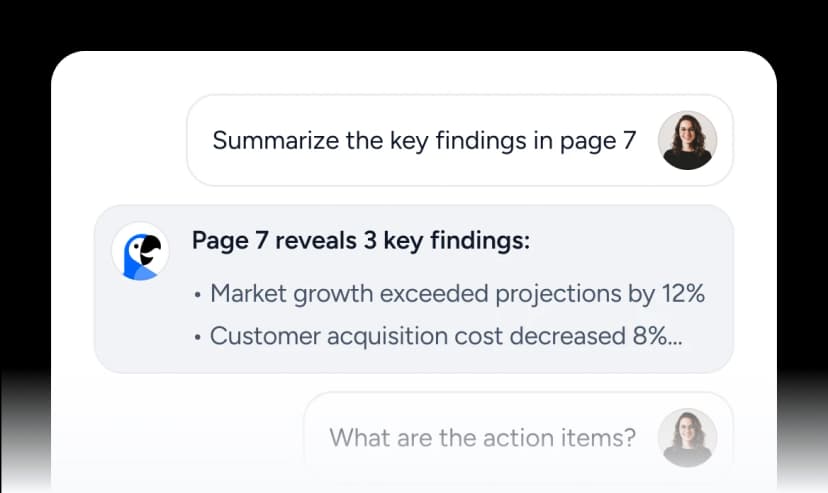
Chat with your document. Ask for a summary, pull out key facts, generate action items, or get the executive brief.
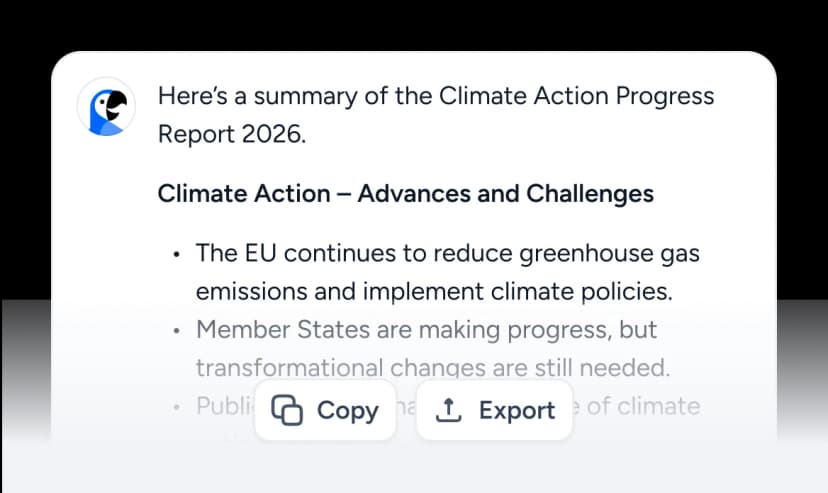
Receive a structured, accurate response in seconds. Copy it, export it, or keep the conversation going. No scrolling. No guesswork.
Most tools scan your text and call it a summary. SlideSpeak reads your document the way a person does: headings, tables, images, data, and all.
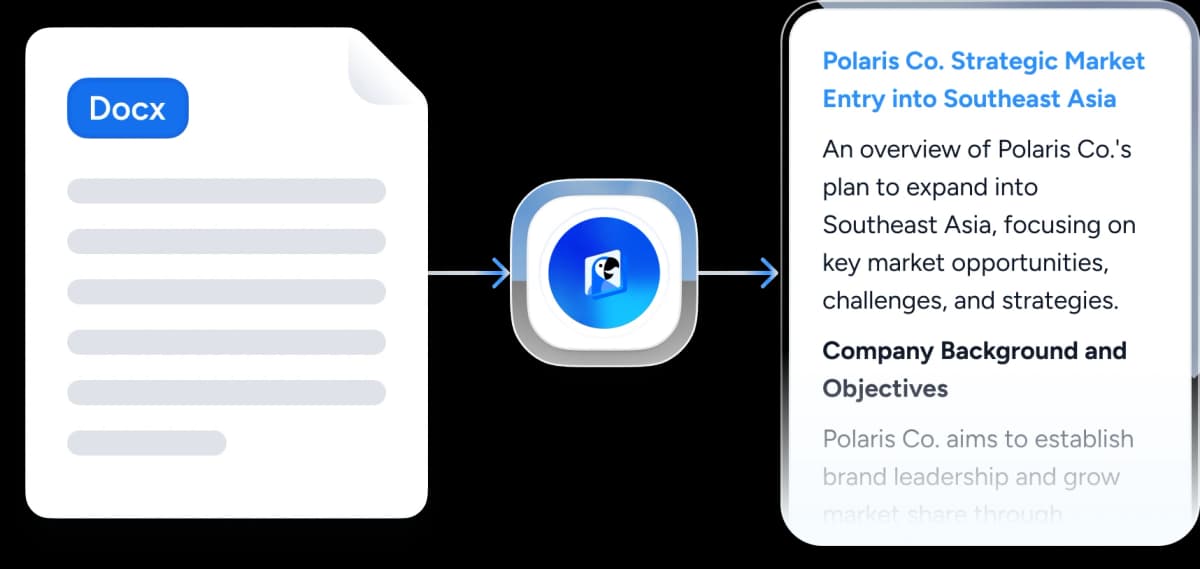
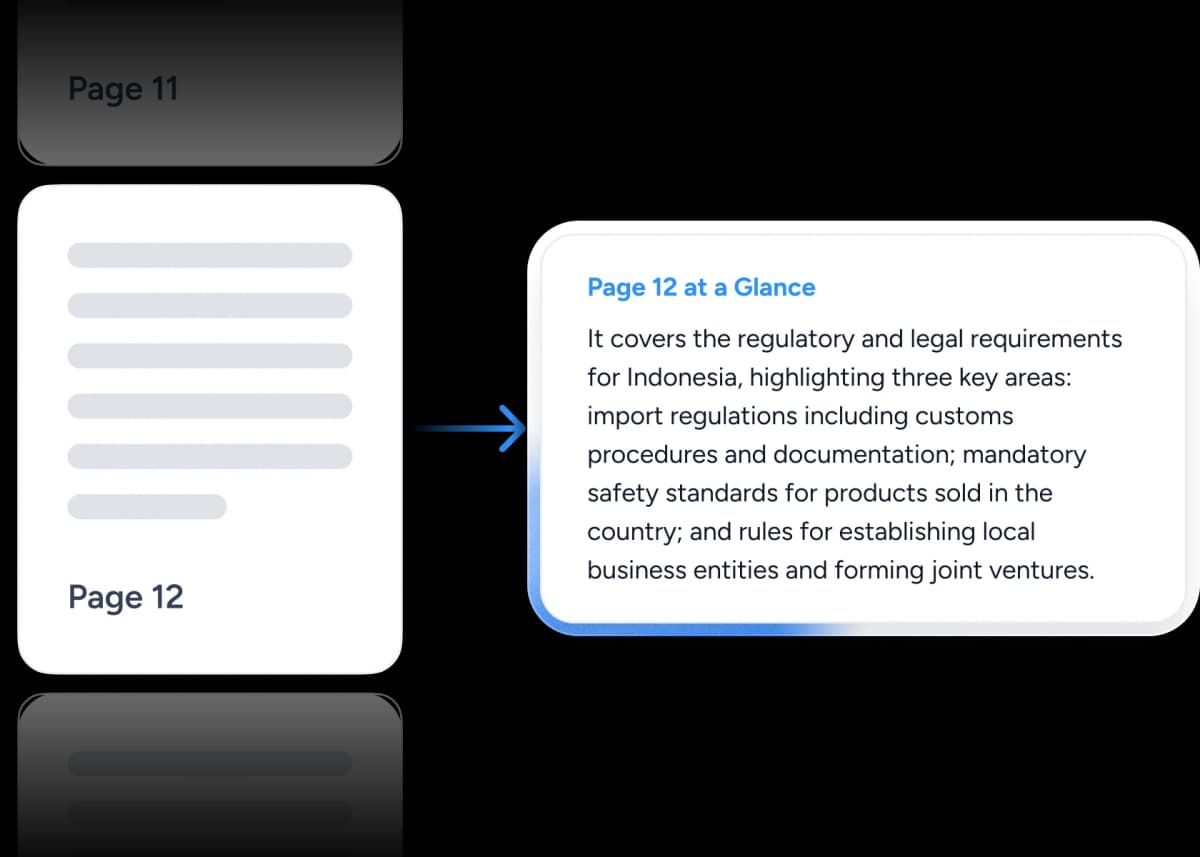
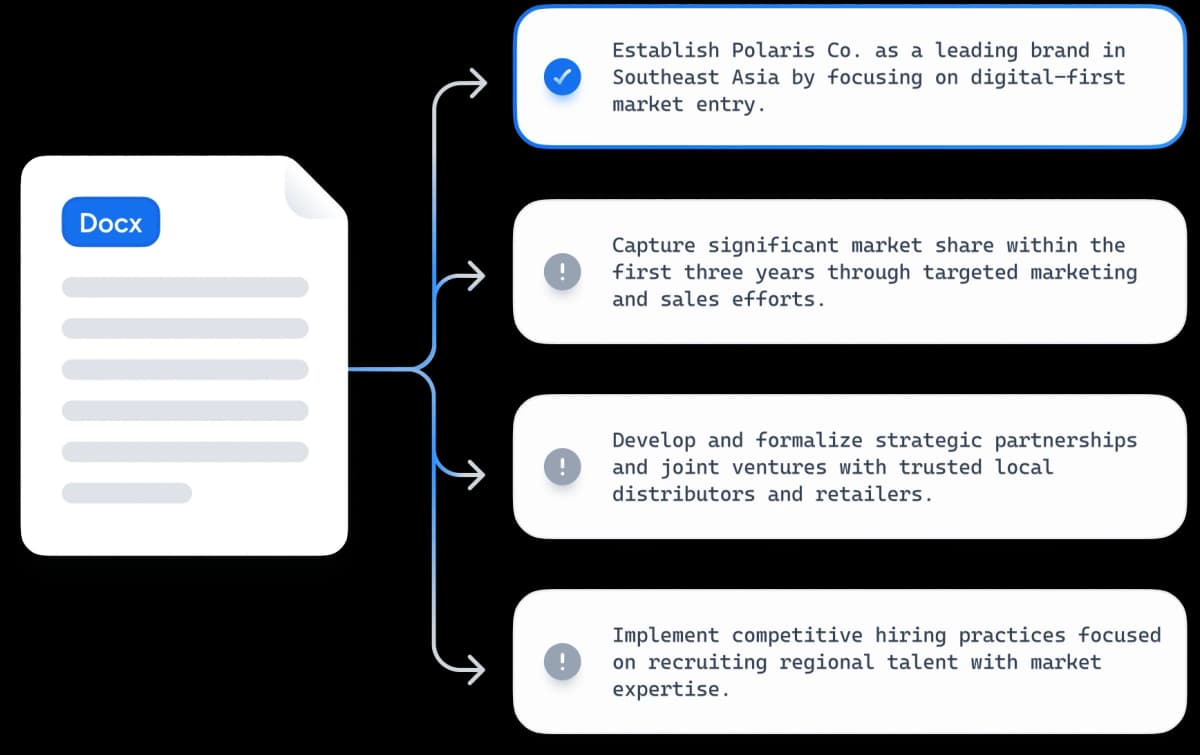
Our AI goes beyond basic text extraction. SlideSpeak understands your entire document: headings, sections, tables, and complex layouts.
Every answer includes page references so you can verify the source. Jump straight to the relevant section in your original document.
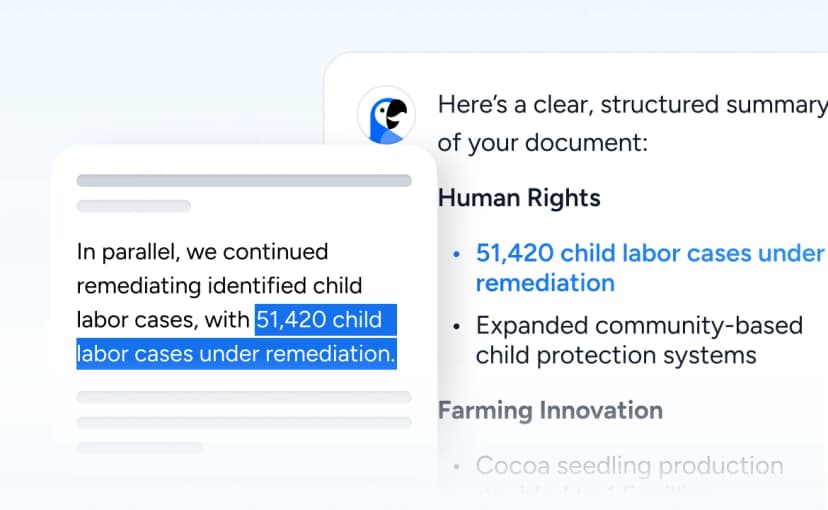
Our AI is grounded in your document. It only answers based on what's actually in your Word file. Powered by the latest ChatGPT models.
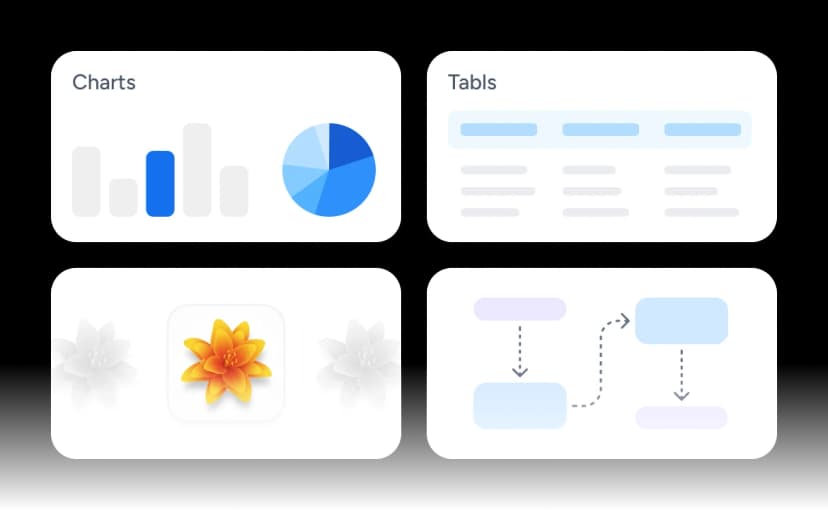
Supports bar charts, pie graphs, data tables, diagrams. Our AI reads and interprets visual content, not just text.
Got a French contract or a German report? SlideSpeak translates summaries and answers into 50+ languages. Try the Translate tool
Introduction to the presentation on
Overview of the importance of effective commu...
Turn any Word document into a structured slide outline, ready to import into PowerPoint or Google Slides.
Your documents are never used to train AI models. Files are encrypted and can be deleted at any time. Your data stays yours.
Purpose-built for document summarization, not a generic chatbot that treats your Word file like plain text.
| Features |  | ChatGPT | Microsoft Copilot | NotebookLM |
|---|---|---|---|---|
Upload DOCX directly | Yes | Yes | YesInside Word app only | Yes |
Free to use | Yes | Limited3 uploads/day on free tier | No$20/month (Copilot Pro) | Yes |
Reads charts & images | Yes, visual content analyzed | PartialVia vision, accuracy varies | LimitedText and tables only | No |
Source-cited answers | Yes, linked to source sections | No source references | PartialReferences sections in-app | Yes, grounded citations |
Generate presentation from summary | One click, branded AI presentation | No | YesRequires M365 subscription | No |
Apply your brand to outputs | Built-in brand kit & templates | No | LimitedOrg templates only | No |
Handles 50+ page documents | Full support, no context loss | Yes128K token context | Yes | YesUp to 500K words |
Export & workflow integration | PowerPoint, Google Slides, PDF | Text onlyManual copy-paste | Microsoft 365 ecosystem | Text onlyAudio overview export |
Multi-language support | 50+ languages | Yes | 48 languages | 80+ languages |
SlideSpeak is the only tool that combines document summarization with branded presentation generation. No subscriptions, no copy-pasting, no extra steps.
From meeting notes to research papers. See how professionals save hours every week with AI-powered document analysis.
Upload a 60-page report and get a sharp, one-page executive summary in under 30 seconds.
Paste your report into SlideSpeak and get a structured slide outline ready to import into PowerPoint or Google Slides.
Treat your document like a colleague. Ask it anything: "What are the key risks?" "What does page 4 say about pricing?"
Turn any training document, manual, or research paper into a multiple-choice quiz for learning or assessment.
Distill a dense document into a single-page cheatsheet with the most important points, perfect for quick reference.
Generate structured workbook exercises from any document. Great for training materials, courses, and onboarding.
Wall of love
See what our users have to say about SlideSpeak's AI-powered document tools.
SlideSpeak cut my report prep time in half. I upload the 80-page brief, get a summary in 30 seconds, and I'm already three steps ahead in the meeting.
Sarah Chen
Strategy Lead at Oliver Wyman

The citations are what sold me. Every answer links back to the exact paragraph. I can verify anything instantly. No other tool does this.
James Garza
Lecturer at CCT College Dublin

2M+
Documents processed
98%
User satisfaction
Everything you need to know about summarizing Word documents with AI.
The tools people reach for next, plus the SlideSpeak features behind them.
Tips, guides and examples on how to summarize and extract insights from your Word documents.
Artificial IntelligenceTransform documents into clean, editable slides instantly — no design skills needed.
 Artificial Intelligence
A quick walkthrough on using AI to analyze, summarize, and extract insights from Word documents — fast, accurate, and effortless.
 ChatGPT
A quick overview of how to use ChatGPT to summarize PDFs, including setup steps, best practices, and key limitations to keep in mind.