

SlideSpeak is designed to be a global platform, supporting over 100 different languages and regional dialects. If you are looking to create a presentation in your native language, the process is straightforward and integrated directly into our generation workflow.
How to Create a Presentation in Your Native Language
You can select your preferred language when starting a new presentation from a topic, document, or even from a blank canvas. Follow these simple steps to get started:
- Go to the Home section and click on “Create presentation with AI”.
- Choose your preferred generation method (e.g., “From a topic”).
- Locate the language selection dropdown next to the topic input field.
- Click on the dropdown to reveal the full list of supported languages.
- Search for your language using the search bar or scroll through the alphabetical list.
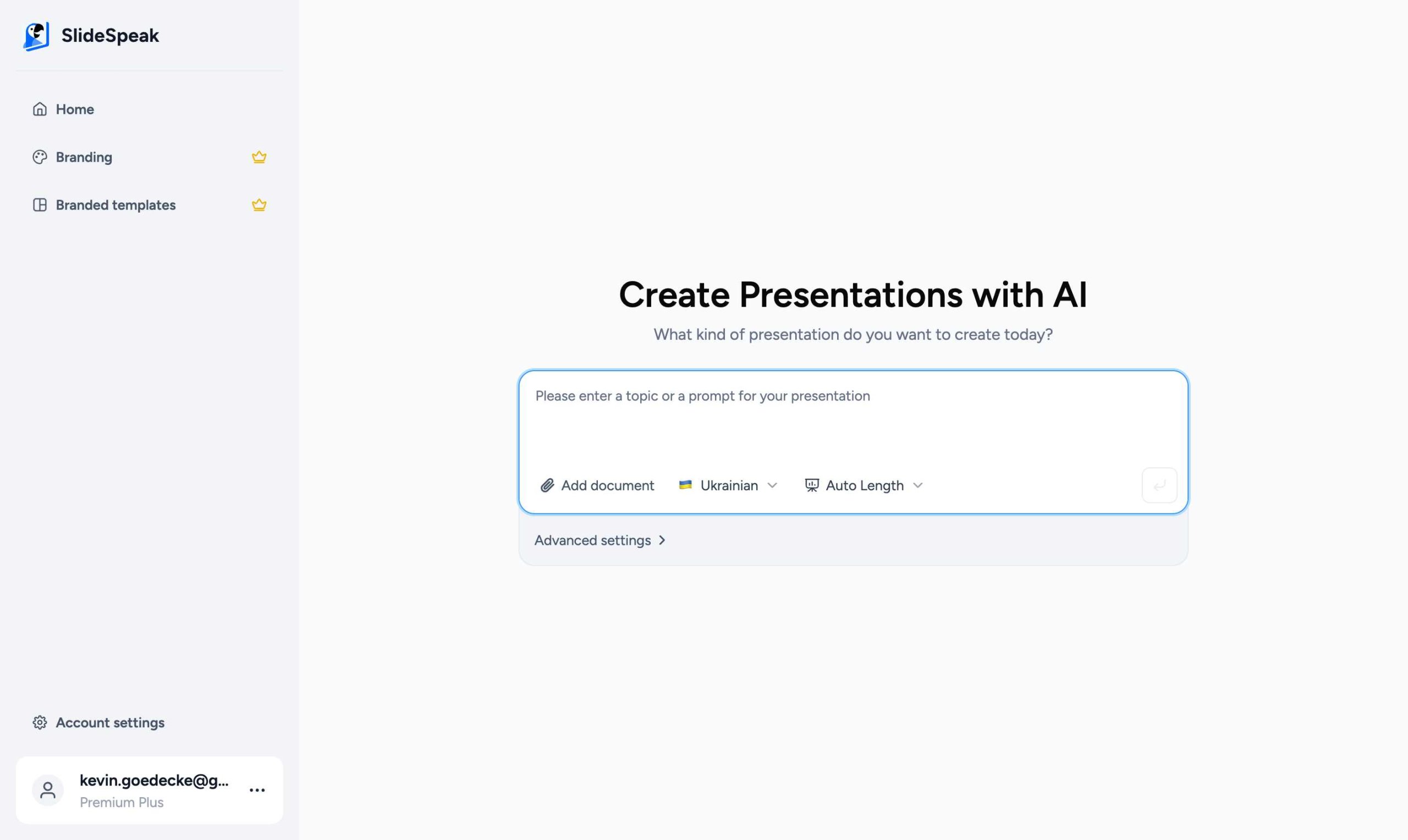
- Select your language and enter your presentation topic.
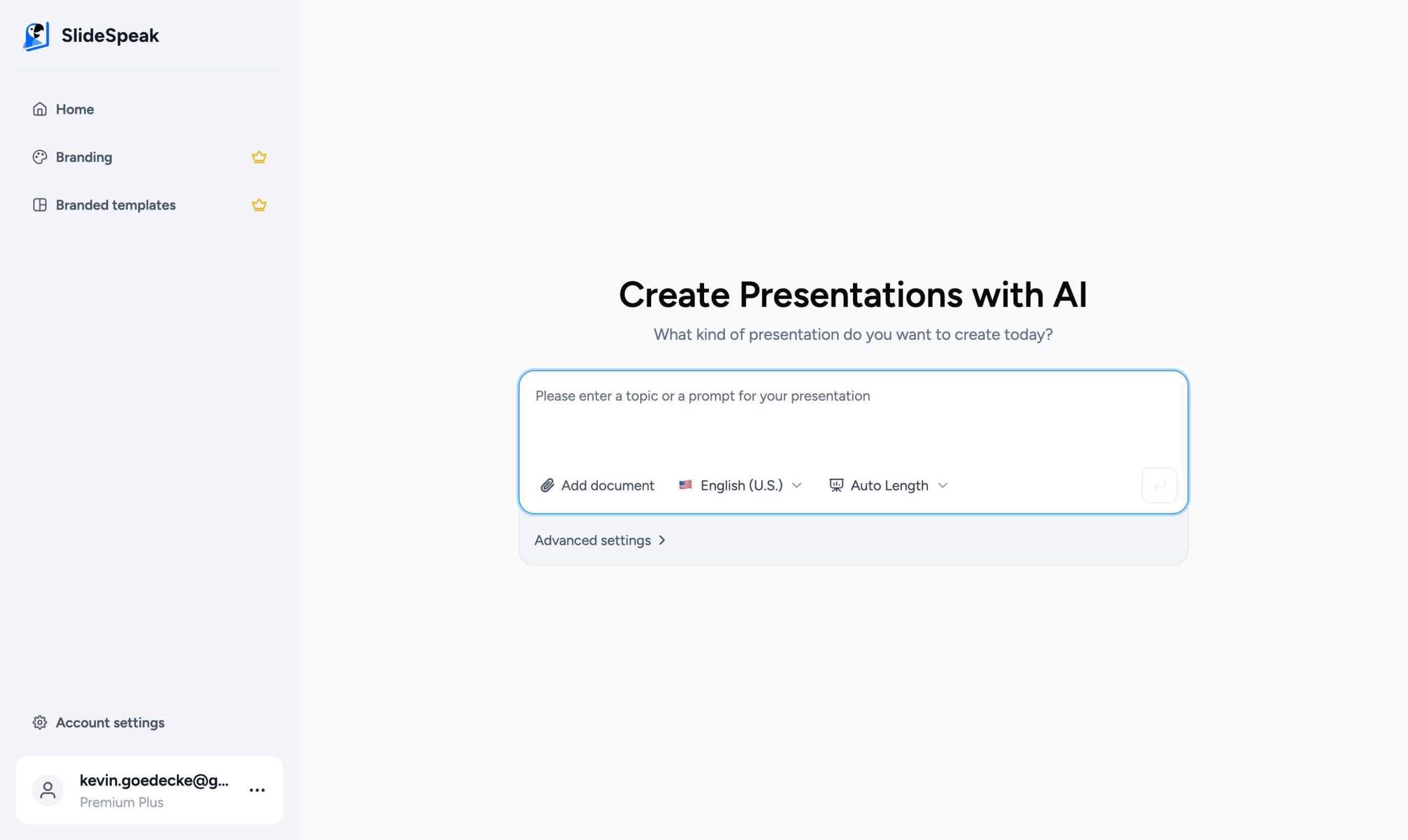
Finding Your Language
Our language picker supports both English names and native translations for many languages, making it easier to find exactly what you are looking for. You can also use the built-in search feature to filter the list instantly.
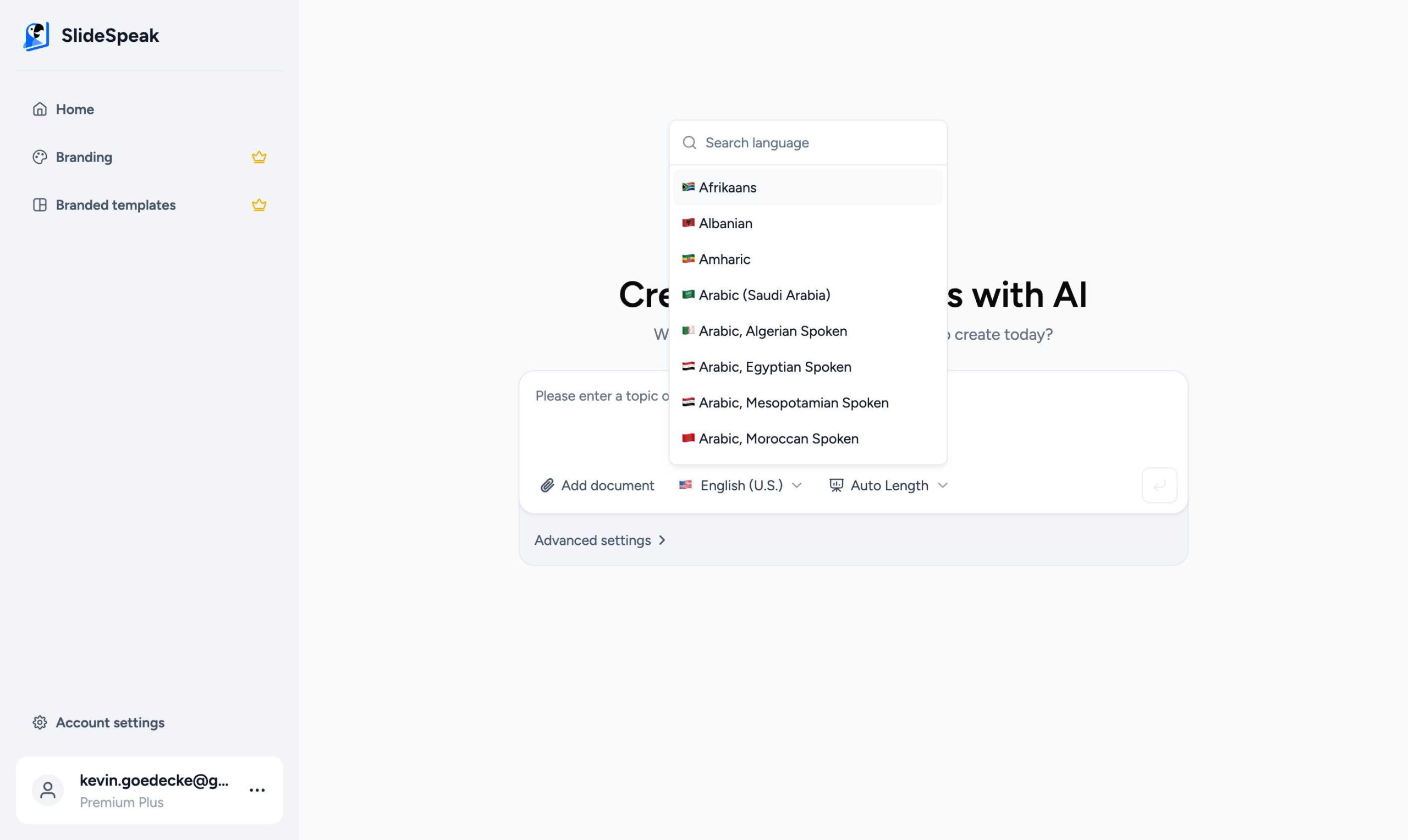
For a complete list of all the languages we currently support, you can check our supported languages guide.
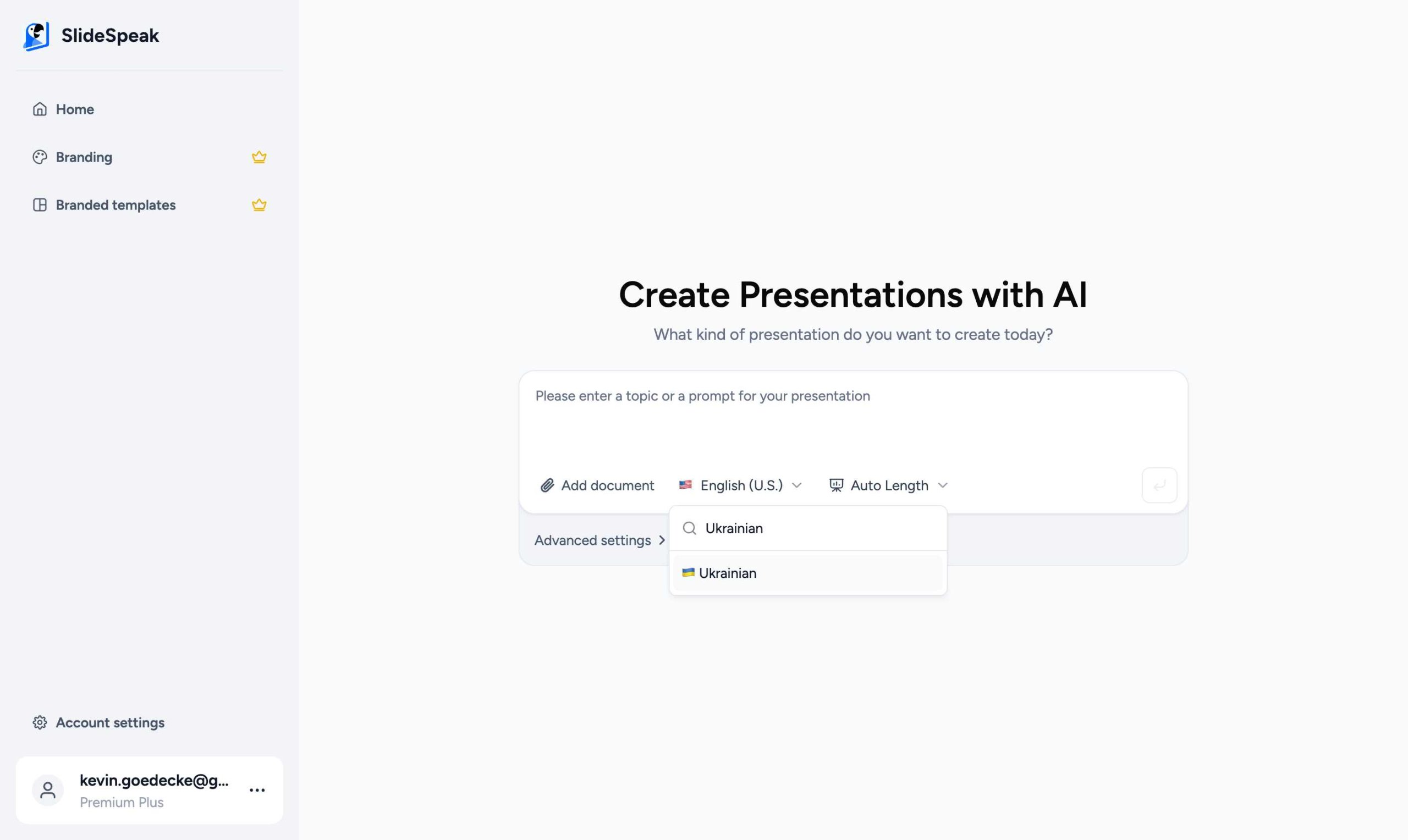
Once you have selected your language, SlideSpeak will ensure that all generated content—including slide titles, body text, and speaker notes—is accurately translated and naturally phrased.
What if my language is missing?
While we support a wide range of languages, there may be some regional dialects or specific languages that are not yet available. If you cannot find your language in the list, please reach out to our support team at support@slidespeak.co. We are constantly expanding our language support based on user feedback and can often add new languages quickly.
Pro Tip: You can also use our built-in translation feature to translate existing presentations into different languages after they have been generated.
Need more help?
If you have any questions or need assistance, feel free to contact our support team at support@slidespeak.co