

Best Design MCP Servers in 2026: Onbrand, Frontify, Figma, zeroheight, Paper.design
Written by

Published on
On this page
AI coding agents have gotten very good at the build half of a designer’s life. Ask Claude, Codex, or Cursor to scaffold a landing page, wire up a component library, or write Storybook stories, and the output is competent. Ask the same agents to make something on brand and the answer is suddenly the wrong blue, with the wrong fonts, in a voice your brand lead would never sign off.
This isn’t really a model problem. Frontier models can render a beautiful Tailwind page or a polished slide. It’s a context problem. Agents can read your codebase, your docs, your design tokens, if you expose them. Your brand guidelines, your real fonts, your approved layouts, the photography style your team actually uses? Most of that lives somewhere the agent can’t see.
The Model Context Protocol (MCP) is starting to change that. This post is a guide to the best Design MCP servers available today: SlideSpeak Onbrand for brand guidelines, Frontify MCP for enterprise brand portals, Paper.design for shared canvas collaboration, and Figma MCP and zeroheight MCP for product UI and design-system docs. Plus where the rest of the brand-portal category still lags.
Two flavors of design context (and the MCP servers that cover each)
Design context for agents isn’t one thing. It splits roughly into two flavors depending on who’s asking and what they’re making, and the MCP servers that cover each are different.
The first, and the more interesting half right now, is brand and visual work: logos, colors, fonts, imagery, named layouts, the brand guidelines an agent needs to generate presentations, one-pagers, social posts, or any of the dozens of branded artifacts a marketing team ships per week. Covered today by SlideSpeak Onbrand and, as of May 2026, by Frontify MCP for organizations already on Frontify.
The second is product and UI work: tokens, components, design systems, the kind of context a developer agent needs to render a button that matches your design system. Covered today by Figma MCP and zeroheight MCP.
Paper.design sits between the two as a shared canvas. The rest of the brand-portal and DAM category sits in a gap of its own. We’ll start with the brand side, since that’s where the gap is widest and where most teams hit the wall first.
Where brand guidelines live today
Walk into a brand or marketing team and the brand guidelines are scattered across:
- A PDF brand guide in a Drive folder. Comprehensive. Unread. Definitely not queryable by anything.
- A brand portal at larger orgs (Frontify, Brandfolder, Bynder, Canva Brand Kit, or a custom internal microsite). Contains downloadable logos, approved templates, presentation templates, social templates, photography libraries, icon libraries, legal and compliance notes, campaign assets.
- A DAM tool (Bynder, Aprimo, Widen, MediaValet) for asset-heavy organizations.
- Canva, increasingly the de facto brand kit of record for SMB and mid-market teams.
- Figma libraries, sometimes, when brand and product share a workspace.
- The brand lead’s head, which is the actual final source of truth.
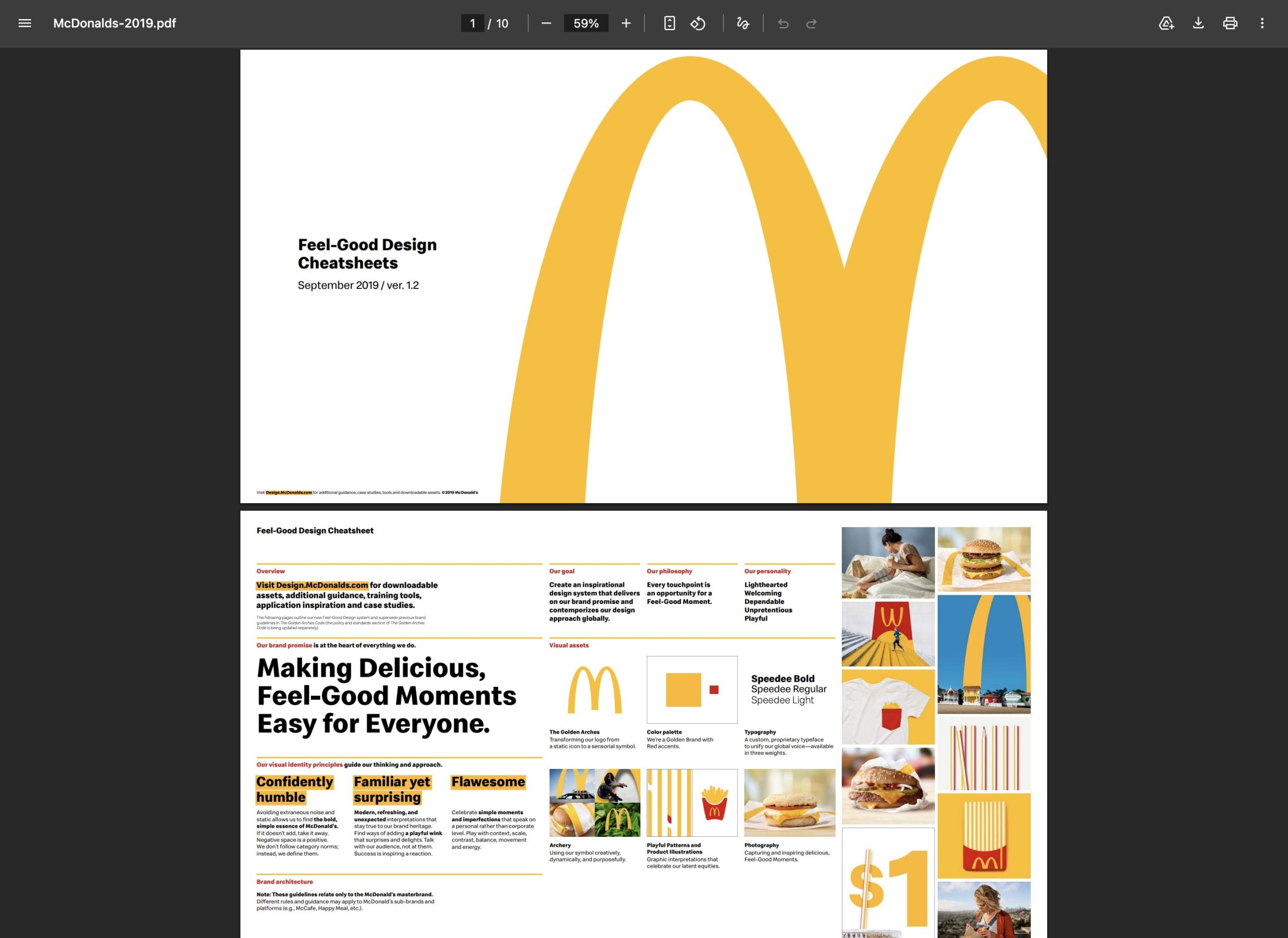
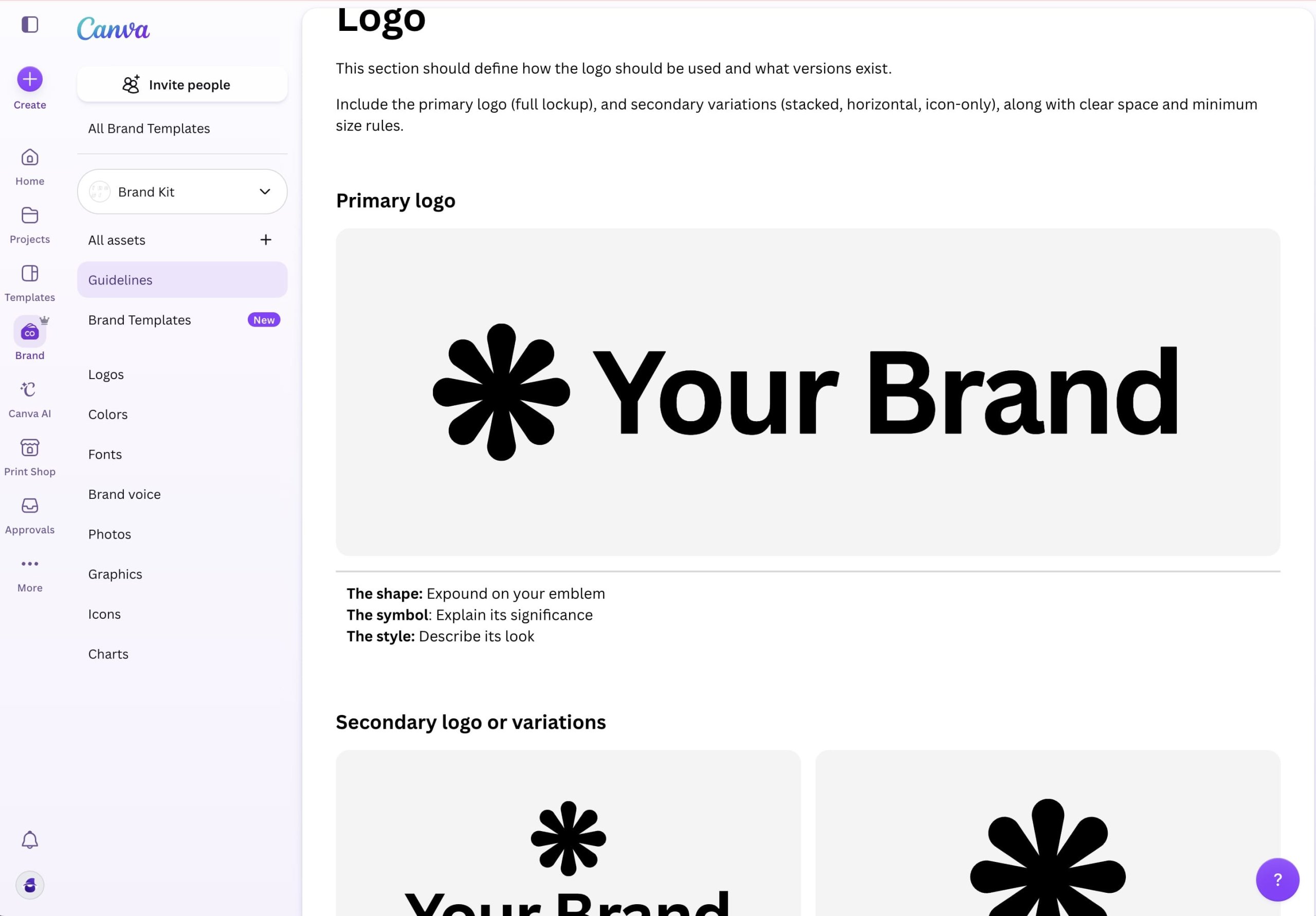
For an agent generating a marketing deck or a one-pager, the visible context here is approximately none of it. Which is why “generate a Q3 results deck” produces a generic slide with stock photos and a brand red that’s two shades off. Two Design MCP servers have grown specifically to fill this gap: Onbrand (purpose-built) and Frontify MCP (a brand portal that added MCP).
SlideSpeak Onbrand: the brand guidelines MCP
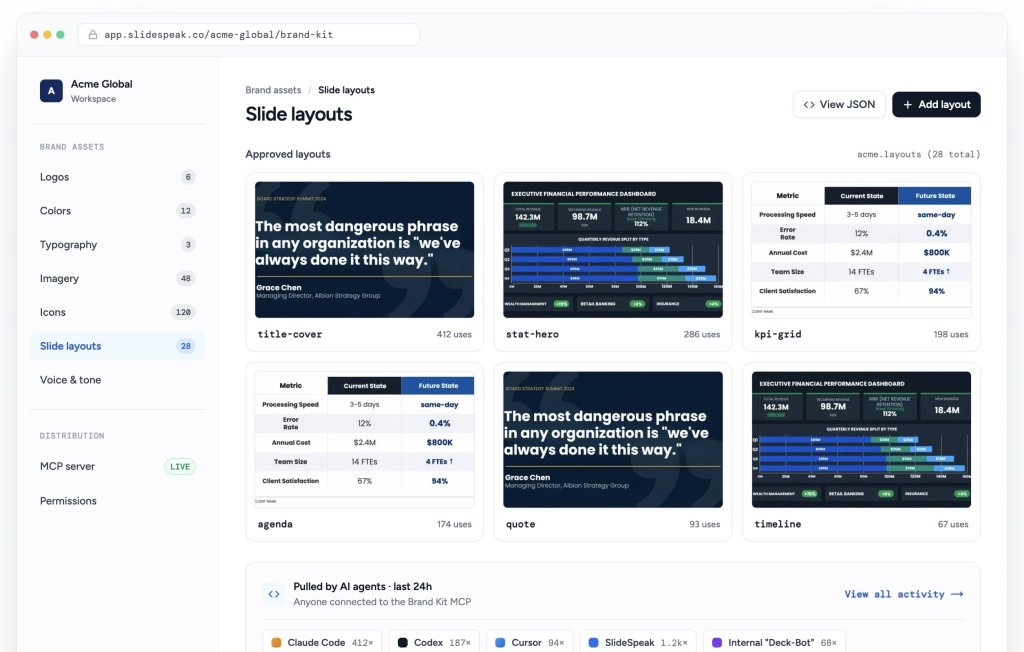
SlideSpeak Onbrand (disclosure: ours) is a brand guidelines MCP server that exposes the real brand to any MCP client, including Claude Code, Codex, Cursor, and your internal agents. It covers colors and tokens, logo variants and lockups, licensed fonts with the files, approved imagery, the icon library, and named slide layouts delivered as production HTML/CSS.
Where Figma MCP gives an agent the source-level UI design system, Onbrand gives the agent the brand guidelines: what the logo looks like, which colors are approved, which fonts are licensed for use, which layouts the brand has signed off on. Slide decks are the strongest fit because Onbrand ships named, approved layouts that an agent can build on directly, but the same brand context applies to one-pagers, social posts, and other marketing collateral. (slidespeak.co/features/onbrand.)
Frontify MCP: brand context from the enterprise brand portal
Frontify MCP, announced in May 2026, is the first major brand portal to ship an MCP server. It exposes the brand intelligence that already lived inside Frontify: logos, visual systems, templates, tone-of-voice guidance, messaging frameworks, campaign history, and localization information. (frontify.com/en/blog/frontify-mcp.)
The angle is meaningfully different from a purpose-built brand guidelines MCP. Frontify’s MCP wraps what Frontify already does (a managed brand portal with governance, approvals, and team workflows) so agents read from the same source of truth the design and marketing teams already use. For organizations already standardized on Frontify, that’s exactly the right shape: no second source of truth to maintain. For organizations not on Frontify, a dedicated brand guidelines MCP like Onbrand is usually a faster path because it doesn’t assume a particular brand-portal vendor.
The brand portal gap (Brandfolder, Bynder, Canva, and the rest)
Frontify’s MCP launch in May 2026 was the first time a major brand portal opened itself to AI agents directly. The rest of the category hasn’t followed yet.
Brandfolder, Bynder, Canva Brand Kit, Aprimo, and most custom internal portals have spent a decade making brand assets discoverable for designers and marketers. The agent era asks them to make those same assets discoverable for agents, with the same governance and access controls. Some are likely working on it; few have shipped first-party MCP servers at time of writing. (Worth a fact-check before publishing, since this is a fast-moving space.)
Until they do, organizations on those platforms either work around the gap with a dedicated brand guidelines MCP like Onbrand, or build a custom MCP wrapper over their existing brand-portal APIs. Frontify’s launch makes the rest of the category moving faster a likely bet.
Paper.design: agent-and-human collaboration on a shared canvas
Sitting between the brand and UI camps is a small set of design tools that let agents and humans collaborate visually.
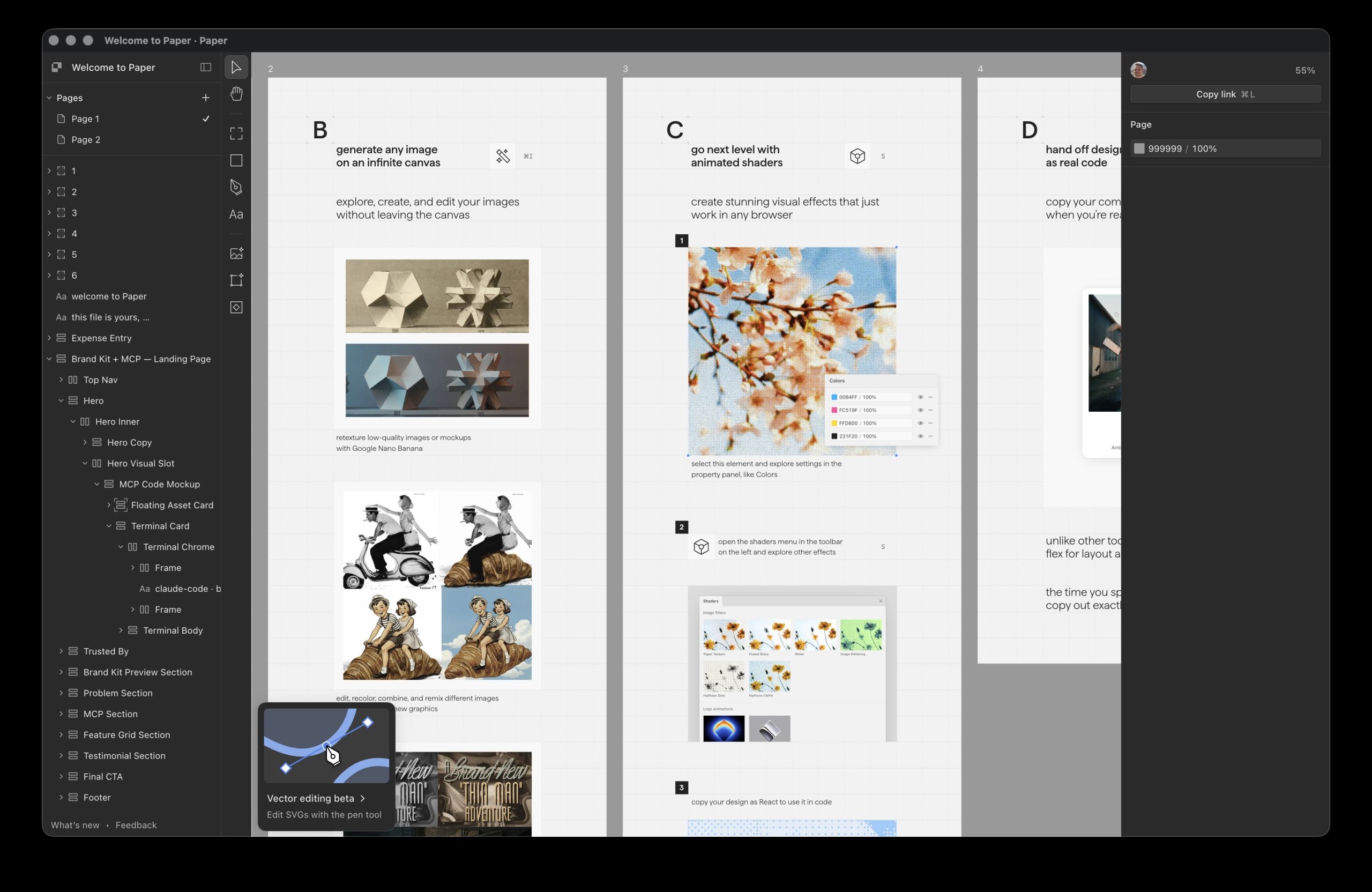
Paper.design is a design canvas with an MCP server. Agents can read existing artboards and write new HTML back into the canvas. Designer iterates visually, agent proposes a variant, designer refines. The collaboration model is the point: a shared surface, not a handoff document. Less useful for the dozens of artifacts a brand team ships per week, more useful for design exploration and prototyping. (paper.design.)
For framing on the design-system-meets-MCP idea more broadly, there’s a useful Medium piece: Designing with MCP Server: Bridging Design Systems and AI.
Figma MCP Server: design system and UI context for agents
On the product and UI side, two tools cover most of the use case today.
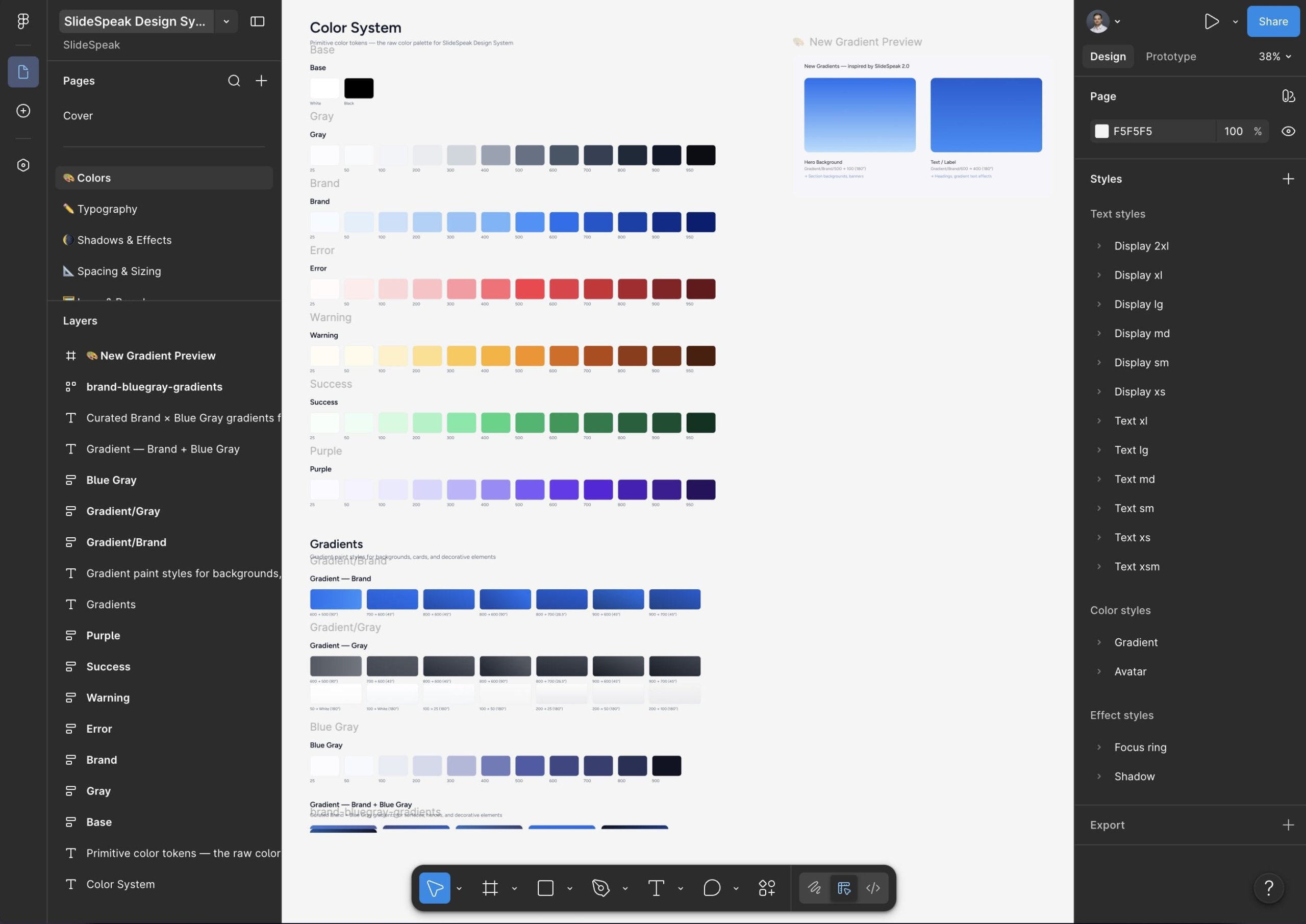
Figma MCP Server gives agents direct access to file structure: frames, components, styles, design tokens. An agent generating React or Tailwind reads from the real components instead of inventing a button. If your design system lives in Figma and your devs use Cursor, this is the unlock. (Figma’s announcement post.)
zeroheight MCP: design-system documentation for agents
zeroheight MCP exposes the design-system documentation layer (tokens, component docs, usage rules) to MCP clients. Agents can ask “what’s the usage rule for the secondary button?” and get the same answer the designer would. It pairs well with Figma MCP because the two cover different layers of the same design system: Figma is the source files, zeroheight is the documented intent around them. (zeroheight.com/mcp.)
Add a Storybook MCP, or a tokens-in-Git workflow, and the UI loop is essentially solved.
What good Design MCP servers look like
Whichever vendor you pick, or whichever you build internally, a useful Design MCP server shares a handful of properties:
- Live, not snapshots. Agents query current state, not a quarterly export.
- Structured. Tokens, named layouts, asset URLs with metadata, not narrative paragraphs the agent has to interpret.
- Governed and versioned. Only approved assets reach the agent. Roll back when needed.
- Scoped. Role-based, per-sub-brand, per-market.
- Auditable. You should be able to ask which agent used which asset on which output last week.
The vendors who win the next five years will be the ones who hit those properties without forcing teams to re-platform.
The current Design MCP stack, summarized
If you’re a brand or marketing team: SlideSpeak Onbrand for a purpose-built brand guidelines MCP, Frontify MCP if you’re already on Frontify, Paper.design for visual exploration, plus a long list of brand portals and DAMs (Brandfolder, Bynder, Canva, Aprimo) that you’re waiting on to ship MCP servers of their own.
If you’re a product or UI team: Figma MCP plus zeroheight MCP plus design tokens in Git. Most of the gap is already closed.
If you want the practical, today’s-tools decision tree for the slide-deck case specifically, the companion piece is How to Make AI Follow Your Design and Brand Guidelines for Slides.
Static PDFs aren’t going to win the agent era. Live, structured, governed Design MCP servers will.
Frequently asked questions
What is a Design MCP server?
A Design MCP server is a Model Context Protocol server that exposes design or brand context (tokens, components, logos, colors, fonts, layouts) to AI agents in a structured, queryable form. Instead of pasting screenshots or brand-book excerpts into a prompt, an agent connects once and pulls real assets on every generation. The current ecosystem includes SlideSpeak Onbrand, Frontify MCP, Paper.design, Figma MCP, and zeroheight MCP.
What is the best MCP for Slides?
SlideSpeaks Onbrand MCP has native support for Slides, Slide Layouts and Branding specifically related to Presentations. This makes SlideSpeak solution the perfect fit for teams that create large amounts of slide decks and similar assets like documents and one-pagers.
Does Figma have an MCP server?
Yes. The official Figma MCP Server gives agents direct access to file structure: frames, components, styles, and design tokens. It’s the most direct fit for product and UI work where the design system lives in Figma. See Figma’s announcement post for setup details.
Does zeroheight have an MCP server?
Yes. zeroheight ships a first-party MCP server that exposes the design-system documentation layer (tokens, component docs, usage rules) to MCP clients. It pairs well with Figma MCP because the two cover different layers of the same design system. See zeroheight.com/mcp.
What’s the difference between Figma MCP and a brand guidelines MCP?
Figma MCP exposes a Figma file’s structure (frames, components, tokens) and is built for product and UI work. A brand guidelines MCP like SlideSpeak Onbrand or Frontify MCP exposes brand assets (logos, colors, fonts, imagery, named layouts, tone-of-voice) and is built for non-product work such as presentations, one-pagers, and marketing collateral. They cover different layers of the design stack and both can run side by side if you ship both kinds of work.
Will Brandfolder, Bynder, or Canva ship MCP servers?
As of writing, Brandfolder, Bynder, Canva Brand Kit, Aprimo, and most other major brand portals and DAMs have not shipped first-party MCP servers. Some are likely working on it, and Frontify’s May 2026 launch puts pressure on the rest of the category to follow. Until they do, teams either work around the gap with a dedicated brand guidelines MCP, or build a custom MCP wrapper over their existing brand-portal APIs.


