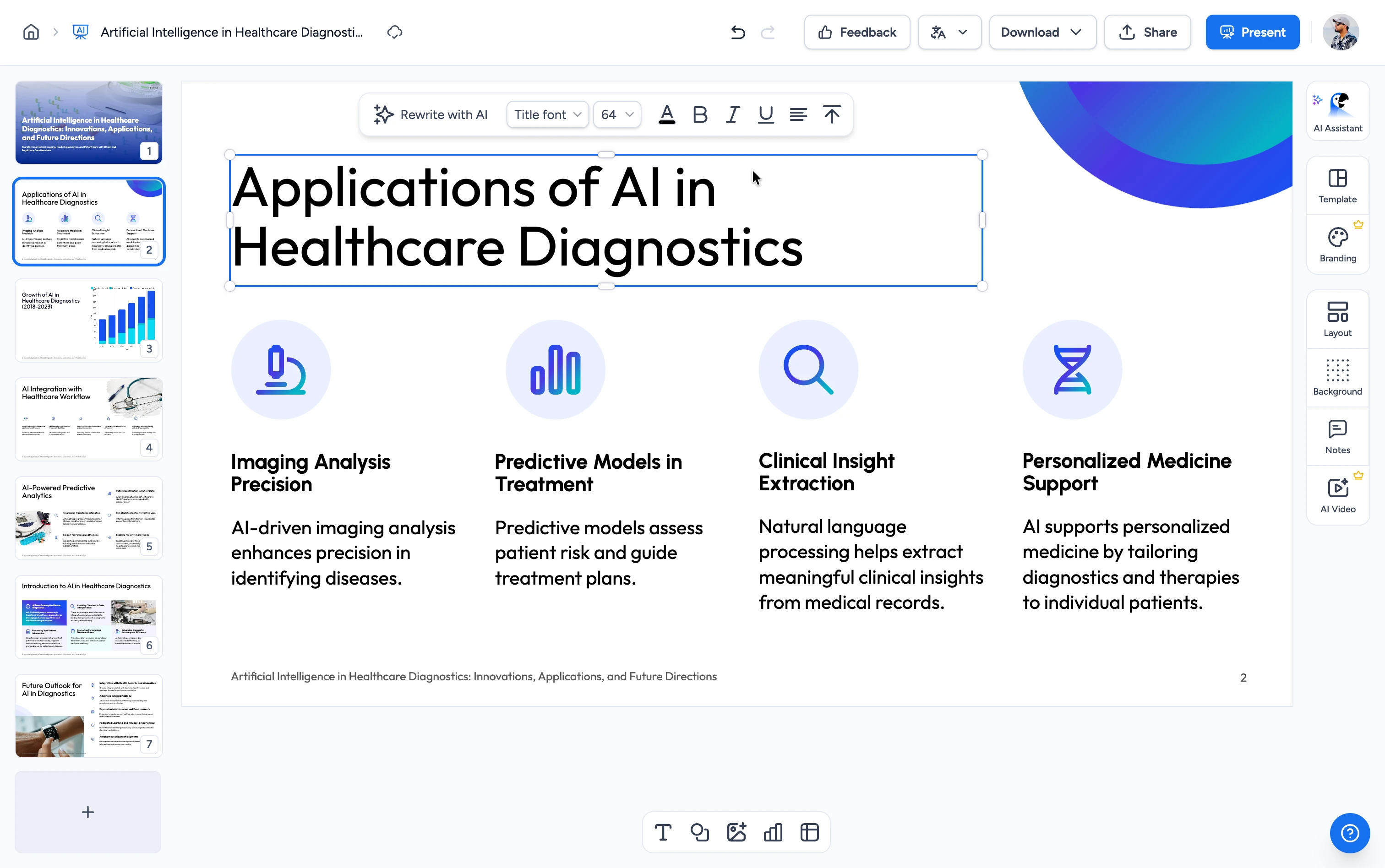
One platform for the whole life of a presentation: build it from a file or an idea, edit and brand it, narrate and translate it, share it with your team, and export it wherever it needs to go.
Trusted by design-forward teams





Add your material, refine the deck, then export it as slides, a video or an LMS package.
Start from a PowerPoint, PDF, Word file, spreadsheet, text file, or a one-line idea.
Edit any slide in a full editor and apply your fonts, colours, logo and template.
Narrate it as a video, add screen recordings, translate it, and export to PowerPoint, PDF, SCORM or QTI.
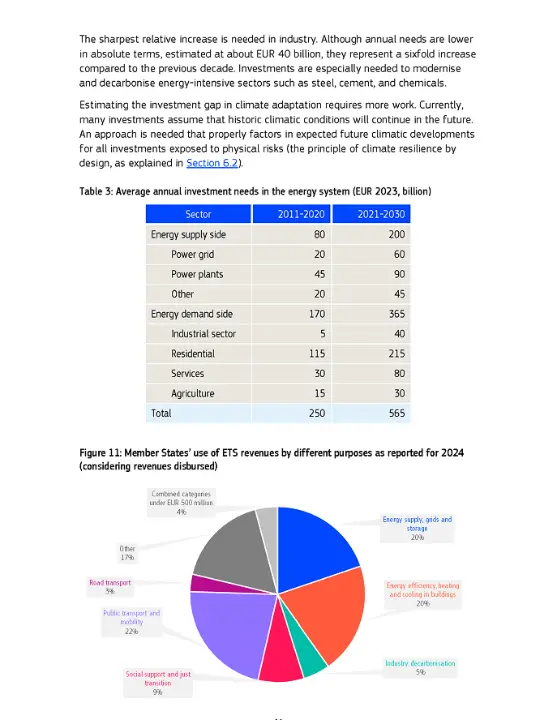
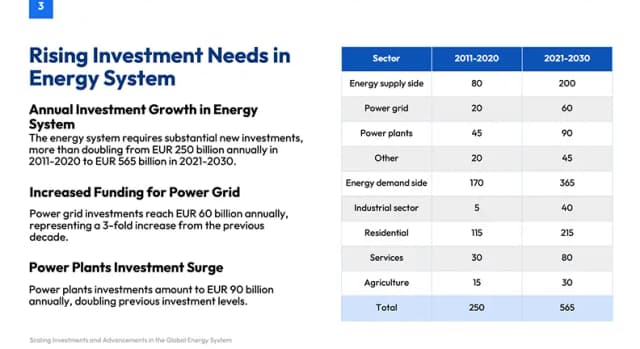
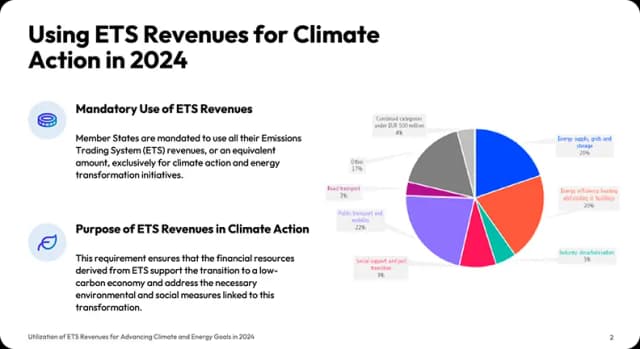
Upload a file or describe the idea. You approve the outline before any slides get built, and every slide is checked for visual faults before the deck reaches you.
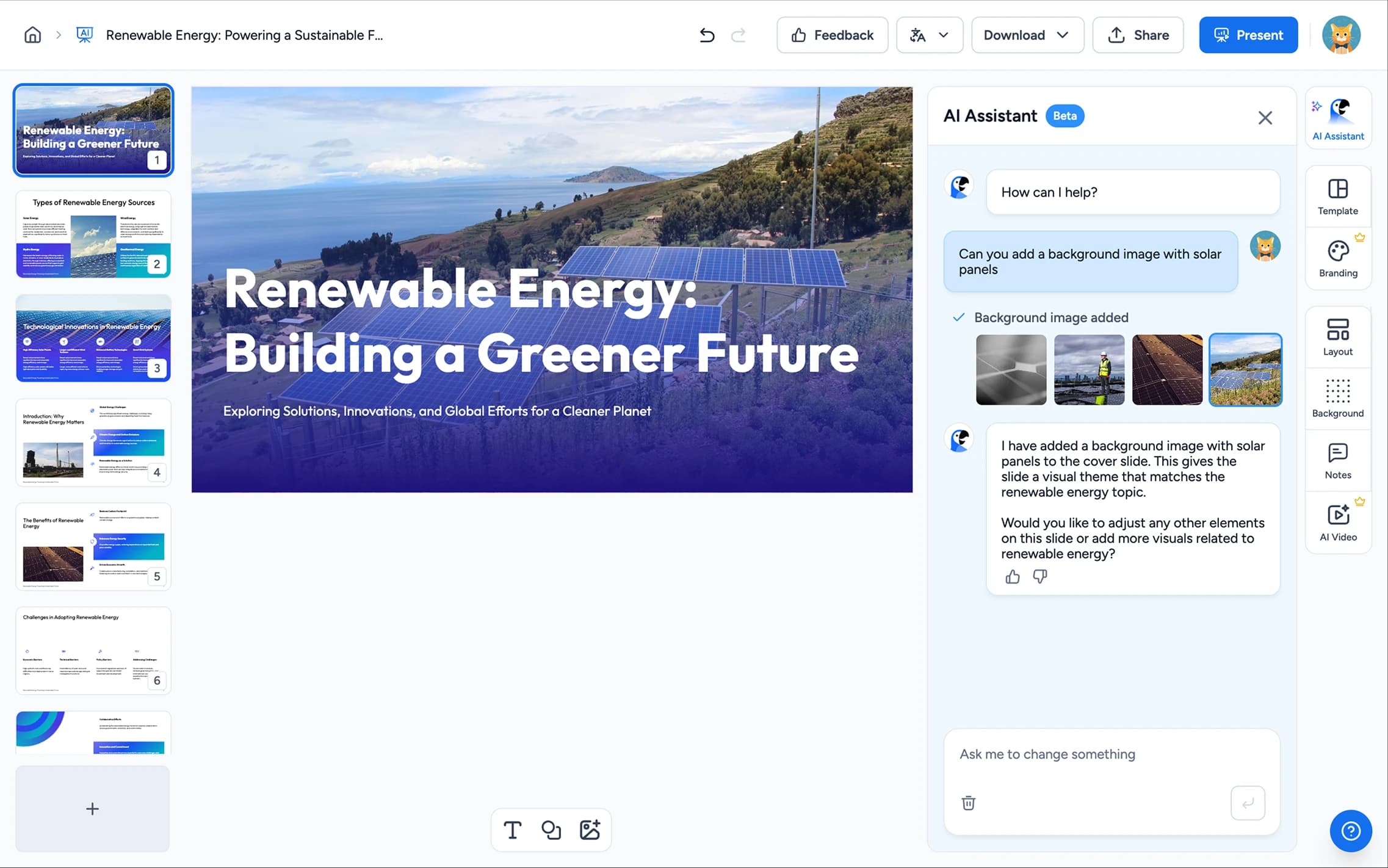
A full editor for any deck, generated or uploaded. Rewrite text, move and resize elements, swap layouts, edit charts, and apply your template across every slide.

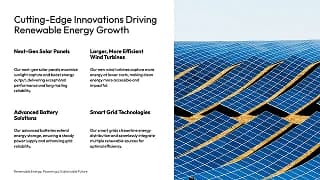
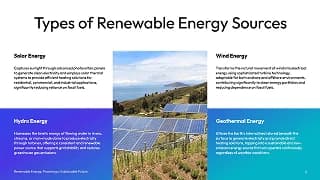
Narrate your deck, record your screen, translate it, quiz on it, and export it wherever it needs to go.
Set up a team workspace where everyone shares the same presentations, brands, fonts and folders. Invite people to a single deck, or share a link and see how it's being viewed.
The same generation engine, available to your own product and to the coding agents your team already uses.
Generate presentations programmatically. Build decks from your own data, on your own schedule, inside your own product.
Give Claude, Codex, Cursor and any MCP client direct access to your real logos, colours, fonts and approved layouts, so every deck an agent makes lands on brand.
From L&D teams to consultancies and universities, branded templates fit any workflow where presentation quality matters.
Turn one approved deck into narrated training, translate it for every team, and export it to your LMS.
Ship client deliverables, strategy frameworks, and proposals that match your firm's standard in less time.
Load each brand once and generate pitch decks, campaign reports, and briefs that stay on-brand.
Give reps branded proposals and pitch decks they can build in minutes, so they spend more time selling.
Keep hundreds of employees on-brand, from HR onboarding decks to board reports, without a design bottleneck.
Hold a consistent academic brand across departments, lectures, and staff presentations.
Everything you need to know about SlideSpeak's AI presentation tools.
An AI presentation platform that turns ideas, PDFs, Word, and Excel files into ready-to-present slides.