SlideSpeak Onbrand gives Claude Code, Codex, and any MCP client direct access to your logos, colors, fonts, imagery, and approved slide layouts, so every deck and one-pager an agent builds comes out fully on brand. No more generic AI output you have to redesign by hand.
 Claude Code
 Codex
Codex Cursor
 Any MCP client
 Polaris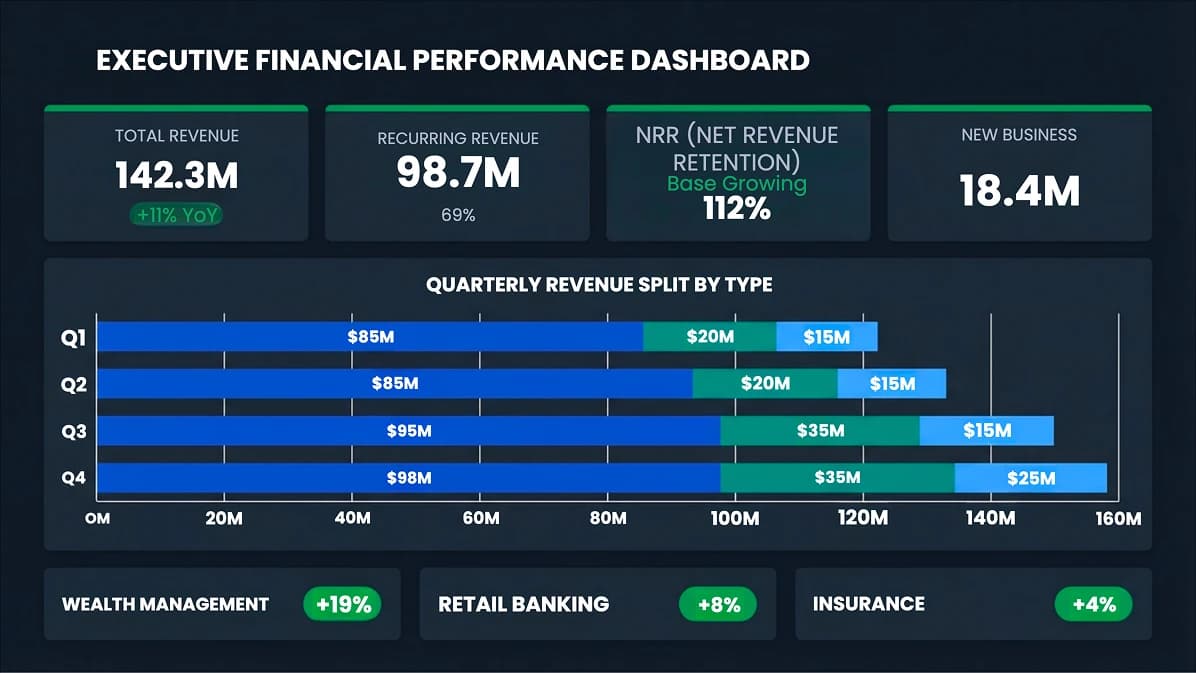
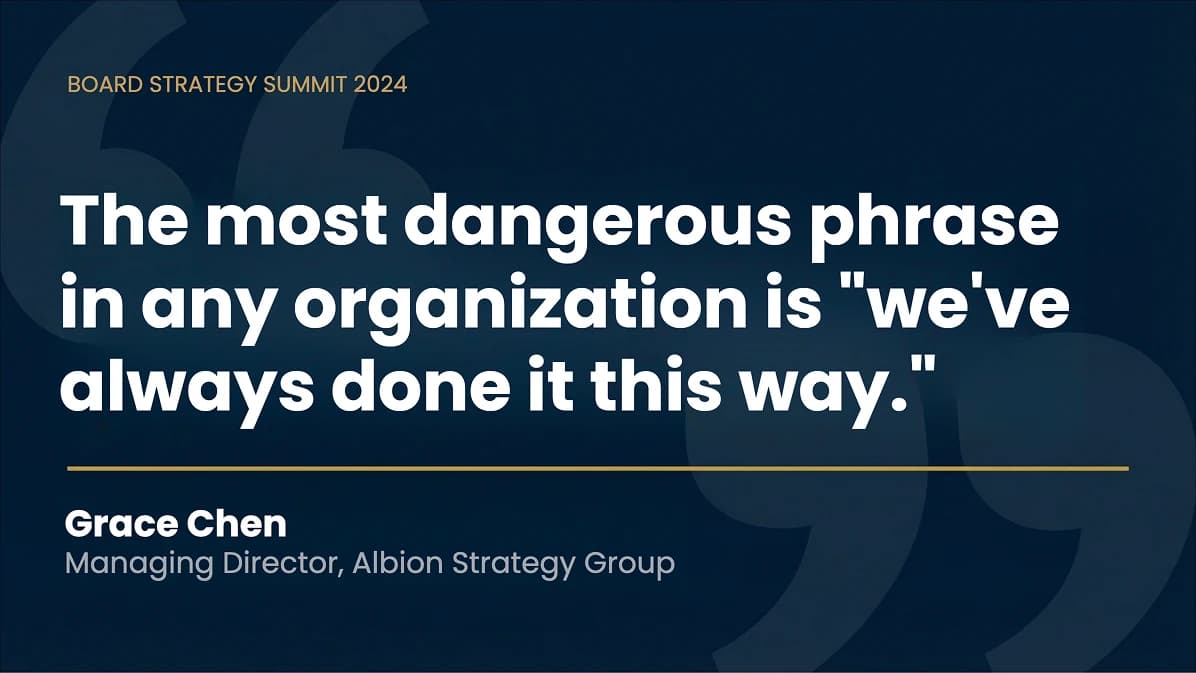
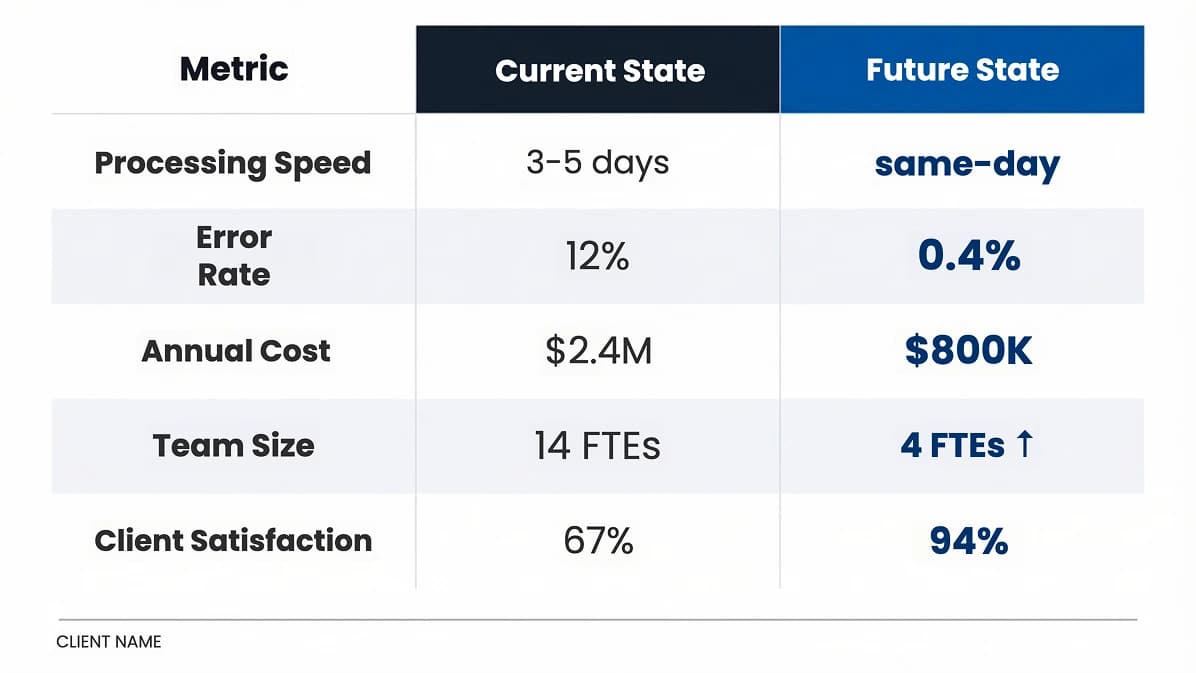
Ask an agent for a deck and it produces something. Generic colors, the wrong font, a logo it invented, layouts that look nothing like yours. It has no idea what your brand actually is. So someone on your team rebuilds it by hand, every single time. At company scale, that's thousands of hours and a brand that drifts a little further off with every file.

A confident guess. Wrong typeface, off palette, default spacing, a logo that doesn't exist. Close enough to look like your brand, wrong enough that you can't ship it.

The real palette, the licensed fonts, the approved title-stat layout, the correct logo lockup. Pulled live from your brand, not approximated. Ready to present.
Set it up once. From then on, anything your team's agents build starts from your real brand.
Upload logos, colors, fonts, imagery, icons, and slide layouts into one library. Import straight from a PPTX, a PDF brand guide, or your existing design files. SlideSpeak Onbrand extracts the tokens for you.
Point any MCP client at one endpoint. Claude Code, Codex, Cursor, and your own agents instantly gain read access to the full brand: assets, tokens, and adaptable slide layouts they can build on.
+ onbrand mcp · connectedThe agent pulls your real assets and approved layouts instead of guessing. Decks, one-pagers, and marketing material come out on brand the first time, and stay consistent across every team.
Everything a designer would reach for, stored as clean, versioned context an agent can actually consume.
Brand palette, semantic tokens, gradients, and usage rules, exposed as exact hex, not approximations.
Primary, mono, and mark variants with clear-space and placement rules, so agents never reinvent your logo.
Licensed fonts, type scale, weights, and pairings, delivered with the files so the right type renders every time.
Approved photography, illustration style, and art direction, so agents reach for the right look, not stock filler.
Your icon library with consistent weight and style, ready to drop into any slide or marketing asset.
Named, approved layouts delivered as production HTML/CSS: title, agenda, stat, comparison, quote, and more.
Brand managers control it. Every agent and tool pulls from it. One place to update, version, and govern what your AI sees.
SlideSpeak Onbrand exposes your brand as a standard Model Context Protocol server. Any compliant client connects in one step and gets typed tools for fetching assets, tokens, and slide HTML. Read-only and scoped to what each agent is allowed to see.
⏺ onbrand - get_layout (MCP)(brand: "acme",
    layout_description: "feature row, three columns")
  ⎿  {
       "matched": "feature-columns",
       "alternatives": ["feature-grid", "icon-row"],
       "html": "<section class='slide--cols'>…</section>",
       "tokens": { primary: "#1b3a8f", accent: "#1570EF" },
       "fonts": ["Figtree", "DM Mono"]
     }

# needs 4 columns, agent extends the grid system,
# keeping the .col unit, classes and tokens intact

⏺ onbrand - check_brand (MCP)(html: "<section>…</section>")
  ⎿  { "pass": true, "issues": [] }

✓ structure free · brand enforced
The bigger the company, the harder brand control gets. More teams, more tools, more files, more drift. SlideSpeak Onbrand becomes the single governed source every agent and every market pulls from.
One canonical brand definition. Update it once and every connected agent uses the new version immediately.
Approved assets only. Version history, rollbacks, and locked tokens keep agents inside the lines.
Scope what each team, agent, or market can pull. Sub-brands and regional variants supported.
See which assets and layouts agents used on which outputs, for full visibility into how the brand is being applied.
Multiple brands, sub-brands, and locales under one account, each with its own context.
SSO, SCIM, and the security controls procurement asks for, built for how large orgs adopt.
Give your agents the brand context they're missing. Set up your library, connect the MCP, and ship on-brand work the first time.




 Claude Code
 Codex
Codex Cursor
 Custom agents