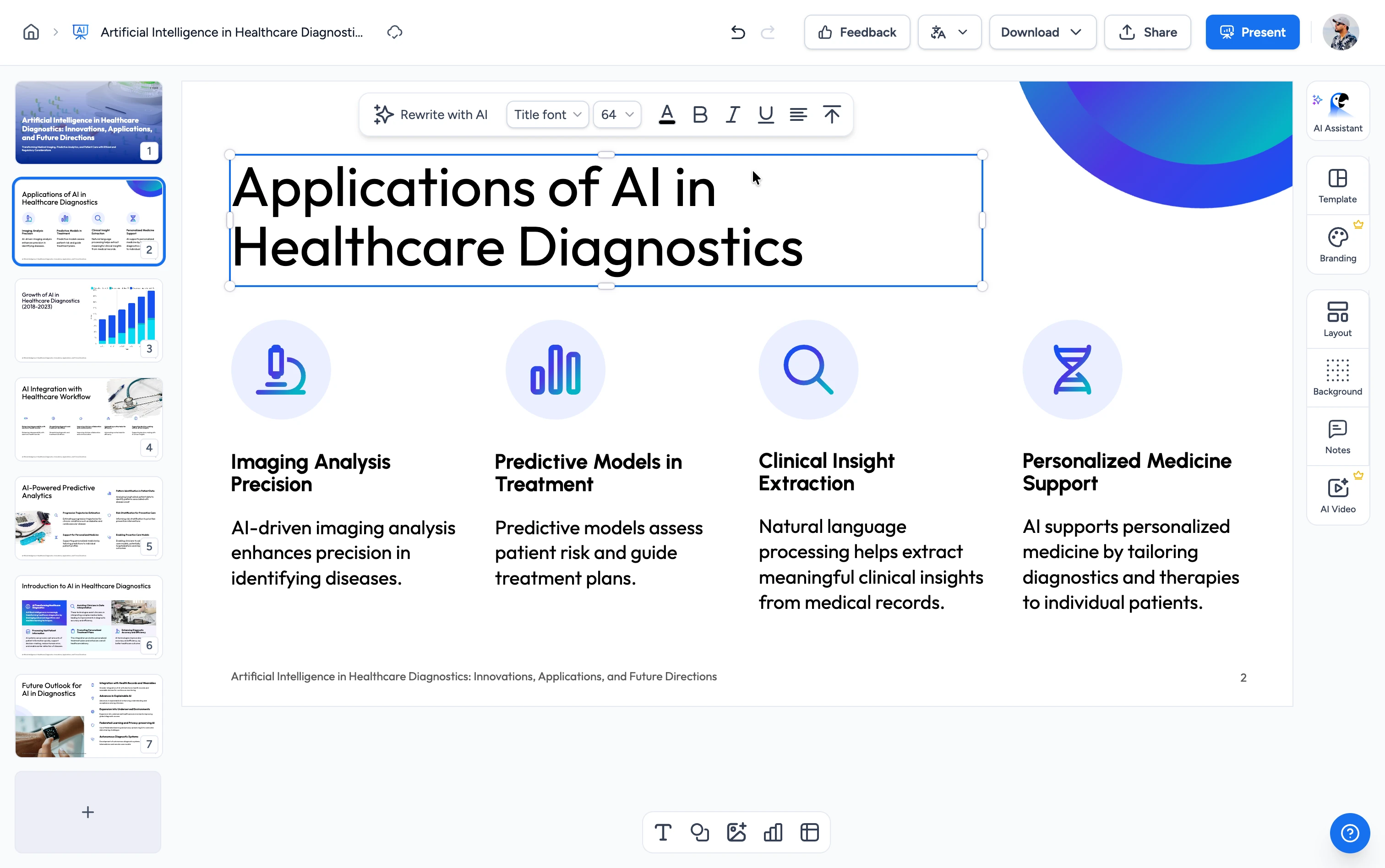
Need to create a presentation from scratch?
Instead of compressing slides, let AI generate a full PowerPoint deck for you in seconds.
How to compress a PPT file in 3 steps
Compress your PPT or PowerPoint file in three steps. No installs, no sign-up.
Upload File
Drop a PPT or PowerPoint file here. Drag & drop or click to browse your .pptx or .ppt file. We process your file with encryption.
Compress
Our tool compresses images, removes unused data, and optimizes your presentation to reduce file size by up to 90%.
Download
Your compressed PowerPoint file is ready in seconds. One click to download.
Built for accuracy, speed & security
See how SlideSpeak handles your PowerPoint compression.
Compress PPT & PowerPoint files without losing quality
Compress PPT and PowerPoint presentations online and shrink your file size by up to 90% while keeping your slides legible. Image quality stays at 75%, and we downsample video to 480p, so layouts, text, and tables stay editable.


FREE & No Sign up Required
Our PowerPoint compressor is 100% free with no account required. Upload your file and download the compressed presentation in seconds.
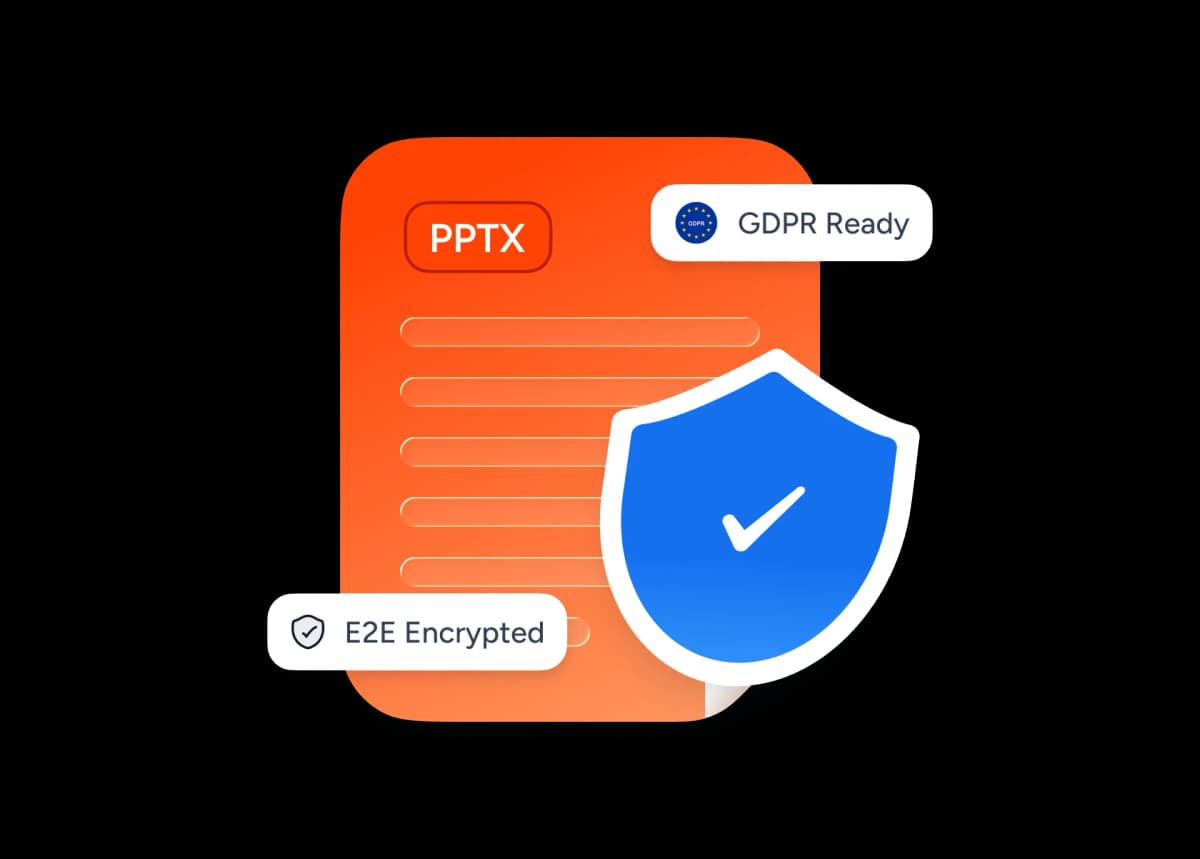
Safe and secure processing
We store the PowerPoint files you upload with encryption, so your data stays protected from unauthorized access. We don't share your files with third parties, and we delete them after a period of inactivity.
Open Source Technology
The SlideSpeak PowerPoint compressor is open source and free to use. You can review its source code on GitHub, and if you'd rather not upload your files, you can run the compressor locally.
Available on Github
Why choose SlideSpeak?
Accurate, fast, and reliable. Our free tool to compress and optimize presentations, also called a PPT resizer, PPT file size reducer, PPT MB reducer, or PPT minimizer.
Retains high quality images
Your images stay sharp while we compress the presentation.
Keeps PPT layouts & styles
We compress PPT and PowerPoint files while keeping all your layouts and styles.
Powered by AI
Most of our tools use AI to give you better results.
Batch Processing
Compress hundreds of presentations in one batch job.
Secure Processing
We handle your PowerPoint files with strong security and privacy.
Fast and Easy
Compress and optimize your presentations in a few clicks.

Compress your PowerPoint for email in 1 click
Reduce your PPT size online with our free PPT compressor. Most PowerPoint and PPTX files shrink by 50–90% in one click, small enough to fit a Gmail or Outlook attachment, send to clients over Slack, or upload to a learning platform in seconds.
- Under Gmail's 25 MB attachment limit
- Fits Outlook and Microsoft 365 attachment limits
- Handles PPT and PPTX files up to 200 MB
- Reduce PPT size by 50–90% in one click
- No signup, no install, no watermark
- Works on Mac, Windows, iPad and mobile browsers
Why is my PowerPoint so large?
Most PPT files balloon for a few common reasons. Our compressor handles all of them, so you can skip the Slide Master rabbit hole.
High-resolution images
Stock photos and screenshots saved at 300 DPI take 5–10× more space than the ~96 DPI needed for screen and projector use.
Embedded videos and audio
MP4 and MOV clips are the biggest contributor. We downsample embedded video to 480p and playback stays intact.
Custom fonts embedded in the deck
Embedded fonts can add 1–5 MB per typeface. We strip duplicates and unused weights while keeping your typography intact.
Unused slide masters and layouts
Templates often ship with dozens of layouts you'll never touch. We remove the ones your slides don't reference.
Hidden content and old revisions
Cut shapes, off-canvas objects and previous edits stay inside the .pptx file until you compress it.
Legacy .ppt format
The old binary .ppt format stores everything uncompressed. Re-saving as .pptx alone shaves 20–40% off the size.
Blazing fast, even for large files
Most files process in under 10 seconds. Our server-side engine parses text, images, and layout in parallel.
<10s
Avg. time
99.9%
Quality preserved
500+
Slides Supported
150K+
Files processed
How We Stack Up
See why users choose SlideSpeak to compress their PowerPoint presentations.
| Features |  | PowerPoint Desktop | Smallpdf | ILovePDF |
|---|---|---|---|---|
| Free to use | Free | Paid license | Limited free | Limited free |
| Signup required | No signup | Required | Required | Required |
| Compression quality | Up to 90% | Limited | High | High |
| Open Source | Yes | No | No | No |
| Secure processing | Encrypted | Local | Encrypted | Encrypted |
| Price | Free | Paid | Freemium | Freemium |
Explore related tools
All free, all browser-based. No signup needed.

PDF Compressor
Compress PDF files online for free. Reduce file size by up to 90% with one click.

Word Compressor
Compress Word documents (DOCX) online for free. Reduce file size without losing quality.

AI Presentation Generator
Use our AI presentation editor to craft presentations.

Convert PPT to PDF with AI
Convert PowerPoint presentations to PDF with AI.
Edit PowerPoint Online
Open any .pptx file in the SlideSpeak editor and edit it online — free, no Microsoft Office required.
Translate PowerPoint with AI
Translate PowerPoint presentations with AI.
Keep going with these tools
The tools people reach for next, plus the SlideSpeak features behind them.
Compress PDF Tool
Compress PDF documents online for free with AI. Reduce the size of your PDF documents instantly.
AI Presentation Generator
Create a full slide deck from a prompt, topic or document.

AI PPT Editor
Enhance existing slides: rewrite text, fix layouts, and lift the quality of any deck.
Frequently Asked Questions
Everything you need to know about compressing PowerPoint and PPT files without losing quality.

Turn any idea into a presentation — free to try
An AI presentation platform to turn ideas, PDFs, Word, and Excel files into ready-to-present slides.