From PPT to fully editable, in three steps
Skip the desktop install. Open and edit any PowerPoint file directly in your browser.
Upload your PowerPoint
Drag and drop your .pptx file or click to browse. Files up to 100 MB are supported.
We open it in the editor
Your file is imported into SlideSpeak automatically, with slides, text, images, and layouts intact. Sign in with a free account (no credit card) to open it in the editor.
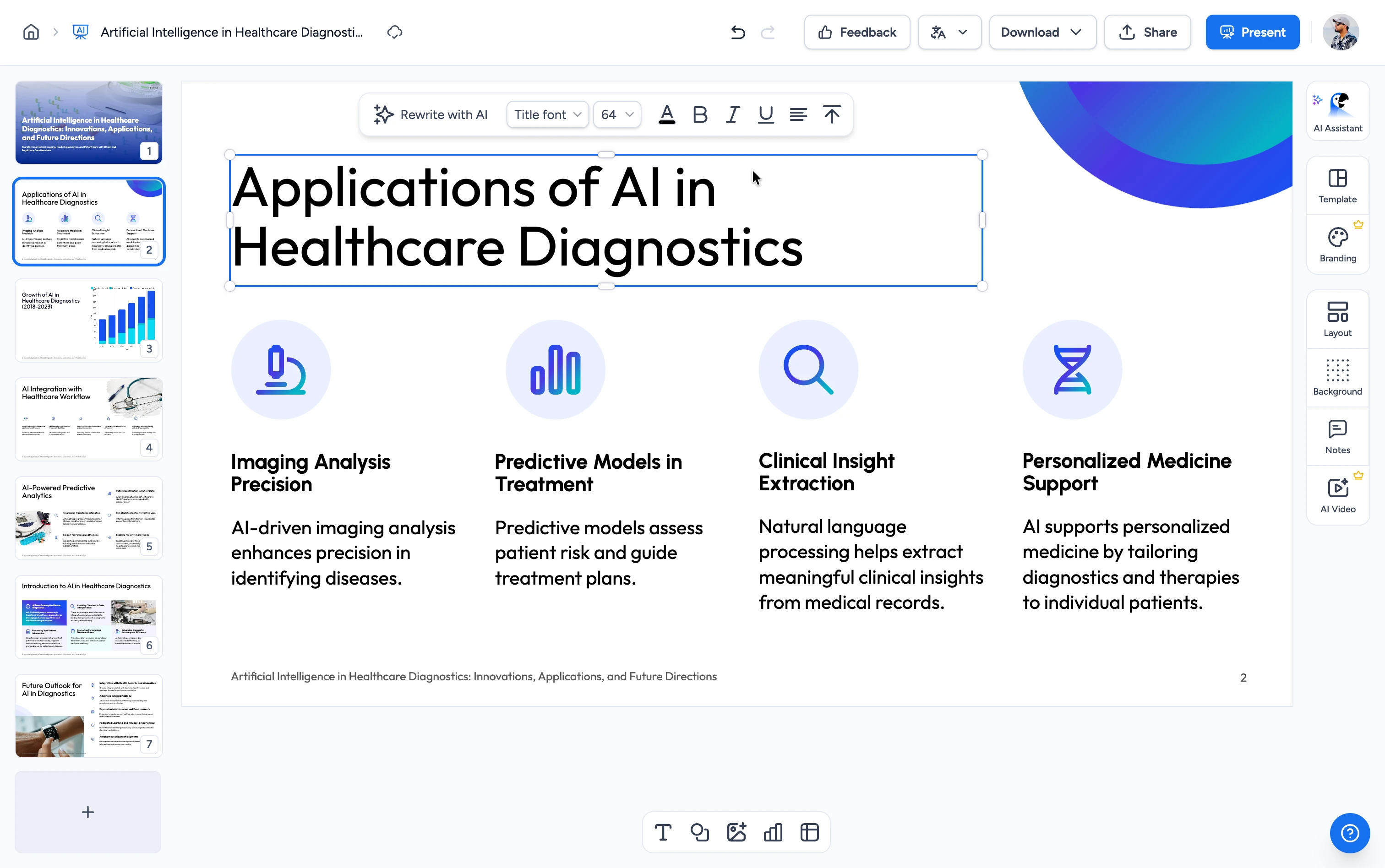
Edit and download
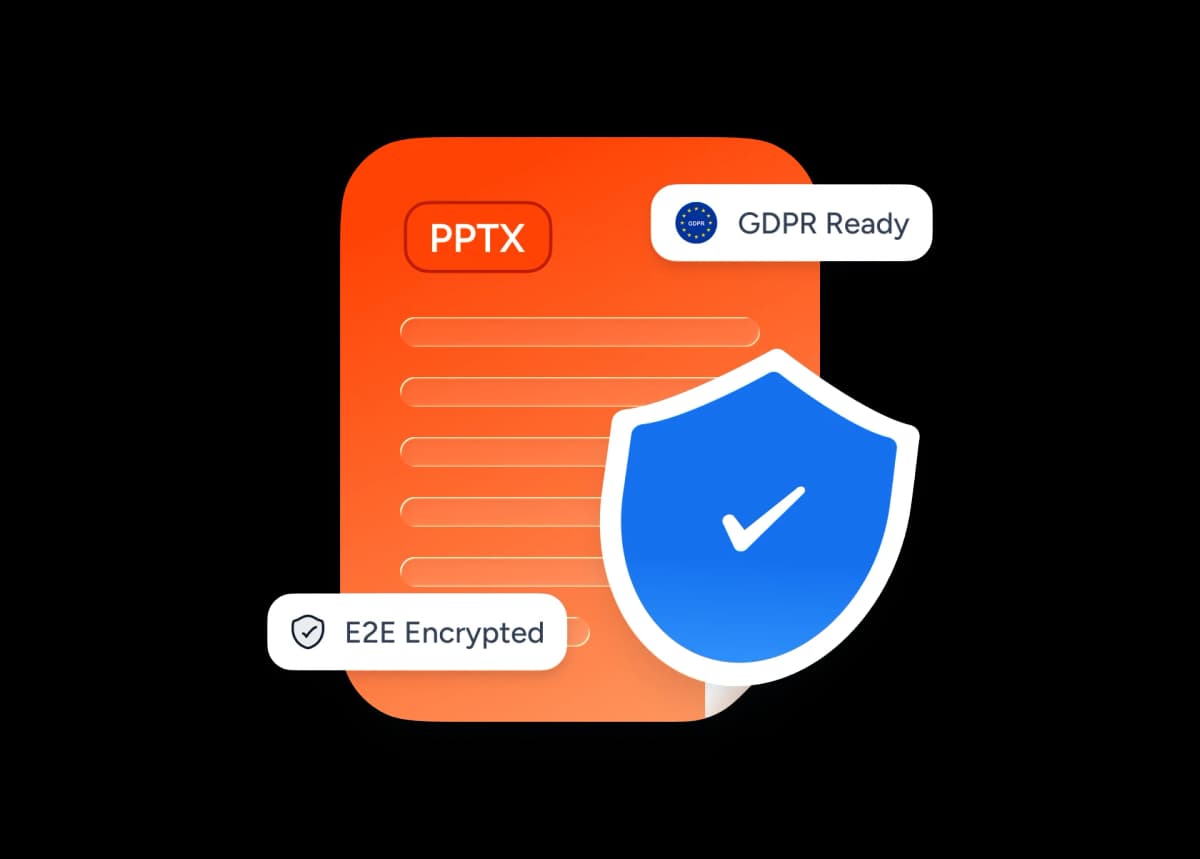
Tweak text, restyle slides, add new content, or use AI to redesign a slide. Download the result back as .pptx or PDF when you're done.
The easiest way to edit a PowerPoint online
No Microsoft Office license, no software install, no waiting on a download. Open your .pptx in the browser and start editing in seconds.
Free account, no credit card
Drop your .pptx and open it in the SlideSpeak editor with a free account (no credit card, no Microsoft 365). Edit text, images, and layout, then download as .pptx or PDF.
Safe and secure
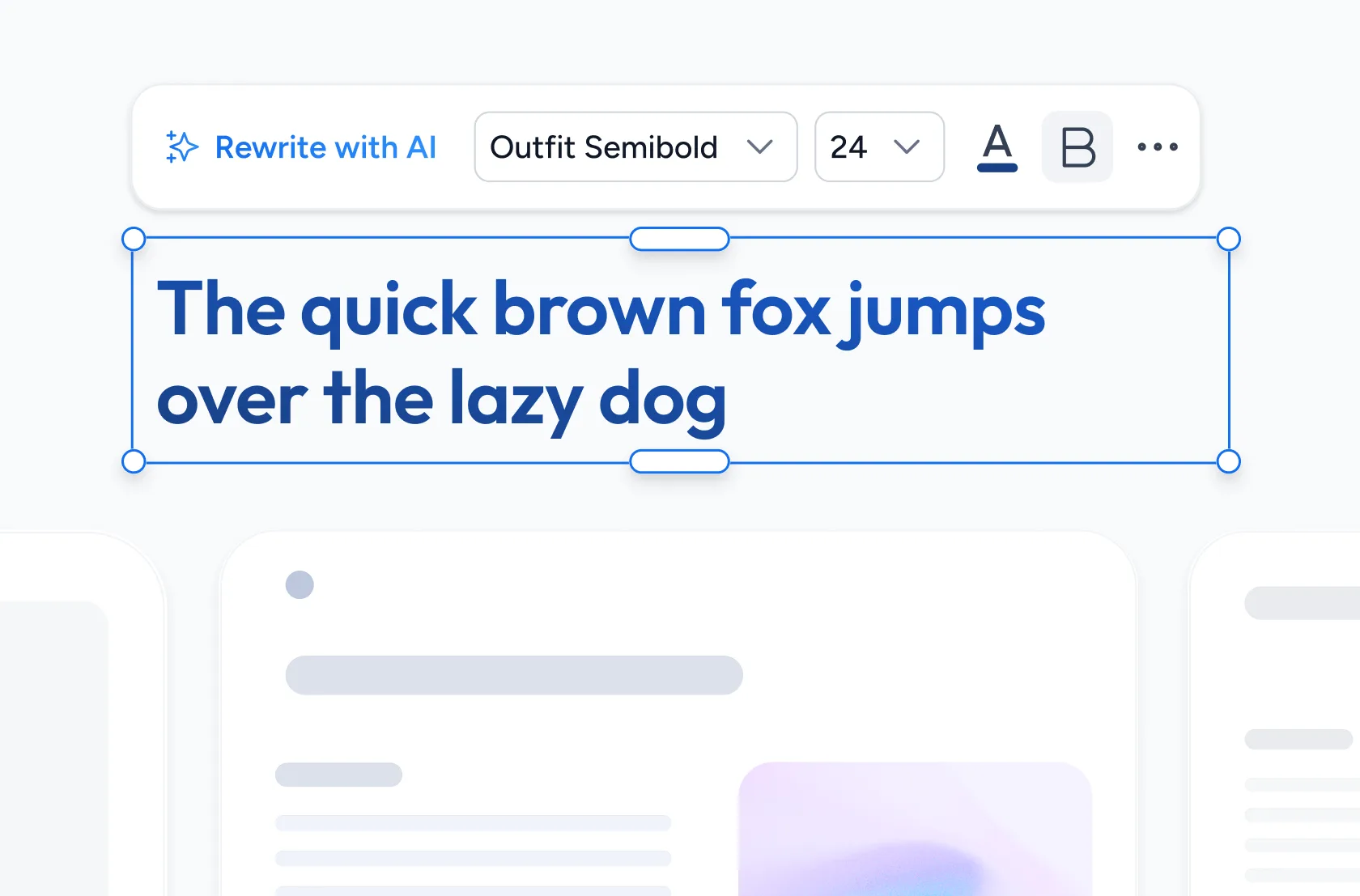
Your PowerPoint is uploaded over an encrypted connection and never shared or used to train models. Your slides stay yours.
Why edit PowerPoint files online with SlideSpeak?
Built for anyone who needs to edit a .pptx without installing Microsoft Office: students, teachers, consultants, and teams on any device.
Free to open & edit
Upload any .pptx and open it in the editor for free with a SlideSpeak account. No paywall, no premium tier, and no credit card.
Edit in your browser
Works on Mac, Windows, Linux, and ChromeOS, anywhere with a modern browser. No PowerPoint, no Keynote, no install.
Layouts stay pixel-perfect
Slides, fonts, shapes, and images are imported faithfully so your deck looks the same in the editor as it did in PowerPoint.
AI-powered editing
Once you're in, redesign a slide, rewrite text, translate to another language, or generate brand-new slides with built-in AI.
Secure by default
Files are uploaded encrypted. We never share your presentations or use them to train AI models.
Export back to .pptx or PDF
When you're done editing, download a .pptx that opens in PowerPoint, Google Slides, or Keynote, or export it as a PDF.
Explore our other PowerPoint tools
Free, browser-based tools to convert, edit, and share PowerPoint files. No install required.

Share PowerPoint Online
Upload a .pptx file and get a free public share link in seconds. No sign-up, no install. Share PowerPoint presentations with anyone.


Convert PPT to PDF with AI
Convert PowerPoint presentations to PDF with AI.

Convert PowerPoint to Google Slides
Turn your PowerPoint into Google Slides with our free online converter.
Translate PowerPoint with AI
Translate PowerPoint presentations with AI.
PowerPoint Compressor
Compress your PowerPoint files and optimize the size of it for easier sharing.
Merge & Combine PowerPoint files
Combine multiple PowerPoint presentations into a single file.
Keep going with these tools
The tools people reach for next, plus the SlideSpeak features behind them.

Frequently Asked Questions
Everything you need to know about opening and editing your .pptx files in the SlideSpeak editor.

Turn any idea into a presentation — free to try
An AI presentation platform to turn ideas, PDFs, Word, and Excel files into ready-to-present slides.