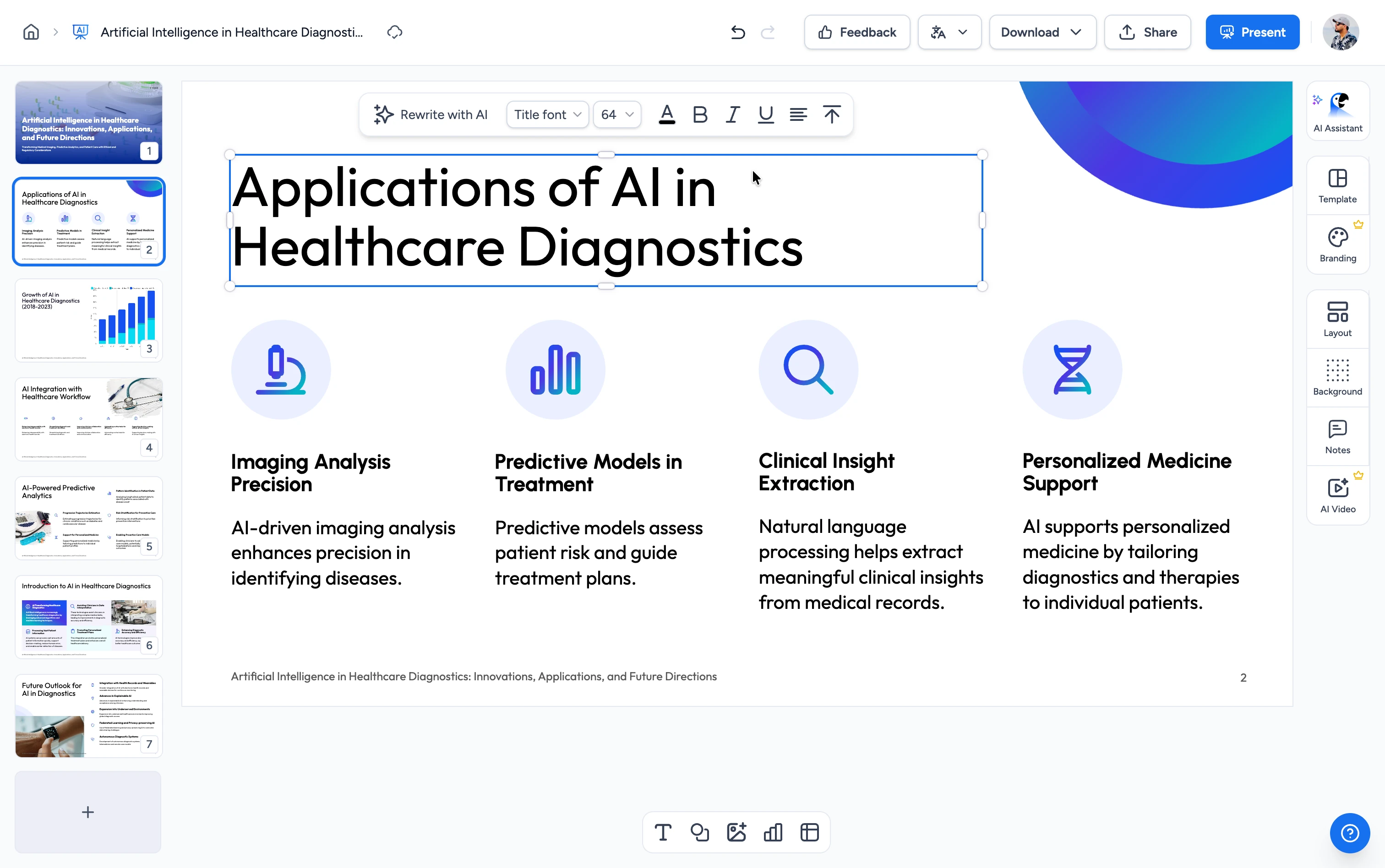
Need more than one voice and language?
The free converter gives you one English voice with no editing. SlideSpeak's AI video generator lets you choose from 50+ voices in 20+ languages or clone your own voice for the narration, edit the transcript line by line, and customize timing and transitions before exporting in HD. Learn more about the AI presentation video generator
How to convert PPT to video in 3 steps
Turn your PowerPoint into a narrated MP4 video in three easy steps.
Upload File
Upload your .pptx file. Drag & drop or click to browse. Your file is processed securely.
AI Converts
Our AI reads every slide, generates narration, adds transitions, and renders a high-quality MP4 video.
Download
Your video is ready in minutes. One click to download as MP4 and share it anywhere.
Built for quality, speed & security
See exactly how SlideSpeak handles every aspect of turning your slides into a video.
PPT to Video Converter: Free Online MP4 Output
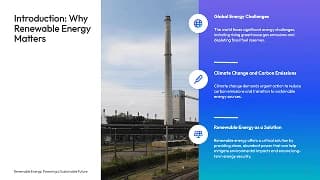
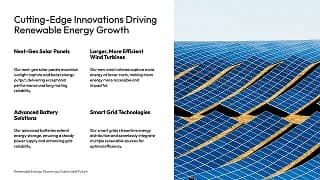
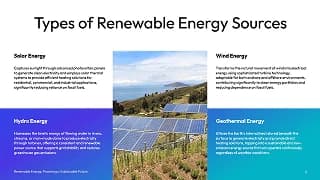
Transform any PPT or PowerPoint into a polished MP4 video with AI-generated narration and automatic transitions. Your slide design, layout, charts, images, and animations stay pixel-perfect in the finished MP4.
FREE & No Sign up Required
Our PPT to video converter is 100% free with no account required. Upload your file and download the narrated MP4. Nothing to install, nothing to pay for.
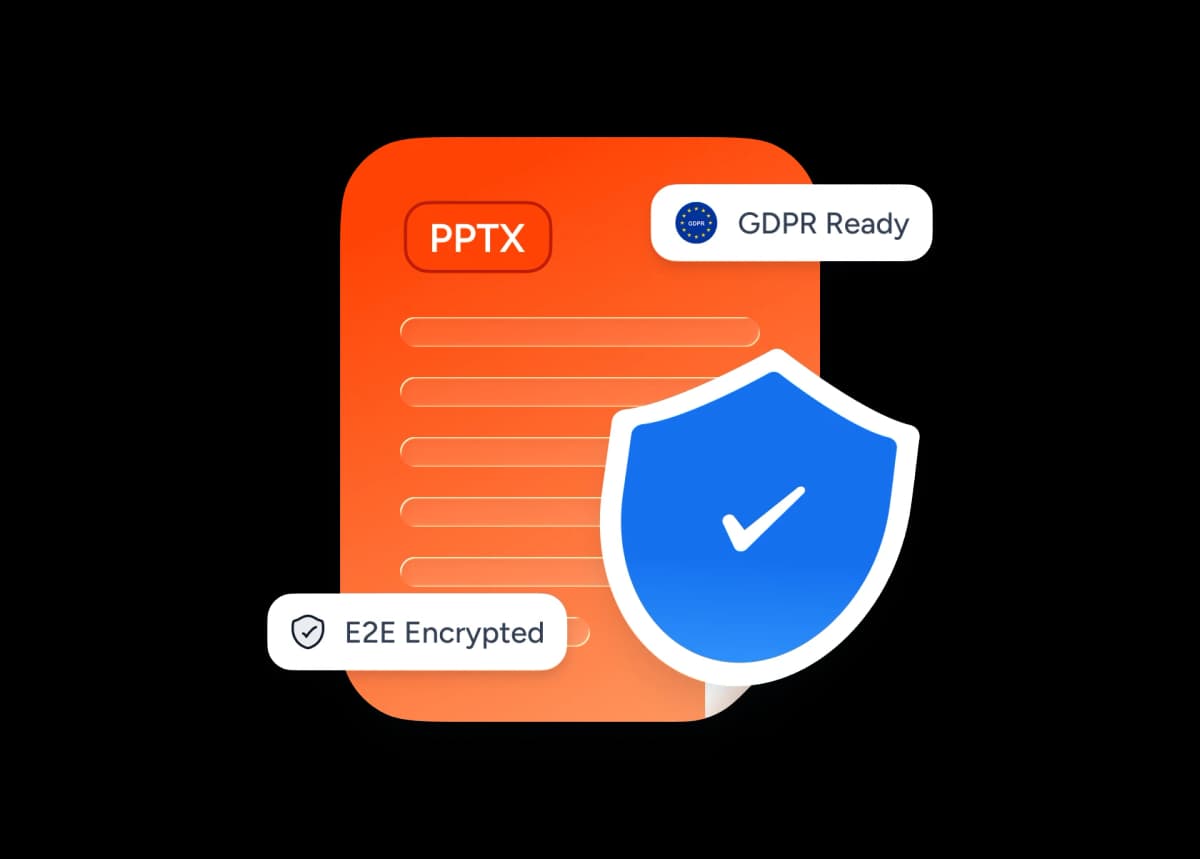
Safe and secure processing
At SlideSpeak, we prioritize data security and privacy above all else. Your presentation is encrypted in transit and at rest, processed on secure servers, and automatically deleted after your video is ready. We never share your files with third parties.
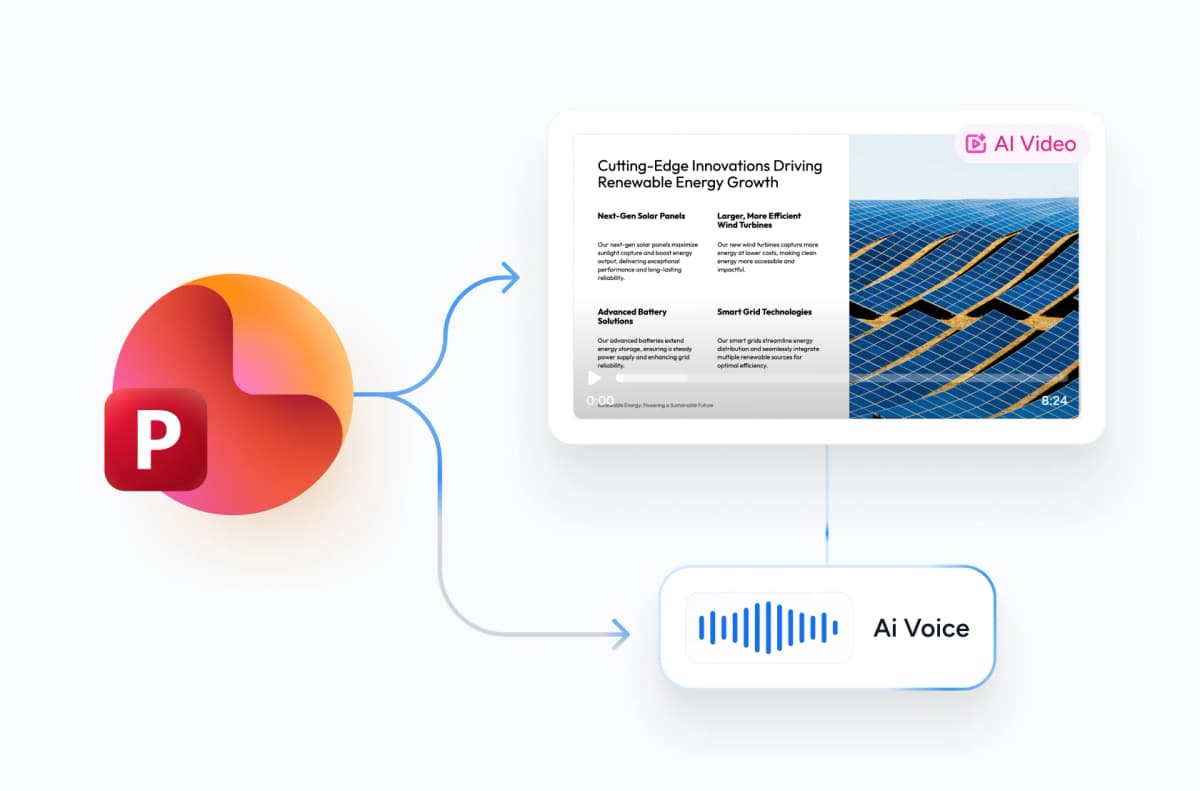
AI Narration & Transitions
Every slide gets natural-sounding AI narration and clean transitions without any manual setup. Need 50+ voices, 20+ languages, or to edit the script before export? Upgrade to our AI video generator for full control.
Why choose SlideSpeak?
Accurate, fast and reliable. Our FREE tool to turn any presentation into a narrated video.
Pixel-perfect conversion
Your slide design, layout, charts, and images are preserved exactly as-is throughout the video.
Multi-language support
Upload presentations in any language. Our AI reads the slide content directly for accurate narration.
Blazing fast rendering
AI narration and video rendering happen in parallel on our servers. No slow client-side processing.
AI voiceover & transitions
Natural-sounding AI narration, smooth transitions, and proper pacing, all generated automatically.
Secure processing
Your PowerPoint files are encrypted in transit and deleted automatically after conversion.
PPT to MP4 output
Get a standard MP4 video that plays everywhere: YouTube, LinkedIn, email, and LMS platforms.
Fast, reliable, at any deck size
Most videos render in a few minutes. Our server-side engine generates narration and renders video in parallel, with no waiting on your browser.
<5min
Avg. render time
99.9%
Conversion accuracy
500+
Slides supported
140K+
Videos generated
How We Stack Up
See why users choose SlideSpeak to turn their PowerPoint presentations into videos.
| Features |  | PowerPoint Desktop | Synthesia | Pictory |
|---|---|---|---|---|
| Free to use | Free | Paid license | Limited free | Free trial |
| Signup required | No signup | Required | Required | Required |
| AI narration | Included | Manual only | Included | Included |
| Watermark-free output | No watermark | No watermark | Watermark (free) | Watermark (free) |
| Secure processing | Encrypted | Local | Encrypted | Encrypted |
| Price | Free | Paid | Freemium | Freemium |
Explore related tools
All free, all browser-based. No signup needed.

Free AI Explainer Video Generator
Turn PDFs, websites, and presentations into branded explainer videos with AI narration.
AI Presentation Generator
Use our AI presentation editor to craft presentations.

Convert PDF to Video with AI
Turn PDF documents into AI-narrated presentation videos.

Text to Video with AI
Turn any topic or script into an AI-narrated presentation video.

Translate Video with AI
Transcribe, translate & AI-dub MP4, MOV & WebM videos into 82 languages. Free, no watermark.
AI Audio Narration Generator
Generate professional AI audio narration in MP3 format for your PowerPoint presentations. Create voiceovers that can be easily added to slides.

PowerPoint Compressor
Compress your PowerPoint files and optimize the size of it for easier sharing.
Keep going with these tools
The tools people reach for next, plus the SlideSpeak features behind them.
Frequently Asked Questions
Everything you need to know about converting PowerPoint presentations into AI-narrated videos.

Turn any idea into a presentation — free to try
An AI presentation platform to turn ideas, PDFs, Word, and Excel files into ready-to-present slides.