Their comparison page calls SlideSpeak's output basic and not a finished presentation. I checked every claim against what both tools really do in 2026, including the one fact their page leaves out.


SlideSpeak vs Presentations.AI
Presentations.AI runs a comparison page that calls SlideSpeak's output "basic slide outlines," brands it "not a finished presentation," and lists branding as "not supported." I checked each claim on that page against what both products actually do in 2026. Some of it was fair in 2024. None of it holds now.
Here is the straight version: where SlideSpeak wins, where Presentations.AI beats us for real, and the part their page leaves out, which is that independent reviewers say their own export is the one that shifts fonts and layouts.
SlideSpeak wins if you live in PowerPoint. It exports native, fully editable .pptx files, imports your own template, has a full slide editor, and turns PDFs, Word docs, and spreadsheets into decks. It also ships three things Presentations.AI has no answer for: 40+ free tools, a public API, and a Brand MCP that lets Claude or Cursor build on-brand slides for you.
Presentations.AI wins in two real places. Built-in view analytics comes with any paid plan, starting at $20/mo. Decks that refresh from live data (Salesforce, HubSpot, Google Sheets) need its $100/mo Gold tier.
What their page will not tell you: they call SlideSpeak's export "basic," yet SlideSpeak's is native and fully editable, while independent reviewers say Presentations.AI's own export is the one that shifts fonts and layouts.
Bottom line: pick SlideSpeak for editable, on-brand decks you own as real PowerPoint files. Pick Presentations.AI if your main need is a deck wired to a live dashboard and you will pay $100/mo for it.
Presentations.AI is built for business and enterprise buyers. Its tagline is "slides that mean business," and its strongest features (live-data refresh, engagement analytics, SSO) point straight at sales teams and execs who present the same deck shape every month with new numbers. Backed by Accel and Together Fund, it is a Singapore-registered, India-built platform aimed at the top of the market.
SlideSpeak is built for people who need a finished, editable PowerPoint without hand-building it. Feed it a prompt or a messy document and it returns a native .pptx you can open, edit, and brand. That covers consultants, marketers, students, and anyone whose deck has to leave the tool and live in PowerPoint or Google Slides.
The distinction matters, because most "X is better" claims are really "X is better for a different person." Keep it in mind through the feature table.
 |  | |
|---|---|---|
| Native, editable PowerPoint export | Native, fully editable (paid plans) | Paid only; reviewers report font and layout shifts |
| Full slide editor | Layout, images, icons, text | Limited; reviewers report it can't add slides after generation |
| Document to deck (PDF, Word, Excel) | Document-first | Files and URLs |
| AI branding (logos, colors) | Auto-applied | Brand Sync from a URL |
| Brand context for AI agents (Brand MCP) | Claude, Cursor, Codex | Not available |
| Import your own PowerPoint template | Reads your slide master | Custom templates on Gold tier only |
| Standalone free tools | 40+, no signup | Not available |
| Public presentation API | From $49/mo | Data-refresh API only |
| Live-data / connected decks | Not available | Salesforce, HubSpot, Sheets (Gold) |
| View and slide analytics | Not available | All paid plans |
Two honest reds on our side: SlideSpeak has no live-data refresh and no built-in view analytics. If either is your priority, jump to the section where Presentations.AI wins. Everything else on that table is a SlideSpeak lead, and several rows are things Presentations.AI does not do at all.
Presentations.AI runs a programmatic set of "/compare/" pages, one for nearly every competitor, each scored so Presentations.AI takes every row. Here is their SlideSpeak page, claim by claim.
SlideSpeak exports native, fully editable .pptx files built from your real PowerPoint slide master, read directly rather than approximated. Independent roundups single SlideSpeak out for clean, editable vectors and text boxes that drop straight into PowerPoint. Multiple independent reviewers, by contrast, report Presentations.AI's own export shifts fonts and layouts on the way out, and one who ran the export by hand spent 10 to 15 minutes fixing spacing and font differences afterward. The word "basic" is pointed at the wrong tool.
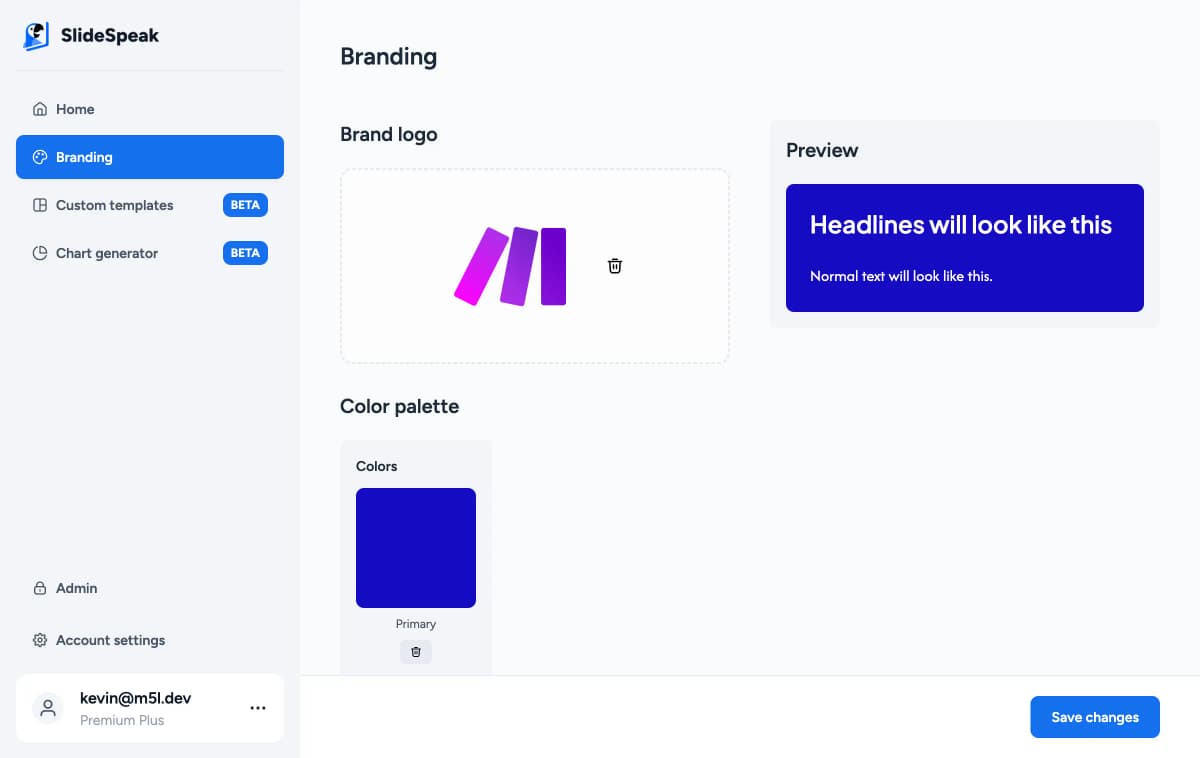
SlideSpeak applies your logos, colors, and styles automatically across every slide, imports your branded template, and exposes your brand to AI agents through the Brand MCP, so Claude or Cursor build on-brand decks for you. No other presentation tool I have tested does that last part. And their own comparison table marks SlideSpeak "Yes" on logo and brand-color customization two rows above the cell where the prose says "not supported."
This was the "stops at content" line, and it was true in 2024. SlideSpeak 2.0, shipped April 2026, shows you an outline to approve, then designs full slide layouts end to end, with a complete editor, editable AI visuals, and native export. The framing describes a product that no longer exists.
The irony runs the other way, too. Independent testers who rank these tools file Presentations.AI under "fast first draft," not "finished deck." A 24slides roundup this spring placed it ninth of ten, tagged "best for rapid internal drafting," and Prezent rates it useful for sales decks but "less effective for board presentations or enterprise-wide communication." The tool accusing SlideSpeak of stopping at a draft is the one reviewers say you still finish by hand.
SlideSpeak's editor handles layout, alignment, images, icons, and branding, not only text, and their own scorecard even concedes SlideSpeak has an AI presentation editor and the newer models. The real editing limits run the other way. Independent reviewers describe Presentations.AI's output as dense and template-locked, quick to generate but hard to rework. One tester who ran 20 of these tools called the result a "beautiful prison": you can change the words, but you cannot freely move or resize what sits on the slide.
SlideSpeak (monthly rates shown; annual billing runs cheaper):
Presentations.AI (only annual-billed rates are published):
Presentations.AI is cheaper at the first paid tier ($20 against $29), but there is no monthly option: its paid plans bill annually, so that $20 is a $240 commitment up front. The other catch is the credit meter. Independent reviewers report it spends credits per slide, and even exporting can cost credits, so heavy users end up buying top-ups. SlideSpeak's Premium Plus gives unlimited generations under fair use at $34/mo, which works out better if you build decks all day.
A note for fairness: SlideSpeak gates PowerPoint and PDF export to its paid plans too, starting at Premium, so neither free tier downloads a .pptx. The difference shows up once you export. SlideSpeak hands you a native, editable file, while reviewers report Presentations.AI's export shifts fonts and layouts.
One more for the record. Presentations.AI's own pricing table fights its plan cards: the cards show a 100-credit free tier, while the comparison table shows a 1,500-credit column that matches no plan. And the cleanest statement that its free tier can't export is their own homepage line: "Paid plans unlock PowerPoint export."
I would rather concede real ground than pretend it isn't there, so here are the two places Presentations.AI beats SlideSpeak today.
Connect a master deck to Salesforce, HubSpot, Google Sheets, Tableau, or Snowflake, set a schedule, and the deck updates itself when the data changes. For a sales team re-presenting the same structure every month, that saves real work, and SlideSpeak has no equivalent. It lives on the $100/mo Gold tier, and I have not found an independent test of how well it holds up in practice, but the capability is real and we do not match it.
Every paid Presentations.AI plan tracks how often a deck was viewed and which slides held attention. SlideSpeak does not offer view analytics. If you send decks to be read rather than present them live, that is a genuine reason to choose Presentations.AI.
Its Brand Sync is good too. A G2 reviewer this spring called it "very precise when it comes to the branding guidelines." SlideSpeak's branding is at least as capable, but I won't pretend theirs is weak.
The scores point in different directions depending on who is reviewing. On G2, Presentations.AI sits around 3.8 out of 5, though across only six reviews. On Google Play it sits at 3.0 across 83, and on Trustpilot at 1.7 across 28. Both ends can be true at once: people who get a polished first draft fast leave happy, while the ones who hit the credit meter and the export paywall do not.
The product-level criticisms that recur across those reviews are worth knowing before you commit. They come from independent testers at deckary, 24slides, Plus AI, and G2, not from any SlideSpeak marketing:
For balance, SlideSpeak carries far fewer third-party reviews, so I can't wave a big rating at you. Our case rests on what the product exports and edits, not on a review count.
SlideSpeak takes most categories because it does the thing the category is named after: it produces a finished, editable PowerPoint you own. Presentations.AI earns its two wins cleanly, and if a self-refreshing, tracked deck is the job you are hiring for, it is the better buy. For everyone else, the tool that calls SlideSpeak's export "basic" is the one whose own export reviewers say shifts fonts and layouts.
SlideSpeak AI speeds up the time to create presentations by up to 5x.
Stop wasting time on formatting. Let our AI do the heavy lifting so you can focus on your message.

