Narration in your voice or ours, translation, quizzes, and an export your LMS accepts.
Trusted by innovative teams across the globe





No video editing experience needed. Upload your deck, pick a voice, and SlideSpeak handles the rest: Scripting, narration, timing, and export.

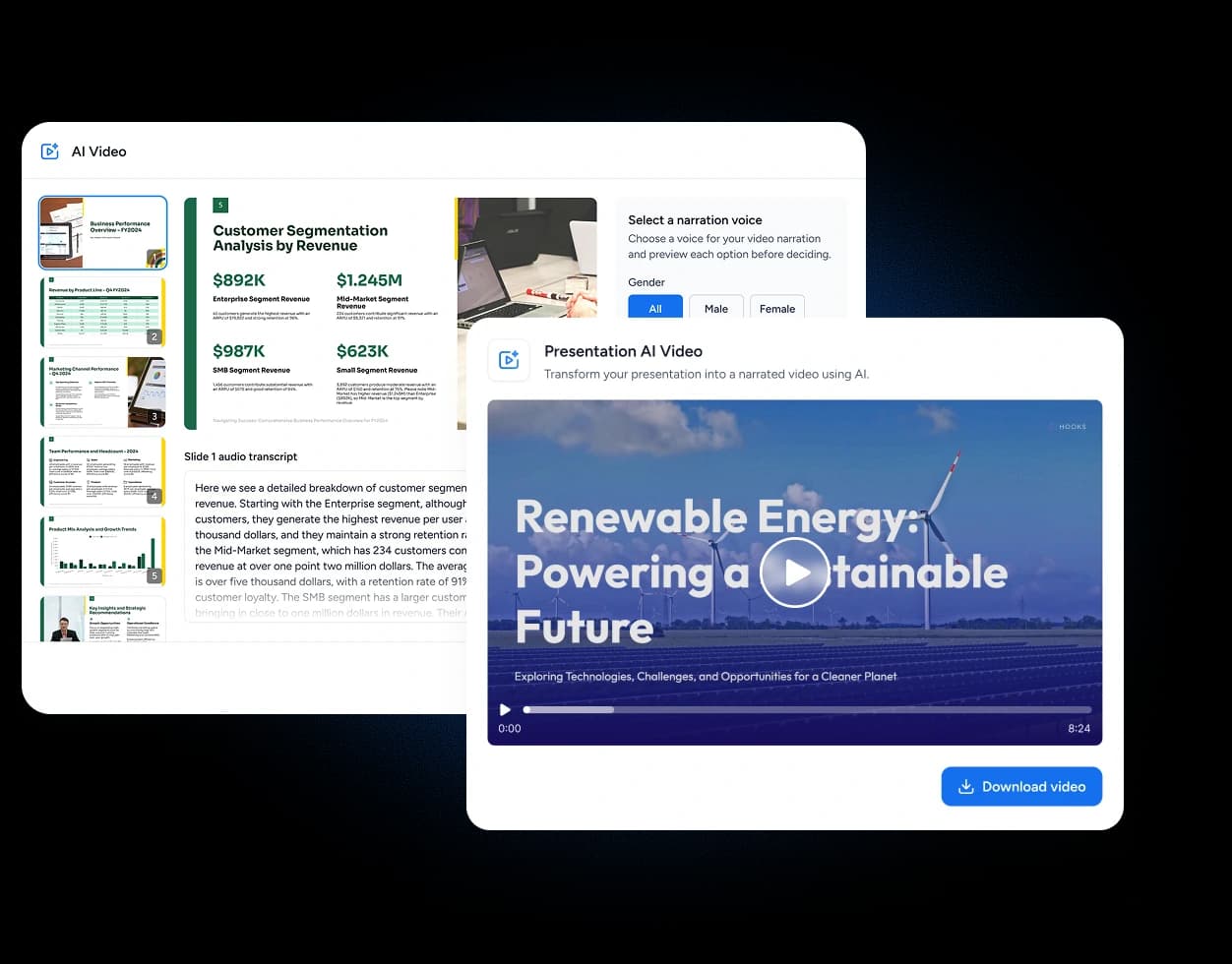
Upload your existing PowerPoint (PPTX, PPT), Google Slides, PDF, or create a presentation with AI. SlideSpeak's AI reads every slide and prepares a narration script for your video.
Pick from 50+ natural-sounding AI voices in more than 70 languages. The AI writes a narration script for each slide. Edit or regenerate any line before recording.
SlideSpeak syncs voiceover to slides with smooth transitions. Preview your video, then download as HD MP4 or share via link. You're ready for YouTube, LMS, or social media.
The AI reads each slide, writes a clear and concise narration script, and generates a natural-sounding voiceover. Edit any line, swap voices, or regenerate, then export a presentation-ready video with perfectly synced audio.
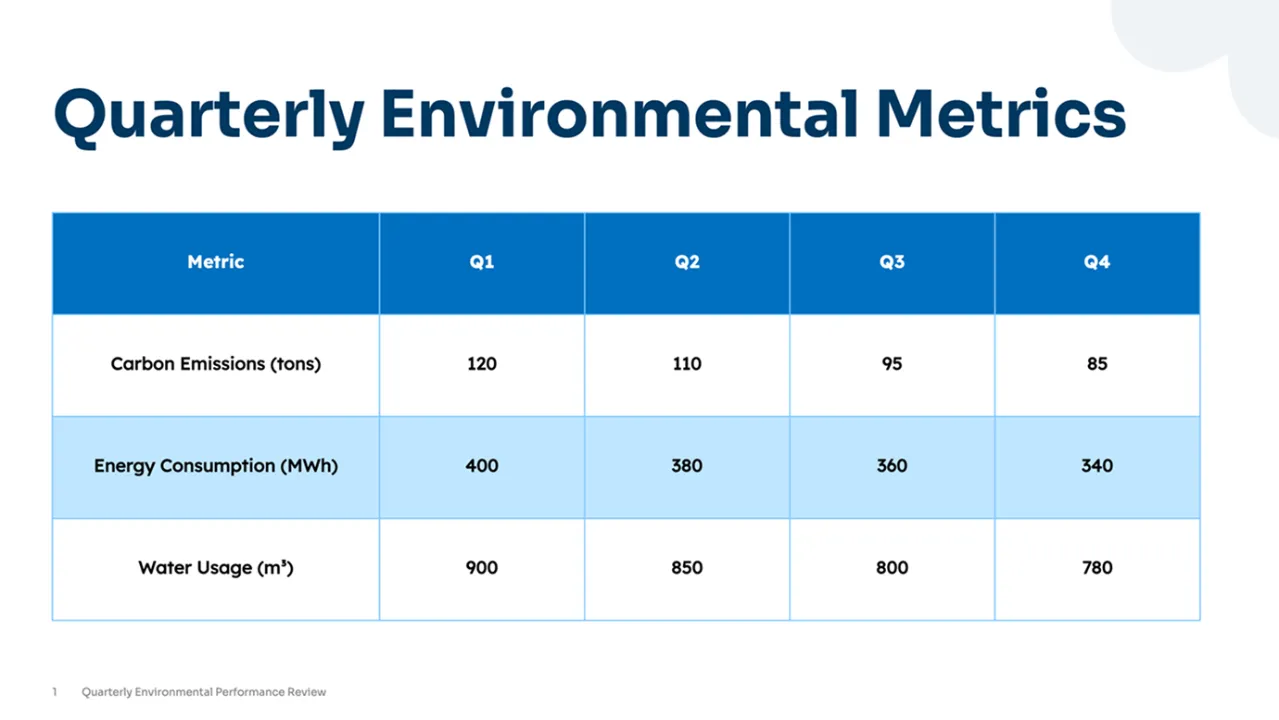
As we review the data, notice the steady growth trend across all regions.
These results reflect consistent teamwork and strategic focus over time.
SlideSpeak AI Voice Engine
Calm
Professional & Authoritative
Confident
Soothing & Clear
Energetic
Dynamic & Engaging
Education
Business
Creative
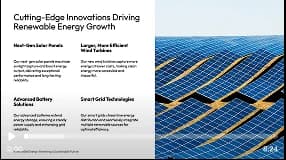
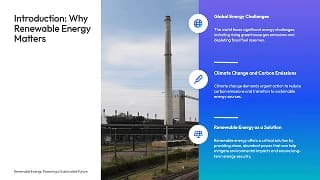
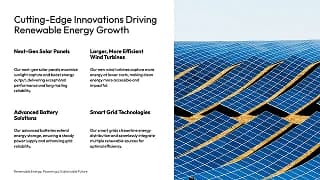
The renewable energy sector is thriving with innovative solutions. Next-gen solar panels are more efficient and durable, while new wind turbine designs effectively capture energy and lower costs. Advanced batteries improve storage and reliability, and smart grids integrate diverse renewable sources, accelerating our path to a sustainable energy future.
Screen recordings, narration, captions, pacing and quality are yours to set, and nothing is locked once the video exists.
Record a browser tab, a window or your whole screen, talk over it with your microphone, and drop it in after any slide. Made for software demos and walkthroughs.
Turn captions on at generation time. They come from the same script that produced the audio, so the text matches the speech word for word.
Drop [break], [long-break] and [emphasis] into the script to control pauses and stress, so the delivery lands where you want it.
Teach the voice how to say product names and acronyms, with a sounds-like spelling or IPA, for every language or just one. Import and export the list as CSV, and protect terms from translation.
Confident, calm, excited, friendly, empathetic, inspiring, serious or soft. The same voice, delivered for the material.
Play the narration anywhere from 0.5× to 2×, and choose a concise, default or detailed narration script.
Generate in HD when the video is going onto a big screen or into a learning platform rather than a chat thread.
A scrubbable timeline, a cue-by-cue caption preview, and per-slide audio you can regenerate without rebuilding the whole video.
Share a finished export with a link anyone can watch without an account. Share analytics show views, visitors, countries and the signed-in SlideSpeak users who watched.
Synthetic narration is usually sold on speed. That is not why the people who depend on it choose it. When your captions have to be right, a generated voice transcribes cleanly the first time. Your own recording rarely does.
From professional and authoritative to warm and conversational. Find the perfect voice for your audience. Preview each voice before generating your video.
Male
Male
Female
Female
Female
Male
Female
Male
Female
Female
Male
Male
Female
Male
Female
Male
Female
Male
Female
Male
Record a sample once and your voice narrates every deck you build after that, including in languages you don't speak.



A portrait card sits beside your slide for the whole video, mouth matched to the audio. Nothing extra to record — it reads the same script, in the same voice.
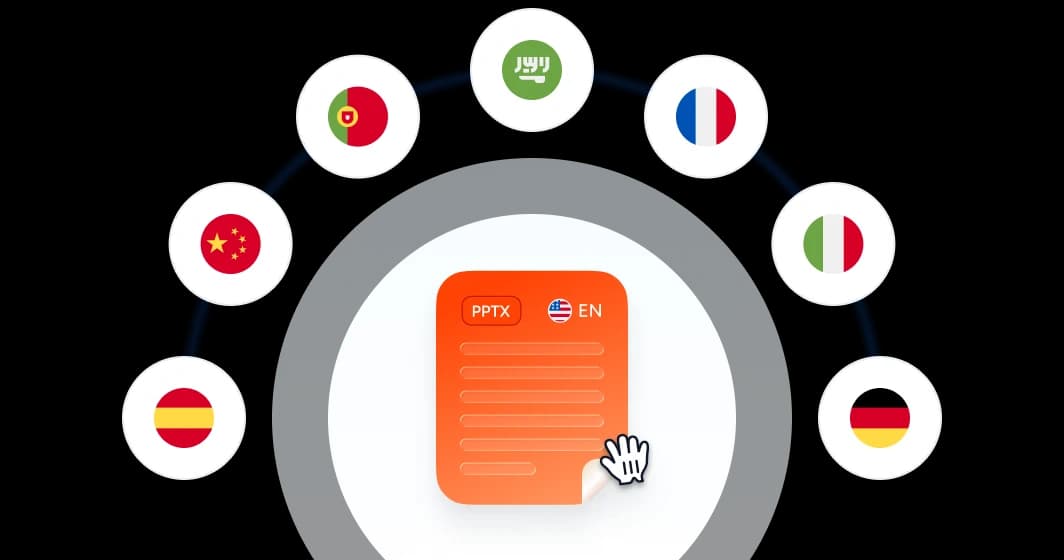
Translation runs on the slides and the narration. The deck comes back as an editable PPTX with layout, fonts and brand colours untouched, and the video gets a language version of its own.
Quiz slides inside the deck, a package your LMS can import, or a live game in the room.
Question and answer slide pairs built from what is already on the slides. They stay part of the presentation and export with it, so a deck you hand over arrives complete.
Export the questions as a QTI 1.2 zip for Canvas and Schoology, as SCORM alongside the deck, or as a Question Library CSV for D2L Brightspace.
A real-time game your audience joins by scanning a QR code. Answers score by speed and the leaderboard updates on screen. Nobody has to create an account.
The output is a real file, not a page on our site. Open it, send it, or upload it wherever your organisation keeps things.
The finished video, in HD when you turn it on, ready for an intranet, a learning platform or YouTube. Or send a share link instead.
Editable slides with the narration embedded, one clip per slide, set to advance on their own as the audio ends. For anyone who would rather present the deck than play a video.
The narration script as a PDF, for reviewers, handouts and accessibility records. Available for every video.
A standard, fully editable presentation file. Open it in PowerPoint, Keynote or Google Slides and carry on working.
For handouts, attachments and anywhere a file needs to look identical on every machine that opens it.
SCORM 2004 or SCORM 1.2, with your completion rule, pass mark and number of attempts, and an optional PDF handout and transcript inside the package. QTI 1.2 and a Brightspace CSV for the quiz.
Wall of love
SlideSpeak helps teams, educators, consultants, and creators turn ideas into polished presentations in minutes.
This tool has significantly cut my prep time by automating slide creation, letting me focus on refining the material to suit my teaching style. Instead of building slides from scratch, SlideSpeak generates a polished presentation that I can easily edit.

James Garza
Lecturer at CCT College Dublin
It's a game-changer for anyone who values both efficiency and quality!

Boris Elbert
Big 4 Management Consultant

2M+
Presentations generated
Built automatically from topics, PDFs, and Word documents.
98%
User satisfaction
Consistently rated among the best AI presentation tools.
90+ countries
Used by teams
From students, startups to global enterprises.
SlideSpeak isn't just about making slides look nice, it actually helps me organize my thoughts and present them in a clear, logical way. The designs are easy to customize, and I can create something that feels like my own.
Jenny Smith
Marketing Agency Owner
See how AI video generation eliminates hours of manual work at every step of the process.
Traditional editing~2.5 hours | With SlideSpeak AIUnder 5 mins |
|---|---|
Writing video scripts30 mins | AI writes scripts instantly15 secs |
Recording voiceover60 mins | 50+ AI voices ready15 secs |
Syncing audio to slides25 mins | Auto-synced perfectlyInstant |
Making revisions25 mins | Regenerate in seconds5 secs |
Manual slide-by-slide work15 mins | Automated video creationInstant |
Exporting final video10 mins | Export anywhere instantly15 secs |
What you can do after the slides are finished, and what you get back.
Narrate it, translate it, quiz on it, and export it wherever it needs to go. No editing skills, no recording booth, no new software to learn.