How to merge PPT files in 3 steps
Combine your PowerPoint files into one PPTX in three steps. No installs, no sign-up.
Upload your PPT files
Drop two or three .pptx files here. Drag and drop or click to browse. We process your files with encryption.
Merge
We combine every presentation into one file and keep each slide, layout, theme, font, and animation in place.
Download
Your merged PowerPoint file is ready in seconds. One click to download an editable PPTX.
Built for accuracy, speed & security
See how SlideSpeak merges your PowerPoint files, slide for slide.
PPT Merger Built for Accuracy
Combine two or three PowerPoint files into one deck and keep every slide layout, theme, font, image, and animation exactly as it was.
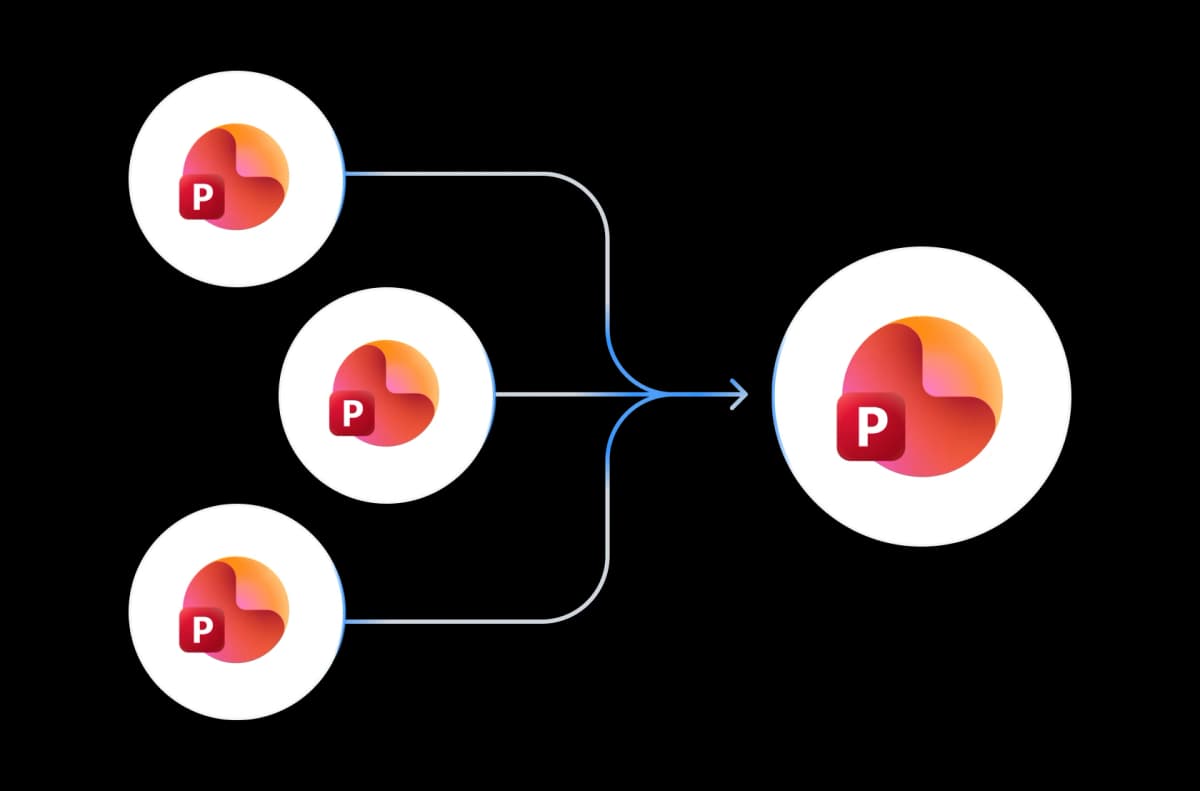
Free PPT Merger, No Sign-up
Our PPT merger is free with no account required. Upload your files and download the merged presentation in seconds.
Secure Online PowerPoint Merger
We encrypt every file in transit and delete it after merging. Your presentations stay private and are never shared.
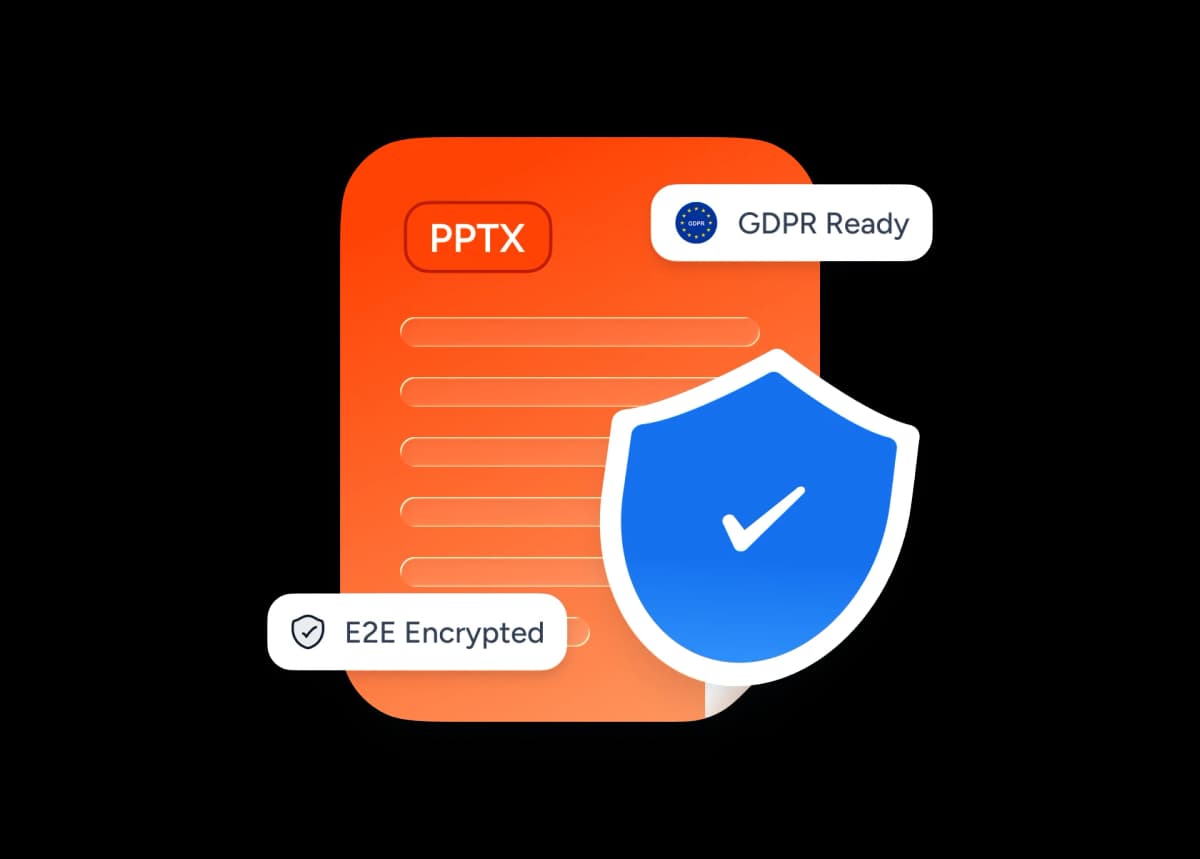
Why choose SlideSpeak?
Accurate, fast, and reliable. Everything you need to combine PowerPoint presentations into one editable PPTX file.
Merges Slides in Order
Every slide from each file lands in the merged deck, in the order you upload your presentations.
Merge Slides Without Quality Loss
Your text, images, layouts, and animations stay sharp. Merging never re-renders or compresses your slides.
Free to Use
Free with no signup or credit card. Upload your PPT files and merge.
Fast Processing
Your merged file is ready in seconds, even for decks with hundreds of slides.
Secure and Private
Files are encrypted in transit and deleted after merging.
No Software Needed
Works in your browser. No PowerPoint or Office install required.
Blazing fast, even for large files
Most merges finish in under 10 seconds. Our server-side engine combines slides, assets, and layouts in parallel.
<10s
Avg. merge time
Up to 3
Files per merge
500+
Slides supported
60K+
Files merged
One PPT merger for every job
Merge two PPT files or combine three decks into one. Our PowerPoint combiner keeps your formatting intact either way.
Merge two PPT files into one
Upload two PowerPoint files and download a single combined PPTX. The first file's slides come first, then the second file's.
Combine three decks at once
Our PPT combiner merges up to three presentations in one pass, so you can compile a title deck, the main content, and an appendix into one file.
A PPT joiner that keeps order
Slides stay in the order you upload your files, so your merged deck reads start to finish with no reshuffling.
Merge PPTX files without quality loss
Images, fonts, layouts, and animations carry over untouched. Merging PPTX files never compresses or re-renders your slides.
Editable PPTX, not a PDF
You get back a PowerPoint file you can keep editing in PowerPoint, Keynote, or Google Slides.
Merge any templates together
Decks built from different themes merge cleanly, and every slide keeps its original layout, fonts, and design.
How We Stack Up
See how our free PPT merger compares to PowerPoint, Google Slides, and iLovePDF.
| Features |  | PowerPoint Desktop | Google Slides | iLovePDF |
|---|---|---|---|---|
| Free to use | Unlimited free | Paid license | Free with account | Limited daily use |
| Signup required | No signup | Microsoft account | Google account | No signup |
| Merges in one click | One click | Manual Reuse Slides | Manual Import | PDF output only |
| Layouts & themes preserved | Fully preserved | Needs formatting rework | Partial preservation | Flattened to PDF |
| Keeps .pptx output | Yes | Yes | Requires export | PDF only |
| Price | Free | Paid | Free | Freemium |
Explore related tools
All free, all browser-based. No signup needed.

AI Presentation Generator
Use our AI presentation editor to craft presentations.

Share PowerPoint Online
Upload a .pptx file and get a free public share link in seconds. No sign-up, no install. Share PowerPoint presentations with anyone.

Convert PPT to PDF with AI
Convert PowerPoint presentations to PDF with AI.
Edit PowerPoint Online
Open any .pptx file in the SlideSpeak editor and edit it online — free, no Microsoft Office required.
Translate PowerPoint with AI
Translate PowerPoint presentations with AI.
PowerPoint Compressor
Compress your PowerPoint files and optimize the size of it for easier sharing.
Keep going with these tools
The tools people reach for next, plus the SlideSpeak features behind them.
Edit PowerPoint Online
Upload any .pptx file and open it instantly in the SlideSpeak editor. Edit text, swap images, and restyle slides — no Microsoft Office, no install.
AI Presentation Generator
Create a full slide deck from a prompt, topic or document.

AI PPT Editor
Enhance existing slides: rewrite text, fix layouts, and lift the quality of any deck.
Frequently Asked Questions
Everything you need to know about merging and combining PowerPoint files.

Turn any idea into a presentation — free to try
An AI presentation platform to turn ideas, PDFs, Word, and Excel files into ready-to-present slides.