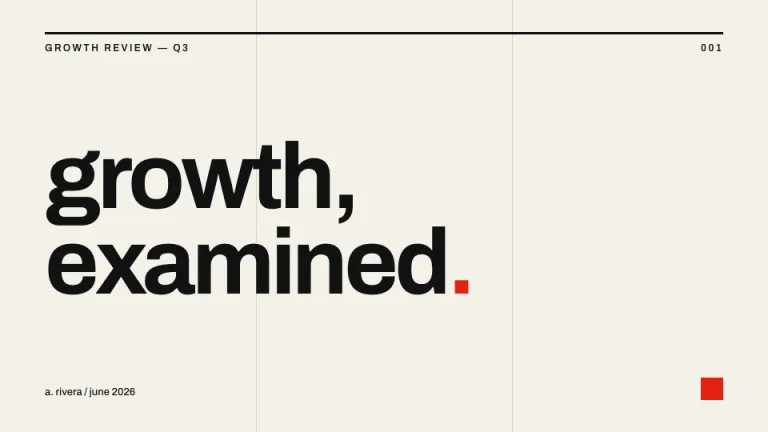
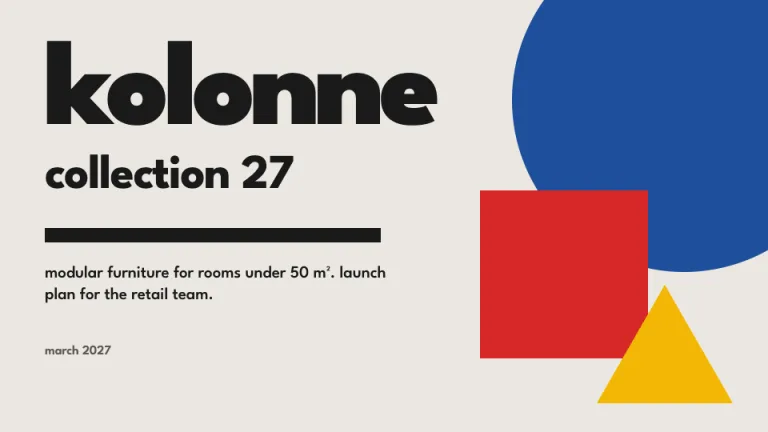
About this design
Where the Scrapbook style comes from, and what it signals.
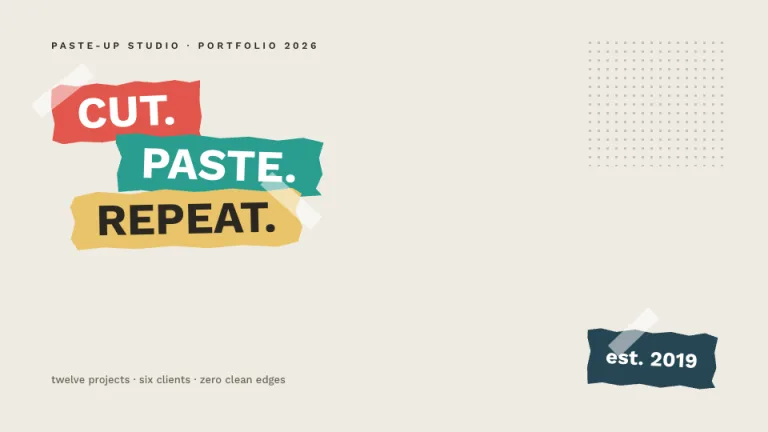
Scrapbook turns slides into a hand-assembled collage: warm cream paper (#f6efe1) with a CSS-built grain, note cards that lean a few degrees off straight, tape rectangles holding everything down, and washi strips running past the slide edges. The look borrows from junk journals and craft-fair scrapbooking, where nothing sits perfectly square and every photo earns a handwritten caption. All of it, the paper texture, the torn kraft edges, the polaroid frames, is built from CSS gradients and clip-paths, with no image files involved.
Three Google Fonts split the work. Fraunces carries headings in espresso #443627, Karla sets body copy in warm brown #574838, and Caveat handles every caption, chart value and margin note in handwriting, usually terracotta #b95c38 or khaki #8a7a63 and always slightly rotated, so annotations feel written after the fact. Charts follow the same craft logic: bars are paper strips in terracotta, sage #7d8b6a, dusty blue #6f8ba0 and mustard #d9a544, each taped at the top, standing on a dashed baseline instead of gridlines.
This is a format for stories told warmly: year-in-review decks, travel and event recaps, classroom projects and community updates, anywhere a corporate grid would flatten the material. The photo-board slide, four taped polaroids on a corkboard with doodle arrows between them, is the exhibit the whole theme is built around.
Use it for
- Year-in-review and retrospective decks for small studios, shops and teams
- Travel, wedding and event recap presentations built around photos
- Classroom projects, yearbook features and school presentations
- Community, club and volunteer updates that should feel personal
- Mood boards and inspiration decks for craft or lifestyle brands
Skip it for
- Board reporting and investor updates; use Boardroom or McKinsey Style for that audience
- Dense data analysis with many exhibits per slide; the paper-strip charts carry one message each, so a chart-heavy story fits Ledger better
- Formal keynotes that need restraint; Keynote Minimal keeps the stage clean
The presentation design prompt
This is the exact text that gets sent to your AI.
Create a presentation in the 'Scrapbook' theme, a paper-and-tape collage style built entirely in CSS. Background: warm cream (#f6efe1) with a subtle paper grain, two 1px repeating-linear-gradient line layers in rgba(138,122,99,0.05) at 0 and 90 degrees plus a faint radial vignette of rgba(74,58,42,0.06) at the edges, never a flat fill. Typography: headings in 'Fraunces' 600 espresso (#443627), slide titles 40 to 48px, body in 'Karla' 15 to 17px warm brown (#574838), and every caption, data label and margin note in 'Caveat' 20 to 26px, #8a7a63 or terracotta (#b95c38), rotated 1 to 3 degrees (all Google Fonts). Every title gets a hand touch: a rotated Caveat annotation or rough #b95c38 SVG underline. Content sits on paper cards: #fffcf4 surface, 1px #d9c9a8 border, soft warm shadow 0 3px 8px rgba(68,54,39,0.16), each card rotated between -3 and 3 degrees with neighbors leaning opposite ways. The signature motif is the taped card: 88 by 26px tape rectangles in rgba(255,252,244,0.55) with a faint terracotta gradient tint, rotated about -5 degrees across each card's top edge. Washi strips, 20px repeating 45-degree stripes of #b95c38 with #f3ddd0 (or sage #7d8b6a with #eef0e6) at 65% opacity, divide headers and anchor footers; torn-edge section breaks are kraft strips (#e3d0ae) cut by an irregular clip-path polygon over a soft shadow strip. Title slide: torn kraft strip carrying the title, a taped polaroid upper right, a presenter note card lower left. Agenda: four staggered scraps with round number stickers. Photo board: four polaroid frames (12px sides, 44px caption band) with kraft-gradient placeholders, wobbly doodle arrows and one sticker callout. Charts: paper-strip bars in #b95c38, #7d8b6a, #6f8ba0 and #d9a544 with tiny tape tops, Caveat value labels and a 2px dashed #8a7a63 baseline. Timelines: a wobbly dashed stitch line with ticket-stub milestone cards, torn left edges, dates in Caveat. Tables: staggered pinned note cards, headers in Caveat on a washi strip. Footer: a washi scrap with the deck title in Caveat 16px bottom left, the page number in a #f3ddd0 round sticker bottom right. Strictly avoid: flat untextured white backgrounds, perfectly straight grid-aligned cards, all cards rotated the same direction or angle, corporate blues, neon accents or glossy 3D gradients, harsh black drop shadows (shadows stay warm brown and soft), full-bleed unframed photos, Caveat used for body paragraphs, chart gridlines, axis boxes or legend chrome, more than three doodles or five stickers on one slide, and any external texture images or CDN assets.

Use this theme for my slides. Ask me what the presentation is about first, then apply the theme to every slide.
View this prompt and its data on GitHub
How to use this prompt
From copied text to a finished Scrapbook deck in four moves.
- 01
Copy the prompt
Use the copy button, or open it pre-filled in Claude or ChatGPT with one click from the panel on this page.
- 02
Tell the AI your topic
The prompt instructs the AI to ask what your presentation is about first. A sentence or a pasted outline is enough.
- 03
Generate and iterate
Ask for more slides or swap a layout. The avoid list at the end of the prompt keeps Scrapbook on-style while the content changes.
- 04
Or skip straight to a deck
SlideSpeak turns your topic or document into a finished Scrapbook presentation, exportable as PowerPoint or PDF.
Common questions
Working with the Scrapbook presentation design prompt in practice.