

The Top Figma MCP Alternatives in 2026
Written by

Published on
On this page
Figma’s MCP server is excellent at one thing: connecting AI agents to your Figma files so they can read designs, turn frames into code, and write back to the canvas. If you’re doing product UI/UX and design-to-code, it’s the obvious pick. But a lot of people land on “Figma MCP alternatives” because they discover it doesn’t do the thing they actually wanted: generate on-brand slides, one-pagers, and infographics that follow their design system, in a format their team can edit and present.
That’s a different job, and it needs a different kind of MCP. This guide breaks down what Figma’s MCP is genuinely built for, where it stops, and the best alternatives in 2026 depending on what you’re trying to make.
What Figma’s MCP server is actually for
The official Figma MCP server (Dev Mode MCP) is a design-to-code and canvas-automation tool. Connected to a client like Cursor, VS Code, or Claude Code, it can:
- Return a structured representation of a selected frame (React + Tailwind) that an agent can translate into your framework.
- Pull in variables, components, and layout data, which is genuinely useful for design-system-driven UI work.
- Write to the canvas: create and modify frames, components, variables, and auto layout in Figma Design, FigJam, and (yes) Figma Slides.
That last point matters, because a common myth is that Figma’s MCP can’t touch slides. It can. Via the use_figma tool and the figma-use-slides skill, an agent can build and edit Figma Slides decks against templates. So credit where it’s due.
Where Figma’s MCP stops (and why people look for alternatives)
Even with Slides support, Figma’s MCP isn’t the right tool for on-brand business assets, for a few concrete reasons:
- It assumes you live in Figma. It edits Figma files. It does not hand you an editable
.pptxdeck your sales team opens in PowerPoint or Google Slides, or an infographic you drop into a doc. - It isn’t a brand or design-system lookup. It reads the file you point it at. It is not a governed endpoint that answers “what are our approved colors, fonts, logos, and layouts?” the same way for every agent on your team.
- It needs a paid Figma plan and Dev Mode. Free-tier users can’t access it, and lower seats are capped to a handful of tool calls per month.
- It’s still beta, with accuracy caveats. Developers report inconsistent design-to-code fidelity on complex setups, so output often needs cleanup.
In short: Figma’s MCP is a design file tool. If what you want is on-brand output (decks, one-pagers, infographics) generated from your design system inside the tools you already use, you want one of these alternatives instead.
The best Figma MCP alternatives in 2026
1. SlideSpeak Onbrand, for on-brand presentations and design assets
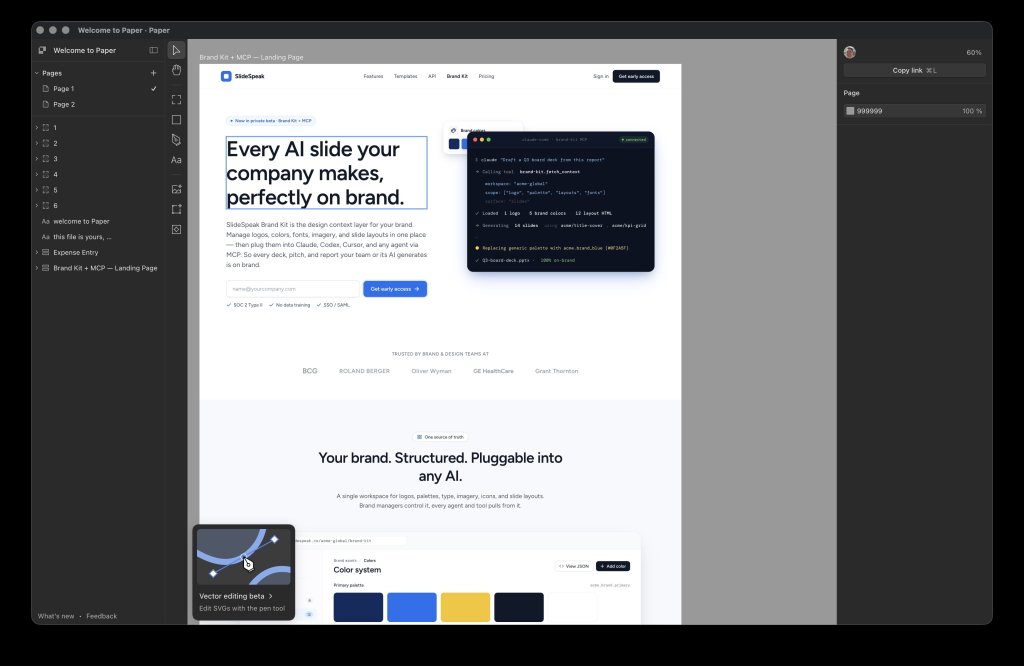
SlideSpeak Onbrand is the alternative built for the exact gap above. It’s a design-system and brand-context MCP server: connect it once, and it exposes your real design system (logos, color and semantic tokens, licensed fonts, approved imagery, icon sets, and named layouts) as a single governed endpoint any agent can read. Then it generates the asset and renders an editable file.
Why it’s the top pick for slides and infographics:
- It outputs editable presentations, native decks, one-pagers, and infographics your team can open, tweak, and present, not a Figma file or a webpage.
- It’s a real design-system lookup. Every agent reads the same source of truth, with an optional brand-compliance check before anything ships.
- It works across your whole stack: ChatGPT, Codex, Cursor, Claude, and Claude Code. It’s not tied to one design app.
- It burns far fewer tokens. Rendering happens server-side from pre-built, tokenized components, so the model orchestrates instead of hand-writing markup.
If your goal is on-brand business assets rather than editing design files, Onbrand is the one to start with. We go deeper in the SlideSpeak MCP announcement.
2. Frontify MCP, for enterprise brand guidelines
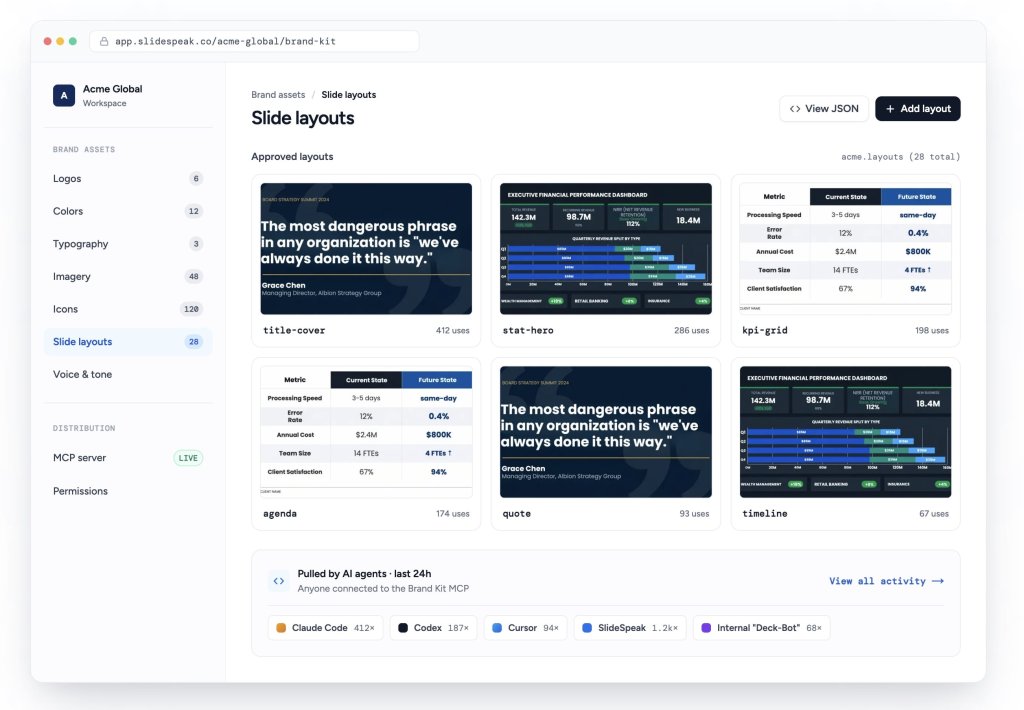
Frontify is a brand management platform, and its MCP makes your guidelines and assets machine-readable so tools like Claude or Cursor can answer brand questions, pull approved assets, and check compliance. It’s the closest competitor to Onbrand on the “brand intelligence” axis and a strong fit if you already run Frontify as your brand home.
The difference vs. Onbrand: Frontify is centered on serving guidelines and assets (a brand source of truth and DAM). Onbrand is built to also produce the finished, editable presentation or infographic from those rules. If you mainly need agents to look up brand facts, Frontify fits. If you need them to ship on-brand decks, Onbrand goes the extra step.
3. Canva MCP, for on-brand design inside ChatGPT
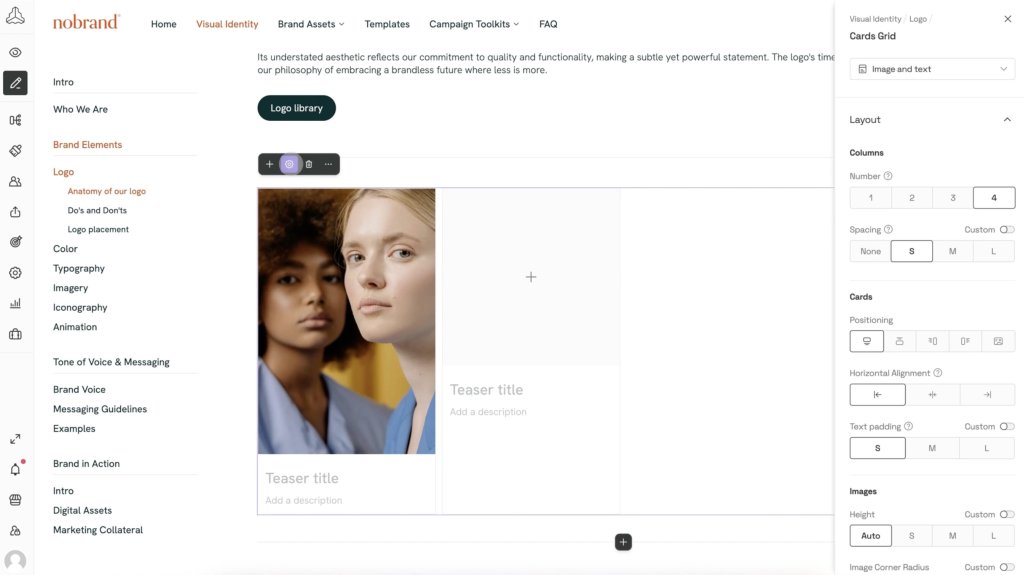
Canva was the first design connector for ChatGPT, and its MCP server lets agents create and edit on-brand designs using your Brand Kit, right inside ChatGPT and Codex. Presentations are the single most common output people generate through it, followed by social posts and infographics.
The difference vs. Onbrand: Canva’s output lives in the Canva ecosystem and Canva’s templates. Onbrand works from your design system and approved layouts and produces a native editable file (including PowerPoint), which matters if your company standard is .pptx rather than a Canva design. Both are worth a look if on-brand-in-ChatGPT is the goal.
4. Paper.design MCP, for designing directly in a canvas
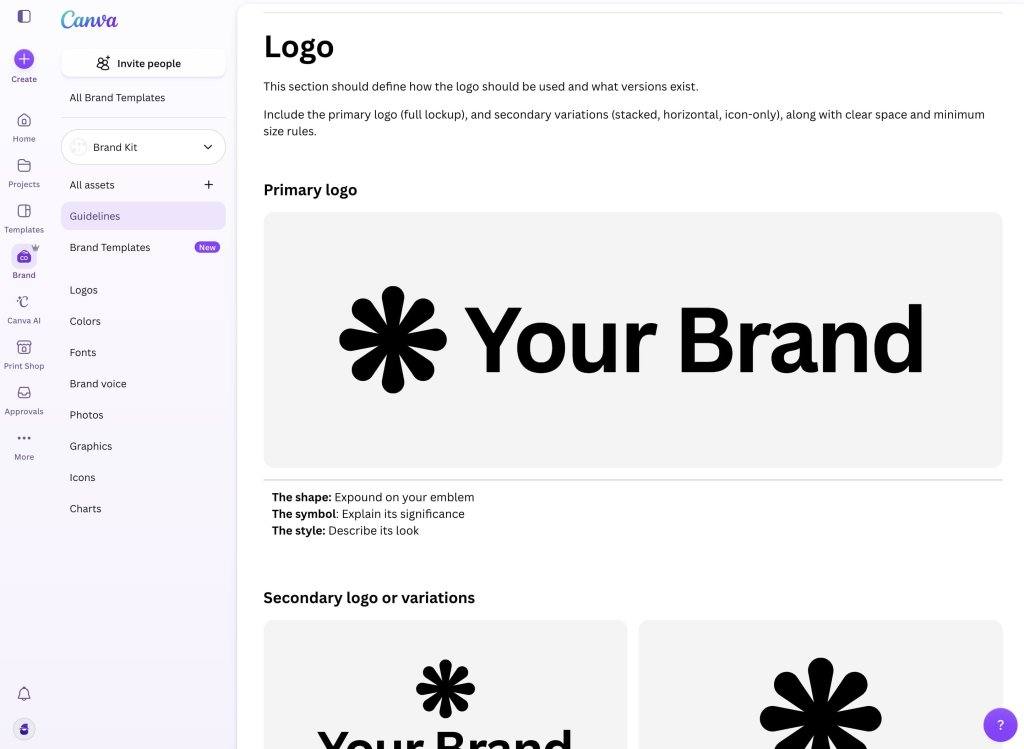
Paper.design exposes a fully bidirectional MCP (around two dozen read and write tools) so an agent in Cursor or Claude Code can inspect and modify your Paper canvas: create artboards, write HTML, update styles, and convert designs to React/Tailwind. It overlaps with Figma’s MCP, just for Paper’s canvas instead of Figma’s, and it’s aimed at designer-developer hybrids doing “vibe coding.” It’s a canvas tool, not a brand-asset generator.
5. Penpot MCP, the open-source option
Penpot is the leading open-source, self-hosted Figma alternative, and its MCP integration brings the same design-system-auditing workflow to teams that can’t or won’t use a hosted design tool. A nice technical detail: token values come back as CSS rather than proprietary units, which means less translation and fewer bugs in design-to-code output. Pick this if open-source and self-hosting are requirements.
6. Claude Design, for AI-native UI and app design
Claude Design (inside Claude and Claude Code) designs full websites and product UI, including multi-screen flows, in real editable code while following your design system. It’s effectively an AI-native alternative to Figma for product design, and many people drive it straight from Claude Code. It’s powerful, but it’s Claude-only and built for UI rather than editable business documents. If you want this capability in ChatGPT or Codex, see our guide on a Claude Design alternative for ChatGPT and Codex.
7. Google Stitch, for prompt-to-UI
Google Stitch (Google Labs, powered by Gemini) generates app and web interfaces from a natural-language prompt and exports to Figma for refinement. It’s a fast way to go from idea to UI, but like the others in this group it’s about interface generation, not on-brand decks and infographics.
Honorable mentions: Mobbin’s MCP opens a huge library of real app screens to agents for design references; community servers like GLips Figma-Context-MCP and tools such as Locofy focus on design-to-code pipelines.
Figma MCP alternatives compared
| Tool | Best for | Design-system / brand lookup | Editable presentation output | Works in ChatGPT / Codex |
|---|---|---|---|---|
| Figma MCP | Design-to-code, editing Figma files | Reads the Figma file | Figma Slides only | No (code editors) |
| SlideSpeak Onbrand | On-brand decks, one-pagers, infographics | Yes, governed endpoint | Yes (native .pptx) | Yes |
| Frontify MCP | Enterprise brand guidelines & assets | Yes | No (serves assets) | Via MCP clients |
| Canva MCP | On-brand Canva designs in chat | Yes (Brand Kit) | Yes (Canva format) | Yes |
| Paper.design MCP | Designing in a canvas, vibe coding | Partial | No | Via MCP clients |
| Penpot MCP | Open-source / self-hosted UI design | Yes (CSS tokens) | No | Via MCP clients |
| Claude Design | AI-native UI & app design | Yes, per session | No | No (Claude only) |
| Google Stitch | Prompt-to-UI, export to Figma | Limited | No | No (standalone) |
How to choose
- You want on-brand slides, one-pagers, or infographics: SlideSpeak Onbrand (or Canva if you’re standardized on Canva).
- You want a brand source of truth agents can query: Onbrand or Frontify.
- You’re designing product UI and shipping code: Figma MCP, Paper.design, Penpot, or Claude Design.
- You want to go from a prompt to a UI fast: Google Stitch or Claude Design.
The pattern across all of them is the same: agents do better work when you hand them your design system instead of making them guess. Figma’s MCP does that for design files. For on-brand assets across ChatGPT, Codex, Claude, Cursor, and Claude Code, that’s exactly what SlideSpeak Onbrand is built for.
Frequently asked questions
What is the best Figma MCP alternative?
It depends on the output you need. For on-brand presentations, one-pagers, and infographics, SlideSpeak Onbrand is the strongest alternative because it reads your design system and renders editable files across ChatGPT, Codex, Claude, Cursor, and Claude Code. For brand guidelines lookup, Frontify is a close option; for design-to-code, Paper.design or Penpot.
Can the Figma MCP generate presentations?
Partly. The official Figma MCP can create and edit Figma Slides decks inside Figma via the use_figma tool. What it does not do is export an editable PowerPoint or a standalone infographic, or act as a brand lookup for every agent. For that, use a brand-context MCP like SlideSpeak Onbrand.
Is there a Figma MCP alternative that works in ChatGPT?
Yes. Figma’s MCP targets code editors, not ChatGPT chat. SlideSpeak Onbrand and Canva both connect to ChatGPT (and Codex) so agents can produce on-brand designs directly there.
What can’t the Figma MCP do?
It can’t hand you an editable .pptx deck or a downloadable infographic, it isn’t a governed brand or design-system lookup shared across agents, and it requires a paid Figma plan with Dev Mode. Those gaps are why brand-context MCPs like SlideSpeak Onbrand exist.
The takeaway
Figma’s MCP is the right tool for design-to-code and editing Figma files, and it even reaches Figma Slides. But it was never meant to be your brand’s source of truth or your on-brand asset generator. If you need slides, infographics, and one-pagers that follow your design system and come out editable, the best Figma MCP alternative is a brand-context MCP. SlideSpeak Onbrand does exactly that, across every agent your team already uses.


