

7 Best Tome Alternatives in 2026: Tested & Compared
Written by

Published on
On this page
If you’re searching for Tome alternatives in 2026, there’s one important detail many comparison articles miss: Tome no longer exists. The AI presentation tool shut down on April 30, 2025, so the question isn’t whether a tool is better than Tome anymore. It’s which tool deserves to replace it.
The answer depends a lot on where your presentations need to end up. I ran the same 10-slide brief through all seven tools in 2026, checked every pricing page on the same day, and exported everything to PowerPoint to see what broke.
The 2026 Cheat Sheet: Which Tome Alternative is Your Match?
If you are short on time, here is exactly where your team should land based on how you actually work:
- SlideSpeak: Best overall if you live in PowerPoint or need to turn messy raw PDFs/Docs into clean presentations instantly.
- Gamma: Best if you miss Tome’s web-native card aesthetic and prefer sharing interactive links over raw files.
- Plus AI: Best if your organization strictly mandates Google Slides and you refuse to adopt another external app wrapper.
- Beautiful.ai: Best for enterprise teams requiring rigid design discipline to stop non-designers from ruining slide layouts.
In this article:
Is Tome AI still available?
No. Tome shut down its AI presentation tool on April 30, 2025, and the team now builds Lightfield, an AI-native CRM for early-stage teams. What happened to Tome AI, in brief:
- October 2024: Tome announced it was moving away from presentations and cut a large part of its team.
- March 2025: the company confirmed Tome Slides would sunset.
- April 30, 2025: the presentation product shut down. Users who hadn’t exported their decks lost access to them.
- After the shutdown: the founding team launched Lightfield. The presentation product wasn’t sold or handed off. It simply ended.
The most interesting part of Tome’s story isn’t why it shut down, but what users kept asking for before it did: a reliable way to get their work out. Native PowerPoint export never arrived, which is why every tool in this guide was tested not just on generation quality, but on what happened after the export button was clicked.
Quick comparison of the best Tome alternatives
| Tool | Native PPTX Export | Document-to-Deck AI | Starting Price (Monthly) | Best For |
|---|---|---|---|---|
| SlideSpeak | ✅ Fully Native (.pptx) | ✅ PDF, Word, Excel, PPT | Free or $29/mo | PowerPoint power users & document workflows |
| Gamma | ⚠️ Layout shifts on complex cards | ✅ Import modes | Free or $12/mo | Replicating Tome’s scrollable web aesthetic |
| Plus AI | ✅ Fully Native | ✅ PDF, docx, txt (Pro) | $15/mo | Teams embedded inside Google Slides |
| Beautiful.ai | ⚠️ Pro plan only | ⚠️ Limited layout matching | $50/mo | Enforcing rigid corporate design rules |
| Canva | ⚠️ Frequent font/spacing shifts | ❌ No PDF/document upload | Free or $18/mo | Highly visual, graphic-heavy presentations |
| Pitch | ⚠️ Paid tiers only | ✅ Web domains & text prompts | Free or $12/mo | Startups tracking link-shares & pitch decks |
| PowerPoint + Copilot | ✅ Native (Built-in) | ✅ Structured Word Docs | $9.99/mo | Safe choice for legacy enterprise IT setups |
*All pricing checked June 10, 2026. These tools change plans often, so verify before buying.
1. SlideSpeak
Best overall Tome replacement for PowerPoint power-users
Bottom line: If Tome’s fatal flaw was trapping your work in a web viewer, SlideSpeak is built on the opposite idea. Everything ends up as a native, editable PowerPoint file that belongs to you.
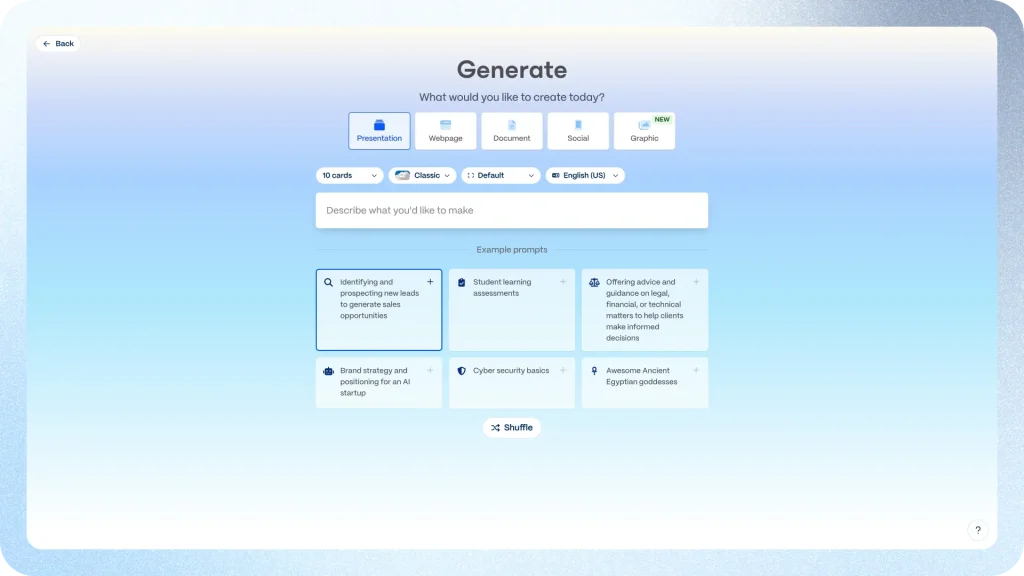
Unlike many AI presentation tools, SlideSpeak is built around the idea that presentations should remain editable in the tools people already use. Generate a deck from a prompt or a document, then continue refining it however you like. The stronger workflow is document-first: upload a PDF, Word file, Excel sheet, or an old presentation, and it builds slides from what’s in it. In my 12-page PDF test this was the tool that needed the least cleanup afterwards, partly because the output opens straight in PowerPoint. In practice, fixing a slide means editing it like any other deck instead of wrestling a web editor.
A few things former Tome users will care about specifically:
- Your files aren’t hostages. Export to .pptx and PDF is built in. If SlideSpeak vanished tomorrow, your decks would still open on your laptop. After April 2025, nobody should treat that as a hypothetical.
- Unlimited generation on Premium Plus. Most tools in this list meter you with credits. Premium Plus is unlimited under a fair-use policy, which changes how you work with it. You iterate freely instead of rationing prompts.
- Branded templates. Upload your own PowerPoint template ($129 one-time per template) and the AI generates inside it. This is usually the point where design teams stop vetoing AI tools.
- An API. Generating decks programmatically starts at $49/month for 1,000 credits: Check SlideSpeak API Pricing. Gamma also offers an API; most of the rest don’t.
Where it loses
There’s no big free tier. You get 3 credits to try it and that’s it, so Gamma is the better choice for casual, occasional use. Gamma’s web presentations also look better if you never intend to leave the browser.

Pricing: Free (3 credits) · Premium $29/month · Premium Plus $34/month with unlimited credits · Enterprise custom. Check SlideSpeak Pricing
Try SlideSpeak: slidespeak.co

2. Gamma
Closest to what Tome felt like
Bottom line: Gamma is Tome’s heir. Same card-based, web-first, scroll-friendly format, except Gamma figured out the business model and shipped the exports Tome refused to.
If what you loved about Tome was the feel of it, more interactive document than slide grid, Gamma is the only tool here that replicates the experience. Also, generation quality is excellent, the templates look modern without tweaking, and it has become the default recommendation in this category for good reason. (We compared the two head-to-head back when Tome was alive: Tome vs Gamma: Comparing two AI Presentation Tools)
Two details are worth knowing before you commit. First, free-plan credits (400 at signup) are one-time and never refresh, so the free tier is a demo rather than a workspace. Second, the card-per-prompt limits are real tiers: 10 cards on Free, 20 on Plus, 60 on Pro, 75 on Ultra. Long decks push you up the ladder quickly.
PowerPoint export exists on every plan, including free, with a “Made with Gamma” badge until you pay. In my export test the results were usable but clearly not native and the AI-generated icons and images came out noticeably rough. Gamma’s layouts are designed for the web, and complex cards arrive in PowerPoint as objects you would rather not touch.
Where it loses
Credit anxiety. Generation, agent edits, and premium image models all draw from a balance, and the refund policy is strict (a 3-day window with usage thresholds). Teams that generate heavily will find the economics tilt toward flat-rate tools.
Pricing: Free (400 one-time credits) · Plus ~$12/user/month · Pro ~$25/user/month (API access starts here) · Ultra ~$100/month. Check Gamma Pricing
Try Gamma: gamma.app

3. Plus AI
Best if your team lives in Google Slides
Bottom line: Plus AI doesn’t have an export problem because it never exports. It generates directly inside Google Slides and PowerPoint, so the output is native from the first second.
Structurally, this is Tome inverted. There’s no separate app to get locked into. Instead, Plus AI is an add-on that works inside the editors you already use, and the deck you generate simply is a Google Slides file or a .pptx. For teams that got burned by Tome’s walled garden, that argument tends to close itself.
The Pro plan ($25/user/month) adds document upload for PDF, docx, and txt files, which performed respectably in my PDF test. The slide design is more conservative than Gamma’s or SlideSpeak’s, though that’s partly a feature. Conservative slides survive editing by humans.
Where it loses
There is no free plan at all, just a 7-day trial that requires a card and auto-converts if you forget to cancel. The PowerPoint add-on is also noticeably less polished than the Google Slides one, something several independent reviews flag as well.
Pricing: Basic $15/user/month (1,500 credits/month) · Pro $25/user/month (3,000 credits, doc uploads) · Team $40/user/month (6,000 credits) · Max $240/user/month with unlimited credits. Check Plus AI Pricing
Try Plus AI: plusai.com

4. Beautiful.ai
Best for teams that care about design discipline
Bottom line: The most design-disciplined of the Tome alternatives. Beautiful.ai’s Smart Slides make ugly presentations difficult to produce. If your problem is fifty colleagues each formatting slides their own way, start here.
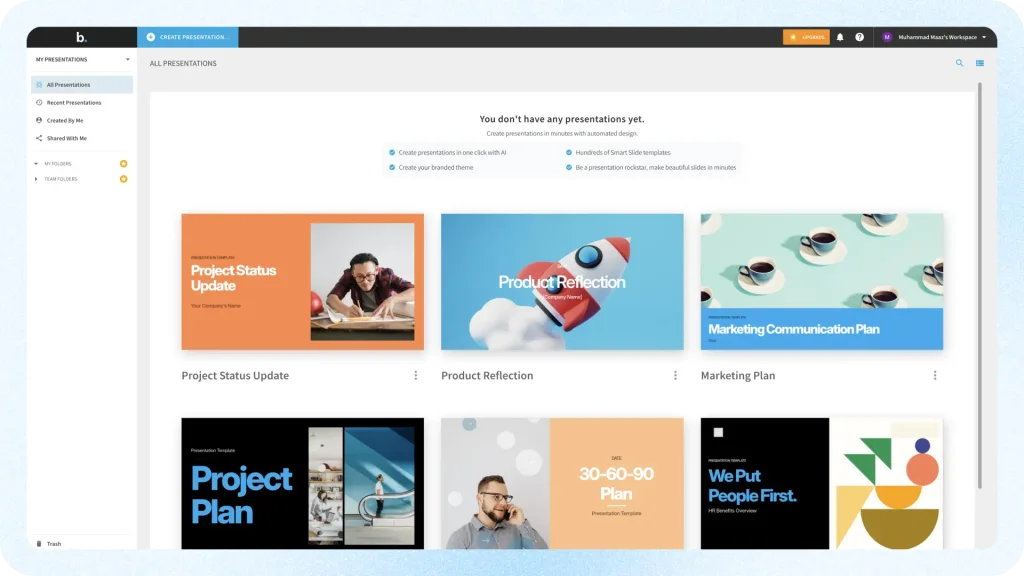
The core idea has aged well. More than 300 Smart Slide layouts rearrange themselves as you add content, so alignment and spacing stop being your job. Meanwhile, AI generation sits on top of that system, which keeps output consistent in a way prompt-first tools can’t match. PowerPoint import and export are included on Pro, and the Team plan adds a shared slide library with version control, which earns its keep on any sales team trying to stay on-brand.
Where it loses
Mostly on price structure. There’s no free plan. The 14-day trial requires a credit card and bills automatically if you don’t cancel. The month-to-month price is a startling $50 per user against $144 billed annually. There’s no public API either, and the same design system that keeps slides clean will frustrate you the day you want to break its rules.
Pricing: Teams $50/user/month ($144 annual Pro plan) · Enterprise custom. Check Beautiful.ai Pricing
Try Beautiful.ai: beautiful.ai

5. Canva
Best free option for visual-heavy decks
Bottom line: Canva’s free plan is the most usable $0 option among Tome alternatives, and Magic Design takes a prompt to a finished-looking deck faster than almost anything here. Just don’t expect a clean trip to PowerPoint.
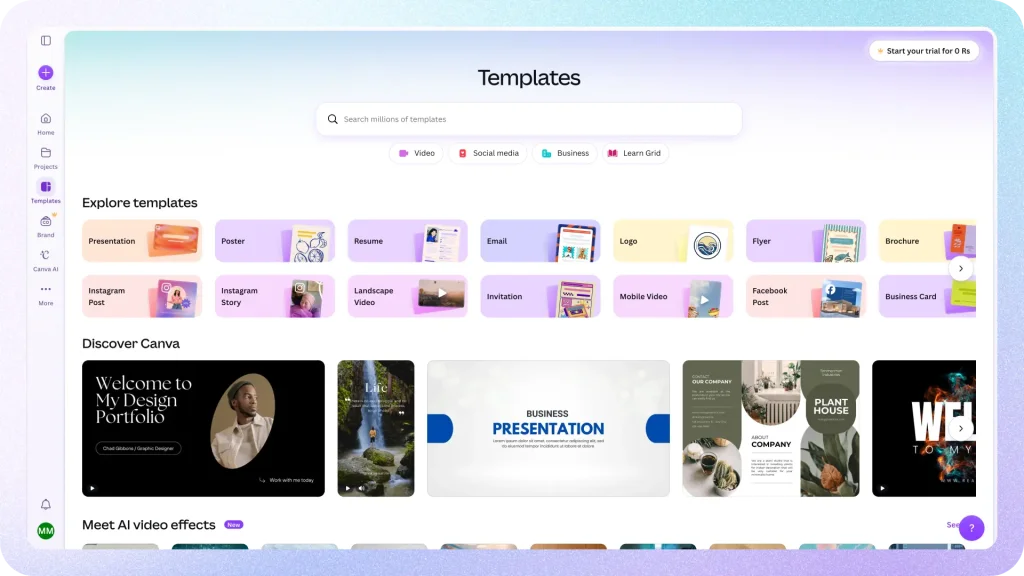
Canva’s presentation maker is now properly AI-equipped. Magic Design generates full decks, and the Magic Studio tools (Magic Write, Magic Edit, image generation) cover the supporting work. And the asset library remains the unfair advantage: when a slide needs a photo, an icon, or a chart, it’s already there.
If you’re comparing 2026 prices against older articles, two changes matter. Canva Pro is now $18/month, about $144/year per Canva’s current App Store listing, so most “Canva costs $12.99” posts are stale. And Canva Teams was discontinued for new signups, replaced by Canva Business at $25/month per person. AI features also have monthly caps on every plan, including paid ones. Canva sells an “AI Pass” add-on for people who hit them.
Where it loses
PPTX export works but is the roughest in this group. Fonts, animations, and spacing routinely shift when a Canva deck opens in PowerPoint. If your deck’s final destination is PowerPoint, build it somewhere PowerPoint-native instead.
Pricing: Free · Pro $18/mo or ~$144/yr · Business $25/mo per person · Enterprise custom. Check Canva Pricing
Try Canva: canva.com
6. Pitch
Best for startups sharing decks as links
Bottom line: Of all the Tome alternatives here, Pitch kept the part that worked, decks as living web links with analytics, and bolted a real business onto it.
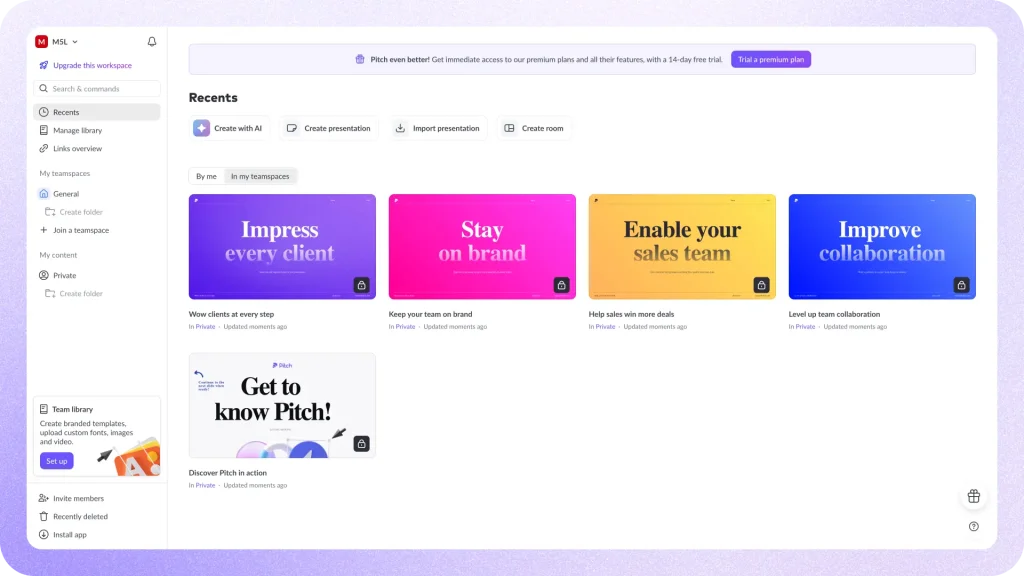
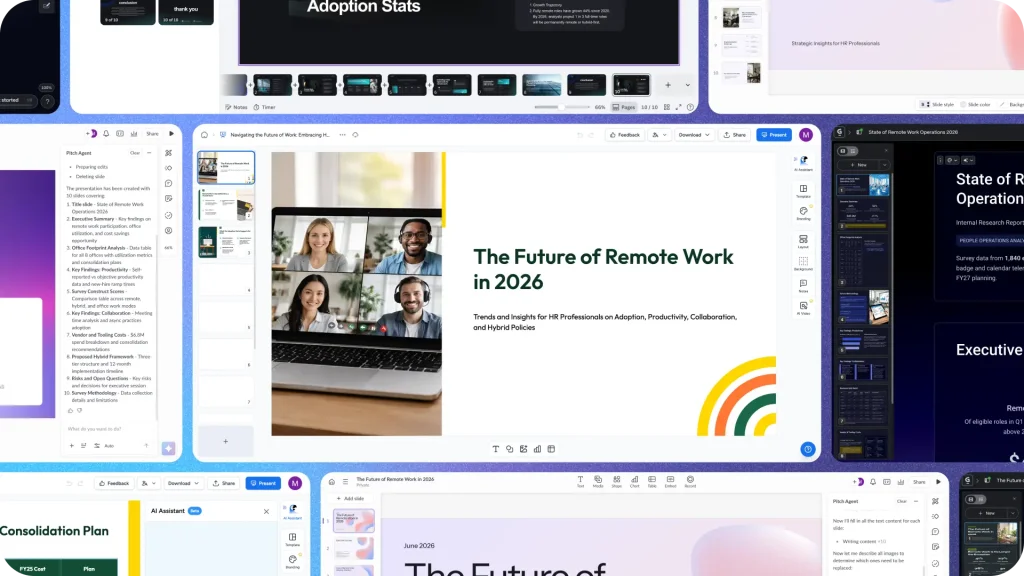
Pitch Agent, the AI layer, generates a full deck from a prompt and can build a branded template straight from your website’s domain: logo, colors, fonts, done. which is a genuinely fast way to start on-brand. The collaboration features are the real product, though. Live multiplayer editing, share links with engagement analytics, pitch rooms for fundraising. The free plan allows up to 5 members and unlimited presentations, which is unusually generous in this group.
Where it loses
The Tome lesson applies here. On the free plan there’s no PowerPoint export and your shared decks carry Pitch branding, so your work lives inside Pitch until you pay. (Pitch’s plan card lists PPTX export on Plus; their comparison table says Team. Verify in-app for your tier.) Free AI credits, 100 of them, are one-time. And PPTX import is still beta, 16:9 only, with unsupported elements turning into placeholder boxes.
Pricing: Free (up to 5 members, 100 one-time AI credits) · Plus $12/month · Team $18/seat/month · Business $24/seat/month · Enterprise custom. Check Pitch Pricing
Try Pitch: pitch.com
7. PowerPoint + Copilot
Best if the answer was PowerPoint all along
Bottom line: The least exciting of the Tome alternatives, and the one many ex-Tome users quietly end up with. Copilot won’t wow you, but the file format question disappears entirely.
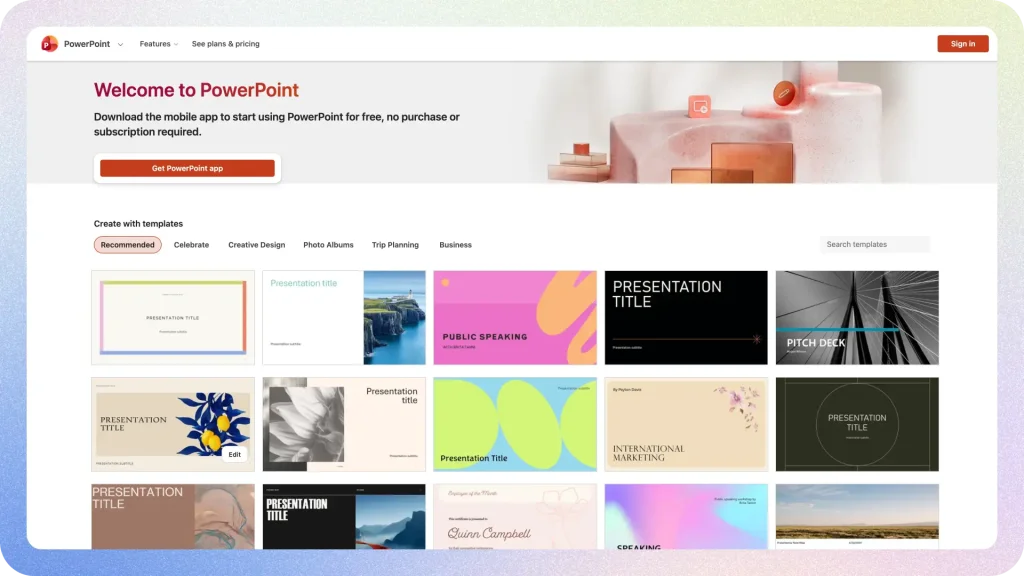
Copilot in PowerPoint now creates a presentation from a prompt (Agent Mode asks clarifying questions and proposes an outline first) or builds a deck from a Word document, applying your organization’s template while it works. The output is decent and improves with the amount of structure you give it. However, it’s weakest when asked to invent content from nothing.
The pricing picture changed recently, and most comparison posts have it wrong. You no longer need the $30/user/month enterprise add-on to get Copilot in PowerPoint. Microsoft 365 Personal at $9.99/month now includes it for consumers, and there’s a Copilot Business tier for smaller companies at $21/user/month.
Where it loses
It’s an add-on economy. Business tiers require an existing Microsoft 365 license, so the real cost is license plus Copilot. The generation is also the most conservative in this list. If you want a designed deck from a one-line prompt, Gamma and SlideSpeak both produce more finished results.
Pricing: M365 Personal $9.99/mo (includes Copilot in PowerPoint) · Copilot Business $21/user/month list, requires M365 Business plan · M365 Copilot (enterprise) $360/user/annually. Check Microsoft Copilot Pricing
Try Copilot: microsoft.com/microsoft-365-copilot
How I tested these Tome alternatives
Same brief for every tool: a 10-slide product overview, generated twice. Once from a text prompt, once from a messy 12-page PDF where the tool supports document upload. From there, I scored four things: how much of the content survived without rewriting, whether the design needed manual rescue, what the trip to .pptx did to the layout, and what you pay once the free tier runs out. No affiliate links in this post. Yes, SlideSpeak is our product, and I’ve flagged the places where competitors beat us.
Still have decks trapped in Tome?
If you exported PDFs before the April 2025 shutdown, those PDFs can become editable PowerPoint files again. Upload one to SlideSpeak’s document-to-presentation flow: Turn PDF to presentations and it rebuilds the content as native .pptx slides. It won’t resurrect interactive embeds, nothing will, but the text, structure, and story come back. If you didn’t export anything before the shutdown, Tome’s servers are gone and so is the data. I’m not aware of any recovery path.
Which Tome alternative should you pick?
Choose SlideSpeak if: your decks end up in PowerPoint, you generate from documents, you need strict brand template enforcement, you want unlimited AI on a flat price, or you need an API.
Go with Gamma if: you want Tome’s web-native feel, you mostly share links rather than files, and the credit model suits how often you generate.
Pick Plus AI if: your team lives in Google Slides and you’d rather add AI to your editor than adopt a new app.
Beautiful.ai fits if: brand consistency across a team matters more than creative freedom.
Canva works if: you want the best free option and your decks are visual-first, presented from Canva itself.
Pitch makes sense if: you’re a startup sharing decks as tracked links for fundraising, sales, or async updates.
Stay with PowerPoint + Copilot if: your organization already pays for Microsoft 365 and the IT department gets a vote.
Final verdict: best Tome alternatives in 2026
- 🥇 Best overall: SlideSpeak. PowerPoint-native output, document-first workflow, branded templates, unlimited AI on a flat price.
- 🥈 Closest to Tome: Gamma. The web-native card format Tome users miss, with working exports.
- 🥉 Best for Google Slides: Plus AI. Native generation inside the editor you already use.
- 🏅 Best for brand control: Beautiful.ai. Smart Slides keep whole teams on the rails.
- 🎨 Best free option: Canva. The only ongoing free plan you can really work in.
- 🔗 Best for sharing links: Pitch. Analytics, pitch rooms, and multiplayer editing.
- 🏢 Best for Microsoft shops: PowerPoint + Copilot. No migration, no export question.
FAQs
No. Tome shut down its presentation product on April 30, 2025. The team now builds Lightfield, an AI-native CRM. Anything called “Tome” you encounter today, including the legal-AI company AngelList acquired in 2025, is a different product.
Tome announced its pivot away from presentations in October 2024, confirmed the sunset in March 2025, and shut the product down on April 30, 2025. The team’s next product is Lightfield, an AI-native CRM. User decks that weren’t exported before the shutdown were deleted.
Gamma. Same card-based, web-first format and a similar AI generation flow, with the PPTX export Tome never shipped.
Canva, for an ongoing free plan you can really work in. Gamma’s free tier is good for evaluation but its 400 credits never refresh. Pitch’s free plan is generous for small teams but keeps exports behind the paywall.
Tome never offered native PowerPoint export, and its servers are now offline. If you saved PDF exports before the shutdown, a document-to-presentation tool can convert them back into editable .pptx files. Without those PDFs, there’s no recovery path.
The short version: 20 million signups, not enough paying teams. Revenue reportedly sat under $4 million ARR while the company was valued at $300 million, and the product never closed the gap business users cared about most, which was getting their work out of Tome and into PowerPoint.


