

How to Make a McKinsey-Style Presentation with AI (2026)
Written by

Published on
On this page
You can spot a consulting deck the moment it opens. The titles read like conclusions, every chart makes one point, and nothing on the slide is there by accident. That look is a set of repeatable conventions, not a secret, and in 2026 an AI model can apply them for you if you ask the right way.
This guide breaks down what makes a McKinsey presentation work, along with the BCG, Deloitte and PwC consulting styles, and gives you a free AI prompt for each one so you can produce the same result in ChatGPT, Claude or SlideSpeak.
A note before we start: the four styles here are unofficial homages to each firm's well-known visual language. They are not affiliated with or endorsed by McKinsey, BCG, Deloitte or PwC.
What makes a deck consulting-grade
Six conventions do most of the work. Each comes with the rule and a prompt you can paste straight into ChatGPT or Claude.
1. Action titles, not labels
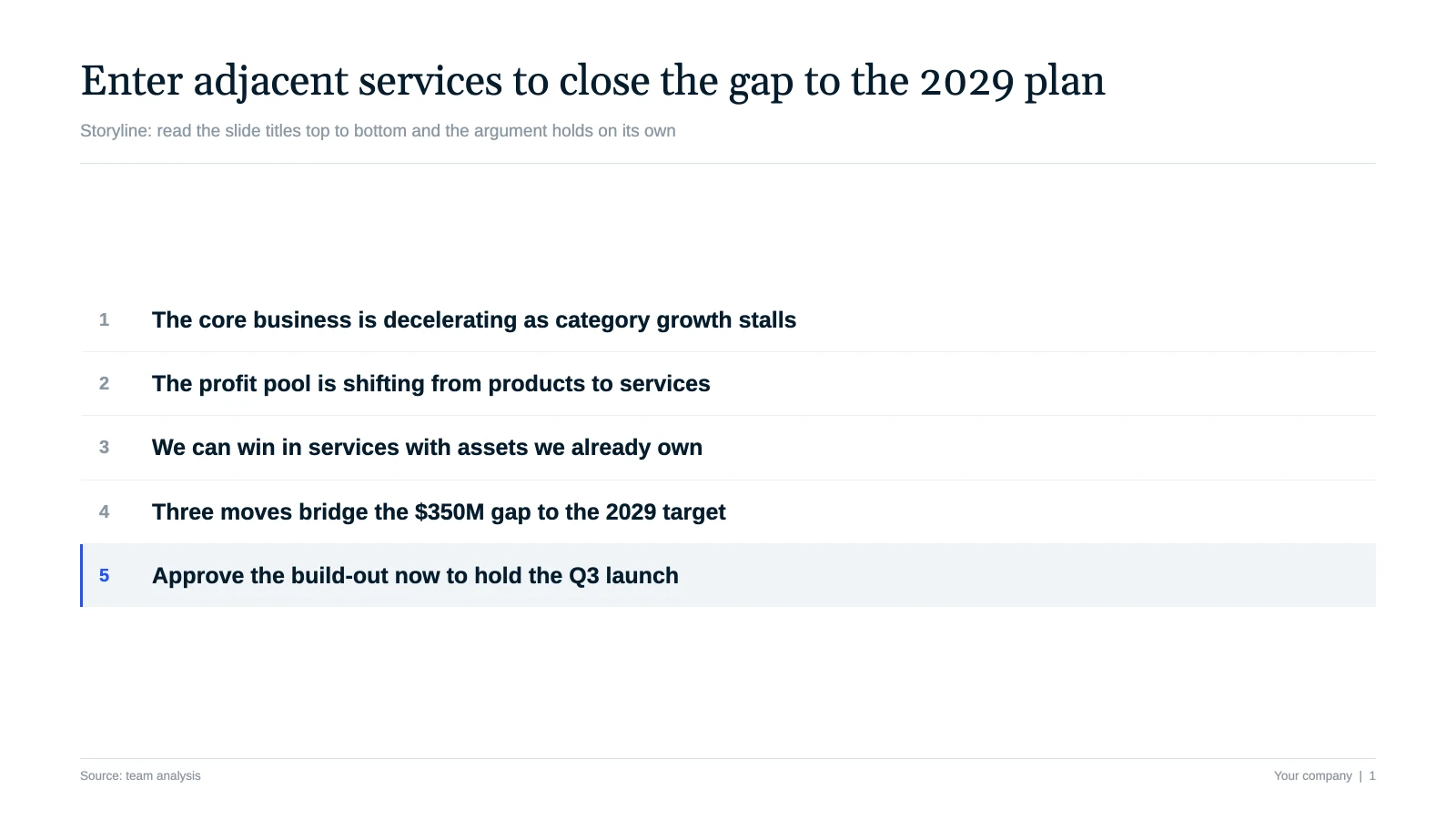
The title of a consulting slide states the conclusion, not the topic. "Revenue" is a label. "Revenue grew 38% as enterprise deals doubled" is an action title. The reader gets the so-what before they study a single chart, and the deck reads top to bottom from the titles alone.
Prompt: Rewrite every slide title as a full-sentence takeaway under twelve words. State the conclusion the slide proves, not the topic. Replace "Market overview" with something like "The market is consolidating around three players."
2. Answer first
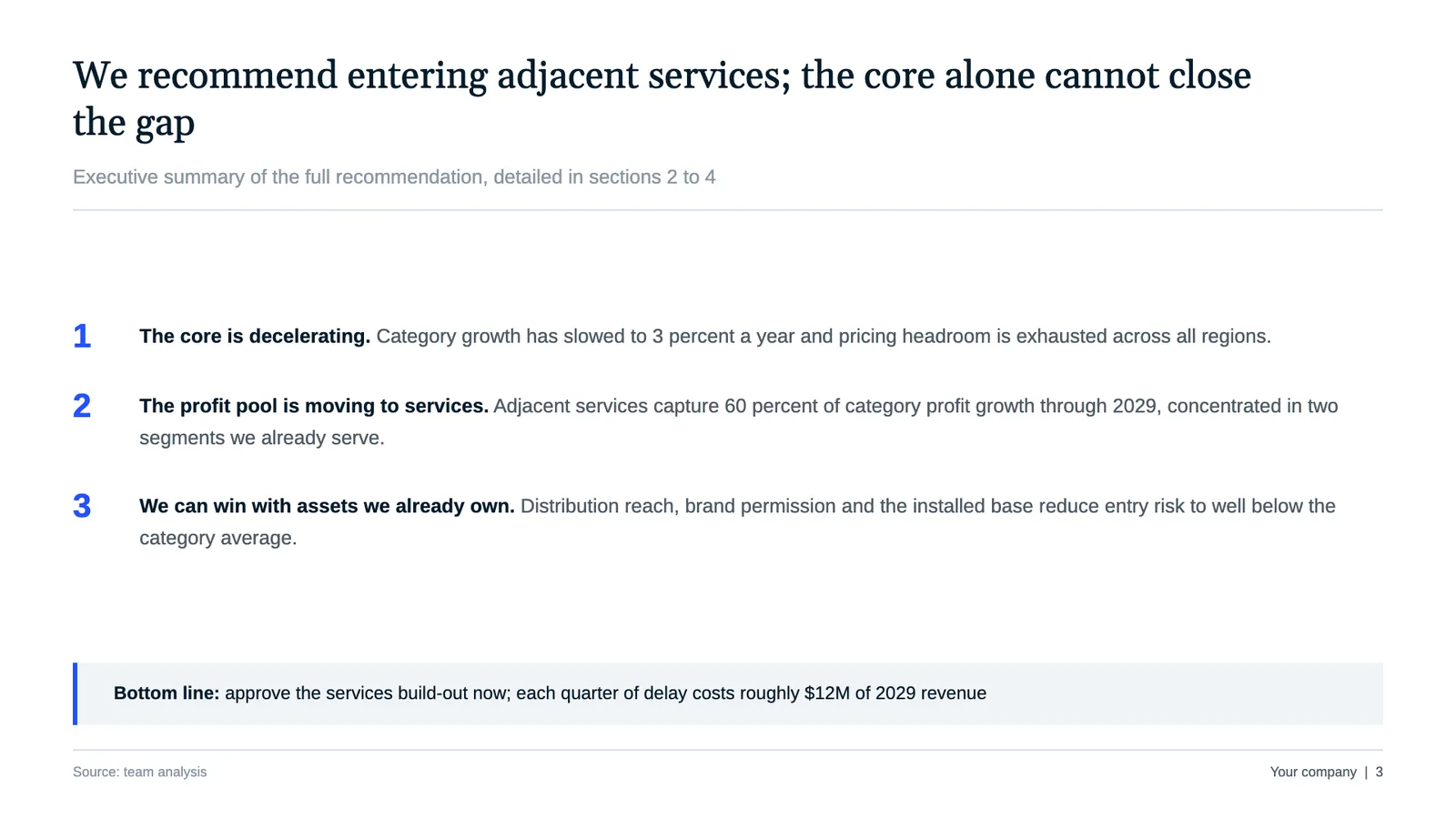
Consultants borrow the pyramid principle: lead with the recommendation, then support it. The first content slide is an executive summary that gives the answer and three reasons, so a busy partner or board member gets the whole argument in thirty seconds.
Prompt: Open with a one-slide executive summary that gives the recommendation first, then three numbered reasons that support it. Put the answer at the top and the background later.
3. One message per slide, kept MECE
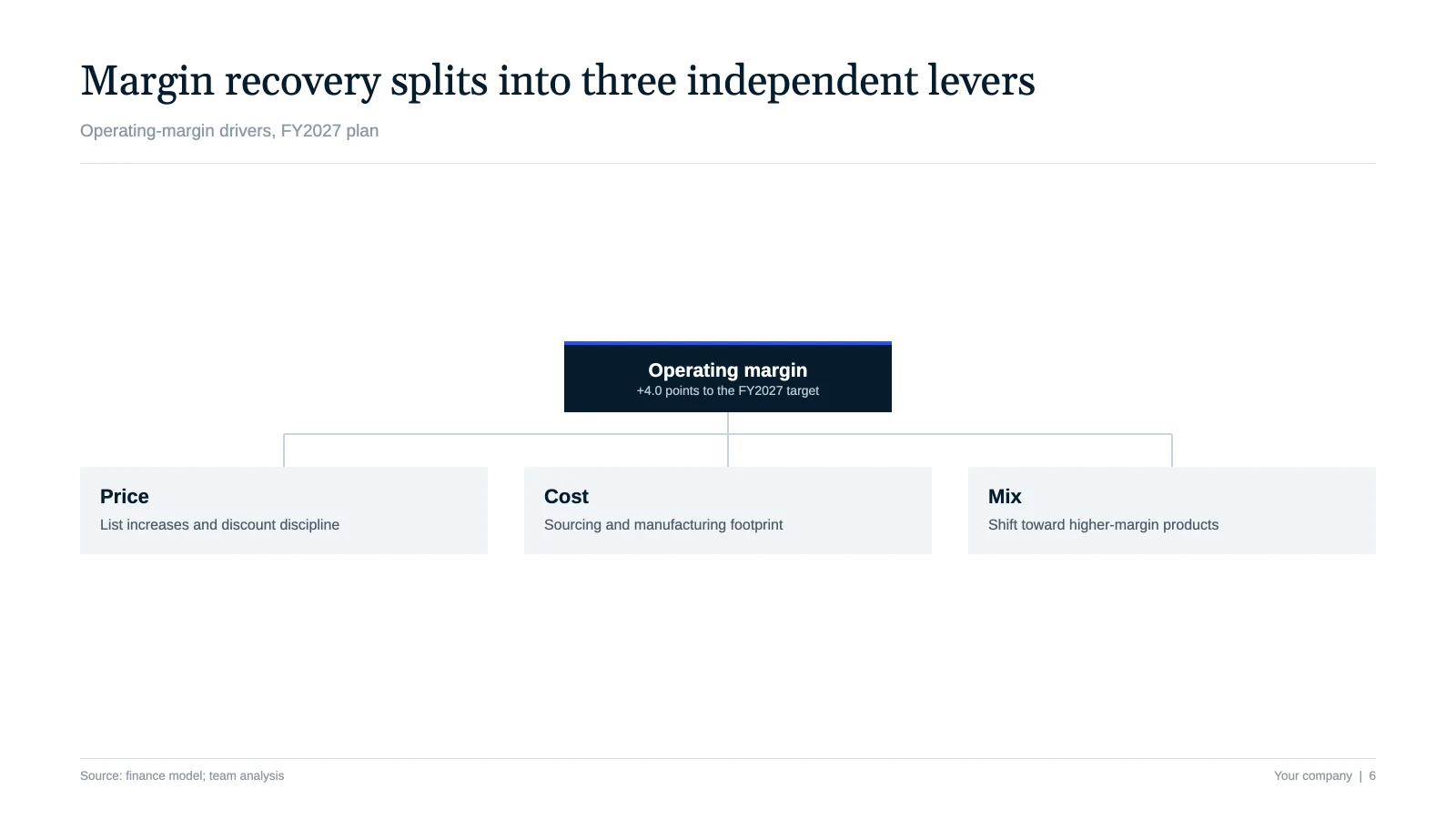
Each slide carries a single message. The supporting points underneath are MECE: mutually exclusive, collectively exhaustive. They do not overlap, and together they cover the whole question with no gaps.
Prompt: Limit each slide to one message stated in the title. Structure the supporting points as a MECE list so they do not overlap and together cover the full question.
4. Charts that point, not decorate
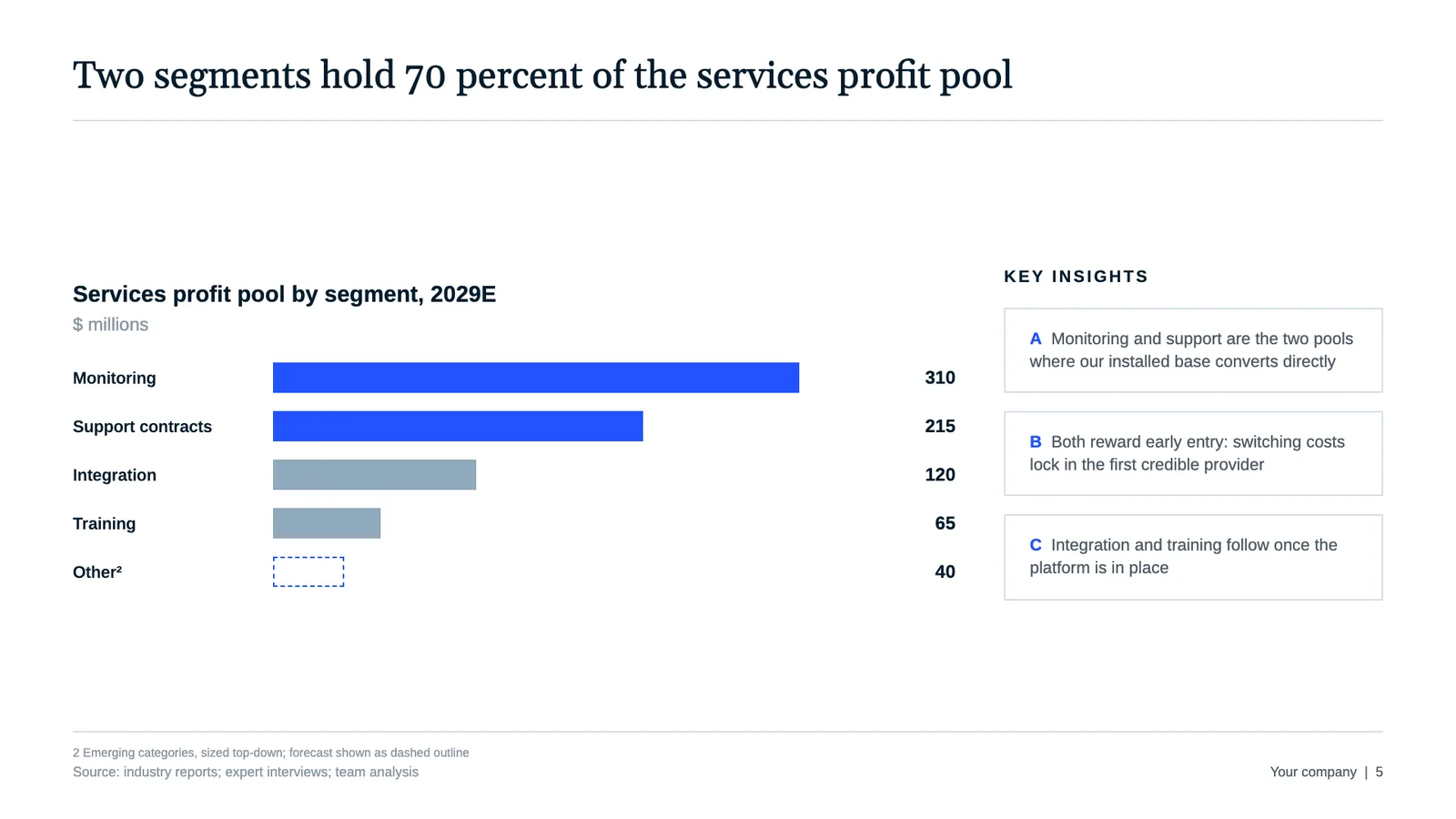
A consulting chart argues a point. Gridlines, legends, and 3D effects come out. Series get labeled directly, the one number that matters takes the accent color, and everything else fades to gray.
Prompt: For every chart, drop the gridlines and legend, label each series directly on the bar or line, and color only the data point that proves the title. Mute the rest in gray.
5. The signature frameworks
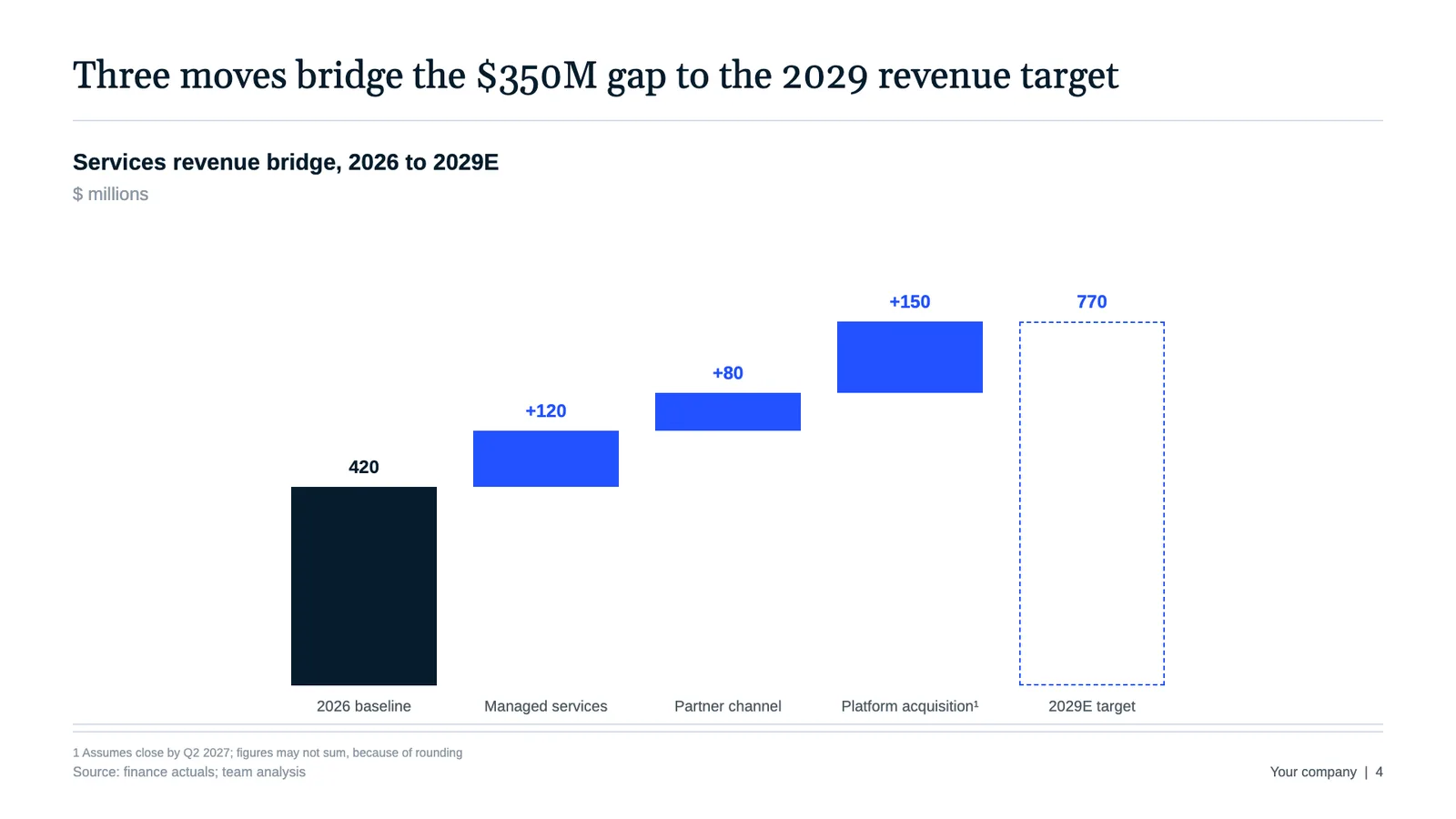
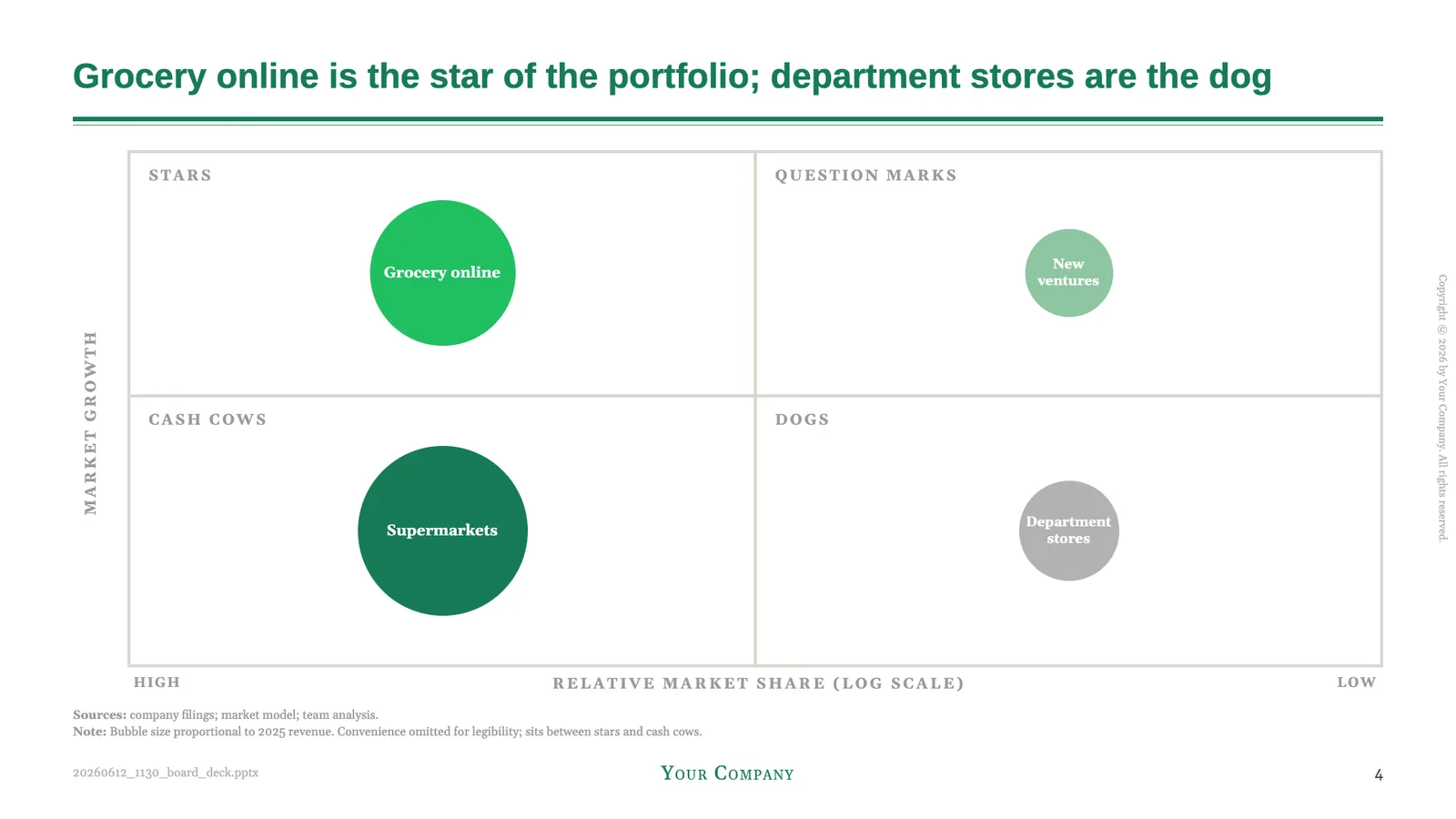
Two visual devices show up again and again: the waterfall bridge that explains a change from one number to another, and the growth-share 2×2, the matrix BCG made famous, that maps a portfolio. Both turn a table into an argument.
Prompt (bridge): Show the move from last year to this year as a waterfall: a baseline bar, gains in the accent color, losses in gray, ending in the new total.
Prompt (matrix): Plot the portfolio on a 2×2 growth-share matrix, market growth against relative share, each unit a bubble sized by revenue, with the four quadrants labeled.
6. Owner-dated next steps and sourced footers
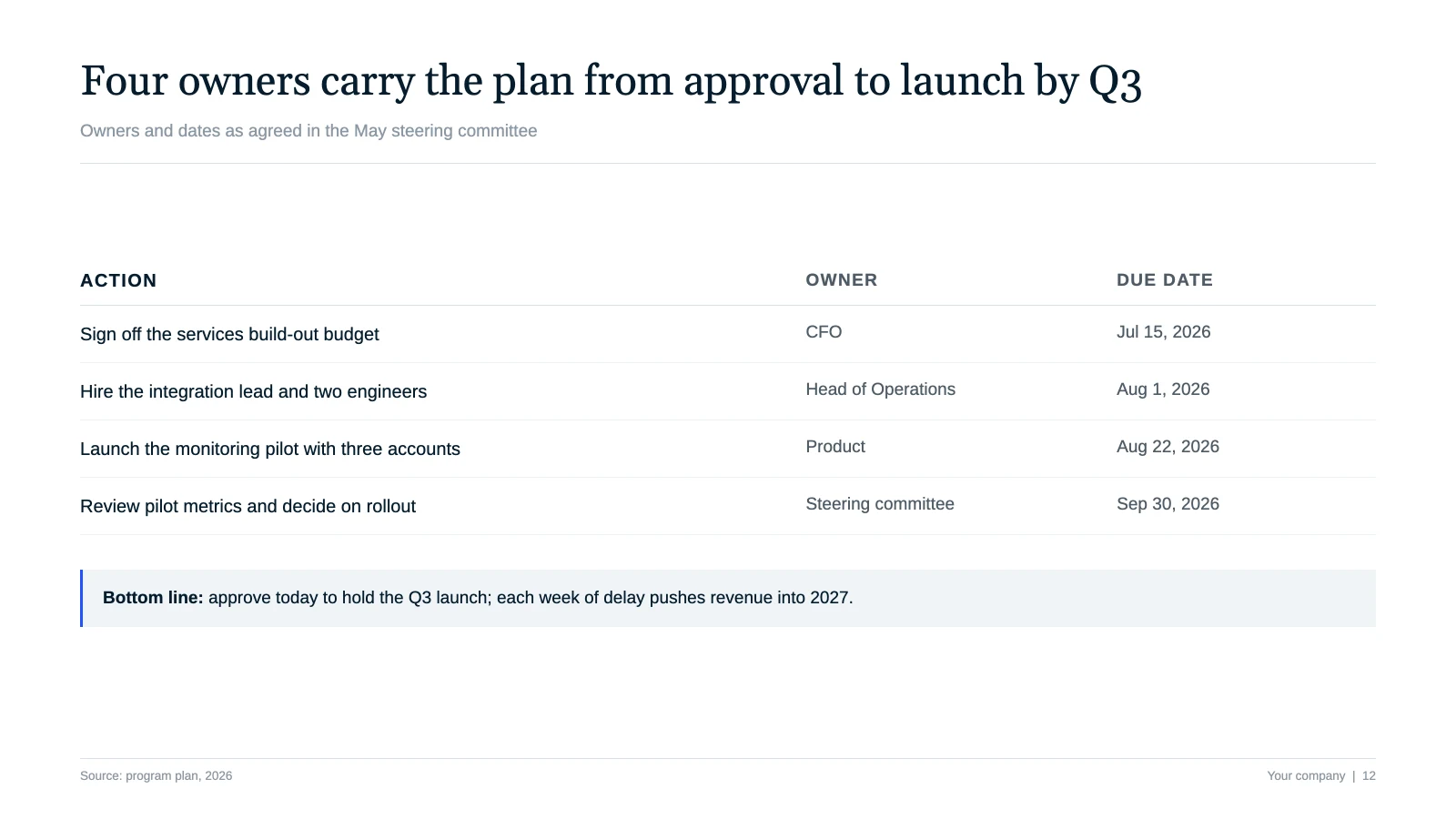
A consulting deck closes with a decision, not a summary. The last slide lists actions, owners and dates, and every data slide carries a small source line so the numbers are defensible.
Prompt: End with a next-steps slide as a three-column table: action, owner, due date. Add a small source line to every data slide, such as "Source: company data, 2026."
The four consulting house styles
Each style below is a free, copy-paste design prompt. Open it, copy the prompt, and your AI builds a deck in that visual language. All four are unofficial homages, not affiliated with the firms.
McKinsey Style: answer first, always
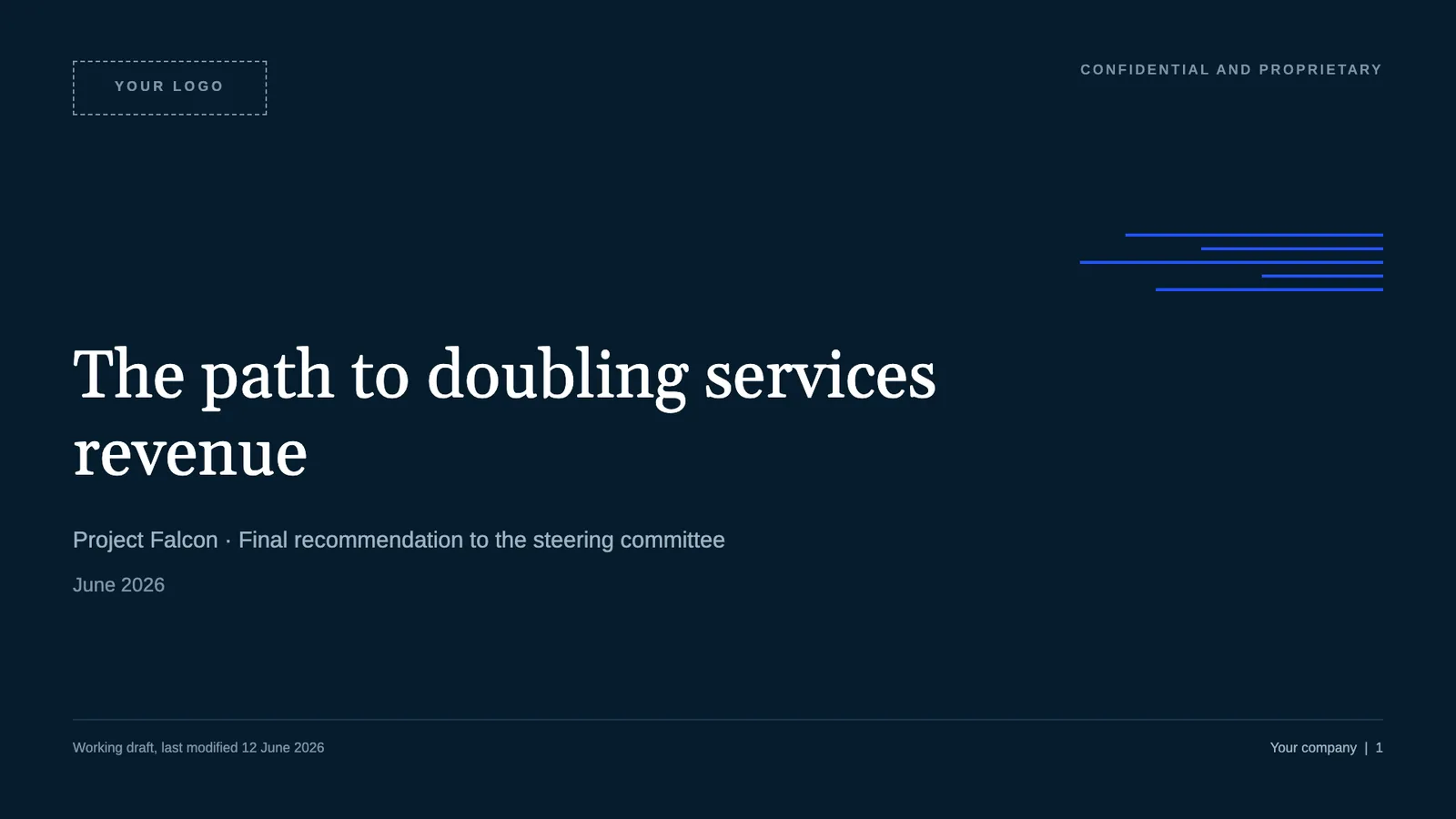
Deep navy and electric blue, serif action titles, a section tracker, and waterfall bridges. Built for M&A, strategy and board recommendations that need to look audit-ready.
Build it: Copy the free McKinsey Style prompt.
BCG Style: strategy lives in a 2×2
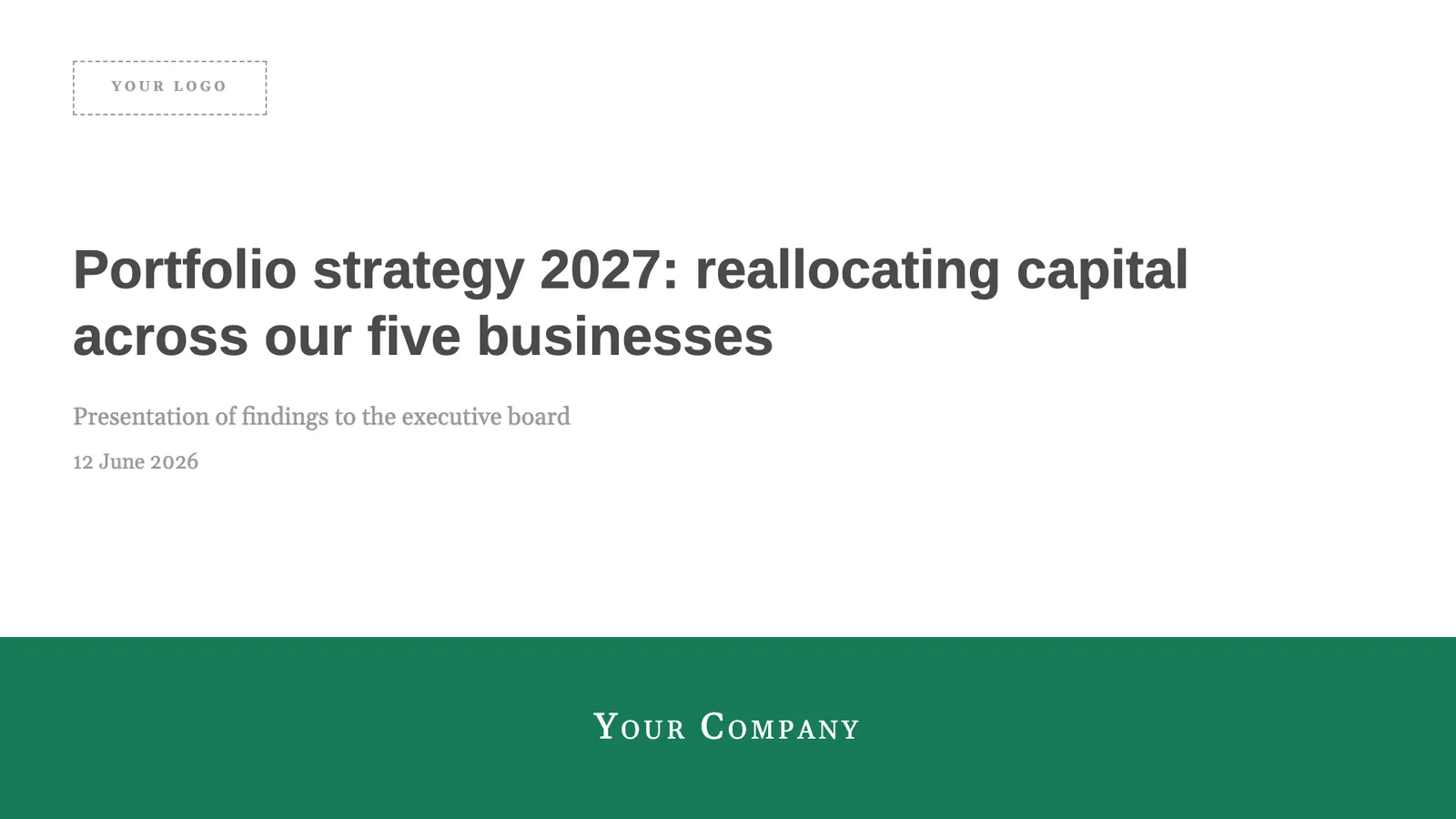
Green action titles over a double rule, an agenda tracker, and the growth-share matrix with stars and dogs. Built for portfolio strategy and competitive reviews.
Build it: Copy the free BCG Style prompt.
Deloitte Style: black, white and one green dot
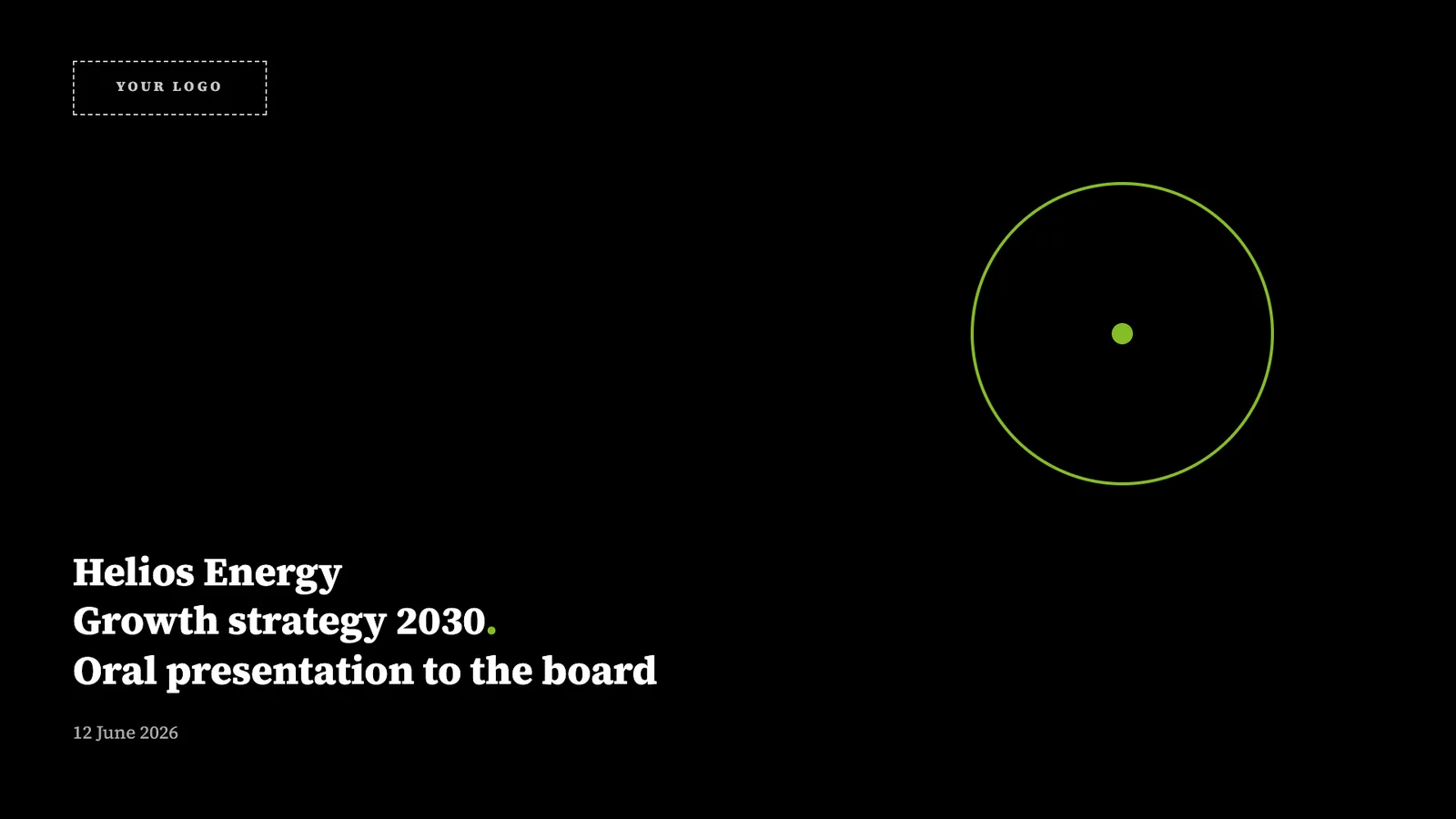
A black cover, two-tier headlines, figure cards and bumper takeaway boxes. Built for advisory work and board papers modeled on Big Four conventions.
Build it: Copy the free Deloitte Style prompt.
PwC Style: serif headlines, five warm colors
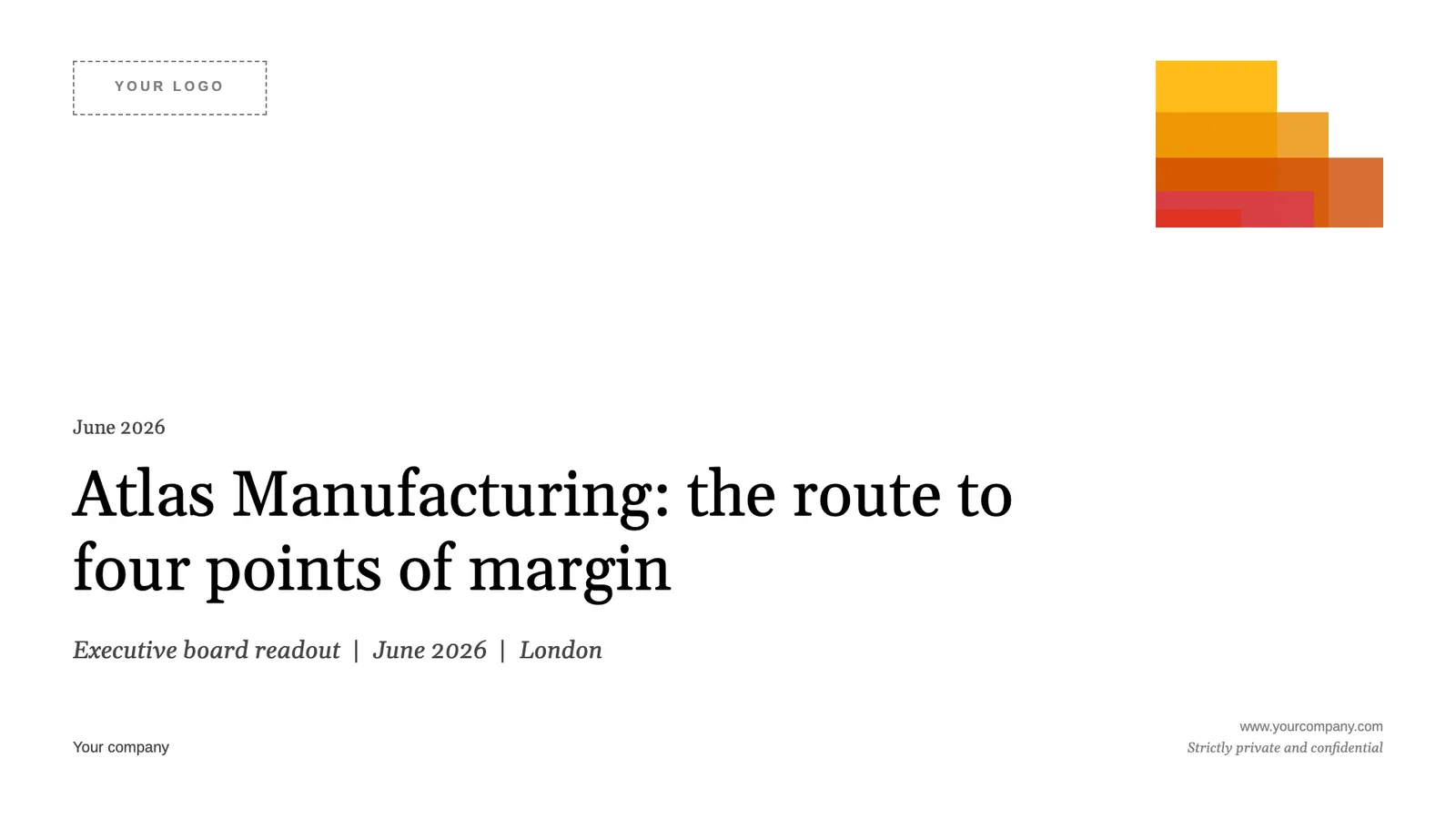
Sentence-case serif headlines, the five warm colors, and a fanned mosaic cover. Built for client-facing advisory readouts that need formal credibility.
Build it: Copy the free PwC Style prompt.
Browse all four in the finance and consulting design library.
How to build a full consulting deck with AI
Three steps take you from a blank slide to a styled deck:
- Pick the house style that fits your firm or your client.
- Copy its prompt. Each one fixes the palette, the fonts, and the conventions above.
- Paste it into ChatGPT or Claude with your content, or generate and export the deck in SlideSpeak as PowerPoint or PDF.
The prompt carries the conventions. You bring the analysis.
Consulting slides FAQ
How do I get consulting-style slides from ChatGPT?
Give ChatGPT a design prompt that fixes the rules: action titles, one message per slide, direct-labeled charts, and a navy or green palette. The four prompts above do this for you, so you paste one in with your content and let the model design.
Is there a McKinsey presentation template?
These prompts work like a template: each one fixes the palette, fonts and layout, so ChatGPT, Claude or SlideSpeak applies the house style to your content. You skip the static .pptx and keep your own numbers.
What is an action title?
An action title states the slide's conclusion in a full sentence, like "Margins expanded as freight costs fell," instead of a label like "Margins." It lets a reader follow the argument from the titles alone.
What is the MECE principle?
MECE means mutually exclusive, collectively exhaustive. Your points should not overlap, and together they should cover the whole question with no gaps and no double-counting.
Are these themes affiliated with McKinsey, BCG, Deloitte or PwC?
No. They are unofficial homages to each firm's well-known visual style, built for learning and inspiration. They are not affiliated with or endorsed by any of the firms.
Can AI build a McKinsey-style deck end to end?
Yes. With a clear design prompt, ChatGPT, Claude and SlideSpeak can produce a styled consulting deck from your content and export it to PowerPoint. The prompt handles the conventions while you supply the numbers.
Start with a style
You do not need a consulting background to ship a deck that reads like one. Browse the consulting design library, copy the house style that fits, and build your deck in SlideSpeak.


