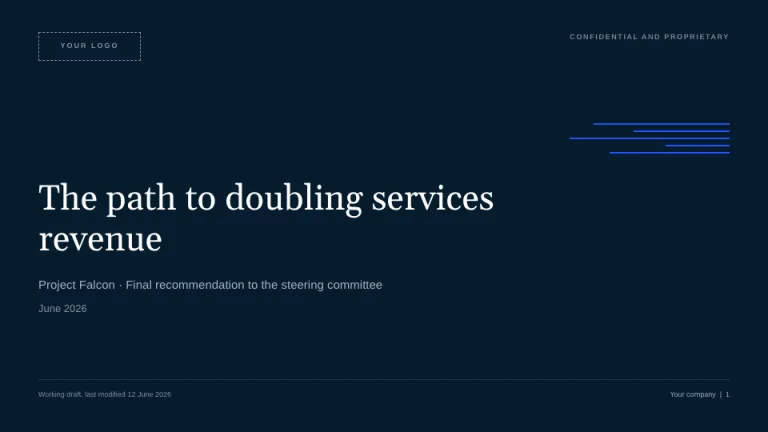
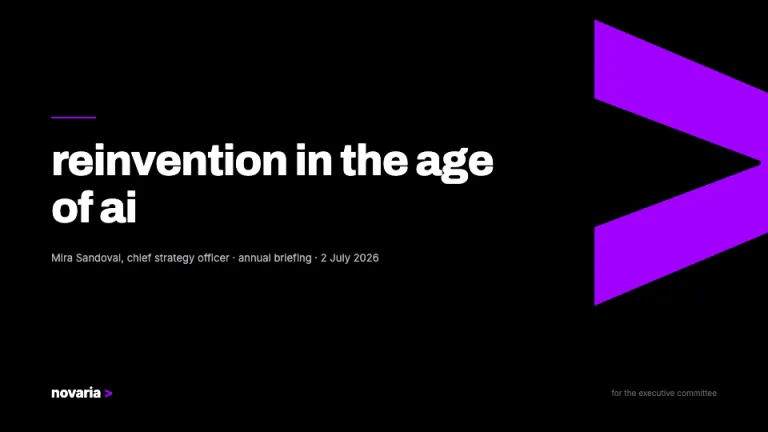
About this design
Where the KPMG Style style comes from, and what it signals.
KPMG Style borrows the publicly visible conventions of KPMG's reports and briefing decks: a strict corporate blue, condensed grotesque headlines over hairline rules, tables stripped of every decoration, and the 'Document classification' footer line that marks real audit paperwork. It is an unofficial homage with no affiliation, endorsement, or connection to KPMG International Limited or any KPMG member firm.
Headlines are set in Barlow Condensed SemiBold in KPMG Blue #00338d; everything else is Arimo, with body copy in #333940 and captions in #697280. The chart ladder runs #00338d, #005eb8, #0091da in strict order, with teal #00a3a1 reserved for a fourth series or a single favourable accent. Geometry stays hard-edged throughout: no rounded corners, no shadows, and separation handled by 1px #d8dfe9 hairlines and flat #f4f6fa panels.
This is the register for audit committee packs, board reporting and advisory proposals, work that has to read as measured rather than persuasive. The exhibit the whole theme is built around is the understated financials table: hairline horizontals only, right-aligned numerals, and a 2px blue rule closing the totals row.
Use it for
- Audit committee briefings and board reporting packs
- Half-year and full-year results reviews with variance tables
- Risk, compliance and internal audit reports
- Advisory and transformation proposals for finance leadership
- Due diligence summaries that need a restrained, factual register
Skip it for
- Startup fundraising pitches; the audit register reads as caution where investors want momentum, so use Demo Day instead
- Playful marketing or campaign decks; the palette allows no warmth, and Bubblegum is the better fit
- Creative or portfolio work; hard rectangles and hairlines flatten visual storytelling, so look at Lookbook
The presentation design prompt
This is the exact text that gets sent to your AI.
Create a presentation in the 'KPMG Style' theme, an unofficial homage to the audit and advisory deck tradition. Background: white (#ffffff). Typography: headlines in 'Barlow Condensed' SemiBold, everything else in 'Arimo' (both Google Fonts); body copy 14 to 15px #333940, never blue; captions and sources 10 to 11px #697280. The signature header: an uppercase Arimo 11px kicker, 0.08em letter-spacing, light blue (#0091da), then a declarative headline in Barlow Condensed 30 to 34px, sentence case, KPMG blue (#00338d), top-left, closed by a full-width 1px #d8dfe9 hairline plus 32px clear space. Geometry is hard-edged: zero border-radius, no drop shadows; separation is 1px #d8dfe9 hairlines and flat #f4f6fa panels inside 48px slide padding. The blue ladder is strict: #00338d first, #005eb8 second, #0091da third, teal #00a3a1 only as a fourth series or lone positive accent. Title slide: a 6px #00338d top bar, kicker, a 54px two-line title, a 16px #697280 subtitle, and a bottom hairline row with date, classification and a square #00338d monogram block. Agenda items number 01, 02, 03 in Barlow Condensed 22px #0091da between hairline rows, descriptions 13px #697280. The signature exhibit is the understated table: white rows split by hairline horizontals only, a #00338d header row in white 12px Arimo Bold, right-aligned numerals, a bold totals row closed by a 2px #00338d rule; favourable variances in #00a3a1, unfavourable in #697280, never red. Charts carry one message each: solid bars in #00338d, #005eb8 and #0091da, no gridlines, direct Arimo 12px value labels at bar ends, axis labels #697280. Framework slides use equal flat white rectangles with 1px #d8dfe9 borders and 4px top edges stepping down the ladder; key stats sit on #e6ecf6 chips with a 3px #00338d left edge in Barlow Condensed 40 to 56px. Every content slide footer: a 1px #d8dfe9 rule 40px from the bottom, 'Document classification: Public' left, page number right, 9px #697280. Section dividers and the closing slide flood the canvas with solid #00338d, oversized white Barlow Condensed type above a thin #0091da rule. Strictly avoid: rounded corners, pill buttons or drop shadows; warm or rainbow chart palettes; zebra-striped or vertically ruled tables; gradients, glassmorphism or background photos; blue body copy or all-caps paragraphs; the actual KPMG logo, four-square mark or 'Cutting through complexity' tagline; charts with legends, gridlines or 3D effects; centered layouts and script or serif display fonts; red as a negative-variance color; claiming affiliation with KPMG International Limited or any KPMG member firm.

Use this theme for my slides. Ask me what the presentation is about first, then apply the theme to every slide.
View this prompt and its data on GitHub
How to use this prompt
From copied text to a finished KPMG Style deck in four moves.
- 01
Copy the prompt
Use the copy button, or open it pre-filled in Claude or ChatGPT with one click from the panel on this page.
- 02
Tell the AI your topic
The prompt instructs the AI to ask what your presentation is about first. A sentence or a pasted outline is enough.
- 03
Generate and iterate
Ask for more slides or swap a layout. The avoid list at the end of the prompt keeps KPMG Style on-style while the content changes.
- 04
Or skip straight to a deck
SlideSpeak turns your topic or document into a finished KPMG Style presentation, exportable as PowerPoint or PDF.
Common questions
Working with the KPMG Style presentation design prompt in practice.