Upload a PowerPoint, PDF, Word file or spreadsheet, paste a link, or describe the idea. You approve the outline, then SlideSpeak builds a deck you can open in PowerPoint and edit.
Trusted by design-forward teams





Bring a file you already have, paste a link, or describe the idea. Every route produces the same editable presentation.
Upload a PPTX and keep working on it. Restructure it, restyle it, or cut eighty slides down to the ten that matter.
Upload a whitepaper, a report or a scanned handout. SlideSpeak pulls out the argument and builds the slides around it.
Turn a proposal, a lesson plan or a policy into a deck. SlideSpeak takes your headings as the structure and builds slides from what sits under them.
Upload the workbook and SlideSpeak builds charts and tables from your numbers, native on the slide and still editable.
Paste a URL and SlideSpeak builds a deck from the page. Handy for competitor teardowns, product overviews and briefings.
Describe the topic in a sentence. SlideSpeak drafts the outline first, so you fix the structure before any slides get generated.
Three steps. You see the outline before any slides get built, and you own the file afterwards.
Paste a prompt or outline, or upload a PDF, Word, or Excel file.
The AI structures your content, writes each slide, and adds matching visuals.
Refine anything in the editor, then export to PowerPoint, PDF, or Google Slides.
Generating the text is easy. Getting it to sit right on the slide is the hard part.
Every slide is rendered and measured for overlapping text, overflow and clipped labels, then repaired before you see it.
See the structure before any slides exist. Reorder it, cut sections and rewrite headings first.
Spreadsheet numbers become native charts on the slide. Click one in PowerPoint and the data is still there.
Upload your template and the deck is generated into it: your fonts, palette and logo on every slide.
Every element stays selectable in our editor and in PowerPoint. Fix a headline without rebuilding the slide.
Visuals are picked against what each slide actually says, and generated when nothing suitable exists.
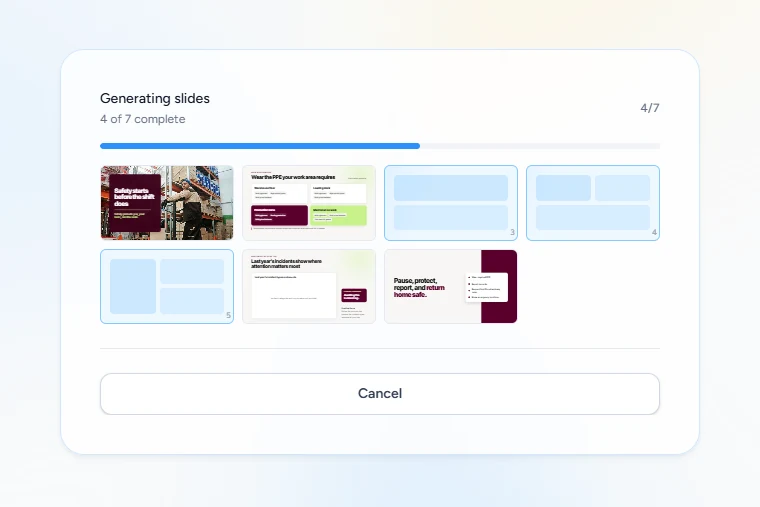
With SlideSpeak AI 5.0, now rolling out, you choose a design before you generate. The slides then appear one by one in a live preview, so you see the deck take shape instead of waiting for a finished file.
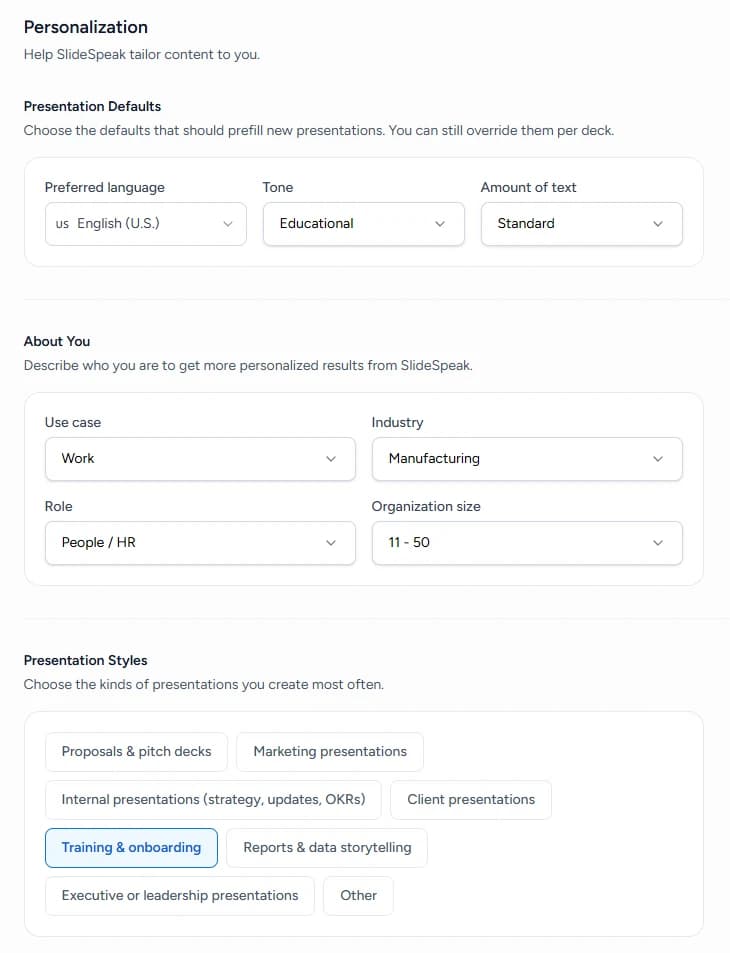
Set your default language, tone and amount of text once, and tell SlideSpeak the kinds of presentations you make. Every new deck starts from them, and you can still change them per deck.
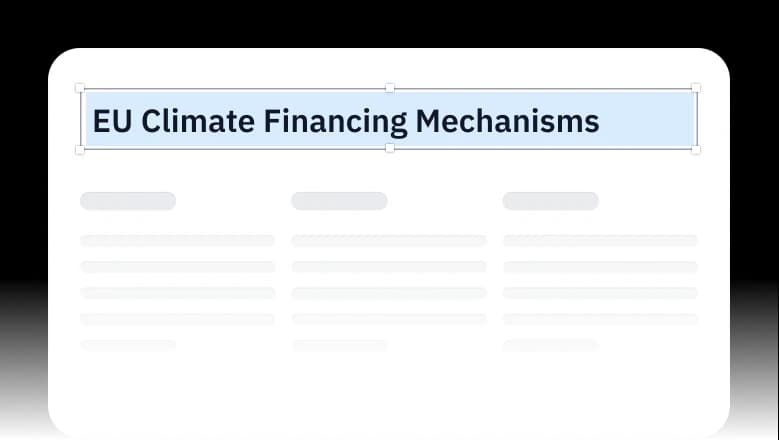
You download a .pptx and open it in PowerPoint. Nothing is locked to our site, and you don't need our app to edit it later.
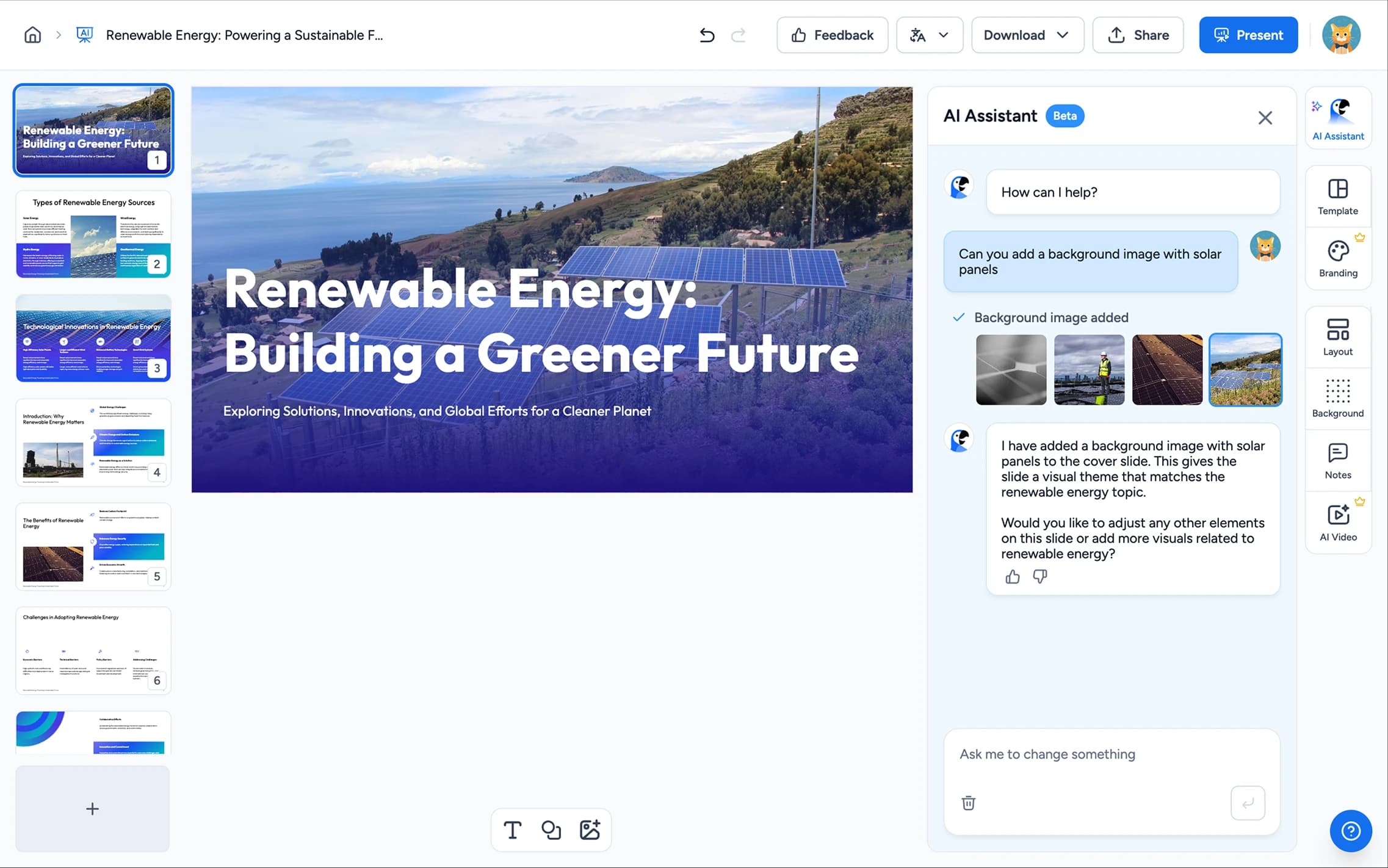
The generated deck opens straight in the editor. Rewrite text, move elements, swap layouts and charts, or ask the assistant to redo a slide.
An AI presentation platform that turns ideas, PDFs, Word, and Excel files into ready-to-present slides.