
8 Best PopAI Alternatives That Actually Export a Clean Deck
Written by

Published on
On this page
PopAI is an all-in-one AI assistant that chats, reads documents, and generates slide decks as one of its features. In this post I compare the 8 best PopAI alternatives on export quality, features, and pricing.
Most people don’t leave PopAI because the writing is bad. They leave at the end, when the deck is finished and has to become a file someone else can open, edit, and present. That is the step PopAI charges for, and where its formatting problems show up.
Here are the eight PopAI alternatives worth moving to.
| Tool | Best at | Editable PPTX export | Free plan | Paid from |
|---|---|---|---|---|
| Plus AI | Never leaving PowerPoint or Slides | Not needed, you are already in the file | No, 7-day trial | $10/user/mo, billed annually |
| Gamma | Exporting without paying first | Yes, on the free plan | Yes, 400 credits | $10/user/mo, billed annually |
| SlideSpeak | Turning existing documents into decks | Yes, on paid plans | Yes, 100 credits | $29/mo |
| Presentations.AI | Export on every tier | Yes, all tiers | Yes, 100 credits/year | $20/mo |
| Canva | Template range and brand assets | Yes | Yes | $120/year |
| Visme | Brand control and asset library | Only on Pro | Yes, but no PPTX | $12.25/mo |
| Beautiful.ai | Layouts that fix themselves | Team plan only | No, 14-day trial | $12/mo |
| Prezi | Live, non-linear talks | No PPTX export at all | No, 14-day trial | $7/mo |
8 best PopAI alternatives
These PopAI alternatives are ranked by one thing: how cleanly the finished deck leaves the tool.
1. Plus AI
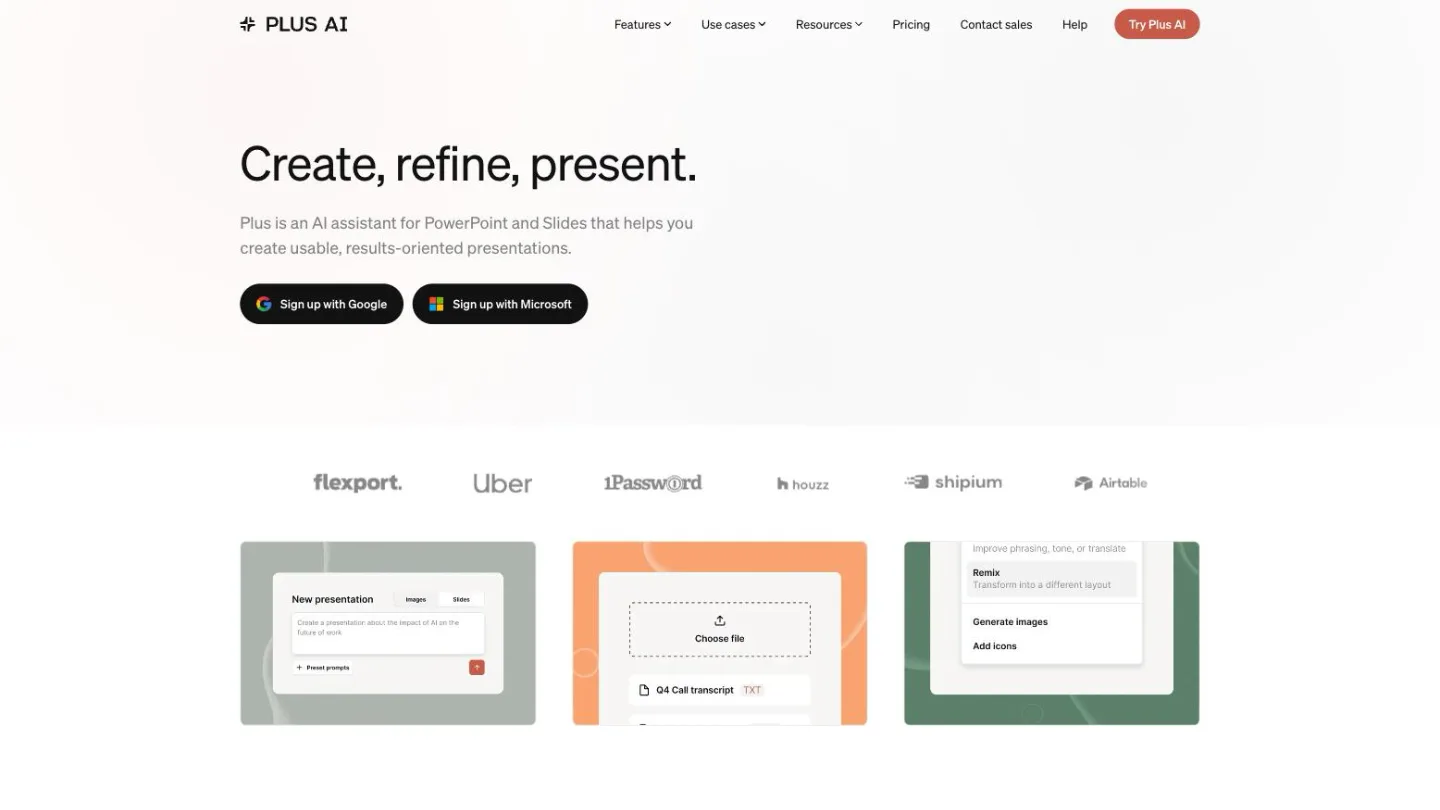
Generates and edits presentations inside Google Slides and PowerPoint rather than in its own app.
Best for: teams already living in Slides or PowerPoint.
You install Plus AI as an add-on, and the deck it builds is a native Google Slides or PowerPoint file from the first slide. There is no “export” button because there is nothing to export from.
Top feature: it removes the export step entirely.
- Rewrites and restyles individual slides in place, so you can fix one slide without regenerating the deck
- Works with your existing company template rather than replacing it
- Editing continues in Slides or PowerPoint, so nobody you share with needs an account
Pros: no format conversion, so nothing can break in translation. Your collaborators need no new tool.
Cons: no free plan, only a 7-day trial, and it is only useful if you already use Google or Microsoft.
Pricing: Basic $10/user/month billed annually ($15 monthly), Pro $20 ($25 monthly), Team $30 ($40 monthly). The 7-day trial includes 1,000 AI credits and is new customers only.
2. Gamma
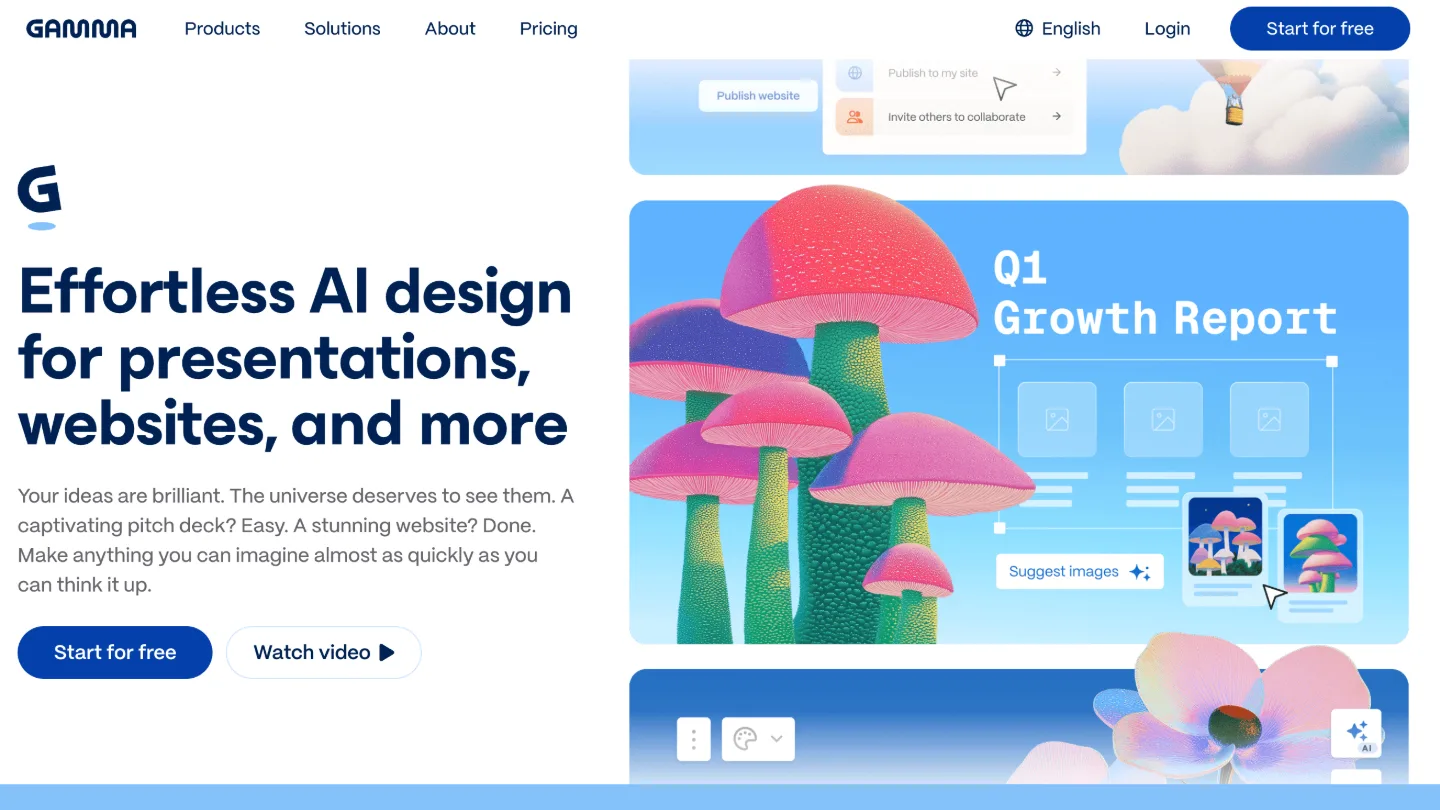
Generates presentations, documents, and web pages from a prompt, with a card-based editor instead of a slide canvas.
Best for: anyone who wants to export something real without paying first.
You give it a prompt or paste in text, and it builds a deck you edit as stacked blocks. Gamma is the PopAI alternative most people name first, and the free plan is the reason.
Top feature: export to PDF, PPTX, PNG, and Google Slides is included on the free plan, which is the exact thing PopAI charges for.
- 400 credits at signup, no credit card
- Up to 10 slides per prompt free, 100 on Plus
- Imports from PDF and PPTX, so you can bring existing decks in
Pros: the best-looking default output here, and you can get a real file out on day one.
Cons: it is built web-first, so a Gamma deck exported to PowerPoint will not always match what you saw in the browser.
Pricing: Free; Plus $10/user/month and Pro $20/user/month, both billed annually.
3. SlideSpeak
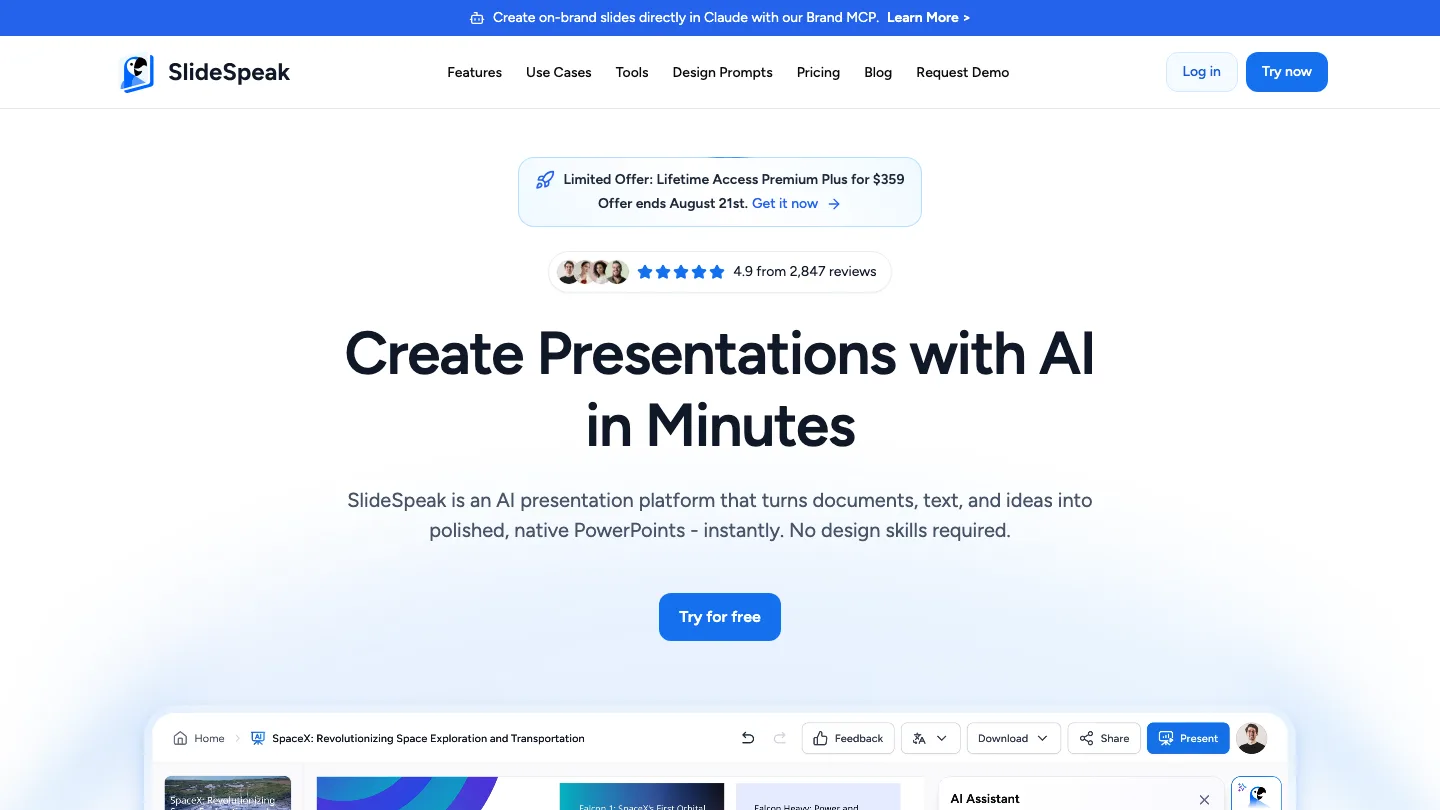
Turns documents you already have (PDFs, Word files, PowerPoints) into presentations, and answers questions about them.
Best for: people whose source material already exists as a document.
SlideSpeak addresses the workflow most PopAI users were already using: uploading a file rather than typing a prompt.
You upload the document, and it reads the whole thing before writing slides, so the deck follows the argument the document already makes. You can also chat with the file to pull out what matters before generating anything.
Top feature: document-to-deck as the primary path, not an afterthought bolted onto a prompt box.
Point it at a report or a proposal and it summarizes into slides rather than inventing structure from a one-line prompt. It supports 150+ languages and a 50 MB file size limit on the free plan. Paid plans export to PPTX and PDF.
Pros: best fit when the content already exists and you need it as slides. Free plan needs no credit card.
Cons: export is a paid feature, because the free plan shares online only.
Pricing: Free with 100 credits (about 3 presentations); paid plans from $29/month.
4. Presentations.AI
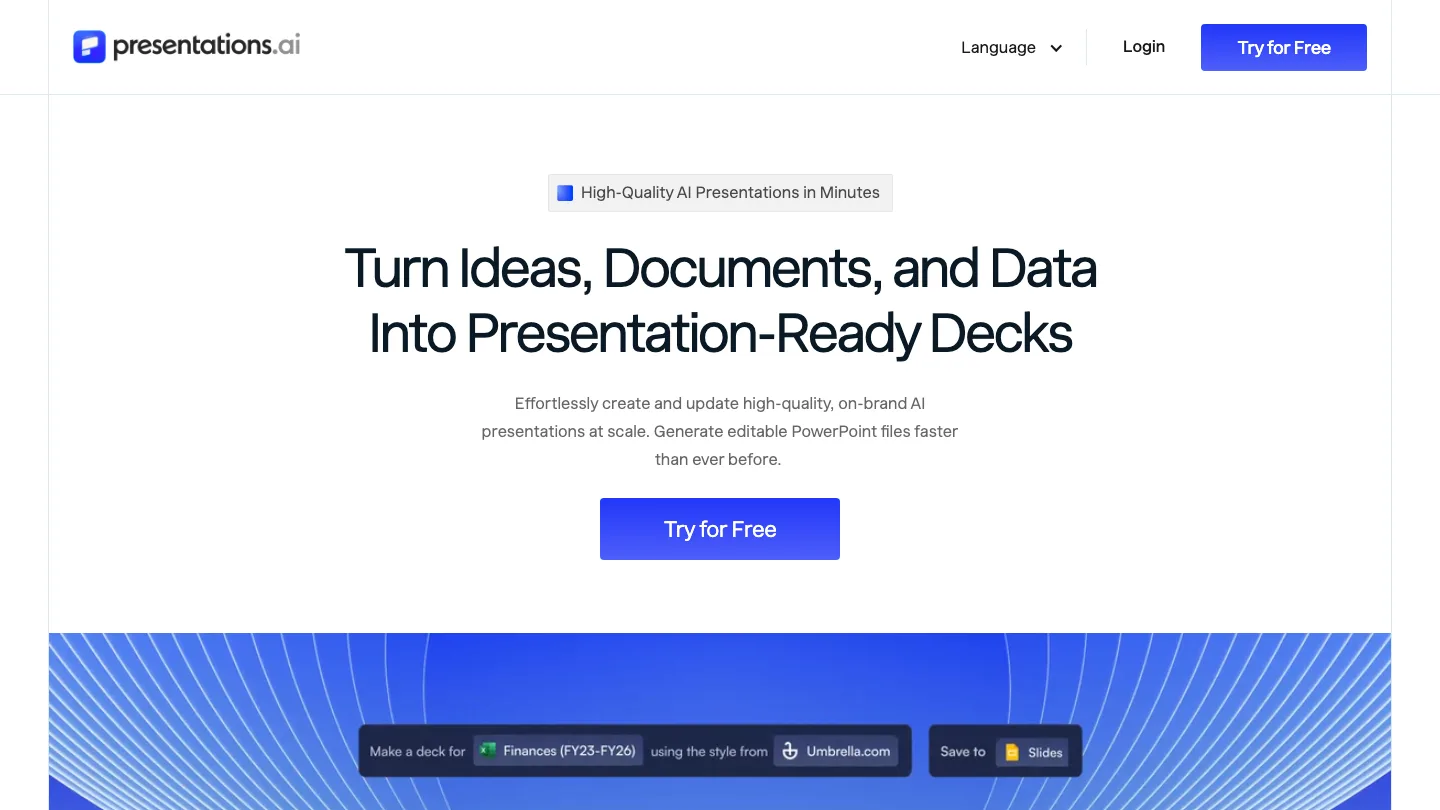
Generates decks from a prompt and keeps them on-brand.
Best for: people who want export on the free tier without a trial clock.
Presentations.AI is the most conventional generator here. You prompt, it builds, and you edit in a familiar slide view rather than a card stack or a canvas, which means less to relearn if you are coming from PowerPoint.
Top feature: PowerPoint and PDF export on every tier, including the free one. Most tools treat export as the thing worth charging for, and this one does not.
- 100 AI credits per year free, capped at 20 slides per deck
- Advanced AI models on Pro, frontier models on Gold
- No credit card needed to start
Pros: you can test the full round trip, export included, before paying anything. That makes it the cheapest way to check whether an AI generator suits you at all.
Cons: the free allowance is annual rather than monthly, so 100 credits is all you get for the year. The 20-slide cap also rules out longer decks.
Pricing: Free; Pro $20/month; Gold $100/month.
5. Canva
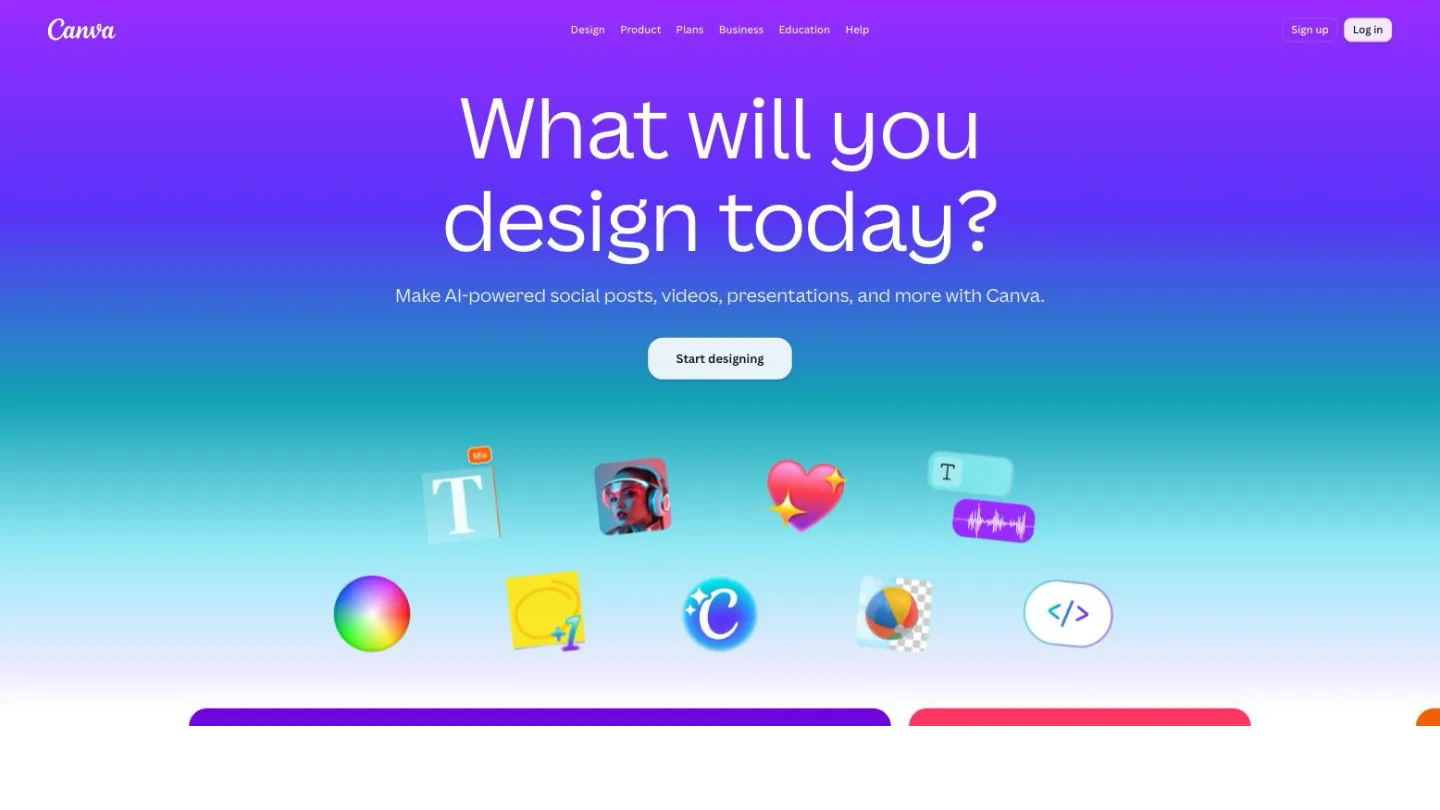
A general design tool with presentations as one of many document types, plus an enormous template and asset library.
Best for: decks that need brand assets, images, and print output in one place.
If your presentation problem is a design problem, Canva has more raw material than everything else here combined. You are unlikely to need a stock photo, icon, or chart style it does not already have.
Top feature: 1.6 million templates on the free plan alone, rising to 3.6 million on Pro.
- 4.7 million free photos, videos, graphics, and audio
- Brand Kit for colors and fonts, with 1 kit free and 5 on Pro
- Real-time collaboration and commenting
Pros: the widest template and asset range of any tool here, and a free tier worth using.
Cons: presentations are one feature among hundreds, so the AI generation is less focused than a dedicated tool.
Pricing: Free; Pro $120/year; Business $185/year per person.
6. Visme
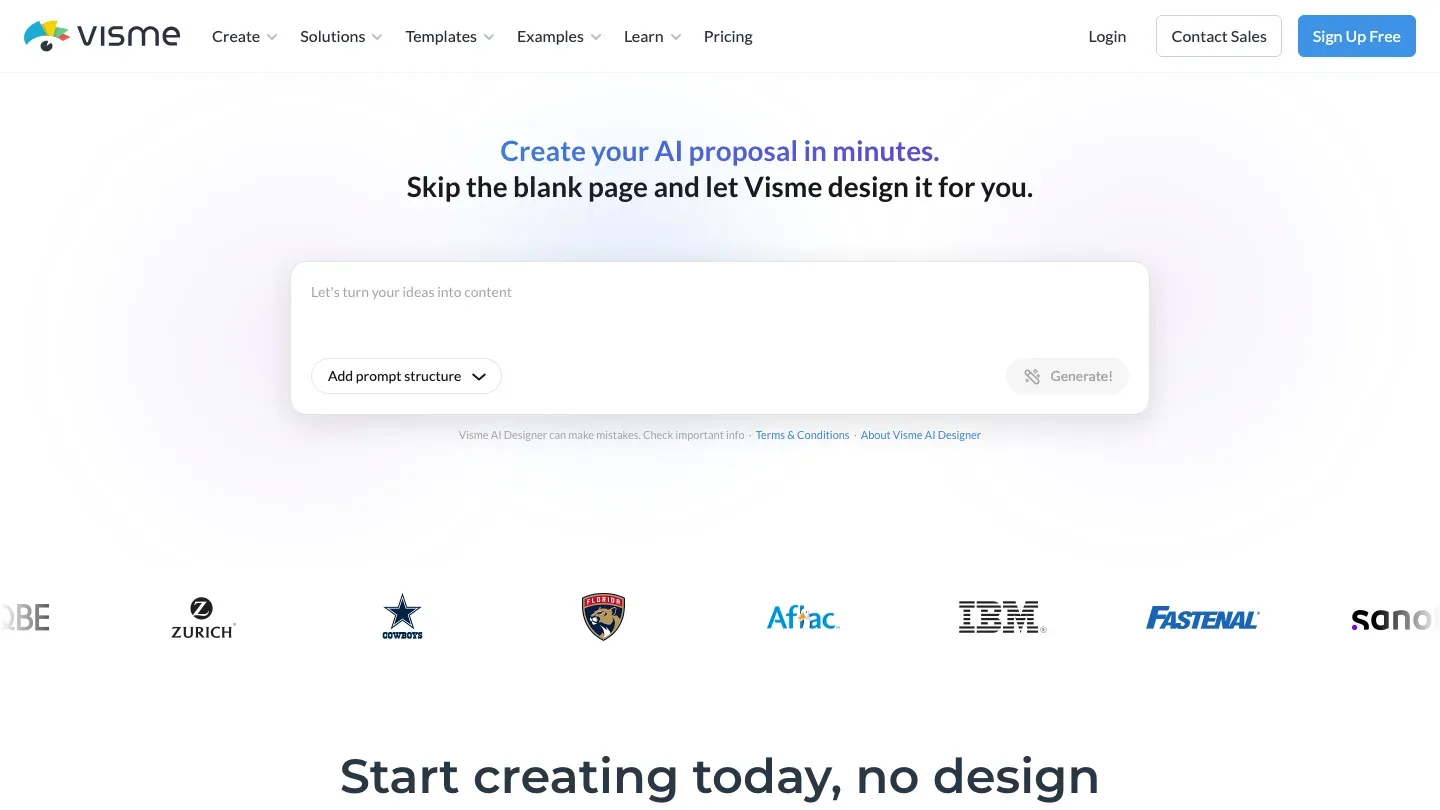
A design platform for presentations, infographics, and reports, built around brand consistency.
Best for: marketing teams that need every deck on-brand.
Visme sits between Canva and a dedicated presentation tool, with a Brand Wizard that applies your colors and fonts across everything you make. If several people build decks that all have to look the same, that is the feature you are paying for.
Top feature: the tightest brand controls here, which matters when several people build decks that all have to match.
- Brand Kit, analytics, and privacy controls on Pro
- Large library of icons, illustrations, and stock photos
- 50 slides per project on the free plan
Pros: strong brand governance, and more chart and data-visualization options than most.
Cons: Visme’s export rules are the most restrictive here. The free plan does no PPTX at all, Starter exports PPTX that is not editable, and editable PPTX starts at Pro.
Pricing: Free; Starter $12.25/month; Pro $24.75/month.
7. Beautiful.ai
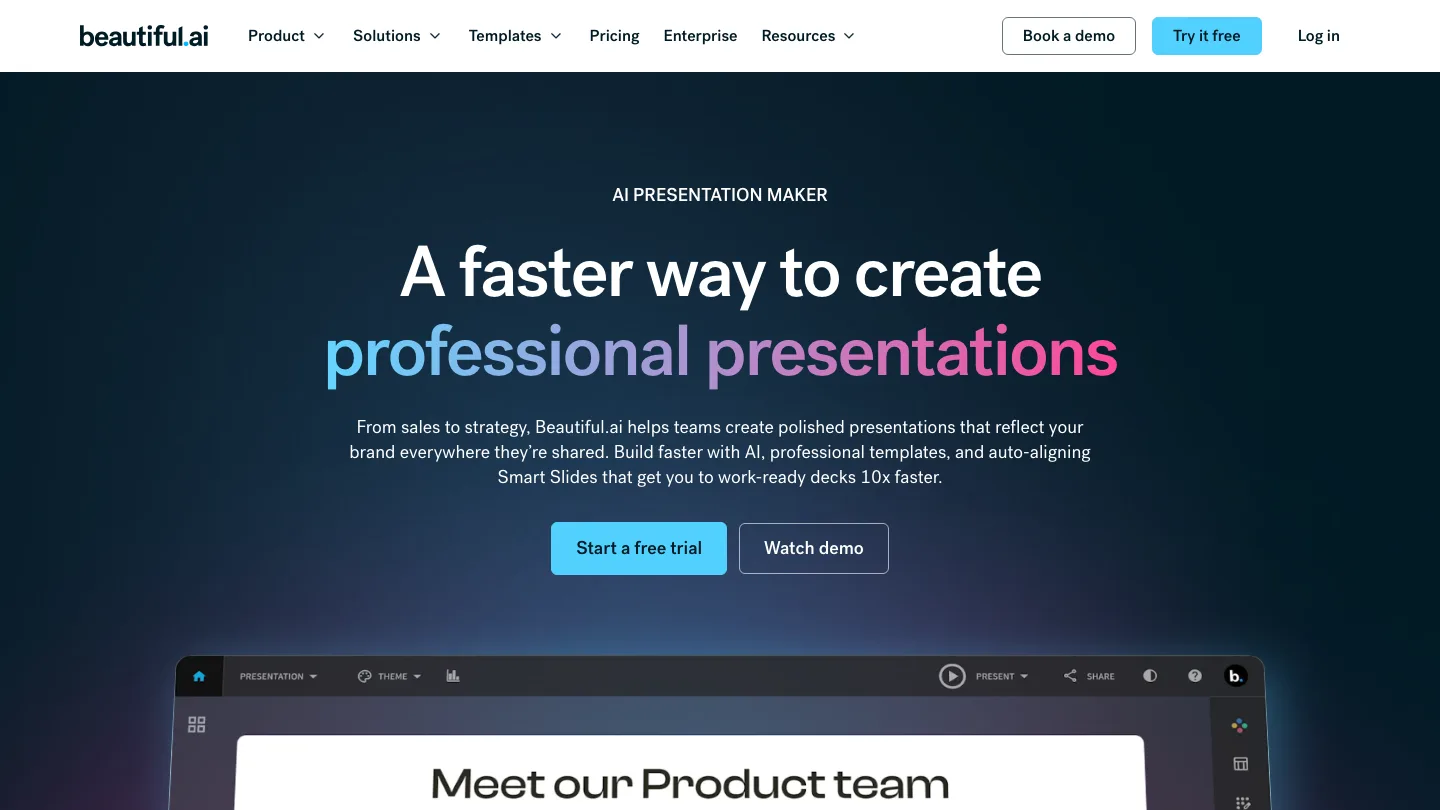
Builds slides from smart templates that re-arrange themselves as you add content.
Best for: people who want good layout without doing layout.
Add a fourth bullet and the slide rebalances on its own, rather than leaving you to nudge boxes until the spacing looks right. Our own testing rated Beautiful.ai above PopAI on both usability and design.
Top feature: layouts that adjust automatically, so a slide cannot easily be made ugly.
- Large library of smart slide templates
- Brand controls and shared team slide libraries
- PowerPoint import as well as export
Pros: consistently tidy output with little effort, and the design quality holds up.
Cons: editable PowerPoint export is a Team feature, so getting an editable file out starts at $40 per user per month. There is also no free plan, and the trial needs a credit card.
Pricing: No free plan; 14-day trial; Pro $12/month billed annually; Team $40/user/month billed annually.
8. Prezi
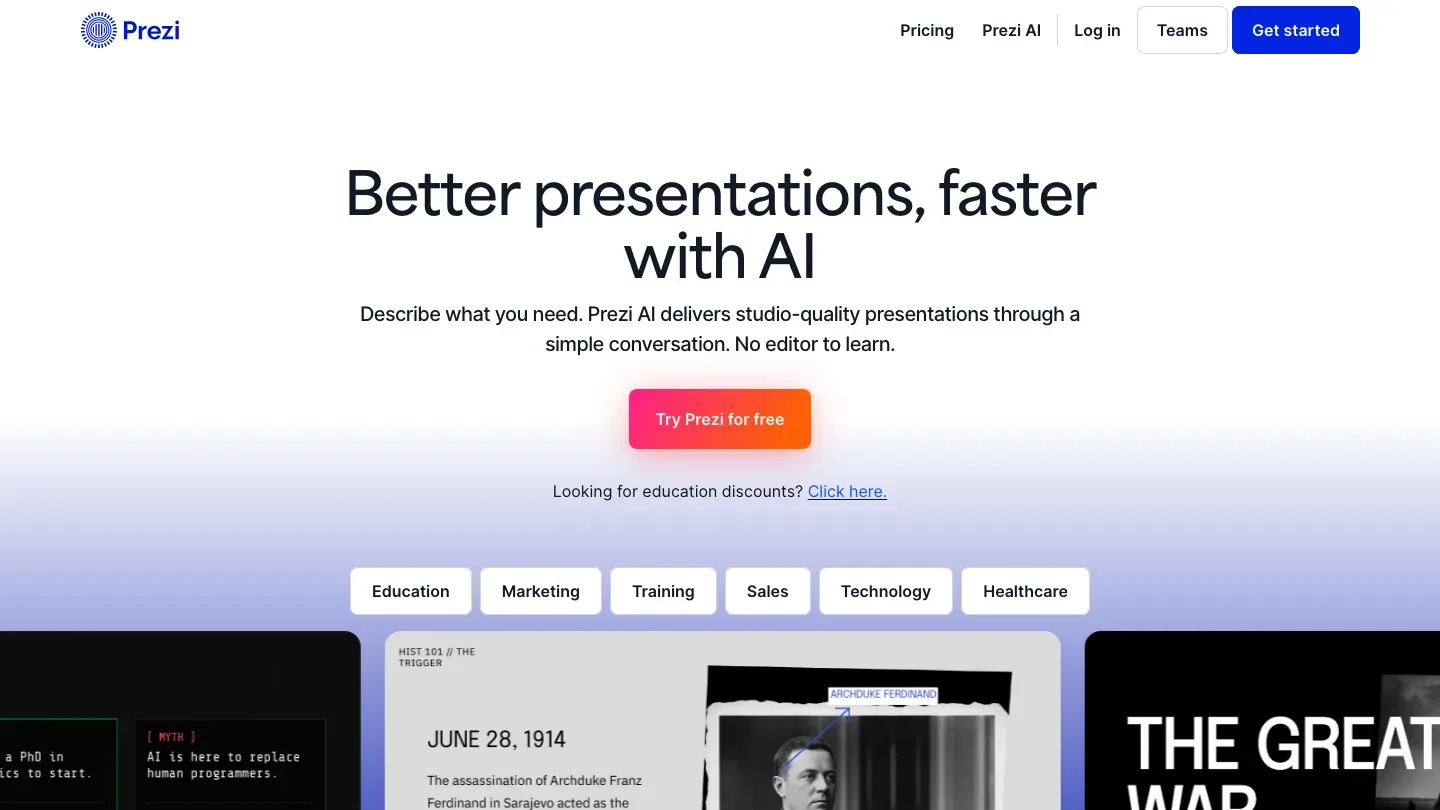
Presents on a single zooming canvas rather than a sequence of slides.
Best for: live talks where you move around a big picture.
Prezi is the one format here that is not a stack of slides. Instead of advancing through slides, you zoom between areas of one large canvas, which works well when you are in the room explaining something.
Top feature: the non-linear zooming canvas, which nothing else here offers. Be clear that you are buying a way to present, not a way to produce a file.
- Prezi AI for building out a canvas, with no usage limit on paid tiers
- A PowerPoint converter that imports your existing slides into Prezi
- Presenter view, presentation recording, and voice-over for live delivery
Pros: memorable for live presenting, and strong for teaching and sales narratives.
Cons: Prezi has no PowerPoint export at all. Its PowerPoint converter runs the other way, importing your slides into Prezi. Even PDF export is missing from the entry-level Standard plan, so the cheapest way to get a file out is $19 a month.
Pricing: No free plan; 14-day trial; Standard $7/month, Plus $19/month, Premium $29/month (as of March 2026).
Why people leave PopAI
PopAI’s free plan gives you 500 credits in total. That is roughly one presentation. Not one a month. One, and then you are done.
Exporting it costs extra. On PopAI’s own pricing page, “Full Presentation export as PPTX/PDF” sits in the Plus tier, alongside watermark removal. So on the free plan you can generate a deck, look at it in the browser, and not much else.
PopAI’s generation step is good. It asks for slide count, word length, target audience, and presentation type before it writes anything, which is more control up front than most AI tools offer.
The trouble starts after that. We have put PopAI head to head twice, against Gamma and against Beautiful.ai, and the same problem showed up both times: bugs, display errors, inconsistent formatting, and spelling mistakes. Those errors are survivable in a draft, not in front of a client. Both matchups are written up in Gamma vs PopAI and PopAI vs Beautiful.ai.
PopAI also publishes no prices. Its pricing page lists a Pro and an Unlimited plan with no figure on either.
What is the best PopAI alternative?
The best PopAI alternative for most people is Slidespeak or Gamma, because they are the only tool here that let you export a finished PPTX, PDF, PNG, or Google Slides file.
Two exceptions. If your team already works in Google Slides or PowerPoint, Plus AI builds the deck inside the file you were going to use anyway. If your content already exists as a document rather than a prompt, SlideSpeak reads the whole file before it writes a slide.
How to move your decks off PopAI
Export before you cancel, not after. The export you are paying for is the first thing you lose.
When the file lands, check three things. Is the text still real text you can click into and retype, or has it been flattened into an image? Are the slides proper 16:9 slides rather than one long scrolling page? Did the structure survive, meaning headings are still headings and bullets are still bullets?
If the answer to any of those is no, you have a picture of a presentation, not a presentation. Fix it now while you still have the source.
Then import into whichever PopAI alternative you picked. Gamma accepts PDF and PPTX directly. Plus AI needs nothing imported. For everything else, a clean PPTX is the safest thing to carry across.
Cancel last. PopAI keeps a cancellation entry in its own pricing FAQ, which is where to start.
How we compared these tools
I compared these PopAI alternatives on what comes out of them. For each one I read the vendor’s own pricing and feature pages and recorded whether it exports an editable PowerPoint file, which plan that export sits on, what the free tier allows, and the real starting price.
Three of them ship an export that is not what it looks like. Visme’s Starter plan exports a PPTX you cannot edit. Beautiful.ai puts editable PowerPoint export on its Team plan. Prezi has no PowerPoint export at all, and its “PowerPoint converter” runs the other way, importing your slides into Prezi.
Frequently asked questions
What is PopAI?
PopAI is an all-in-one AI assistant that combines chat, document reading, image generation, and presentation building in one product. It runs on a credit system and gives access to several underlying models, including GPT-5, Claude 4.5 Haiku, Gemini 3 Flash, and Grok-4.
Is PopAI free?
There is a free tier, but it is small. You get 500 credits in total rather than per month, which covers roughly one presentation, about 50 documents in AI ChatPDF, and about 150 chats. Export and watermark removal both require a paid plan.
How do I download a PPT from PopAI?
You cannot on the free plan. Full presentation export as PPTX or PDF is listed under PopAI’s Plus tier, so downloading a finished deck as PowerPoint requires paying.
How do I cancel my PopAI subscription?
PopAI covers this in the FAQ on its own pricing page. Export any decks you still want first, since export access goes with the paid plan.
Wrapping up…
The gap between these PopAI alternatives separate at the handoff, and that is where PopAI is weakest: one deck on the free plan, export behind a paywall, and formatting that does not always survive contact with a real audience.
So run this test before you commit to any of them. Generate one deck, export it, open the file in PowerPoint or Google Slides, then change a headline and drag a box two inches to the left. If that takes more than a minute, you have bought the same problem with a different logo on it.
Did we miss your favorite tool? Let us know and we’ll add it to the list!


