

Employee training your LMS can track
Your training material already exists. It just is not in a form your LMS can record completions against. Upload it, review what comes back, and let your LMS handle the tracking.
- AI narration
- Quizzes
- SCORM & QTI
- Read-only sharing
Free to start. Review the outline before you generate a single lesson.
Trusted by teams at Airbus, Cisco, BCG, GE HealthCare and T-Mobile





One workflow behind every program L&D runs
Onboarding, compliance, and frontline safety training all start the same way: with a document somebody has already written and someone has already approved. The workflow below does not change with the subject matter, so a team that learns it once can run it across the whole curriculum instead of picking a new tool for every program.
Onboarding and new-hire training
Turn an employee handbook or an existing orientation deck into a course new hires work through over their first weeks, with role-specific lessons layered on a shared company foundation.
Build an onboarding course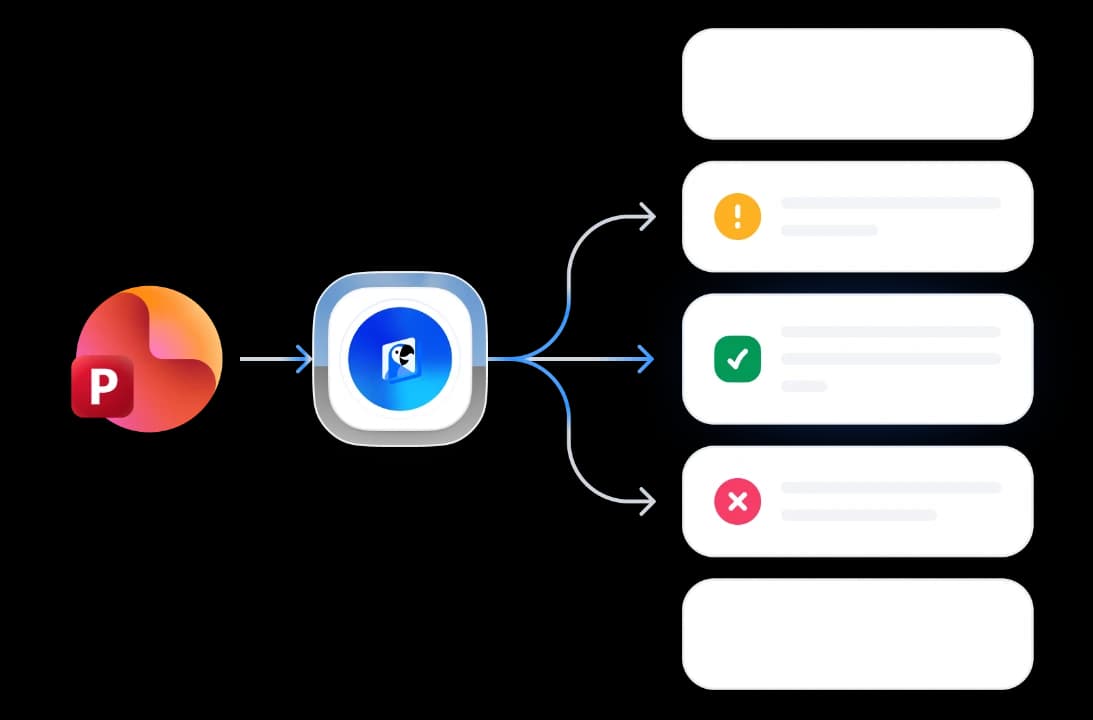
Compliance and policy training
Turn an approved policy or SOP into lessons for the roles it applies to, then attach a knowledge check so completion is documented rather than assumed. What the policy owner signed off on is what learners read.
See compliance training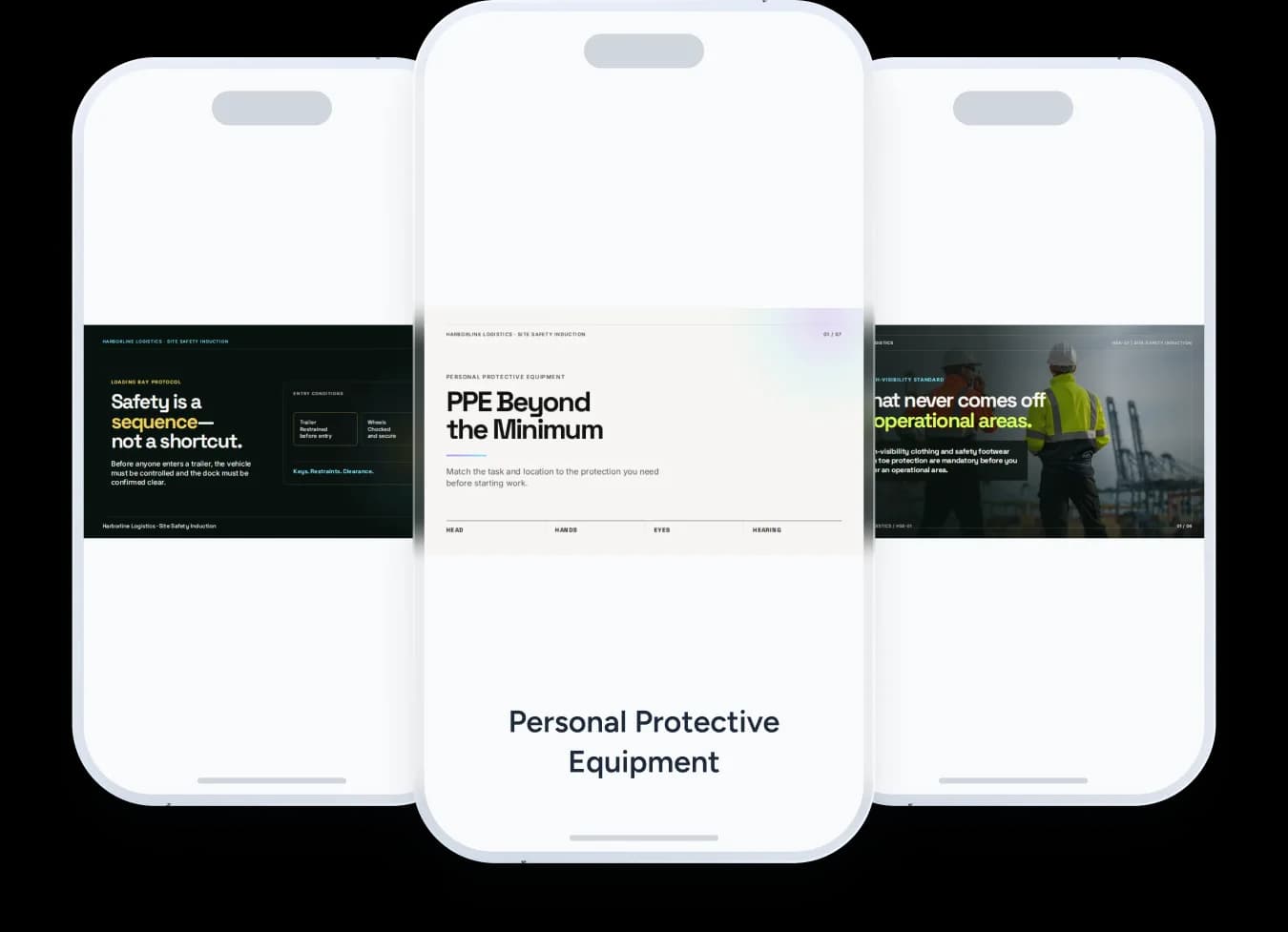
Frontline and field safety
Site inductions, toolbox talks, and equipment procedures, translated for multilingual crews and watchable on a phone between shifts instead of in a classroom.
See safety trainingFrom existing material to a trackable course in three steps
Most L&D teams are not starting from a blank page. They are starting from a deck a subject-matter expert built two years ago, a policy PDF, and a Word document nobody has opened since the last audit. Upload that material and SlideSpeak turns it into a structured course you review before anything reaches a learner.
Start from what you already have

Generate the lesson, video, and quiz
Share it or export it to your LMS
What a course needs before an LMS can track it
A deck on a shared drive is not training. These six capabilities turn material your team already trusts into an activity your learning management system can record completions against.
Narrated lesson videos
Turn a lesson deck into an on-demand video with AI narration, or record a short sample and narrate it with a clone of your own voice. No studio, no film crew, and no presenter on camera. When a procedure changes, regenerate the affected lesson instead of rebooking a shoot.
Quizzes built from the lesson
Generate a knowledge check from the same material the lesson teaches, review and edit every question before it ships, and export it for your LMS to grade. The questions come from your content, not from a generic question bank.
SCORM, QTI, and Brightspace exports
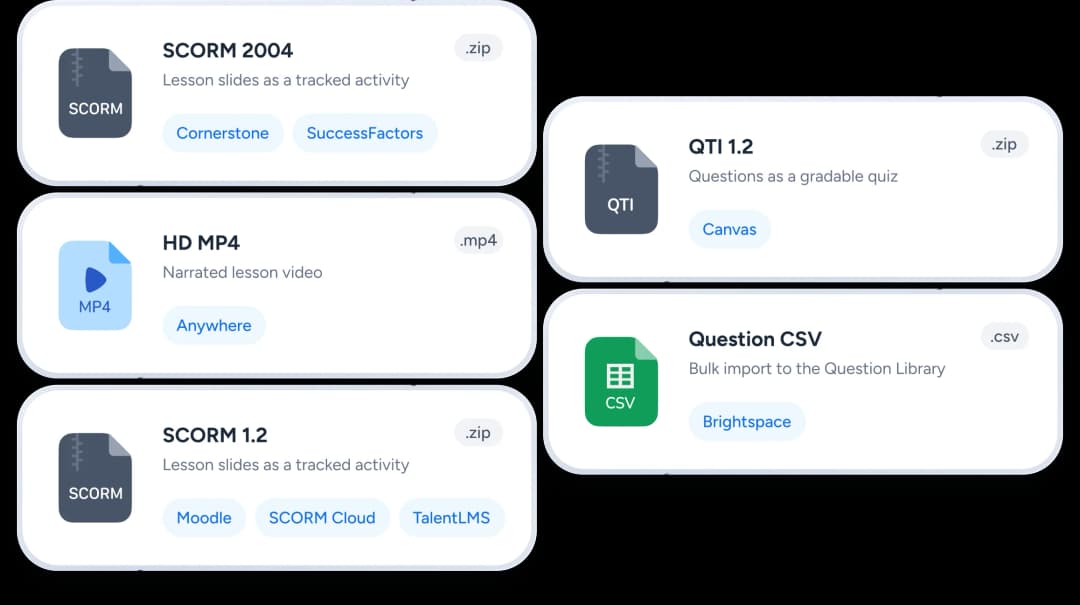
Export the lesson as a SCORM 2004 or 1.2 package that counts as complete when the video is watched, the quiz is passed, or both, with your pass mark and number of attempts, so your LMS receives a trackable activity instead of a static file somebody may or may not open. Quizzes also export as QTI 1.2 or a Brightspace question CSV.
Software walkthroughs on screen
Record your screen while you click through the tool the lesson is about, and narrate it as you go. The recording sits between the AI-narrated slides, so learners see the real software instead of a screenshot.
Product names said correctly
Add product names, acronyms, and internal terms to a pronunciation glossary once. Every training video says them the same way, in every language you publish.
PowerPoint with narration
Some LMSs and facilitators want PowerPoint. Download the lesson as an editable deck with the narration on every slide, timed to advance with the audio.
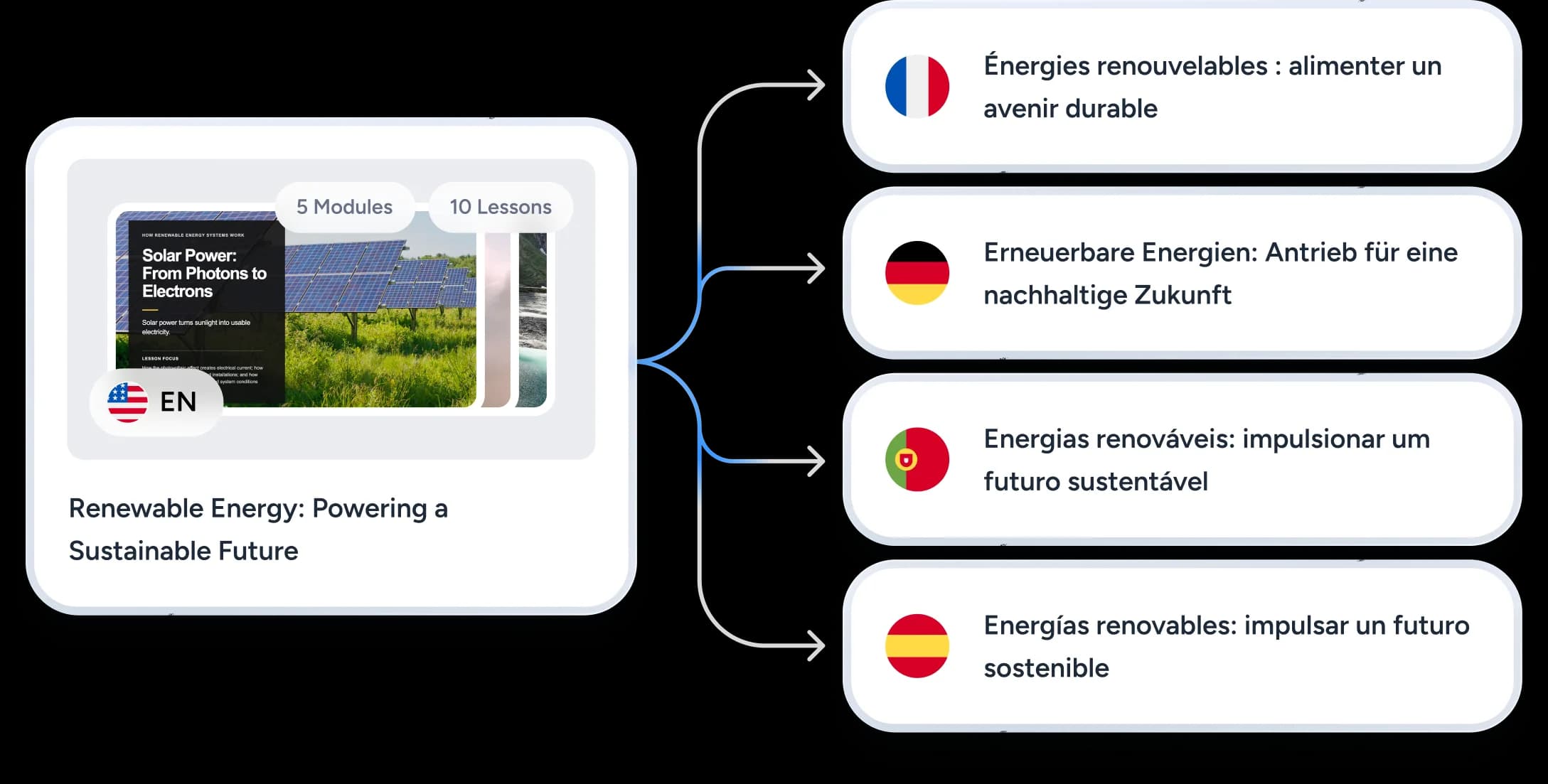
Training in more than one language
Translate the training material your team already trusts, and create a language version of each lesson video in any of 150+ languages, with its own voice. A pronunciation glossary keeps product names right in every version. Have a native speaker review each one before it reaches learners.
See AI translationWhat your LMS actually imports
SCORM and QTI do two different jobs, and sending the wrong package to the wrong importer is the most common reason an upload fails. SlideSpeak exports the right format for each part of a lesson.
SCORM 2004 and 1.2
The lesson leaves as a SCORM package with the video, the narrated slides, or the slides only, plus an optional quiz, PDF handout, and transcript. Pick SCORM 2004 4th Edition for Cornerstone, SuccessFactors, KnowBe4 and Docebo, or SCORM 1.2 for Moodle, SCORM Cloud, TalentLMS and older systems.
QTI 1.2
Quiz questions leave as a QTI 1.2 package that Canvas and other systems accepting QTI 1.2 import as a native, gradable quiz rather than a document to mark by hand.
Brightspace CSV
D2L Brightspace gets its own export: a question CSV that imports straight into the Brightspace Question Library through the standard bulk-import screen.
HD MP4
Any lesson deck can also leave as a narrated video file, to upload or embed anywhere your LMS or intranet accepts video, or as PowerPoint with narration for systems that take an editable deck.
Every export is a file you download. There is no plugin for your LMS admin to install.
The tools behind each module
Start from the PowerPoint, PDF, or Word document your program already uses.

PowerPoint to SCORM Converter
Convert PowerPoint presentations into LMS-ready SCORM packages

PDF to SCORM Converter
Convert PDF documents into LMS-ready SCORM packages

Word to SCORM Converter
Convert Word documents into LMS-ready SCORM packages

Create Quiz from PowerPoint
Convert PowerPoint presentations into interactive quizzes automatically. Perfect for testing and assessment.
Create Training Manual from PowerPoint
Turn a PowerPoint deck into a structured training manual with AI: learning objectives, modules, and a knowledge check.
Convert PowerPoint to Video with AI
Convert PowerPoint presentations to videos with AI narration.
Customer stories
Teams already running on SlideSpeak
Consulting, strategy and product teams using SlideSpeak on their own templates and through the API.
The ability to upload our own template means our presentations always look professional and on-brand.

Boris Elbert
Consultant at BCG
SlideSpeak cut my report prep time in half. I upload the 80-page brief, get a summary in 30 seconds, and I'm already three steps ahead in the meeting.

Sarah Chen
Strategy Lead at Oliver Wyman

150+
Languages
Generate and translate training for every region your teams work in.

50+
Slide layouts per template
Every custom layout in your slide master is available to the AI.
50M+
API calls per month
The scale the SlideSpeak API runs at today.


We use the SlideSpeak MCP and API to automate sales proposals and reports. This has helped us to streamline our sales process and close more deals by having more personalized presentations.
Jordon Cornish
CGO at Synkka
Where your training material is stored
Internal training carries policies, procedures, and detail nobody wants pasted into a public chatbot. This is how SlideSpeak handles the files you upload.
Encrypted storage
Your data is stored fully encrypted and is never used to train our models. We adhere to strict security guidelines.
Your content stays yours
We do not train on your data or use it to improve models. Enterprise privacy by default.
Files are not kept forever
Files uploaded to SlideSpeak are stored fully encrypted and not shared with any third party. We also automatically delete files that have not been accessed for a while.
Frequently asked questions
Common questions from L&D, HR, and compliance teams.
Put your next training module in front of learners this week
Upload the material your program already uses and get a narrated lesson with a gradable quiz, ready to share or export.