

Employee onboarding your new hires can actually finish
Start from the handbook and policies you already have. What comes back is a set of lessons you can edit directly, reuse for the next cohort, and update in one place when a policy changes.
Keep subject-matter experts in review before anything reaches a new hire.
Trusted by teams at Airbus, Cisco, BCG, GE HealthCare and T-Mobile





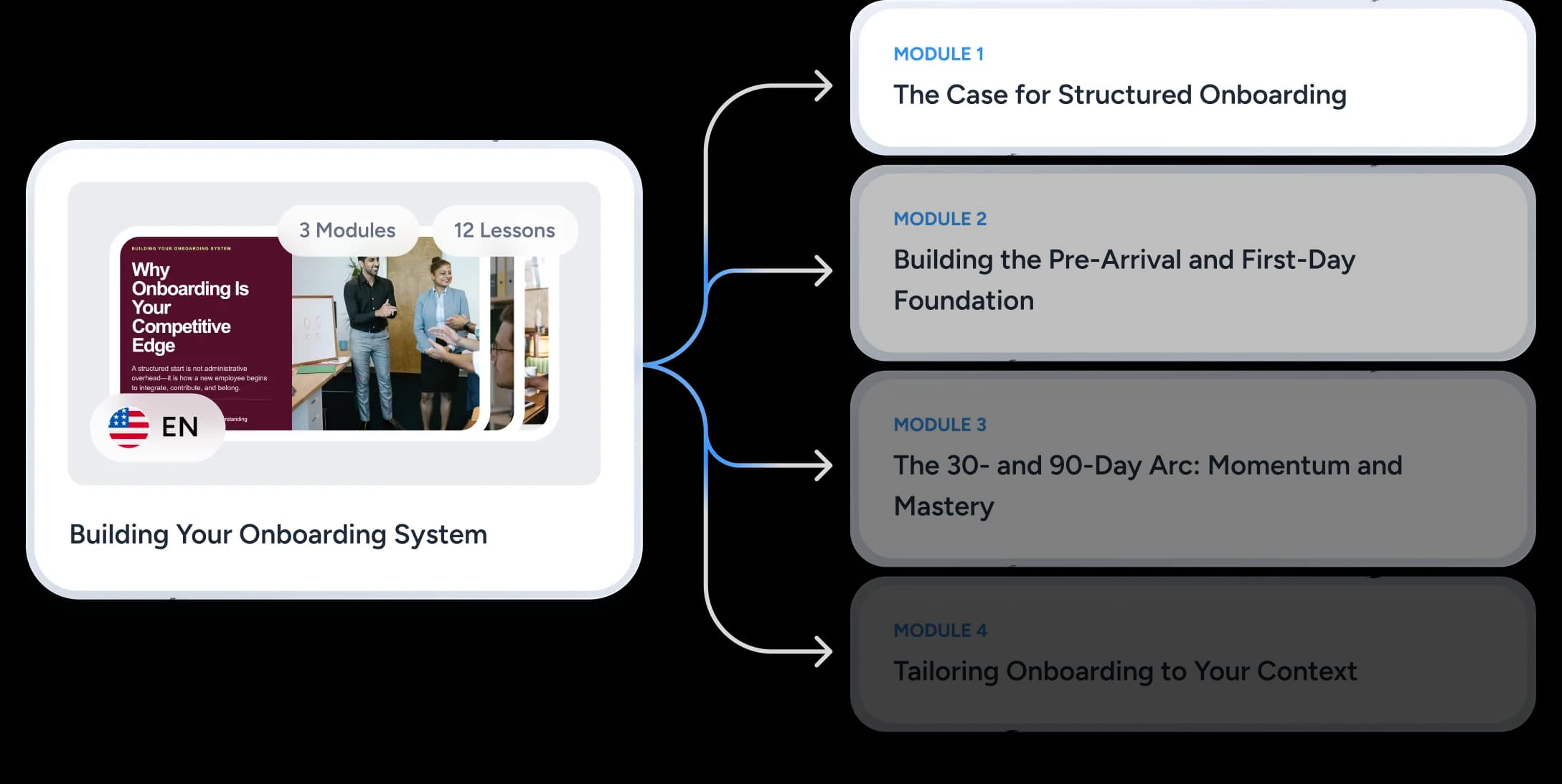
Build onboarding people can follow over time
An 80-slide orientation deck presented on day one is the fastest way to lose a new hire in week one. Break the same material into a sequence they work through when each part becomes relevant: company context before they have a laptop, tools and processes once they do, role expectations as their first real work lands.
- Welcome and company context
- People, culture, and ways of working
- Policies, benefits, and required training
- Tools, systems, and core processes
- Role expectations and the first 90 days
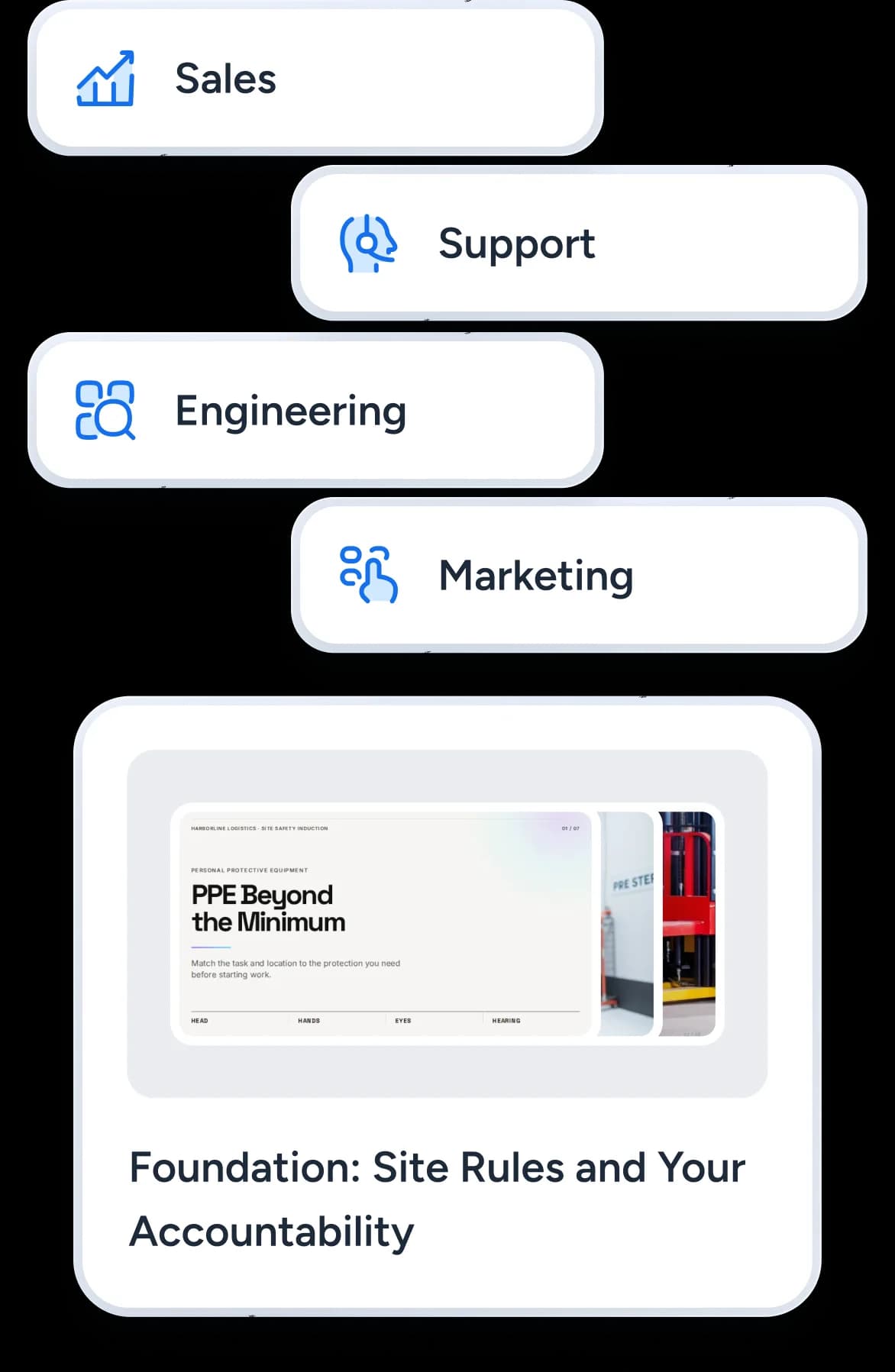
Keep the core consistent and tailor what changes
Every new hire needs the same grounding in the company, its culture, and its policies. What genuinely differs by team is the tooling, the workflows, and the people they will work with day to day. Reuse the approved core and change only the lessons that have to change, so a sales hire and a support hire get the same company story and different week-two content.
- One approved company, culture, policy, and security foundation, reused by every team
- Role-specific lessons for the workflows, tools, and examples each team uses
- Language versions of the same lesson video for distributed teams, each with its own voice and reviewed before it is published
- A policy change updated in the one lesson that carries it, instead of across the whole program
From existing material to reusable onboarding
Three steps, with a named human owner at the second one. Onboarding content carries policy, benefits, and process detail, so nothing here should reach a new hire before HR or the relevant owner has read it.
Bring the source material
Build and review the lessons
Deliver it your way
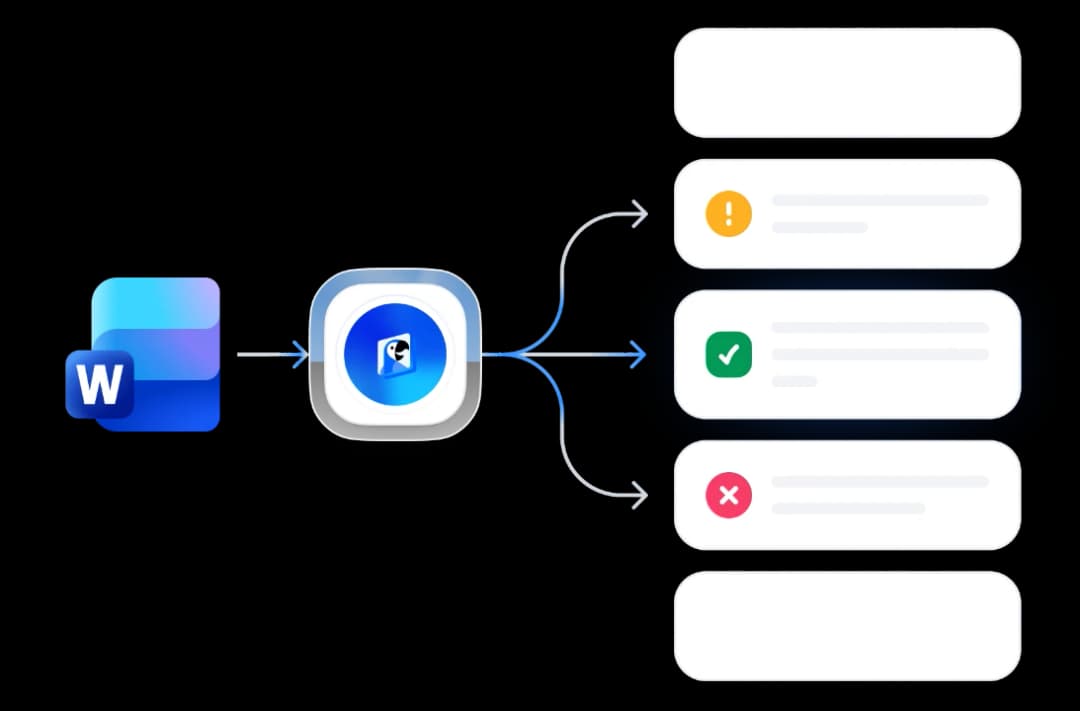
One handbook in, four things out
The same source material produces every format onboarding needs, so nobody is separately maintaining a deck, a video script, and a question bank that slowly drift apart.
An editable lesson deck
Each module becomes an ordinary SlideSpeak presentation on your company design. Change a sentence, swap a screenshot, and re-share it. Nothing needs regenerating.
A narrated lesson video
Turn any lesson into an on-demand video with AI narration, for hires who start on a Monday when the person who usually walks them through it is on leave. Add a narrated screen recording to show the tools and systems between the slides.
A quiz per module
Generate a knowledge check from the same material the lesson teaches, then review and edit the questions before a new hire ever sees them.
LMS-ready files
Export the lesson as a SCORM package that counts as complete when the video is watched or the quiz is passed, and the quiz as QTI 1.2, so the system that already tracks completions records onboarding alongside everything else. Facilitators who want PowerPoint get an editable deck with the narration on every slide.
The content-production layer for your onboarding stack
SlideSpeak plans and creates the onboarding presentations, lessons, videos, quizzes, and supported LMS files. Your HRIS or onboarding platform keeps doing everything else: forms, signatures, provisioning, task assignments, payroll, and employee records. Here is the split.
| Onboarding job | Where it happens | Owner |
|---|---|---|
| Company, culture, and policy lessons | SlideSpeak course modules | L&D |
| Narrated lesson videos and quizzes | SlideSpeak | L&D |
| Language variants of the same lessons | SlideSpeak | L&D |
| Completion tracking per module | Your LMS, from a SCORM package | L&D |
| Offer letters, contracts, and signatures | Your HRIS or onboarding platform | HR ops |
| Equipment and account provisioning | Your IT and HR systems | IT |
| Task checklists, payroll, and employee records | Your HRIS | HR ops |
Tracking onboarding lessons in an LMS?See the export formats | ||
Customer stories
Teams already running on SlideSpeak
Consulting, strategy and product teams using SlideSpeak on their own templates and through the API.
The ability to upload our own template means our presentations always look professional and on-brand.
Boris Elbert
Consultant at BCG

SlideSpeak cut my report prep time in half. I upload the 80-page brief, get a summary in 30 seconds, and I'm already three steps ahead in the meeting.
Sarah Chen
Strategy Lead at Oliver Wyman

150+
Languages

50+
Slide layouts per template
New-hire material is internal by default
Handbooks and policy documents carry benefits detail, internal process, and things nobody wants pasted into a public tool. This is how SlideSpeak treats the files you upload.
Encrypted storage
Your data is stored fully encrypted and is never used to train our models. We adhere to strict security guidelines.
Your content stays yours
We do not train on your data or use it to improve models. Enterprise privacy by default.
Files are not kept forever
Uploaded files are not shared with any third party, and files that have not been accessed for a while are deleted automatically.
Frequently asked questions
Common questions from HR and onboarding teams.
Turn the material you already have into a clearer first 90 days
Build a reusable onboarding course, review it with your team, and deliver each lesson in the format that fits.