Animate slides in 3 steps
No software needed. Upload your PPTX and download an animated, professional presentation in seconds.
Upload Your PowerPoint
Drop your .pptx into the tool. No PowerPoint license or install needed to animate slides online.
We Add the Animations
We give each element an entrance effect that fits what it is, then add a transition to every slide.
Download Animated PPTX
Download your animated presentation, ready to present or share. Add animation in seconds with zero manual timeline work.
Built for speed, simplicity & security
Add professional animations to any PowerPoint deck in seconds. No PowerPoint install and no sign-up required, everything runs in your browser.
PPTX File Support
Drop in any PowerPoint .pptx file. Our tool reads it directly and writes an animated .pptx back, with no conversion step or manual timeline work required.
Choose Your Animation Style
Pick Subtle, Professional, or Dynamic. Subtle keeps every element to a quick fade. Professional and Dynamic give titles, images, charts and tables their own effect, and build bullet lists one point at a time.

FREE & No Sign-up Required
Our AI slide animation tool is 100% free with no account required. Upload your presentation and download the animated version instantly.
Secure Online Processing
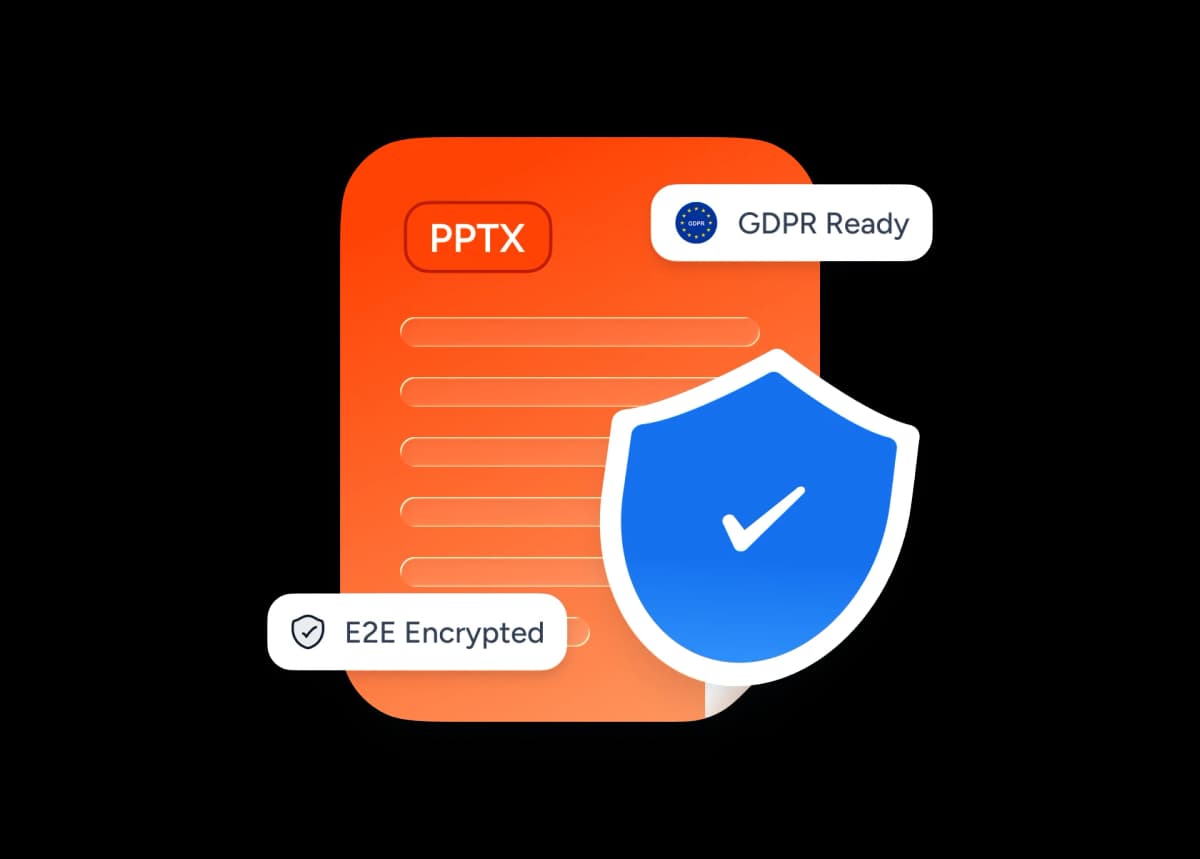
Your presentations are encrypted in transit and never shared with third parties. Files are auto-deleted after processing.
Why choose SlideSpeak?
Add professional animations to any PowerPoint deck without touching a single line of your content.
Content-Aware Animations
We add entrance effects and a transition to every slide. Titles, bullets, images, charts and tables each get the effect that suits them, with no manual timeline work.
Content Unchanged
Only animations are added. Your text, images, charts, and slide layout remain completely intact.
PPTX Support
Works seamlessly with PPTX PowerPoint files, the format used by modern versions of PowerPoint.
Instant Results
Your animated presentation is ready in seconds, no matter how many slides your deck contains.
Secure & Private
Your presentations are encrypted in transit and never shared with third parties. Files are auto-deleted after processing.
No PowerPoint Needed
You don't need Microsoft Office or PowerPoint installed. The tool works entirely in your browser.
Explore our other tools
Experience the convenience of our FREE online tools. Our AI tools powered by ChatGPT provide excellent results.

Remove Animations from PowerPoint
Remove all animations from your PowerPoint presentations online.
PowerPoint to Video with AI
Turn any presentations into an AI narrated video.

AI Audio Narration Generator
Generate professional AI audio narration in MP3 format for your PowerPoint presentations. Create voiceovers that can be easily added to slides.
Translate PowerPoint with AI
Translate PowerPoint presentations with AI.
PowerPoint Compressor
Compress your PowerPoint files and optimize the size of it for easier sharing.

Convert PPT to PDF with AI
Convert PowerPoint presentations to PDF with AI.
Keep going with these tools
The tools people reach for next, plus the SlideSpeak features behind them.
Add Audio to PowerPoint
Upload your PowerPoint and audio file (MP3, WAV, M4A) and download your presentation with embedded audio. Perfect for voiceovers and background music.
Text to PPT
Turn any text or prompt into an editable PowerPoint deck in seconds.
AI Presentation Generator
Create a full slide deck from a prompt, topic or document.
Frequently Asked Questions
Everything you need to know about using AI to animate your PowerPoint slides.

Turn any idea into a presentation — free to try
An AI presentation platform to turn ideas, PDFs, Word, and Excel files into ready-to-present slides.