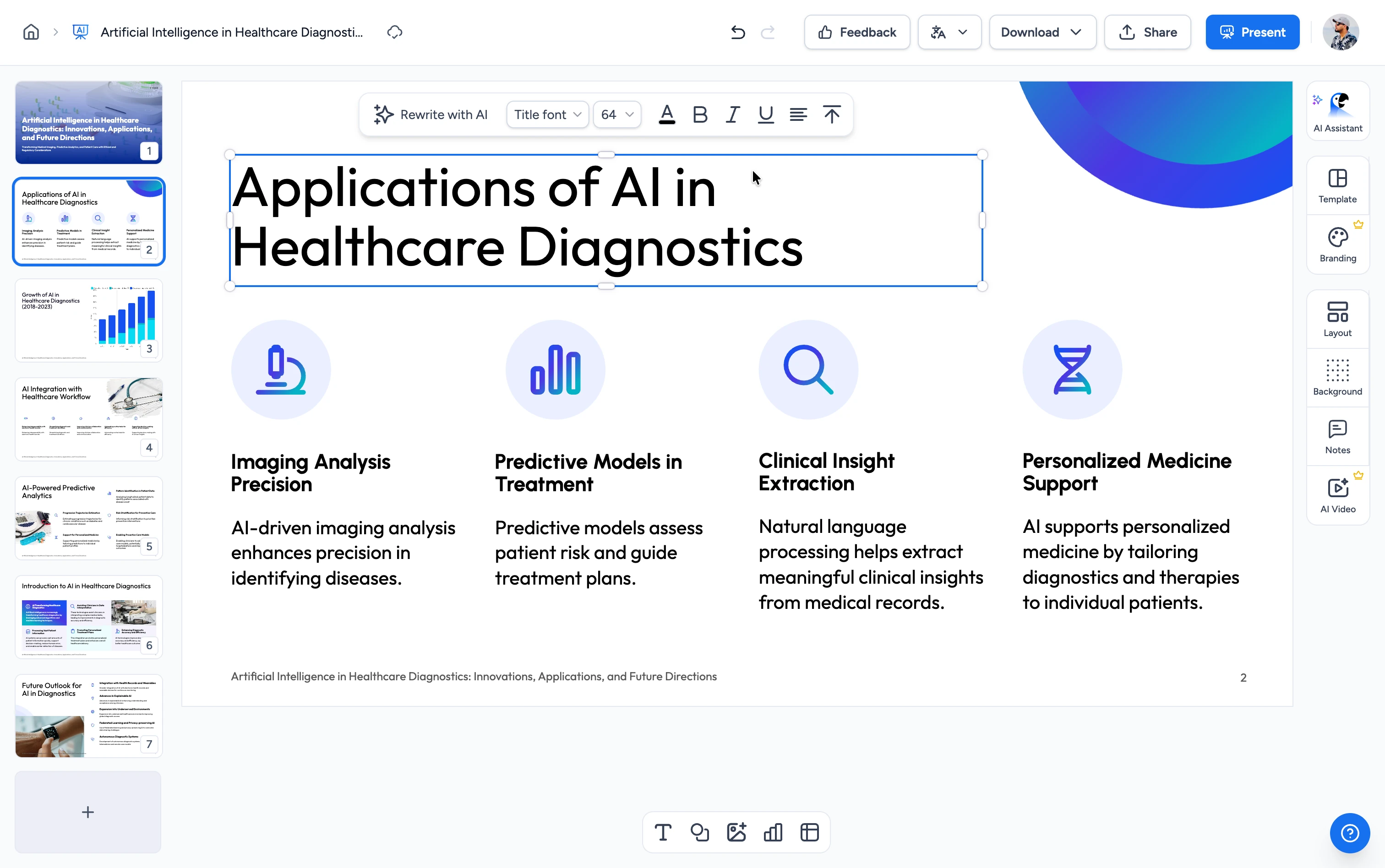
Three steps. That's it.
Recover a broken presentation in seconds. No technical knowledge required.
Upload your broken file
Drag and drop your corrupted .pptx or .ppt file or click to browse. Files up to 100 MB.
Repair
Our engine scans the file structure, repairs damaged headers, and recovers slides, images, and formatting.
Download repaired file
Your recovered presentation is ready in seconds. One click to download — no watermarks, no demo placeholders.
Built for accuracy, speed & security
Repair Broken PowerPoint Files
Our repair engine analyzes the binary structure of corrupted PowerPoint files and rebuilds them — recovering slides, images, charts, fonts, and formatting whenever the source file allows.
FREE & No Sign-up Required
Our PowerPoint file repair is 100% free with no account required. Upload your file and download the repaired presentation instantly — no demo placeholders, no save restrictions.
Safe and secure processing
At SlideSpeak, we prioritize data security and privacy above all else. We ensure that every PowerPoint file you upload is stored with top-notch encryption and automatically deleted after processing.

Why choose SlideSpeak?
Recovers all slides
All recoverable slides are restored to a fresh, clean PowerPoint file you can open and edit normally.
Maintain visual quality
Embedded images, charts, and diagrams are extracted at original quality and re-embedded in the repaired file.
Free to Use
Our PowerPoint file repair tool is completely free with no daily limits, no demo placeholders, and no hidden fees.
Fast Processing
Most files repair in well under a minute. No queues, no waiting room, no per-GB fees.
Secure and Private
Your PowerPoint files are handled with the utmost security and privacy. Files are encrypted in transit and permanently deleted after repair.
No Software Needed
Repair PowerPoint files directly in your browser. No Windows desktop install, no PowerPoint, no Office license required.
Blazing fast, even for large files
Most PowerPoint files repair in under a minute. Our server-side engine works in parallel — analyzing structure, extracting content, and rebuilding the file simultaneously.
<60s
Avg. repair time
100%
Recovery accuracy
500+
Slides supported
60K+
Files repaired
How we stack up
See why SlideSpeak is the simplest way to recover a broken PowerPoint file.
| Features |  | Stellar Repair | Recovery Toolbox | Microsoft Open and Repair |
|---|---|---|---|---|
| Free repair (full file) | Unlimited | Demo only | Demo only | License required |
| Sign-up required | No signup | Email required | Purchase required | Office license |
| Browser-based (no install) | Yes | Windows desktop | Online tier $10/GB | Desktop app |
| No demo placeholders | Yes | Save requires purchase | Save requires purchase | Yes |
| Price | Free | $39+/year | $25+ one-time | Bundled with Office |
Explore our other tools
Experience the convenience of our FREE online tools. Our AI tools powered by ChatGPT provide excellent results.


Convert PPT to PDF with AI
Convert PowerPoint presentations to PDF with AI.

PowerPoint Compressor
Compress your PowerPoint files and optimize the size of it for easier sharing.
PowerPoint Image Extractor
Extract all images from PowerPoint presentations
Merge & Combine PowerPoint files
Combine multiple PowerPoint presentations into a single file.
Translate PowerPoint with AI
Translate PowerPoint presentations with AI.
Convert PPT to PPTX
Convert old PowerPoint 97-2003 (.ppt) files to the modern .pptx format online.
Keep going with these tools
The tools people reach for next, plus the SlideSpeak features behind them.
Edit PowerPoint Online
Upload any .pptx file and open it instantly in the SlideSpeak editor. Edit text, swap images, and restyle slides — no Microsoft Office, no install.
AI Presentation Generator
Create a full slide deck from a prompt, topic or document.

AI PPT Editor
Enhance existing slides: rewrite text, fix layouts, and lift the quality of any deck.
Frequently Asked Questions
Find answers to common questions about Repair Broken PowerPoint File.

Turn any idea into a presentation — free to try
An AI presentation platform to turn ideas, PDFs, Word, and Excel files into ready-to-present slides.