Turn a topic, a PDF, a Word doc, or an existing deck into a class-ready presentation in minutes — then edit it like any other slide deck.
Trusted by educators at leading schools and universities





Three steps, whether you are starting from a blank page or from material you already have.
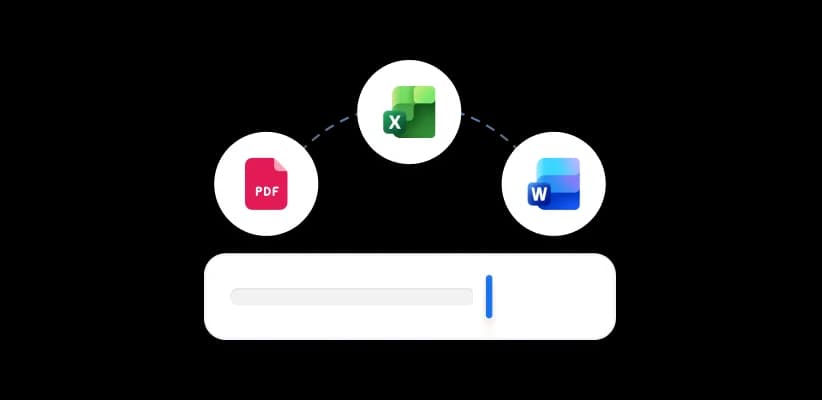
Type the lesson topic, or upload a PDF, Word doc, Excel sheet, or an existing PowerPoint. You can upload up to 10 files at once (50 MB each on the free plan, no file size limit on paid plans).
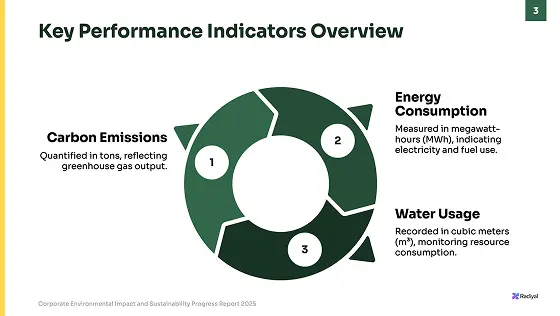
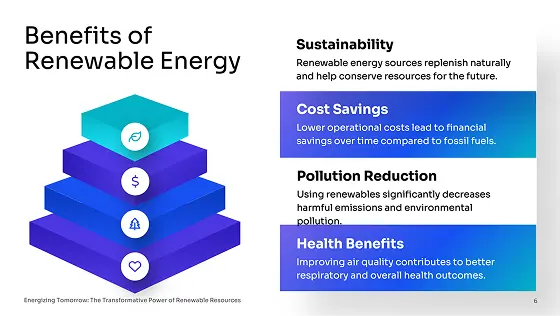
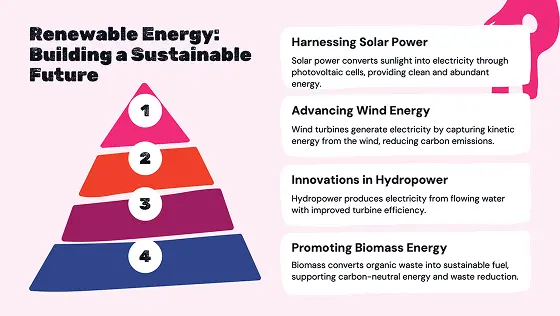
SlideSpeak reads your material, works out the structure, and writes slides with headings, talking points, and images.
PowerPoint
Download editable slides
Export to Google Slides
Directly edit in Google Slides
Refine any slide in the editor, apply your school's template, then export an editable PowerPoint, open it in Google Slides, or save it as PDF.
Not a black box. Four steps you can inspect and change at every point.

PowerPoint
Download editable slides
Export to Google Slides
Directly edit in Google Slides
The same generator handles the deck you teach from and the ones nobody sees you make.
Turn a syllabus topic, a reading, or a textbook chapter into slides you can teach from, then adjust the depth for the class in front of you.
Condense a full unit into a revision deck before an exam, or rebuild last year's material around this year's syllabus.
Department updates, training sessions, and CPD workshops — built from your notes instead of last term's template.
Presentations for parents, governors, and prospective students, on your school's template and branding.
Most lesson decks get built by hand or half-drafted in a chatbot. Here is what changes.
| What you need |  | Building slides by hand | A general AI chatbot |
|---|---|---|---|
| Start from a topic or your own files | Topic, PDF, Word, Excel or PPTX | You write every slide | Text in, text out |
| Produces a real slide deck | Editable .pptx with text boxes and shapes | If you build it yourself | You still build the deck |
| Applies your school's template | Import your own template | Manually, slide by slide | No template support |
| Opens in PowerPoint and Google Slides | PPTX, Google Slides or PDF | Native | Copy and paste |
| Turn the same deck into a narrated video | AI narration or your own voice | Record it yourself | Not available |
| Generate a quiz from the deck | In the editor, exportable to your LMS | Write the questions yourself | Plain text questions only |
SlideSpeak combines best-in-class models for structuring content, writing slides, and generating imagery.
ChatGPT 5.6
by OpenAI
Claude Opus 5
by Anthropic
Gemini 3.1
by Google
What the AI presentation maker does, what it exports, and what it costs.
Turn your topic, notes, or reading list into a class-ready deck, then edit it like any other presentation.



