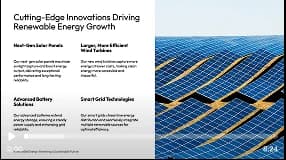
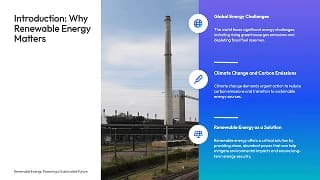
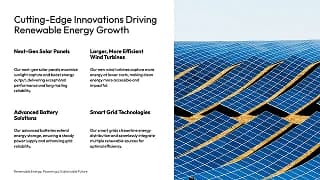
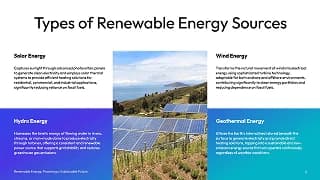
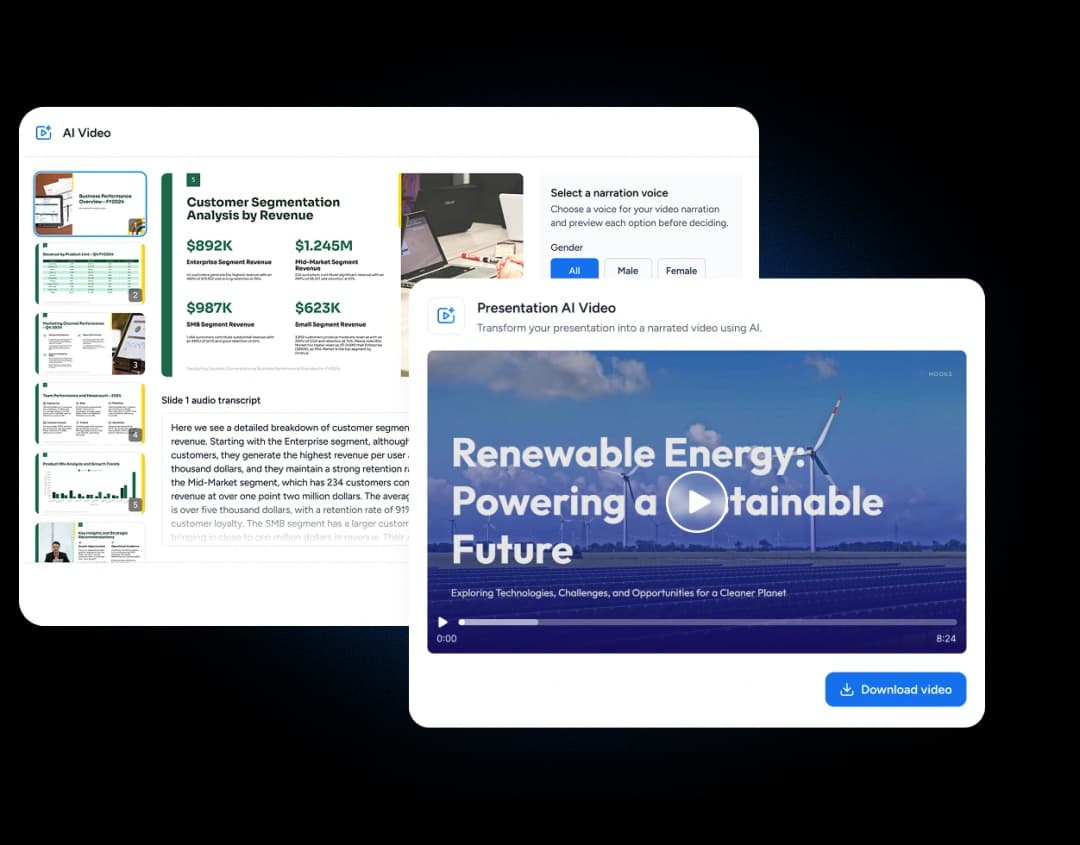
Upload the deck you already teach from. SlideSpeak writes a narration script for every slide, records it in an AI voice or a clone of your own, and exports an HD video — no recording booth, no retakes.
Trusted by educators at leading schools and universities





The slides do not change. The narration is the part you no longer have to record.

Start from a PowerPoint (a Google Slides deck downloaded as .pptx works too) or a PDF, or from a presentation you generated in SlideSpeak.
The AI writes a narration script for each slide. Edit any line, regenerate it, or swap the voice before anything is recorded.
Set the playback speed, captions, and video quality, then export an HD MP4 you can post to your LMS or share with the class.
Writing the script, recording it, and re-recording the slide you fluffed — all of that becomes an edit instead of a take.
SlideSpeak AI Voice Engine
Calm
Professional & Authoritative
Confident
Soothing & Clear
Energetic
Dynamic & Engaging
Education
Business
Creative
PowerPoint
Download editable slides
Export to Google Slides
Directly edit in Google Slides
Listen before you pick. Every voice is tuned to sound like a person presenting, not a screen reader.
Male
Male
Female
Female
Female
Male
Female
Male
Female
Female
Male
Male
Female
Male
Female
Male
Female
Male
Female
Male
Mostly the lectures that have to exist twice — once in the room and once for everyone who was not in it.
Send the lecture home as a video and use the lesson itself for questions, practice, and discussion instead of delivery.
Every lesson has someone who missed it. Post the narrated version so they can catch up without you teaching it twice.
Build a course students work through at their own pace, with captions on and the narration script available to read alongside.
Turn a revision deck into a video students can rewatch before an exam, at whatever speed suits them.
SlideSpeak combines best-in-class models for reading your material, writing questions and narration, and generating imagery.
ChatGPT 5.6
by OpenAI
Claude Opus 5
by Anthropic
Gemini 3.1
by Google
What goes in, what comes out, and what students end up with.
Upload the deck, edit the script, pick a voice, and let SlideSpeak produce the video your students watch back.