
14 Best Employee Training Tools in 2026
Written by

Published on
On this page
Employee training tools do three jobs: build the material, get it in front of your staff, and prove they finished it. In this post, we compare 14 employee training tools by the job they actually do.
Let’s dive right in.
14 best employee training tools
| Tool | Best for | Use case |
|---|---|---|
| iSpring Suite | Teams whose training already lives in PowerPoint | Creation |
| SlideSpeak | Turning documents you already have into training | Creation |
| Articulate Storyline 360 | Branching, scenario-based courses | Creation |
| Scribe | Documenting a software process step by step | Creation |
| Coassemble | Building courses in a browser | Creation |
| TalentLMS | A first LMS for a team under 100 | Delivery |
| Docebo | Large enterprises with a dedicated L&D team | Delivery |
| 360Learning | When your subject-matter expert isn’t in L&D | Delivery |
| Absorb LMS | Enterprises that need enrollment to run itself | Delivery |
| Mitti (formerly SC Training) | Teams who train on a phone | Delivery |
| Cornerstone OnDemand | Regulated enterprises proving compliance | Tracking |
| Degreed | Mapping skills across a workforce | Tracking |
| Litmos | Off-the-shelf compliance courses | Tracking |
| Trainual | Small companies documenting how they work | Tracking |
Three different jobs hide inside the phrase “employee training tools.”
- Creating is making the material: the course, the deck, the video, the written procedure.
- Delivering is getting it to people and tracking that they opened it.
- Tracking is the record of who completed what, when, and whether you can prove it to an auditor.
A tool that is excellent at one is often mediocre at the others.
Most companies need two of the three, and they already own one without realizing it. For example, if you have Microsoft 365, you have a delivery mechanism. If you have an LMS, you probably have tracking. What’s usually missing is a fast way to make the material, which is the job with the fewest good answers.
1. iSpring Suite
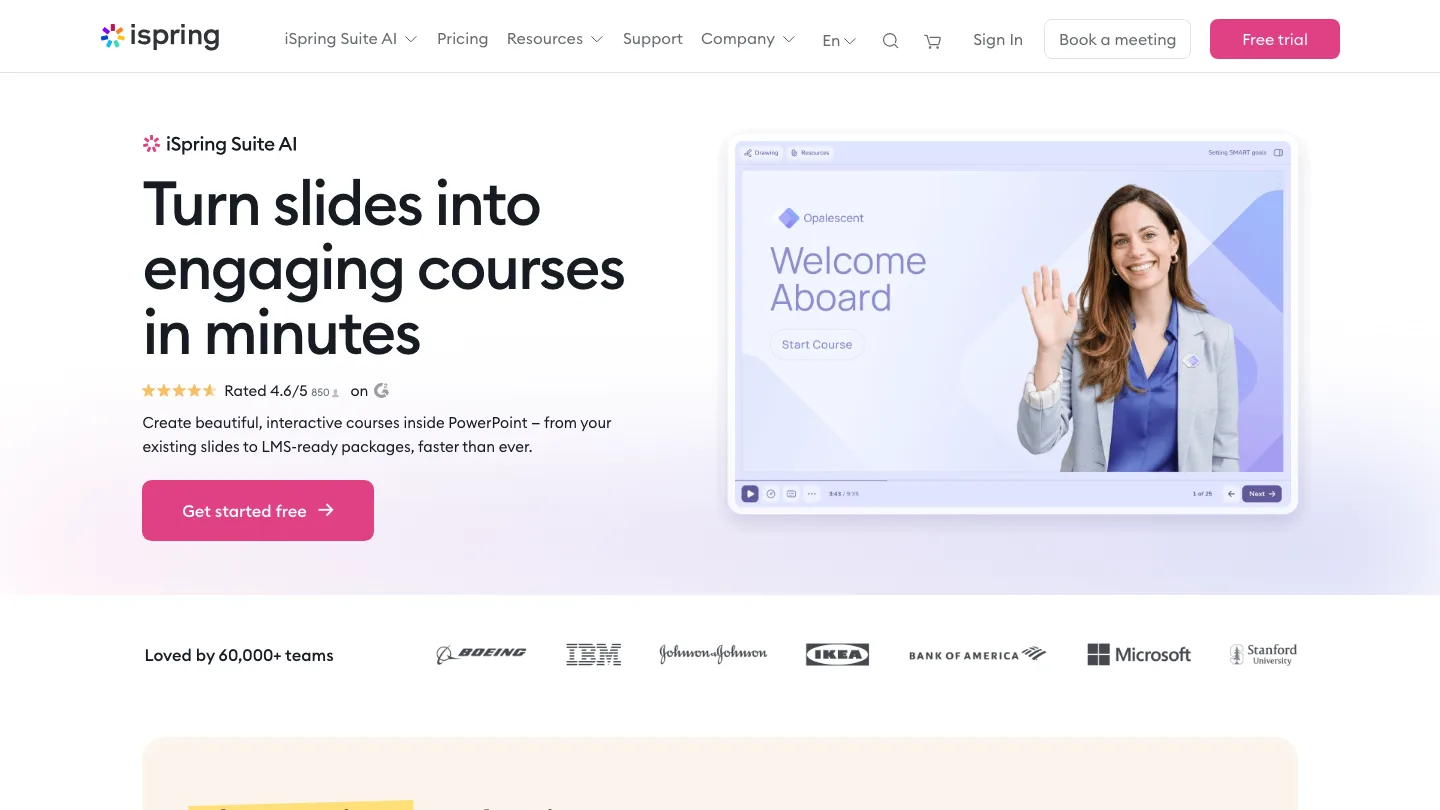
Turns a PowerPoint deck into a trackable e-learning course without leaving PowerPoint.
Best for: teams whose training already lives in slides.
iSpring Suite installs as a PowerPoint add-in, so the source file stays a .pptx that anyone in the company can open. You build the course in the tool you already know. Then you publish it as SCORM for an LMS.
Top feature: it’s an add-in rather than a separate application. Your existing decks become the starting point instead of something to rebuild.
- Quizzes and interactions built from PowerPoint objects
- Screen recording and video lecture tools included
- Role-play scenarios with branching dialogue
Pros: no new authoring interface to learn; your slide library becomes training material; content stays editable by non-specialists.
Cons: its system requirements are Windows 10 or 11, with both Microsoft PowerPoint and Microsoft Word installed. There is no Mac version and no web version.
Pricing: $970 per author per year for iSpring Suite, $1,290 for Suite AI, $720 for Cloud AI. A 14-day free trial is available.
2. SlideSpeak
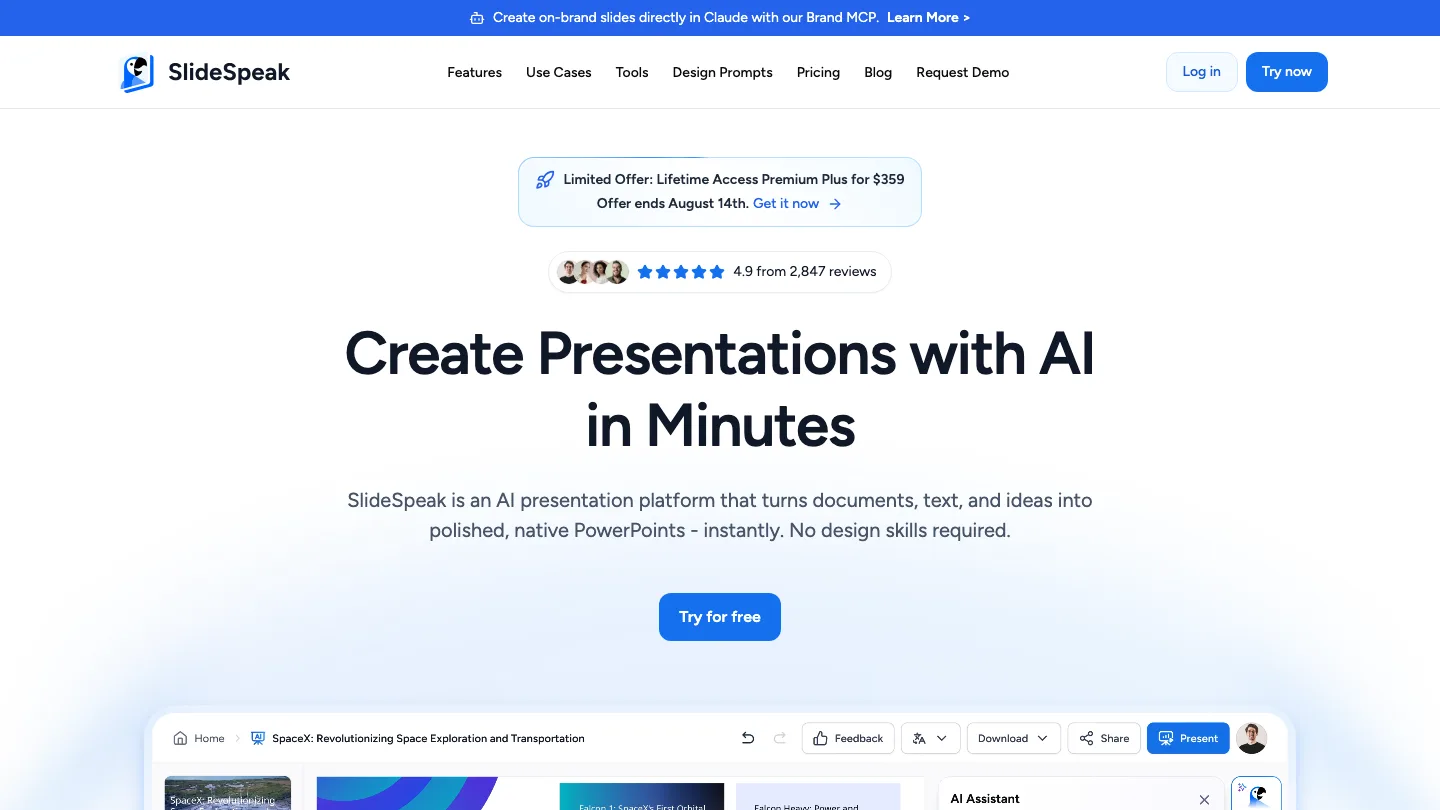
Turns documents you already have into presentations, narrated videos and SCORM packages.
Best for: turning existing policies and PDFs into training.
Most authoring tools start you at a blank course. SlideSpeak instead starts with the file you already wrote. Upload a PDF, Word document or existing deck, and it produces a presentation you can edit in the browser. From there you can add an AI voiceover to make a narrated video, or export the result as SCORM or QTI for whatever LMS you already run.
Top feature: SCORM and QTI export from a tool that begins with a document rather than a course outline.
- AI narration and video export with synthetic or cloned voices, plus captions
- Translation into other languages, which matters for bilingual safety training
- A live quiz learners join by scanning a QR code, with no account or login
Pros: works from material you already have; SCORM export means it drops into any LMS; the QR-code quiz means a worker can join on a phone without an account.
Cons: video, file export and the live quiz are all paid-only.
Pricing: free plan with 100 one-time credits. Premium $29/month.
3. Articulate Storyline 360
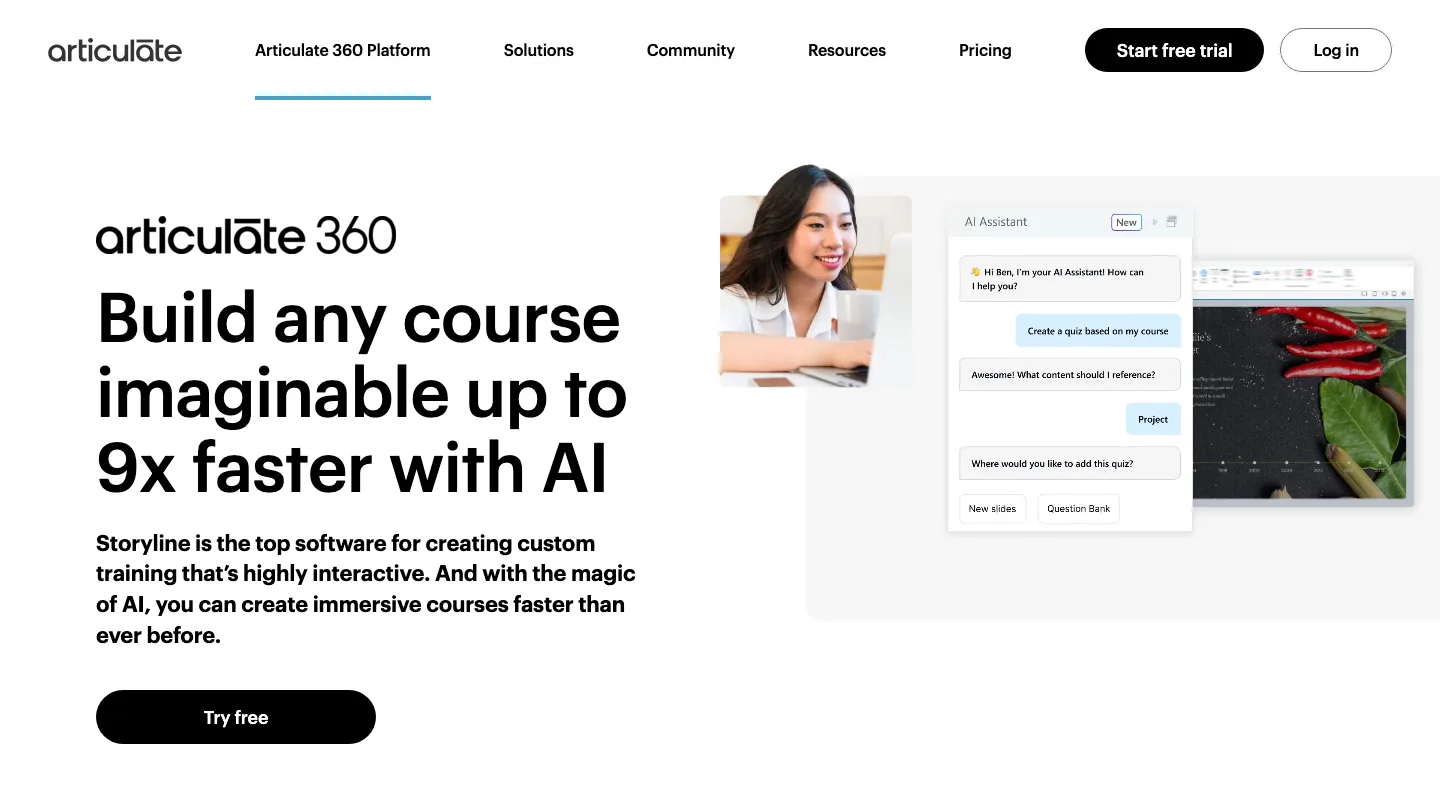
Builds branching, interactive courses where what happens next depends on what the learner did.
Best for: instructional designers building scenario-based training.
Storyline 360 is the tool most instructional designers learn firsts. You can store a learner’s answers in variables, then change the course path based on them. That’s how you build a realistic “handle this customer complaint” simulation.
Top feature: variables and conditional logic. Nothing else in this group can branch a course on what a learner did three screens ago.
- Slide layers and states for interactive screens
- Accessibility support including screen reader text
- Publishes to SCORM, xAPI and AICC
Pros: the deepest interactivity available here; the skills transfer, since it’s the tool most instructional designers already know; a 30-day trial with no credit card.
Cons: it’s the most expensive tool on this list by a wide margin.
Pricing: $1,449 per user per year for Personal, and $1,749 per user per year for Teams. Reach Pro LMS starts at $3,600 a year and is sales-only.
4. Scribe
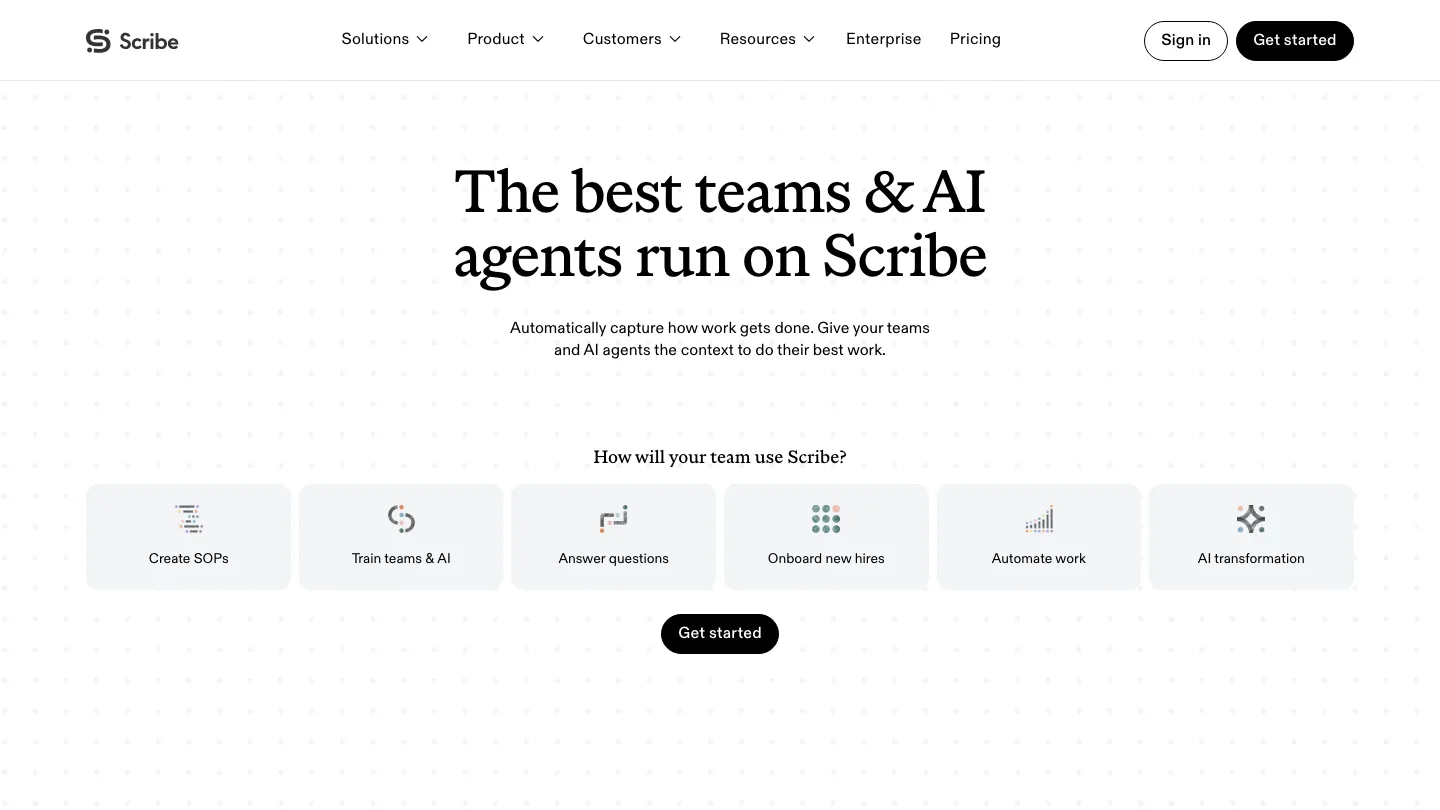
Records a process while you do it, then writes the step-by-step guide for you.
Best for: documenting a software process people keep asking about.
Scribe runs in the background while you complete a task. Afterward it produces a written guide with a screenshot for every step. What would have been a 40-minute screen recording nobody watches becomes a scannable document somebody can follow at their own pace.
Top feature: Scribe writes the guide from your clicks, so documenting a process costs you the time of doing it once.
- Automatic screenshot capture at every step
- Manual and assisted redaction of sensitive fields, with fully automatic redaction on Enterprise
- Export to PDF, HTML and Markdown on paid plans
Pros: by far the fastest way to document a repeatable process; the output is easy to keep current; a free tier that works for sharing by link.
Cons: it documents what happens on a screen, which makes it useless for anything physical. There’s no way to Scribe a forklift inspection.
Pricing: free plan for web capture and link sharing. Pro Personal runs $25 to $35 per seat per month, Pro Team $13 to $17 per seat per month.
5. Coassemble
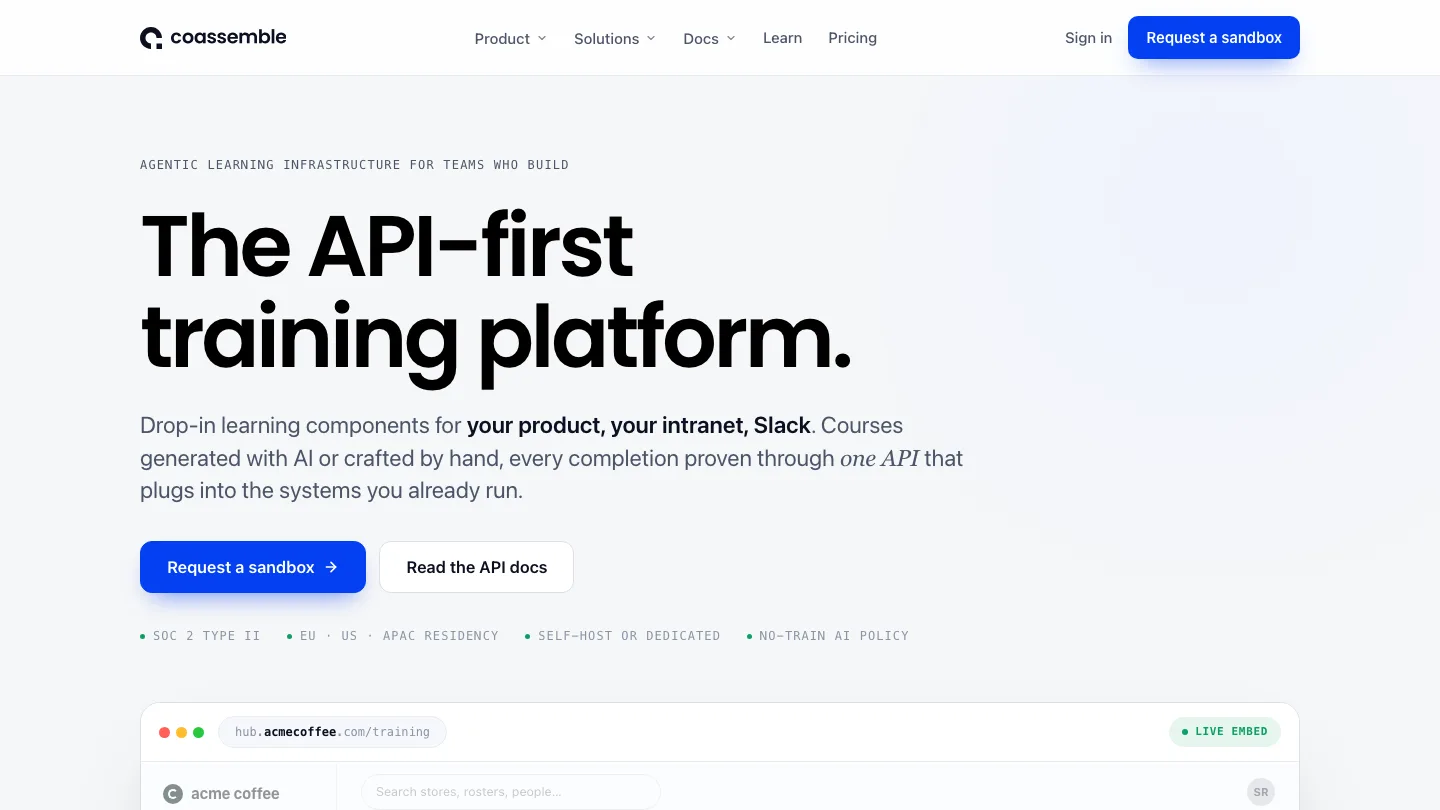
Builds courses from templates in a browser with nothing to install.
Best for: small teams who want courses without an LMS project.
Coassemble gives you a library of lesson templates and a drag-and-drop editor that runs entirely in the browser. You assemble a course from prebuilt screen types rather than designing one from scratch. That suits people whose job title isn’t “instructional designer.”
Top feature: a free sandbox with full builder access, so you can test whether the format fits your content before anyone approves a budget.
- Built-in course hosting and learner tracking
- Templates for assessments, flashcards and interactive screens
- API access on every tier
Pros: no software to install; the fastest path from idea to published course; you can evaluate it properly for free.
Cons: $250 a month is a steep entry price for a small team. There’s also no app on either store.
Pricing: Build $250/month, Scale from $500/month, and Partner from $2,000/month. A free sandbox is available.
6. TalentLMS
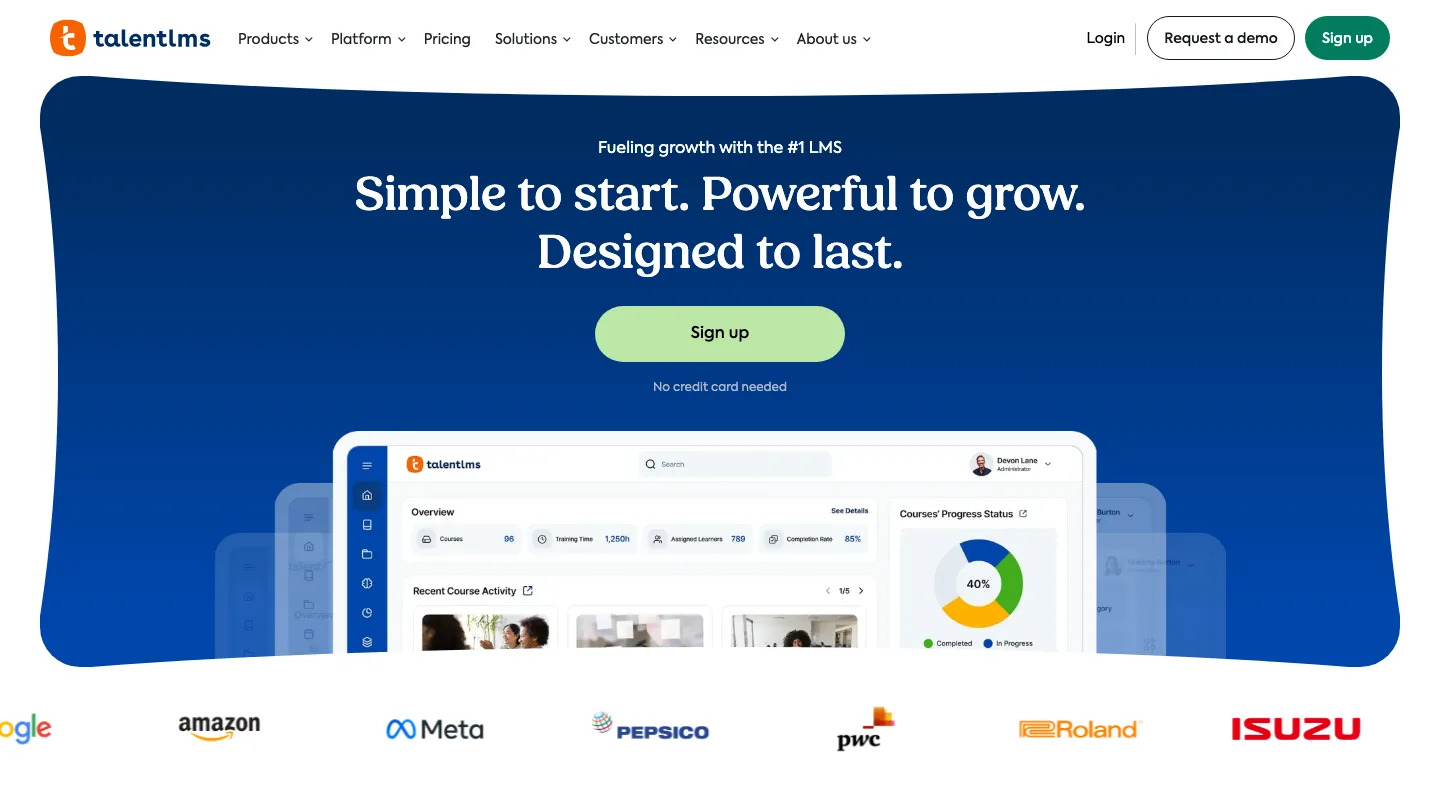
Hosts courses, enrolls people, and reports on who finished.
Best for: a first LMS for a team under 100 people.
TalentLMS is the one on this list you could be running by lunchtime. You upload or build courses, group people into branches by department or location, then assign training paths without an implementation consultant.
Top feature: a free plan that stays free. Five users and ten courses, no credit card, no expiry, which is enough to pilot it.
- Course branches for separate departments or clients
- Built-in course library and content marketplace
- Gamification with points and badges
Pros: transparent published pricing, which is rare here; strong learner apps rated 4.8 on both stores; a free tier that doubles as a real evaluation path.
Cons: per-user costs climb quickly once you pass 100 people, at $6 per additional user on the Pro plan.
Pricing: free for 5 users and 10 courses. Core is $119/month up to 40 users, Grow $229/month up to 70, and Pro $449/month up to 100 plus $6 per extra user.
7. Docebo
Runs enterprise learning across employees, partners and customers in one platform.
Best for: large enterprises with a dedicated L&D team.
Docebo is built for organizations training several audiences at once. It gives you separate branded portals for staff, resellers and customers.
Top feature: multi-audience portals, which let you run external partner training and internal compliance from one system.
- AI-assisted content creation and course tagging
- Extended enterprise portals with separate branding
- Detailed reporting and custom dashboards
Pros: scales to tens of thousands of learners; reporting built for multiple audiences; handles staff and partners without mixing them.
Cons: the learner app is the worst-rated on this list, at 2.2 on iOS and 3.2 on Android, despite over a million Android installs. No pricing is published anywhere.
Pricing: not published. Pricing requires a request form.
8. 360Learning
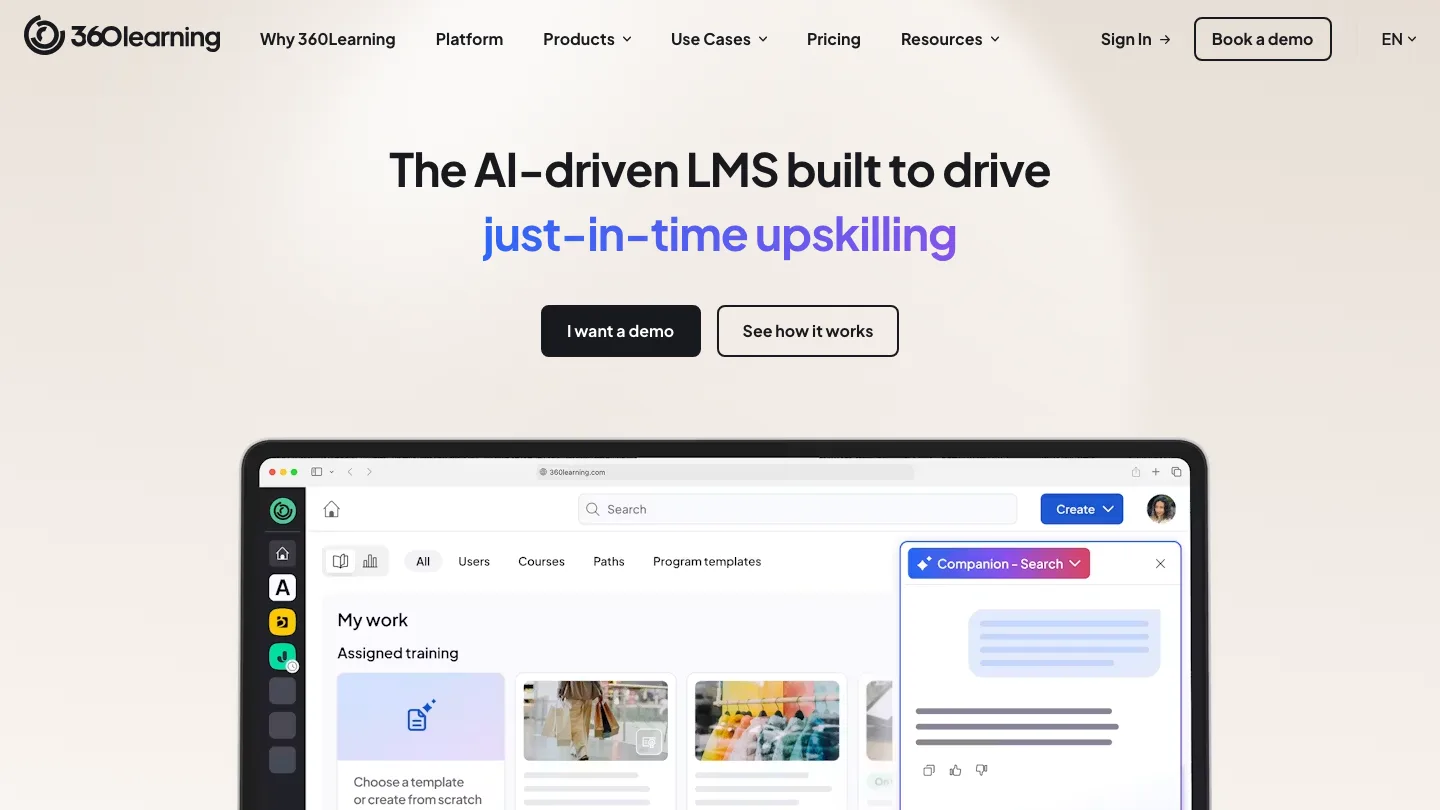
Lets subject-matter experts build and publish courses collaboratively.
Best for: companies where the person who knows the answer doesn’t work in L&D.
360Learning treats course building as a team activity rather than a specialist one. Anyone can draft a course, and colleagues comment on it in place. As a result, feedback stays inside the platform instead of scattering across email.
Top feature: collaborative authoring with in-platform review, which shortens the gap between an expert knowing something and it being trainable.
- Course co-authoring with comment threads
- Automated reminders and learning campaigns
- Skills-based learning paths
Pros: published per-user pricing on the entry tier; excellent apps on both mobile platforms; useful when the expertise is spread across the business.
Cons: the $8 per user price only covers the Team plan up to 100 users. Everything past that is a custom quote.
Pricing: Team is $8 per user per month up to 100 users, with a free trial. Business and Enterprise are custom.
9. Absorb LMS
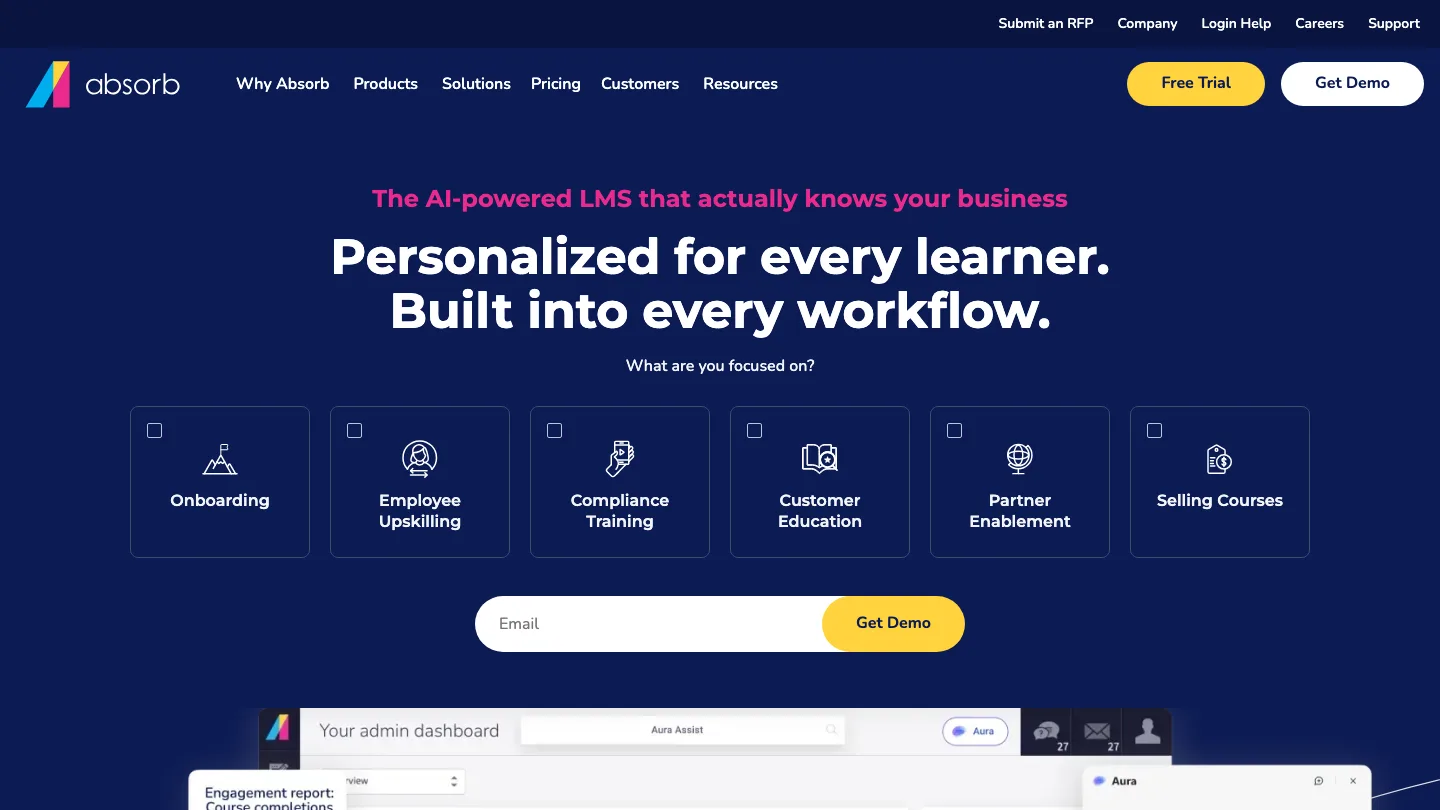
Delivers enterprise training with automated enrollment and a built-in course store.
Best for: enterprises that need enrollment to run itself.
Absorb LMS is a full enterprise LMS built around administration rather than authoring. You set rules for who gets enrolled in what, and the system assigns training on your schedule instead of someone doing it by hand.
Top feature: rule-based automated enrollment, which is what keeps a compliance program running across thousands of people without an administrator driving it.
- Automated enrollment rules and course assignment
- A fully integrated eCommerce portal for selling courses externally
- Reporting dashboards across learner activity
Pros: the enrollment automation is the best here; reporting dashboards across all learner activity; the eCommerce module is rare in this group.
Cons: the learner app is rated 3.0 on iOS and 3.1 on Android. Pricing isn’t published either.
Pricing: not published.
10. Mitti (formerly SC Training and EdApp)
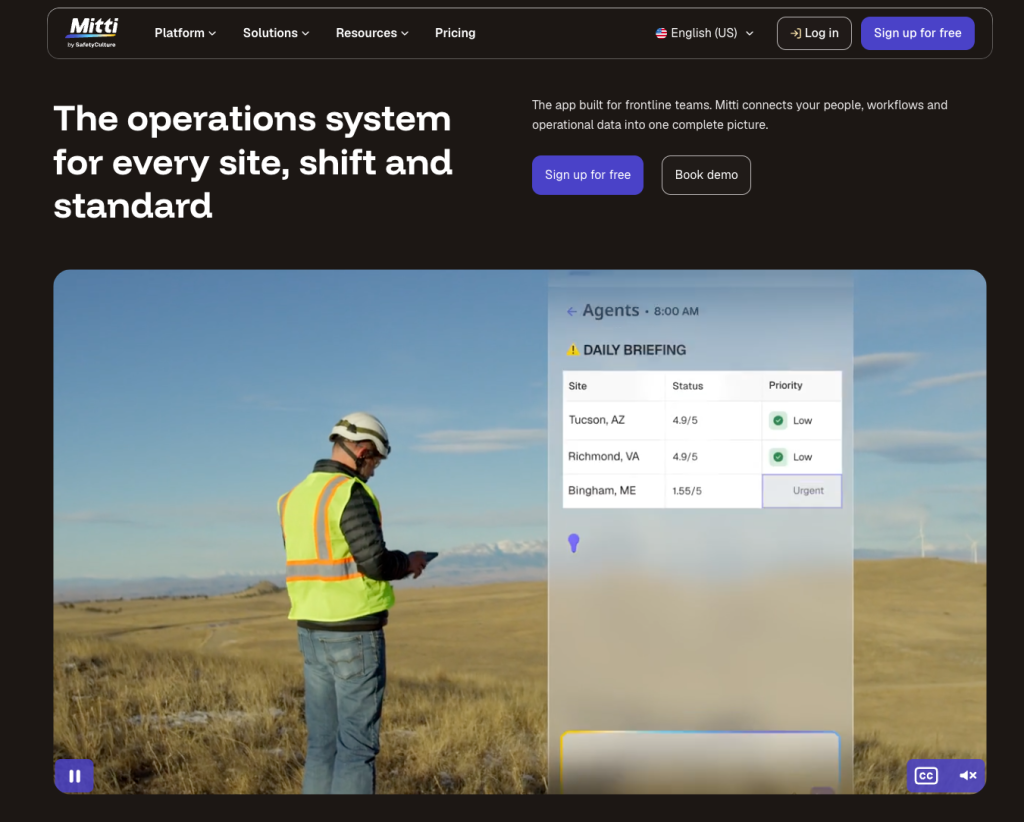
Delivers short, mobile-first lessons designed to be finished on a phone.
Best for: frontline and shift teams who train on a phone.
Top feature: the app is the product rather than a companion to a desktop platform. Content arrives in a few-minute chunks that survive being done in a break.
- Microlearning lessons with spaced repetition that resurfaces earlier material automatically
- A library of 1,000+ free, editable courses covering safety and compliance
- Offline access, with progress syncing once workers reconnect
Pros: the strongest mobile experience here, by design rather than by retrofit; a real free tier; published per-seat pricing.
Cons: short-form lessons are a poor fit for material that needs depth. The rebrand also means documentation and third-party guides are inconsistent about what it’s called.
Pricing: free for up to 10 users. Premium is $24 per seat per month billed annually, or $29 monthly. Enterprise is custom.
11. Cornerstone OnDemand
Tracks compliance and skills across a large workforce, with the audit trail to prove it.
Best for: regulated enterprises that have to prove completion.
Cornerstone OnDemand is talent management software with learning inside it, which is a different starting point from the LMSs above. It ties training records to roles and career paths rather than treating them as a separate system.
Top feature: it’s built to be audit ready. Cornerstone’s own description is “automate workflows, track progress, and be audit ready,” which is the difference between knowing who completed something and being able to prove it to a regulator.
- Automated compliance workflows and progress tracking
- Personalized learning paths by role, department or individual
- Integration with Workday, Salesforce, Microsoft Teams and other HR and CRM systems
Pros: built for audit; the learner app is well rated at scale; deep HR system integration.
Cons: there’s no published pricing at all. Implementation is a project measured in months rather than days, and it’s oversized for most companies under a few thousand people.
Pricing: not published. A demo request is required.
12. Degreed
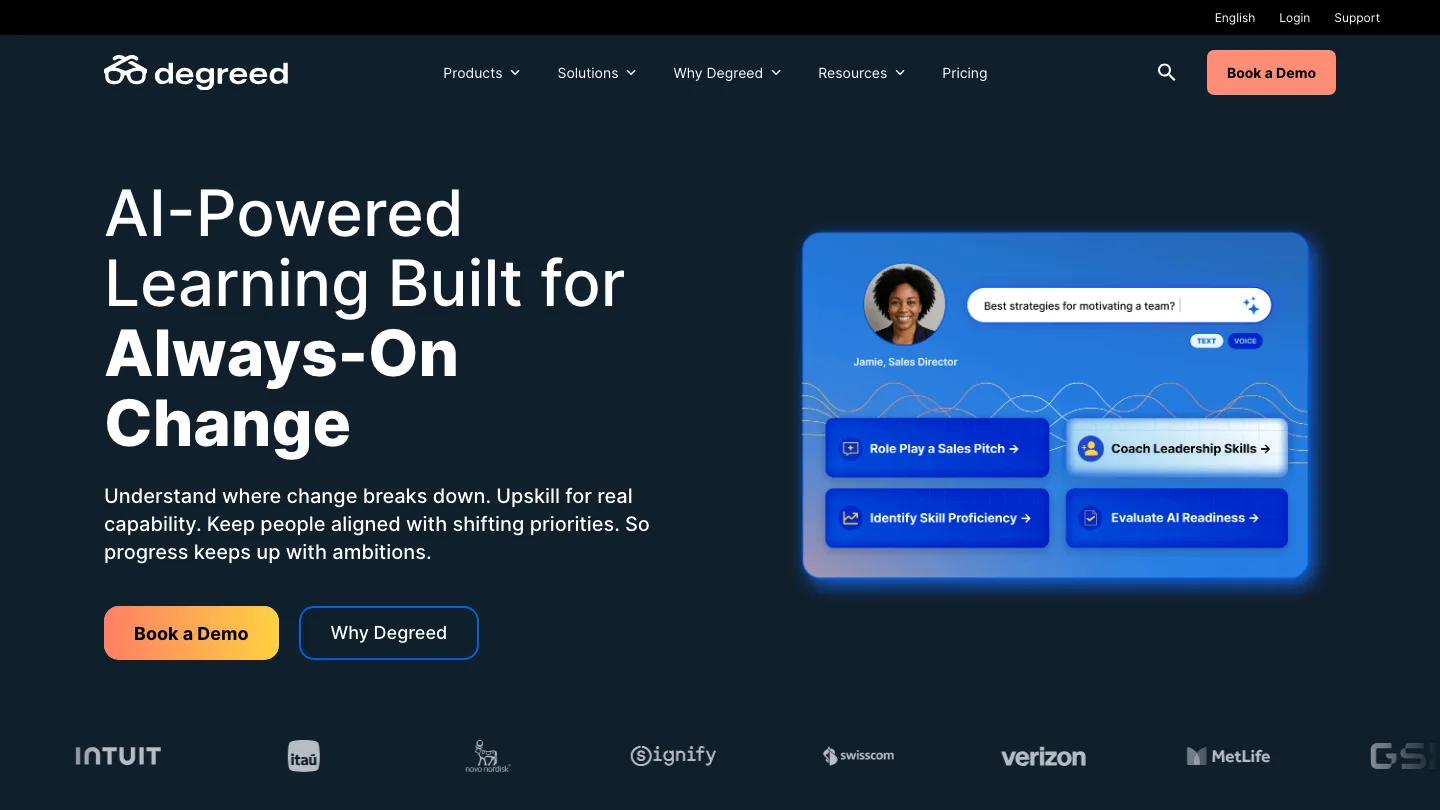
Builds a skills inventory from learning people do anywhere, not just in your LMS.
Best for: mapping what your workforce can actually do.
Degreed records learning from outside sources, whether that’s a course on Coursera, a conference talk, or an internal project. It then turns all of it into a skills profile. The goal is knowing what skills exist in the business, rather than who completed which module.
Top feature: it counts learning that happened somewhere else, which no other tool here does.
- Skills profiles built from multiple content sources
- Integration with external course libraries
- Skill gap reporting against role requirements
Pros: it answers a different question from everything else here; useful for internal mobility and workforce planning.
Cons: reviewers describe basic failures, such as not being able to access any content from the employer.
Pricing: Degreed does not publish pricing.
13. Litmos
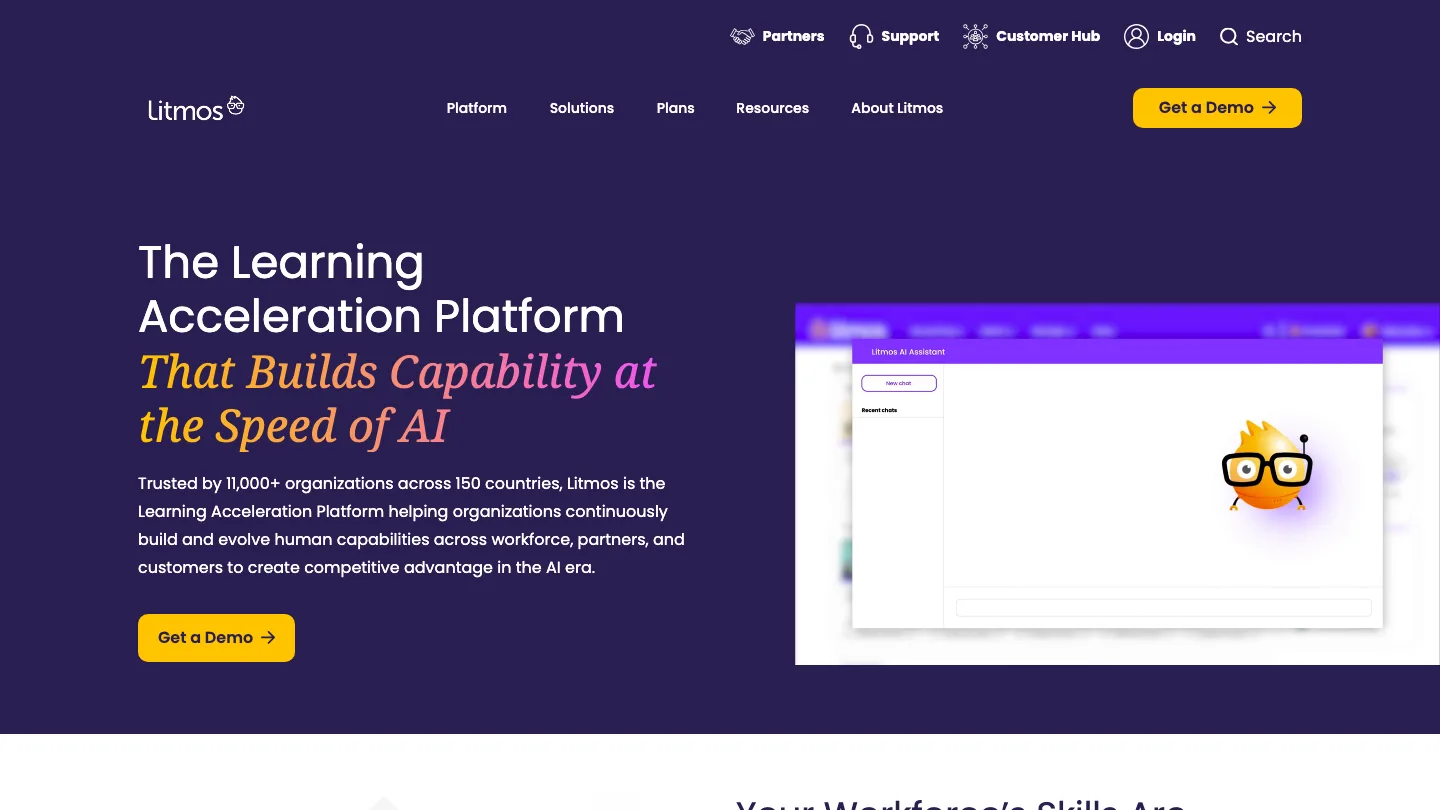
Delivers compliance training from a large library you don’t have to build.
Best for: mandatory compliance courses you’d rather buy than write.
Litmos pairs a straightforward LMS with an off-the-shelf course catalog. Its content library lists 17,704 courses spanning compliance and safety, leadership, sales, and technical skills.
Top feature: the ready-made compliance library, which removes the authoring job entirely for training nobody wants to write from scratch.
- Prebuilt compliance and soft skills courses
- Automated recertification cycles
- Reporting built around completion deadlines
Pros: the fastest route to running mandatory training; you buy the content and the delivery together.
Cons: off-the-shelf courses are generic by nature, so they won’t reflect how your site actually operates.
Pricing: not published.
14. Trainual
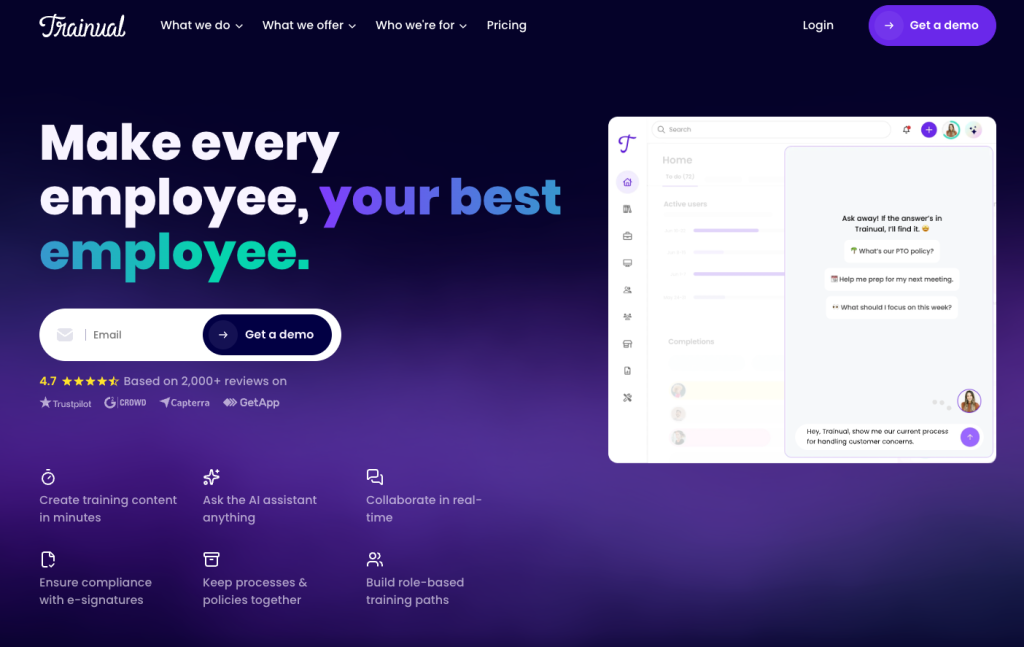
Documents how your company works and tracks who has read it.
Best for: small companies writing down their processes for the first time.
Trainual sits between a wiki and an LMS. You document processes, policies and role responsibilities, assign them to people, and get a record of who has acknowledged what.
Top feature: content organized by role rather than by course. A new hire therefore gets exactly the subset of the handbook that applies to their job.
- Process documentation with embedded video and images
- Role-based assignment and acknowledgment tracking
- Org chart and responsibility mapping
Pros: hard to beat for onboarding; much lighter than an LMS; the role-based structure suits small growing teams.
Cons: pricing is demo-gated, with no figures published. App reviewers also report SSO problems.
Pricing: not published. A demo is required.
Frequently asked questions
What are the best AI tools for employee training?
The AI in this category does two different jobs. On the creation side, tools like SlideSpeak and iSpring Suite AI generate course material and narration from documents you already have. On the delivery side, Docebo and 360Learning use AI mainly for tagging, recommendations and search. Decide which job you’re buying for first.
Which tools improve remote employee training?
For remote desk-based staff, any of the delivery platforms work well. For remote workers who aren’t at a desk, however, the shortlist is much shorter. Mitti, TalentLMS and 360Learning have the best-rated mobile apps here, and Mitti is the only one designed mobile-first rather than adapted to it.
What’s the difference between an LMS and an authoring tool?
An authoring tool makes the course. An LMS delivers it and records who completed it. Some products do both, but the two jobs have different buyers and different failure modes. So if your problem is “we have no training material,” an LMS won’t solve it.
Does SCORM support still matter?
Yes, if you want your content to outlive your platform. SCORM is the packaging standard that lets a course built in one tool run inside a different LMS. In other words, it’s what stops a platform migration from meaning you rebuild everything. Storyline 360, iSpring Suite and SlideSpeak all export to it.
How do you standardize training for new hires?
Document the process once, then assign it by role rather than by person. Trainual is built specifically around this, and TalentLMS handles it through branches and learning paths. The harder part is usually maintenance, so favor a format your team can update without a specialist.
Wrapping up…
Most companies have three tools pretending to be one. They discover it after buying a platform that’s excellent at delivery, when what they were actually missing was a fast way to make the material.
So work out which of the three jobs is actually unsolved for you. Buy well for that one, then connect it to what you already own rather than replacing everything. If you are not sure yet, start by taking stock of the material you already have: here is how to build an employee training program from what is already on your drive.


