
Toolbox Talk Software: 10 Tools Compared (2026)
Written by

Published on
On this page
Toolbox talk software schedules safety talks, sends them to your crews, and captures signed attendance for your OSHA records. In this post, I compare 10 toolbox talk software platforms on features, workflow coverage, and pricing.
If you run safety across more than a couple of projects, you know the actual job is chasing signatures. Sheets get signed on a tailgate, photographed, emailed, and lost somewhere between the foreman’s phone and the office.
Every tool here solves that. But very few help with the talk itself. So this comparison covers the whole workflow, not just the paperwork end.
What toolbox talk software actually does
Toolbox talk software schedules safety talks, distributes them from a pre-written library, and captures signed attendance for OSHA records. What almost none of it does is help you build the talk or present it. That happens somewhere else.
The gap is easier to see if you split the job into five stages:
- Create: write the talk, for the hazard on your site today.
- Present: deliver it to the crew in front of you.
- Distribute: get it to the right people on the right projects.
- Sign and document: capture attendance and signatures.
- Report: prove it happened, per project, per worker, on demand.
Almost every product here clusters in stages 3 to 5. Those stages carry your compliance risk, and they are hard to do well across fifty crews. But it does mean most of these products assume the talk already exists. Somebody else wrote it, about a hazard that may not be the one on your site this morning. If that is the part you are short of, we have 84 toolbox talk topics with free printable templates, sequenced as a year-long rotation.
So this list is not ranked. Instead, I ordered it by which stages each tool owns. The creation-stage tools sit near the top, because that is where the workflow starts and where the list is emptiest. I compared every tool on the same five stages plus published price.
10 Toolbox talk software compared
Here is the whole category against those five stages.
| Tool | Create | Present | Distribute | Sign & document | Report | Price from |
|---|---|---|---|---|---|---|
| Mitti | Templates only | No | Yes | Yes | Yes | $24/seat/mo annual |
| SmartQHSE | AI-generated | No | Yes | Yes | Yes | Free; from $49/mo |
| SlideSpeak | Yes | Yes | Yes | No | No | Free; from $24.65/mo annual |
| Raken | Upload only | No | Yes | Yes | Yes | Not published |
| HCSS Safety | Templates only | In-field | Yes | Yes | Yes | Not published |
| Safelyio | Custom talks | No | Yes | Yes | Yes | Not published |
| Sitemate Dashpivot | Templates only | Voice capture | Yes | Yes | Yes | $28.80/user/mo annual |
| Safety Meeting App | Templates only | No | Yes | Yes | Yes | From $199/yr |
| SafeStart | Content-led | No | Yes | Yes | Yes | Not published |
| Clue | Templates only | No | Yes | Yes | Yes | Not published |
The create and present columns are where the category thins out.
The 10 best toolbox talk software tools
These are the ten platforms I compared, ordered by workflow coverage rather than ranked.
1. Mitti (by SafetyCulture)
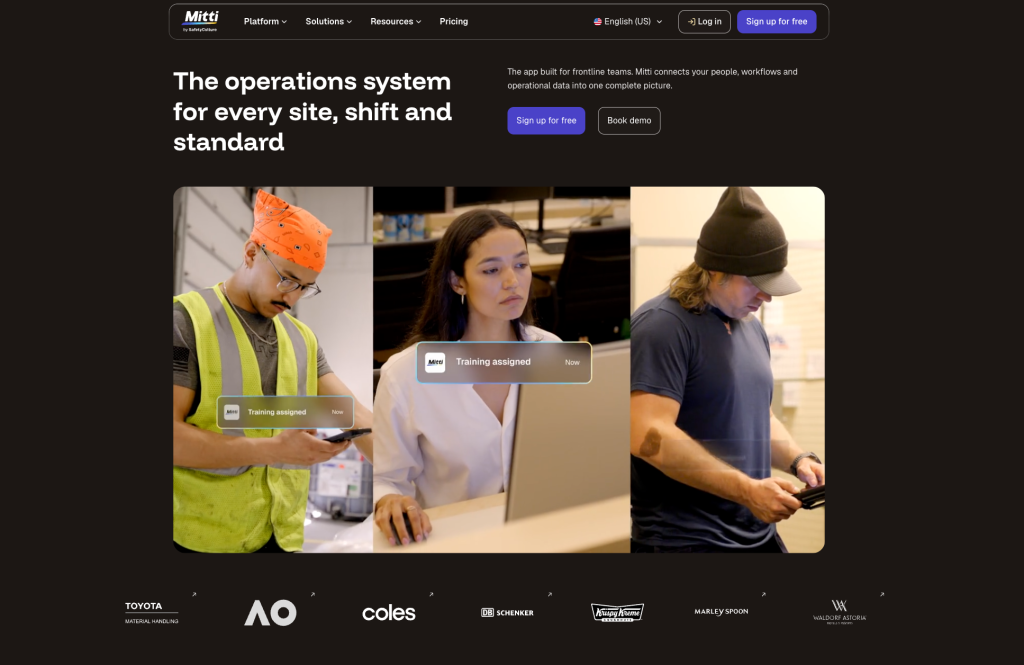
A full safety management platform where toolbox talks are one module among many.
Best for: teams who want inspections, incidents, and talks in one system.
Mitti is the product formerly known as SafetyCulture. Toolbox talks sit alongside inspections, corrective actions, and reporting. That is the argument for it: the talk is not a separate silo.
Top feature: breadth. Nothing else here connects a talk to an inspection finding and a corrective action in the same system.
- Template library with customization
- Digital sign-off and attendance
- Analytics across projects and teams
Pros: widest functional coverage on this list, free plan for up to 10 users.
Cons: the toolbox talk module is a small part of a large platform. You are buying a lot of software to run a five-minute meeting.
Pricing: free up to 10 users. Premium is $24/seat/month billed annually, or $29/seat/month billed monthly.
2. SmartQHSE
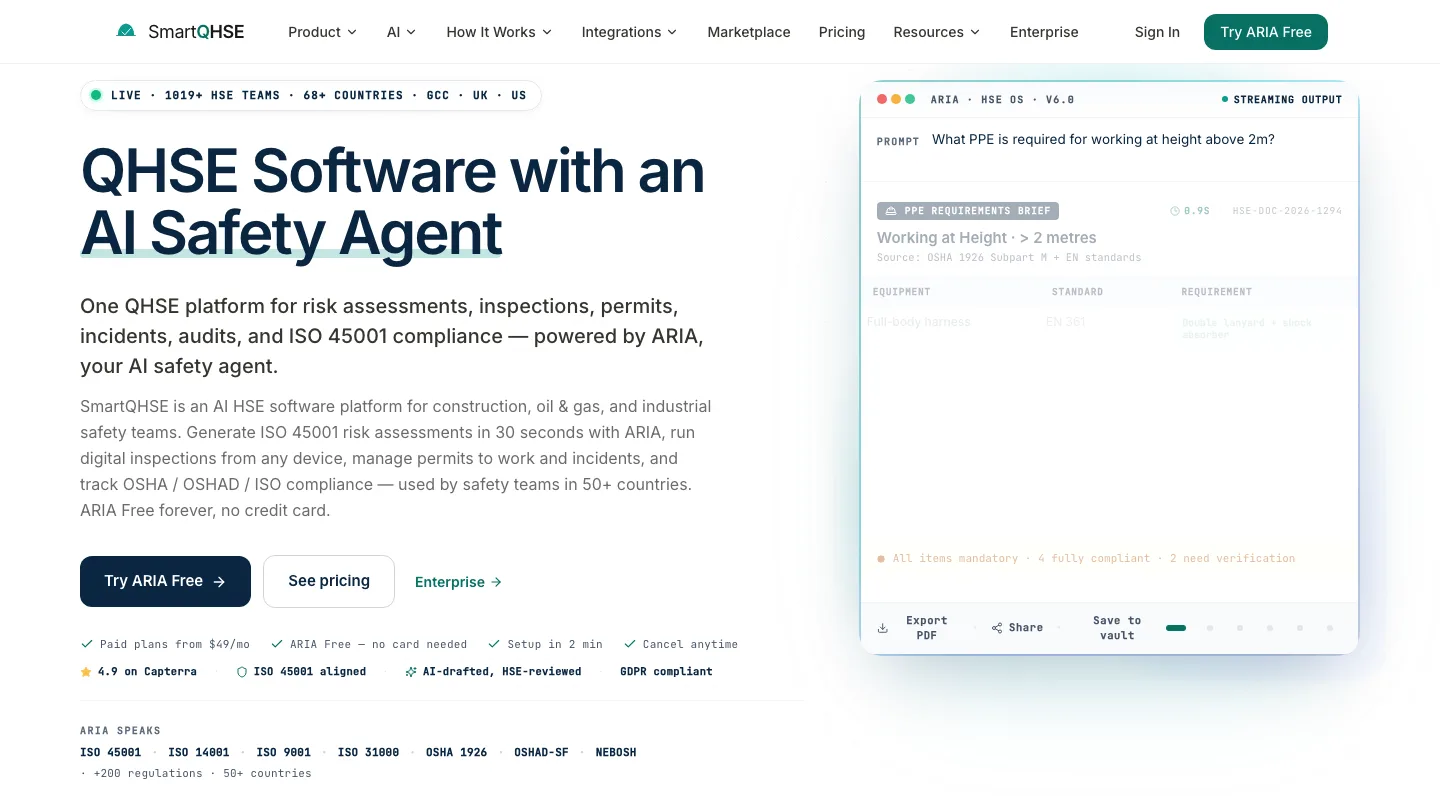
Writes the talk for you instead of handing you a library.
Best for: supervisors whose hazards change site to site and week to week.
SmartQHSE generates a complete briefing from inputs as simple as your industry and your site conditions. The output covers hazards, risks, control measures, and a discussion prompt. It also handles the compliance end, with digital sign-off, attendance tracking, and a library of pre-built talks.
Top feature: generating a site-specific talk in seconds. Every other tool on this list starts from content somebody wrote months ago.
- AI-generated briefings in multiple languages
- Digital sign-off with no app download required
- Pre-built template library alongside the generator
Pros: covers creation and compliance in one product, publishes pricing, has a free tier.
Cons: it produces a script, not a presentation. You are still delivering it yourself off a phone screen.
Pricing: free plan available, paid plans from $49/month.
3. SlideSpeak
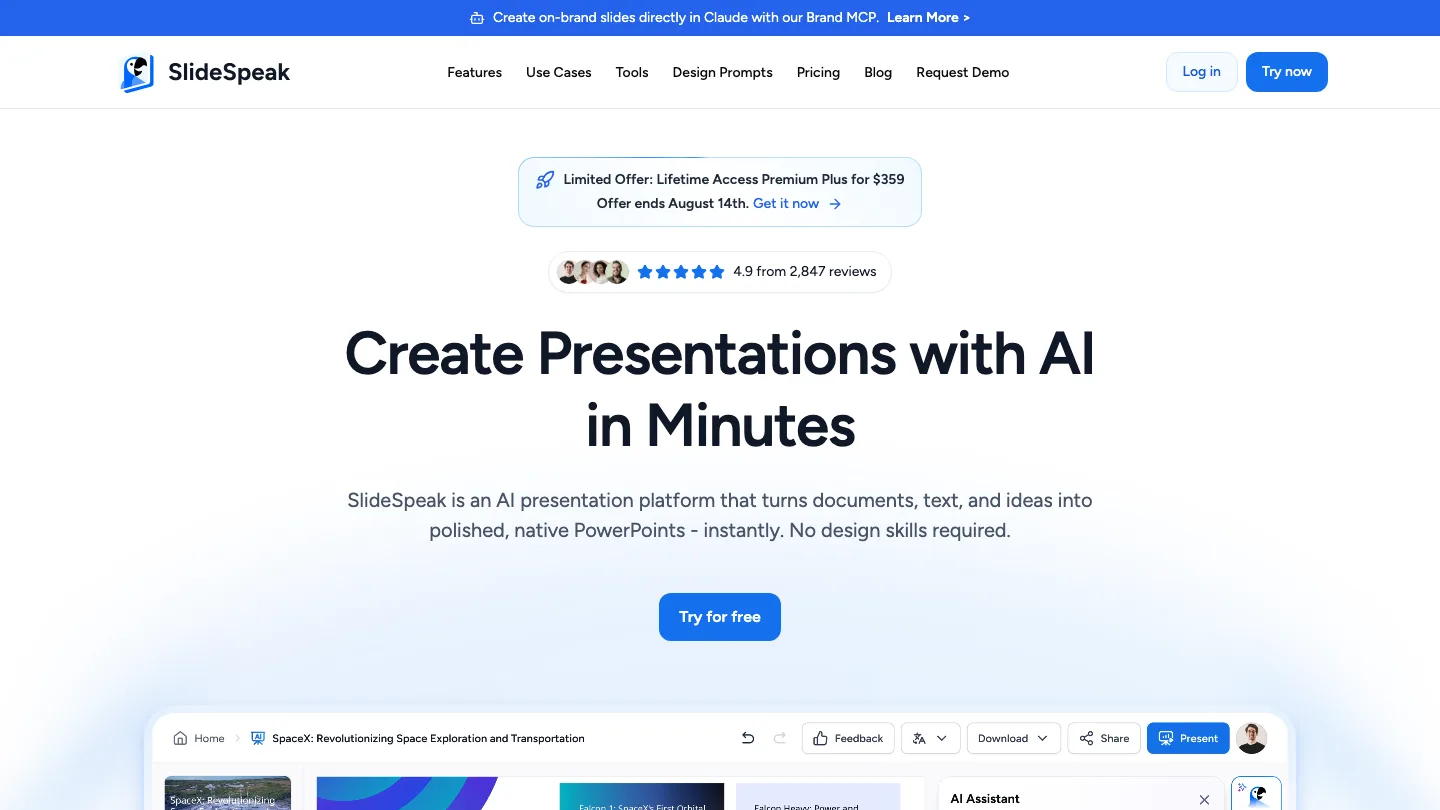
Best for: supervisors who need the talk itself to be good, and already have somewhere to file it.
You can generate a presentation from a prompt, or from documents you already have. That second option is the one that matters on a jobsite. Feed it a method statement, a risk assessment, or last week’s incident report, and you get a talk about that specific hazard.
Top feature: your own site documents become the deck. Every other tool here starts from a library someone else wrote, about a hazard someone else had.
There is an AI presenter with speaker notes, or you can present it yourself. SlideSpeak also generates video, as a hosted link or a downloadable MP4. Perfect if your crews work different shifts and never assemble in one place.
Pros: the only tool here that both builds and presents the talk, works from documents you already have, and has a free tier.
Cons: no compliance features (yet). Signatures, records, and scheduling all have to live somewhere else. If you want one system, this is not it.
Pricing: free forever plan with 100 credits at sign-up, roughly three presentations. Premium is $29/month.
4. Raken
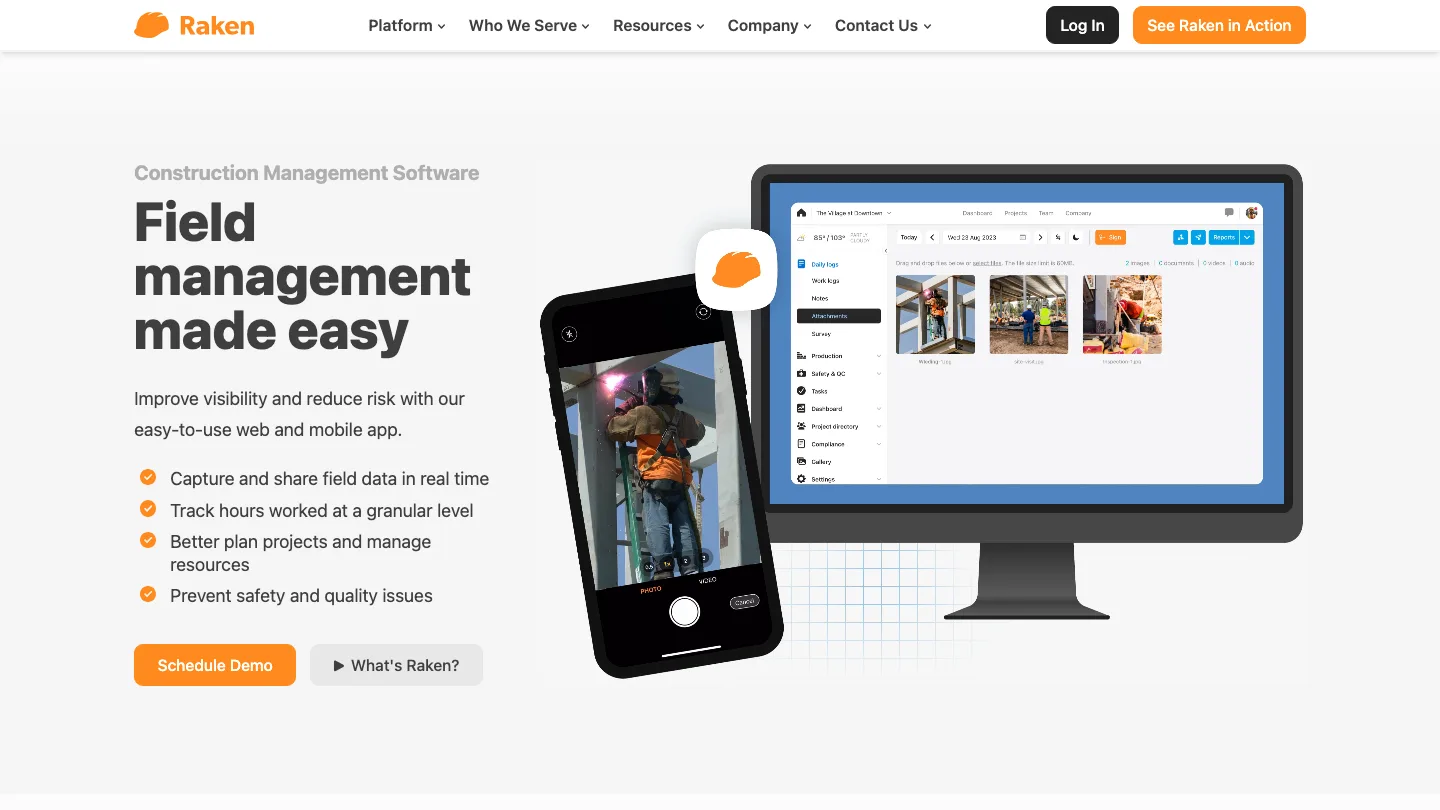
Daily reporting software for construction, with toolbox talks attached to the daily report.
Best for: contractors who already live in a daily report and want talks in the same place.
Raken gives you 100+ construction-specific talks, bulk scheduling across whole projects, and signature capture. Its real strength is context: the talk sits next to the day’s production notes, photos, and observations, rather than in a separate safety app.
Top feature: bulk scheduling across every project at once. That is the difference between a five-minute admin job and an afternoon.
- 100+ construction toolbox talks
- Upload your own content
- Compliance dashboard showing completion rates
Pros: construction-native, and talks live alongside daily reports.
Cons: the library is smaller than several tools here.
Pricing: not published, contact sales.
5. HCSS Safety
Heavy civil safety software built for foremen running meetings in the field.
Best for: heavy civil and infrastructure crews where the foreman runs the meeting on a tablet.
HCSS aims at running the meeting rather than just recording it. You get talking points for the day’s topic, attendee logs, and photo uploads in one flow. HCSS came out of the heavy civil world, and you can see it in the workflow.
Top feature: in-field facilitation. HCSS built the app for the moment the meeting is happening, which is unusual here.
- Library of hundreds of expert-vetted talk templates
- Action item follow-up
- Attendee logs and photo uploads
Pros: one of only two tools here that helps during the meeting, and strong for heavy civil work.
Cons: its own page says “hundreds” of templates, which is smaller than some competitors claim.
Pricing: not published, contact sales.
6. Safelyio
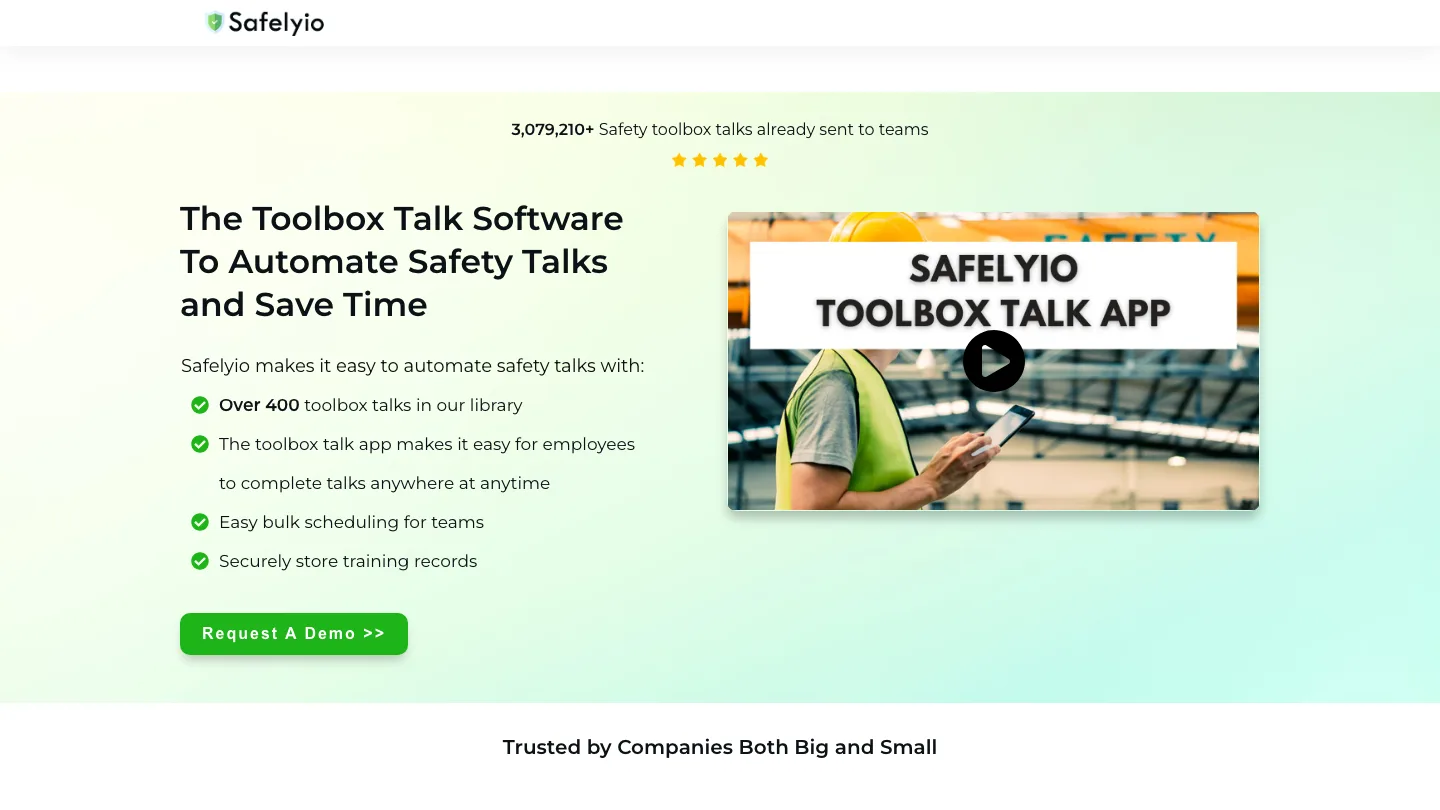
Toolbox talk delivery built around a video and text library maintained by in-house safety staff.
Best for: teams with no safety content of their own and no appetite to write any.
Safelyio leans on its library harder than anyone else here. Its own EHS team writes and updates over 400 text and video talks. You also get scheduling, digital acknowledgement, and knowledge checks. Custom talks are available if you need something specific.
Top feature: knowledge testing after the talk, which nothing else on this list does as standard except SlideSpeak.
- Over 400 video and text toolbox talks
- Digital acknowledgement
- Quiz-style comprehension checks
Pros: hands-off if you have no content, and the video format suits crews who do not read.
Cons: you are largely working from their content rather than your own site’s hazards.
Pricing: not published, contact sales.
7. Sitemate Dashpivot
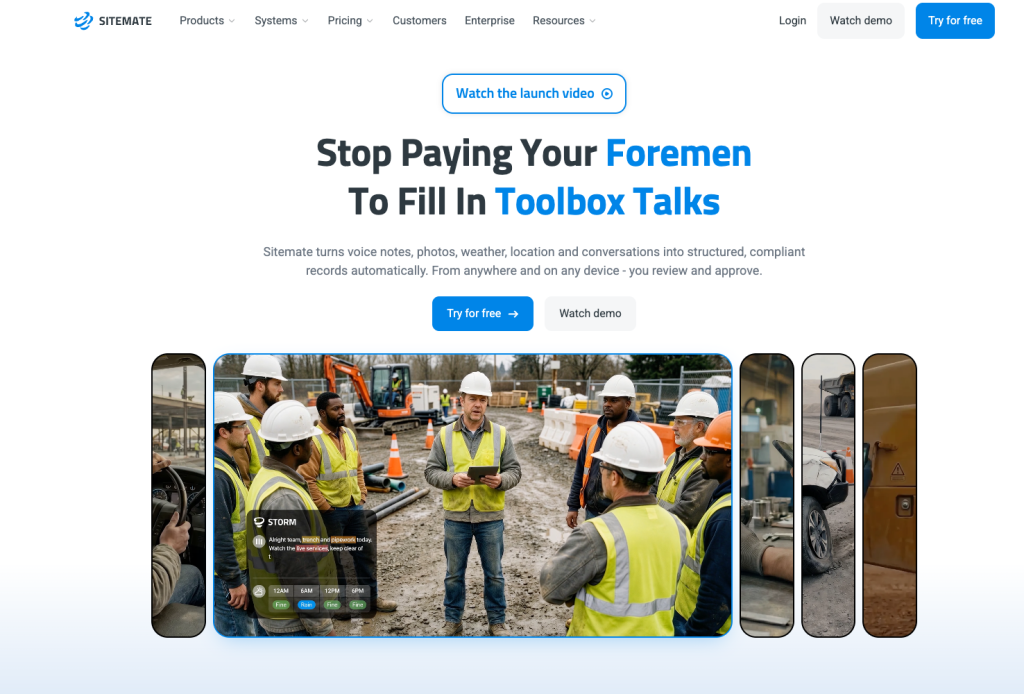
Digital records software that captures the briefing as it happens.
Best for: teams who need audit-ready records more than they need help running the meeting.
Sitemate is built for record quality. Its toolbox talk app captures digital attendance, voice-recorded discussion, and audit-ready records during the briefing rather than after it.
Top feature: voice recording of the discussion itself, which no other tool here captures.
- Digital attendance capture
- Voice-recorded discussions
- Audit-ready export formats
Pros: the strongest record-keeping on this lis
Cons: no help creating the talk. It assumes you arrived with one.
Pricing: $28.80/user/month billed annually. Sitemate lists several tiers above that, so check its pricing page for the plan you need.
8. Safety Meeting App
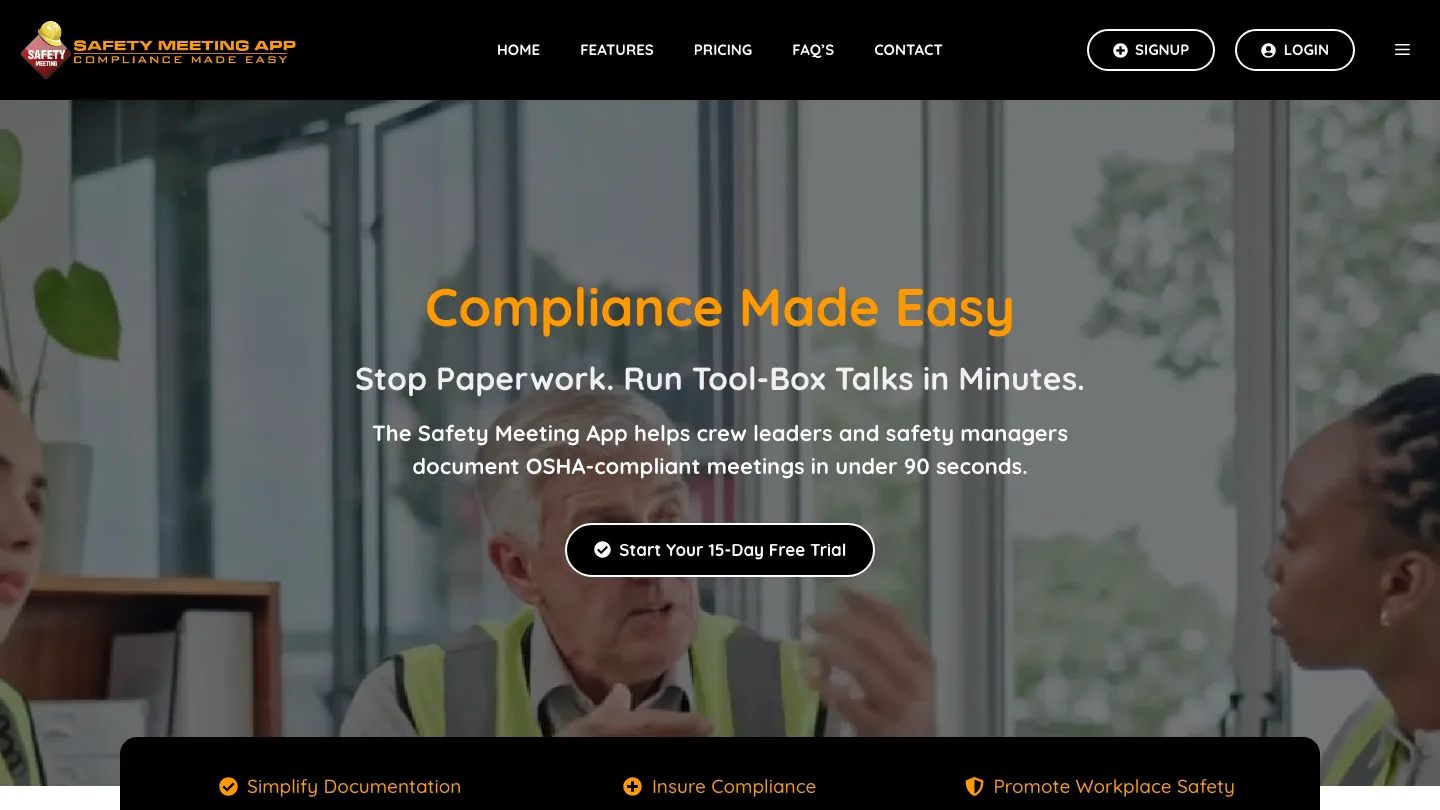
A large topic library with straightforward OSHA documentation, priced by headcount.
Best for: small and mid-size crews who want a big library without a per-user monthly bill.
Safety Meeting App claims 1,500+ safety topics. The product is built around documenting OSHA-compliant meetings quickly. Its pricing model is the outlier here, in a good way: an annual price by user band rather than per user per month.
Top feature: transparent tiered pricing you can compare without talking to anyone.
- 1,500+ safety topics
- Incident recording alongside meetings
- One- and two-year subscription options
Pros: largest amount of topics among the tools on our list.
Cons: no free plan, only a 15-day trial. Nothing at the creation or presentation stage.
Pricing: from $199/year for 1 user, up to $1,169/year for 150 users, with a 15-day free trial.
9. SafeStart
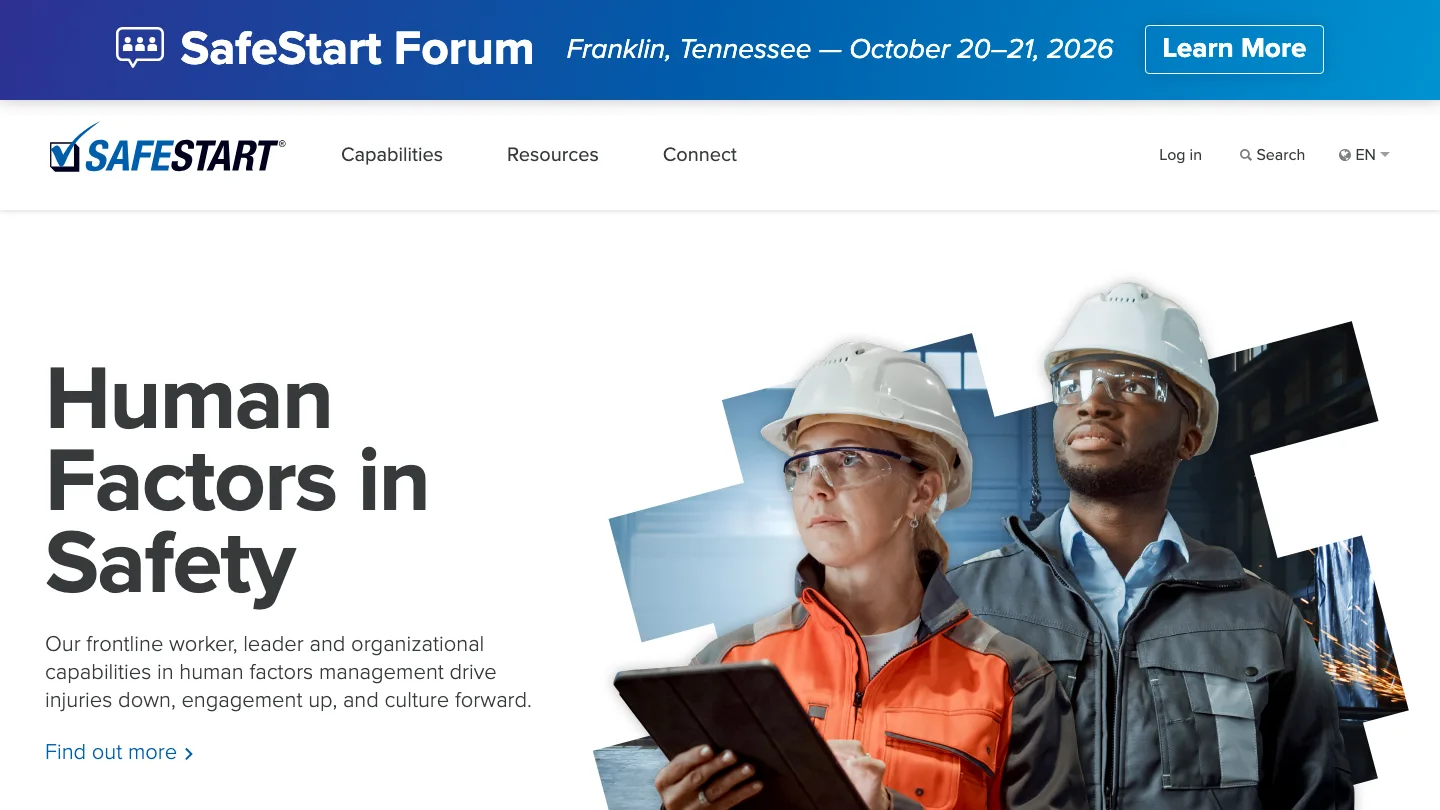
Safety training built around human factors rather than compliance paperwork.
Best for: organizations trying to change behavior, not just document attendance.
SafeStart sells human factors training, aimed at the mental states that precede injuries rather than at hazard-of-the-week compliance topics. The product line covers worker programs, leader tools, and advisory services.
Top feature: behavioral content you will not find in any other library on this list.
Pros: a different approach, and strong content if behavior change is the goal.
Cons: no published pricing. It is a training program more than a toolbox talk tool. If you need signature capture across fifty crews tomorrow, start elsewhere.
Pricing: not published, contact sales.
10. Clue
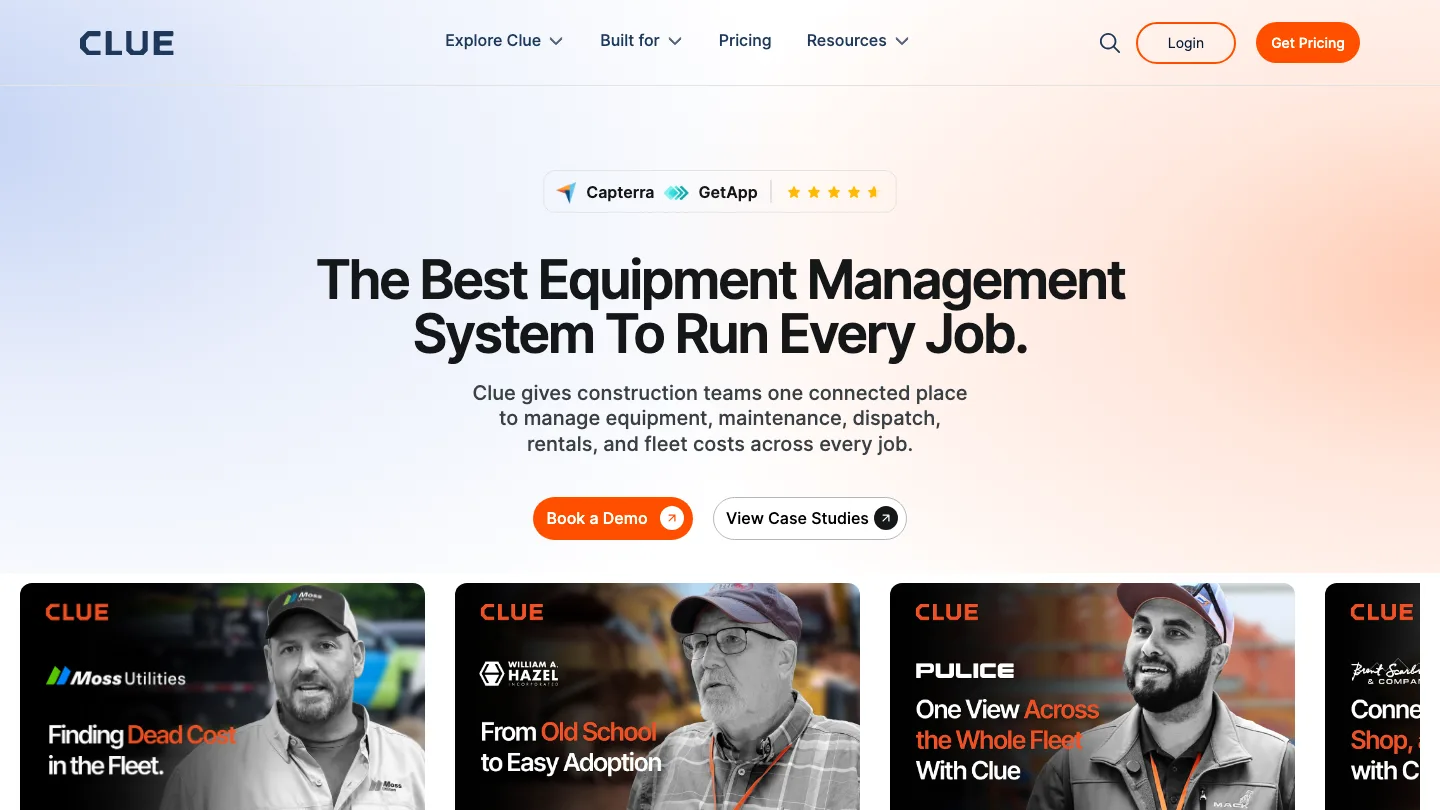
Equipment and fleet management software that ties safety talks to inspections and work orders.
Best for: fleet-heavy contractors who want talks connected to equipment data.
Clue approaches toolbox talks from the equipment side. The talk connects to inspections, work orders, and maintenance, rather than sitting in a standalone safety module. If your hazards are mostly machine hazards, that connection saves you a second system.
Top feature: talks linked to fleet and equipment records.
- Scheduling and dispatch to the field
- Attendance capture
- Equipment and inspection integration
Pros: the equipment angle is distinct, and useful if fleet is your risk.
Cons: safety talks are a secondary feature of a fleet product.
Pricing: not published, contact sales.
How to choose toolbox talk software
Skip the feature matrices and answer one question. Which stage of the workflow is broken for you?
If you have no safety content of your own, buy library depth. Safelyio, Safety Meeting App, and HCSS all lead with large libraries. Safelyio’s is video-first, which helps if your crews do not read long documents.
If your problem is proof, buy records. Sitemate captures the briefing as it happens. Mitti connects the talk to inspections and corrective actions across the business.
If your talks get ignored because they are generic, buy at the creation stage. SmartQHSE generates a talk from your site conditions, and SlideSpeak builds one from documents you already have. This is the smallest part of the market. In my opinion, it is also the part that decides whether the talk changes anything.
If your crews are fleet-heavy, Clue’s equipment link is a real advantage.
Toolbox talk software FAQ
What is a toolbox talk?
A toolbox talk is a short, informal safety meeting held before work starts. It usually runs five to fifteen minutes and covers one hazard relevant to that day’s job. They are also called tailgate meetings, safety briefings, or pre-start meetings.
How often should toolbox talks happen?
Most construction employers run them daily or weekly. Daily suits high-risk sites where conditions change. Weekly is more typical for fixed environments.
Does OSHA require toolbox talks?
OSHA does not require toolbox talks by that name. However, it does require employers to train workers who face hazards on the job, under a range of standards. Documented toolbox talks are one of the most common ways employers evidence that training. Check the standards that apply to your work, rather than assuming a weekly talk covers you.
Do digital signatures satisfy OSHA recordkeeping?
OSHA’s recordkeeping rule, 29 CFR Part 1904, governs injury and illness logs, and it permits equivalent forms rather than the printed OSHA 300, 300A and 301. But it does not cover training or attendance records at all, which is what a toolbox talk actually produces. Those requirements come from whichever standard applies to the work you are doing, and they vary. Check the standard, and check your client contract separately, because contract terms are often stricter than the regulation.
Can I use my own toolbox talk content?
Usually yes. Raken explicitly supports uploading your own talks, Safelyio offers custom talks, and most template libraries can be edited. Confirm the upload format before you buy. This is where PDF and PPTX export, from whatever you author in, becomes the deciding detail. Our toolbox talk templates are one-page PDFs in English and Spanish, with the signature block on the same sheet.
Final thoughts
This category proves a talk happened. It is indifferent to whether the talk was any good. Auditors check the paperwork, so vendors build for the paperwork. But it does mean almost nobody has built toolbox talk software for the thing that changes behavior on site, which is a supervisor talking about the hazard in front of them.
So ask this on any demo call. It will tell you more than a feature list: show me how I make a talk about the hazard on my site today, not the one in your library.
Watch what happens. Most vendors will show you their search function.
And that’s a wrap! Did we miss a tool? Let us know!


