We tested Gamma and Presentations.AI side-by-side using the same topic. See real presentation results, pricing compared, and which AI presentation maker actually saves you more time in 2026.


Gamma vs Presentations.AI
In the rapidly evolving world of AI-powered presentation tools, two platforms have emerged as frontrunners: Gamma and Presentations.AI. Both promise to revolutionize how we create presentations using artificial intelligence, but which one truly delivers the best value for professionals, educators, and businesses?
This comprehensive comparison examines both platforms through hands-on testing using the same "Discovery of the Moon" presentation topic, real-world usage scenarios, and detailed feature analysis to help you make an informed decision for your presentation needs in 2026. With Gamma 3.0's launch introducing the Gamma Agent and API, and Presentations.AI's Clip-E AI assistant and brand sync capabilities, the landscape has become more competitive than ever.
We'll compare these AI presentation makers across key areas:
 |  | |
|---|---|---|
| Free Plan Available | Yes - 400 AI credits | Yes - 200 credits (no refresh) |
| Templates Available | 40+ modern templates | 100+ professional templates |
| Role-Based Generation | No specific roles | Teacher, Student, Business roles |
| Research Enhancement | Yes - Gamma Agent searches the web | Automatic research integration |
| PowerPoint Export | Yes (Plus plan and above) | Yes (Pro plan only, 5 credits/slide) |
| Real-time Collaboration | Yes | Limited |
| AI Image Editing | Yes - New AI image tools | Basic image handling |
| Multi-Theme Generation | Instant theme preview | Single theme selection |
Gamma has established itself as a modern, web-native presentation platform that goes beyond traditional slides. With over 70 million users and the Gamma 3.0 launch, the platform has expanded from presentations to encompass websites and social media content generation. The headline feature is the Gamma Agent — an AI design partner that researches the web, refines content, restyles entire decks, and provides design feedback through natural language conversation.
Gamma 3.0 has significantly enhanced its capabilities. The Gamma Agent can research anything by searching the web and pulling in citations, restyle your entire deck's look with a simple request, and refine content by incorporating links or screenshots you drop in. The new Gamma Generate API (GA since January 2026) lets developers programmatically create presentations, documents, and websites at scale via Zapier, Make, or custom integrations. AI image generation now supports multiple models including Flux Fast and cinematic HD imagery.
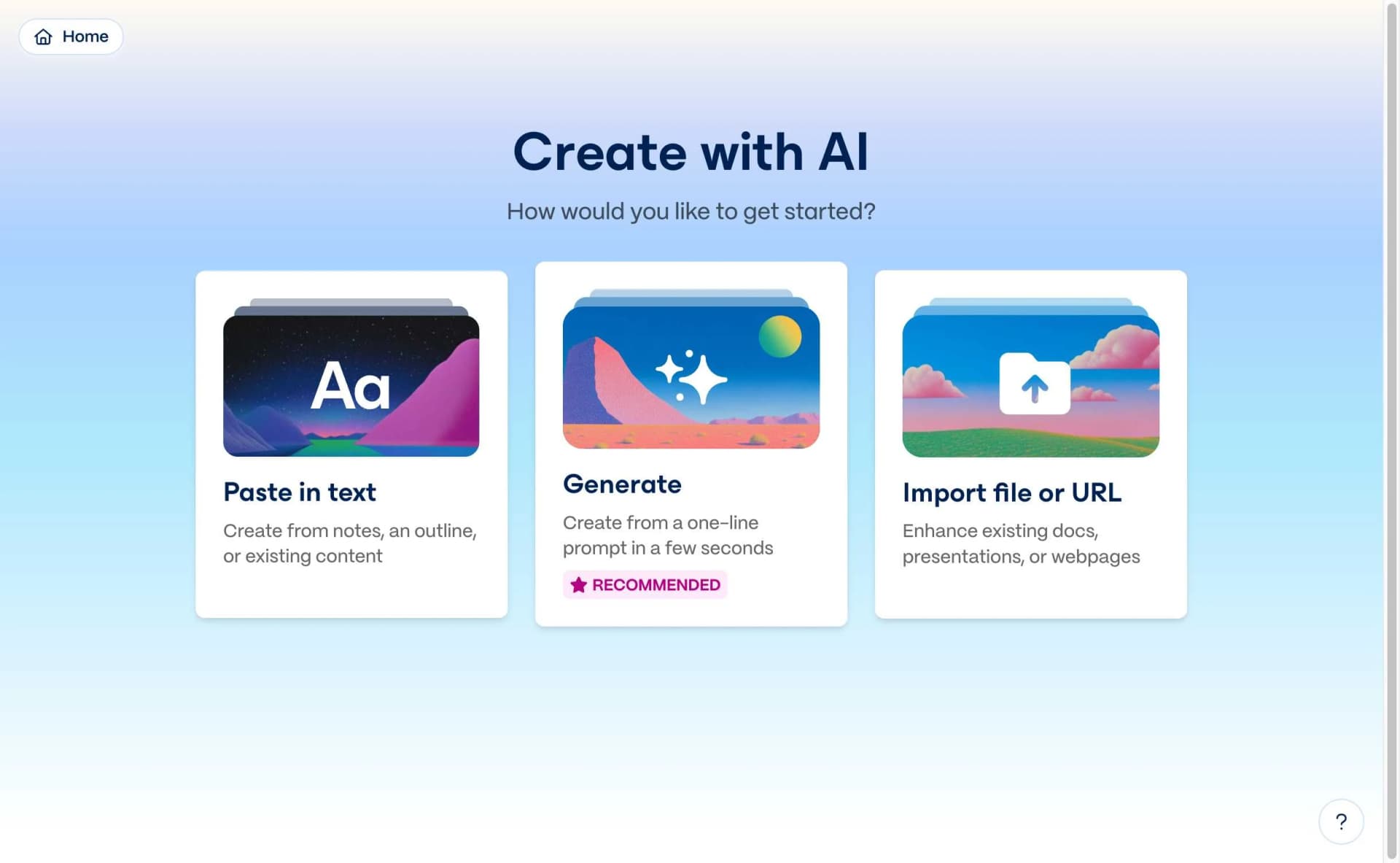
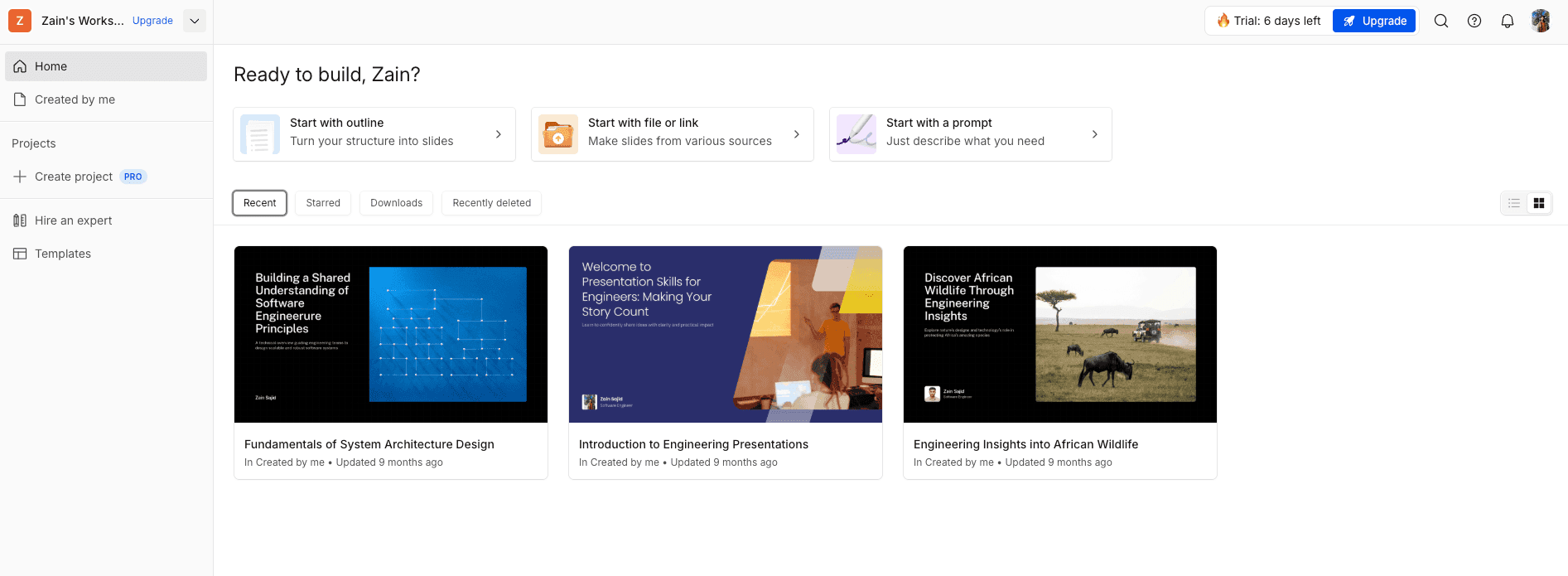
Gamma's interface immediately presents three clear options: Create with AI, Import Files, or Start from Scratch. For our test, we selected "Create with AI" to see how well their artificial intelligence handles educational content creation.
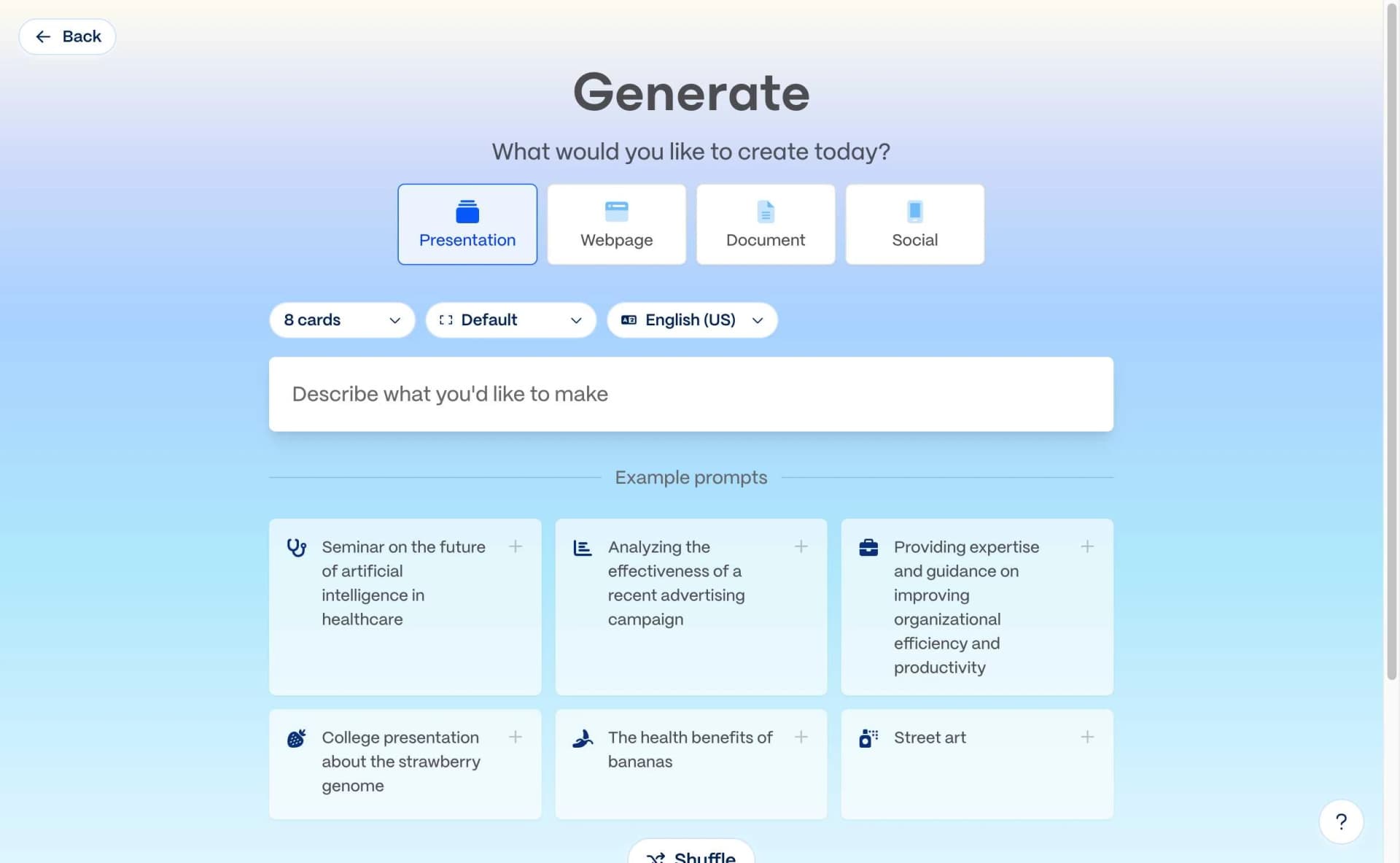
The AI generation interface is clean and straightforward. We entered our prompt about the "Discovery of the Moon" and Gamma processed it efficiently. Recent improvements now allow the AI to understand vague prompts better and can generate full multi-section decks, rewrite or summarize content, and suggest media like images or GIFs more effectively.
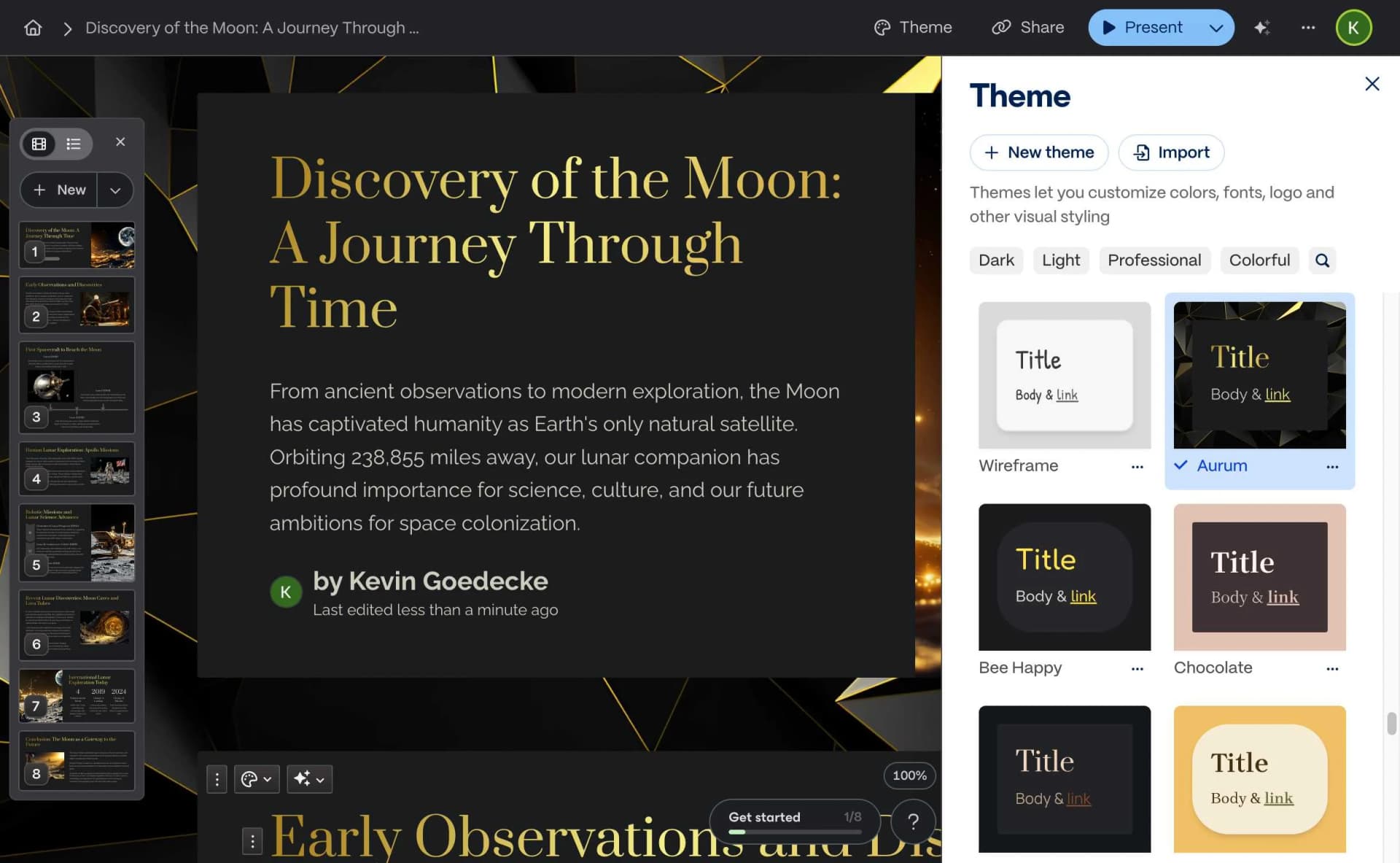
Gamma offers around 40 modern, minimalist templates. While the designs are aesthetically pleasing and contemporary, the selection is more limited compared to traditional presentation tools. However, the new multi-theme generation feature allows instant preview across different styles.
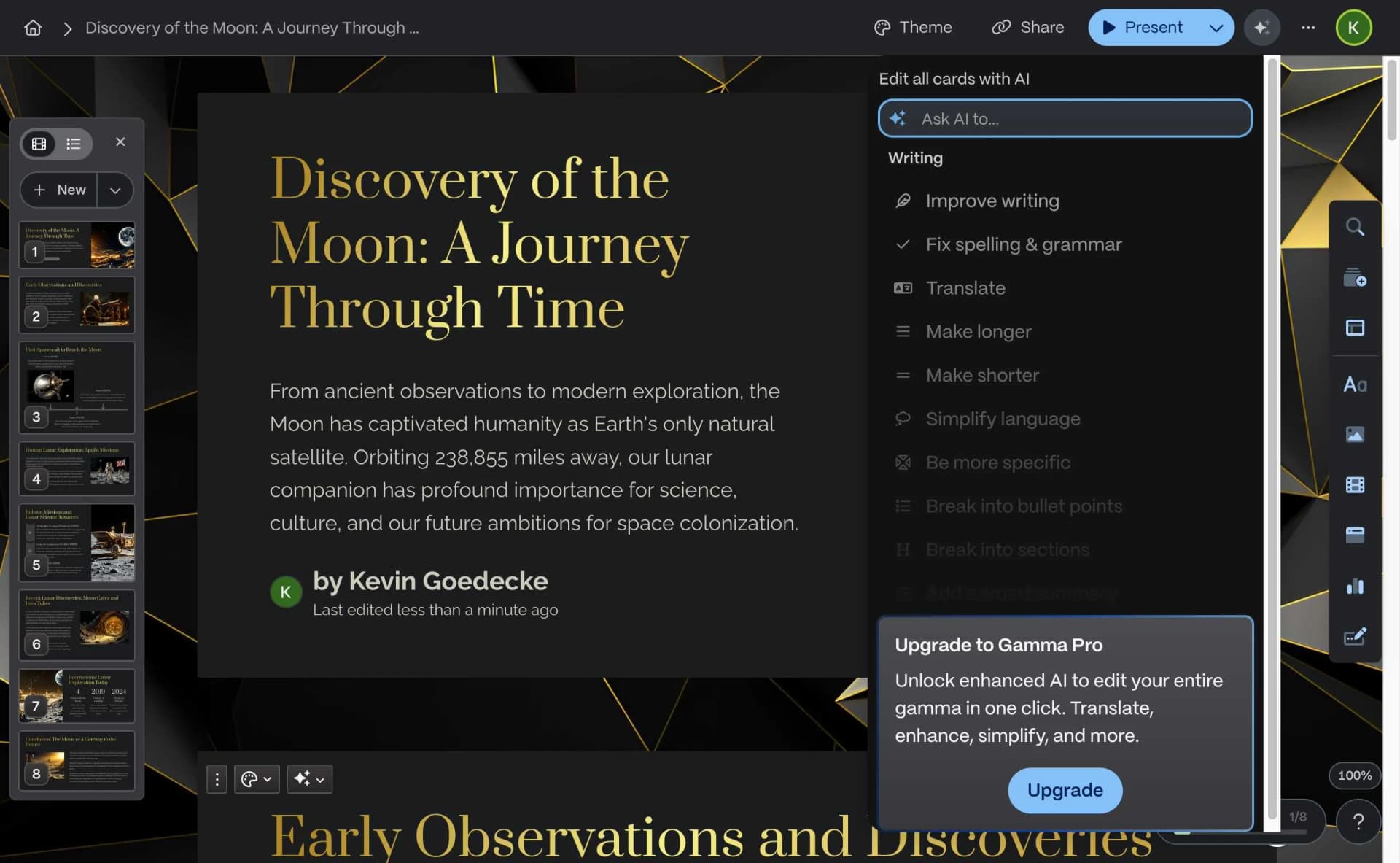
Gamma's editing interface is intuitive with AI-powered suggestions readily available. The platform excels in maintaining design consistency and offers real-time collaboration features that work seamlessly. Recent updates have enhanced support for embedding interactive charts, live videos, Figma files, YouTube clips, and surveys without requiring coding skills.
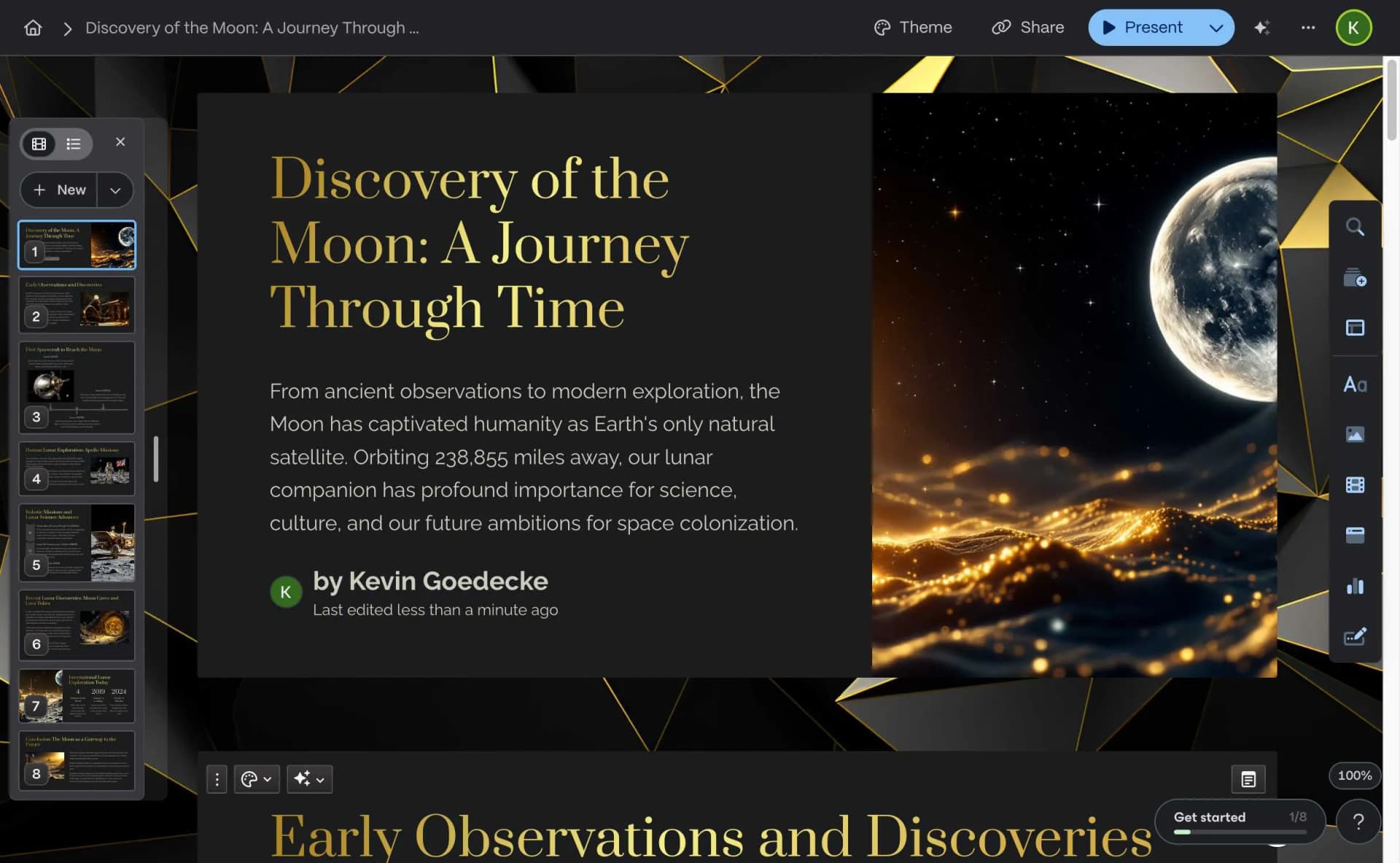
The final Gamma presentation showcases clean, modern design with good visual hierarchy. However, the content required manual research and additional fact-checking to ensure accuracy, unlike some specialized AI presentation makers for teachers that include research enhancement.
Presentations.AI takes a different approach by focusing on role-specific content generation. The platform now features Clip-E, an AI design assistant that helps create and refine presentations while ensuring slides align with your brand by automatically applying colors, logos, and styles. With over 8 million users, the platform also offers enhanced brand sync capabilities, multilingual support, and adaptive "anti-fragile" templates that maintain layout integrity even with major content changes.
Key updates to Presentations.AI include Clip-E, a conversational AI assistant that automates slide creation, infographics, charts, and timelines. The "anti-fragile templates" adapt dynamically as you edit content, ensuring design remains intact. Brand sync maintains visual and messaging consistency across all presentations, while advanced analytics track audience engagement. Users can also import URLs from websites, blogs, or YouTube videos to generate presentations automatically.
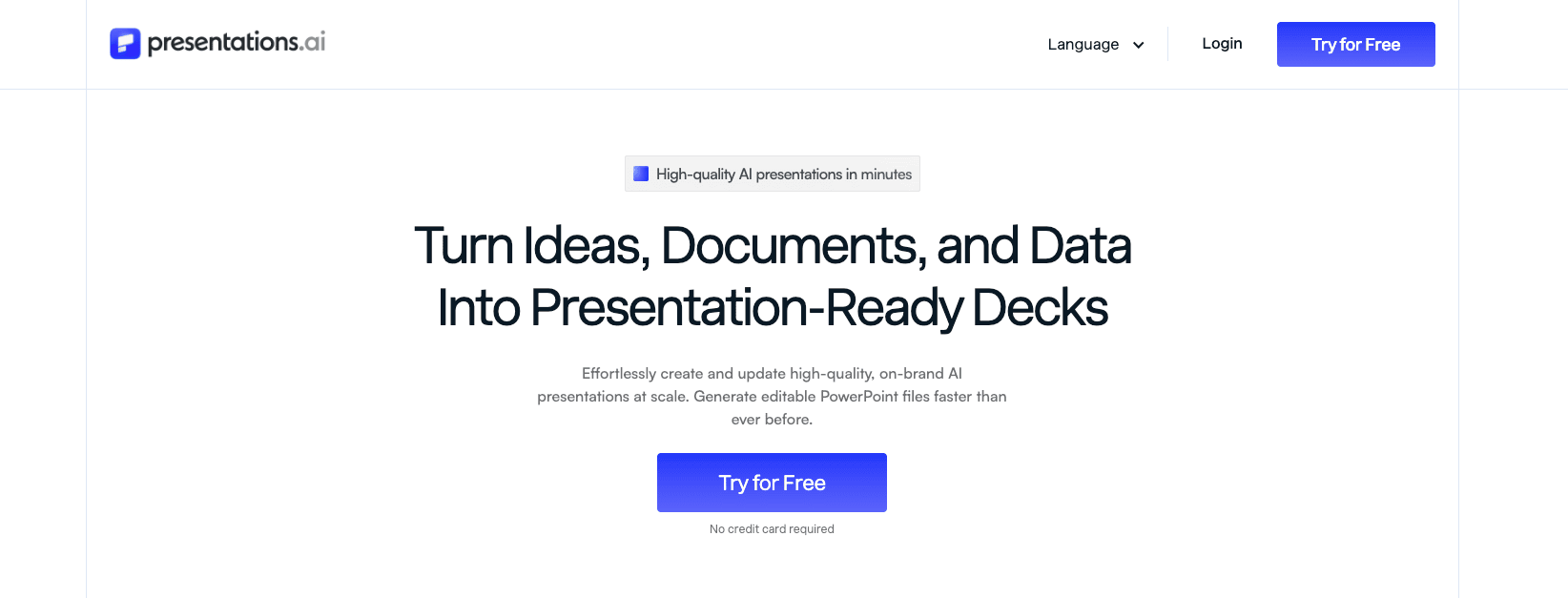
Presentations.AI immediately asks users to select their role: Teacher, Student, or Business Professional. This role-based approach is unique and helps tailor the content generation to specific audiences and contexts.
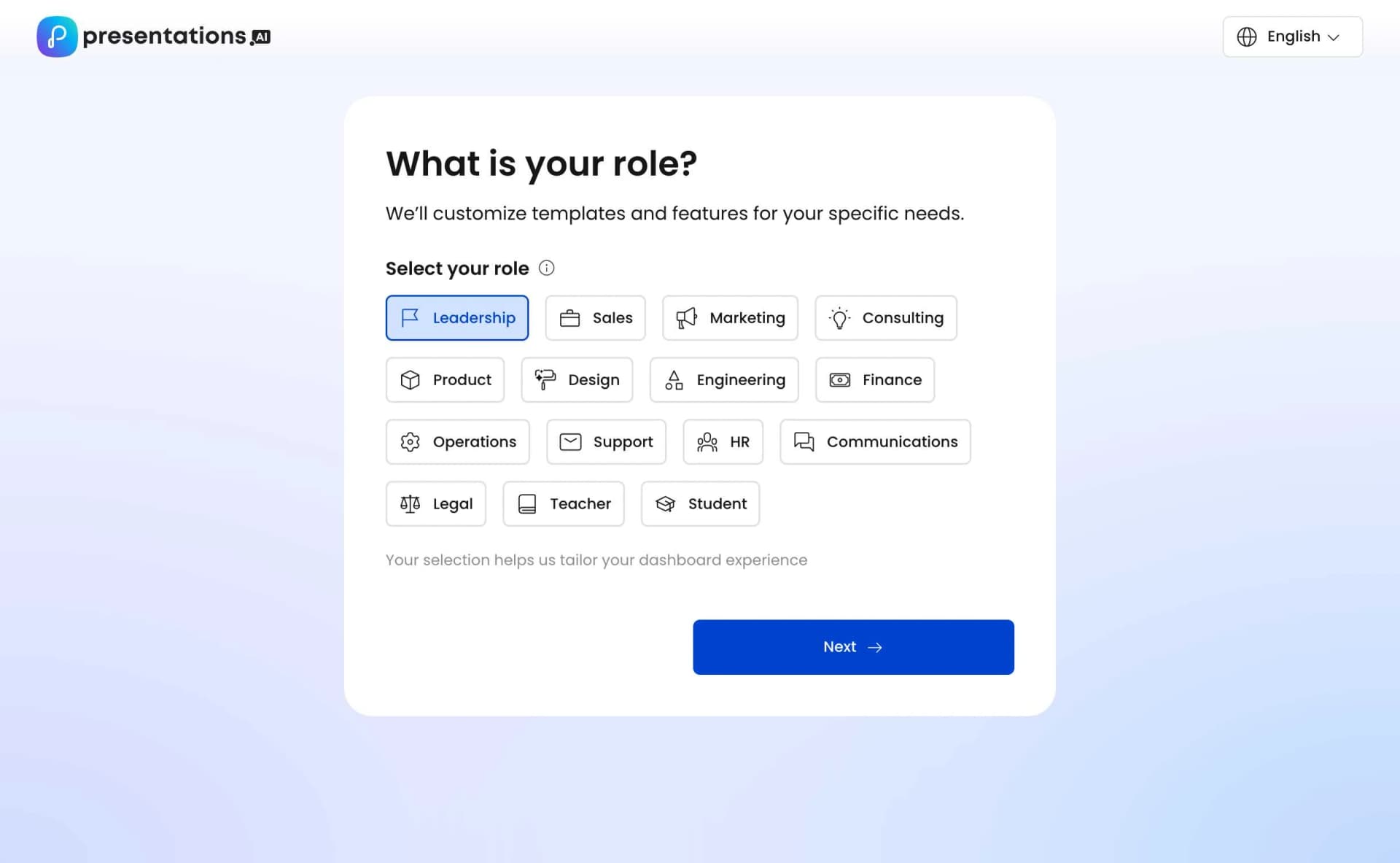
For our educational content, we selected "Teacher" and specified "Secondary School" as our target audience. This level of specificity immediately sets Presentations.AI apart from more generic AI tools.
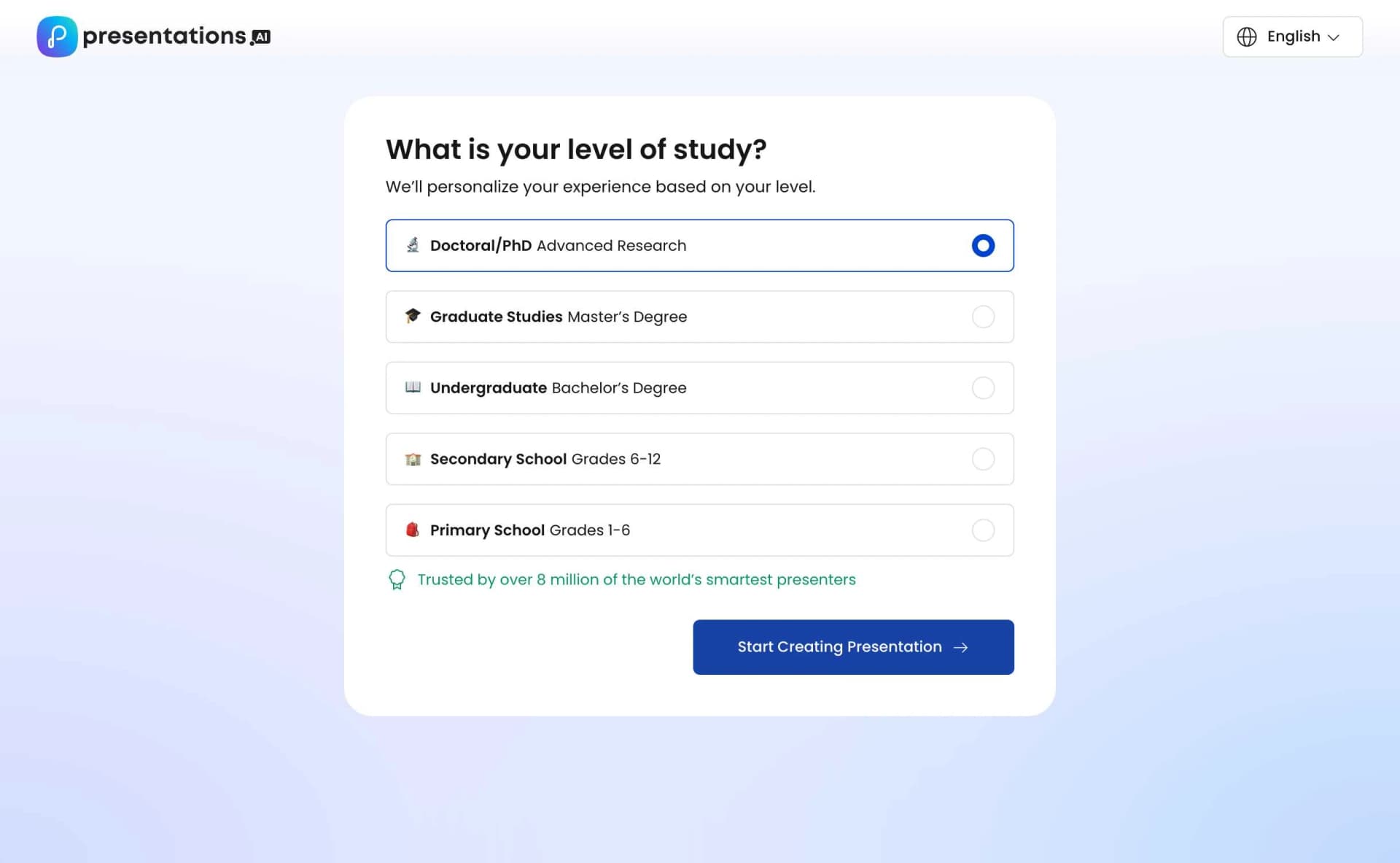
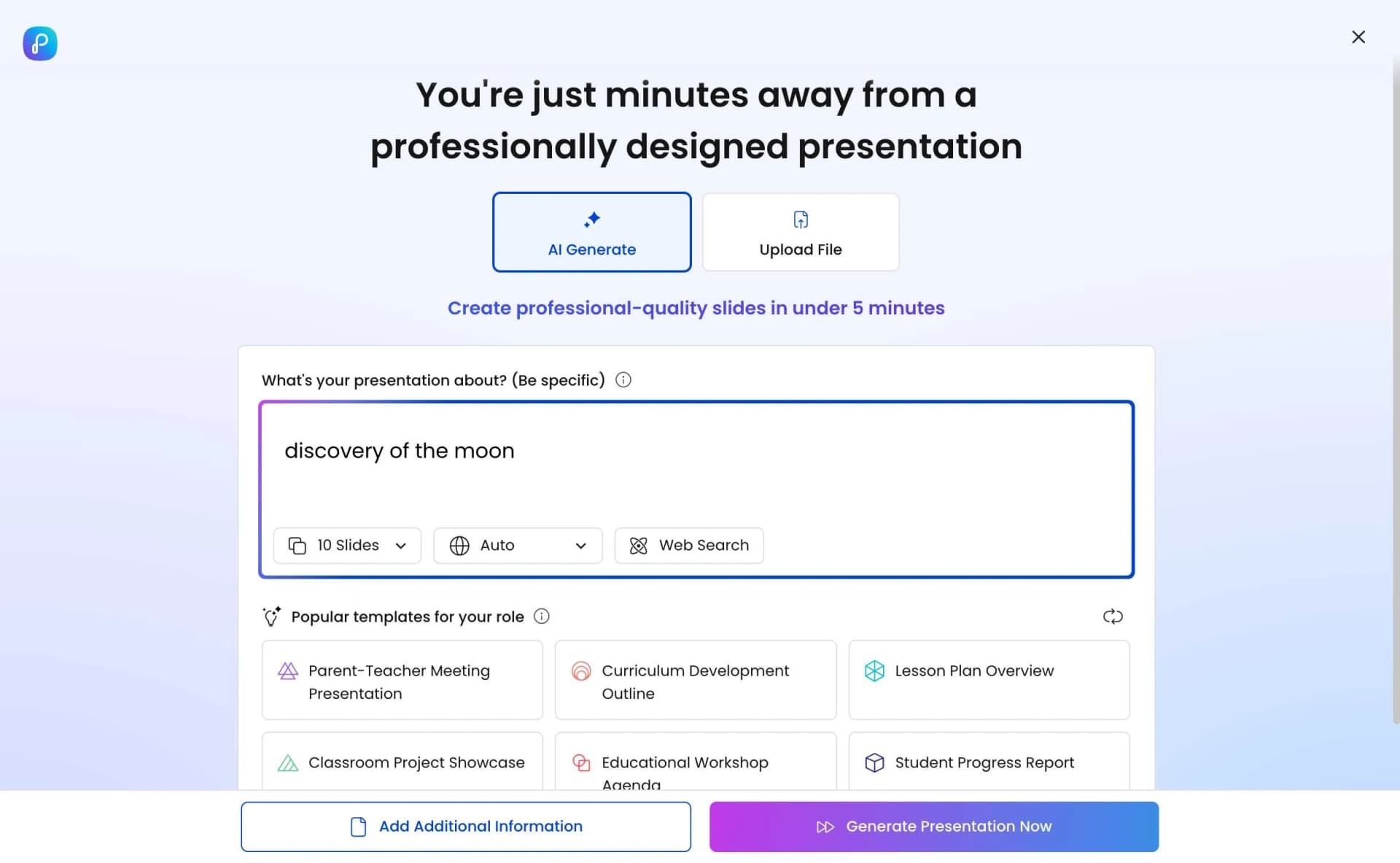
After entering our "Discovery of the Moon" topic, Presentations.AI automatically enhanced our content with research. This resulted in a comprehensive 10-slide presentation with historically accurate information including specific dates and events.
The research enhancement feature automatically added crucial historical milestones: Galileo's first telescopic observations (1609), the Apollo 11 moon landing (1969), and China's Chang'e 4 mission (2019).
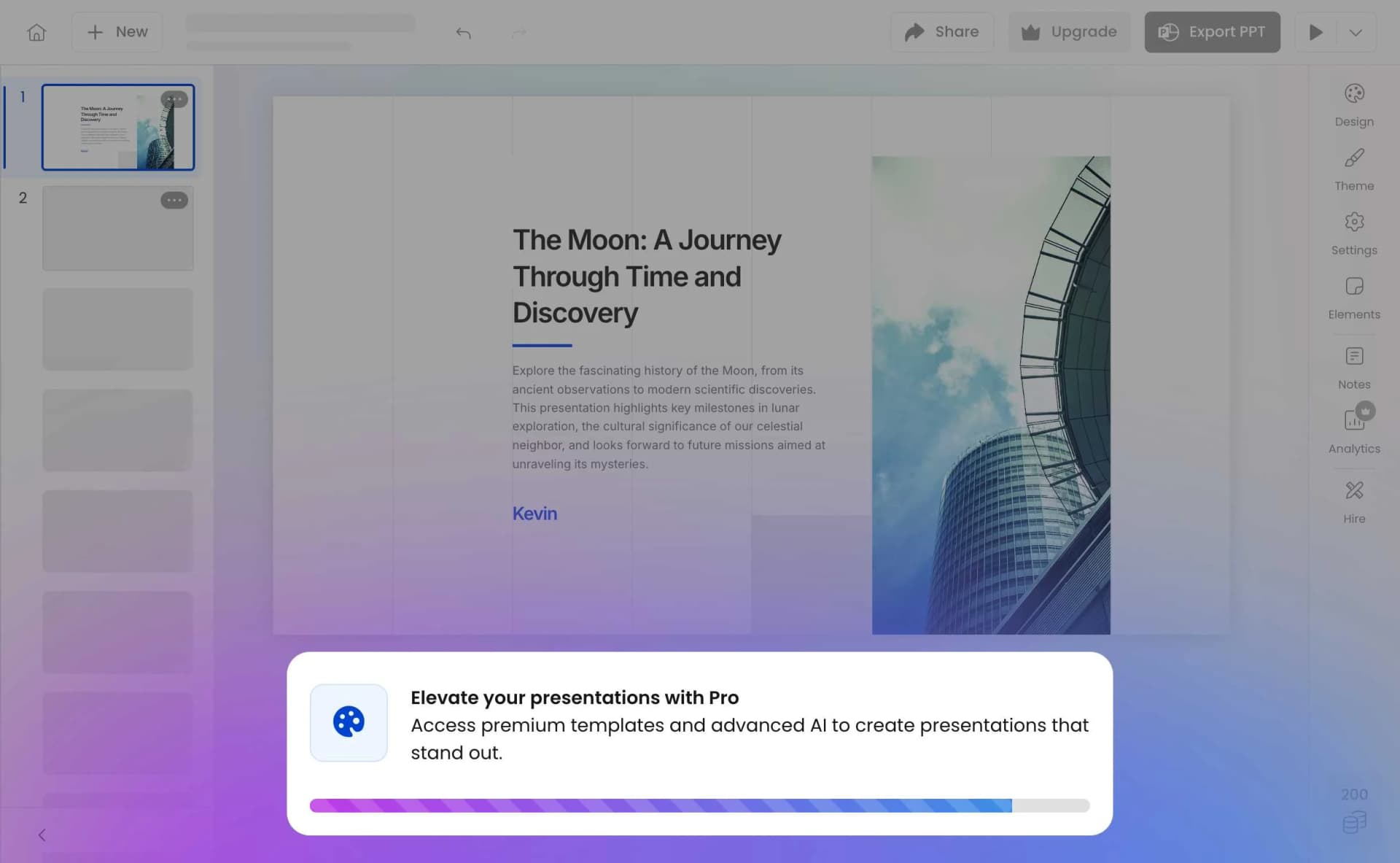
Presentations.AI offers over 100 professional templates across various categories. The selection includes education-specific designs, business presentations, and creative layouts, providing significantly more variety than Gamma.
The final presentation included a comprehensive timeline slide showing the evolution of lunar discovery, from ancient observations to modern space missions. The content quality was notably higher due to the automatic research integration.
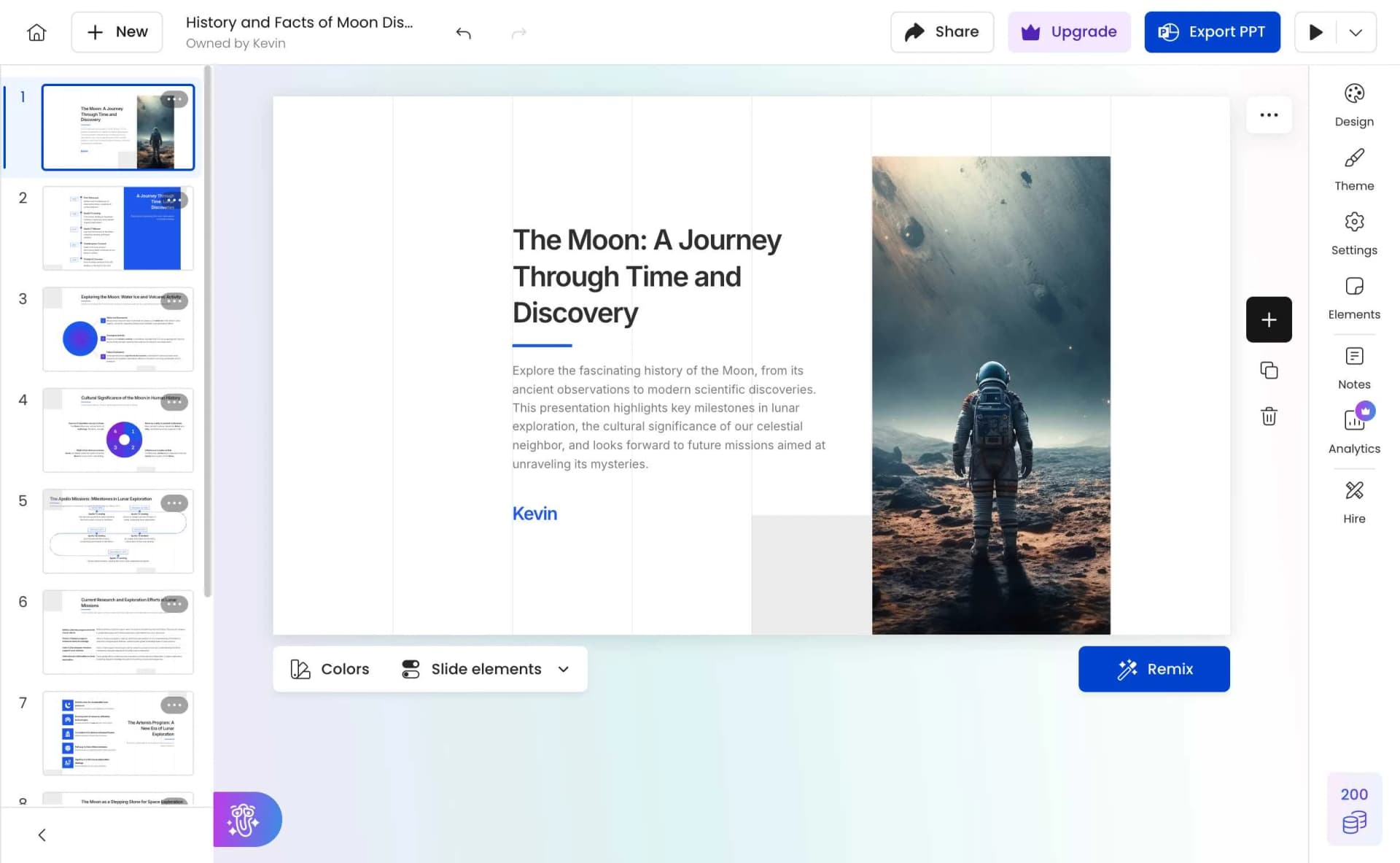
The timeline slide demonstrated the platform's ability to create educational content with proper historical context and visual hierarchy, making complex information digestible for secondary school students.
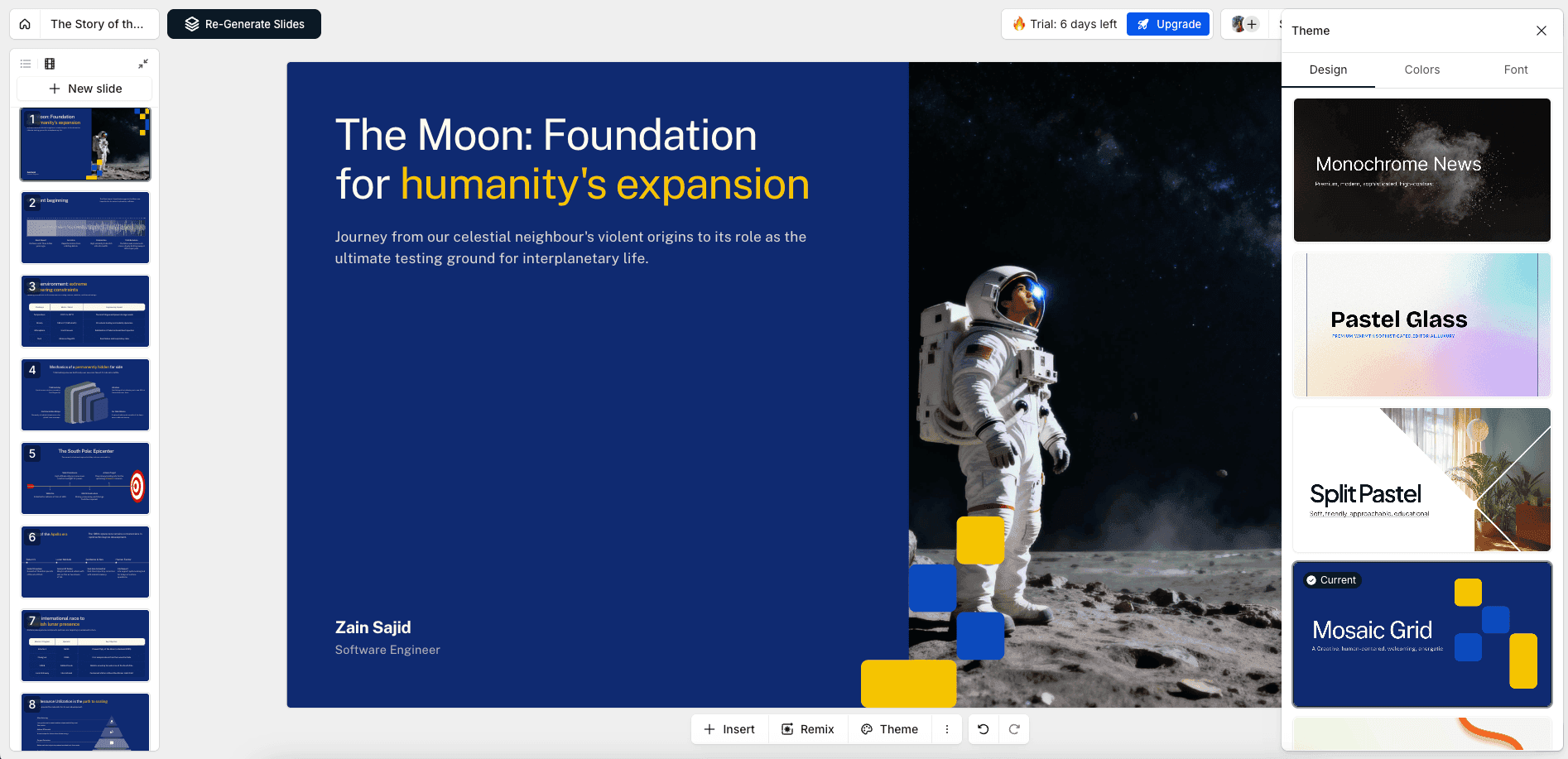
Presentations.AI offers an extensive template gallery with over 100 professional designs covering business, education, and creative presentations. The templates are well-categorized and offer diverse visual styles.
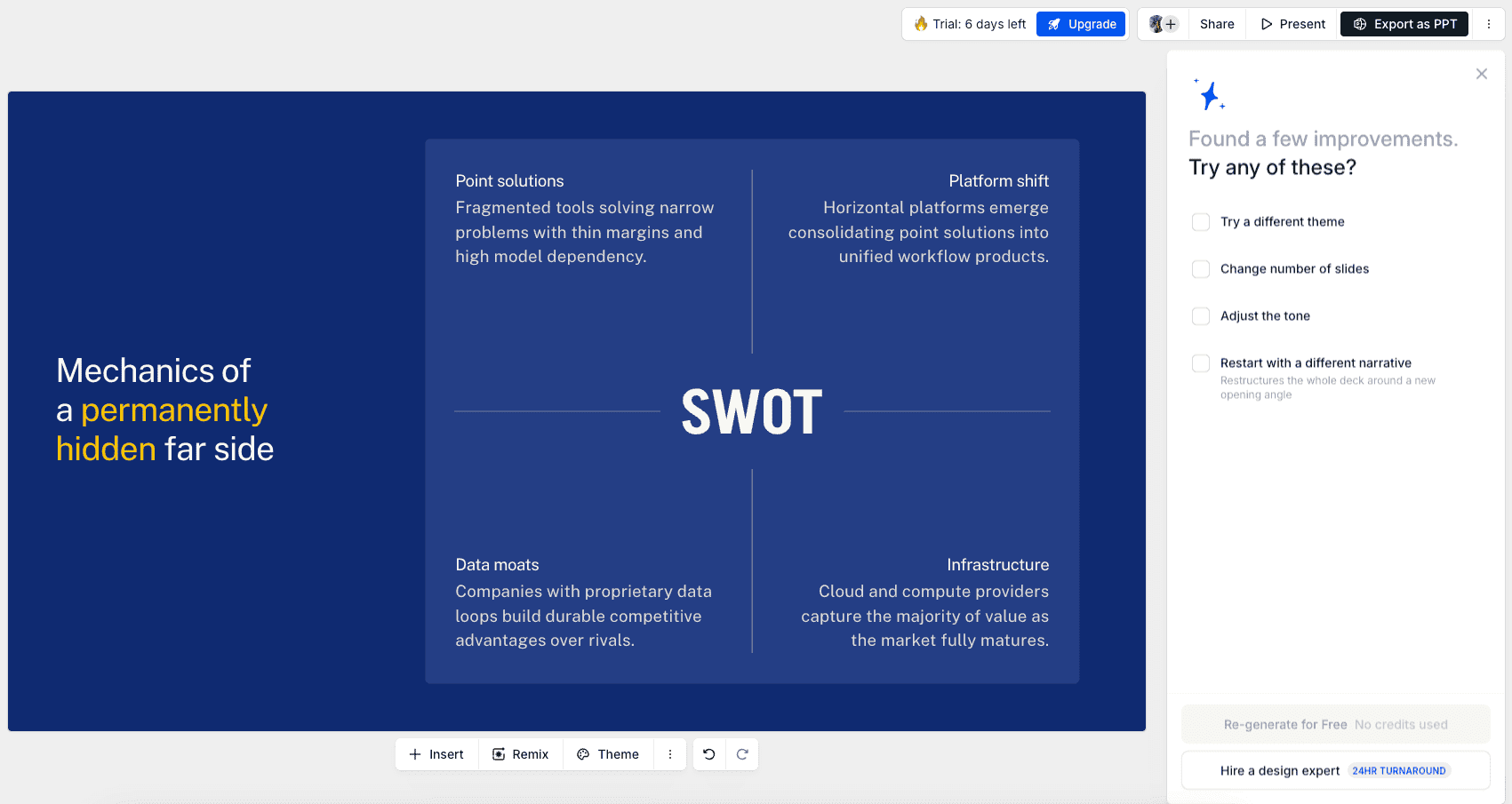
The editor interface is clean and functional, allowing easy customization while maintaining the professional quality of the generated content.
Using the same "Discovery of the Moon" topic, we created presentations on both platforms to provide a direct comparison. Here's how Gamma performed :
Gamma produced a clean, minimalist presentation with modern design. With the Gamma 3.0 Agent, users can now ask the AI to research the web and pull in citations to support key points — a major improvement over earlier versions that required manual research. The Agent can also restyle the entire deck or refine individual slides through natural language conversation.
The design was modern and visually appealing with good use of whitespace. The new multi-theme generation feature allows instant preview across different styles, though template options remain limited compared to competitors.
Approximately 25-30 minutes including research, content refinement, and design adjustments. Recent AI improvements have reduced this from previous versions.
Here's how Presentations.AI performed with the same "Discovery of the Moon" topic in our testing:
Presentations.AI delivered comprehensive, research-enhanced content with specific historical dates, events, and context. The teacher role selection resulted in age-appropriate language for secondary school students. Recent updates have further improved accuracy and relevance.
Professional templates with educational focus. The timeline slide was particularly well-designed with clear visual hierarchy. The new "anti-fragile templates" ensure design integrity is maintained even with content changes.
Approximately 10-15 minutes with minimal editing required thanks to the research-enhanced content generation and improved automation features.
Gamma operates on a credit-based system with the following tiers:
Presentations.AI offers presentation-based pricing with enhanced features:
Gamma's pricing is more flexible with monthly billing options and a more generous free tier (400 credits that let you experiment freely). Presentations.AI's free plan is more restrictive — credits don't refresh, and you can't export at all without paying. At the paid level, Gamma Plus ($8/month annual) gives you unlimited AI generation and exports, while Presentations.AI Pro ($198/year) includes brand controls and Clip-E but charges credits per slide. For most users, Gamma offers better value unless you specifically need Presentations.AI's role-based generation. Consider exploring customizing AI presentations with branding to maximize your investment.
After extensive testing and analyzing the latest updates — including Gamma 3.0 with Agent and the Presentations.AI Clip-E assistant — here's how the two platforms stack up:
Gamma is the stronger choice for most users in 2026. With 70 million+ users, the new Agent for AI-assisted research and design, a public API, and significantly better pricing, it offers more value at every tier. Whether you're a student, educator, or professional, Gamma's combination of powerful AI features and a generous free plan is hard to beat.
Presentations.AI is still worth considering if you prefer a more guided, template-driven workflow or if you specifically need its Clip-E assistant for step-by-step editing. However, its restrictive free tier (200 credits that don't refresh) and higher paid pricing make it a tougher sell compared to Gamma.
Both platforms offer free tiers, so we recommend trying both to see which fits your workflow. For additional insights, explore our guides on designing PowerPoint slides with AI and converting PDFs to PowerPoint with AI.
Looking for more options beyond these two? Check out our top 5 Gamma alternatives with AI for a broader overview of the best AI presentation tools available. You can also read our detailed comparisons of Gamma vs Canva, Gamma vs PopAI, and Gamma vs Decktopus to see how Gamma stacks up against other popular tools.
SlideSpeak AI speeds up the time to create presentations by up to 5x.
Stop wasting time on formatting. Let our AI do the heavy lifting so you can focus on your message.

