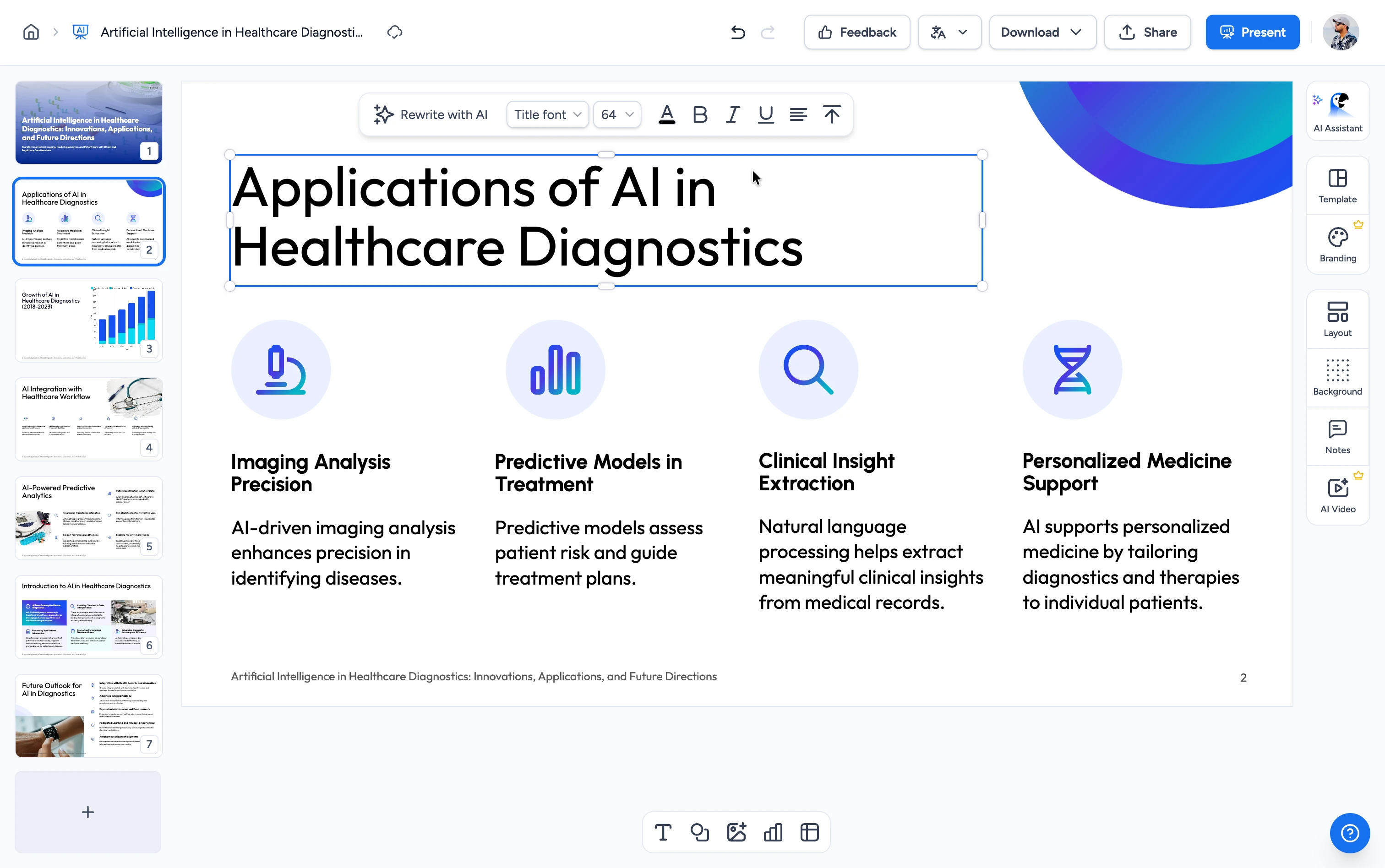
Turn Word documents into AI Presentations in Seconds
Upload your Word document and let AI instantly create a structured, editable presentation. No design work. No manual copy-paste.

Upload your Word doc here
Drag and drop or click to upload
Create presentations in 3 Steps
Making presentations from Word documents is quick and simple. Follow these three steps to go from document to polished slides.

Upload Word document
Upload any Microsoft Word file from your device. Our AI supports large reports, research papers, and any Word document, even complex formatted documents.
Introduction to the presentation on
Overview of the importance of effective commu...
AI Summary & Insights
Automatically extracts key points, takeaways, and insights from your Word document to create presentation-ready slides with a clear storyline.
Edit with AI
Use our ChatGPT-powered AI to edit your Word presentation. Need an additional slide or want to change the headline for a slide? No problem.
Powerful Features
Our AI-powered converter gives you complete control over your presentations while saving you valuable time on formatting and content structuring.
From Word document to clear slides
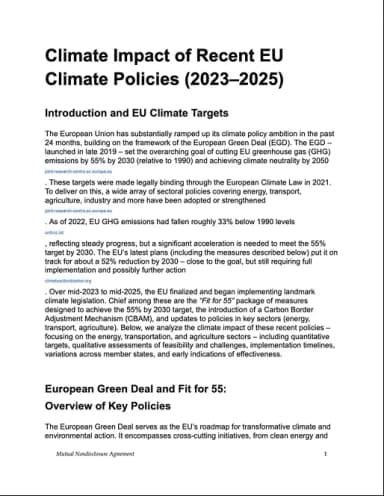
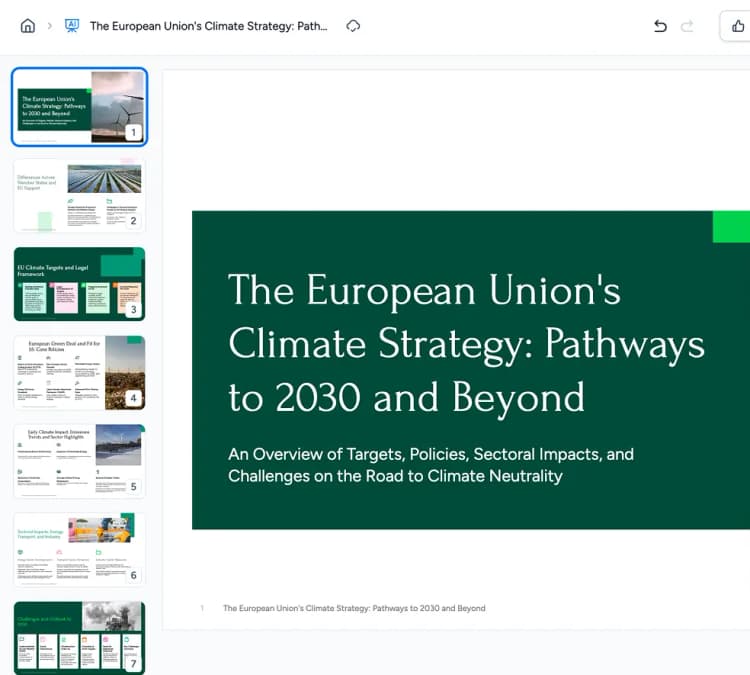
Fully editable, on-brand slides

Pivotal phase from ambition to execution
The 2023–2025 period represents a pivotal phase shifting from setting climate ambition to executing concrete policies.
Delivering measurable emissions reductions
The European Green Deal and Fit for 55 initiatives are already delivering measurable emissions reductions.
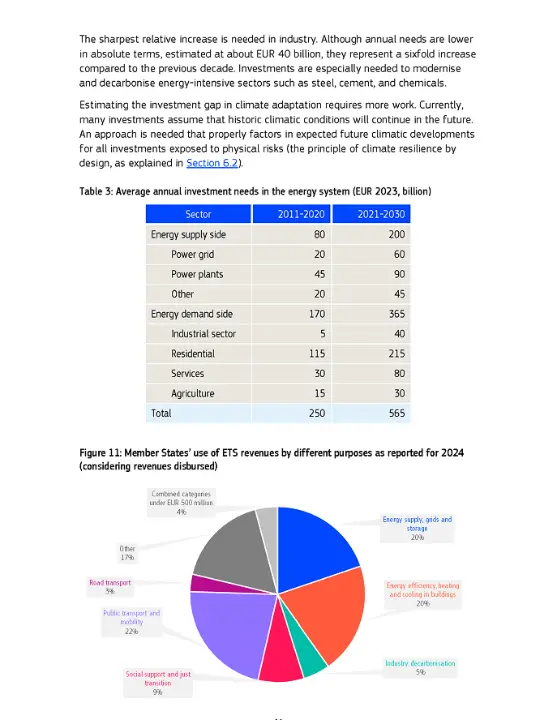
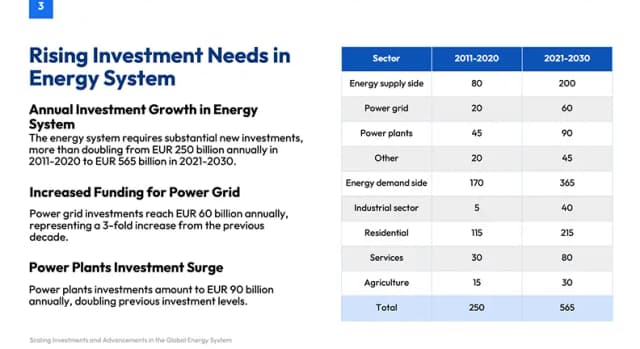
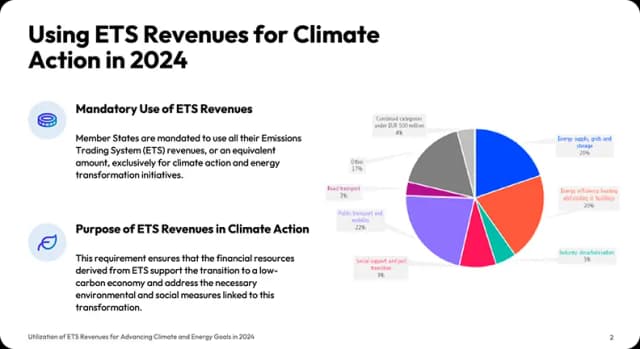
Charts, tables & visuals preserved
Features you will get in SlideSpeak
From smart content extraction to editable, on-brand slides and multi-format export—everything you need to turn Word documents into professional presentations.
Extracts Images, Tables, Formatting and more
Automatically pulls visuals, tables, and formatting from your Word document and rebuilds them as editable, presentation-ready slides. Our AI understands structure and places content where it supports the story.


Multi Language Support
Upload a Word document in one language and create the presentation in another. Our AI translates entire presentations, so you don't need to rewrite or reformat the entire deck. Our Presentation Translation Tool is also available separately.
Supports Long and Complex Word Documents
Upload complex formatted, heavily styled, or super long 100+ page Word documents. Our AI summarizes even complex files into clear, editable presentations.
Content Accuracy and references
Ensure presentations stay accurate to the source. Slides will include references back to the original Word document, so numbers, facts, and insights can be verified. Prefer prompting for your presentation? Try our AI Presentation Generator.

AI presentations with your own template
Upload your PowerPoint or Google Slides template and generate presentations that match your existing layout, fonts, and structure. Check out our Branded Template feature.


PowerPoint and Google Slides Compatible
Easily export your fully editable presentations to PowerPoint or Google Slides, allowing you to customize and share them effortlessly with your team or audience.
Use cases that start with a Word
Turn existing documents into clear, editable presentations without losing structure, data, or accuracy.
For Work
Turn business documents into presentation-ready decks.
- Track real-time progress
- Compare team performance
- Identify skill gaps early
- Promote continuous learning
Example Prompt
“
For Education
Turn research papers and lectures into clear, engaging educational presentations.
- Research papers
- Lecture materials
- Course manuals
- Study guides
Example Prompt
“
For Meetings
Prepare meeting-ready slides from notes and briefs instantly.
- Meeting notes
- Project briefs
- Status reports
- Planning docs
Example Prompt
“
Wall of Love
Loved by professionals worldwide
Join the countless professionals who trust SlideSpeak to transform their documents into impactful presentations.
SlideSpeak's branded templates saved us countless hours. Every presentation now matches our brand guidelines perfectly.
James Garza
Lecturer at CCT College Dublin

The ability to upload our own template means our presentations always look professional and on-brand.
Boris Elbert
Consultant at BCG

2M+
Presentations created

98%
User Satisfaction
Trusted by consulting and enterprise teams


Frequently Asked Questions
Everything you need to know about creating presentations from Word documents with AI.
See how you can turn a Word doc into a presentation
A quick video tutorial on how you can use SlideSpeak to turn any Word document into a presentation with just a few clicks. SlideSpeak AI analyzes the content of your document, drafts an outline and then covers each segment of your document in an engaging presentation.

Keep going with these tools
The tools people reach for next, plus the SlideSpeak features behind them.


Upload a Word Doc - Free for 3 presentations
An AI presentation platform that turns your Word, PDF, Excel files into compelling, ready-to-present slides.