Generate PowerPoints from Text with AI
Paste your text or upload a PDF, Word, or Excel file. SlideSpeak's AI turns it into a polished PowerPoint in seconds. No design skills needed.
Free to try · No credit card required · Fully editable slides
Loved by 650k+ people around the world





Text to PPT in 3 Steps
Paste any text or upload a document, and SlideSpeak's AI builds your PowerPoint automatically. Insane, right?
Enter presentation topic or paste any text
command
V
Enter or paste your text, topic, or prompt
Paste your text or describe a topic to generate a PowerPoint presentation with AI. SlideSpeak turns any input into structured, editable slides.
Introduction to the presentation on
Overview of the importance of effective commu...
AI Structures Your PowerPoint
The AI analyzes your content, identifies key points, and builds a structured slide outline, so your PowerPoint presentation is organized before a single slide is generated.
Generate a fully editable PPT
Your outline is turned into a fully editable presentation that you can refine, design, and customize using the editor and AI assistant. Export as PPT or PPTX file, fully compatible with Microsoft PowerPoint.
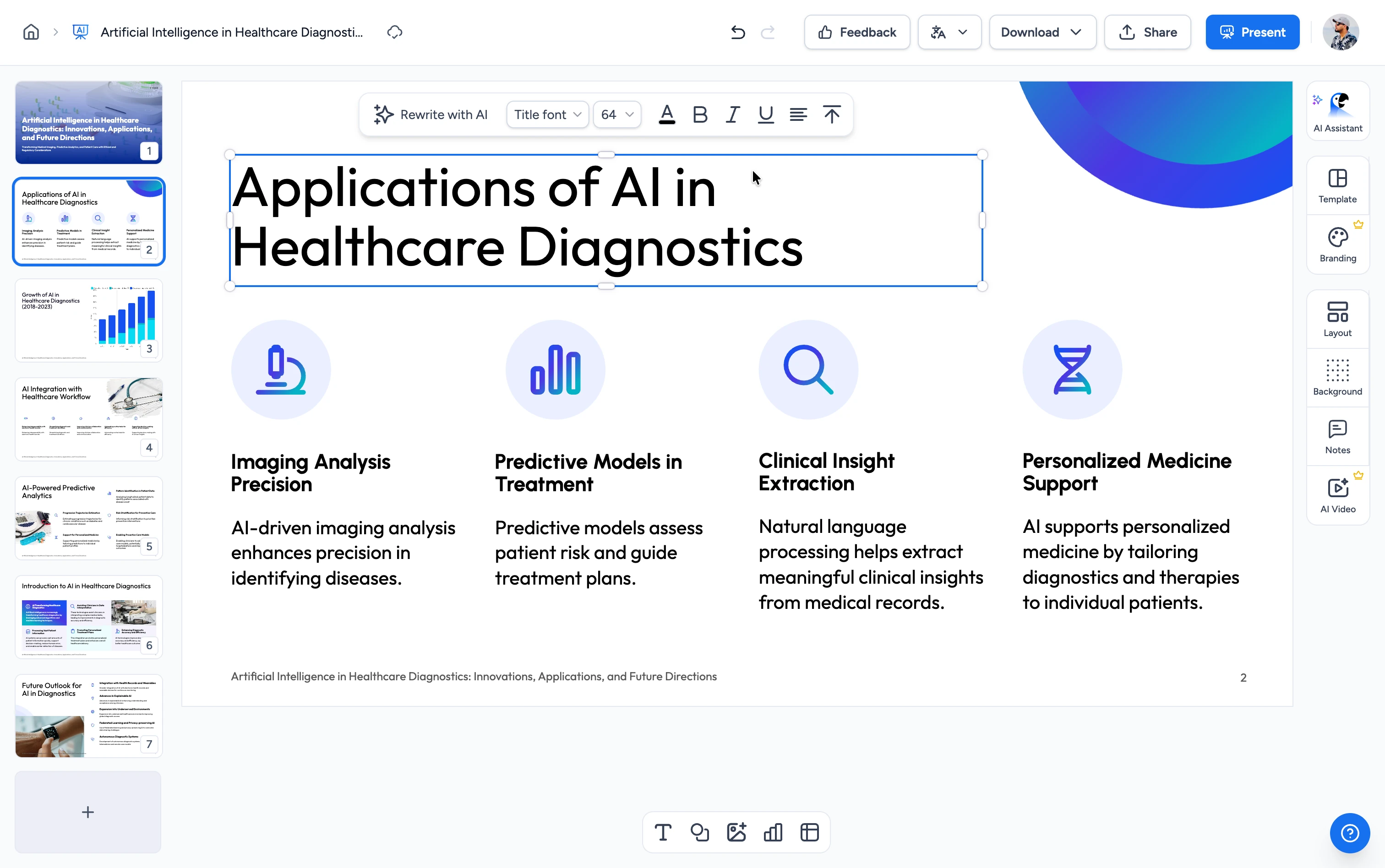
Edit Everything. Control Every Slide.
A complete AI-powered editor built to create, refine, and customize your next PowerPoint presentation.
PDF, Word, Excel to PowerPoint
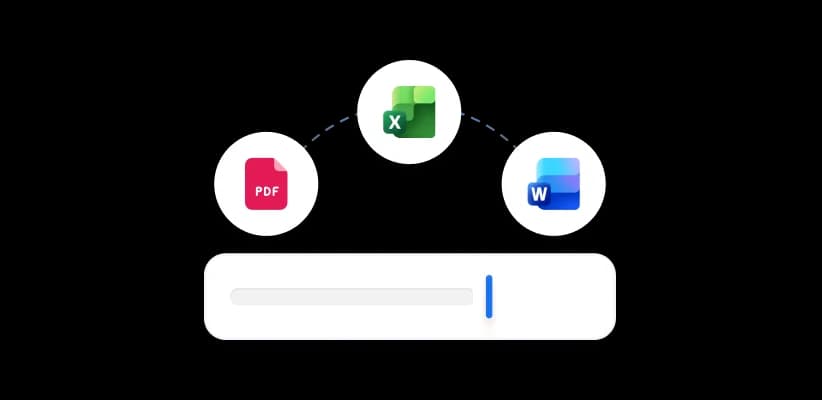
Upload a PDF, Word document, or Excel spreadsheet and generate a formatted PowerPoint presentation automatically. No manual copy-pasting needed.

AI Presentation Assistant Charles
Ask Charles to rewrite slides, fix layouts, generate images, or restructure your entire PowerPoint, all from a simple chat prompt inside the editor.
AI-first Presentation Editor
Edit text, swap layouts, restyle slides, and add content using AI commands. No dragging, no fiddling. Built for speed, not complexity.
Works with long & complex content
Handle 50-page reports, research papers, and detailed project briefs. SlideSpeak processes long documents without cutting corners or losing structure.

AI Videos from your Presentation
Turn any PowerPoint into a narrated video with AI voiceover. Ready to share with your team, clients, or on social media in minutes.
PowerPoint
Download as editable .pptx file
Best for documents and emailing
Export to Google Slides
Directly edit in Google Slides
Export as PPT, Google Slides or PDF
Easily export presentations to PowerPoint (PPT or PPTX) and Google Slides. You can also download as PDF!
Create presentations from any document
Have you already created a document with all the information you need in your next PowerPoint deck? No problem, simply use one of our tools, upload your file and let the AI do the rest.

From Excel
Convert spreadsheets, data tables, and charts into visual presentation slides.
From PDF
Extract content from reports, whitepapers, and documents into editable slides.

From Word
Transform Microsoft Word documents, essays, reports into structured presentations.
Create presentations using your PowerPoint template
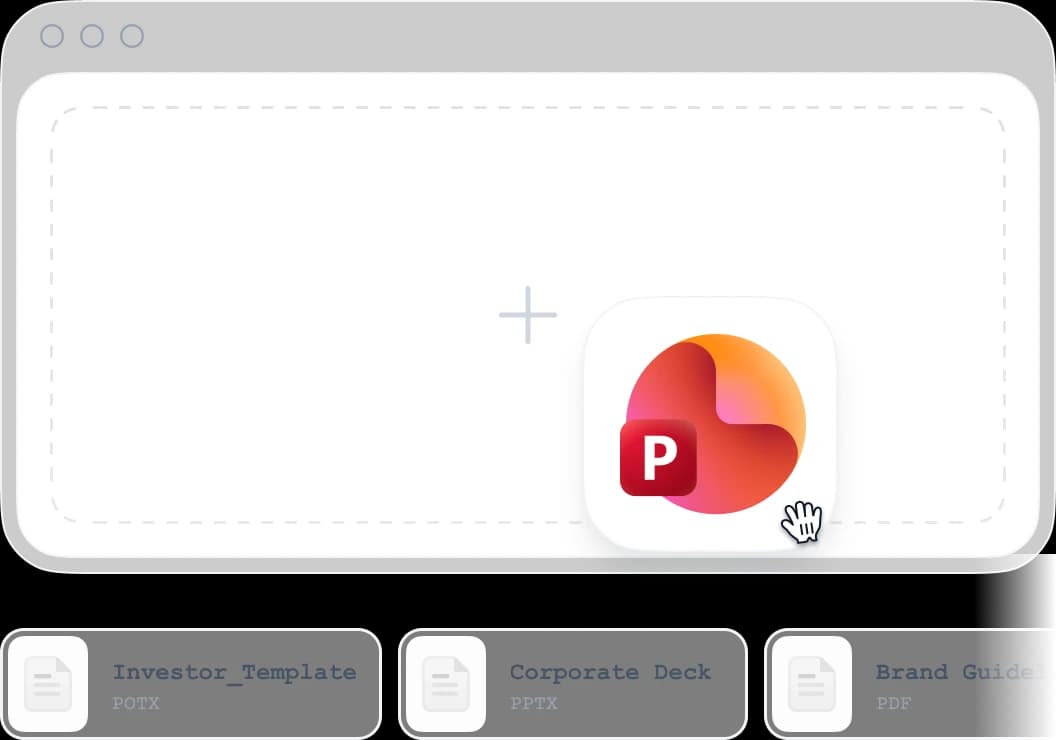
Upload your POTX or PPTX template and SlideSpeak applies your layouts, fonts, and colors to every AI-generated slide deck. Your brand, every time.
- Support PowerPoint Master Layout
- Complex PowerPoint layouts
- 16:9 and 4:3 aspect ratio support
- Chart and table formatting preserved
- Speaker notes generated automatically
- SmartArt Support
Bringing the latest AI models to PowerPoint
SlideSpeak's AI platform is powered by ChatGPT for textual content, fact checking by Anthropic and generating visuals using Google's Nano Banana. Our tool abstracts the underlying complexity, giving you a simple, unified interface. Creating PowerPoints has never been easier.
ChatGPT 5.6
by OpenAI
Claude Opus 5
by Anthropic
Gemini 3.1
By Google
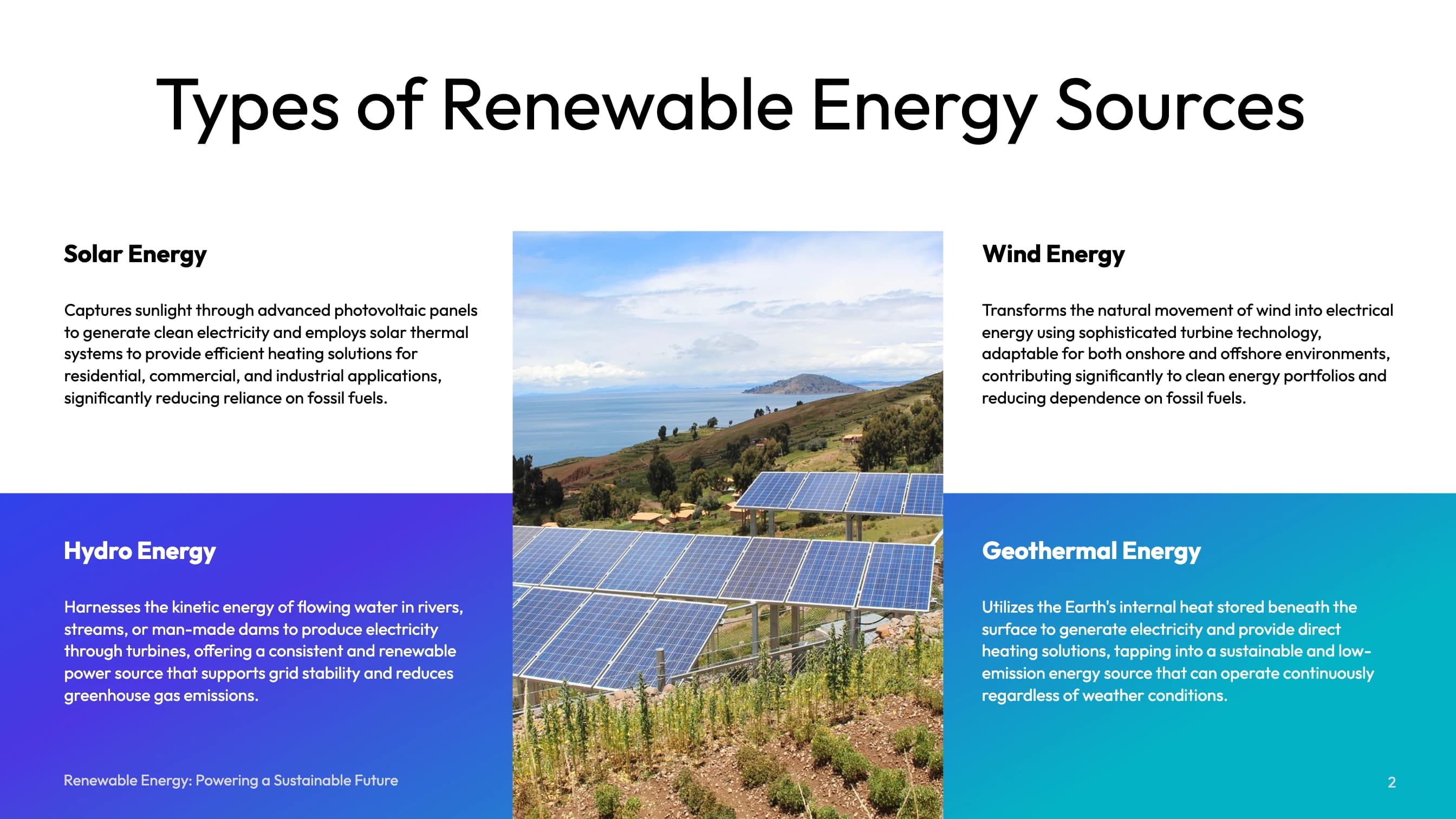
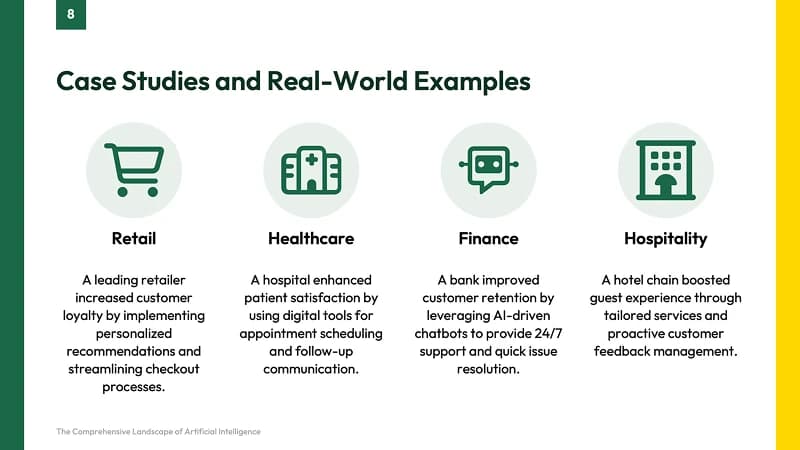
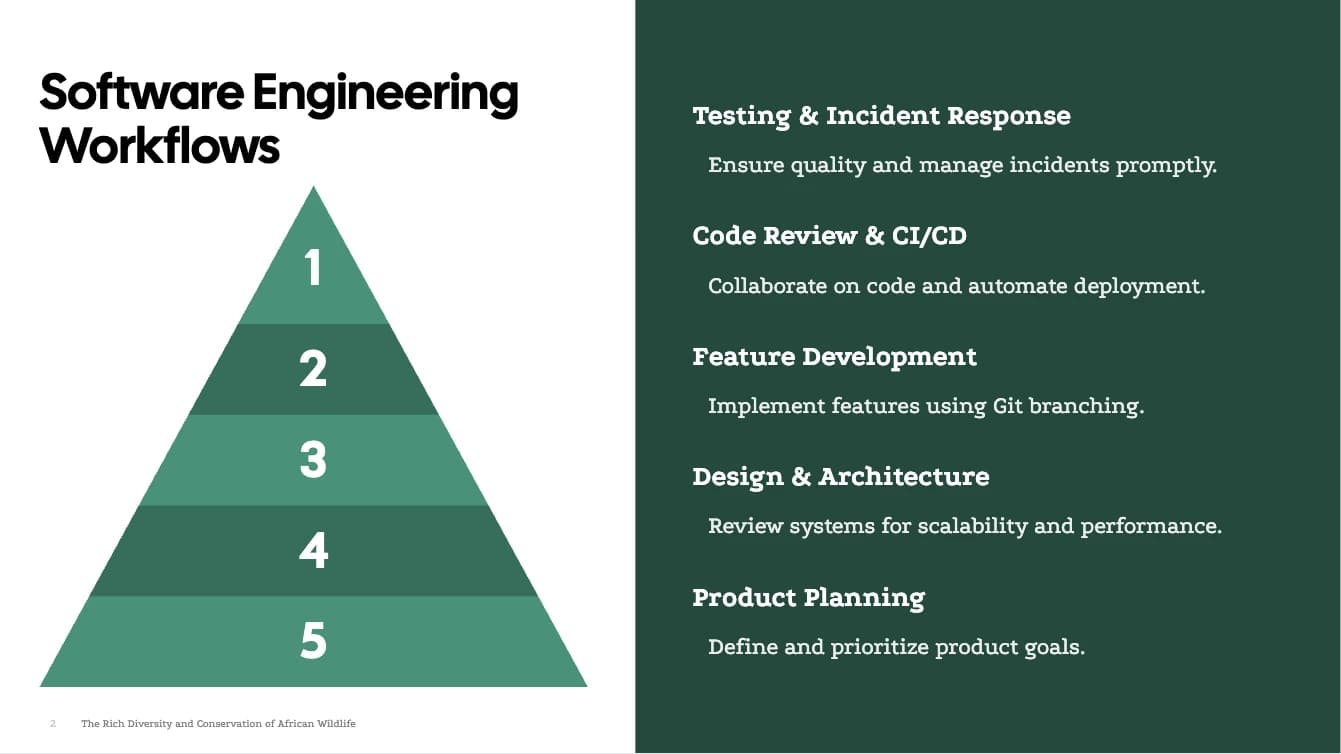
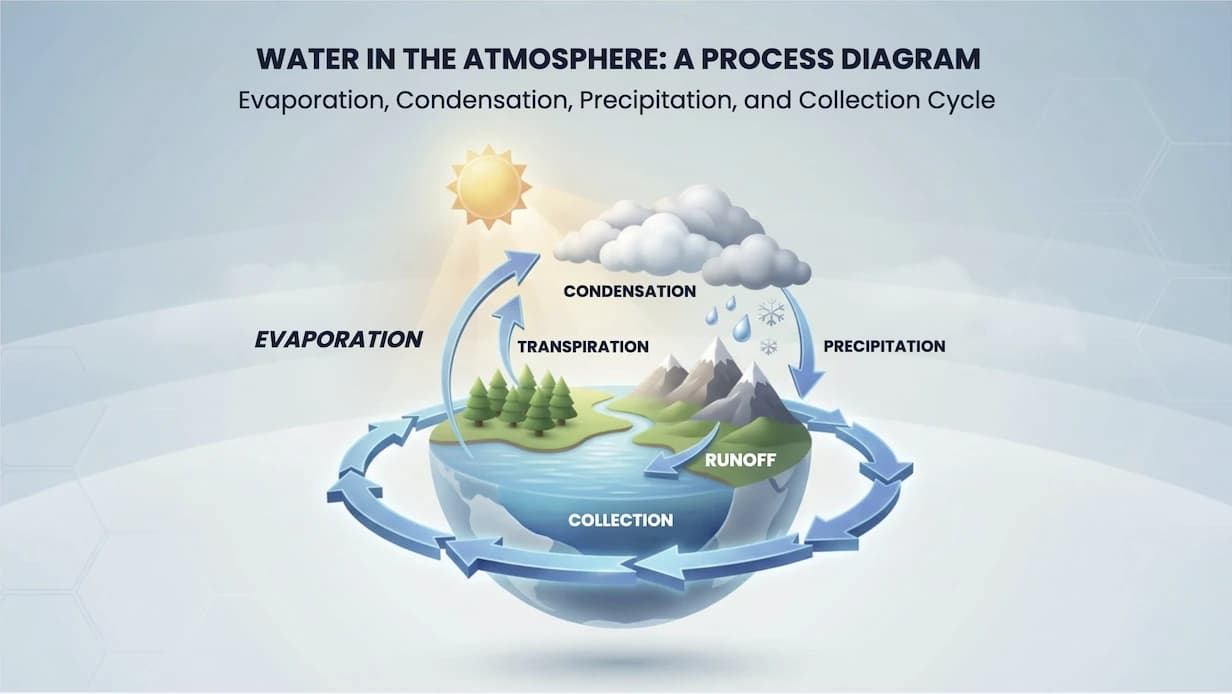
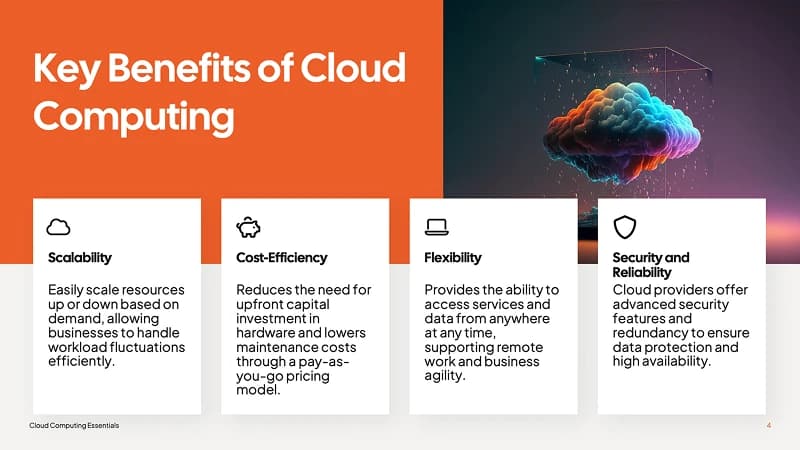
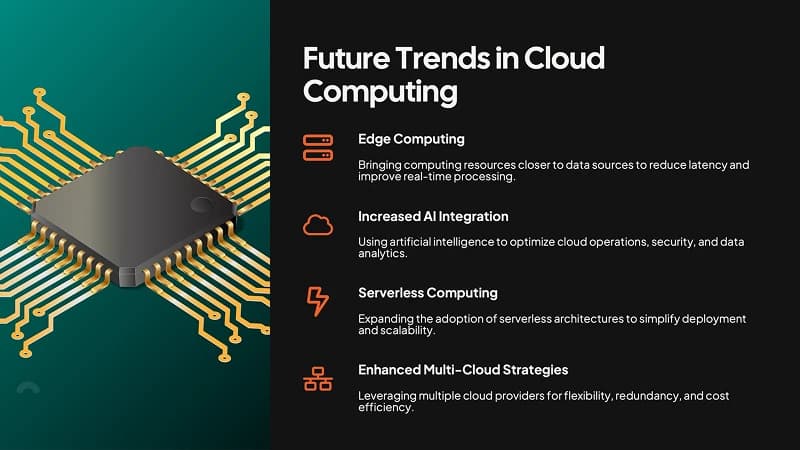
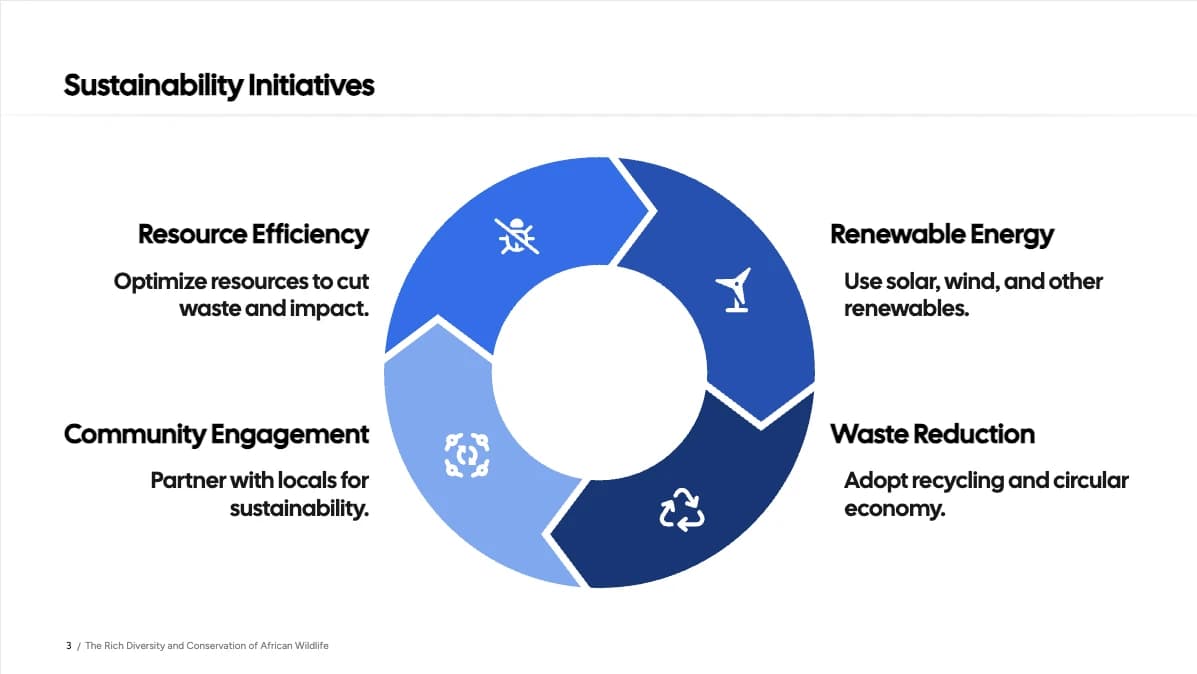
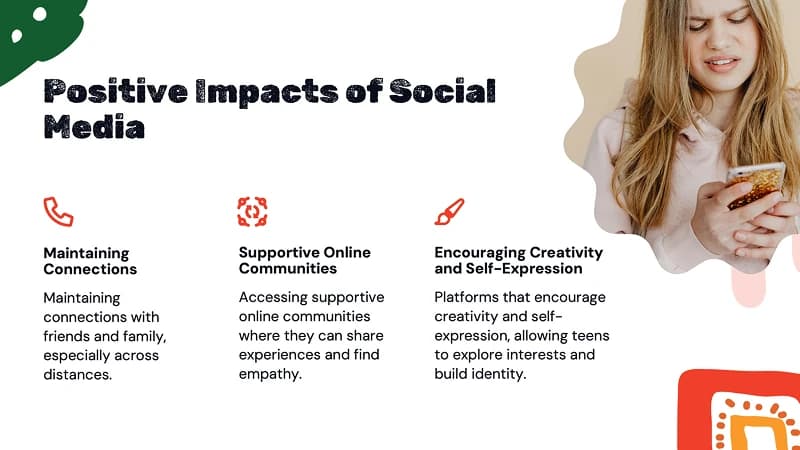
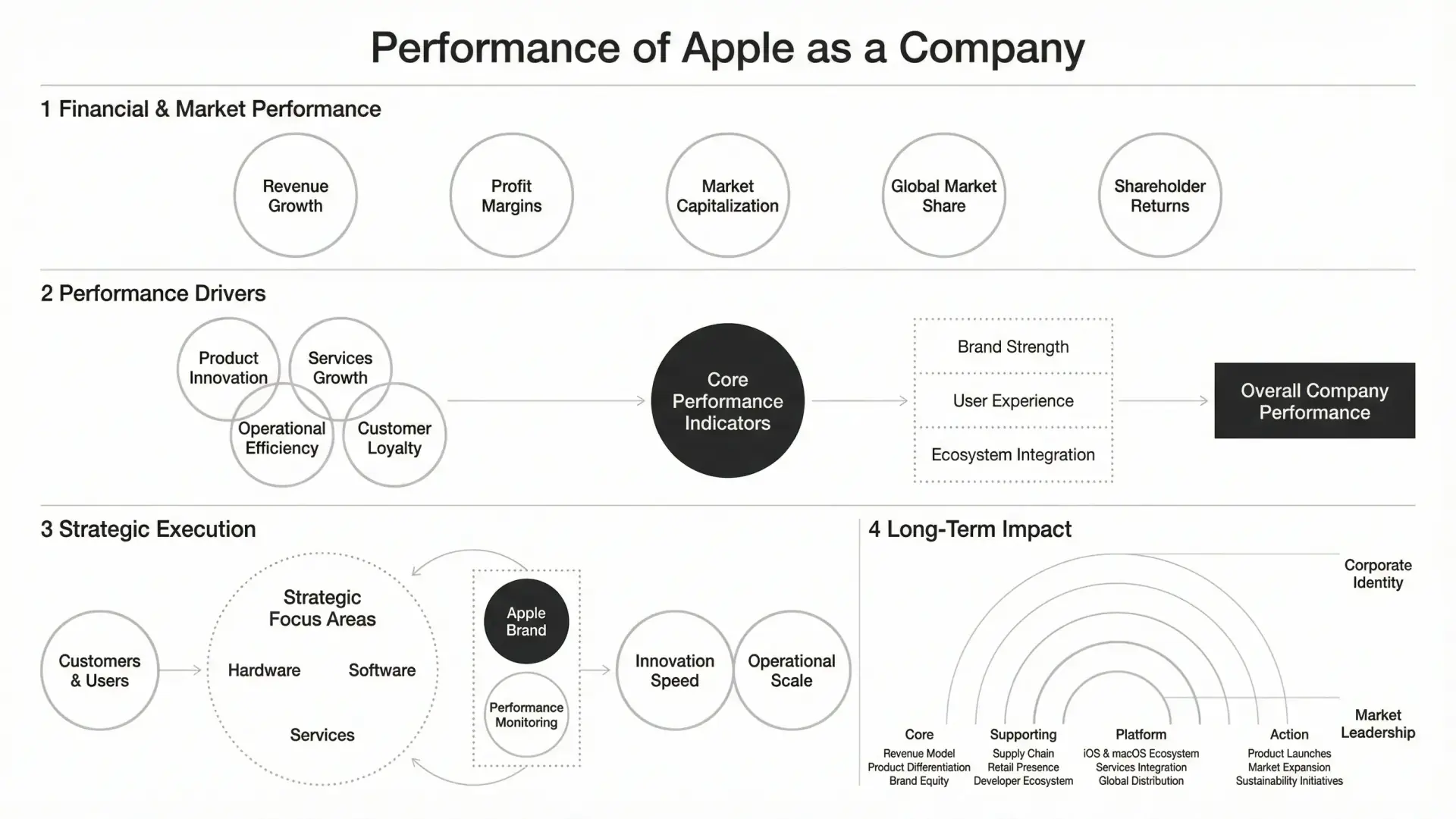
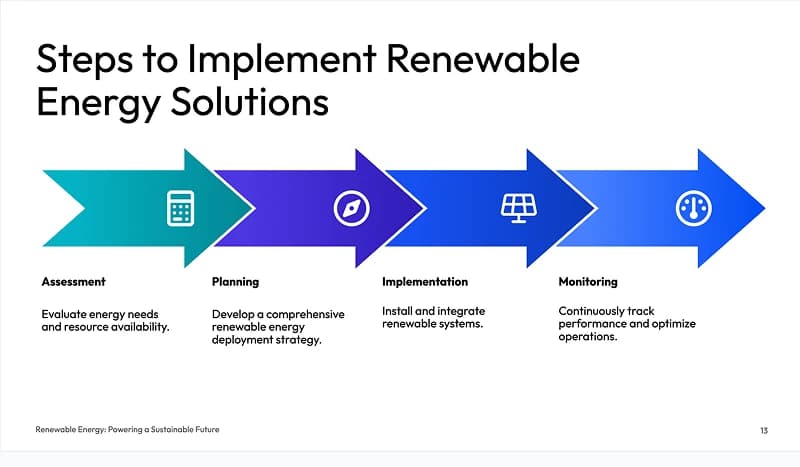
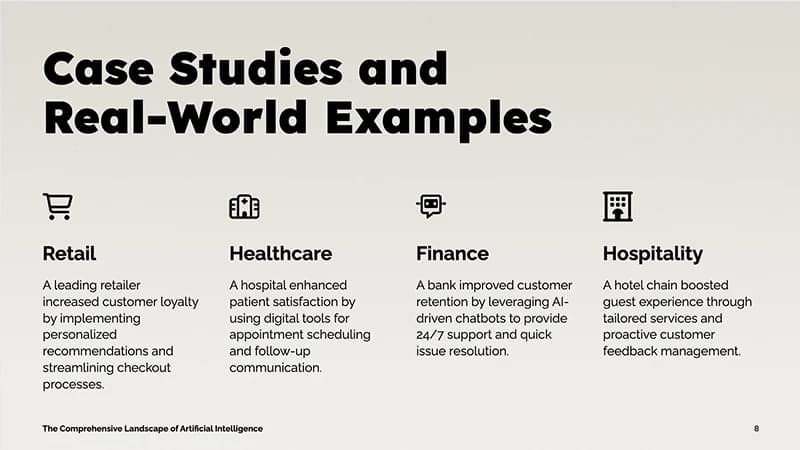
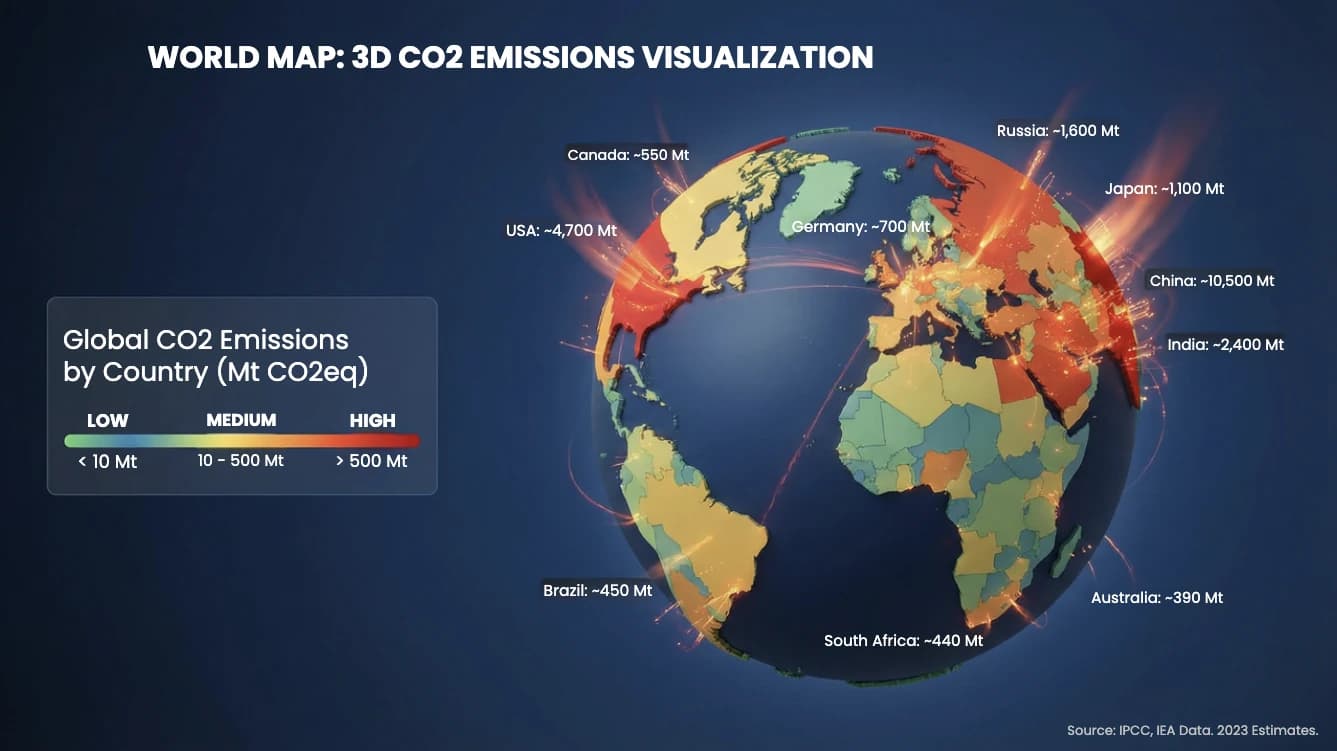
Slides Created with SlideSpeak
Join thousands of professionals who create better PowerPoints faster with SlideSpeak AI.
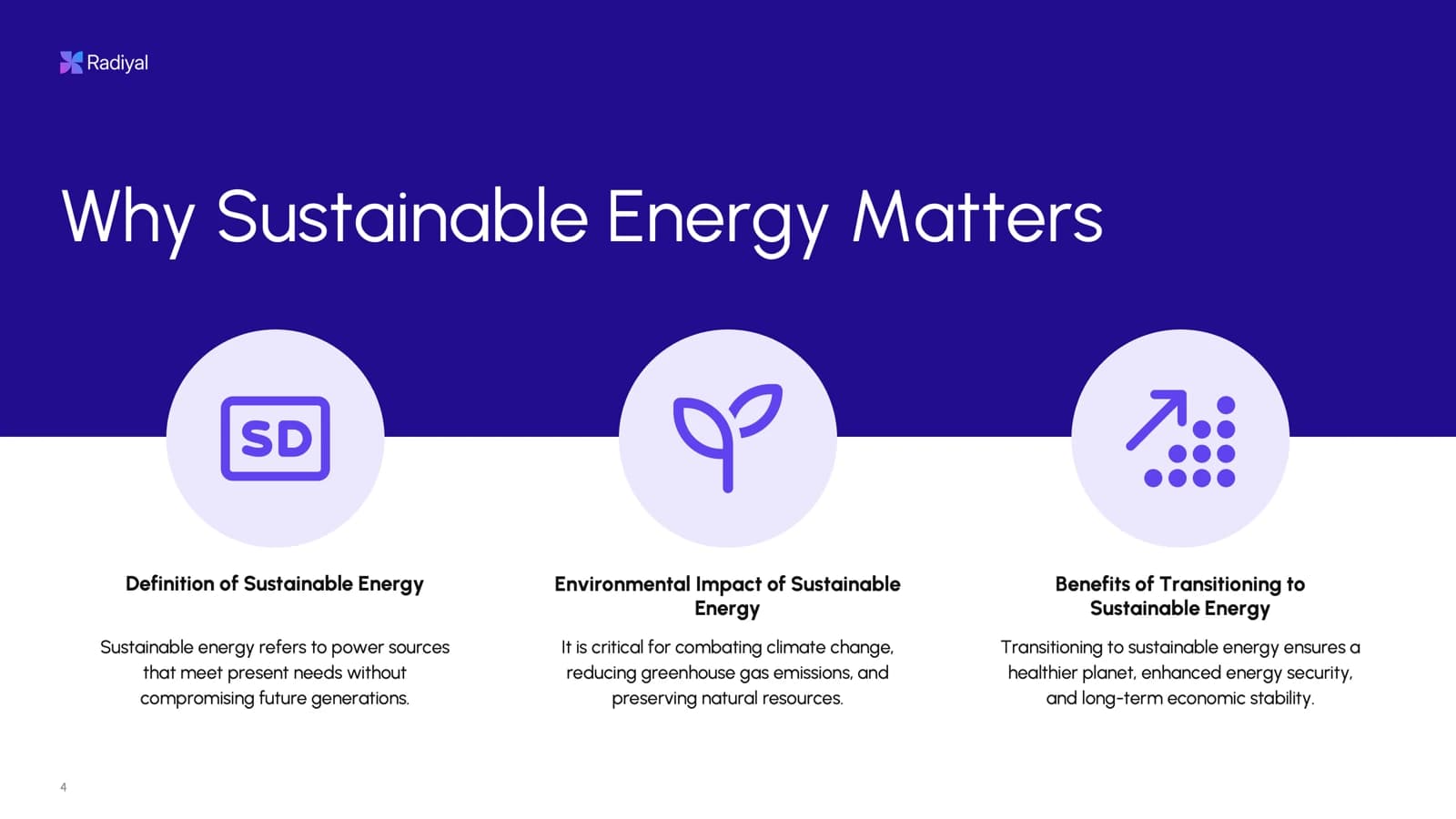
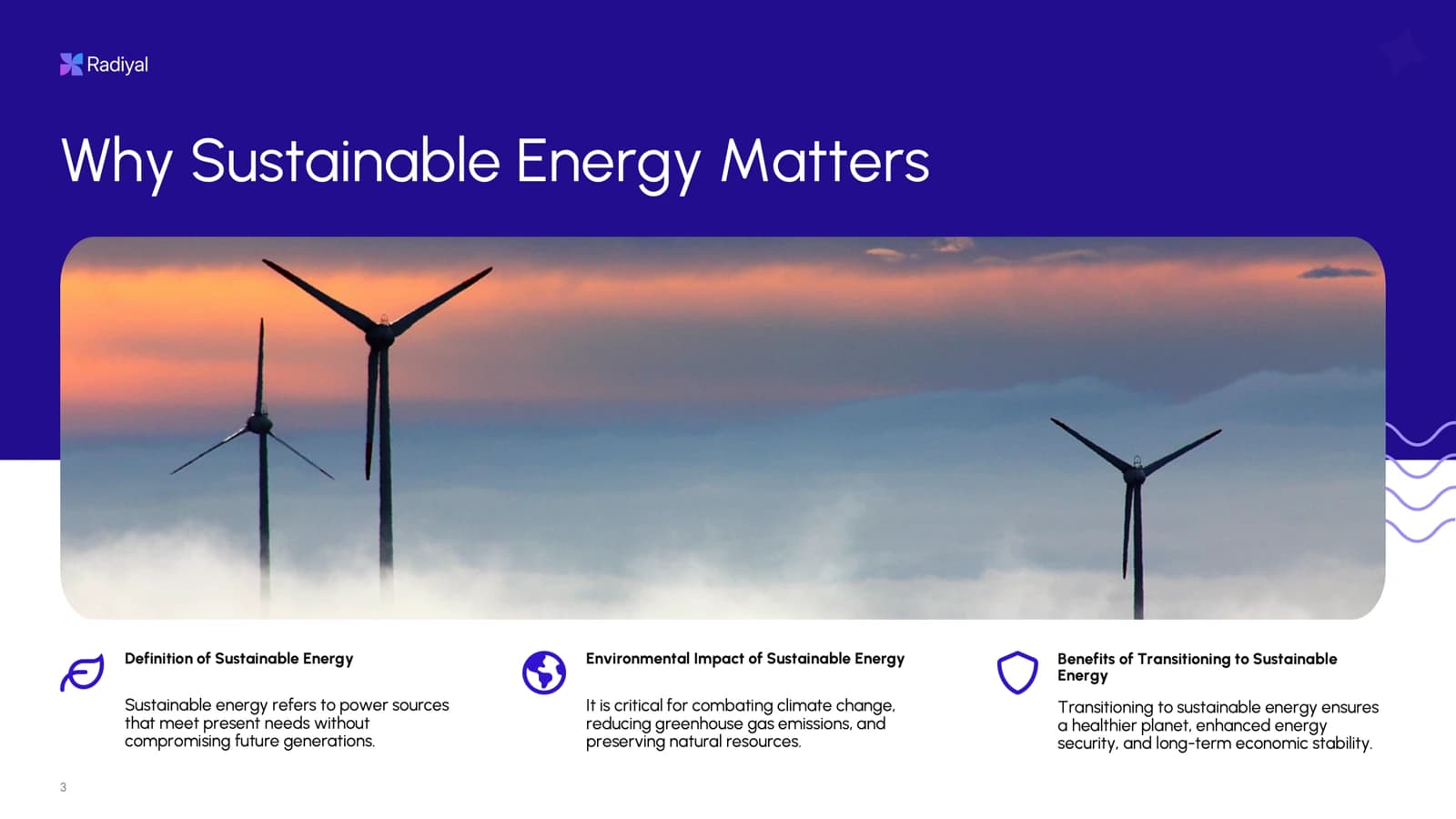
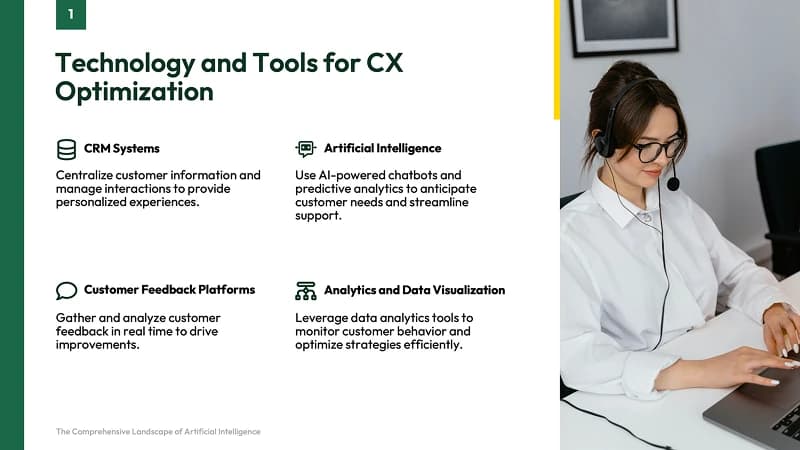



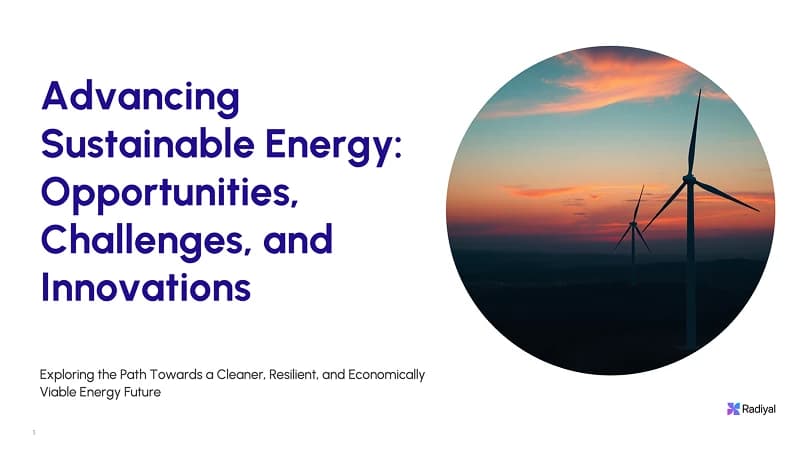
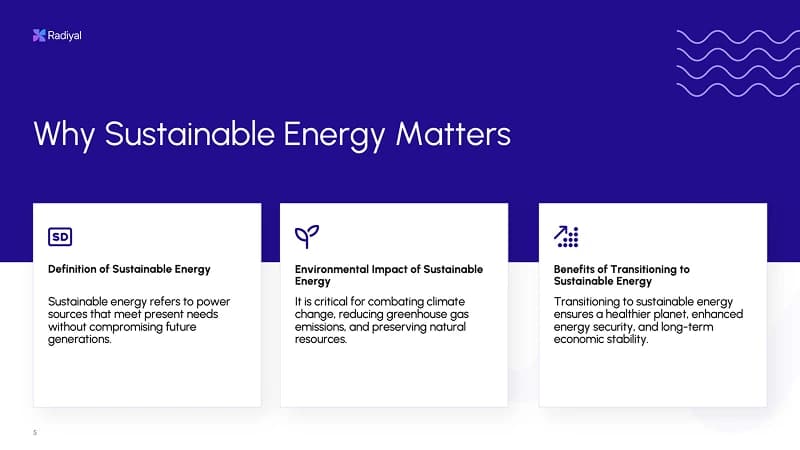
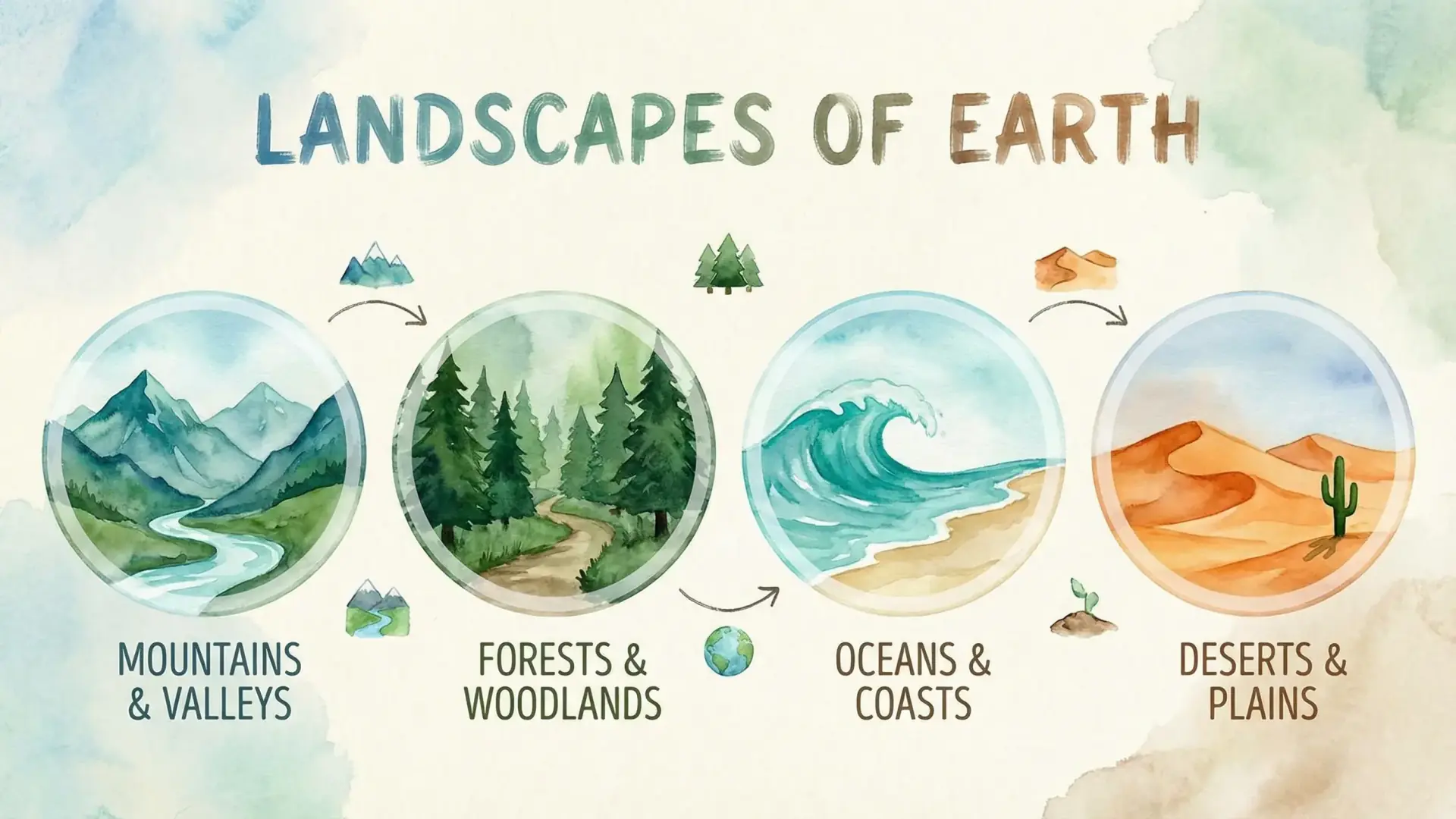

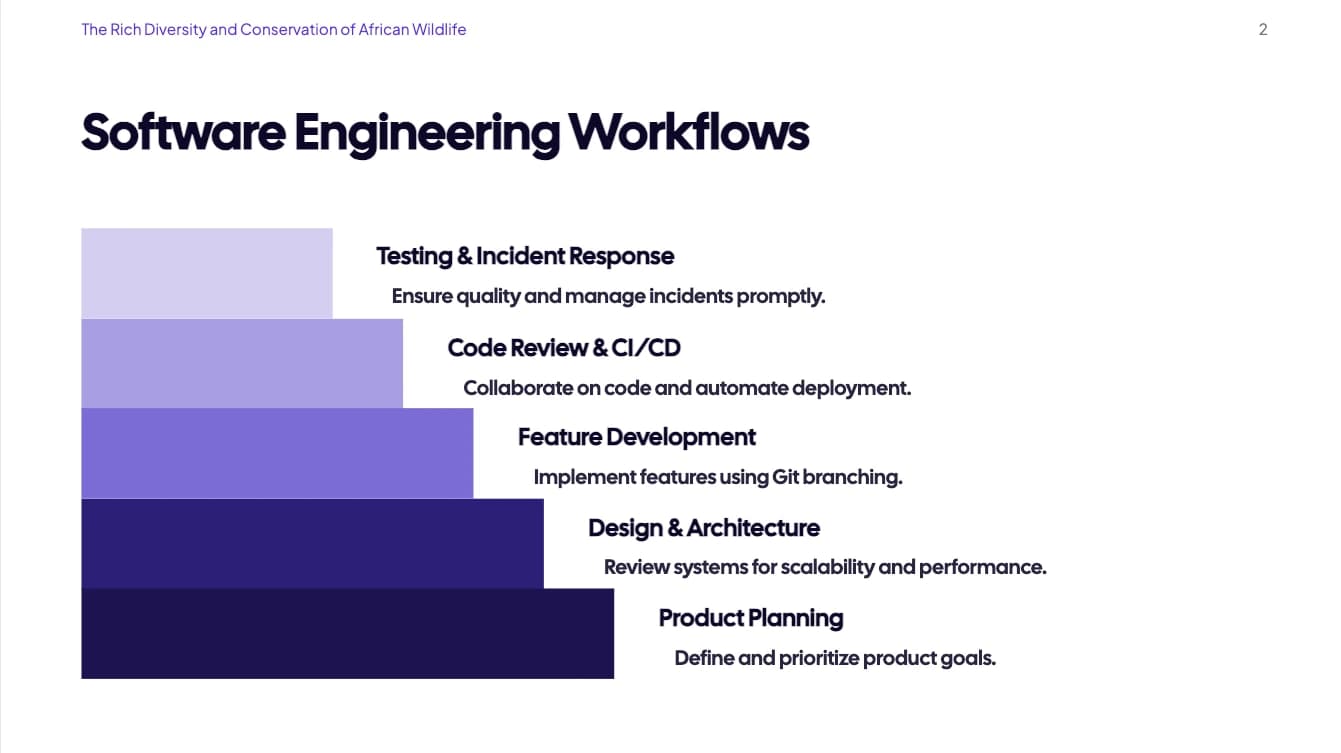
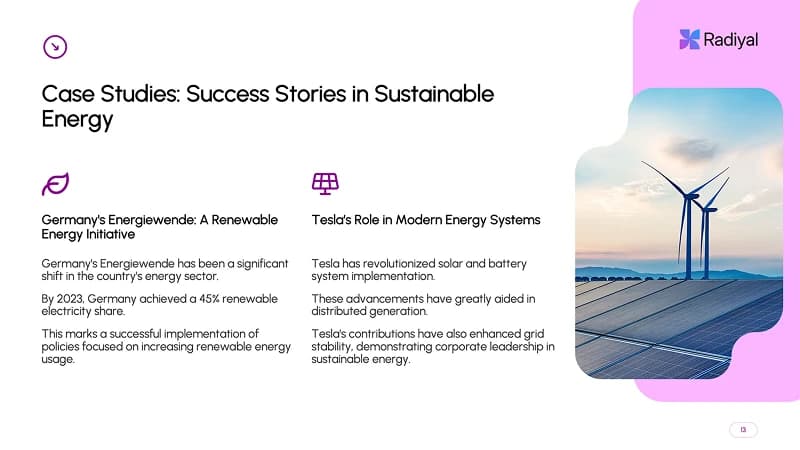



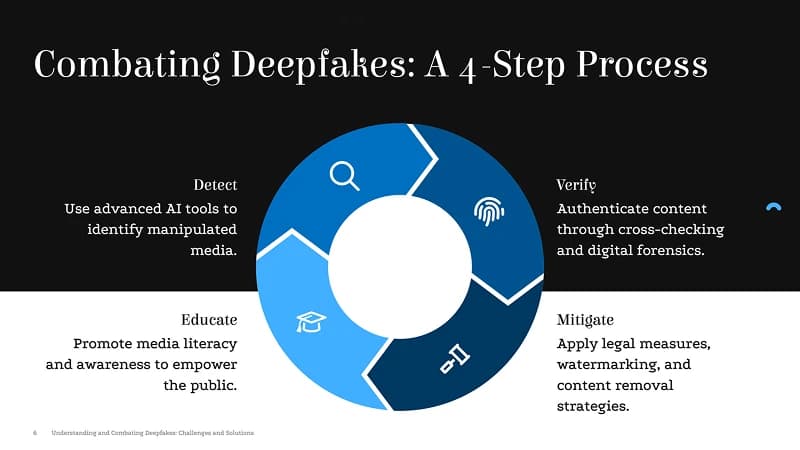

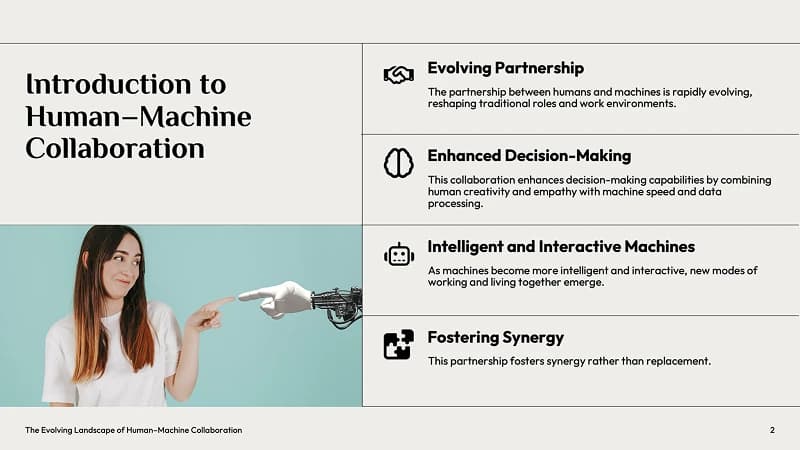
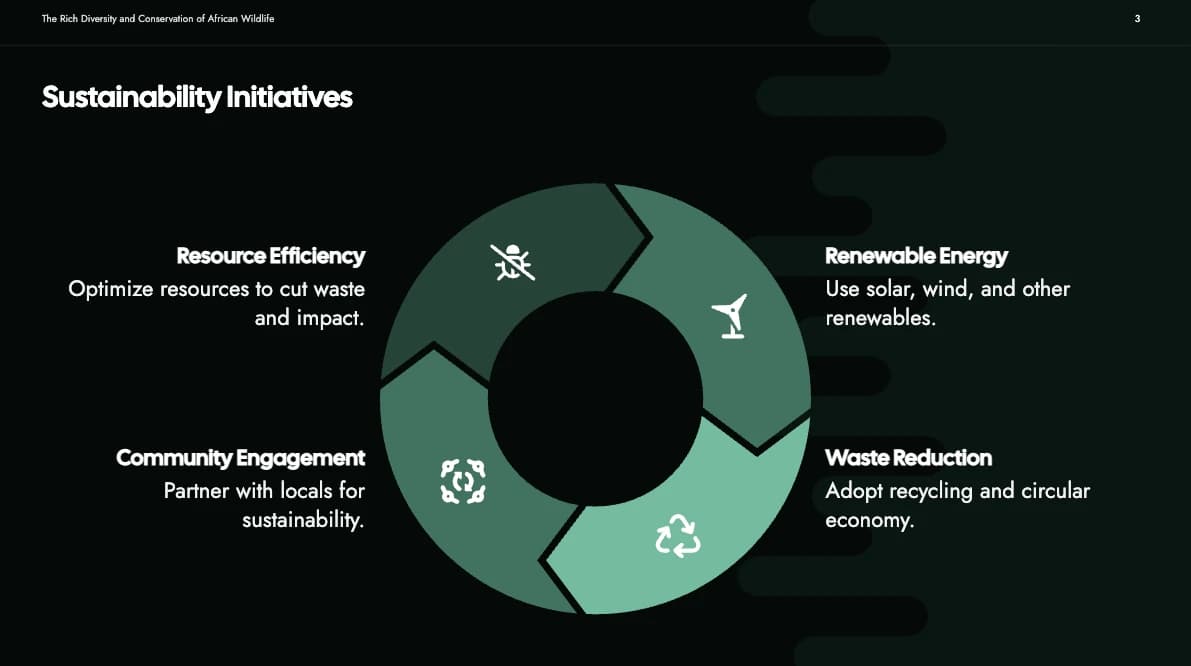


The best prompts for PowerPoint presentations
Copy your outline from ChatGPT or any AI tool and generate a structured presentation instantly.
Startup pitch deck outline
Prompt
Create a startup pitch deck outline covering the problem, solution, market size, business model, traction, team, and funding ask. Include visuals for each slide.
Quarterly Business Review
Prompt
Create a quarterly business review presentation covering key metrics, highlights, challenges, and plans for the next quarter. Include charts and data visualization slides.
Marketing strategy presentation
Prompt
Create a marketing strategy presentation for a SaaS product. Include market analysis, target audience, channels, budget allocation, and KPI tracking slides.
Product Roadmap Deck
Prompt
Create a product roadmap presentation with timeline, feature priorities, engineering milestones, and customer impact for the next 12 months.
Sales Proposal Presentation
Prompt
Create a sales proposal presentation for a digital marketing agency pitching services to a mid-sized retail brand. Include client challenges, proposed solution, service breakdown, case studies, and pricing.
Training Workshop Slides
Prompt
Create a training workshop presentation on effective leadership skills for new managers. Include learning objectives, key frameworks, real-world examples, interactive exercises, and summary slides.
Academic Lecture Deck
Prompt
Create a university-level lecture presentation on the fundamentals of artificial intelligence. Include definitions, history, machine learning basics, neural networks, applications, ethical considerations, and Q&A slides.
Case Study Presentation
Prompt
Create a case study presentation for a SaaS company showcasing how a client reduced churn by 40% using their platform. Include problem, approach, results, testimonials, and call-to-action slides.
SlideSpeak PowerPoint Plugin
Create PowerPoint slides directly inside Microsoft PowerPoint. Our plugin supports Microsoft PowerPoint Desktop on Windows and Mac as well as PowerPoint in the Cloud on Office365. Create, edit, and enhance slides without leaving your app.


SlideSpeak vs Microsoft Copilot
Built for production-grade PowerPoint automation, not just slide generation.
| Features |  | Copilot in PowerPoint |
|---|---|---|
Presentations from prompts and documents | Supported | Supported |
AI Models | Latest ChatGPT, Anthropic and Gemini | Limited ChatGPT |
AI Personalization | SlideSpeak AI fine-tuning over time | Not supported |
Works outside Microsoft 365 | Export to PowerPoint, Google Slides, PDF | Not supported |
AI Assistant | Charles AI Assistant | Copilot Assistant |
Create Charts & Tables | Supports Charts, Tables, Infographics | Limited to creating image |
Support for Custom PowerPoint templates | Yes, advanced AI template engine | Yes, but doesn't understand all layouts |
Read our comparison of the 5 best PowerPoint plugins with AI. Read Blog Post
Wall of love
Built for teams who move fast
SlideSpeak helps teams, educators, consultants, and creators turn ideas into polished slides in minutes.
This tool has significantly cut my prep time by automating slide creation, letting me focus on refining the material to suit my teaching style. Instead of building slides from scratch, SlideSpeak generates a polished presentation that I can easily edit.

James Garza
Lecturer at CCT College Dublin
It's a game-changer for anyone who values both efficiency and quality!

Boris Elbert
Big 4 Management Consultant

2M+
Presentations generated
Built automatically from topics, PDFs, and Word documents.

98%
User satisfaction
Consistently rated among the best AI presentation tools.
90+ countries
Used by teams
From students, startups to global enterprises.

SlideSpeak isn't just about making slides look nice, it actually helps me organize my thoughts and present them in a clear, logical way. The designs are easy to customize, and I can create something that feels like my own
Jenny Smith
Marketing Agency Owner
Connects with the Microsoft Ecosystem
SlideSpeak integrates with the Office365 ecosystem, you love and use every day. Generate presentations right where you work.
Google Drive

SharePoint
OneDrive
Teams

Question you have, answered right here.
Everything you need to know about the product. Can't find the answer you're looking for? Please chat to our friendly team.
Keep going with these tools
The tools people reach for next, plus the SlideSpeak features behind them.


Create your first PowerPoint presentation for FREE
An AI presentation platform to turn ideas, PDFs, Word, and Excel files into ready-to-present slides.