How to generate flashcards with AI
Turn a topic or your notes into a study-ready deck in three steps. No manual card-writing.
Paste your notes or a topic
Type a topic like "the water cycle" or paste your class notes. Pick a card style and how many cards you want.
AI writes the flashcards
The AI reads your content, pulls out the key facts, and writes atomic, active-recall cards as Q&A, term-definition, or cloze (fill-in-the-blank).
Download or export
Download a printable PDF of double-sided cut-out cards, or export to Anki (.apkg), Quizlet, or CSV.
Study-ready flashcards from any text
Free & no sign-up
It is 100% free and needs no account. Add your file or paste your text, choose a card style and a card count, and get a deck back in seconds.
Safe and secure
We process every file over an encrypted connection. We delete your file and the deck we generate after delivery, and we never store them, share them, or use them to train models.
Skip manual card-writing
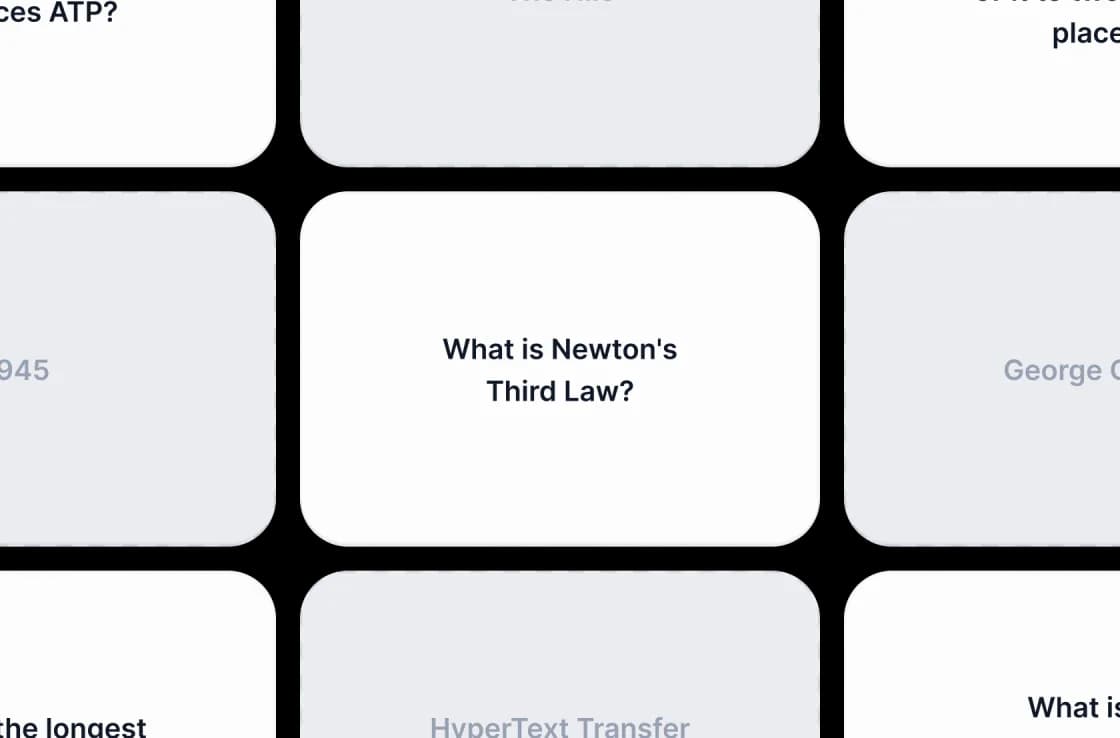
Skip the hours you would spend copying facts onto cards. The AI writes atomic, active-recall flashcards you can use as they are or refine. Active recall and spaced repetition are the study methods research backs.
A powerful AI flashcard generator
Powerful, fast, and free. Turn any topic or your notes into printable, exportable flashcards.
AI flashcard generator
The AI reads your content, finds the key facts, and writes clear, atomic flashcards for active recall.
Works from text or files
Paste a topic or your notes here, or upload a PDF, PowerPoint, or Word file to generate flashcards from a document.
Free to use
No account, no daily limits, no watermarks. Generate as many decks as you need on the free tier.
Fast
A server-side pipeline returns a structured deck in well under a minute. No queue and no waiting room.
Secure & private
We encrypt uploads in transit and delete them after processing. We never store, share, or use them to train models.
Multi-language
Your flashcards come back in the language of your source: English, Spanish, German, French, Portuguese, Indonesian, and more.
Flashcards the way memory works
Atomic cards phrased for active recall, in the card style that fits how you study, from any topic or your notes.
<1 min
Average generation
4
Card styles
50
Cards per deck
Free
No account
How We Stack Up
See why students and educators use SlideSpeak to turn text into flashcards.
| Features |  | ChatGPT | Quizlet | Manual |
|---|---|---|---|---|
| Free to use | Free | Free tier with limits | Free with limits | Free |
| No sign-up required | No signup | OpenAI account | Account required | No signup |
| Paste a topic or notes | Text or files | Text prompt | Manual entry | Manual entry |
| AI-written flashcards | Automatic | Manual prompting | You type each | You write each |
| Export to Anki & Quizlet | Anki, Quizlet, CSV | Copy-paste | Quizlet only | Manual |
| Printable PDF cards | Double-sided PDF | No | Paid feature | By hand |
Explore our other tools
Experience the convenience of our FREE online tools. Our AI tools powered by ChatGPT provide excellent results.

Create Flashcards from PDF
Convert PDF documents into flashcards automatically. Upload your PDF file and create printable or digital flashcards.

Create Flashcards from PowerPoint
Convert PowerPoint presentations into flashcards automatically. Upload your PowerPoint file and create printable or digital flashcards.

Create Flashcards from Word
Convert Word documents into flashcards automatically. Upload your DOCX and create printable or digital flashcards.

Create Quiz from PowerPoint
Convert PowerPoint presentations into interactive quizzes automatically. Perfect for testing and assessment.
AI PowerPoint Readability Checker
Check and improve the readability of your PowerPoint presentations with AI.
Create Cheat Sheet from PDF
Convert PDF documents into concise cheat sheets automatically using AI. Perfect for quick reference and study guides.
Keep going with these tools
The tools people reach for next, plus the SlideSpeak features behind them.
Create Flashcards from Word
Convert Word documents into flashcards automatically. Upload your DOCX and create printable or digital flashcards.
Text to PPT
Turn any text or prompt into an editable PowerPoint deck in seconds.
AI Presentation Generator
Create a full slide deck from a prompt, topic or document.
Frequently Asked Questions
Turn a topic or your notes into a study-ready deck in three steps. No manual card-writing.

Turn any idea into a presentation — free to try
An AI presentation platform to turn ideas, PDFs, Word, and Excel files into ready-to-present slides.