


How to make flashcards from PowerPoint
Choose a card style and a deck size, then download your flashcards.
Upload your PowerPoint
Upload a PPTX: lecture slides, revision decks, or training material.
AI writes the flashcards
Choose question and answer, term and definition, fill-in-the-blank, or mixed cards.
Choose a download format
Open the Download menu and choose PDF, Anki (.apkg), or CSV.
Study-ready flashcards, grounded in your slides
Free & no sign-up
Create flashcards for free, with no account required.
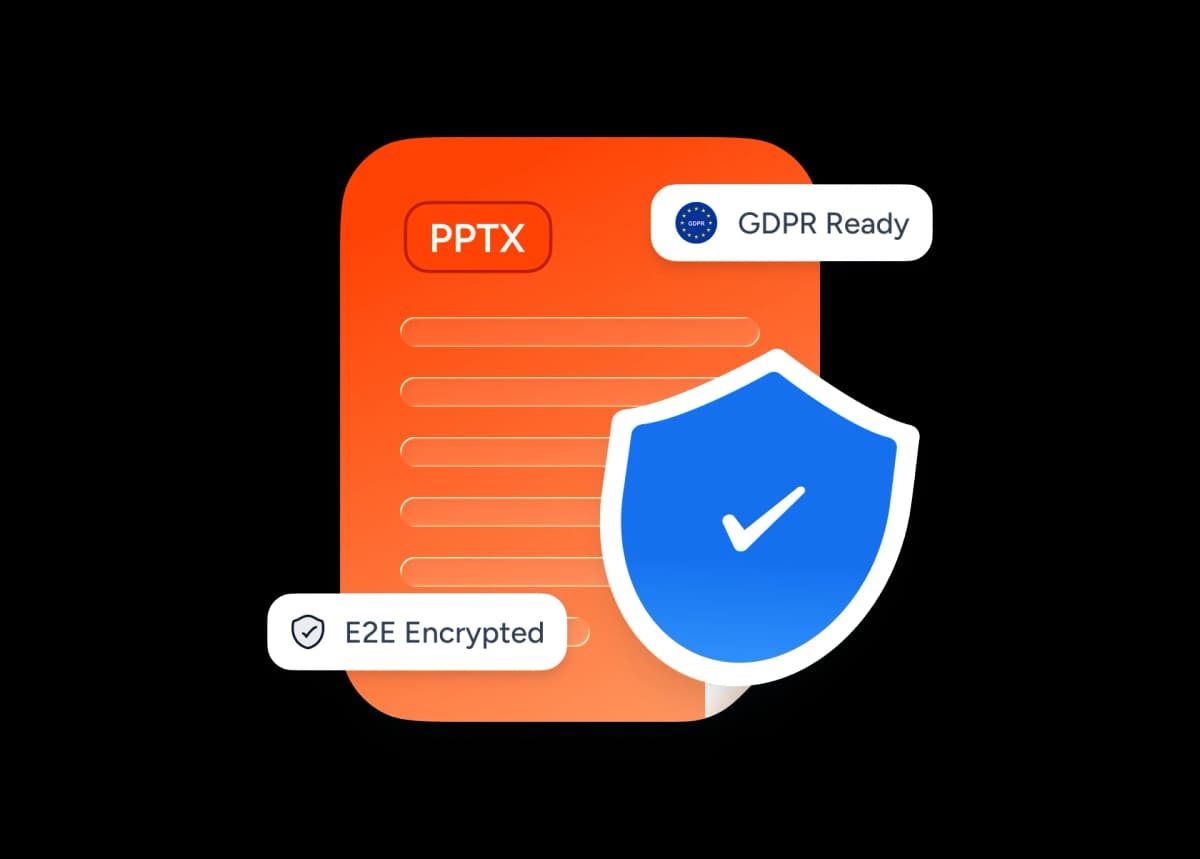
Encrypted uploads
You upload your file over an encrypted connection.
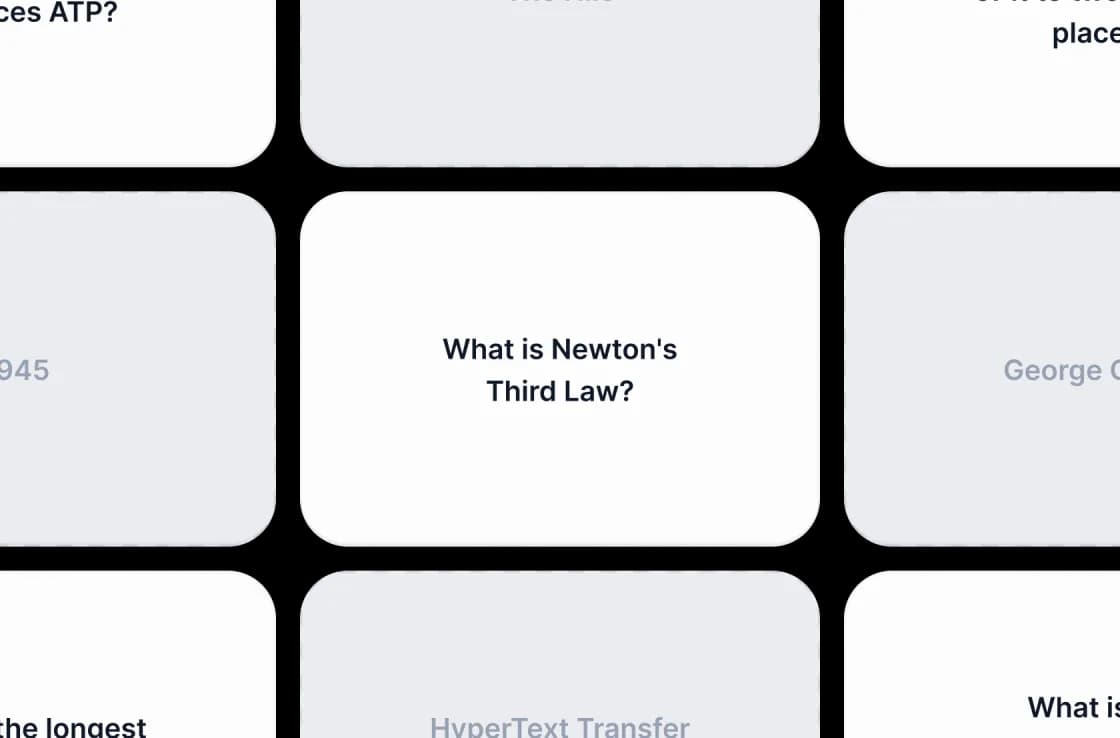
Skip manual card-writing
Generate cards from your notes. Test your recall with a question on one side and an answer on the other.
Choose your flashcard format
Choose a card style, then download your cards as PDF, Anki, or CSV.
AI flashcard generator
Choose question and answer, term and definition, fill-in-the-blank, or mixed cards.
Works from your slides
Lecture decks, training slides, and revision material all become cards. It also works from PDF and Word.
Free to use
Create flashcards for free, with no account required.
Choose your deck size
Request 5 to 50 cards per deck. You may get fewer cards if your source has limited material.
Encrypted uploads
You upload your file over an encrypted connection.
Multi-language
Your flashcards come back in the language of your source: English, Spanish, German, French, Portuguese, Indonesian, and more.
Flashcard options
Choose a card style and a deck size. Print your cards or review them in Anki.
<1 min
Average generation
4
Card styles
3
File types
50
Cards per deck
How We Stack Up
See why students and educators use SlideSpeak to turn slides into flashcards.
| Features |  | ChatGPT | Quizlet | Manual |
|---|---|---|---|---|
| Free to use | Free | Free tier with limits | Free with limits | Free |
| No sign-up required | No signup | OpenAI account | Account required | No signup |
| Reads your PowerPoint directly | PPTX/PDF/DOCX | Limited file uploads | Manual entry | Manual entry |
| AI-written flashcards | Automatic | Manual prompting | You type each | You write each |
| Flashcard exports | PDF, Anki, CSV | Copy-paste | Quizlet only | Manual |
| Printable PDF cards | Double-sided PDF | No | Paid feature | By hand |
Explore our other tools
Create quizzes or summaries from your study material.

Create Flashcards from PDF
Convert PDF documents into flashcards automatically. Upload your PDF file and create printable or digital flashcards.

Create Flashcards from Word
Convert Word documents into flashcards automatically. Upload your DOCX and create printable or digital flashcards.

AI Flashcard Generator
Generate flashcards from any topic or your notes with AI. Paste text and create printable or digital flashcards.
Create Quiz from PowerPoint
Convert PowerPoint presentations into interactive quizzes automatically. Perfect for testing and assessment.
AI PowerPoint Readability Checker
Check and improve the readability of your PowerPoint presentations with AI.
Translate PowerPoint with AI
Translate PowerPoint presentations with AI.
Keep going with these tools
The tools people reach for next, plus the SlideSpeak features behind them.
Create Quiz from PowerPoint
Transform PowerPoint presentations into interactive quizzes with AI. Perfect for educators and trainers.
Text to PPT
Turn any text or prompt into an editable PowerPoint deck in seconds.
AI Presentation Generator
Create a full slide deck from a prompt, topic or document.
Frequently Asked Questions
File limits, card styles, and download formats.

Create a presentation with SlideSpeak
An AI presentation platform to turn ideas, PDFs, Word, and Excel files into ready-to-present slides.