

Your voice, in three steps
You need no studio, no software and no sign-up. Recording to playback takes under a minute.
Read a paragraph aloud
We give you a sample to read and a live waveform so you can watch your level. Or upload a clip you already have. Either way we check volume, distortion and background noise before you submit.
We clone the voice
Name it, confirm you have permission to clone it, and we build a model from your sample. It takes under a minute.
Type anything, hear yourself
Write up to 300 characters and play it back in your own voice. Download the MP3, or send the voice straight into a presentation.
Built for a voice you would put in front of an audience
A guided 30-second recording
You get a paragraph to read and a live waveform to watch your level. We flag audio that is too quiet, distorted or noisy before it reaches the model, because the clone can only sound as good as the sample.
The quarterly numbers show steady growth across every region this year.
Hear it before you commit
Type a line and play it back in your cloned voice. Five free generations per voice is enough to test a real opening line, a product name, or a piece of jargon your audience will notice you fumbling.
Solar output grew in every region we serve this year.
Next-gen panels cut costs while boosting efficiency.
RegenerateSmart grids tie it all together, storing power for when it's needed.
Carry it into a presentation
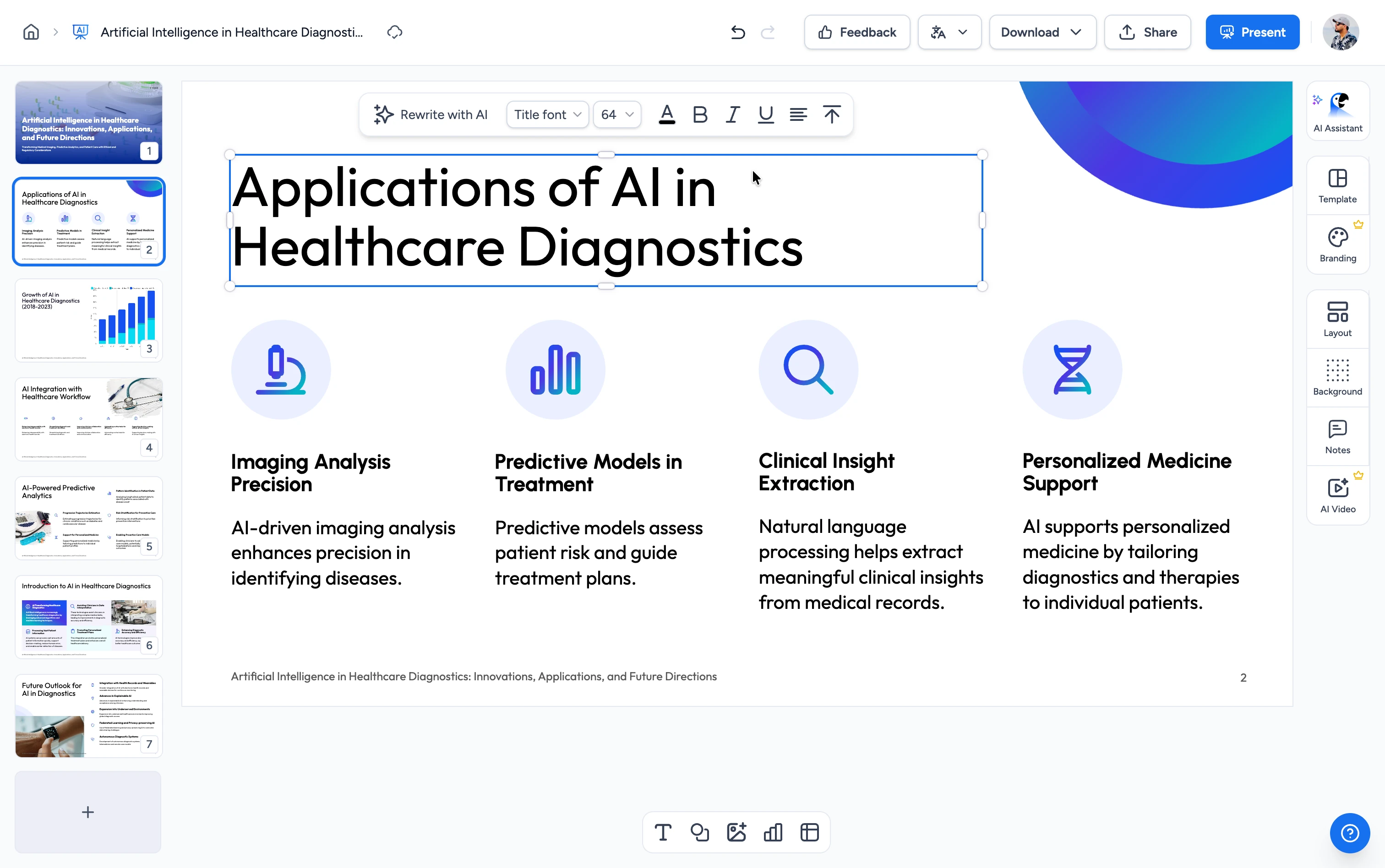
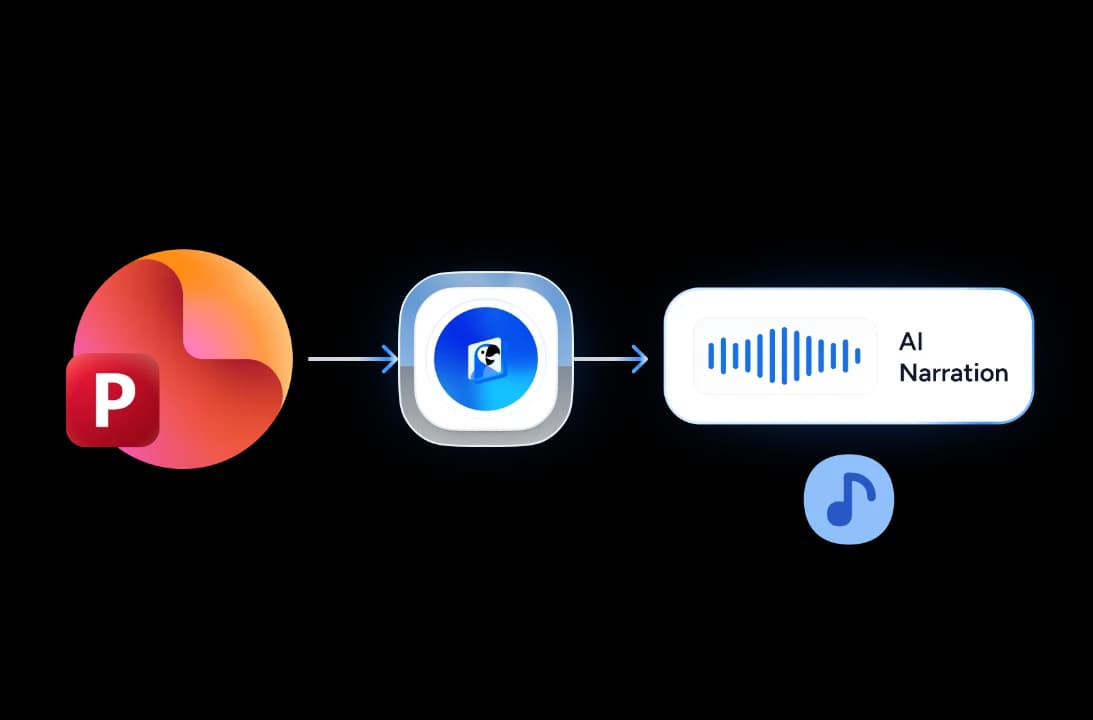
The same voice narrates a full deck in SlideSpeak. Drop a PowerPoint into the success screen and it opens in the editor with your voice already attached.
Consent before cloning
You confirm the voice is yours, or that the speaker gave permission, before anything is cloned. Every clone comes with a way to report misuse, and we keep a consent record so we can trace a report back to the clone it came from.
As we review the data, notice the steady growth trend across all regions.
These results reflect consistent teamwork and strategic focus over time.
Why clone your voice with SlideSpeak?
A clone you can hear, download, and put on a real presentation.
No account to try it
Record, clone, generate and download the MP3 without signing up. An account only matters once you want to keep the voice or narrate a full presentation with it.
Record or upload
Use your microphone in the browser, or bring a clip you already have. MP3, WAV, M4A, WEBM, OGG and MP4 all work, up to 10 MB.
Quality checks built in
We analyse your sample for level, clipping and background noise, then tell you what to fix. The advice does not stop you from submitting. It gets you a better clone.
Made for presentations
Most voice cloning tools stop at an audio file. This one hands the voice to a presentation editor that narrates every slide with it.
Short-lived by default
We delete the sample right after cloning, and the voice model goes within 24 hours unless you save it to an account.
Works in any browser
Nothing to install on Mac, Windows, Linux, Chromebook or iPad. Recording uses the browser's own microphone permissions.
What the free tier gives you
These are the limits, stated up front. There is no trial countdown and no card.
30 sec
Sample needed to clone a voice
300
Characters per free generation
5
Free generations per cloned voice
24 h
Until an unsaved voice is deleted
How free voice cloning compares
Most tools park cloning behind a paid plan or a sales call.
| Feature |  | ElevenLabs | Speechify | Murf | Resemble AI |
|---|---|---|---|---|---|
| Account required to try it | No | Yes | Yes | Yes | Yes |
| Voice cloning on the free tier | Yes | Starter plan and up | Limited | Sales call required | Preview only |
| Free audio you can download | 5 x 300 characters | None | Monthly cap | None | Paid per generation |
| Use the voice on a presentation | Yes | No | No | Stock voices only | No |
Explore our other tools
More free tools for narration, audio and video.

AI Audio Narration Generator
Generate professional AI audio narration in MP3 format for your PowerPoint presentations. Create voiceovers that can be easily added to slides.
Convert PowerPoint to Video with AI
Convert PowerPoint presentations to videos with AI narration.

Add Audio to PowerPoint
Upload your PowerPoint and audio file (MP3, WAV, M4A) and download your presentation with embedded audio.

Text to Video with AI
Turn any topic or script into an AI-narrated presentation video.

Translate Video with AI
Transcribe, translate & AI-dub MP4, MOV & WebM videos into 82 languages. Free, no watermark.
Frequently asked questions
Consent, storage, deletion, and what you can do with a cloned voice.

Turn any idea into a presentation — free to try
An AI presentation platform to turn ideas, PDFs, Word, and Excel files into ready-to-present slides.