How to share a PowerPoint online in three steps
Turn any .pptx into a shareable link and send it to anyone. Skip the email attachments, the version chasing, and the recipient install.
Upload your PowerPoint
Drag and drop your .pptx file or click to browse. We support files up to 100 MB.
We generate your share link
We upload your presentation and generate a public share URL. No sign-up, no setup.
Send the link to anyone
Paste the link into Slack, email, a text, or a tweet. Recipients view your slides in their browser, no PowerPoint required.
The simplest PowerPoint sharing site on the web
Skip the file attachments, the version mix-ups, and the recipient install. Get a clean link your viewers can open anywhere.
No sign-up required
Skip the account creation. Drop your file, get a link, share it. Free forever, with no daily limits, no watermarks, and no hidden fees.
Safe and secure
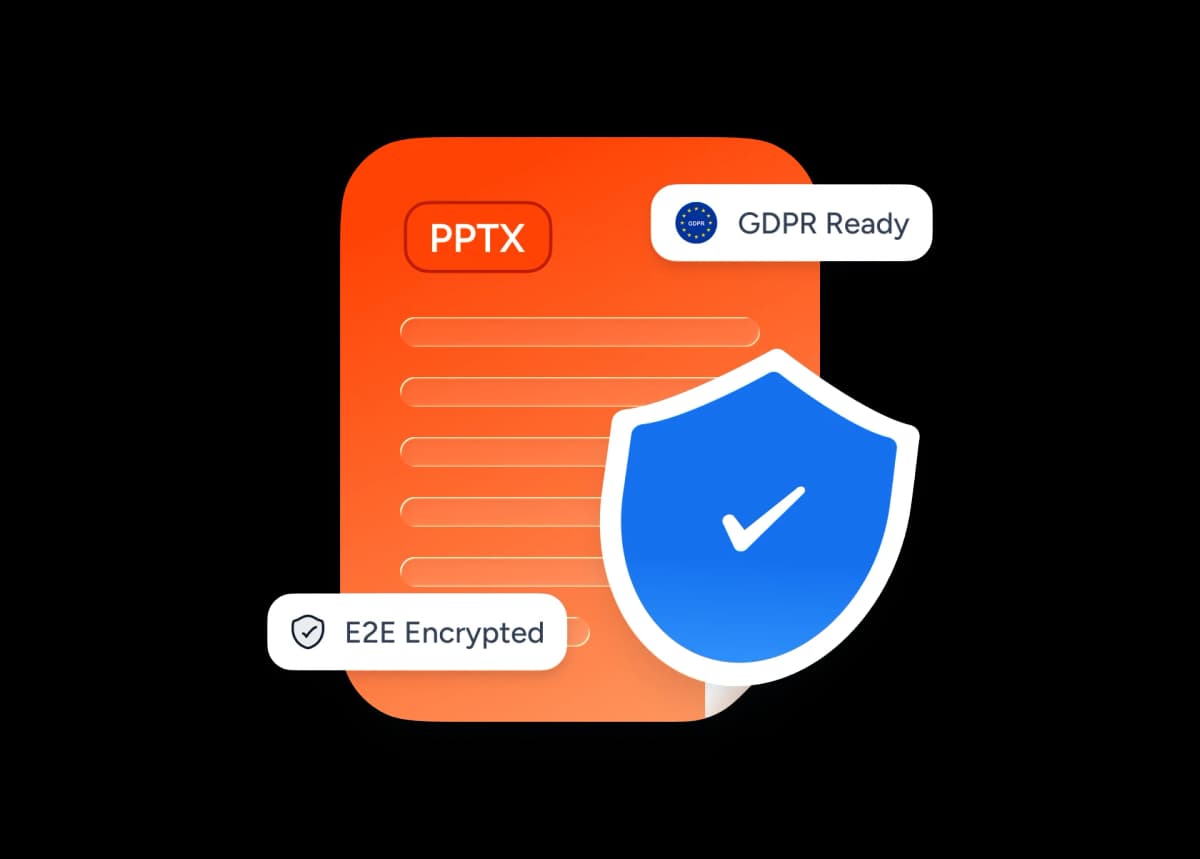
We store your PowerPoint encrypted, visible only to people you give the link to. Search engines don't index it unless you choose to share the URL.
Why use SlideSpeak for PowerPoint and PPT sharing
Built for teams, teachers, and anyone tired of emailing huge .pptx attachments and chasing the latest version.
Always free
Upload as many PowerPoint files as you want. No paywall, no premium tier, no credit card.
Instant link generation
Your share link is ready in seconds. We import the file once, and you can share it right away.
Secure by default
Only viewers with the link can access your presentation. We store files over encrypted connections.
No software install
Viewers open your link in any modern browser, with no PowerPoint, no Office license, or app download needed.
Pixel-perfect rendering
Your slides render with original fonts, layouts, and images intact, exactly as you designed them in PowerPoint.
View from any device
Recipients can view your shared PowerPoint on desktop, tablet, or phone. The share page adapts to any screen.
Explore our other PowerPoint tools
Free, browser-based tools to convert, edit, and share PowerPoint files. No install required.


Convert PPT to PDF with AI
Convert PowerPoint presentations to PDF with AI.

PowerPoint Compressor
Compress your PowerPoint files and optimize the size of it for easier sharing.

Convert PowerPoint to Google Slides
Turn your PowerPoint into Google Slides with our free online converter.
Translate PowerPoint with AI
Translate PowerPoint presentations with AI.
Add Password to PowerPoint
Secure your presentations with password protection
Merge & Combine PowerPoint files
Combine multiple PowerPoint presentations into a single file.
Keep going with these tools
The tools people reach for next, plus the SlideSpeak features behind them.
Edit PowerPoint Online
Upload any .pptx file and open it instantly in the SlideSpeak editor. Edit text, swap images, and restyle slides — no Microsoft Office, no install.
AI Presentation Generator
Create a full slide deck from a prompt, topic or document.

AI PPT Editor
Enhance existing slides: rewrite text, fix layouts, and lift the quality of any deck.
Frequently Asked Questions
Find answers to common questions about creating a share link for your .pptx file.

Turn any idea into a presentation — free to try
An AI presentation platform to turn ideas, PDFs, Word, and Excel files into ready-to-present slides.