Compress an MP4 in three steps
From oversized .mp4 to ready-to-share clip in under a minute.
Drop Your MP4
Drag a .mp4 file into the upload area or click to browse. We support files up to 500 MB, which covers most phone recordings, screen captures, and social-media clips.
Compress in the Browser
Our compressor re-encodes with H.264, caps resolution at 1080p, and tunes bitrate using CRF, the quality-preserving setting professional encoders use. Most videos come out 50–90% smaller.
Download the Smaller File
Get the compressed .mp4 ready to download. The output stays compatible everywhere: it plays on phones, browsers, social platforms, and messaging apps.
Built for size, tuned for quality
Cheap compressors slash bitrate until videos look like noise. We keep the visuals clean and still cut the file size down.
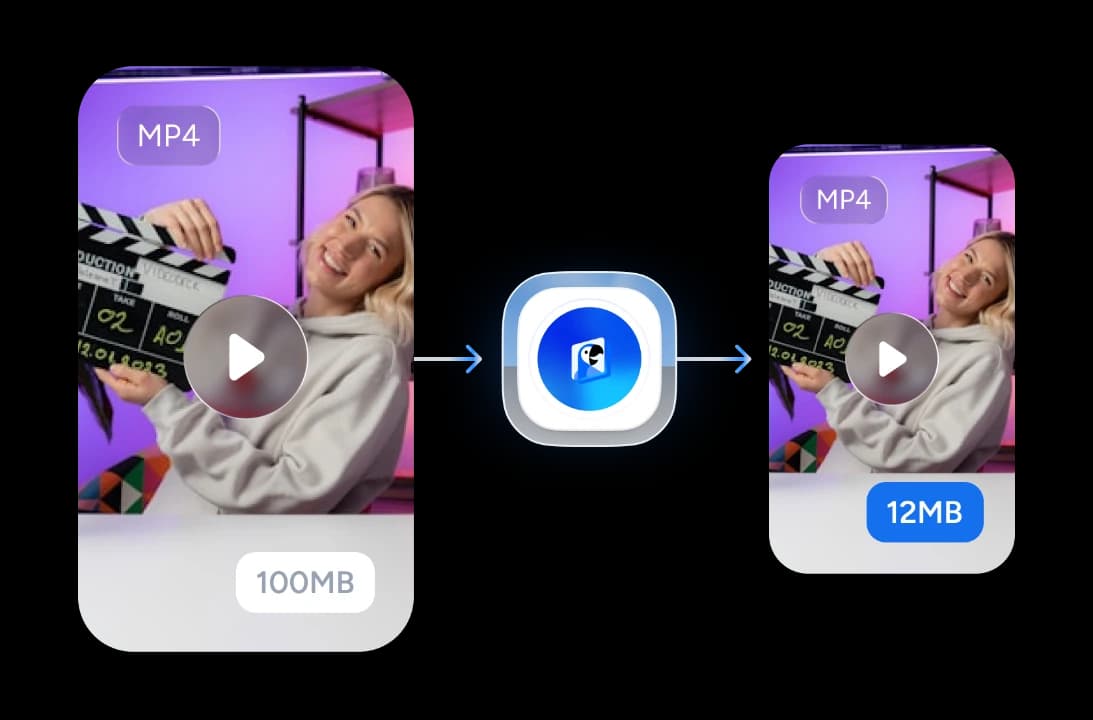
Up to 90% Smaller
Phone recordings and screen captures often carry oversized bitrates. Our H.264 settings target a visually-lossless CRF and trim the bitrate to match, so most files shrink by 70–90%.


Quality You Can Watch
We use a CRF (Constant Rate Factor) target rather than a fixed bitrate, so the encoder spends bits where they matter. Most viewers can't tell the compressed copy from the original at normal viewing distance.
Free & No Signup
100% free with no Pro tier, no credit limits, and no signup wall. Compress as many MP4s as you need.
Private by Design
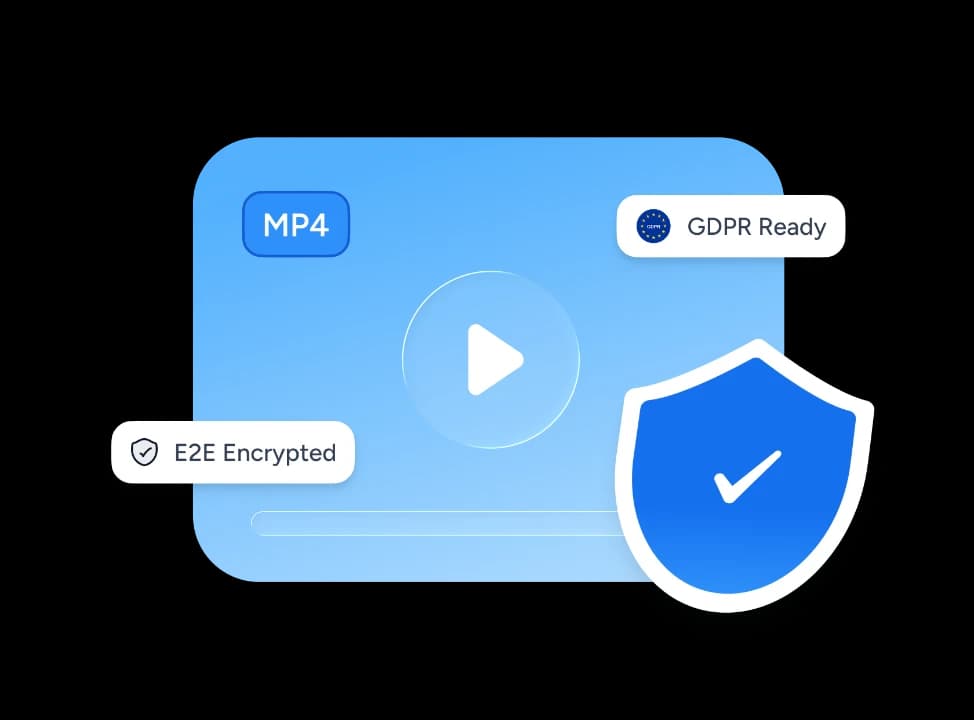
We upload files over HTTPS, process them only for the compression job, and delete them automatically after download. We never share files with third parties.
Why use this MP4 compressor?
Plenty of compressors exist. Most need an install, watermark the output, or wreck the quality. Ours skips all three problems.
Up to 90% Reduction
Tuned H.264 settings deliver dramatic file-size cuts. Send oversized videos through email, WhatsApp, Discord, or social-media uploads without re-shooting.
Fast In-Browser Compression
Most clips finish in well under a minute. No waiting on download queues, no email links, no "come back tomorrow" message. Compress and download in one session.
Browser-Only
Runs on any modern browser: Mac, Windows, Linux, ChromeOS, even iPad. No HandBrake install, no Adobe license, no admin permissions.
Free Forever
No Pro upgrade, no credit-based limits, no watermark on the output. The compressed file is yours, full quality, no strings.
Drag-and-Drop Simple
Drop the file, click compress, download. No codec dropdowns, no preset menus, no encoder settings to learn.
Six Languages
Interface available in English, German, Spanish, French, Indonesian, and Brazilian Portuguese.
Fast, free, frictionless
Browser-based H.264 compression that delivers smaller files in seconds.
<60s
Typical compression time
Visually-lossless
Quality target (CRF)
100%
Free, no Pro tier
−90%
Typical file-size reduction
How We Stack Up
See how SlideSpeak compares to the best-known MP4 compression options.
| Features |  | HandBrake | Adobe Media Encoder | Clipchamp |
|---|---|---|---|---|
| Browser-based | Yes | Desktop only | Desktop only | Yes |
| Free to use | Free | Free, open-source | From $22.99/mo | Free tier; 4K paid |
| Account / signup | No signup | No account | Adobe ID required | Microsoft account |
| Install required | None | Desktop install | Desktop install | None |
| Output quality | Visually-lossless CRF | Configurable | Professional-grade | Configurable |
| Time to first compressed file | Under a minute | Install + setup | Install + signup | Account + project setup |
Explore our other tools
All free, all browser-based. No signup needed.

Summarize MP4 Videos
Upload an MP4 and get an AI summary in seconds. Free, browser-based, no signup.
Summarize YouTube Videos
Get AI summaries from any YouTube URL — fast key takeaways without watching the full video.
Summarize MOV Videos
Upload a QuickTime .mov file and get an AI summary in seconds. Free and no signup.

PowerPoint Compressor
Compress your PowerPoint files and optimize the size of it for easier sharing.

PDF Compressor
Compress PDF files online for free. Reduce file size by up to 90% with one click.
PowerPoint Image Extractor
Extract all images from PowerPoint presentations
Keep going with these tools
The tools people reach for next, plus the SlideSpeak features behind them.
PowerPoint Compressor
Compress your PowerPoint files and optimize the size of your PowerPoint file for easier sharing.
AI Presentation Generator
Create a full slide deck from a prompt, topic or document.

AI PPT Editor
Enhance existing slides: rewrite text, fix layouts, and lift the quality of any deck.
Frequently Asked Questions
Everything you need to know about compressing MP4 videos online for free.

Turn any idea into a presentation — free to try
An AI presentation platform to turn ideas, PDFs, Word, and Excel files into ready-to-present slides.