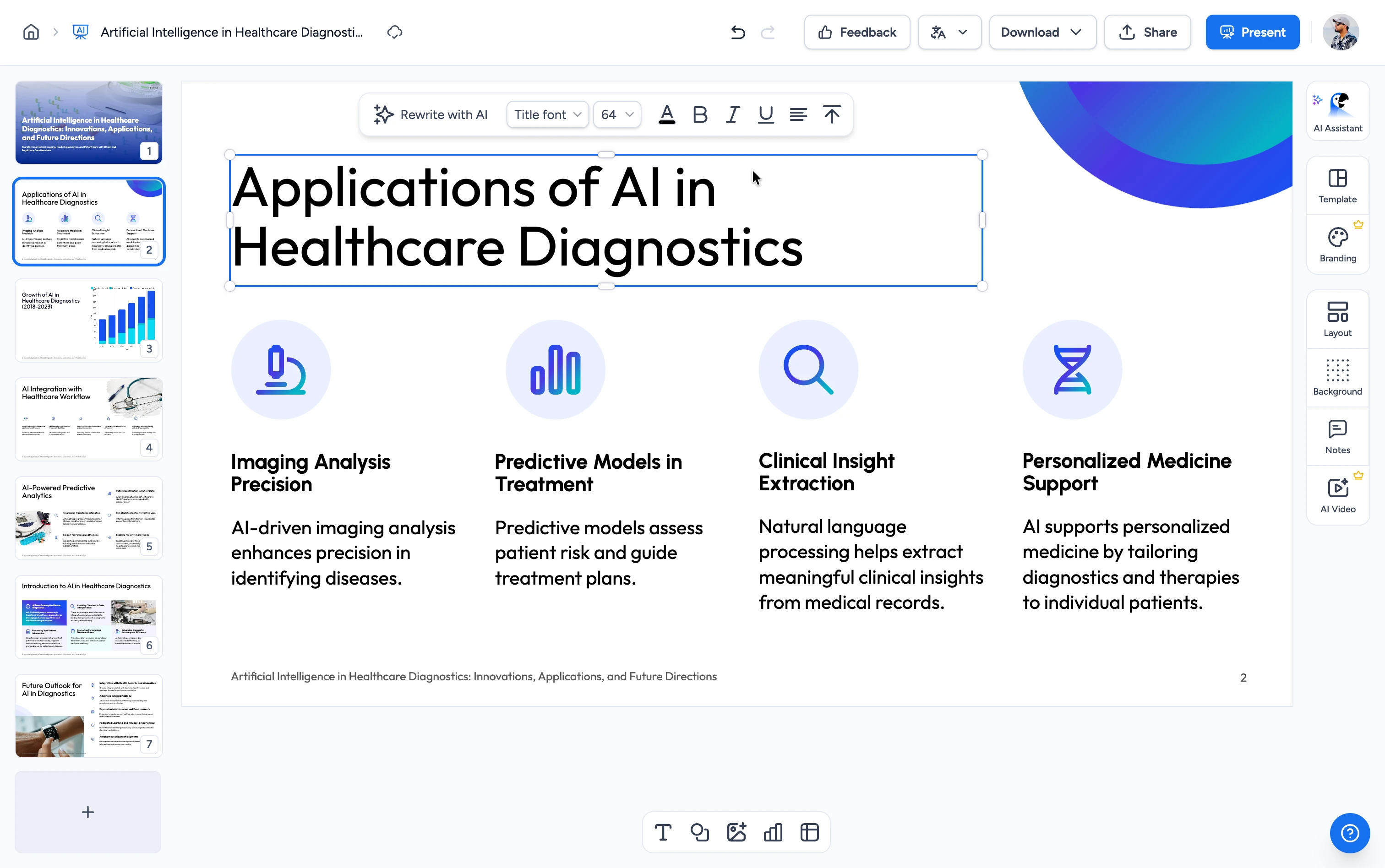
Three steps to your MOV summary
From a .mov file on your Mac or iPhone to a readable summary in under a minute.
Upload Your MOV
Drag a .mov file into the upload area or click to browse. Works with iPhone screen recordings, Mac screen captures (QuickTime Player), camera exports, and any standard QuickTime .mov file. You won't need to convert to MP4 first.
AI Transcribes & Summarizes
We extract the audio from the QuickTime container, transcribe it with a speech-to-text model, then run the transcript through a large-language model tuned for summarization. You get the structure, key points, and decisions.
Get a Structured Summary
Receive a clean text summary you can copy, paste, or share. Scan it fast for meeting recaps, lecture notes, or video reviews.
Built for Mac and iPhone workflows
iPhone and Mac use .mov by default, but most summarizer tools force you to convert it first. We accept it directly.
Skip the MP4 Conversion
Most summarizer tools only accept MP4 and require you to re-encode .mov first. We accept QuickTime files directly, with no extra encoder step and no quality loss from a needless conversion.
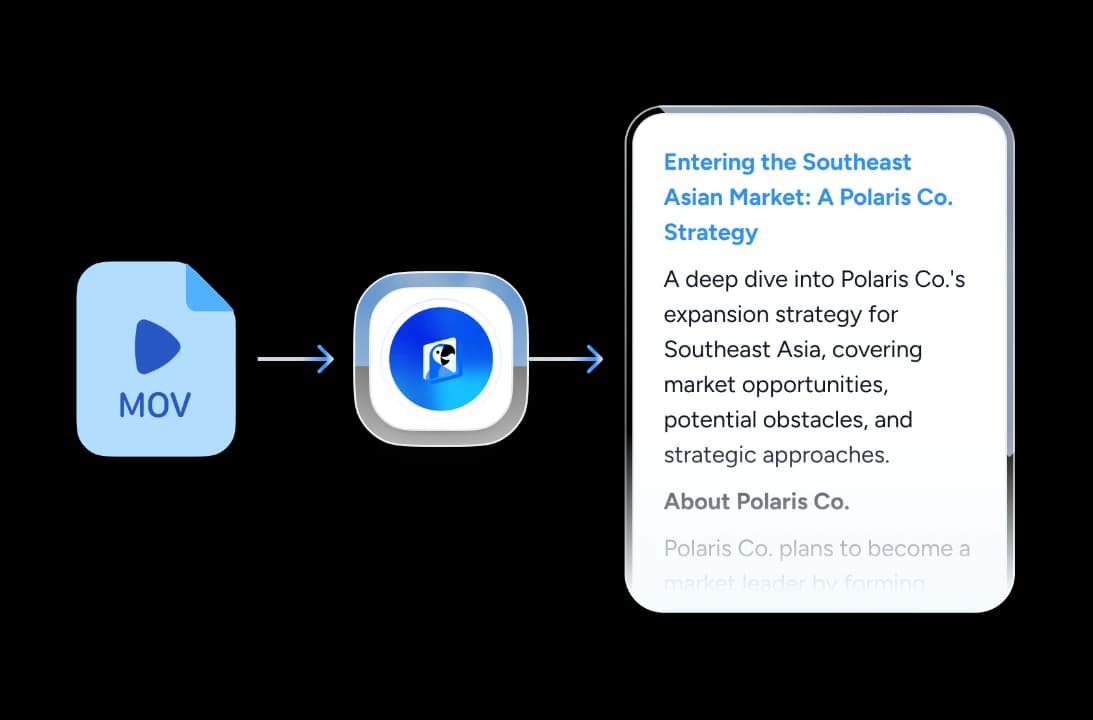
Transcribes the Real Audio
We run real speech-to-text on the audio track inside your .mov, then summarize the transcript. The summary reflects what was said, which works well for FaceTime recordings, iPhone meeting captures, and Voice Memo screen recordings.
Free with No Signup
100% free, no Pro tier, no "3 file imports lifetime" trick like other tools. Upload as many .mov files as you need.
Multilingual & Private
Works on videos in dozens of languages, and you can request the summary in any of them. Files upload over HTTPS. We process them only for the summary job, and we don't retain them or use them to train models.
Why use this MOV summarizer?
Compared to the most-recommended alternatives, ours is the cleanest path from a QuickTime export to a sharable recap.
Drag-and-Drop Simple
Drop the .mov, click summarize, read. No MP4 conversion step, no re-encoding hassle, no "please use a different format" error message.
Tuned for Long Recordings
We chunk and summarize long transcripts, so the summary holds up for a 5-minute screen recording and a 90-minute FaceTime meeting.
Real Speech-to-Text
We transcribe the real audio track instead of relying on metadata or auto-captions. The model manages background music, multiple speakers, and accented audio without extra setup.
Structured Output
Summaries include clear section breaks and key takeaways, so you can copy them straight into Notion, Slack, or your meeting recap email.
Browser-Only
No desktop app, no QuickTime Pro, no Final Cut, no Adobe license. Works on Mac, Windows, Linux, ChromeOS, even iPad.
Six Languages
Interface available in English, German, Spanish, French, Indonesian, and Brazilian Portuguese. Underlying AI handles dozens more languages.
Fast, free, frictionless
MOV in, summary out. Skip the MP4 conversion middleware.
<60s
Average summary time
Transcript-faithful
AI grounded in real audio
100%
Free, no Pro tier
Dozens
Languages supported
How We Stack Up
See how SlideSpeak compares to the best-known MOV summarization options.
| Features |  | ChatGPT | Otter.ai | Notta |
|---|---|---|---|---|
| Native MOV file upload | Yes | Limited / undocumented | 3 lifetime imports on free | Yes |
| Free to use | Free | Free with daily limits | 300 min/mo free | 120 min, 10 summaries/mo |
| Account / signup | No signup | Required | Required | Required |
| Browser-only | Yes | Yes | Apps + web | Apps + web |
| Speech-to-text on real audio | Yes | Plugin-dependent | Yes | Yes |
| Time to first summary | Under a minute | Setup + plugin | Signup gated | Signup gated |
Explore our other summarizers
Summarize YouTube, MP4, MOV, PDF, PowerPoint, and Word with AI, all free, all in your browser.

Summarize MP4 Videos
Upload an MP4 and get an AI summary in seconds. Free, browser-based, no signup.
Summarize YouTube Videos
Get AI summaries from any YouTube URL — fast key takeaways without watching the full video.

MP4 Video Compressor
Compress MP4 videos online for free. Reduce video file size by up to 90% without losing quality.
Convert YouTube to PowerPoint with AI
Convert YouTube videos to PowerPoint presentations using AI.

Summarize PDF with AI
Upload your PDF document and let our AI summarize and answer questions about your document.

Translate Video with AI
Transcribe, translate & AI-dub MP4, MOV & WebM videos into 82 languages. Free, no watermark.
Keep going with these tools
The tools people reach for next, plus the SlideSpeak features behind them.
Frequently Asked Questions
Everything you need to know about summarizing QuickTime .mov files with AI.

Turn any idea into a presentation — free to try
An AI presentation platform to turn ideas, PDFs, Word, and Excel files into ready-to-present slides.