

Already have a finished presentation?
If your content is already a PowerPoint, you can skip the document step. SlideSpeak's AI video generator turns any presentation into a narrated video with 50+ voices in 20+ languages, an editable transcript, and HD export. Learn more about the AI presentation video generator
How to turn a PDF into a video in 3 steps
From document to narrated presentation video in minutes, with the AI doing the heavy lifting.
Upload your PDF
Drag and drop your PDF or click to browse. Reports, papers, guides, and pitch documents all work.
AI builds your slides
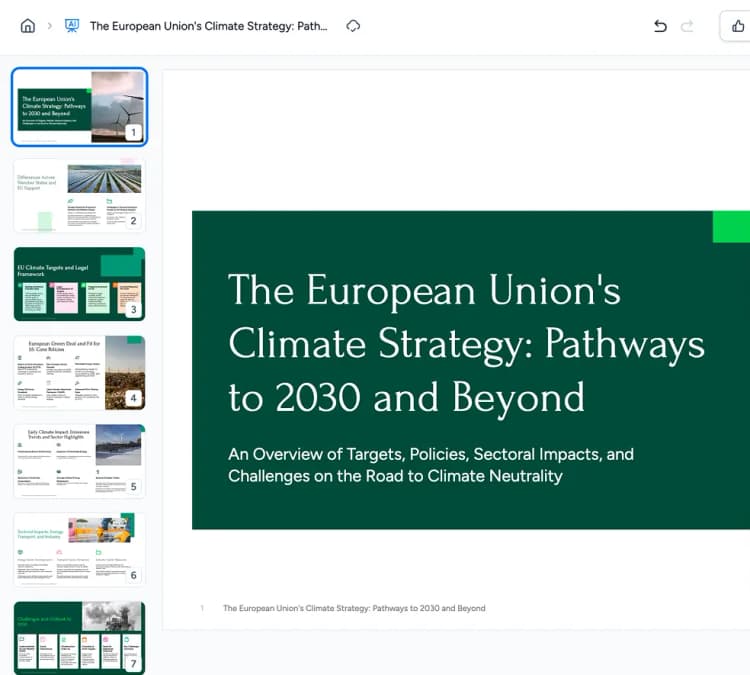
The AI reads your PDF and turns it into a clean, well-structured presentation. You can review and edit every slide.
Generate the video
Turn the finished slides into an AI-narrated video with voiceover and transitions, then export it as MP4.
From static document to narrated video
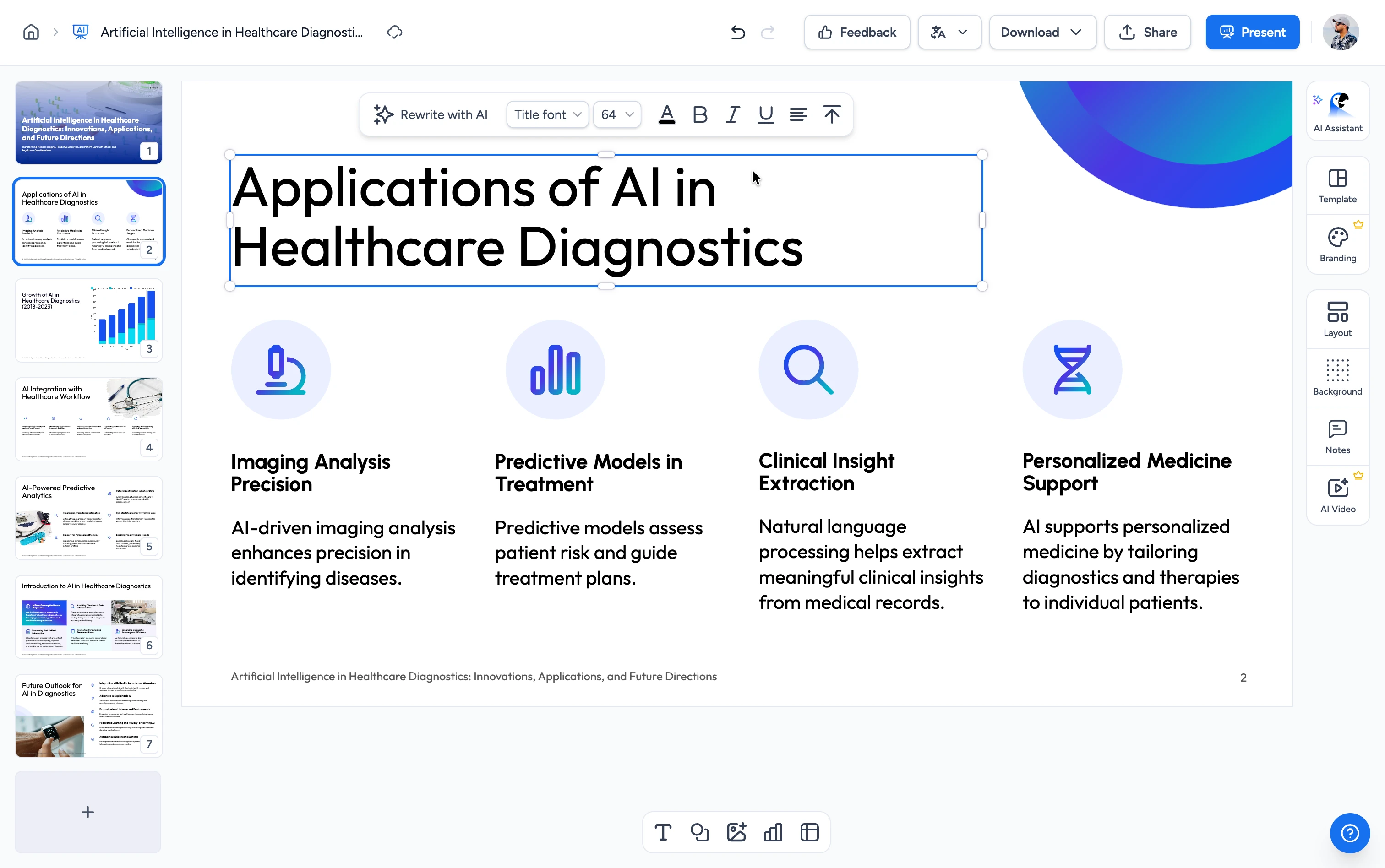
See how SlideSpeak turns your PDF into a presentation video, step by step.
PDF to Video: slides, voiceover, and MP4 output
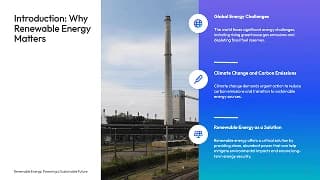
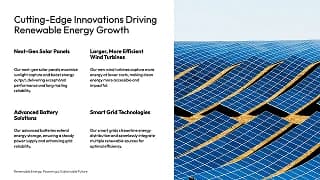
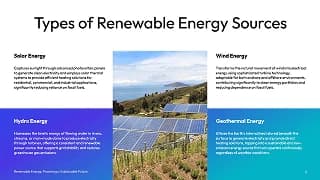
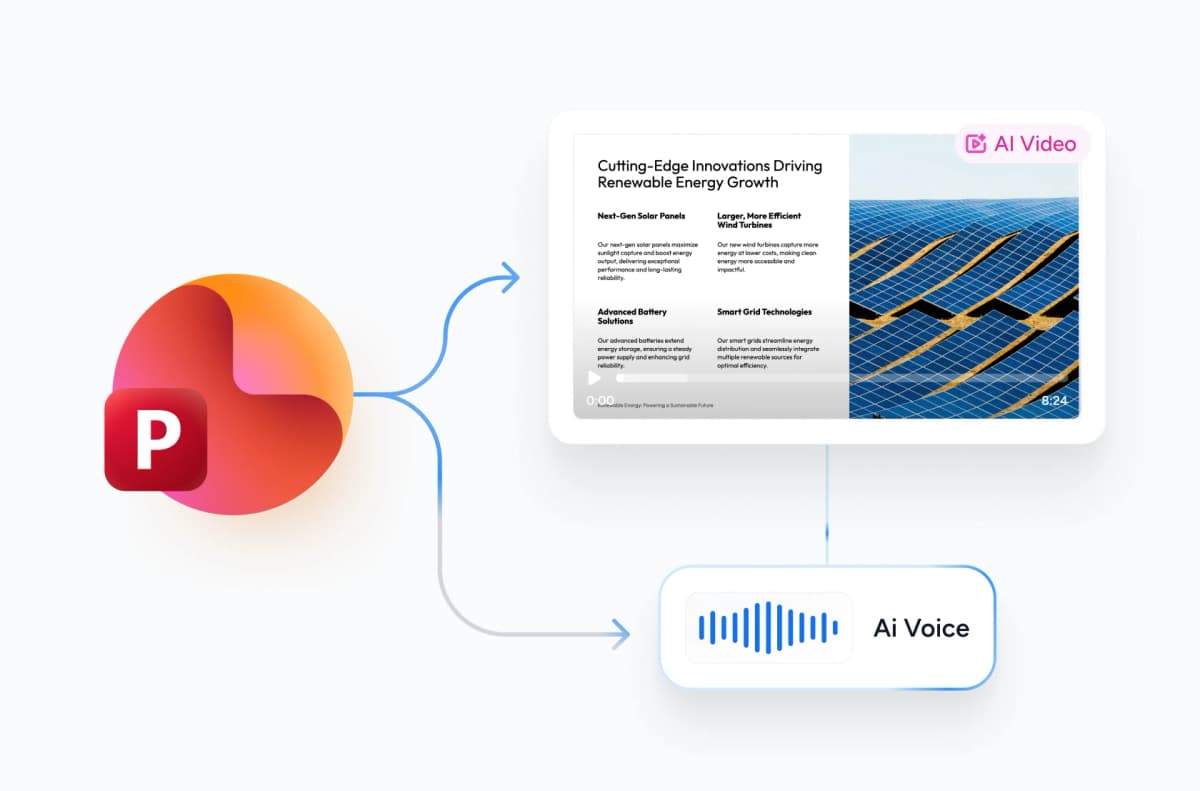
The AI converts your PDF into a presentation video: real slides built from your content, narrated by a natural AI voice, with clean transitions. The result is a standard MP4 that plays on YouTube, LinkedIn, email, and any LMS.
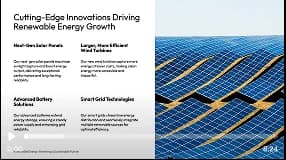
Your content, not a generic template
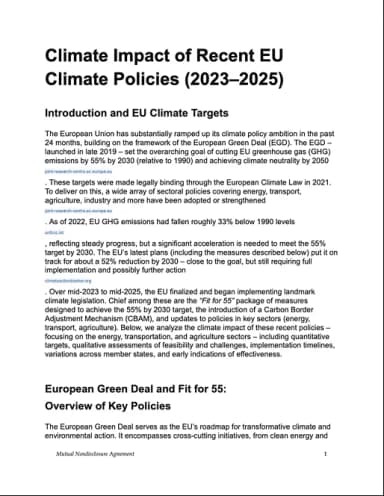
Instead of pasting your PDF into a video template, the AI reads the document and writes the slides and narration from it. Headings, key points, and structure carry over, so the video actually reflects your material.
Safe and secure processing
At SlideSpeak, we prioritize data security and privacy above all else. Your PDF is encrypted in transit and at rest, processed on secure servers, and never shared with third parties.
AI narration, voices, and languages
Choose from 50+ natural AI voices in 20+ languages, or clone your own voice. Edit the narration script line by line before you export, so the voiceover says exactly what you want.
Why choose SlideSpeak?
Turn documents into presentation videos without touching a video editor.
Faithful to your document
Slides and narration are generated from your PDF's actual content, so nothing important gets lost.
20+ languages supported
Upload a PDF in any major language and generate the video narration in the language you need.
Fast rendering
Slide generation and video rendering run on our servers, so most videos are ready in minutes.
AI voiceover & transitions
Natural-sounding narration, smooth transitions, and proper pacing, all generated automatically.
Secure processing
Your PDF is encrypted in transit and never shared with third parties.
MP4 output
Get a standard MP4 video that plays everywhere: YouTube, LinkedIn, email, and LMS platforms.
Fast, reliable, at any document size
Most videos render in a few minutes. Slide generation and narration happen in parallel on our servers, with no waiting on your browser.
<5min
Avg. render time
50+
AI voices
20+
Languages
140K+
Videos generated
How We Stack Up
See why users choose SlideSpeak to turn their PDF documents into videos.
| Features |  | Manual video editing | Synthesia | Pictory |
|---|---|---|---|---|
| Works directly from a PDF | Upload & go | Rebuild by hand | Partial | Partial |
| Builds slides from your content | AI-generated | Manual | Template-based | Template-based |
| AI narration | 50+ voices | Record yourself | Included | Included |
| Editing skills needed | None | Advanced | Some | Some |
| Free to start | Free | Paid software | Limited free | Free trial |
| Time to finished video | Minutes | Hours | 30+ min | 30+ min |
Explore related tools
All free, all browser-based. No downloads needed.

Free AI Explainer Video Generator
Turn PDFs, websites, and presentations into branded explainer videos with AI narration.
Convert PowerPoint to Video with AI
Convert PowerPoint presentations to videos with AI narration.

Text to Video with AI
Turn any topic or script into an AI-narrated presentation video.

Translate PDF with AI
Translate PDF documents to any language with AI.

PDF Compressor
Compress PDF files online for free. Reduce file size by up to 90% with one click.
AI Audio Narration Generator
Generate professional AI audio narration in MP3 format for your PowerPoint presentations. Create voiceovers that can be easily added to slides.

Translate Video with AI
Transcribe, translate & AI-dub MP4, MOV & WebM videos into 82 languages. Free, no watermark.
Keep going with these tools
The tools people reach for next, plus the SlideSpeak features behind them.
Translate Video with AI
Transcribe, translate, and AI-dub MP4, MOV, and WebM videos into 82 languages. Free and browser-based.
Text to PPT
Turn any text or prompt into an editable PowerPoint deck in seconds.
AI Presentation Generator
Create a full slide deck from a prompt, topic or document.
Frequently Asked Questions
Everything you need to know about converting PDF documents into AI-narrated videos.

Create a presentation with SlideSpeak
An AI presentation platform to turn ideas, PDFs, Word, and Excel files into ready-to-present slides.