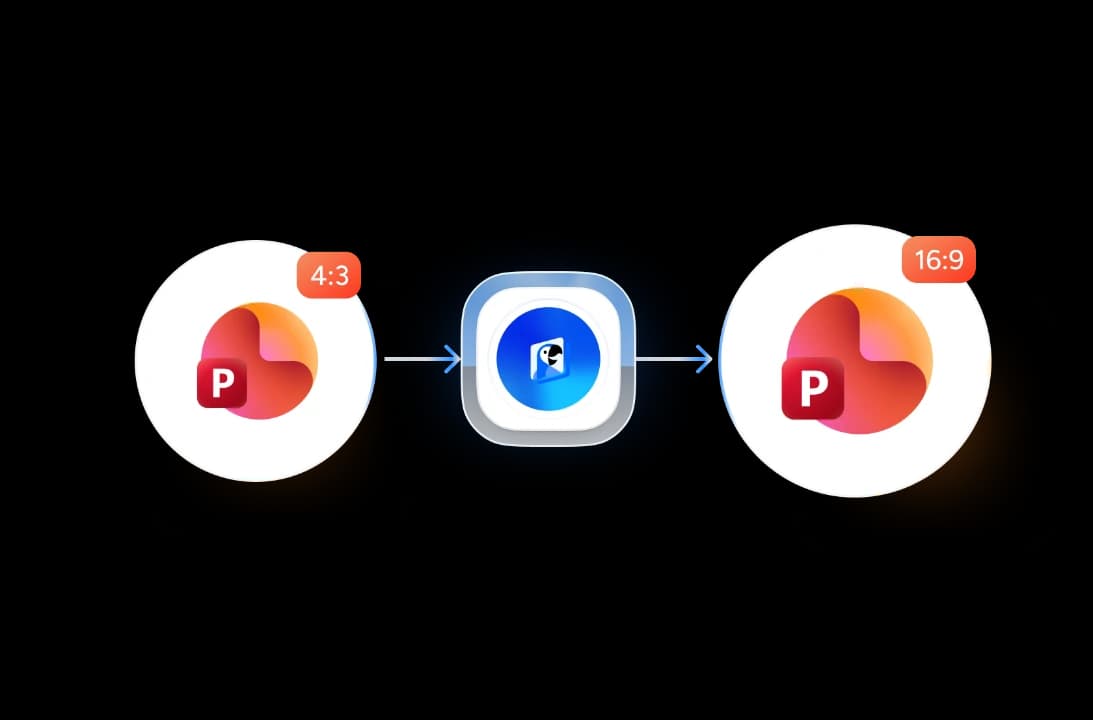
Three steps. That's it.
Convert your presentation aspect ratio in three easy steps. No technical knowledge required.
Upload Your PPTX
Drag & drop your .pptx file or click to browse. No PowerPoint license required.
Convert Ratio
Our engine resizes all slides from 4:3 to 16:9 while rescaling and repositioning all content.
Download 16:9 PPTX
Your converted presentation is ready in seconds. Download and present anywhere.
Built for accuracy, speed & security
Built to handle every aspect of your presentation conversion with precision.
Smart Content Rescaling
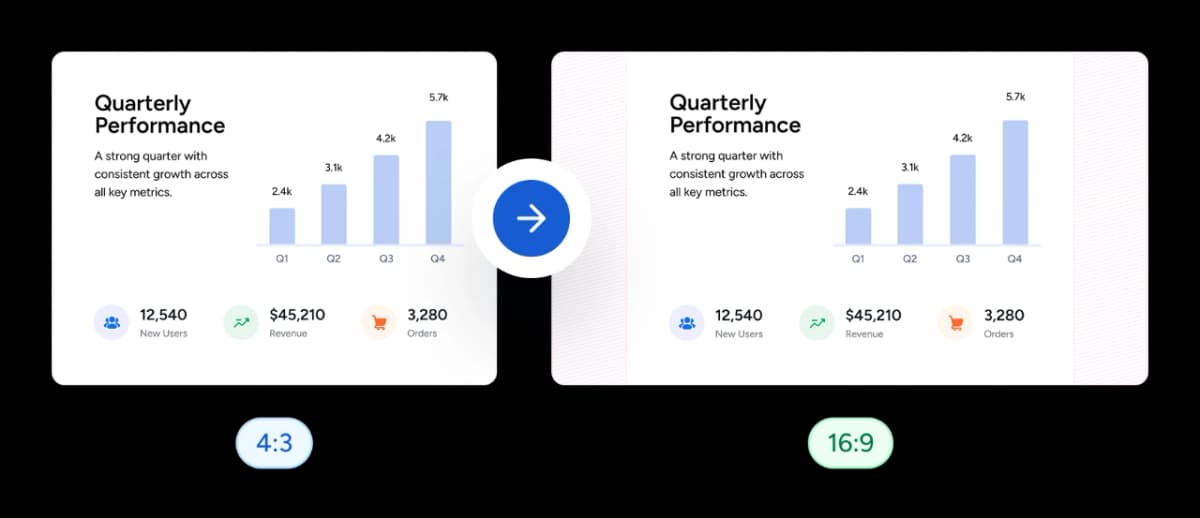
Our conversion engine doesn't just resize the canvas — it intelligently repositions text boxes, images, and shapes to fit the 16:9 format without overlapping or cutting off content.
Auto-Adjust All Slide Elements
Every element on every slide is automatically repositioned and resized to look great in 16:9 format. No manual tweaking needed after conversion.
FREE & No Sign Up Required
Our aspect ratio converter is 100% free with no account required. Upload your PPTX and download the converted version instantly.
Safe and Secure Processing
Every presentation you upload is encrypted in transit and automatically deleted after processing. We never share your files.
Why choose SlideSpeak?
Convert PowerPoint aspect ratios with confidence — content stays intact, fonts are preserved, and your file never leaves a secure pipeline.
Content Preserved
All text, images, shapes, and animations are preserved during the ratio conversion.
Automatic Rescaling
Content is automatically resized and repositioned to fit the new 16:9 canvas.
Fonts Intact
All custom fonts and text formatting are fully preserved after conversion.
Fast Processing
Your converted presentation is ready in seconds, no matter how many slides.
No Software Needed
Works entirely in your browser. No PowerPoint or Office installation required.
Secure Processing
Files are encrypted in transit and permanently deleted after processing.
Blazing fast, even for large files
Most presentations convert in under 10 seconds, even files with hundreds of slides.
<10s
Average conversion time
99.9%
Content accuracy
500+
Slides supported
50K+
Files converted
How We Stack Up
See why users choose SlideSpeak to convert their presentation aspect ratios.
| Features |  | PowerPoint Desktop | Google Slides | Canva |
|---|---|---|---|---|
| Free conversions | Unlimited | Paid license | Free | Limited free |
| Signup required | No signup | Microsoft account + license | Required | Required |
| Content rescaling | Automatic | Auto-fit prompt | Manual | Limited |
| PPTX output | Yes | Yes | Partial | Partial |
| Fonts preserved | Yes | Yes | May substitute | Partial |
| Price | Free | Paid | Free | Freemium |
Explore our other tools
Experience the convenience of our FREE online tools. Our AI tools powered by ChatGPT provide excellent results.

Convert 16:9 to 4:3 Presentation
Change your presentation aspect ratio from 16:9 to 4:3 with automatic content adjustment.
Convert Presentation to Portrait Mode
Convert your presentations from landscape to portrait orientation online.
PowerPoint Compressor
Compress your PowerPoint files and optimize the size of it for easier sharing.


Convert PPT to PDF with AI
Convert PowerPoint presentations to PDF with AI.
Translate PowerPoint with AI
Translate PowerPoint presentations with AI.
PowerPoint Image Extractor
Extract all images from PowerPoint presentations
Keep going with these tools
The tools people reach for next, plus the SlideSpeak features behind them.
Convert 16:9 to 4:3 Presentation
Change your presentation aspect ratio from 16:9 to 4:3 with automatic content adjustment.
Text to PPT
Turn any text or prompt into an editable PowerPoint deck in seconds.
AI Presentation Generator
Create a full slide deck from a prompt, topic or document.
Frequently Asked Questions
Discover how to upscale your standard 4:3 presentations to modern 16:9 widescreen format.

Turn any idea into a presentation — free to try
An AI presentation platform to turn ideas, PDFs, Word, and Excel files into ready-to-present slides.