Three steps to your one pager.
Create a one pager from any PowerPoint deck in under two minutes.
Upload Your PowerPoint
Drag & drop a .pptx file: a pitch deck, business review, or training deck. Decks up to 100 slides work.
AI Reads & Condenses
Our AI reads slide text, tables, and speaker notes, keeps the essentials, and arranges them into an overview, headline numbers, topical sections, and a key takeaway.
Download Your One Pager
Get a clean single-page PDF in seconds. Share it with stakeholders, attach it to a follow-up email, or print it for meetings.
Built to fit what matters on one page
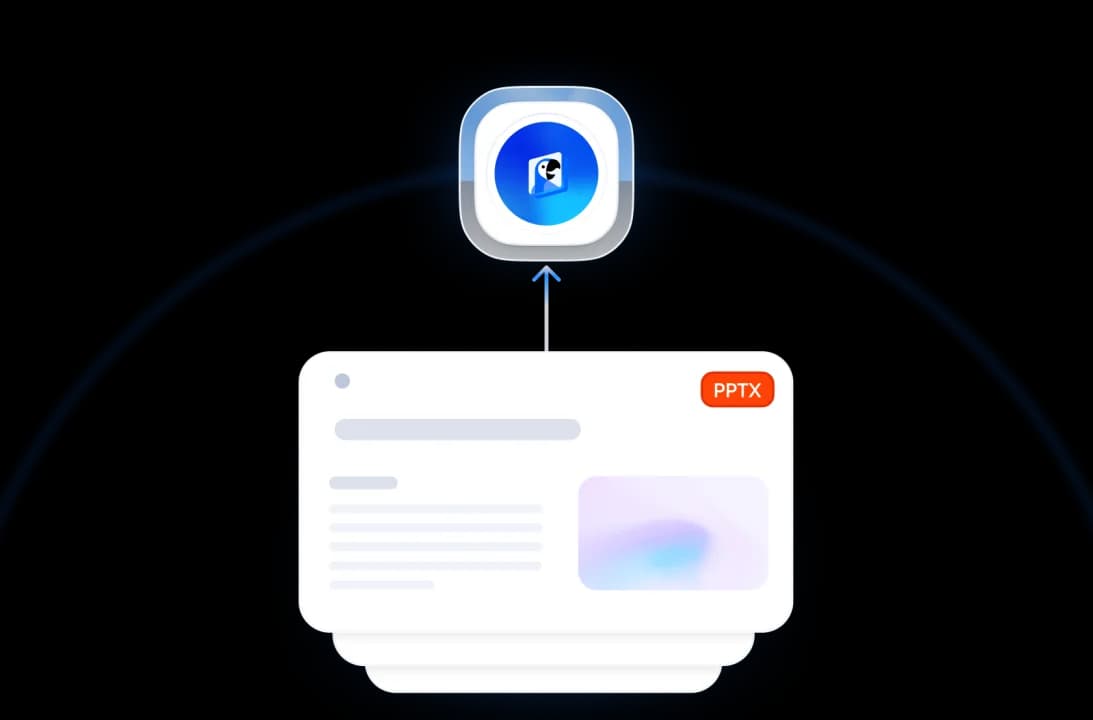
Our AI reads your whole deck, including speaker notes, and keeps the decision-relevant substance instead of squeezing every slide into tiny text.
AI Reads Your Whole Deck
Advanced AI parses your slides in order: headings, bullet points, tables, and speaker notes, then selects the insights a busy reader actually needs.
Everything on a Single Page
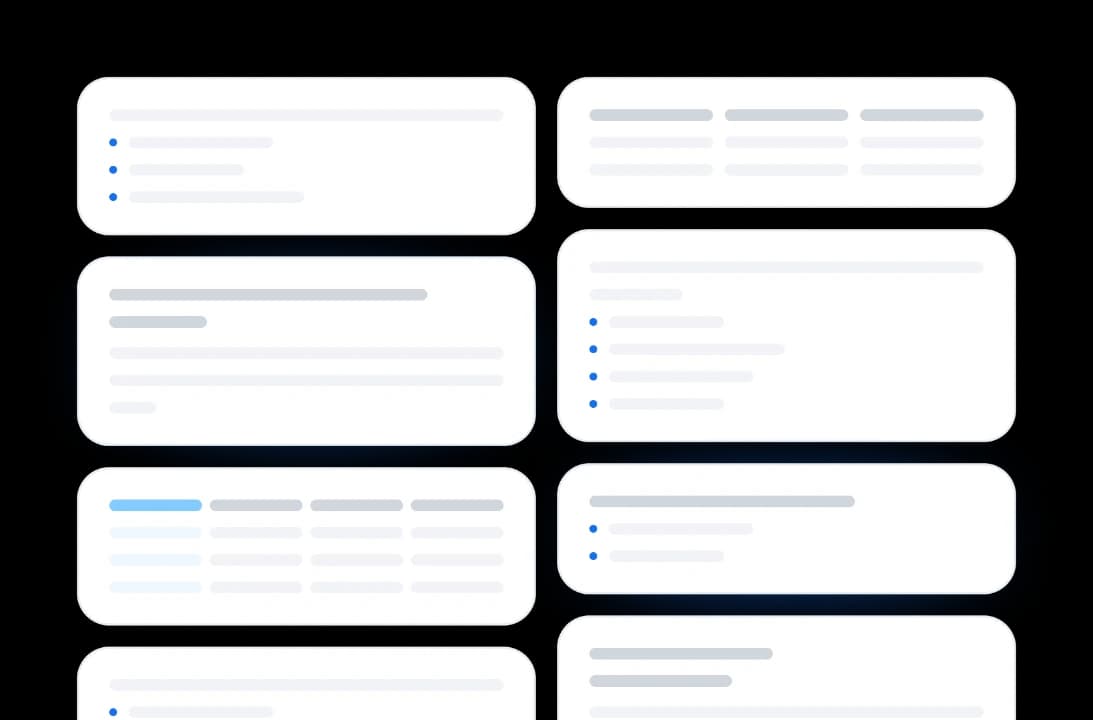
Your one pager includes the parts executives expect: a short overview, headline numbers pulled straight from your slides, three to five topical sections, and a closing key takeaway.
Hours to Minutes
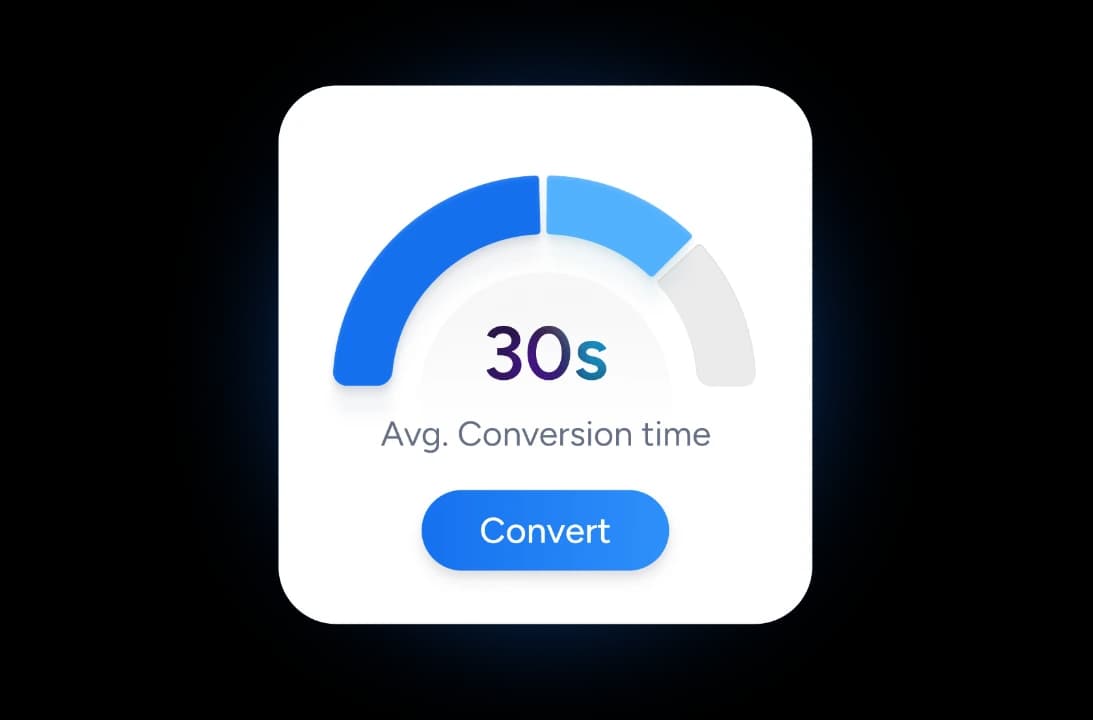
Skip the manual copying, cutting, and reformatting. Get a polished single-page summary in under two minutes, then spend your time on the message instead of the layout.
Secure & Private
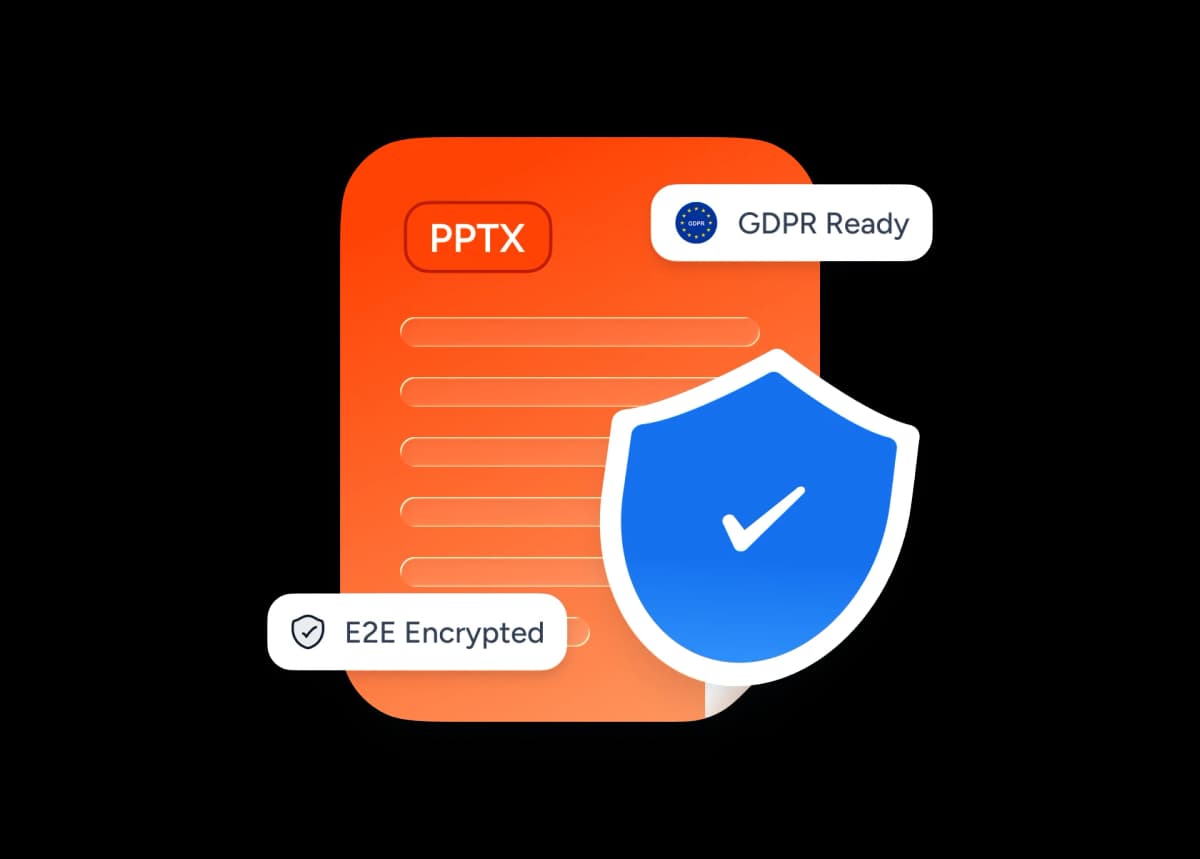
We encrypt your presentation in transit and delete it after processing. We don't store, share, or train on your decks.
Why choose SlideSpeak?
A faster path from a long deck to a share-ready one pager. Skip the templates, the design tools, and the signup just to get started.
PowerPoint-Native Input
Most one pager tools start from a blank template. We start from your existing deck, so you skip the re-typing.
AI-Powered Summarization
Our AI reads your slides and condenses them for you, instead of asking you to fill placeholder boxes yourself.
Clear One-Page Structure
Every one pager follows a proven structure: executive overview, headline numbers, topical sections, and a key takeaway.
Grounded in Your Slides
Every statement and figure comes from your deck, with numbers kept verbatim. The AI never pads your one pager with invented claims.
No Account Needed
Upload, generate, and download today. Skip the email collection, the free-trial timer, and the credit card.
Browser-Based, Multilingual
Works in your browser, and your one pager keeps the language of your deck, from English to Spanish to German.
Fast summaries, single-page output
Skip the hours of cutting and reformatting. Most one pagers generate in under two minutes.
<2 min
Average generation time
1
Page, every time
100%
Free, no signup
100
Max slides per deck
How We Stack Up
See why professionals pick SlideSpeak when they need a one pager fast.
| Features |  | Canva | ChatGPT | Manual (DIY) |
|---|---|---|---|---|
| Free to start | Free | Free with limits | Free with limits | Free |
| PowerPoint input → finished one pager | Yes | Templates only | Text output only | Re-type |
| AI-powered summarization | Yes | AI add-ons (paid) | Yes | No |
| Fits one page automatically | Always | Manual resizing | No layout | Manual |
| Account / signup | No signup | Required | Required | No signup |
| Time to first draft | Minutes | Hours (design) | Hours (prompts) | Hours/days |
Explore our other tools
Check out our other free online tools. Our AI runs on ChatGPT and delivers results fast.

Create One Pager from PDF
Convert PDF documents into professional one-pager documents automatically. Perfect for summaries, proposals, and executive briefs.

Create One Pager from Word
Convert Word documents into professional one-pager documents automatically. Perfect for summaries, proposals, and executive briefs.

Create Cheat Sheet from PowerPoint
Convert PowerPoint presentations into concise cheat sheets automatically using AI. Perfect for quick reference and study guides.
Create Flashcards from PowerPoint
Convert PowerPoint presentations into flashcards automatically. Upload your PowerPoint file and create printable or digital flashcards.


Convert PPT to PDF with AI
Convert PowerPoint presentations to PDF with AI.
Extract Notes from PowerPoint
A FREE tool to extract all speaker notes from PowerPoint files.
Keep going with these tools
The tools people reach for next, plus the SlideSpeak features behind them.

AI Presentation Outline Generator
Generate presentation outlines with AI for free. Our AI tool creates structured presentation outlines instantly.
PowerPoint Summarizer
Summarize any PowerPoint and ask questions about its slides.
AI Presentation Generator
Create a full slide deck from a prompt, topic or document.
Frequently Asked Questions
Learn how to create a one pager from PowerPoint decks with AI.

Turn any idea into a presentation — free to try
An AI presentation platform to turn ideas, PDFs, Word, and Excel files into ready-to-present slides.