How to create a presentation from Wikipedia
Our free AI tool creates presentations from Wikipedia articles in three easy steps. No technical knowledge required.
Paste a Wikipedia Link
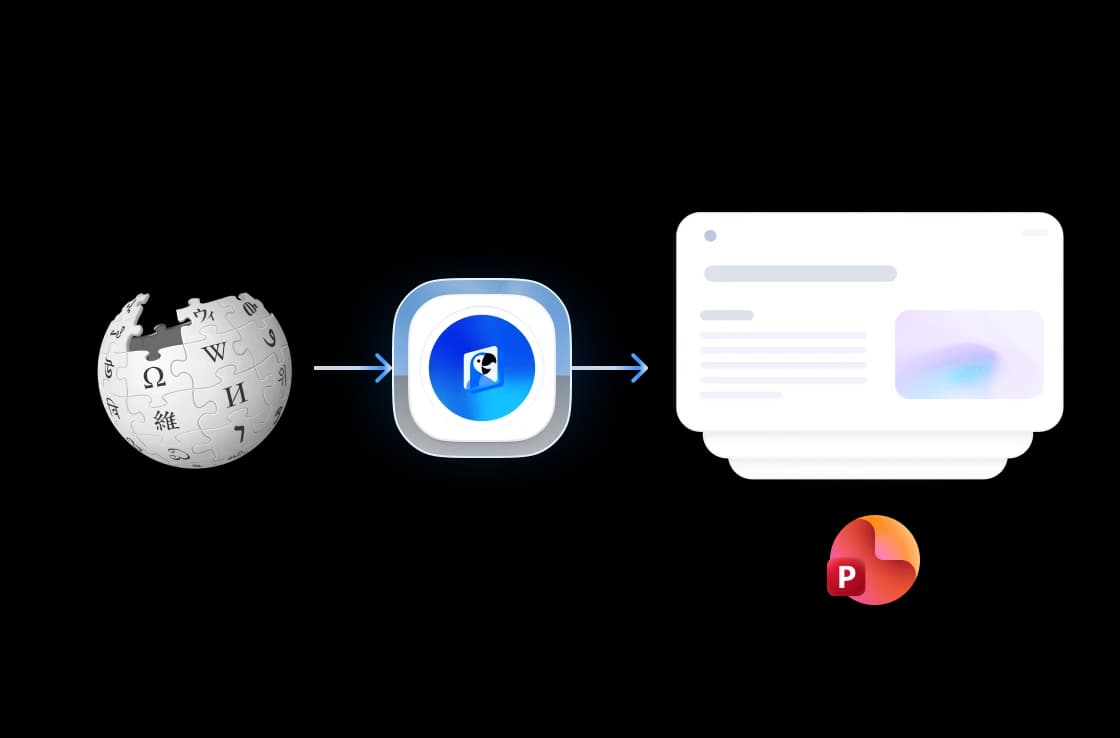
Copy any Wikipedia article URL and paste it into the tool. Our AI reads and analyzes the full article content automatically.
AI Creates Your Slides
Our AI summarizes key information, creates structured slide layouts, and adds proper formatting to build a professional presentation.
Generate & edit in SlideSpeak
Your slides open in the free SlideSpeak editor, where you refine them and export to PowerPoint, Google Slides, or Keynote.
Built for accuracy, speed & quality
Our AI reads the Wikipedia article in section order, summarizes the key points, and structures them into editable slides — facts preserved, formatting clean.
Direct Wikipedia URL conversion
Paste any Wikipedia article link and our AI summarizes the verified content into a structured deck — main sections, key facts, and figures kept intact.
Free to start, no credit card
Paste a Wikipedia link and generate editable slides for free. Create a free SlideSpeak account (no credit card) to edit and export your deck.

Safe and secure processing
Your URLs and the generated presentations are processed with bank-grade encryption and removed from our servers immediately after generation completes.

Why use our Wikipedia to Presentation tool?
Save hours of manual work with our AI-powered Wikipedia presentation generator.
Smart Summarization
Our AI extracts and summarizes key information from lengthy Wikipedia articles into concise, presentation-ready content.
Multi-Language Support
Works with Wikipedia articles in any language. Create presentations from English, Spanish, German, French, and more.
Instant Results
Get a complete, professional presentation in seconds. No manual formatting or slide design required.
Structured Layouts
AI automatically organizes content into logical sections with proper headings, bullet points, and visual hierarchy.
Secure Processing
Your data is processed securely and never shared with third parties. Files are automatically deleted after processing.
One-Click Creation
Simply paste a Wikipedia URL and click generate. Free to start, no credit card, no software to install.
Trusted results, in seconds
Built for students, researchers, and educators turning Wikipedia articles into shareable presentations every day.
<1 min
Average conversion time
99%
Source accuracy
10+
Slides per article
50K+
Articles converted
How we stack up
See why SlideSpeak is the fastest way to turn a Wikipedia article into a slide deck.
| Features |  | Manual research | ChatGPT | Plus AI |
|---|---|---|---|---|
| Free to use | Free | Free | Limited free | Limited free |
| No credit card | Not required | Not required | Plus for best | Card for trial |
| Auto slide layout | Yes | No | Partial | Yes |
| PPTX output | Yes | No | No | Google Slides only |
| Direct Wikipedia URL input | Yes | No | With browsing | No |
| Speed | Under a minute | Hours | Several minutes | A few minutes |
Explore our other tools
Experience the convenience of our FREE online tools. Our AI tools powered by ChatGPT provide excellent results.

AI Presentation Generator
Use our AI presentation editor to craft presentations.

Convert PPT to PDF with AI
Convert PowerPoint presentations to PDF with AI.

PowerPoint Image Extractor
Extract all images from PowerPoint presentations
Translate PowerPoint with AI
Translate PowerPoint presentations with AI.
Convert PowerPoint to Video with AI
Convert PowerPoint presentations to videos with AI narration.
Add Password to PowerPoint
Secure your presentations with password protection
Keep going with these tools
The tools people reach for next, plus the SlideSpeak features behind them.

Frequently Asked Questions
Find answers to common questions about creating presentations from Wikipedia.

Turn any idea into a presentation — free to try
An AI presentation platform to turn ideas, PDFs, Word, and Excel files into ready-to-present slides.