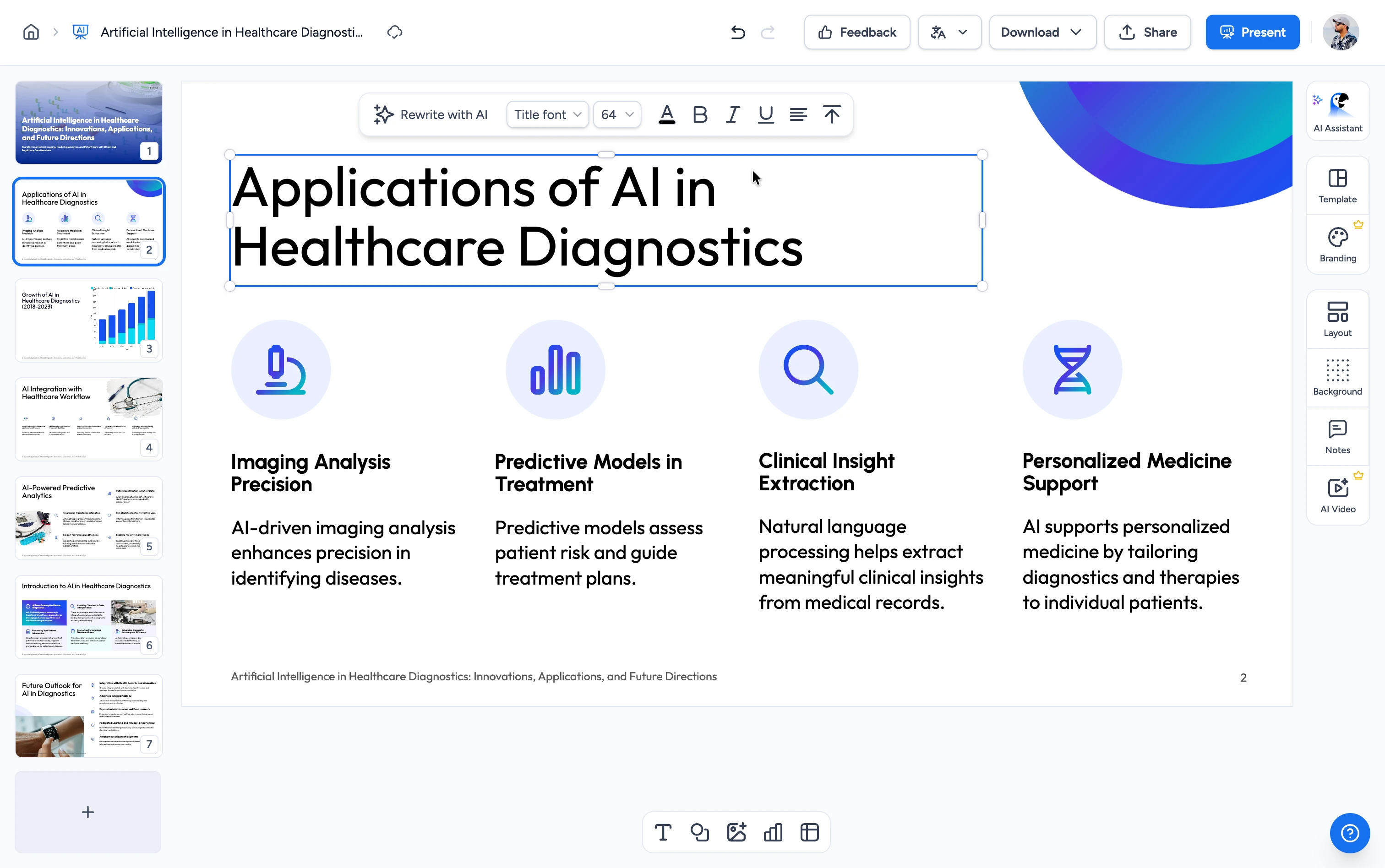
Three steps. That's it.
Go from a PDF to a finished worksheet PDF in under a couple of minutes.
Upload Your PDF
Drag and drop a .pdf (up to 50 pages): a reading, a handout, lecture notes, or a chapter. The AI reads the text in your file to find what's worth testing.
Choose Grade, Length & Difficulty
Pick a grade band from K–2 up to higher ed, how many questions you want (5 to 30), and whether the sheet should support, stay on-level, or challenge.
Generate & Download the PDF
The AI writes the worksheet and a matching answer key. Download a print-ready PDF: hand it out in class, assign it as homework, or drop it into your LMS.
Worksheets built from your document, not a topic prompt
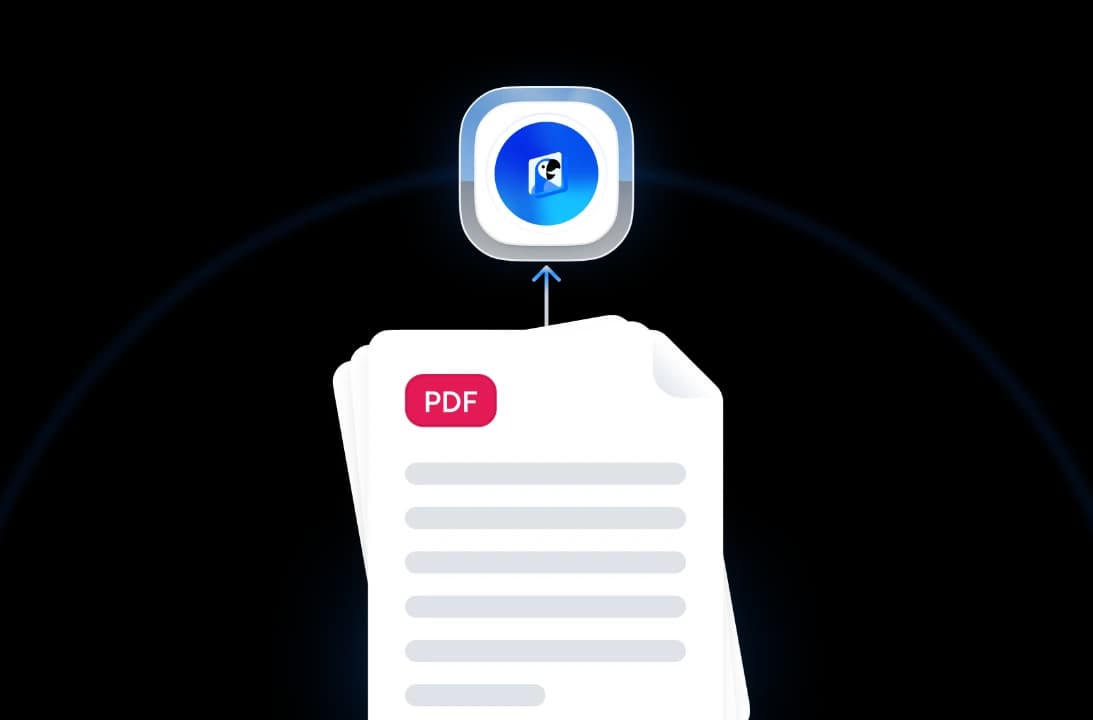
The AI reads the actual text of your PDF and turns it into varied, grade-appropriate questions, each backed by an answer key that explains why.
AI Reads Your PDF
Upload a .pdf and the AI works from the real text in your document, not a generic topic you type in. The questions cover what your reading actually says.
Answer Key That Explains Its Answers
Every worksheet comes with a separate answer-key page. The AI doesn't just mark the correct choice, it explains the reasoning, so grading and review are quick.
Six Question Types
Mix multiple choice, fill-in-the-blank, short answer, true/false, matching, and reading-comprehension questions, grouped into titled activities on the page.
Print-Ready PDF
Your worksheet downloads as a clean, teacher-ready PDF with room to write. Print it, share it, or upload it to Google Classroom or your LMS.
Why choose SlideSpeak?
Start from a reading you already have and get a differentiated, ready-to-print worksheet. No re-typing, no subscription.
From Your Own File
Most worksheet makers start from a topic you type in. We start from the .pdf you already have, so the questions match your reading instead of a generic template.
Auto Answer Key Included
The answer key is generated with the worksheet and explains each answer. No paid add-on, no writing it yourself.
Grade-Band Differentiation
Choose K–2, 3–5, 6–8, 9–12, or higher ed, plus a support, on-level, or challenge difficulty, so the same reading can serve different classes.
Six Question Types
Get variety on the page: multiple choice, fill-in-the-blank, short answer, true/false, matching, and comprehension, organized into activities.
No Account Needed
Upload, generate, and download. No email or credit card required.
Browser-Based, Multilingual
It runs in your browser and keeps the worksheet in your document's own language. Nothing to install.
A finished worksheet from PDF in minutes
Skip the manual question-writing and formatting. Most worksheets generate in under a couple of minutes.
6
Question types
< 2 min
Typical generation time
50
PDF pages supported
100%
Free, no signup
How We Stack Up
Teachers pick SlideSpeak when they already have the reading and need a differentiated worksheet with an answer key, fast.
| Features |  | MagicSchool | ChatGPT | Manual (DIY) |
|---|---|---|---|---|
| Free to start | Free | Free with limits | Free with limits | Free |
| Your file → worksheet | .pdf upload | Topic prompt | Copy-paste | Re-type |
| Answer key with explanations | Included | Varies | Prompt-by-prompt | Write it yourself |
| Grade band + difficulty | Selectable | Yes | Prompt-by-prompt | Manual |
| Six question types | Yes | Varies | Varies | Manual |
| Print-ready PDF download | Yes | Varies | Text only | Manual |
| Account / signup | No signup | Required | Required | No signup |
Explore our other tools
Experience the convenience of our FREE online tools. Our AI tools powered by ChatGPT provide excellent results.

Create Worksheet from PowerPoint
Convert PowerPoint presentations into interactive worksheets automatically. Perfect for educators, trainers, and content creators.

Create Worksheet from Word
Convert Word documents into interactive worksheets automatically. Perfect for educators, trainers, and content creators.
Create Worksheet from Text
Paste any text and turn it into a printable, teacher-ready worksheet with a built-in answer key. Perfect for educators.

AI Worksheet Generator
Generate a printable, teacher-ready worksheet with an answer key from a topic or your own file. Free, no signup.

Create Quizzes from PDF with AI
Convert PDF documents into quizzes automatically.

Create Flashcards from PDF
Convert PDF documents into flashcards automatically. Upload your PDF file and create printable or digital flashcards.
Keep going with these tools
The tools people reach for next, plus the SlideSpeak features behind them.
Create Flashcards from PDF
Convert PDF documents into flashcards automatically. Upload your PDF file and generate printable or digital flashcards perfect for studying and teaching.
Text to PPT
Turn any text or prompt into an editable PowerPoint deck in seconds.
AI Presentation Generator
Create a full slide deck from a prompt, topic or document.
Frequently Asked Questions
Answers about turning your PDFs into printable, teacher-ready worksheets.

Turn any idea into a presentation — free to try
An AI presentation platform to turn ideas, PDFs, Word, and Excel files into ready-to-present slides.