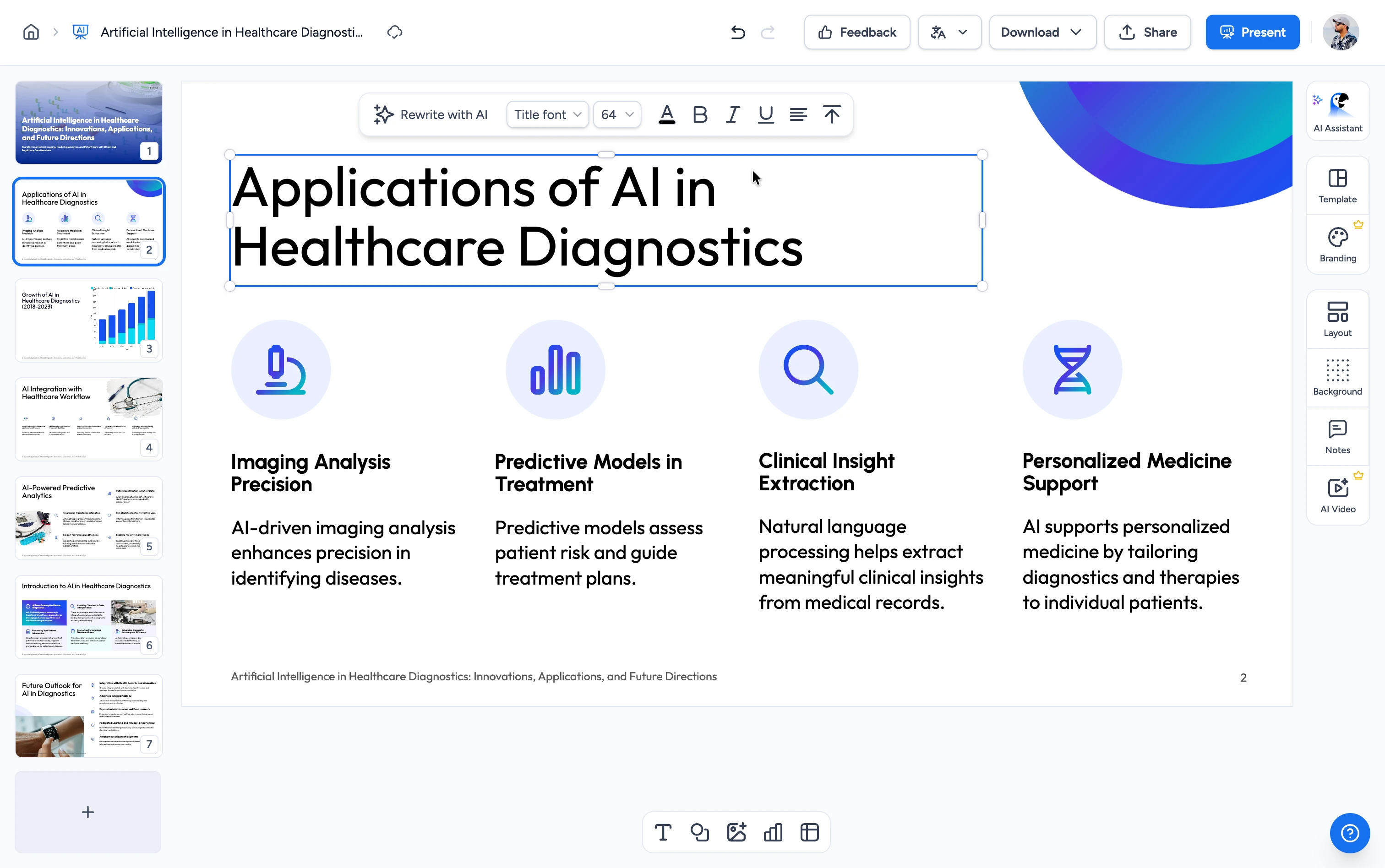
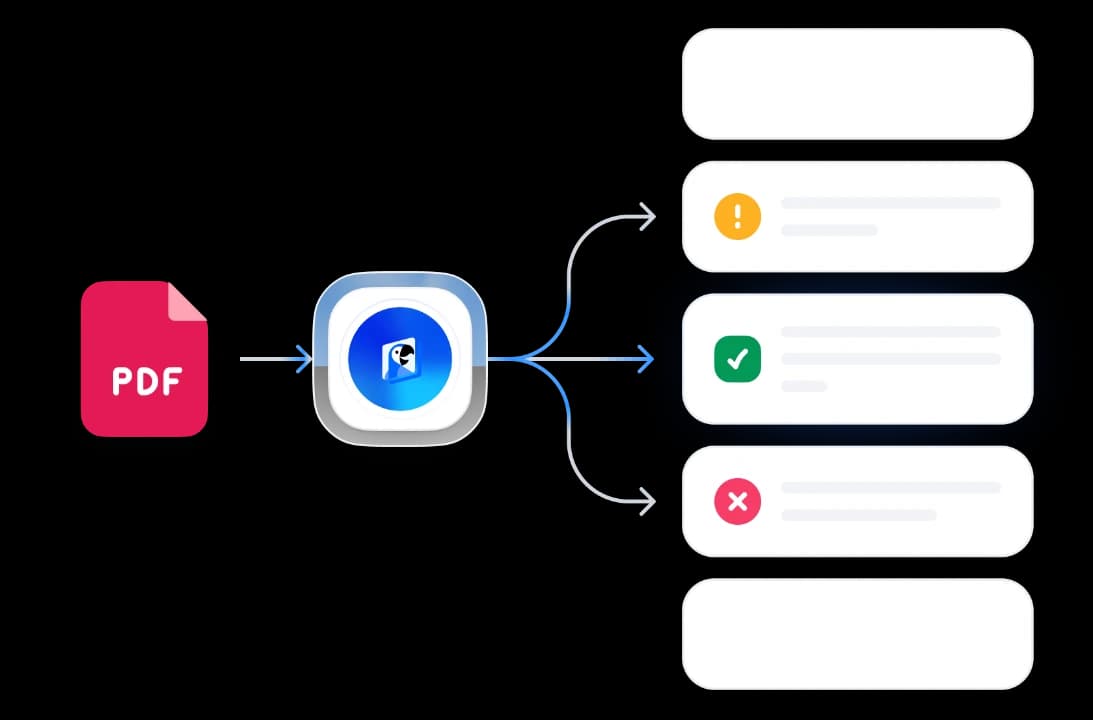
How to create a quiz from a PDF
Generate quizzes from your PDF documents in three easy steps. No manual question writing needed.
Upload Your PDF
Upload a PDF with selectable text, such as a study guide, report, or article. Scanned image-only PDFs are not supported.
AI Generates Questions
Choose multiple-choice, true/false, or a mix, plus the number of questions. AI builds a quiz from the text in your PDF.
Download Your Quiz
Download one printable PDF with quiz questions and an answer-key section. To change the question type or count, generate a new quiz.
Built for accurate, classroom-ready quizzes
Powered by AI
Our AI reads your file, identifies key concepts and learning objectives, and converts them into well-formed quiz questions with answer choices.
FREE & No Sign Up Required
Generate a PDF quiz without an account. Choose the question type and count, then download the quiz with its answer key.
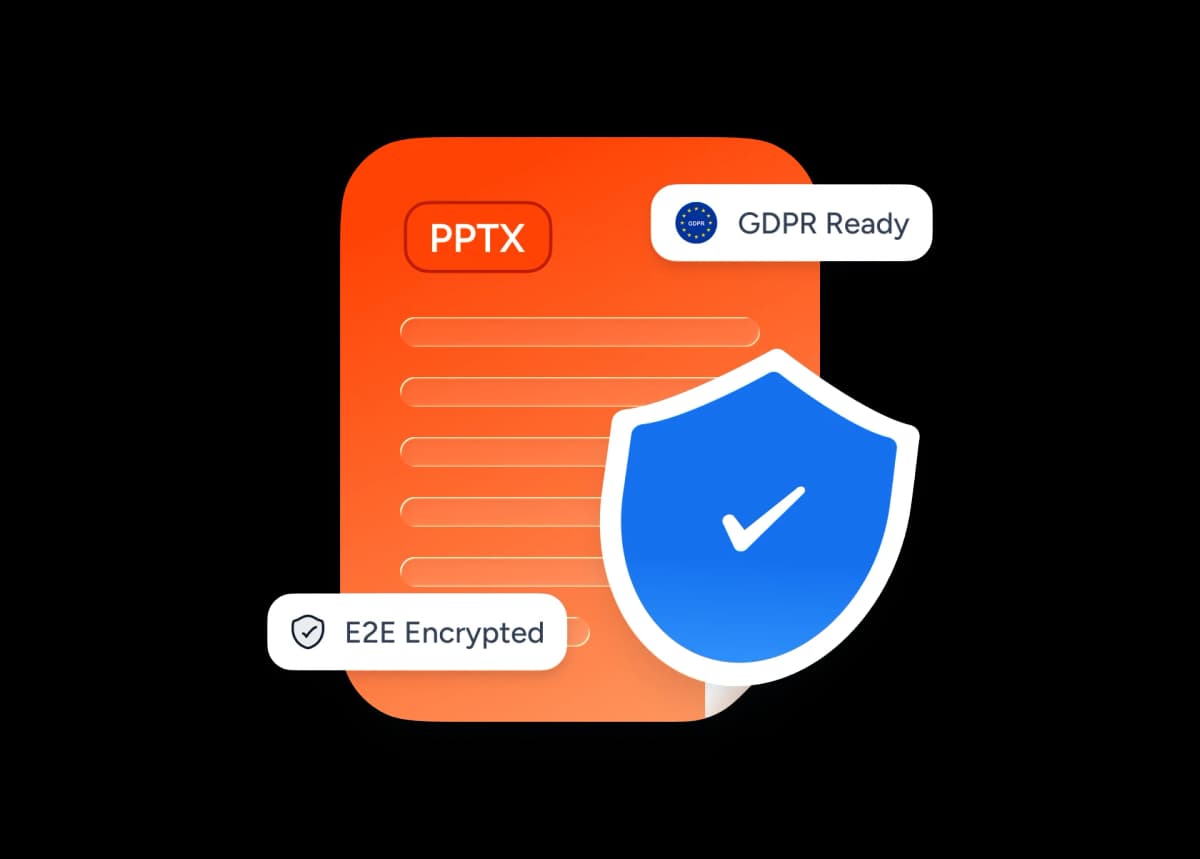
Safe and Secure Processing
Your upload is processed on our servers, and the PDF is delivered through a time-limited download link.
Multi-language Support
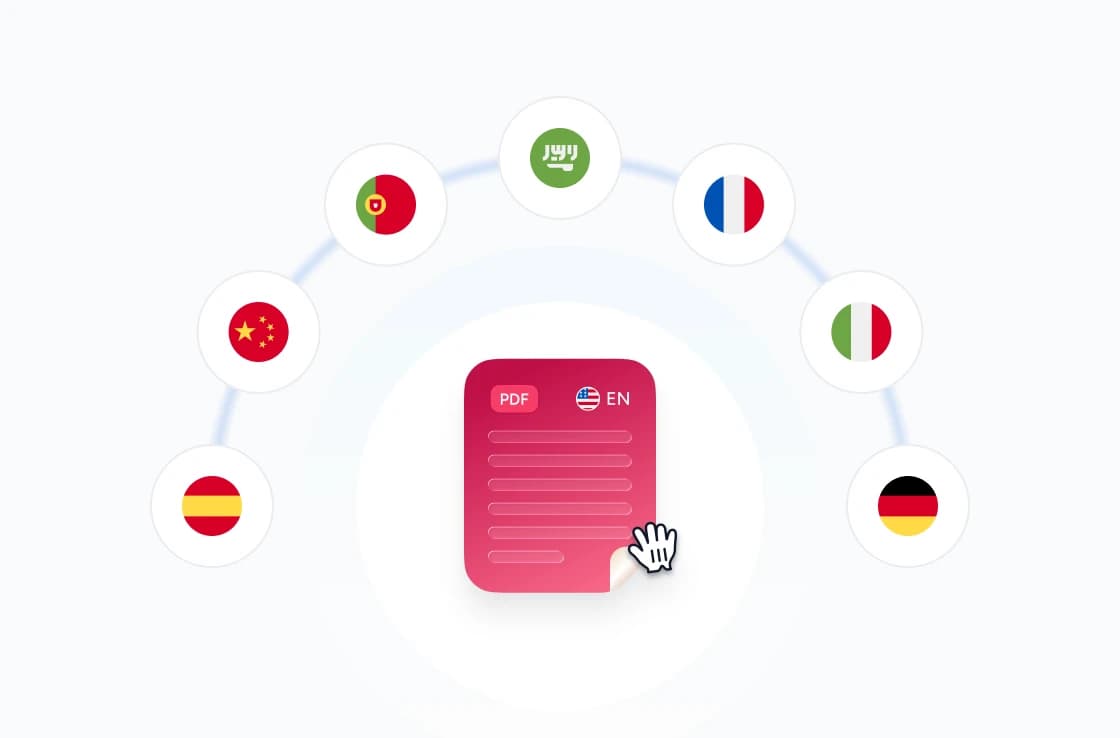
Quizzes are generated in the same language as your source document. Supports English, Spanish, German, French, Portuguese, Indonesian, and more.
Skip Manual Authoring
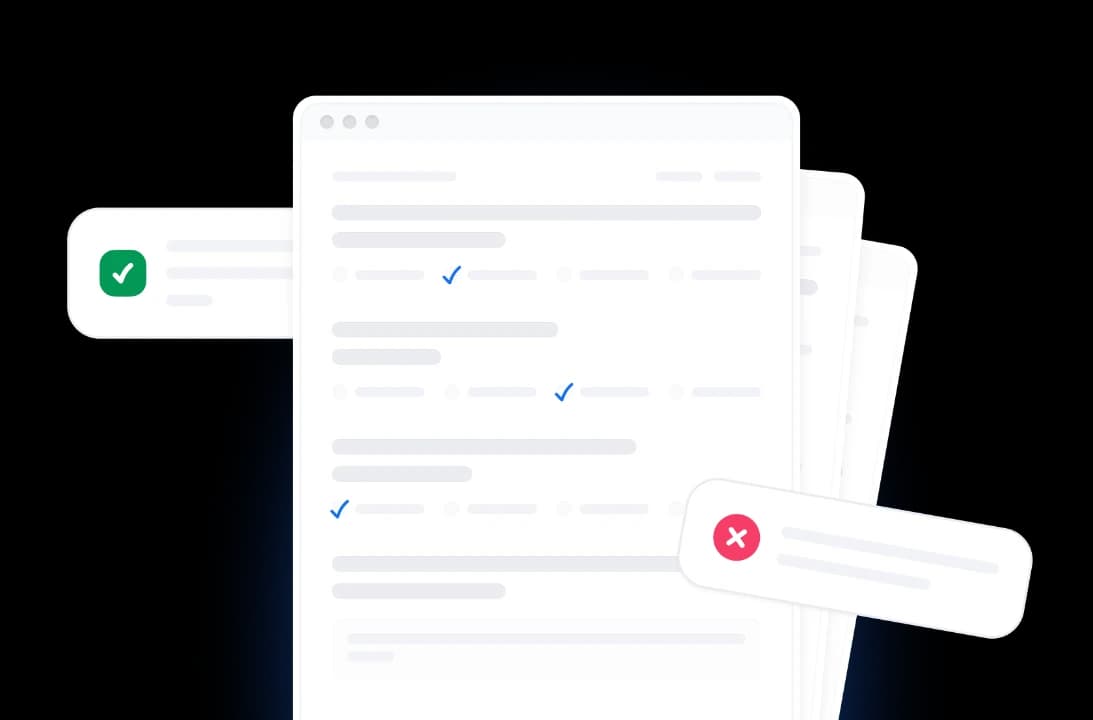
Replace hours of writing distractors and reviewing wording. The AI produces balanced multiple-choice and true/false questions you can use as-is or refine.
Powerful AI Quiz Generation
Powerful, fast and reliable. Our FREE tool to generate quizzes from PDFs.
Smart Content Analysis
AI uses extractable text in your PDF to create questions grounded in your document. Image-only pages need OCR first.
Multiple Question Types
Choose multiple-choice questions, true/false questions, or a mix of both.
Free to Use
Create a printable PDF quiz and answer key without signing up or installing software.
Fast Processing
Upload your PDF and we process it online. Processing time varies with the document and current demand.
Secure and Private
Your file is uploaded over HTTPS for processing. The finished PDF is provided through a time-limited download link.
No Software Needed
Use the tool from your browser on Mac, Windows, Linux, Chromebook, or iPad. No software installation is needed.
Blazing fast, even for large files
Most files generate a structured quiz in under ten seconds. Our server-side engine works in parallel — parsing structure, content, and styling simultaneously.
<10s
Avg. time
100%
Generation accuracy
500+
Pages supported
75K+
Quizzes generated
How We Stack Up
See why educators choose SlideSpeak to generate quizzes from documents.
| Features |  | ChatGPT | Quizizz | Manual |
|---|---|---|---|---|
| Free to use | Free | Free tier with limits | Free with limits | Free |
| No sign-up required | No signup | OpenAI account | Account required | No signup |
| Direct file upload | PDF | Limited free uploads | PDF supported | Manual entry |
| AI-generated questions | Automatic | Manual prompting | AI question gen | You write each |
| Multiple choice + true/false | Both | Prompt-dependent | Multiple types | Yes (manual) |
| Speed | <10 seconds | Prompt iteration | Per-question editing | Hours |
Explore our other tools
Experience the convenience of our FREE online tools. Our AI tools powered by ChatGPT provide excellent results.

AI Presentation Generator
Use our AI presentation editor to craft presentations.
Create Quiz from PowerPoint
Convert PowerPoint presentations into interactive quizzes automatically. Perfect for testing and assessment.

Create Quizzes from Word with AI
Convert Word documents into quizzes automatically.

Convert PDF to Google Form Quiz
Turn PDF documents into Google Forms-ready quizzes with AI.
Convert PDF to Word with AI
Convert PDF files to Word documents with AI.

Create Cheat Sheet from PDF
Convert PDF documents into concise cheat sheets automatically using AI. Perfect for quick reference and study guides.
Create Flashcards from PDF
Convert PDF documents into flashcards automatically. Upload your PDF file and create printable or digital flashcards.
Keep going with these tools
The tools people reach for next, plus the SlideSpeak features behind them.
Create Flashcards from PDF
Convert PDF documents into flashcards automatically. Upload your PDF file and generate printable or digital flashcards perfect for studying and teaching.
Text to PPT
Turn any text or prompt into an editable PowerPoint deck in seconds.
AI Presentation Generator
Create a full slide deck from a prompt, topic or document.
Frequently Asked Questions
Find answers to common questions about creating quizzes from PDF documents.

Turn any idea into a presentation — free to try
An AI presentation platform to turn ideas, PDFs, Word, and Excel files into ready-to-present slides.