Three steps. That's it.
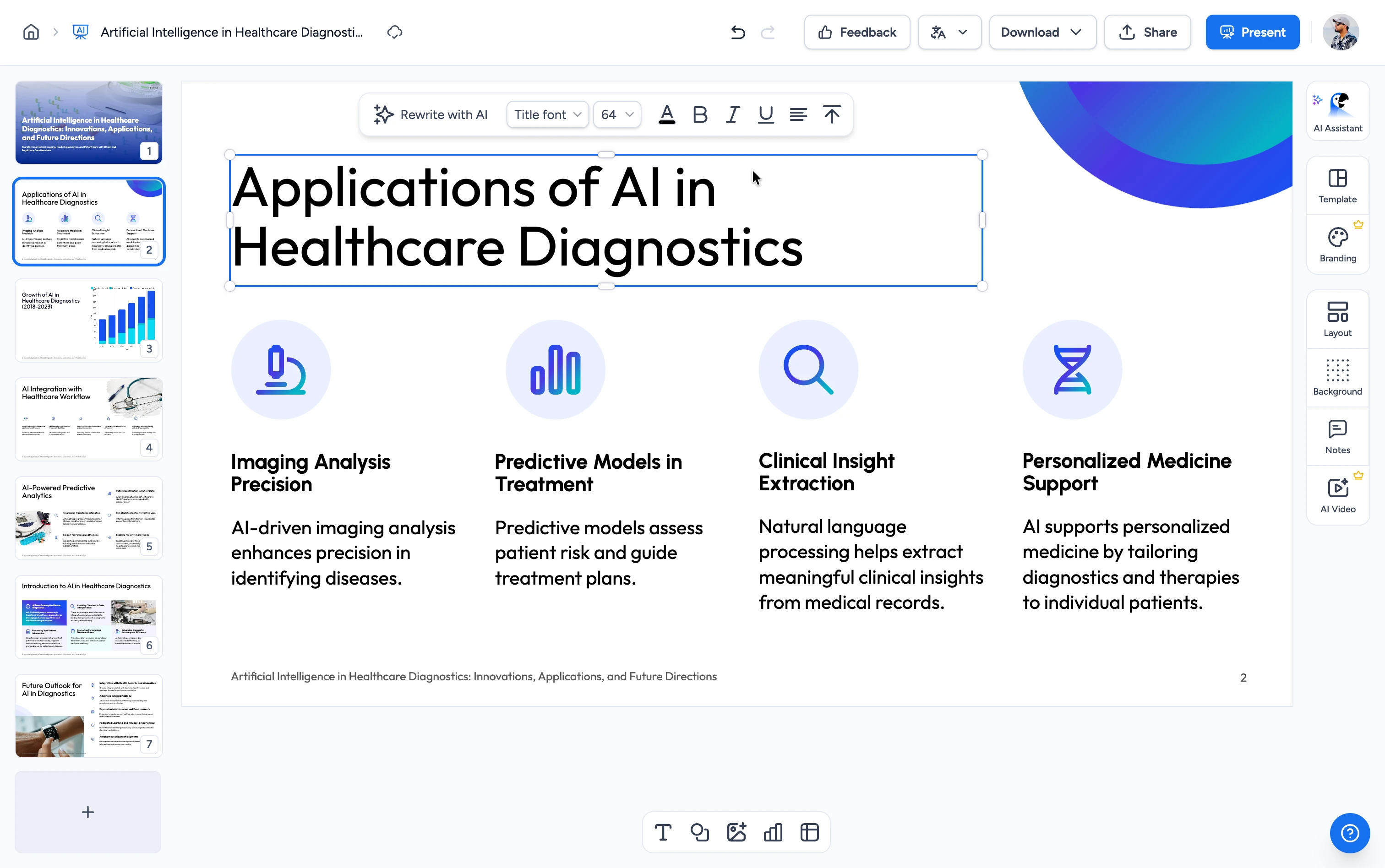
Merge your PowerPoint and PDF files into a single PDF in three easy steps.
Upload Files
Upload your PowerPoint (.pptx) file and PDF file. Drag & drop or click to browse.
Merge
Our tool converts your PowerPoint slides to PDF and combines everything into a single PDF document.
Download
Your merged PDF file is ready in seconds. One click to download.
Built for accuracy, speed & security
See exactly how SlideSpeak handles every aspect of your PowerPoint and PDF merge.
PowerPoint + PDF into One File
Combine your PowerPoint slides and PDF documents into a single merged PDF. Slides are converted to PDF with full fidelity — layouts, fonts, images, and hyperlinks all preserved.
FREE & No Sign-up Required
Our PowerPoint and PDF merger is 100% free with no account required. Upload your files and download the merged PDF instantly.
Secure Online Merger
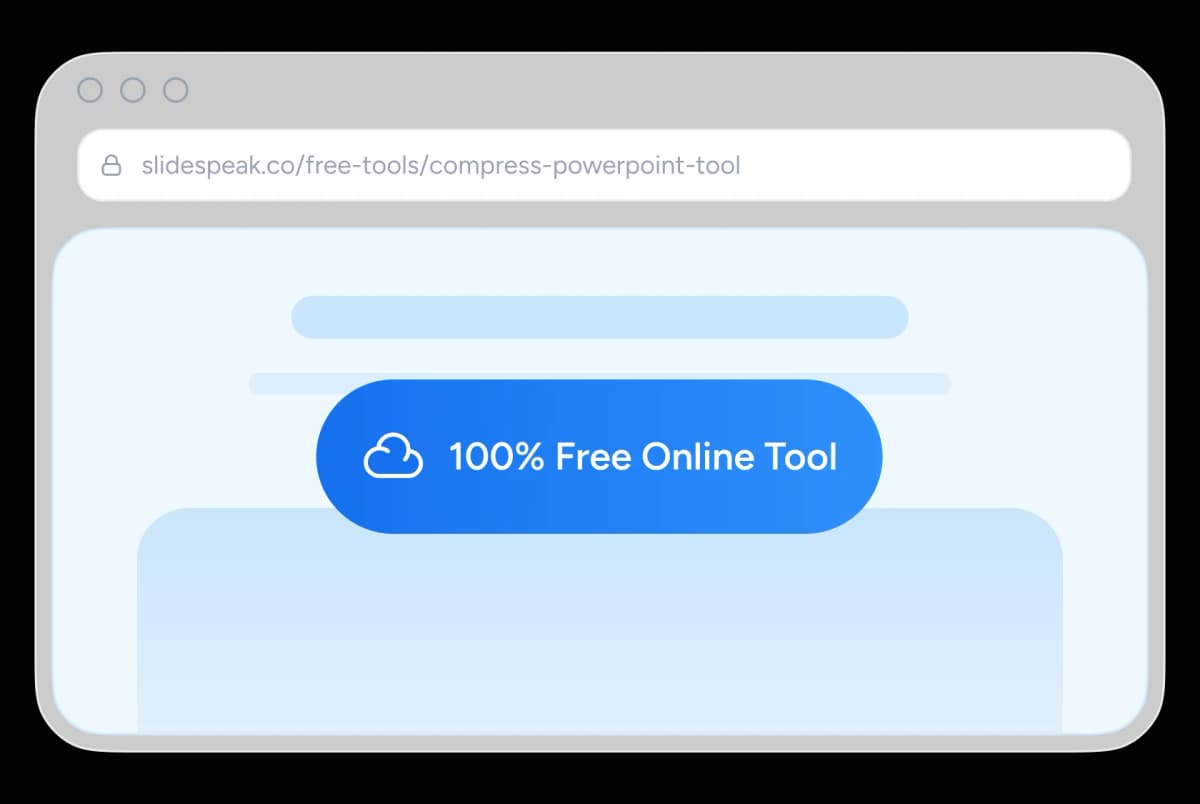
Every file you upload is encrypted in transit and automatically deleted after merging. Your documents are never shared or stored.
Why choose SlideSpeak?
Accurate, fast and reliable. Our FREE tool to merge PowerPoint and PDF files into one document.
One Merged PDF
Your PowerPoint and PDF content ends up in a single file that's easy to email, upload, and share.
Maintain Visual Quality
Slides and pages stay sharp — text, images, charts, and layouts are preserved end-to-end.
Free to Use
100% free with no signup or credit card required. Just upload and merge.
Fast Processing
Your merged PDF is ready in seconds, even for decks and documents with hundreds of pages.
Secure and Private
Files are encrypted in transit and permanently deleted after merging.
No Software Needed
Works entirely in your browser. No PowerPoint, Adobe Acrobat, or any other software required.
Blazing fast, even for large files
Most files process in under 10 seconds. Our server-side engine works in parallel — converting slides, stitching pages, and preserving layout simultaneously.
<10s
Avg. merge time
100%
Layout accuracy
500+
Pages per merge
40K+
Files merged
How We Stack Up
See how SlideSpeak compares to other ways of merging PowerPoint and PDF files.
| Features |  | Adobe Acrobat Online | Smallpdf | ILovePDF |
|---|---|---|---|---|
| Free to use | Unlimited free | Free account needed | 2 files/day | Limited daily use |
| Signup required | No signup | Free account | No signup | No signup |
| Accepts .pptx directly | Native | Converts first | Converts first | Converts first |
| One-step merge | One step | Convert then combine | Convert then combine | Convert then combine |
| Watermarks | No watermark | No watermark | No watermark | No watermark |
| Price | Free | Freemium | Freemium | Freemium |
Explore related tools
All free, all browser-based. No signup needed.

Merge & Combine PowerPoint files
Combine multiple PowerPoint presentations into a single file.

Merge PowerPoint and Word
Combine PowerPoint and Word files into a single presentation online.


Convert PPT to PDF with AI
Convert PowerPoint presentations to PDF with AI.

PDF Compressor
Compress PDF files online for free. Reduce file size by up to 90% with one click.
PowerPoint Image Extractor
Extract all images from PowerPoint presentations
Translate PowerPoint with AI
Translate PowerPoint presentations with AI.
Keep going with these tools
The tools people reach for next, plus the SlideSpeak features behind them.
Compress PDF Tool
Compress PDF documents online for free with AI. Reduce the size of your PDF documents instantly.
AI Presentation Generator
Create a full slide deck from a prompt, topic or document.

AI PPT Editor
Enhance existing slides: rewrite text, fix layouts, and lift the quality of any deck.
Frequently Asked Questions
Everything you need to know about merging PowerPoint and PDF files into a single PDF.

Turn any idea into a presentation — free to try
An AI presentation platform to turn ideas, PDFs, Word, and Excel files into ready-to-present slides.