Three steps to your estimate
Get an accurate runtime estimate for your talk in under a minute.
Enter Slide Count
Type in how many slides your presentation has. The calculator updates as you change the value. No submit button needed.
Adjust Pacing
Set your average minutes per slide, plus optional intro and Q&A windows. Defaults reflect typical presentation pacing, but you can adjust them to match your speaking style.
Read the Estimate
Total duration appears the moment you finish typing. The calculator remembers your preferences in your browser, so you don't re-enter them next time.
Designed for real speakers
Modeled on how presentations run in the real world, not slide count multiplied by a flat number.
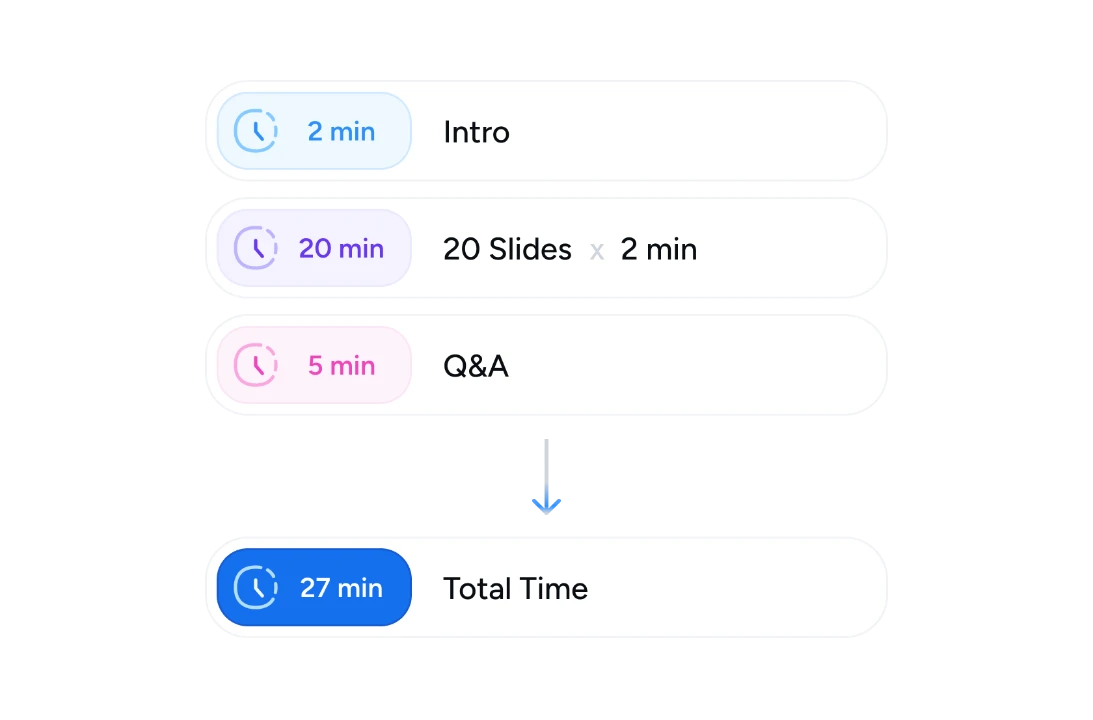
Accounts for Intro & Q&A
Most calculators multiply slides by a constant number. Ours adds dedicated intro and Q&A buckets, the two parts that run long in real talks.
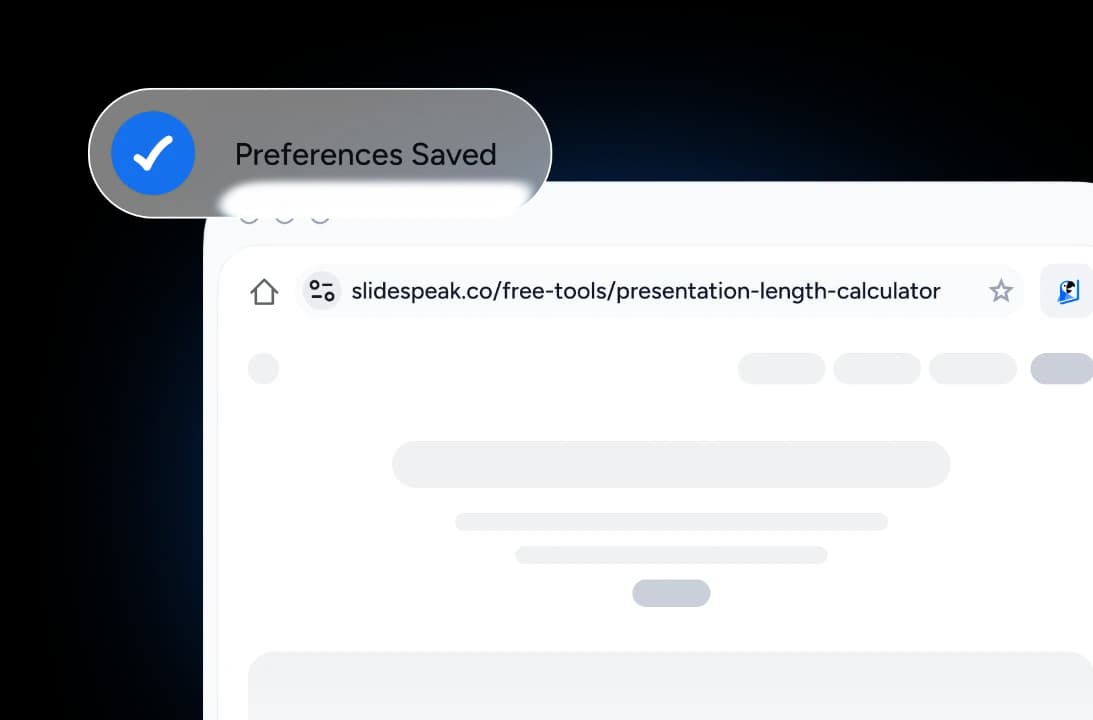
Saves Your Preferences
Your default time-per-slide, intro length, and Q&A buffer are remembered in your browser so the next presentation you plan picks up where you left off.
Instant Recalculation
Tweak any number and the total updates right away. No submit button, no page reload. You get a live view of how each change affects your runtime.
Privacy by Default
Everything runs in your browser. Your slide counts and timing preferences stay on your device: no upload, no server, no tracking pixel.

Why use a dedicated calculator?
Plenty of tools can multiply slide count by a number. Few help you plan a real talk.
Models Real Pacing
Separate fields for slides, intro, and Q&A mirror how real presentations run, instead of relying on a single "average per slide" guess.
Browser-Only
No download, no install, no signup. Open the page, type in your numbers, get your estimate. Works on every device.
Free Forever
The calculator stays free forever, with no free trial, no freemium gate, and no paywalled "advanced" features.
Saved Defaults
Set your typical pacing once. Future visits remember your time-per-slide, intro length, and Q&A buffer so re-planning is instant.
Privacy-First
Pure client-side calculation. Your inputs stay in your browser: no upload, no analytics on your slide counts, no tracking.
Six Languages
Interface available in English, German, Spanish, French, Indonesian, and Brazilian Portuguese.
Instant, accurate, private
Every input updates the total in real time, with no server roundtrip and no waiting.
Instant
Recalculation on every change
100%
Free, no signup
0
Data leaves your browser
6
Languages supported
Why this calculator over alternatives
Several tools can estimate presentation length. Each makes different tradeoffs.
| Approach |  | PowerPoint Rehearse Timings | Manual calculation | Speech-rate calculators |
|---|---|---|---|---|
| Works without running the deck | Yes | Must rehearse | Yes | Yes |
| Models intro and Q&A separately | Yes | Slide-only | Manual | Word-based |
| Free to use | Free | PowerPoint license | Free | Most are free |
| Browser-based | Yes | Desktop only | Any calculator | Yes |
| Account / signup | No signup | Microsoft account | No signup | Varies |
| Saves your defaults | Browser-stored | Per file only | Manual | Per session |
More presentation planning tools
Free, browser-based utilities for speakers, presenters, and meeting hosts.

AI Presentation Outline Generator
Generate structured presentation outlines with AI in seconds.

AI Presentation Generator
Use our AI presentation editor to craft presentations.


PowerPoint Spell Checker
Check spelling and grammar in PowerPoint presentations for FREE. Fix typos and errors in your PPTX or PPT files online.
PowerPoint Compressor
Compress your PowerPoint files and optimize the size of it for easier sharing.
Translate PowerPoint with AI
Translate PowerPoint presentations with AI.
PowerPoint Image Extractor
Extract all images from PowerPoint presentations
Keep going with these tools
The tools people reach for next, plus the SlideSpeak features behind them.
Edit PowerPoint Online
Upload any .pptx file and open it instantly in the SlideSpeak editor. Edit text, swap images, and restyle slides — no Microsoft Office, no install.
AI Presentation Generator
Create a full slide deck from a prompt, topic or document.

AI PPT Editor
Enhance existing slides: rewrite text, fix layouts, and lift the quality of any deck.
Frequently Asked Questions
Everything you need to know about estimating presentation length.

Turn any idea into a presentation — free to try
An AI presentation platform to turn ideas, PDFs, Word, and Excel files into ready-to-present slides.