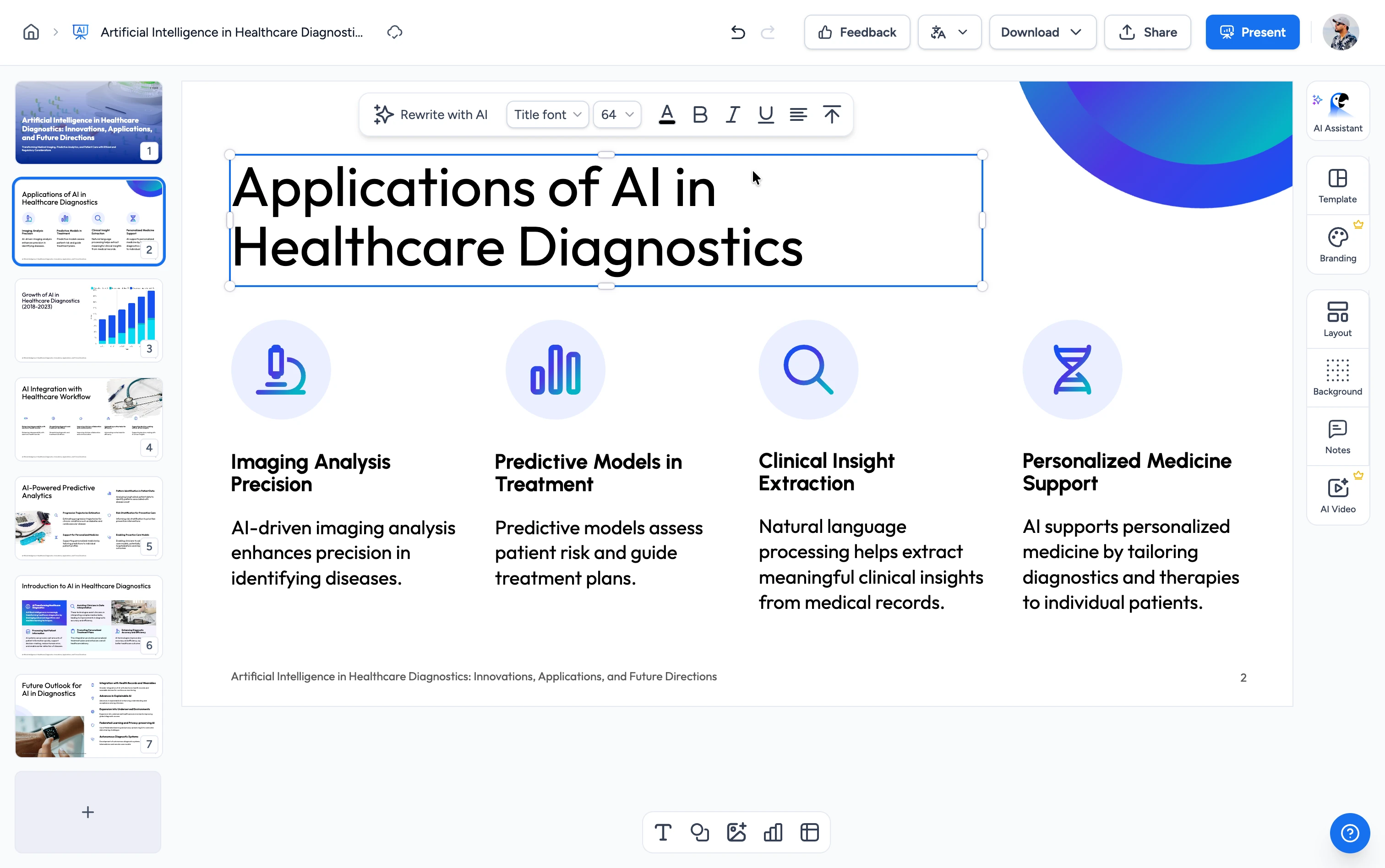
Three steps. That's it.
Translate an entire Word document in minutes. No technical knowledge required.
Pick a target language
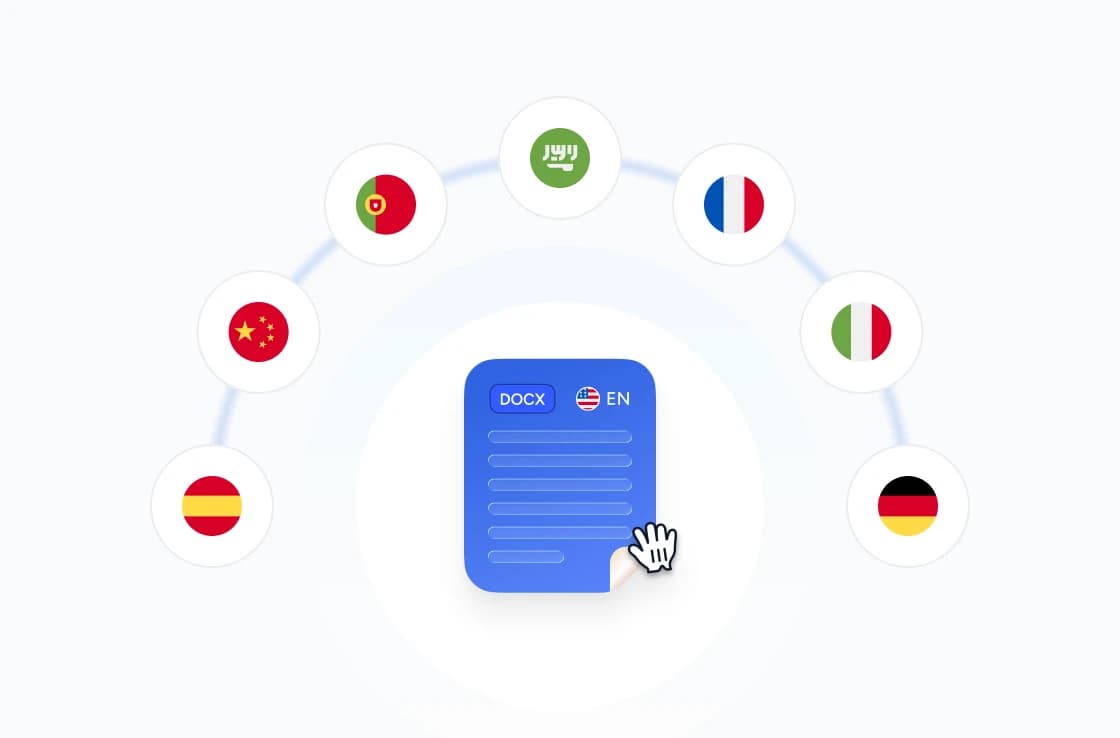
Choose from 141 languages — including Spanish, Mandarin, Hindi, Portuguese, Arabic, French, German, Japanese, Korean, and more.
Upload your Word document
Drag and drop your .docx file or click to browse. Files up to 100,000 characters.
Download translated document
Your translated .docx is ready in minutes — same styles, same layout, same images, just in a different language.
Built for accuracy, speed & security
Every paragraph translated by GPT in document order — styles, headings, images, and tables preserved exactly as you wrote them.
Translate Word Documents Online
Our translator extracts every paragraph from your .docx file in document order, translates each batch via GPT, and writes the result back into the same paragraphs — styles, headings, and tables preserved.
FREE & No Sign-up Required
Our Word translator is 100% free with no account required. Upload your file and download the translated document instantly — no daily limits, no watermarks, no Microsoft 365 license.
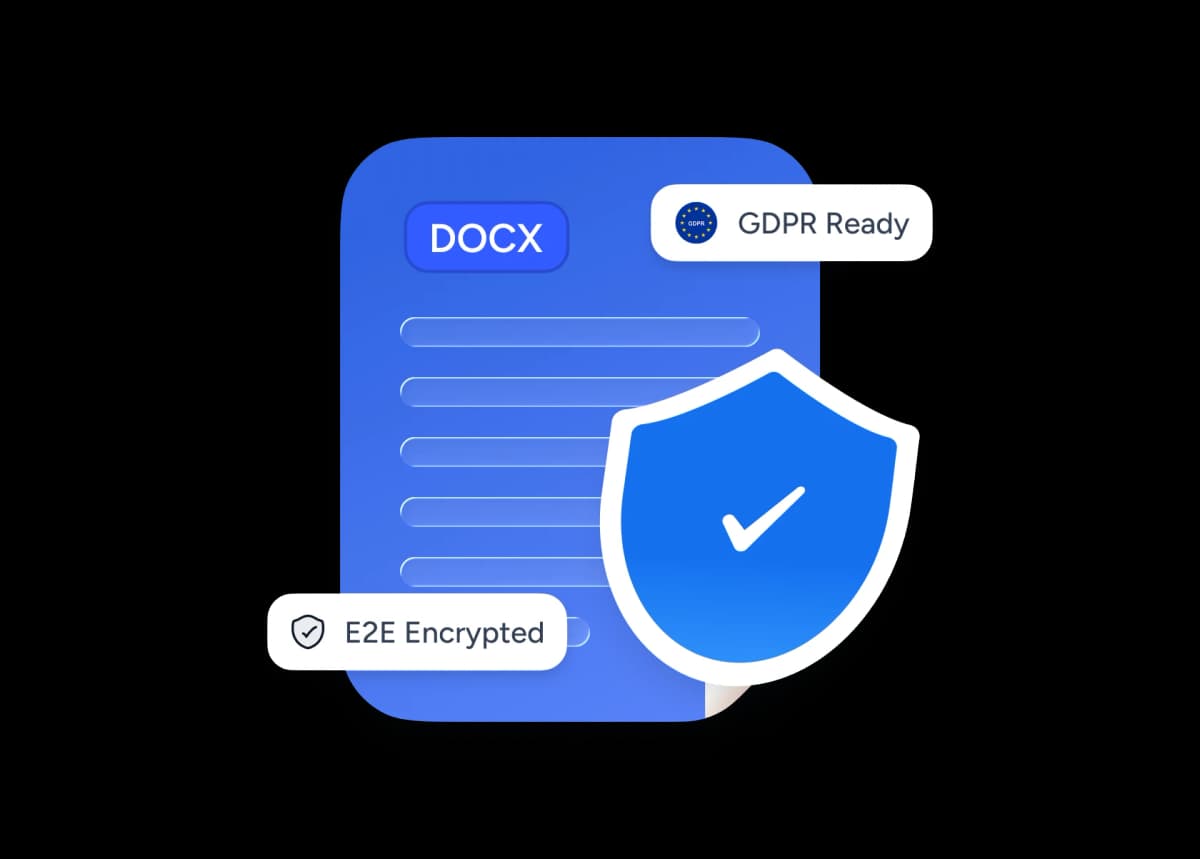
Safe and secure processing
At SlideSpeak, we prioritize data security and privacy above all else. We ensure that every Word document you upload is stored with top-notch encryption and automatically deleted after processing.
Why choose SlideSpeak?
Built for writers, students, and teams who need a translated document quickly, accurately, and without giving up their files.
141 Languages Supported
From Spanish and Mandarin to Welsh and Yoruba, our translator covers 141 BCP-47 languages — far more than DeepL's 100+ or Microsoft Word's 60.
Maintain Visual Quality
Documents come out exactly as you wrote them — same styles, same headings, same images, same tables. Just in a different language.
Free to Use
Our Word translator is completely free with no daily limits, no watermarks, and no hidden fees. No Microsoft 365 license required.
Fast Processing
Most documents translate in minutes, even with thousands of words. Our backend batches paragraphs efficiently to minimize round-trips.
Secure and Private
Your Word documents are handled with the utmost security and privacy. Files are encrypted in transit and permanently deleted after translation.
No Software Needed
Translate Word documents directly in your browser. No Word, no Office license, no desktop install required.
Designed for accurate, multilingual documents
Our translator handles documents of any length up to 100,000 characters. Server-side batching keeps latency low while preserving every paragraph, style, and table.
141
Languages supported
100K
Characters per file
100%
Styles preserved
60K+
Files processed
How we stack up
See why SlideSpeak is the simplest way to translate a Word document.
| Features |  | DeepL | Google Translate | Microsoft Word |
|---|---|---|---|---|
| Free translations | Unlimited | 3 files/month | Free | M365 required |
| Sign-up required | No signup | Account required | Google account | Paid M365 license |
| Browser-based (no install) | Yes | Yes | Yes | Word install / M365 |
| Languages supported | 141 languages | 100+ languages | 200+ languages | 60+ languages |
| Max file size | 100,000 characters | 5 MB on Free | 10 MB | 40 MB (OneDrive) |
| Output format preserved (.docx) | Editable .docx | Not editable on Free | Editable .docx | Editable .docx |
Explore our other tools
Experience the convenience of our FREE online tools. Our AI tools powered by ChatGPT provide excellent results.

Translate PowerPoint with AI
Translate PowerPoint presentations with AI.

Translate PDF with AI
Translate PDF documents to any language with AI.

Convert PDF to Word with AI
Convert PDF files to Word documents with AI.

Word Compressor
Compress Word documents (DOCX) online for free. Reduce file size without losing quality.
Extract Images from Word
Extract all images from Word documents quickly and easily.
Create Cheat Sheet from Word
Convert Word documents into concise cheat sheets automatically using AI. Perfect for quick reference and study guides.
Keep going with these tools
The tools people reach for next, plus the SlideSpeak features behind them.
Frequently Asked Questions
Find answers to common questions about Translate Word with AI.

Turn any idea into a presentation — free to try
An AI presentation platform to turn ideas, PDFs, Word, and Excel files into ready-to-present slides.