Put answerable questions inside the slides you are already teaching from. Your class scans a QR code on screen, joins, and answers live — no switching to another app mid-lesson.
Trusted by educators at leading schools and universities





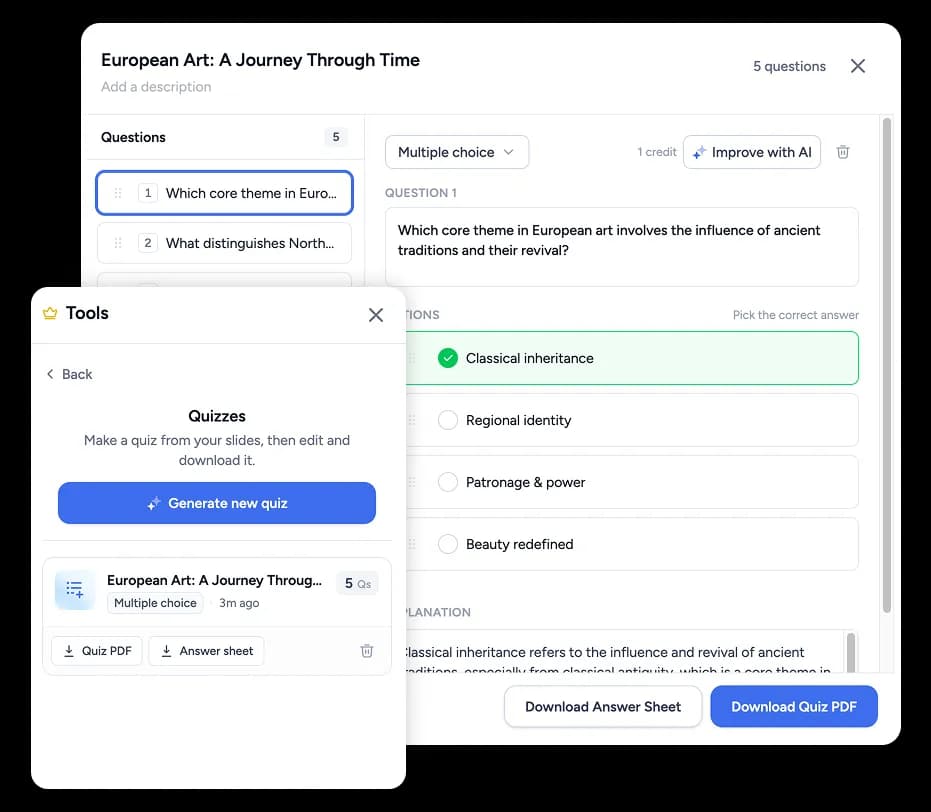
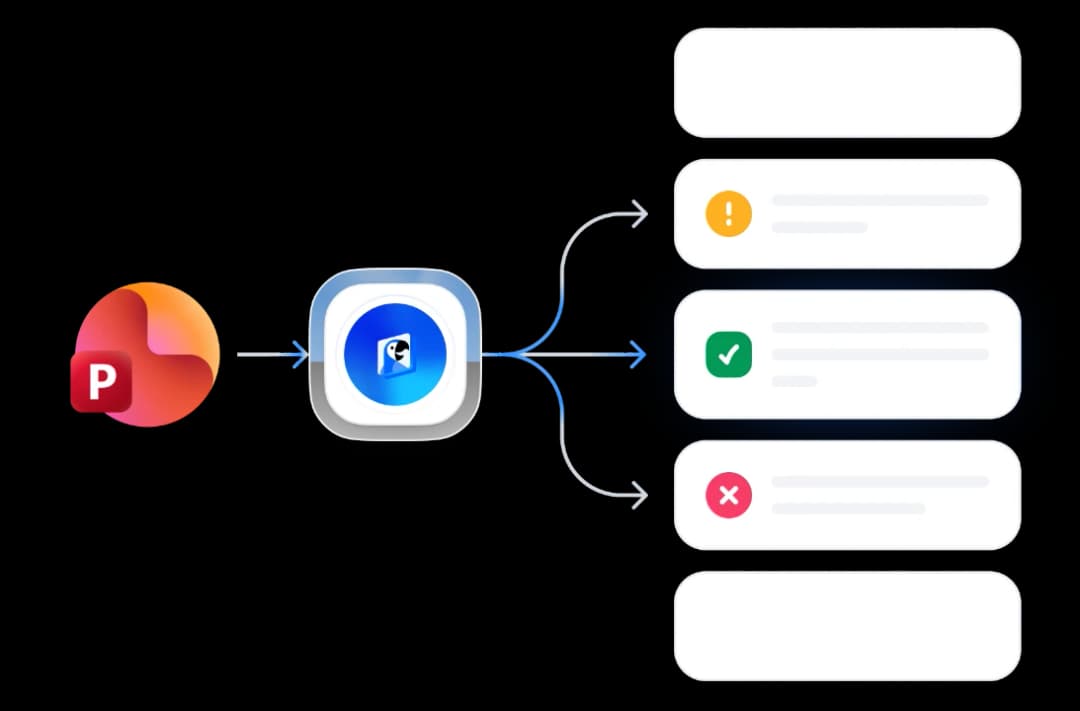
The quiz is generated from the material you are already teaching, and it stays inside the presentation.

Open a deck in SlideSpeak and generate a quiz from it. Choose how many questions you want and the question types, then review and edit them before anything goes live.
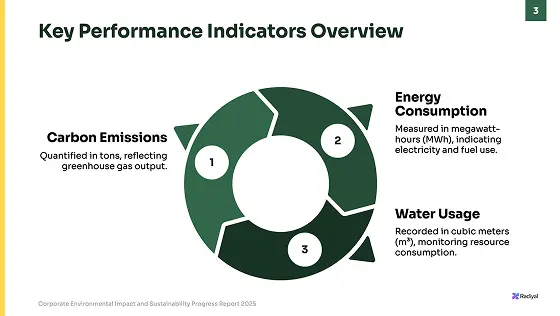
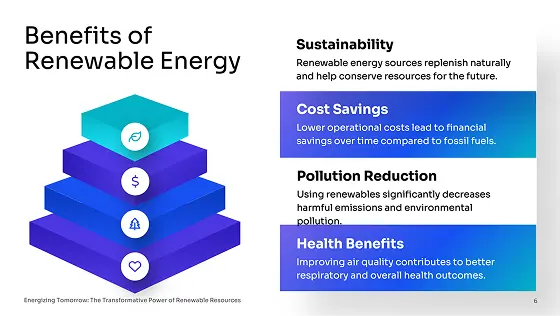
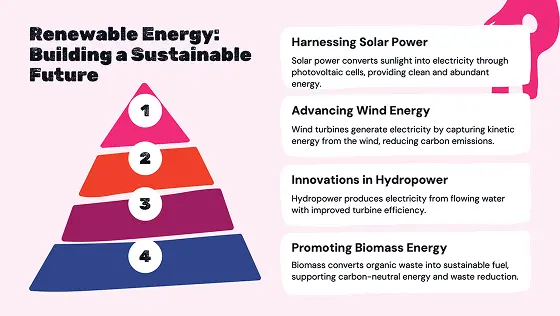
Insert quiz questions as slides from the side panel, and add a QR-code slide for the quiz. Everything stays in the same deck you present from.
Students scan the QR-code slide and join with a nickname, no account needed. Participation opens when you start the quiz, so nobody answers ahead of the lesson.
Same deck, same lesson — the questions just become something the room answers instead of something you read out.
Drop two or three questions into the middle of a deck and find out whether the class followed the last section before you move on.
Generate a quiz across a whole unit's slides and run it as a revision session, with the questions on screen and the class answering from their phones.
Open with a recap question and close with an exit ticket, both inside the presentation you were already going to show.
When the quiz needs to count, export it as a QTI package, a Brightspace question CSV, or a SCORM package with a pass mark and attempts, and run it as a graded activity in your LMS instead.
The questions are not generic. They come out of the deck you actually taught from.
PowerPoint
Download editable slides
Export to Google Slides
Directly edit in Google Slides
The difference is not the questions. It is whether the quiz lives in your presentation or somewhere else.
| What you need |  | A separate quiz app | Writing the questions yourself |
|---|---|---|---|
| Questions written from your own slides | Generated from the deck | You retype the content | You write every question |
| Questions live inside the presentation | Answerable quiz slides | You switch apps mid-lesson | Only if you build the slides too |
| Class joins from a QR-code slide | Scan the slide on screen | Usually a room code or link | Paper or hands up |
| You control when answering opens | Opens when you start the quiz | Host starts the round | Not applicable |
| Export the same quiz to your LMS | QTI 1.2 or Brightspace CSV | Varies by app | Rebuild it in the LMS |
| Pick question count and type | Multiple choice and true/false | Usually configurable | Entirely up to you |
If you are not running it live, these free converters turn a single document into a quiz without opening the app.
SlideSpeak combines best-in-class models for reading your material, writing questions and narration, and generating imagery.
ChatGPT 5.6
by OpenAI
Claude Opus 5
by Anthropic
Gemini 3.1
by Google
How students join, what you can export, and how it relates to the free quiz tools.
Generate the questions from your own slides, run them live, and export the quiz when it needs to count.



