Build the deck and the quiz in SlideSpeak, then take them out in the formats your LMS already understands: SCORM for the slides or the narrated video, QTI 1.2 or a Brightspace CSV for the questions.
Trusted by educators at leading schools and universities





Your LMS does not need to know where the content came from — only that the package is a format it imports.
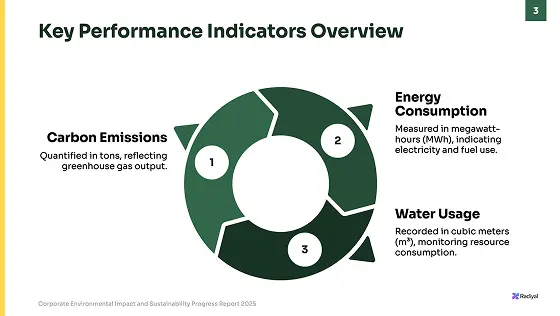
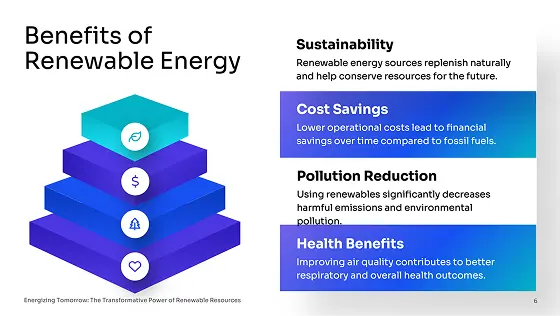
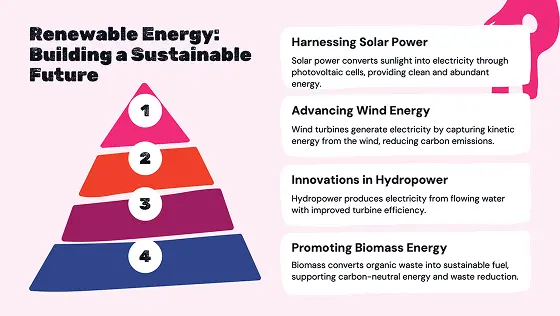
Generate a presentation from your material and generate a quiz from that presentation, all in the same place.
PowerPoint
Download editable slides
Export to Google Slides
Directly edit in Google Slides
Take the slides or the narrated video out as a SCORM package with your completion rule, pass mark, and attempts, and the quiz as a QTI 1.2 package or a Brightspace question CSV.

Drop the SCORM .zip into your LMS as a course activity, and import the quiz file as a native, gradable quiz.
Two different standards do two different jobs. This is which one you need.
| What you are exporting | Format | Where it goes |
|---|---|---|
| Slides, a narrated video, or a quiz as a trackable course activity | SCORM 2004 or 1.2 (.zip) | Moodle, SCORM Cloud, TalentLMS, Docebo, and any SCORM-compliant LMS |
| A quiz as a native, gradable quiz | QTI 1.2 (.zip) | Canvas and other systems that import QTI 1.2 |
| A quiz for D2L Brightspace | Brightspace question CSV | Imports straight into the Brightspace Question Library |
| A lecture recording | HD MP4 | Upload as a file or embed anywhere your LMS accepts video |
| A lecture as an editable deck with audio | PowerPoint with narration (.pptx) | LMSs that take PowerPoint rather than video, and colleagues who teach from it |
Not sure your LMS takes SCORM?Try the free SCORM converter first | ||
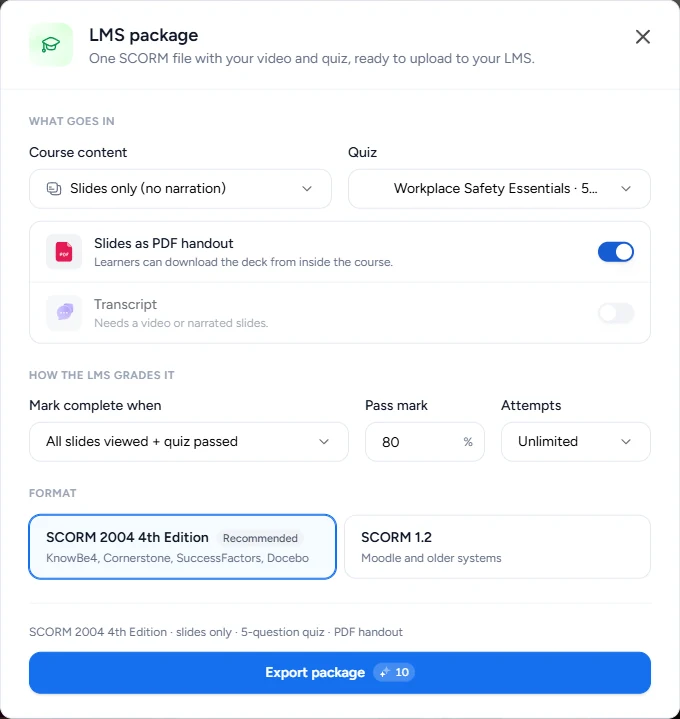
One dialog decides what the LMS receives and what it records. These are the choices it gives you.
| Setting | What it decides | Options |
|---|---|---|
| SCORM version | Which LMSs import it: 2004 for KnowBe4, Cornerstone, SuccessFactors and Docebo, 1.2 for Moodle and older systems | SCORM 2004 4th Edition or SCORM 1.2 |
| Course content | What students see when they open the activity | The video, the slides with narration, the slides only, or the quiz only |
| Quiz | Questions graded inside the package, with the score sent to your LMS | A quiz you made from the deck, or no quiz |
| Mark complete when | What your LMS records as finished | Opened, video watched or all slides viewed, the same plus quiz passed, or quiz passed |
| Pass mark and attempts | How strict the quiz is | 0 to 100% (80% by default); 1, 3, or unlimited attempts |
| Handout and transcript | What students can download or read along with | Slides as a PDF handout, and the narration as text under the player |
Want the steps in the app?Read how to export a SCORM package | ||
Mostly to stop rebuilding the same material a second time inside the LMS.
A SCORM package reports progress, completion, and the quiz score back to your LMS, so a deck becomes an activity you can actually track rather than a file students may or may not open.
Export the quiz you already generated instead of re-entering every question by hand in the LMS quiz builder.
SCORM 1.2 is the broadly supported version and SCORM 2004 4th Edition is what newer platforms expect, so the same deck keeps working if your institution changes platform.
Pair a narrated lecture video with a SCORM deck and a graded quiz so the same unit works in class and online.
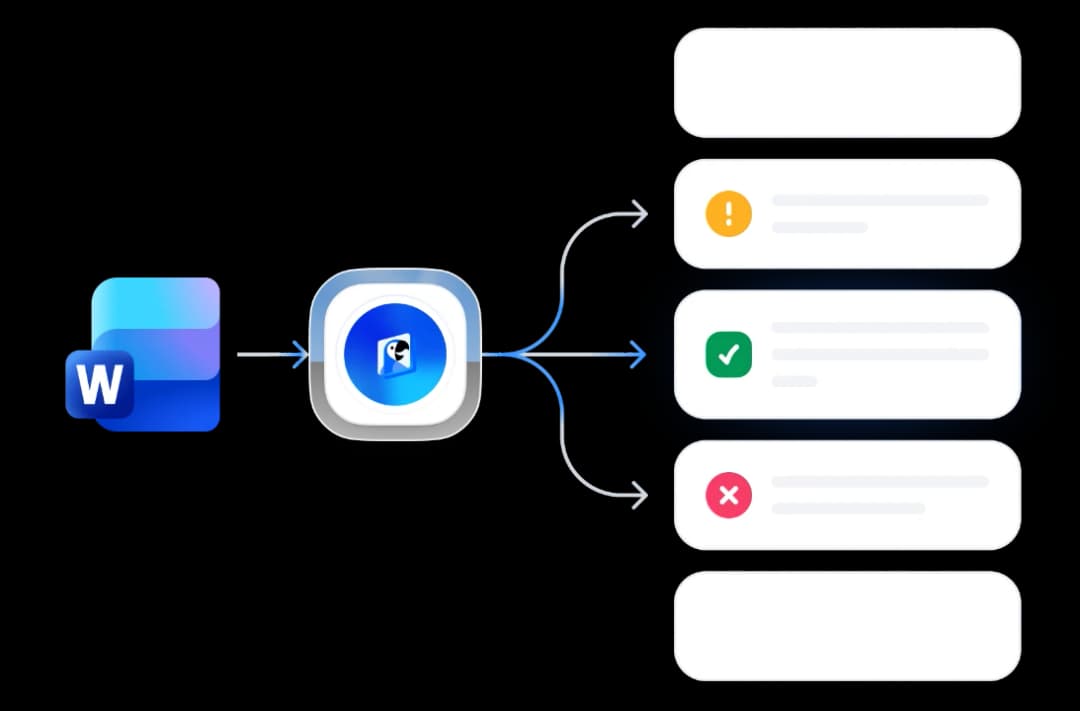
SCORM carries the lesson. QTI carries the questions. Here is what each one does once it lands.
PowerPoint
Download editable slides
Export to Google Slides
Directly edit in Google Slides
If you only need one file converted and nothing else, these free converters do it without an account.
SlideSpeak combines best-in-class models for reading your material, writing questions and narration, and generating imagery.
ChatGPT 5.6
by OpenAI
Claude Opus 5
by Anthropic
Gemini 3.1
by Google
Which formats, which platforms, and what is actually verified.
Generate the deck, generate the quiz, and export both in the formats your LMS already imports.



