
12 Best AI Tools for Teachers in 2026
Written by

Published on
On this page
AI tools for teachers are software that takes over the boring parts of teaching: building materials, generating quizzes, marking essays, rewriting text…
In this post, I compare the twelve best AI tools for teachers on what they replace and which grade bands they fit.
Here are the results!
| Tool | Replaces | Grade band | Student accounts | Vendor’s stated compliance | Price |
|---|---|---|---|---|---|
| SlideSpeak | Slide building, quiz writing | K-12 + higher ed | No | DPA available on Enterprise | $29/mo |
| MagicSchool AI | 80+ prep tasks | K-12 | Not stated | FERPA, COPPA, SOC 2, GDPR, Ed Law 2-D; custom DPA on Enterprise | $8.33/mo annual |
| Eduaide.ai | Worksheets, graphic organizers | K-12 | Not stated | Not stated on pricing page | $5.99/mo |
| Curipod | Live lesson activities | K-5 through 12 | No | FERPA, COPPA, SOPPA, GDPR; no model training; DPA on School & District | Custom quote |
| Edpuzzle | Video lessons, comprehension checks | K-12 | Yes | Not stated on pricing page | $13.75/mo annual |
| Wayground (was Quizizz) | Quizzes, flashcards, worksheets | K-12 | Yes | Privacy Center; not stated on site | Custom quote |
| Gradescope | Marking at scale | Higher ed | Yes | Not stated on pricing page | Custom quote |
| Brisk Teaching | Feedback, grading, reading-level edits | K-12 | Not stated | 95% Common Sense rating; FERPA, COPPA, SOC 2, GDPR; DPAs with districts | Custom quote |
| Diffit | Reading-level differentiation | K-12 | Not stated | FERPA, COPPA | Custom quote |
| Gemini Notebook | Source-grounded research | Higher ed | No | Not stated | Free for 100 notebooks |
| Khanmigo | Prep assistance, tutoring | K-12 | District only | Not stated | Free for teachers |
| Claude / ChatGPT | General drafting | Higher ed; teacher-only in K-12 | No | Not stated | Free |
12 best AI tools for teachers
These AI tools for teachers are ordered by where each one lands in your week.
1. SlideSpeak
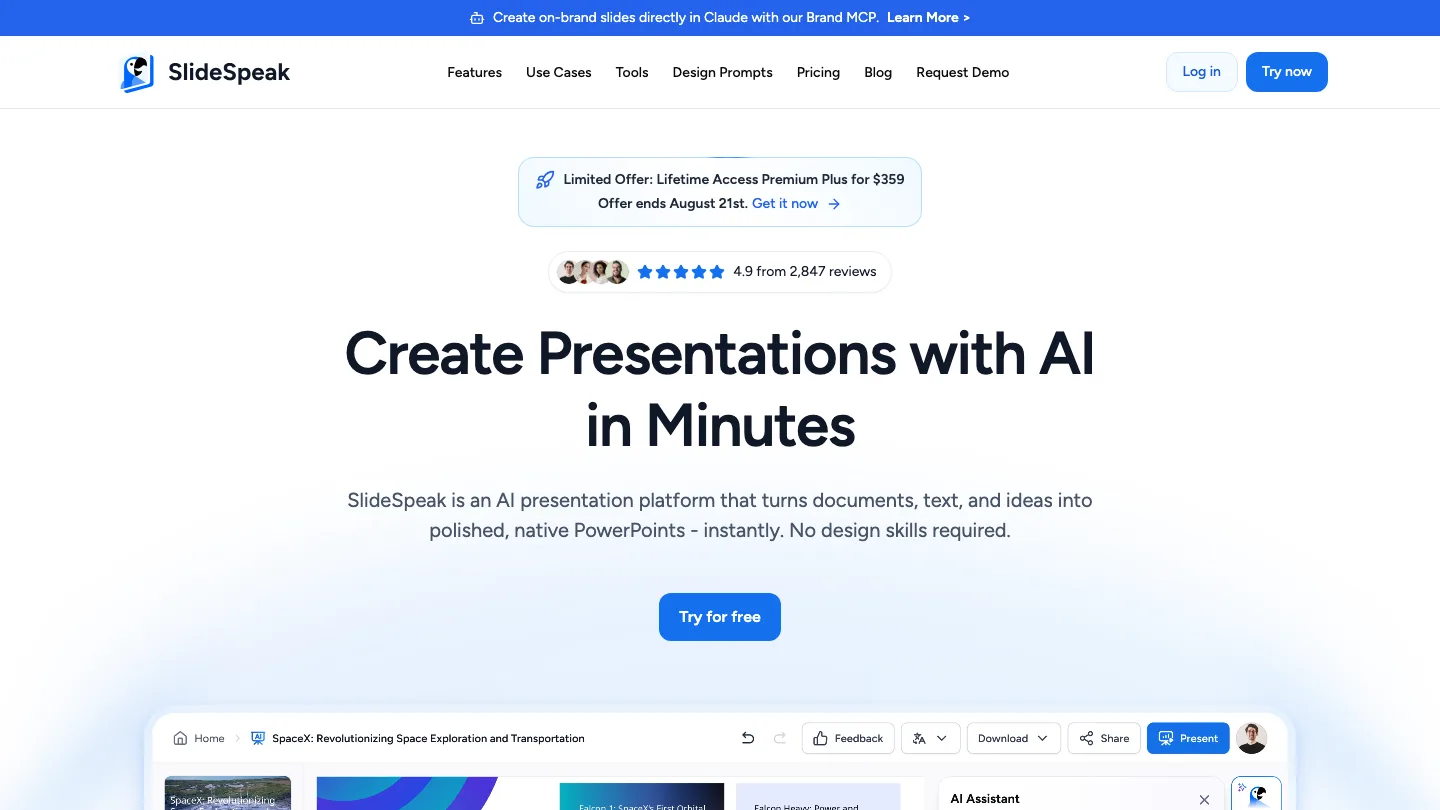
Turns documents you already have into slide decks and quizzes.
SlideSpeak takes a PDF, Word file, or existing PowerPoint and generates a deck from it.
Best for: teachers who already have the content and need it presentable.
Upload the source file, pick a template, and it drafts the deck. You can then generate quiz questions from the same document, so the assessment comes from the material you taught rather than from a generic question bank.
Top feature: it starts from your existing files instead of a blank prompt.
- Exports to PDF and PowerPoint on paid plans
- Handles 150+ languages
- AI document chat for interrogating a long source before you build from it
For the full picture on classroom decks specifically, see our guide to AI presentations for teachers, or the wider comparison in the best AI presentation tools for teachers.
Pros: works from real source documents; DPA available for districts on Enterprise; no file size limit on paid plans.
Cons: a bit narrower than MagicSchool – no behavior notes, or parent emails.
Pricing: Free ($0, no export, 50 MB limit); paid plans start at $29/mo.
2. MagicSchool AI
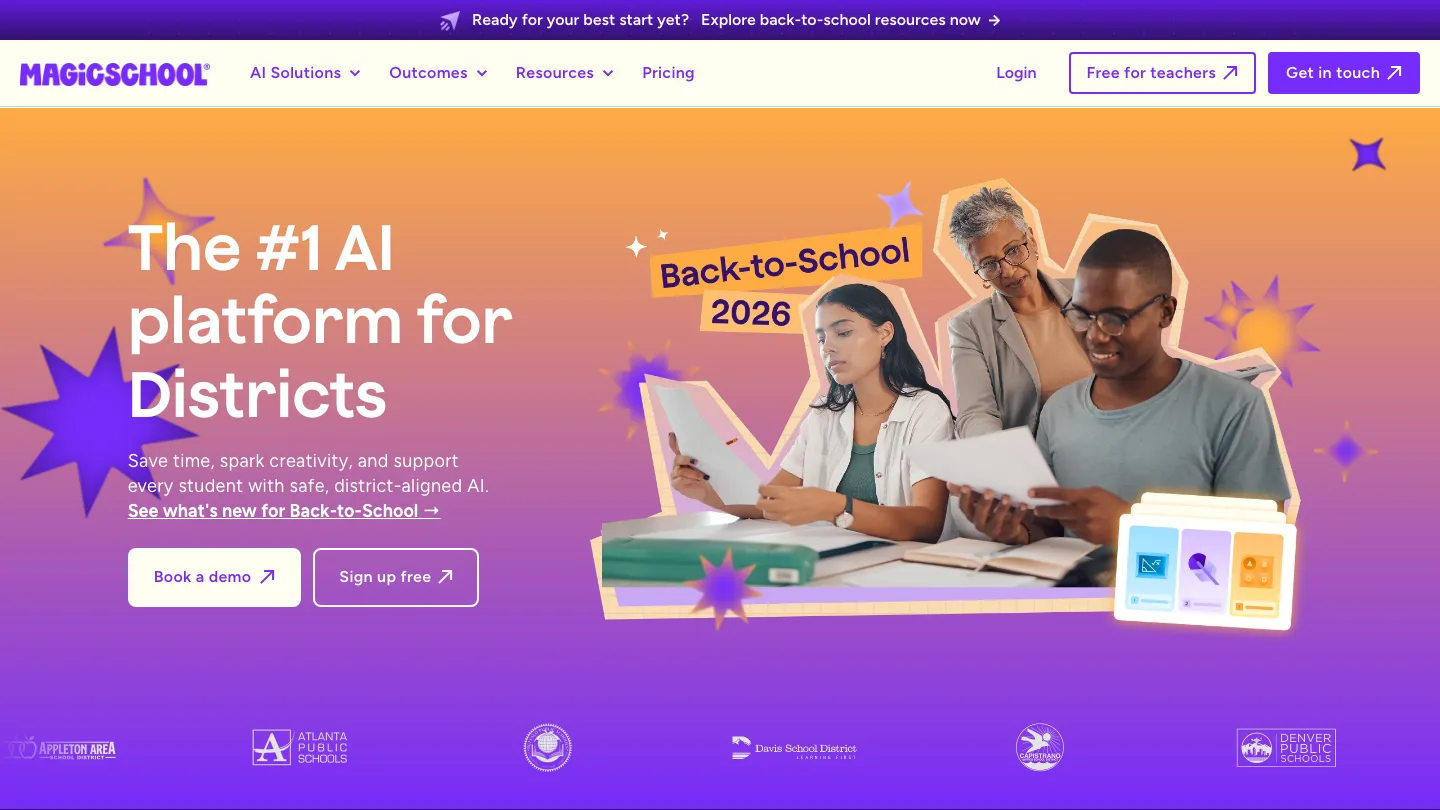
The widest set of teacher-specific tools in one place.
MagicSchool AI ships more than 80 teacher tools and 50 student tools, covering lesson plans, rubrics, IEP support, behavior notes, and parent communication.
Best for: teachers who want one login for most prep tasks.
You pick a tool from a list, fill a short form, and get output you edit. The breadth is the point. If your bottleneck moves week to week, you are not hunting for a new product each time.
Top feature: the tool library itself. Nothing else here covers this many distinct prep jobs.
- Free plan includes the full tool list
- Publishes compliance with FERPA, COPPA, SOC 2, GDPR, and Ed Law 2-D
- Custom data privacy agreement on Enterprise
Pros: covers most prep tasks under one login; the longest list of published compliance certifications here; cheap paid tier.
Cons: output is content-first, so first-draft slides and worksheets tend to look plain and need formatting work. The free plan also caps generations and output history.
Pricing: Free ($0 forever); Plus $8.33/mo billed annually or $12.99/mo monthly; Enterprise custom.
3. Eduaide.ai
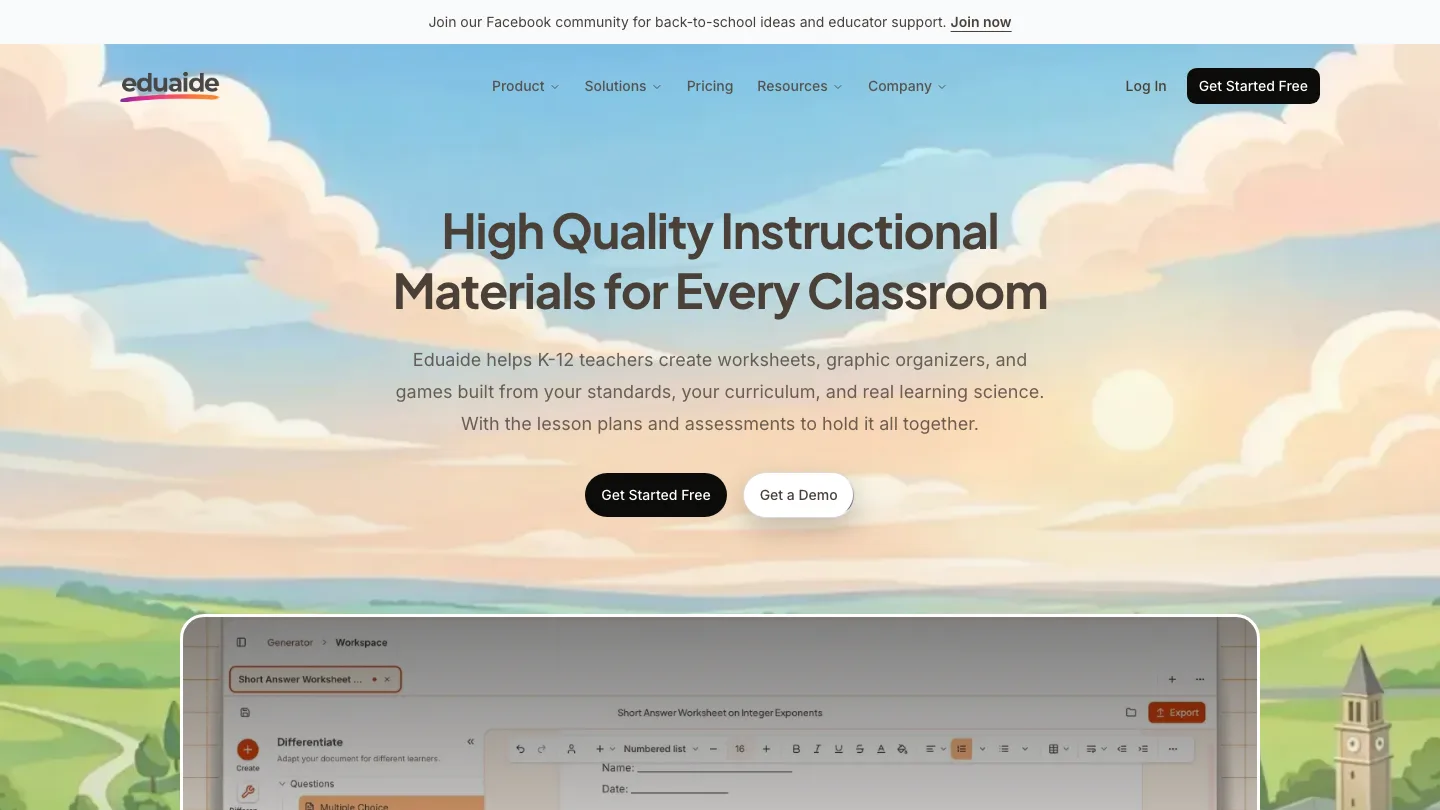
Generates worksheets and graphic organizers from your standards.
Eduaide.ai builds resources from the curriculum you are teaching to rather than from a topic prompt.
Best for: teachers who plan against explicit standards.
You give it the standard and the grade, and it produces the resource. The output leans academic, which suits secondary more than early primary.
Top feature: standards-first generation, so the resource maps to what you have to evidence.
- Worksheets, graphic organizers, and activity ideas
- Built around learning science rather than engagement gimmicks
Pros: strong fit for standards-driven planning; well established.
Cons: less useful if you plan by topic rather than by standard.
Pricing: Eduaide Free (always free, with generation limits); Pro $5.99/mo; Schools & Districts custom.
4. Curipod
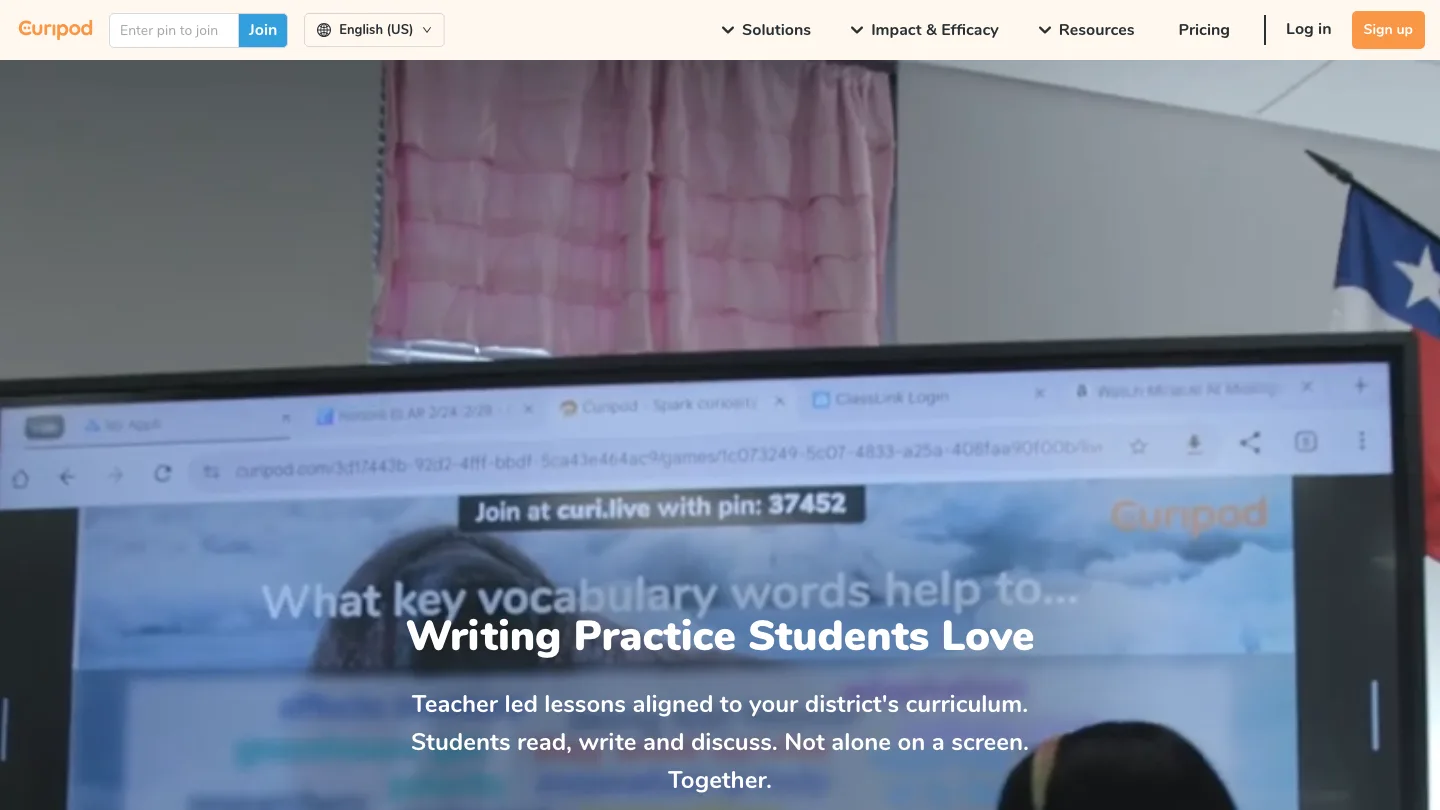
Generates interactive lessons you run live with the class.
Curipod drafts a lesson with polls, open questions, and word clouds, then you present it while students respond in real time.
Best for: K-5 teachers who cannot get student accounts approved.
You type a topic, it drafts the interactive lesson, and students join with a code. Nothing to provision, nothing to reset.
Top feature: students join without creating accounts.
- Free plan gives a set number of live sessions per week, renewing weekly
- States that student and teacher data is never used to train AI models
- Signs custom data privacy agreements on the School & District plan
Pros: easiest tool here to get approved; built for live use rather than adapted to it; clear no-training commitment.
Cons: primarily designed for K-12, and higher-ed instructors will find the interface and content assumptions pitched too young. The weekly session cap on free bites quickly if you teach multiple sections.
Pricing: Free ($0/mo, weekly session allowance); School & District custom; ELA Curriculum Alignment custom.
5. Edpuzzle
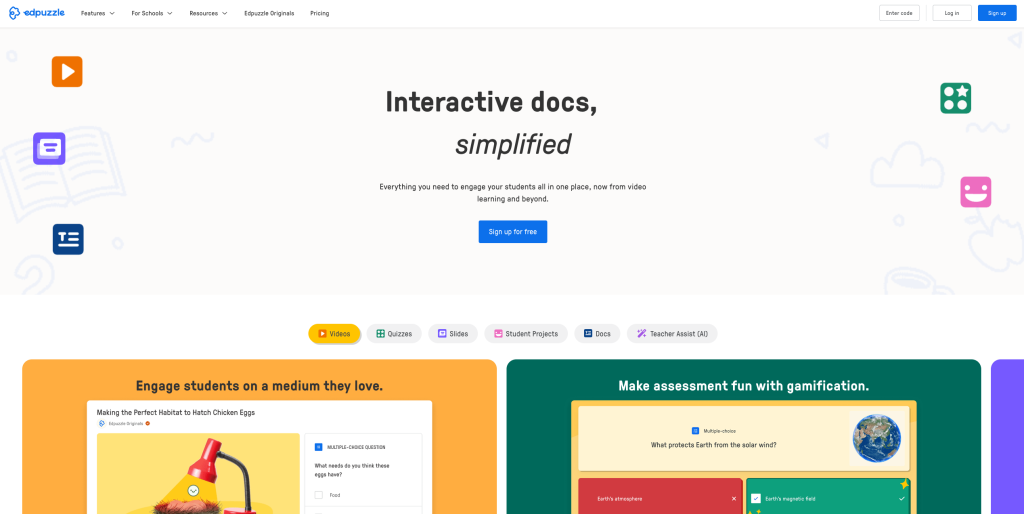
Turns any video into a lesson with questions embedded in it.
Edpuzzle lets you take a YouTube video or your own recording and drop comprehension checks at specific timestamps, so students cannot skip ahead without answering.
Best for: flipped classrooms and homework you need evidence of.
You pick the video, set the question points, and assign it. You see who watched, who answered, and where they stalled.
Top feature: questions locked to timestamps. You can grade what would otherwise be passive watching.
- Works with existing video, so you are not producing content
- Reports per student rather than per class
Pros: solves homework accountability better than anything else here.
Cons: requires student accounts, so it needs district sign-off before you can use it properly.
Pricing: $13.75/mo billed annually.
6. Wayground
The quiz platform formerly called Quizizz.
Wayground is the same product under a new name, covering quizzes, flashcards, worksheets, and presentations, and it reports use in 90% of US schools.
Best for: gamified review and low-stakes retrieval practice.
You build or borrow a quiz, students play it live or as homework, and you get the item analysis.
Top feature: the shared question bank. You are rarely writing a quiz from scratch.
- Quizzes, flashcards, worksheets, and presentations in one account
- Free teacher signup; districts get a quote
Pros: enormous library; students find it fun.
Cons: requires student accounts. Its site does not state a compliance position, so you will be digging through the Privacy Center before IT signs off.
Pricing: Free teacher plan; district pricing by quote.
7. Gradescope
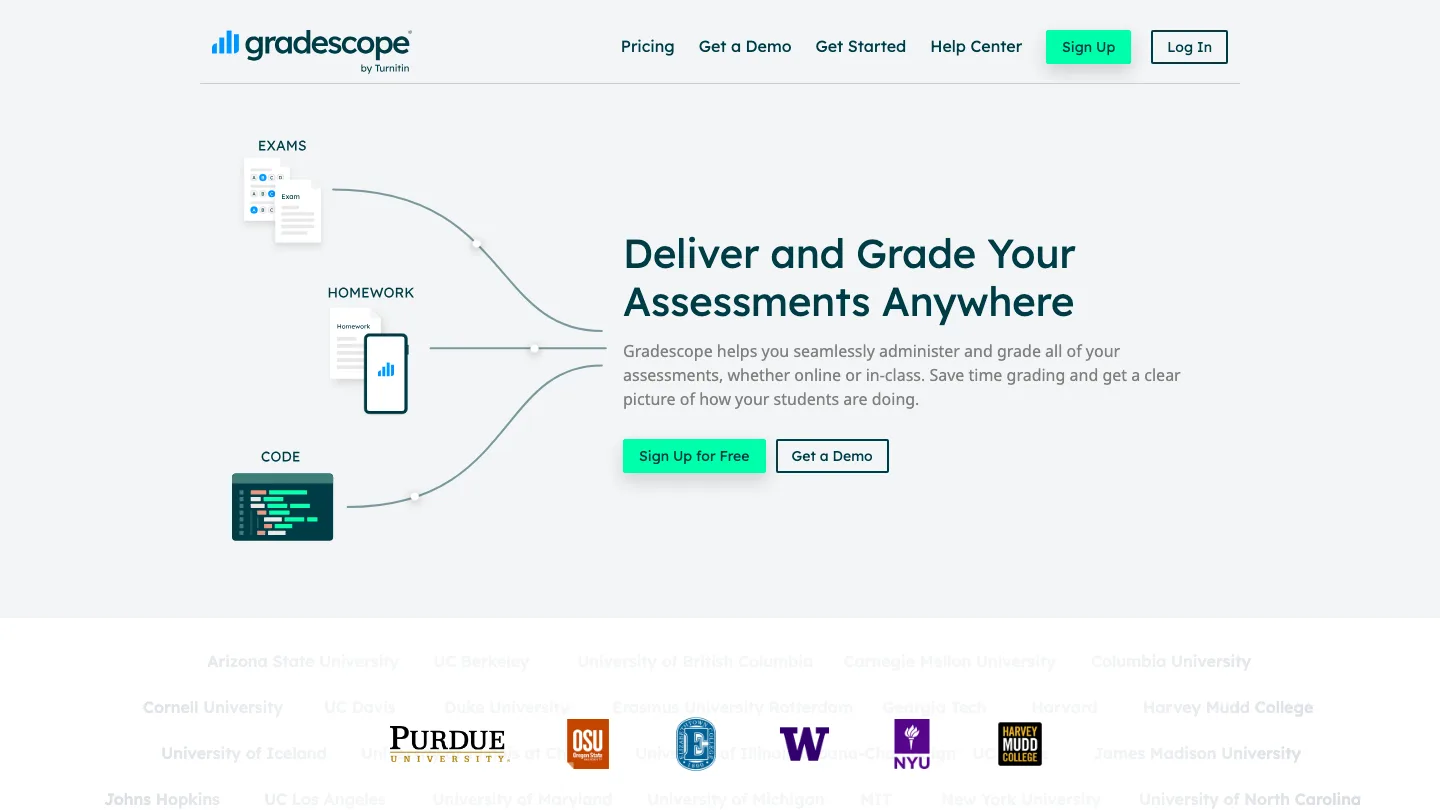
Marks large batches of student work with consistent rubrics.
Gradescope groups identical answers so you grade each distinct response once rather than once per student.
Best for: higher-ed instructors marking hundreds of scripts. If you are further up the academic end, we cover that separately in AI tools for academics.
You scan or collect submissions, it clusters the answers, and you apply a rubric to each cluster. Changing your mind about a rubric item retroactively updates every affected paper.
Top feature: answer grouping. It is the only tool here that reduces marking time by an order of magnitude rather than a percentage.
- Handwritten, typed, and code submissions
- Retroactive rubric changes
Pros: unmatched for large-cohort marking; rubric consistency is a fairness win.
Cons: built for higher ed and awkward for a single K-12 classroom. Pricing is not published and it is sold institutionally, so you cannot expense it.
Pricing: Basic plan free after an institutional trial; institutional pricing not published.
8. Brisk Teaching
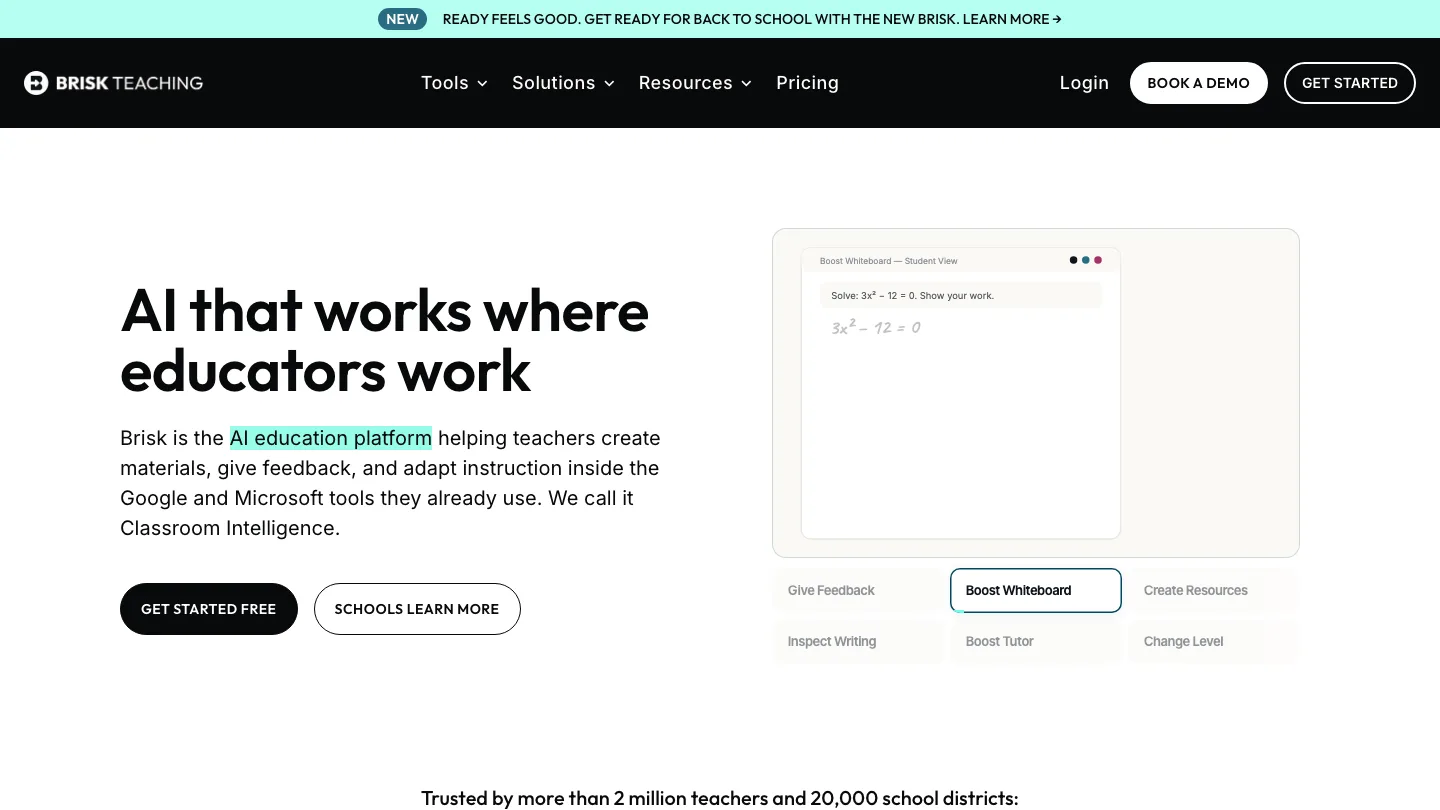
Adds AI feedback and grading inside the Google and Microsoft tools you already use.
Brisk Teaching runs as a browser extension, so it works on the Google Doc a student is already writing in rather than asking you to move.
Best for: teachers whose whole workflow already lives in Google Classroom.
Install the extension, open student work, and give feedback in place. It also inspects writing history, which is how many teachers are handling the “did they write this” question.
Top feature: it works where the work already is. No exporting, no re-uploading.
- Feedback, grading, and reading-level adjustment
- Also generates presentations, lesson plans, and quizzes
- Rated 95% by Common Sense Privacy, and signs data privacy agreements with districts
If it is not the right fit, we compared the options in Brisk Teaching alternatives.
Pros: lowest friction of anything here; the highest Common Sense privacy rating of any tool on this list.
Cons: being an extension means it is tied to the browser, and neither paid tier has a published price, so you cannot budget without talking to sales.
Pricing: Educator Free $0/mo; Premium and Intelligence both custom pricing.
9. Diffit
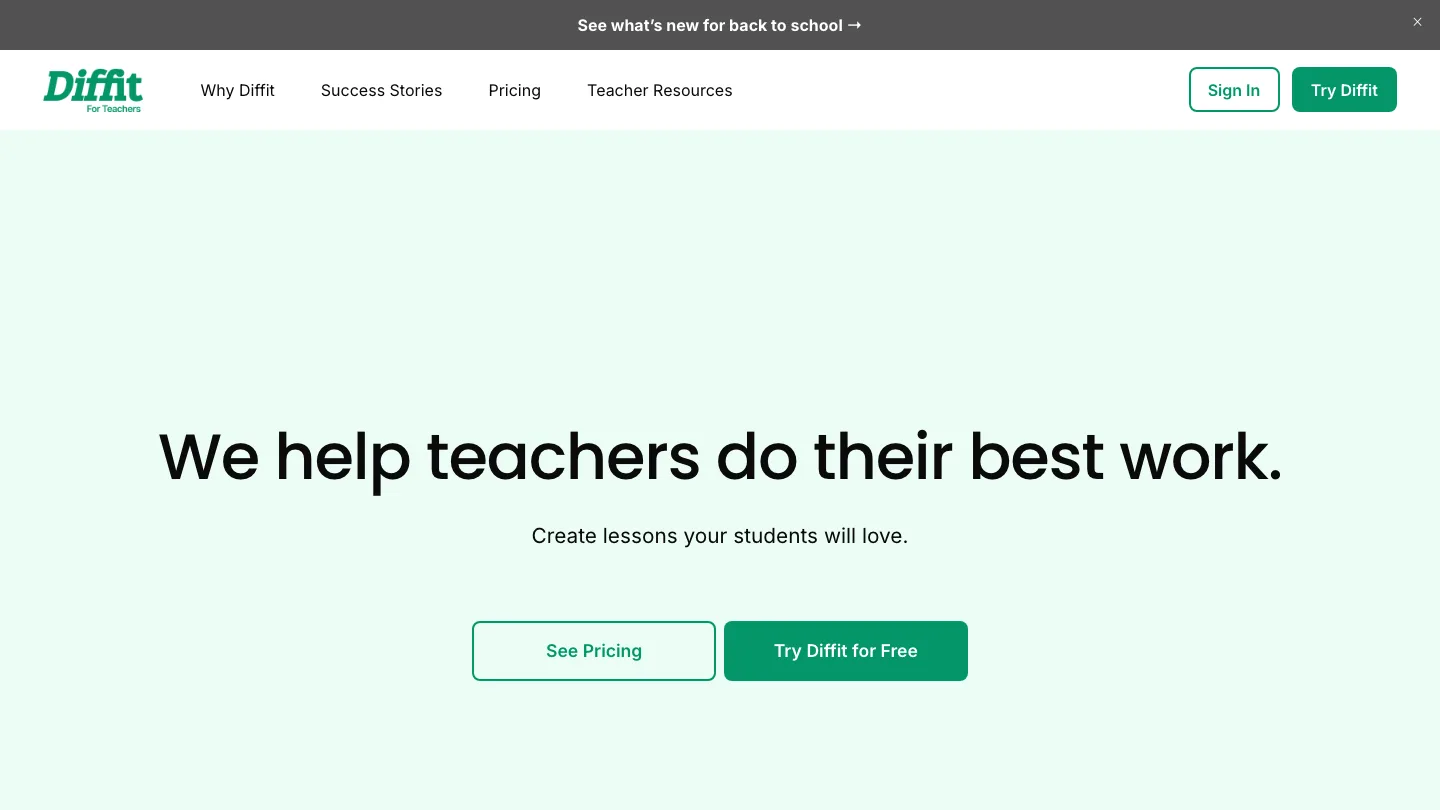
Rewrites any text to the reading level you need.
Diffit takes an article, passage, or topic and produces versions at different reading levels with matched vocabulary and questions.
Best for: one lesson holding a wide range of reading abilities / different classrooms.
You paste the text or give it a topic, set the level, and it generates the adapted passage plus supporting questions. Output goes cleanly into Google Slides and Docs without copy-paste cleanup.
Top feature: level-matched versions of the same text, so the whole class discusses one thing.
- Adapted passages with vocabulary and comprehension questions
- States it meets FERPA and COPPA standards and cites its sources
Pros: solves differentiation faster than any manual approach; citing sources matters when the passage is factual.
Cons: K-12 assumptions throughout, so higher-ed use feels like a stretch.
Pricing: Basic free; custom quote for paid tiers.
10. Gemini Notebook
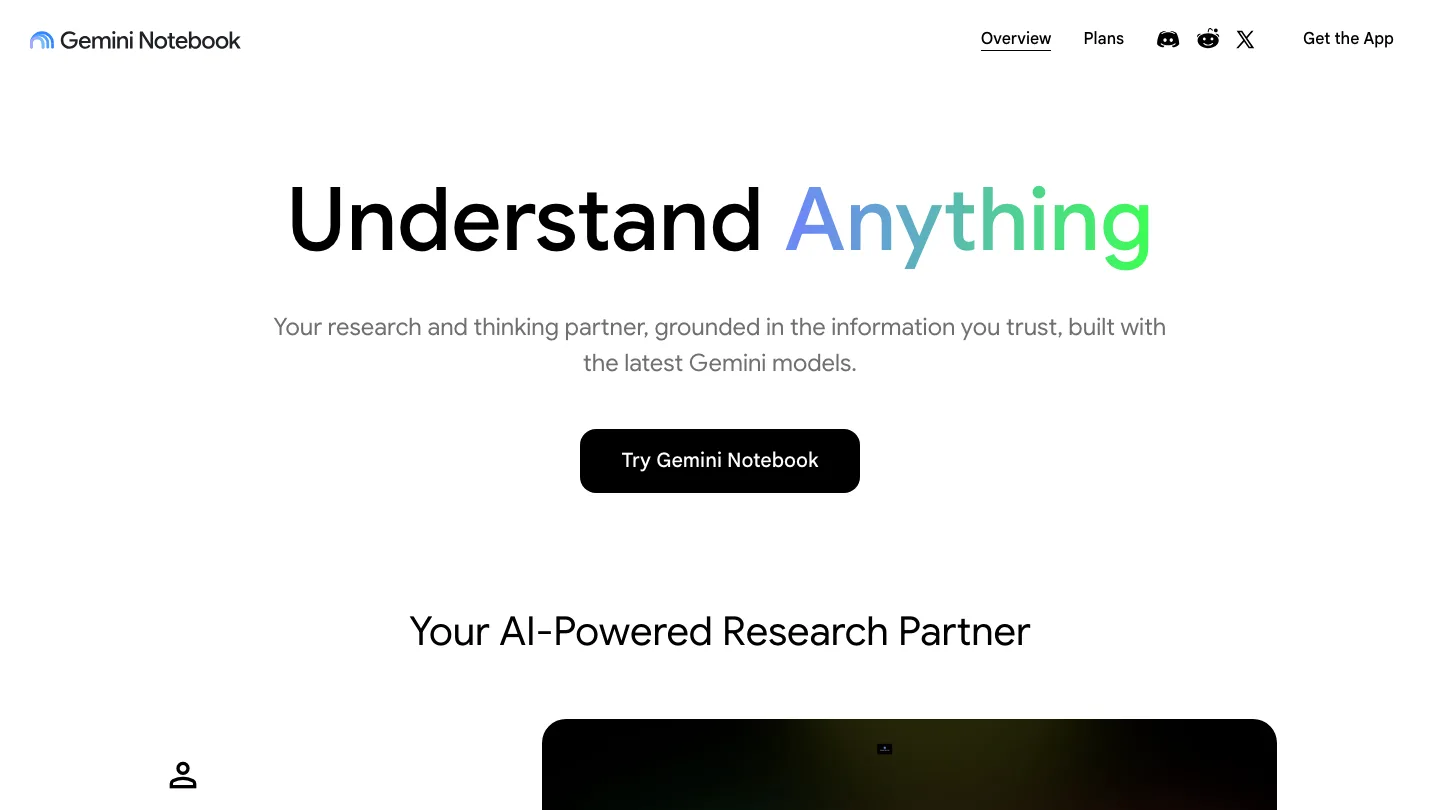
Answers questions only from the sources you give it.
Gemini Notebook, until recently called NotebookLM, is Google’s research tool, and the reason it belongs here is that it will not invent a citation, because it can only draw on documents you uploaded.
Best for: lecturers building content from set readings.
Upload the papers or textbook chapters, then ask questions across them. Every answer points back to the passage it came from.
Top feature: source grounding.
- Cites the specific passage behind each answer
- Handles large document sets
Pros: the most trustworthy output of anything on this list.
Cons: it researches, it does not produce teaching materials. You still need something else to build the lesson.
Pricing: Free for up to 100 notebooks.
11. Khanmigo
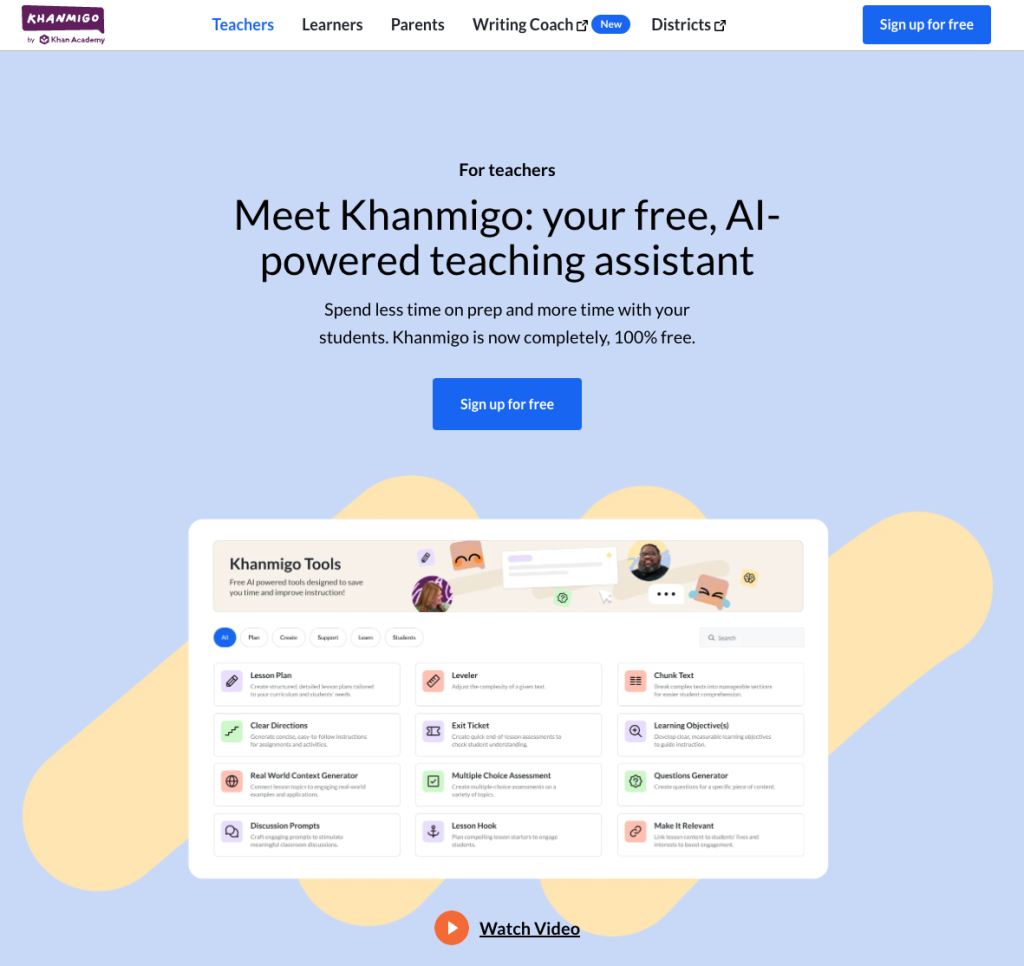
A free teaching assistant from Khan Academy.
Khanmigo is completely free for teachers.
Best for: teachers with no budget at all.
You use it for prep, lesson ideas, and question generation. It is free rather than free-tier free, which is rare.
Top feature: the price, paired with Khan Academy’s content library behind it.
- Free for educators in 40+ countries, in English
- Backed by Khan Academy’s curriculum
Pros: no cost, no trial, no card.
Cons: you cannot give students access on your own. Classroom access runs only through a school or district implementation, so the student-facing half is out of your hands. Parents and learners pay separately.
Pricing: free for teachers. District and parent pricing not disclosed.
12. Claude and ChatGPT
General-purpose assistants that do the writing nothing specialized covers.
Claude and ChatGPT handle the awkward one-offs: the difficult parent email, the rubric you cannot phrase, the unit plan you are staring at.
Best for: your own drafting, and higher-ed teaching.
You describe what you need and iterate. No education-specific scaffolding, which is both the weakness and the flexibility.
Top feature: they handle the tasks too irregular for a purpose-built tool to have a button for.
- No template constraints
- Strong at tone and rewriting
Pros: the most capable general writing tools available; useful daily. Neither is built for education either, so there is no standards alignment and no district DPA path by default.
Pricing: free tiers available; multiple paid consumer tiers.
Will your district approve it?
A tool that fails a privacy review is not a tool. Three things decide whether AI tools for teachers make it past your district.
Does it need student accounts?
The moment students log in, you are handing a vendor student personal data. In the US that pulls in FERPA, the federal law covering student education records, and a district sign-off. Tools where students join by code and never register are easier to get approved.
Will the vendor sign a data privacy agreement?
A DPA is the contract that governs what happens to student data: what is collected, what it is used for, how long it is kept, and that it is never sold or used to train models. FERPA compliance is not a property of software. FERPA lets a school share student records with a vendor as a “school official,” but only if the vendor is under the district’s control, and the DPA is what establishes that. Many US districts require one specific form, the National Data Privacy Agreement.
Is it built for your grade band?
The needs of a 4th-grade teacher and a university lecturer are different. K-5 needs no student accounts, plus COPPA coverage, which is the US rule on collecting data from children under 13. Higher ed needs LMS integration. A tool can be excellent and still be wrong for your room.
Other AI teaching tools worth knowing
Not full entries, but these AI tools for teachers are worth a look if the twelve above do not fit your bottleneck.
| Tool | What it does | For |
|---|---|---|
| Otter | Transcribes lectures and meetings | Higher ed |
| AudioPen | Turns voice notes into written plans | Any |
| Speechify | Text to speech for access needs | K-12 |
| Grammarly | Writing support and originality checks | Secondary+ |
| Parlay | Structures student-led discussion | Secondary |
| Coursebox | Builds and hosts courses | Higher ed, training |
| Perplexity | Research with citations | Secondary+ |
| Education Copilot | Lesson plans and report writing | K-12 |
| SendSteps | Interactive presentation quizzes | Any |
| Monsha.ai | Curriculum-linked STEM resources | STEM |
| Plus AI | AI inside Google Slides and PowerPoint | Higher ed, professional |
| ClassPoint | Live interaction inside PowerPoint | K-12 |
| SchoolAI | Monitored student AI spaces | K-12 |
| Twee | Language-teaching resources | ELT |
| Canva Magic Write | Design plus AI copy | Any |
| Formative | Live formative assessment | K-12 |
| ClassDojo AI | Classroom management and comms | Primary |
| Teachy | Lesson planning | K-12 |
| TeachShare | Shared teacher resources | K-12 |
| Chalkie | Classroom admin | K-12 |
| ClassTools | Classroom activity generators | K-12 |
| BookWidgets | Interactive exercises | K-12 |
How to write an AI acceptable use policy for your classroom
Your district almost certainly has a policy covering which AI tools for teachers are approved. It probably does not tell your students what they may do in your room, which is the gap you have to fill yourself.
A district policy covers procurement. Yours covers behavior. The district decides which vendors are approved and what data may leave the building. You decide whether AI is allowed on a first draft, what has to be disclosed, and what counts as cheating in your subject.
Keep it to one page and cover five things:
- Where AI is allowed. Brainstorming, outlining, revision, none of the above. Be specific per assignment type rather than issuing a blanket rule you will contradict.
- What has to be disclosed. A line at the end naming the tool and what it did is usually enough, and it is far easier to enforce than a ban.
- What never goes in. Other students’ names, anything about a classmate, personal details. Students do not intuit this.
- Which tools are approved. Name them. “Any AI” is not a policy, and it puts students on tools your district never cleared.
- What happens if a student breaks the rule.
Then write it in language your students use, and go through it with them once rather than posting it and hoping.
Frequently asked questions
Which AI tools are best for teachers?
Of the AI tools for teachers compared here, MagicSchool AI covers the most ground on a free plan, Curipod is the easiest to get approved because students join without accounts, and Khanmigo is free outright. Which is best depends on where your time goes, not on which has the longest feature list.
What AI grading tools are best for teachers?
Gradescope for large higher-ed cohorts, because it groups identical answers and lets you grade each one once. Brisk Teaching for K-12, because it gives feedback inside the Google Doc the student already wrote in. MagicSchool has rubric tools if you need the rubric before the grading.
What are the best AI tools for math teachers?
Monsha.ai has a math keyboard and curriculum unit linking, which most general tools lack. Gradescope handles worked-solution marking well. For anything involving notation, check output carefully, because general assistants still mangle it.
What free AI tools are available for teachers?
Khanmigo is fully free for teachers. Most other AI tools for teachers run a usable free plan too, including MagicSchool, Curipod, Diffit, Wayground, Eduaide, and Brisk. Watch for the limit that matters to you: SlideSpeak’s free plan cannot export, and Curipod’s caps live sessions per week.
Wrapping up…
The best AI tools for teachers are the ones you can install this week, which usually means the ones that do not need student accounts or a procurement cycle. Approval is the real constraint.
So if you are starting from nothing, adopt AI tools for teachers in this order. Install one teacher-facing tool that touches no student data at all, and use it for a month. Only then go to your district about anything student-facing, and go with a specific tool and its signed DPA in hand rather than a general request to “use AI.” Your district declines that request. A named tool with paperwork attached usually gets through.
Did we miss your favorite tool? Let us know and we’ll add it to the list!


