

The 7 Best Brisk Teaching Alternatives in 2026 (Real Pricing Compared)
Written by

Published on
On this page
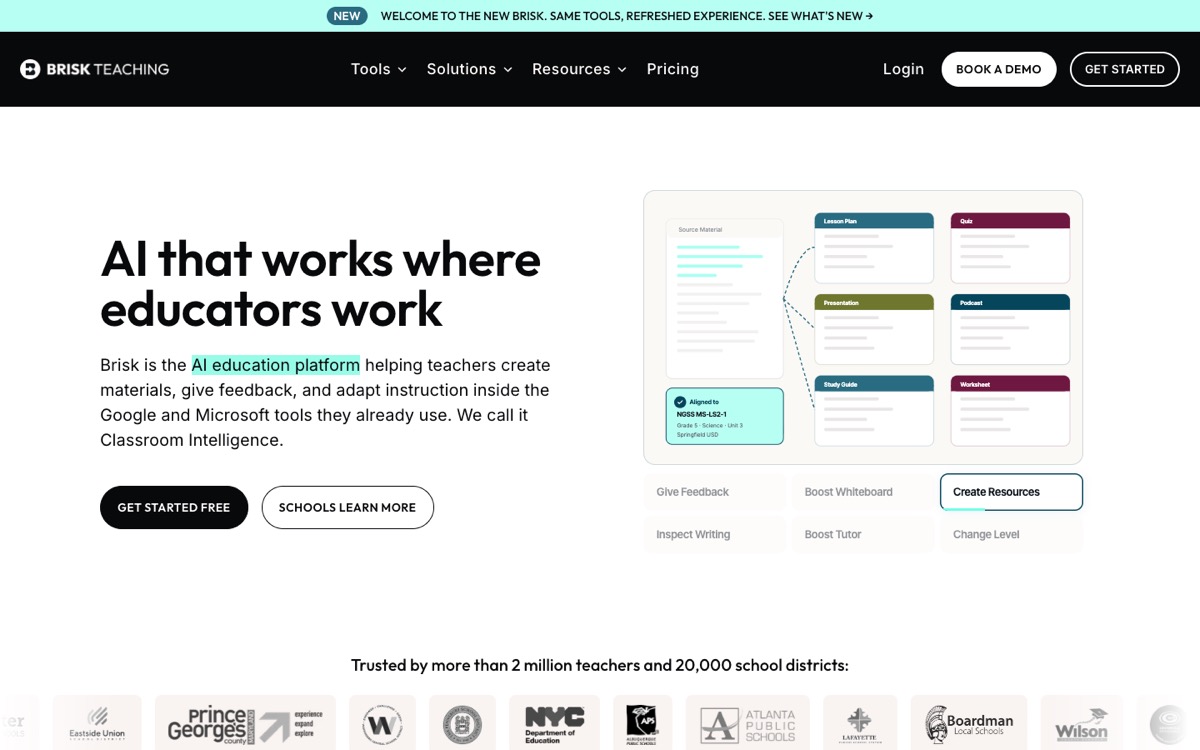
Brisk Teaching has earned its spot in a lot of classrooms. It lives in your browser as a Chrome or Edge extension, works inside the Google and Microsoft tools teachers already use, and its feedback and writing-inspection features are genuinely hard to beat. Over 2 million teachers use it, and that number is not an accident.
Still, teachers search for Brisk Teaching alternatives every day, usually for one of four reasons: the free plan has daily usage caps, Educator Pro costs $99.99 per year, exporting quizzes to an LMS like Canvas (via QTI files) is locked behind the Schools & Districts plan, and the content it generates (slides, quizzes, podcasts) is solid but basic. If you hit any of those walls, this guide is for you. We compare the seven best alternatives in 2026, with real pricing and a clear “best for” verdict on each.
What Brisk does well (and where it stops)
To pick the right alternative, it helps to be precise about what Brisk actually is. Brisk is not an LMS and not a standalone platform. It is a browser extension with 30+ AI tools that layer on top of Google Docs, Slides, Forms, Classroom, PowerPoint, Canvas, and Schoology. Its strongest features are giving feedback on student writing, adjusting the reading level of any text, inspecting the writing process for AI use, and generating lesson plans or quizzes from whatever page you have open.
Where it stops: content depth and portability. The free plan caps daily usage. Quiz export to Canvas in the QTI format only exists on district plans. And if you want richer teaching media (a narrated video lesson from your slides, a professionally designed deck, audio narration students can rewatch), you will need a different tool. That is the lens for the list below: some alternatives replace Brisk like-for-like, others fix a specific gap.
Brisk Teaching alternatives at a glance
| Tool | Best for | Free plan | Paid (individual) |
|---|---|---|---|
| SlideSpeak | Creating teaching content: presentations, narrated video lessons, quizzes with LMS export | Free AI tools (quiz, video, narration) | From $29/month |
| MagicSchool | Closest like-for-like replacement, 80+ teacher tools | Yes, monthly limits | $12.99/month or ~$99.96/year |
| Eduaide.ai | Lesson resources on a budget | 15 generations/month | $5.99/month or $49.99/year |
| Diffit | Differentiation and leveled readings | Yes, PDF export only | $14.99/month or $149.99/year |
| SchoolAI | Student-facing AI with teacher monitoring | Yes, for teachers | School/district pricing |
| Curipod | Interactive live lessons and polls | 5 lessons | $9/month or $7.50/month annual |
| NotebookLM | Free source-grounded study material | Fully free | Via Google One AI Premium |
1. SlideSpeak: for creating the actual teaching content
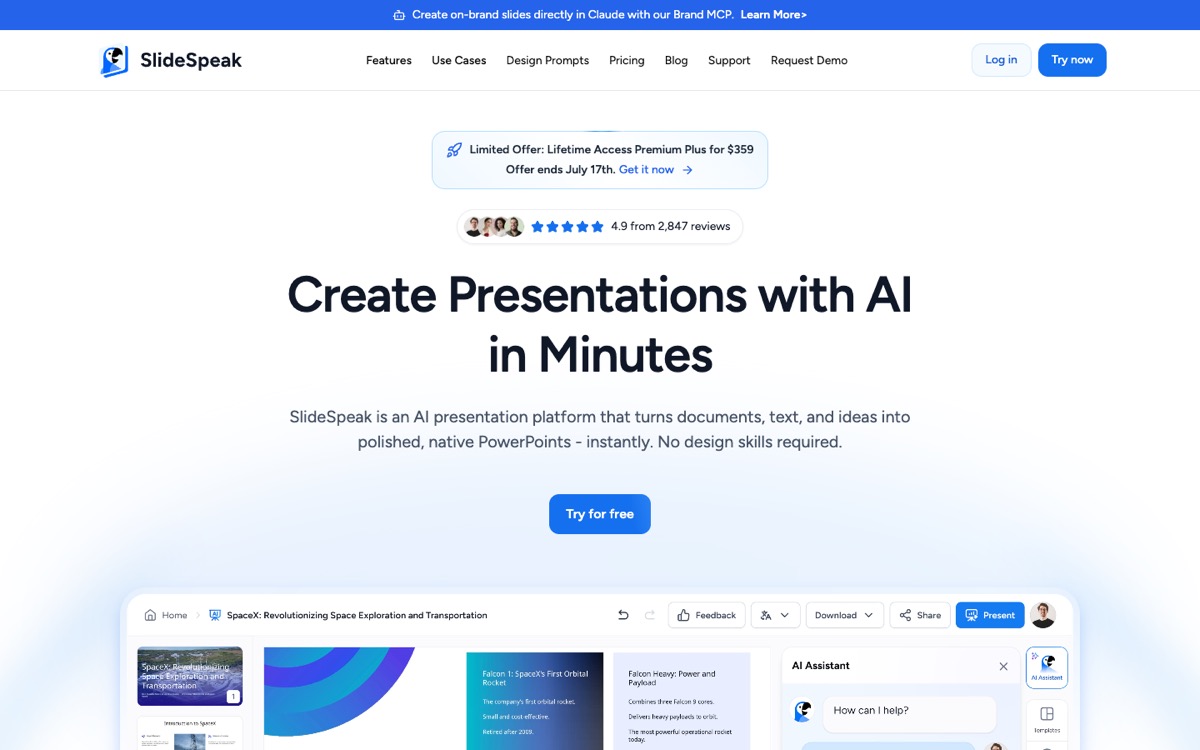
Full disclosure: SlideSpeak is our product. We put it first because it fixes the gap teachers mention most, and it is honestly not a Brisk clone. Brisk assists you inside documents; SlideSpeak generates the teaching media itself. Upload a PowerPoint, PDF, or Word document and turn it into a designed presentation, a narrated video lesson with an AI voice-over, or a quiz generated straight from your slides.
The two work well together. One California high school district we work with generates a narrated video from their existing deck, creates a quiz as a questions-and-answers document in SlideSpeak, then opens that document and lets Brisk turn it into a Google Form for Google Classroom. In their words: “Everything works great.” If your school runs Canvas, Brightspace, or Schoology instead, SlideSpeak exports quizzes as QTI files that import straight into your LMS as native, gradable quizzes, with no district contract required.
- Where it beats Brisk: presentation quality, narrated video lessons, audio narration, quiz export to any LMS (QTI) without a district plan, works from files rather than a browser extension.
- Where Brisk is stronger: feedback on student writing, reading-level adjustment, AI detection. Those are assistance jobs, not content generation.
- Pricing: the free tools (quiz generator, video converter, narration, worksheets, flashcards) work without a subscription; paid plans start at $29/month.
2. MagicSchool: the closest like-for-like replacement
If you want to replace Brisk with the most similar tool, MagicSchool is it. Instead of a browser extension, it is a standalone platform with more than 80 pre-built tools: lesson planning, rubrics, IEP support, behavior intervention ideas, report card comments, and assessments. Teachers who find raw chatbots intimidating tend to love it, because every tool is a guided form rather than a blank prompt.
- Where it beats Brisk: breadth of tools, student-facing rooms, works in any browser (no extension needed).
- Where Brisk is stronger: working inside your existing documents and LMS pages instead of a separate tab, writing feedback, AI detection.
- Pricing: free plan with monthly limits; Plus is $12.99/month (or about $99.96/year); custom pricing for schools.
3. Eduaide.ai: the budget pick for lesson resources
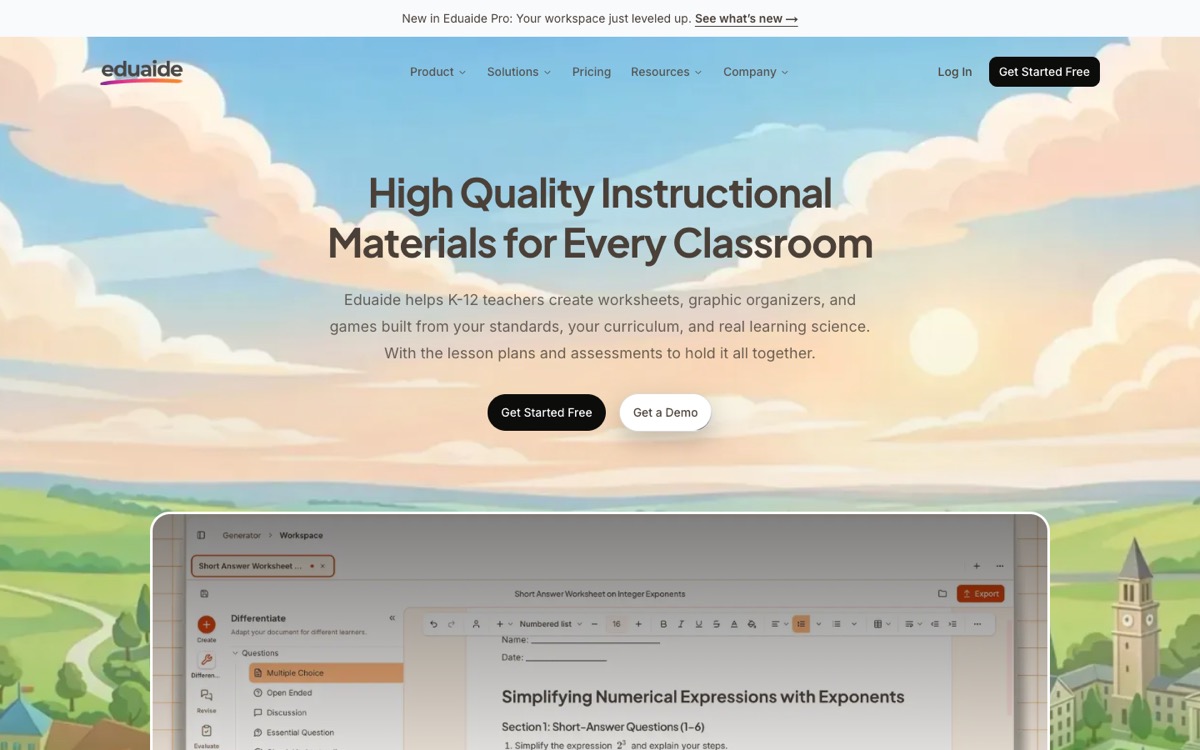
Eduaide.ai is built around one job: generating instructional materials. Lesson seeds, graphic organizers, classroom games, warm-ups, exit tickets, and assessments, all organized in a resource generator with 75+ formats. At $5.99/month (or $49.99/year) for unlimited generations, it is the cheapest full-featured option on this list, roughly half the price of Brisk Pro.
- Where it beats Brisk: price, variety of resource formats, a workspace built for planning rather than a popup.
- Where Brisk is stronger: anything that involves reacting to existing student work or web content; Eduaide starts from scratch, Brisk starts from the page you are on.
- Pricing: free plan with 15 generations/month; Pro at $5.99/month or $49.99/year.
4. Diffit: for differentiation and leveled readings
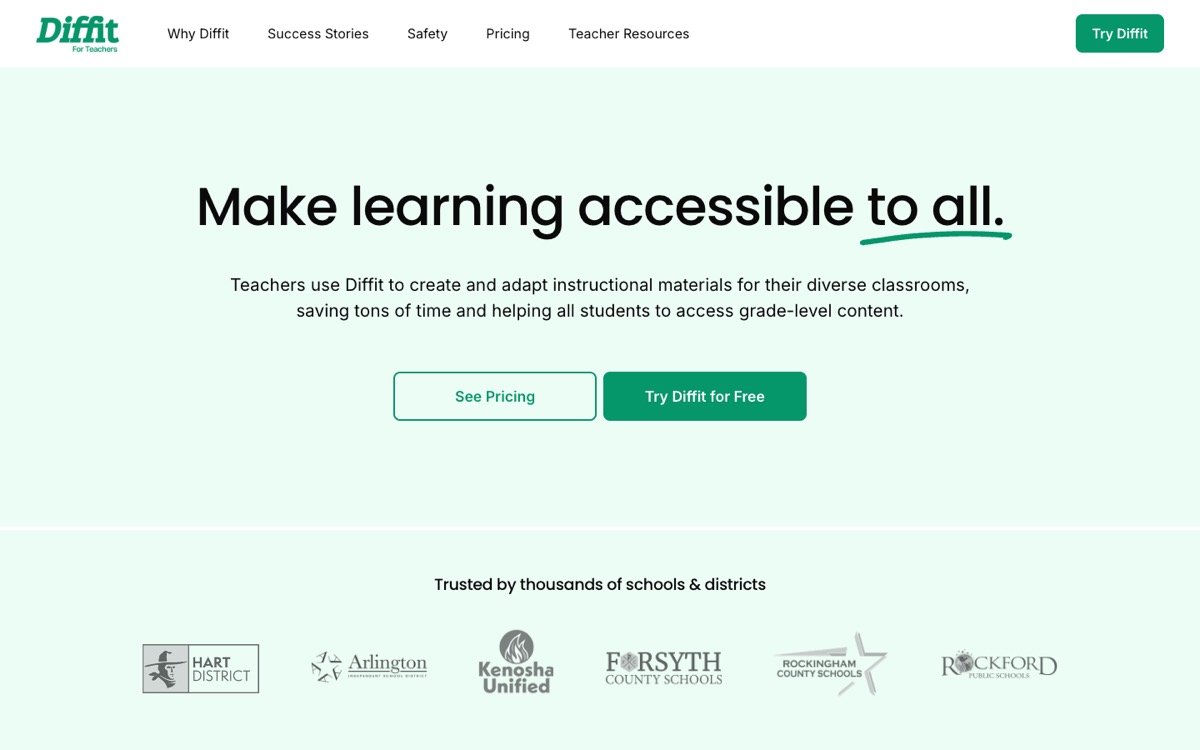
Brisk has a reading-level tool; Diffit has an entire product built around it. Give it any topic, article, or even a full novel and it produces leveled readings with vocabulary lists and comprehension questions, adapted per grade level or language. For classrooms with a wide ability spread or many ELL students, it is the specialist option.
- Where it beats Brisk: depth of differentiation, quality of leveled passages, ready-to-print activity formats.
- Where Brisk is stronger: everything that is not differentiation, and price: Diffit Premium is $14.99/month, and exports to Google Docs, Slides, and Forms sit behind the paid plan.
- Pricing: free plan with PDF export; Premium at $14.99/month or $149.99/year.
5. SchoolAI: for student-facing AI with guardrails
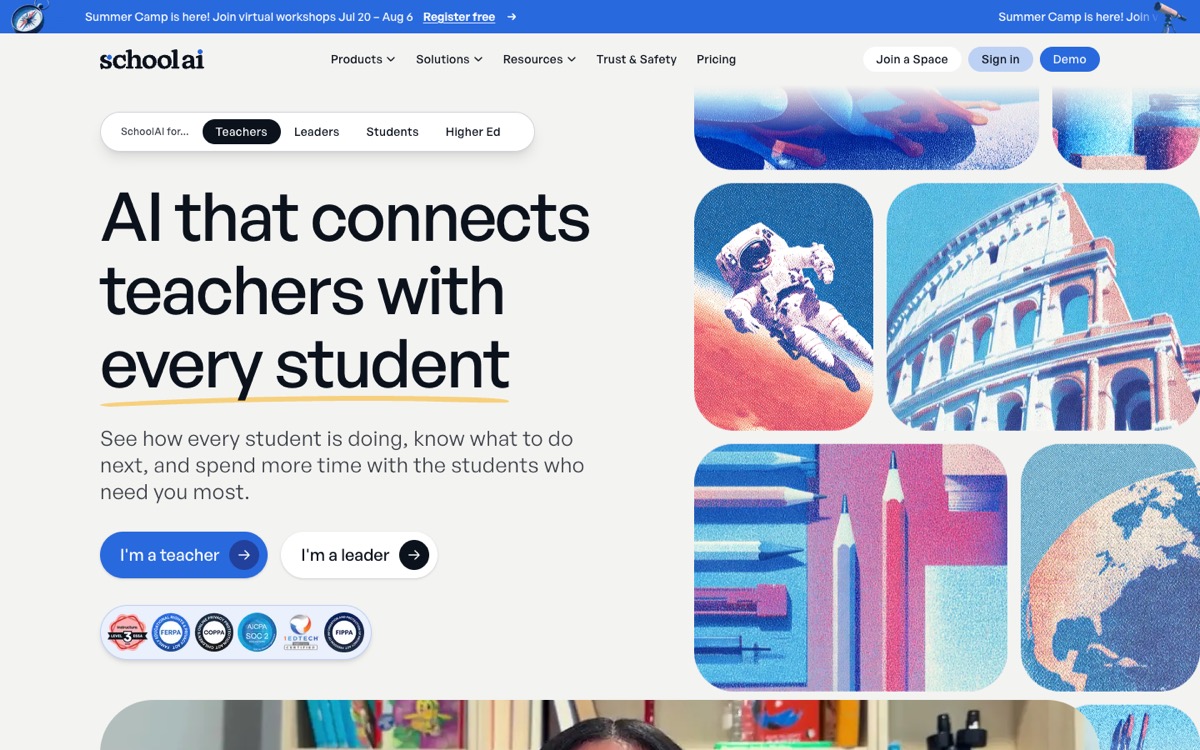
Brisk is a teacher tool. SchoolAI flips the model: teachers create controlled AI “Spaces” that students interact with directly, while a live dashboard shows every conversation, flags students who are stuck, and summarizes progress. It was one of the fastest-rising teacher AI tools of the past year, and for good reason: it answers the “can my students use AI safely?” question rather than the “can AI save me time?” question.
- Where it beats Brisk: student-facing use, monitoring and safety controls, live insight into where students struggle.
- Where Brisk is stronger: teacher-side productivity: feedback, grading support, and material generation inside your documents.
- Pricing: free teacher accounts; schools and districts pay custom pricing.
6. Curipod: for interactive live lessons
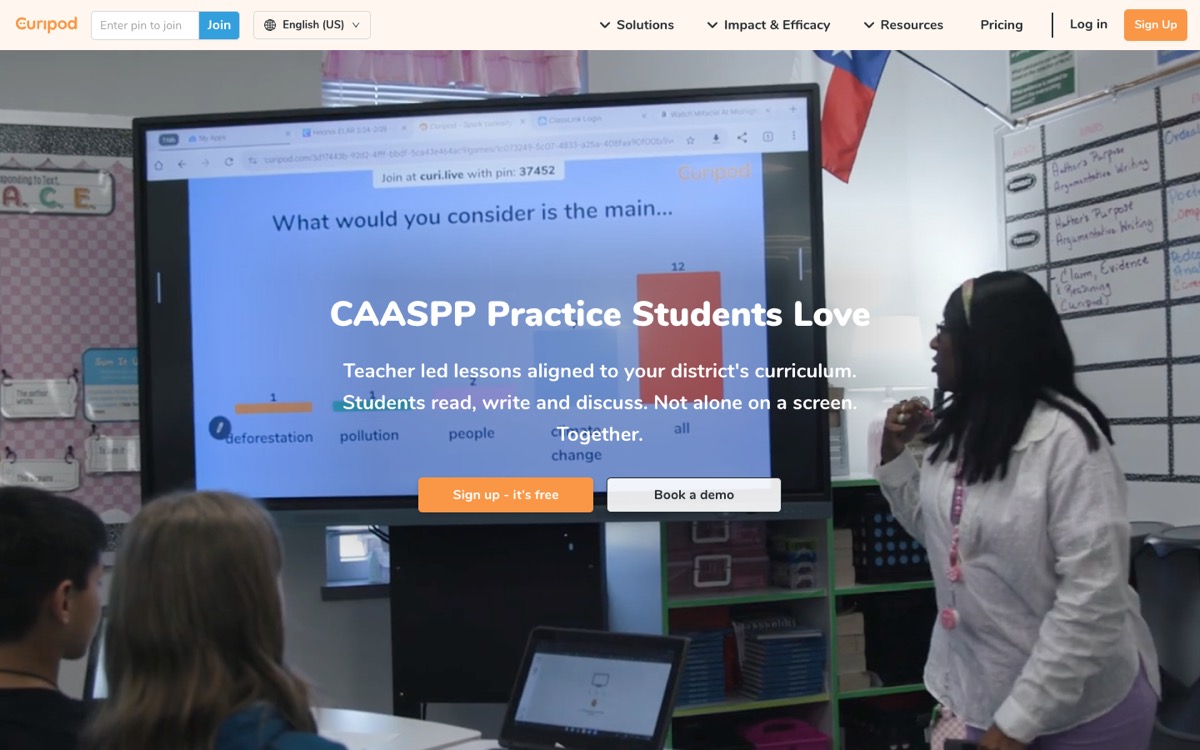
Curipod generates teacher-paced interactive lessons: slides interleaved with polls, word clouds, drawing activities, and discussion prompts that students join from their own devices, Kahoot-style. Brisk can generate a presentation, but it cannot run a room. If engagement is your problem, this is the specialist.
- Where it beats Brisk: live interactivity, instant student feedback, built-in activities aligned to your curriculum.
- Where Brisk is stronger: asynchronous work: feedback, leveling, and generating materials from existing documents.
- Pricing: free plan with 5 lessons; Premium at $9/month (or $7.50/month billed annually); custom school plans.
7. NotebookLM: the free wildcard for study materials
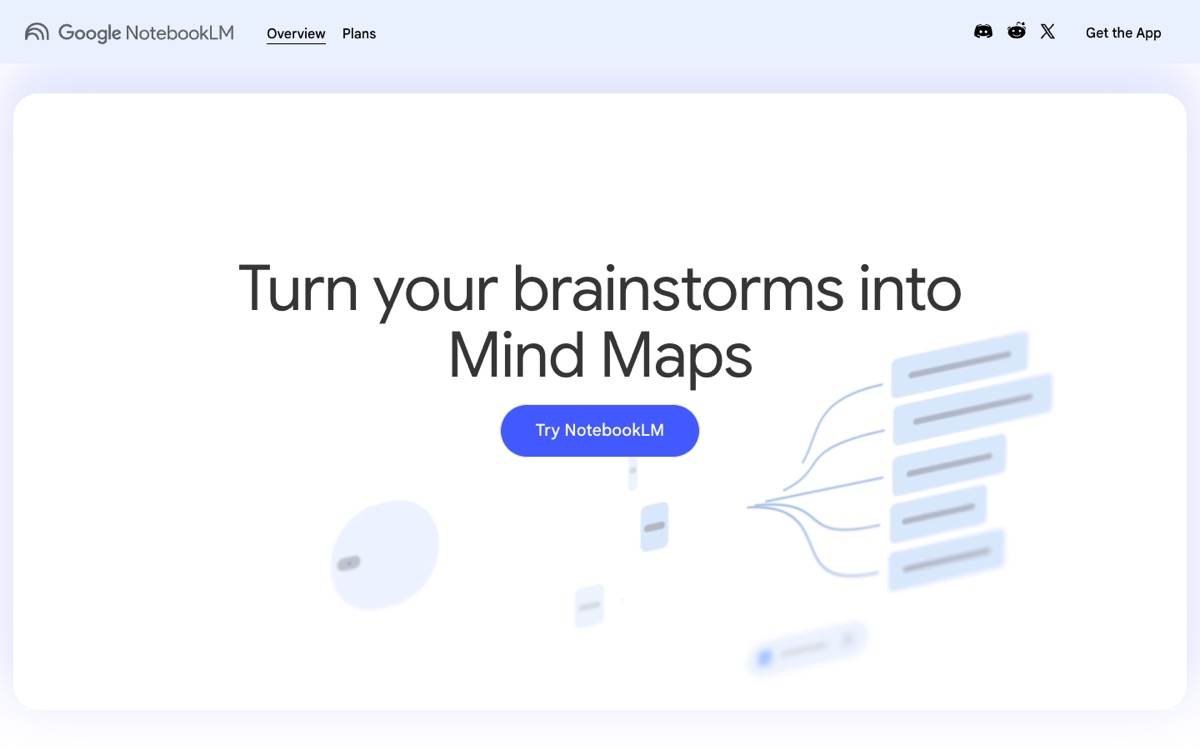
NotebookLM is not a teacher platform, but it earns its place on this list because it is genuinely free and does one thing Brisk cannot: it grounds every answer in the sources you upload. Feed it your unit materials and it produces study guides, mind maps, quizzes, and its famous podcast-style audio overviews, with citations back to your documents. Searches for NotebookLM among teachers have tripled in the past year.
- Where it beats Brisk: completely free, source-grounded output with citations, audio overviews students actually listen to.
- Where Brisk is stronger: everything workflow-related: it knows what a rubric, an IEP, or an exit ticket is, and it works inside your grading flow.
- Pricing: free; higher limits come with Google One AI Premium or a Workspace plan.
How to choose
- You want Brisk, but cheaper: Eduaide.ai at $49.99/year covers most material-generation needs.
- You want Brisk, but as a platform instead of an extension: MagicSchool.
- You need better teaching content, not more assistance: SlideSpeak for presentations, narrated video lessons, and quizzes that export to any LMS.
- Your students should use AI directly: SchoolAI.
- Differentiation is the bottleneck: Diffit.
- Engagement is the bottleneck: Curipod.
- Budget is zero: NotebookLM, plus SlideSpeak’s free tools for quizzes and video.
Also worth saying: many teachers do not replace Brisk at all. They keep it for feedback and leveling, and pair it with a content tool. The district workflow we described above (SlideSpeak for the video lesson and quiz, Brisk to turn the quiz into a Google Form) is a good example of the tools complementing each other rather than competing.
Frequently asked questions
Is Brisk Teaching free?
Brisk has a free plan with 20+ tools, but it comes with daily usage caps. Educator Pro removes the limits and adds premium features for $99.99 per year. District features (including QTI quiz export to Canvas) require a Schools & Districts plan.
What is the best free Brisk Teaching alternative?
NotebookLM is the only fully free tool on this list. MagicSchool, Eduaide, Diffit, and Curipod all have free tiers with limits. SlideSpeak’s free tools cover quiz generation, video conversion, narration, worksheets, and flashcards without a subscription.
Can I create quizzes for Google Forms or Canvas with these tools?
Yes, but the paths differ. Brisk generates Google Forms directly from a document, which works beautifully with Google Classroom. For Canvas, Brightspace, and Schoology, you need a QTI file: Brisk only offers QTI export on district plans, while SlideSpeak generates quizzes from a PDF, PowerPoint, or Word file and exports them as QTI packages. Diffit exports to Google Forms on its paid plan.
Does Brisk work outside of Chrome?
Brisk supports Chrome and Microsoft Edge. There is no Safari or Firefox version, which is one reason teachers on managed devices look for platform-based alternatives like MagicSchool or file-based ones like SlideSpeak.
The bottom line
Brisk is a great assistant, and for feedback and reading-level work it is still the tool to beat. But if you are hitting free-tier limits, paying for content that looks basic, or fighting to get quizzes into your LMS, the alternatives above each fix a specific gap. If the gap is the teaching content itself, try SlideSpeak: upload the materials you already have and turn them into a presentation, a narrated video lesson, or an LMS-ready quiz in a few minutes. For the wider picture beyond feedback and grading, see the 12 best AI tools for teachers.


