

7 Better Beautiful.ai Alternatives in 2026
Written by

Published on
On this page
In this post, I compare the seven best Beautiful.ai alternatives on what they let you start from, what they cost, and what each one does that the others don’t.
Beautiful.ai’s Smart Slides handle the formatting for you. That is the selling point, right up until you need a slide to do something the template will not allow and there is no way to override it. Add a month-to-month price of $45 and a lot of people start looking around.
So here are the seven tools worth your time, ordered by what you are bringing with you.
| Tool | Best for | Price from | What it does that the others don’t | Free plan |
|---|---|---|---|---|
| SlideSpeak | Documents you already have | $30/mo | Turns PDFs, Word and Excel files into decks, then narrates them as video | Yes |
| Plus AI | Slides already in Google Slides or PowerPoint | $10/mo annually | Runs as an add-in inside the tools you already use | No, 7-day trial |
| Gamma | Starting from a prompt | ~$9/seat/mo | Web-native decks that scroll as well as they present | Yes, 400 credits |
| Canva | Starting from a template | ~$120/yr | The largest template and stock library of anything here | Yes |
| Pitch | Teams building decks together | ~$11/seat/mo | Real-time collaboration built for a sales team’s deck workflow | Yes |
| Visme | Data and charts | $12.25/mo | Interactive charts and data widgets that update from a live source | Yes |
| Prezi | Non-linear presentations | ~$5/mo annually | Zooming canvas instead of a slide sequence | Yes |
Now let’s go through each of them in more details.
7 best Beautiful.ai alternatives
The list is ranked by what you are starting from. Within that, it is sequenced by how common each starting point is among people leaving Beautiful.ai: existing documents first, then blank-page generation, then the specialist cases. If your situation sits further down the list, so does your tool.
1. SlideSpeak
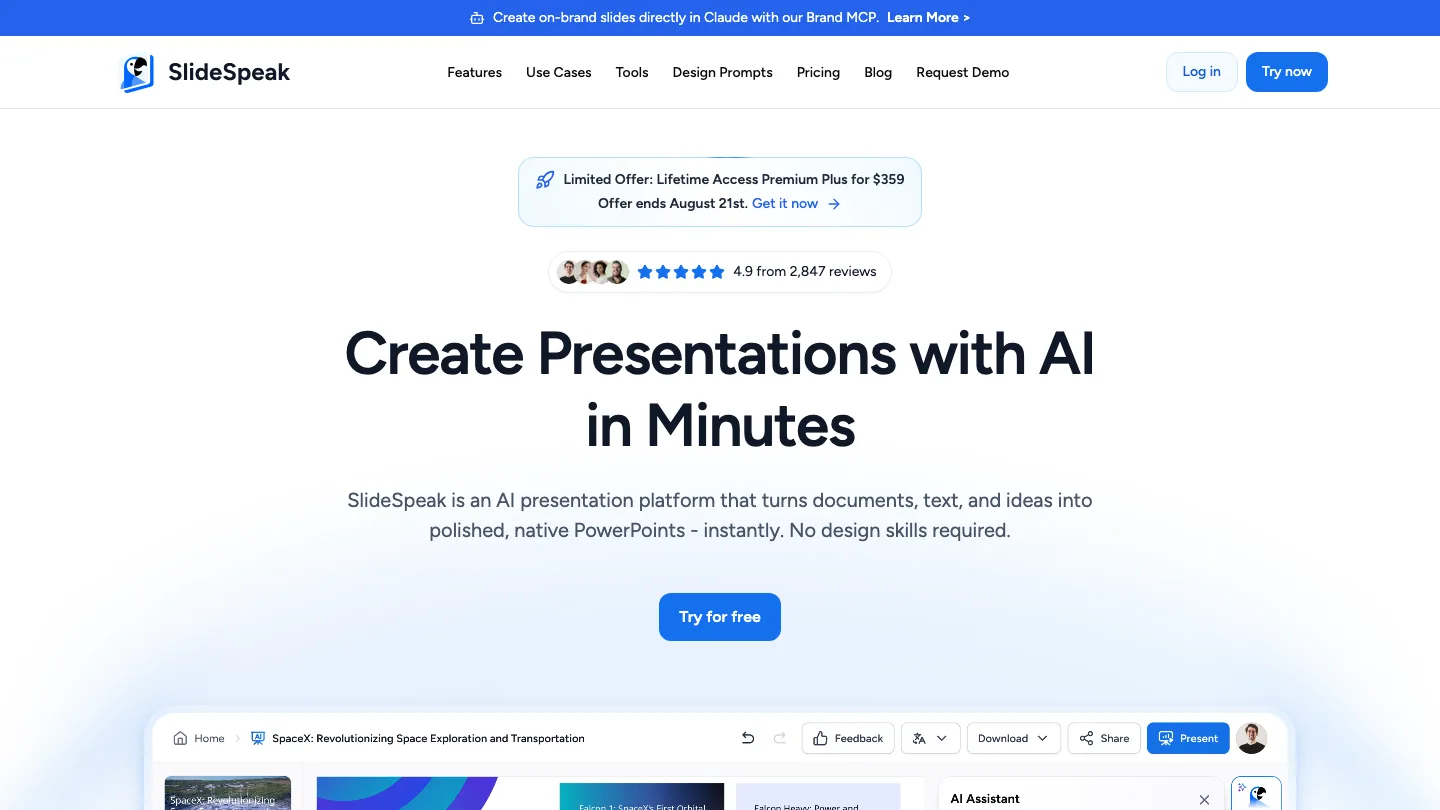
Full disclosure: SlideSpeak is our product. I have put it first because the most common thing people carry out of Beautiful.ai is material they already made. That is the specific job this tool is built for.
SlideSpeak turns documents you already have into presentations, then lets you edit, brand, and narrate them.
Best for: anyone whose starting point is a PDF, a report, or an old deck.
You upload a file: PDF, Word, Excel, or PowerPoint. SlideSpeak reads it and builds a deck from what is in it, rather than from what a model guesses about your topic. You can also start from a prompt or a topic if you want to, but the document path is the one people come back for.
Top feature: it goes from source file to narrated video without leaving the tool. You can generate a deck from a report, then have it read aloud in a synthetic or cloned voice with captions and translation. Nothing else on this list does the whole chain.
- PowerPoint import and export, so decks survive a round trip
- An AI presentation editor that is faster and easier than editing in PowerPoint after download
- Brand kits and custom themes for keeping decks on-brand
Pros: Handles existing files properly instead of treating them as a prompt. Real editing after generation. The video and narration features have no equivalent here.
Cons: Custom branding needs Premium Plus, our highest tier. And several customers have told us they struggled to find some features, which is something we’re actively working on.
Pricing: Free plan with 100 credits at sign-up. Premium is $30/month and Premium Plus $40/month, both cheaper billed annually.
2. Plus AI
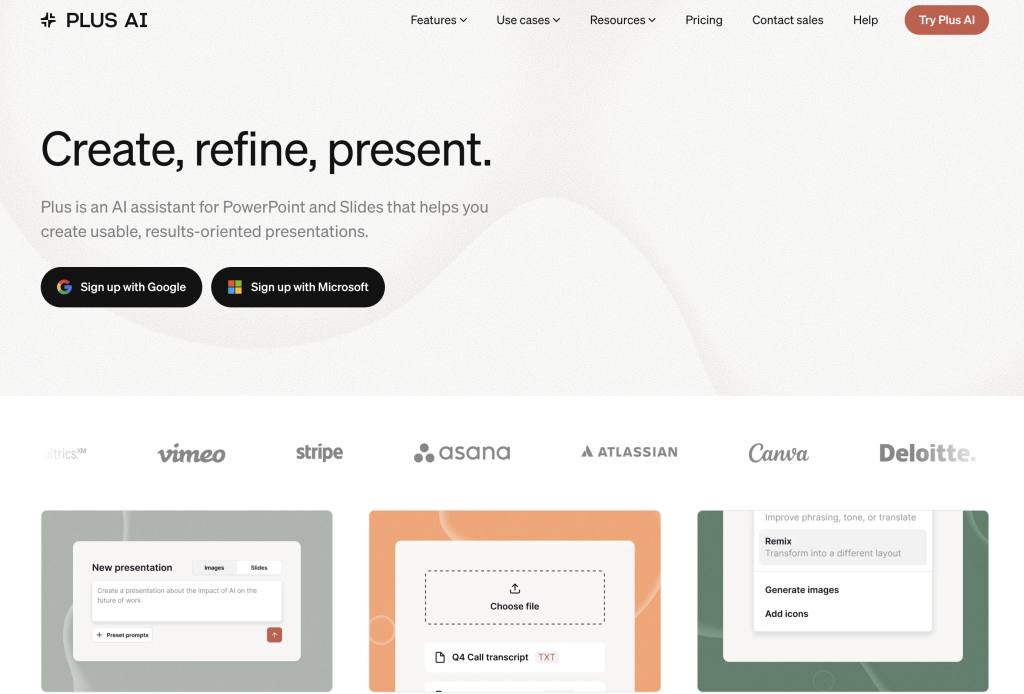
Plus AI is an AI presentation generator that runs inside Google Slides and PowerPoint instead of replacing them.
Best for: people whose company runs on Google Slides or PowerPoint and is not going to stop.
Plus AI installs as an add-in. Then you generate, rewrite, and restyle slides in the file format your colleagues already use, which means no export step and no “can you send that as a PowerPoint” email. If the thing that drove you out of Beautiful.ai was the export dance, this removes the problem rather than improving it.
Top feature: there is no import or export, because the deck was always a native Slides or PowerPoint file. Everything else here makes you move your work into a new tool first.
- Works in both Google Slides and PowerPoint on the same subscription
- Rewrite and remix commands that work on existing slides, not only new ones
- Templates that apply to decks you already built
Pros: Zero migration cost, because your existing files stay yours. Collaborators need nothing installed to open the result.
Cons: You inherit Google Slides’ and PowerPoint’s design ceilings. This makes better slides in those tools, it does not make them a different tool. No free plan, only a 7-day trial.
Pricing: Basic $10/month billed annually, or $15 month to month. Pro is $20/month annually.
3. Gamma
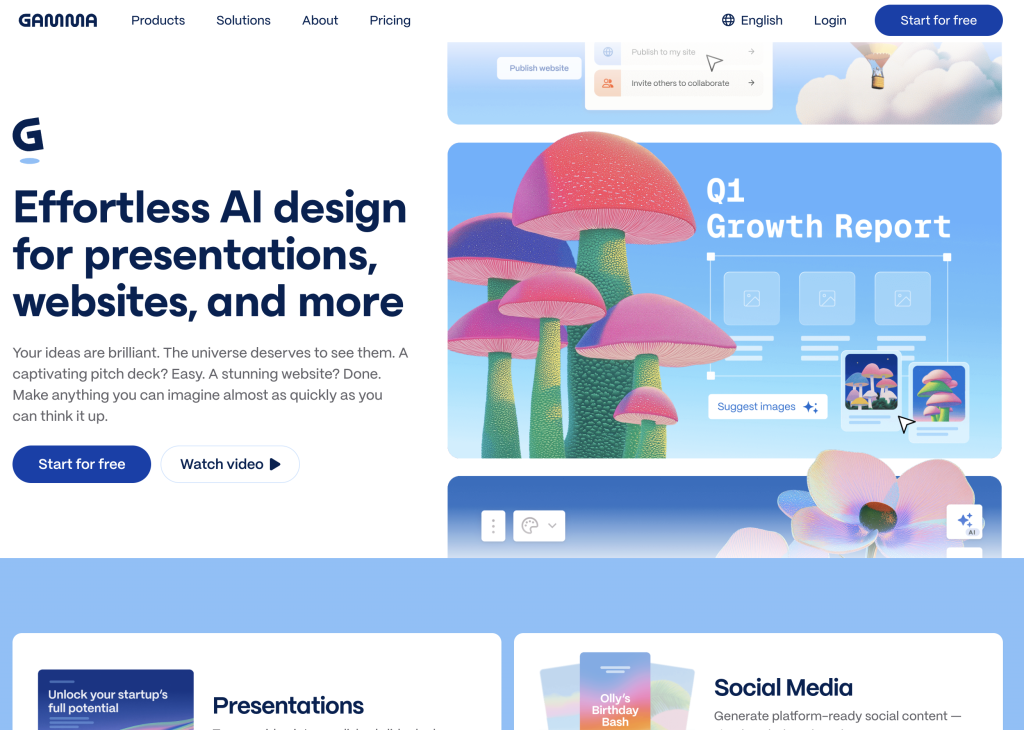
Gamma generates decks, documents, and web pages from a prompt, in a format that works as well scrolled as presented.
Best for: starting from an idea rather than a file.
Gamma is the closest thing here to a straight replacement for Beautiful.ai. You describe what you want, it produces a deck, and you refine it by talking to it rather than by dragging boxes. You can present as a scrolling page or as a conventional horizontal slideshow.
That is either the best or worst thing about it, depending on where your deck ends up. If Gamma is your front-runner, we go deeper on it in the best Gamma alternatives.
Top feature: the output is web-native. A Gamma deck sent as a link reads like a well-made page.
- Generates presentations, documents, and simple sites from the same input
- Slide-by-slide editing that avoids the rigid-template problem people leave Beautiful.ai over
- Analytics on how viewers moved through a shared deck, including time spent per slide and unique viewers, though full access needs the Pro plan
Pros: Fast, and the fastest to something you would actually send. Far more flexible than Smart Slides. Generous free tier.
Cons: Because the format is web-first, PowerPoint export is the weakest link. Decks that rely on Gamma’s layout do not always survive it. If your organization runs on .pptx files, test that before you commit.
Pricing: Free plan with 400 credits at sign-up. Paid plans start at about $9 per seat per month.
4. Canva
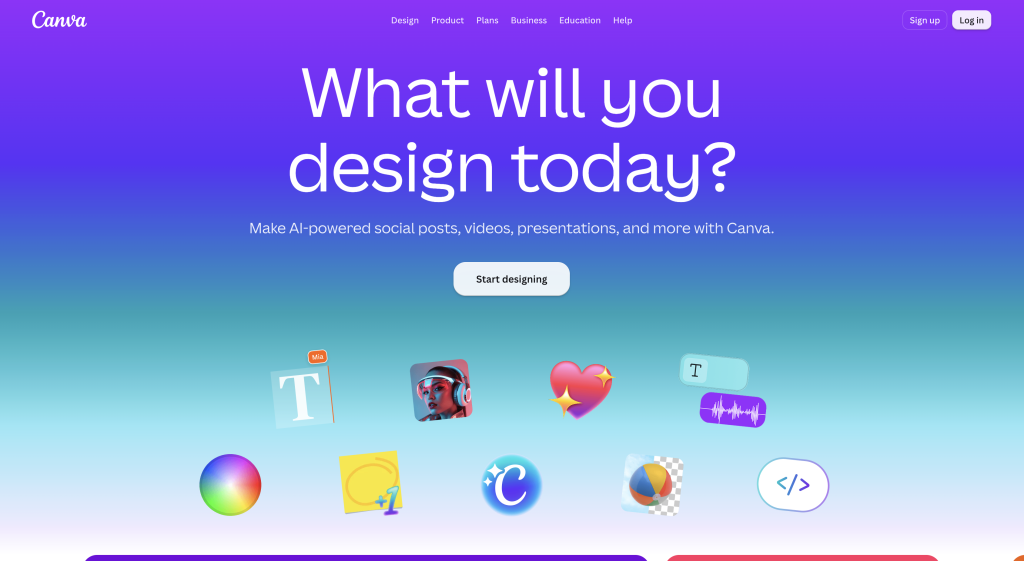
Canva is a general design tool with presentations as one of its formats, backed by the biggest template library here.
Best for: starting from a template, and for teams who need one tool for decks, social posts, and documents.
If the repetitive-designs complaint is what pushed you out of Beautiful.ai, Canva is the direct answer. The constraint there was too few layouts, and Canva’s problem is the opposite one. Its AI features generate a first draft, but the reason to pick it is the library and the fact that everyone you work with already knows how to use it. If those two are your shortlist, we compare them head to head in Beautiful.ai vs Canva.
Top feature: breadth. Nothing else on this list also makes your social graphics, your one-pagers, and your video thumbnails.
- Enormous template and stock library across every format
- Brand kits that apply across all of it, not only presentations
- The lowest training cost of anything here, because most people already have an account
Pros: Huge free tier. Nearly universal familiarity. Good design output if you pick well.
Cons: It is a design tool that does presentations, not a presentation tool. The AI generation is shallower than Gamma’s or SlideSpeak’s, and the sheer number of options is its own kind of friction. Canva decks are also recognizable, which is the same complaint people leave Beautiful.ai with.
Pricing: Free plan. Canva Pro is about $120 per year for one person, and Canva Business is $20 per person per month.
5. Pitch
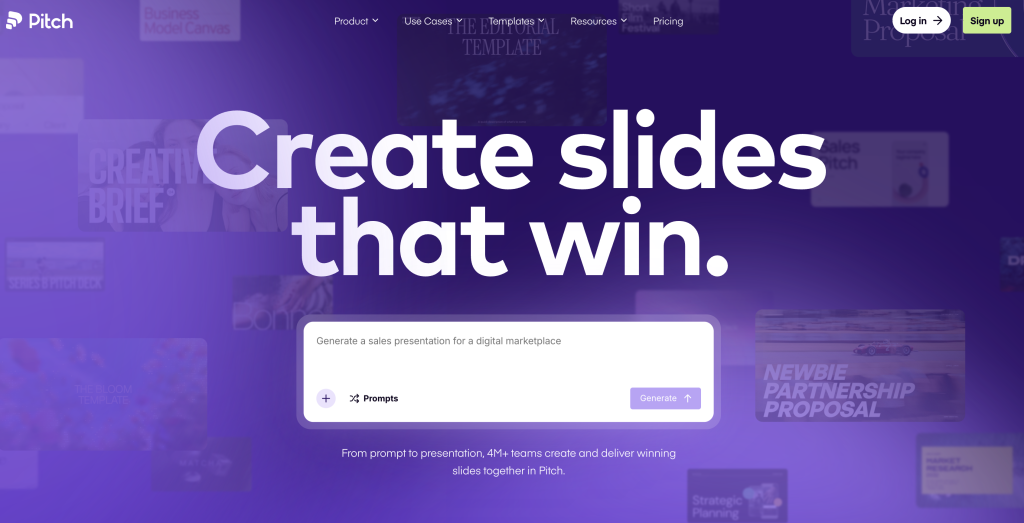
Pitch is a collaborative presentation tool built around a team producing decks together, repeatedly.
Best for: sales and startup teams where more than one person touches every deck.
The starting point here is a shared workspace. Pitch assumes your team has a template, a library of approved slides, and several people who need to work on the same deck this afternoon. It handles that better than anything else here, including Beautiful.ai’s team plan.
Top feature: real-time collaboration that was designed in rather than added on: comments, assigned slides, and version control that behaves the way people who use Figma expect.
- Shared template and slide libraries so nobody rebuilds the pricing slide again
- Analytics on how recipients read a sent deck
- Fast, clean default designs that need little work
Pros: The best collaboration model here. Good free plan. Sensible per-seat pricing.
Cons: Weaker AI generation than Gamma or SlideSpeak. This is a collaboration tool first. If you are a solo user, most of what you are paying for does not apply to you.
Pricing: Free plan for one seat. Plus is about $11 per seat per month billed annually, Team about $17, Business about $22. Pitch bills in euros, so your exact charge depends on the exchange rate.
6. Visme
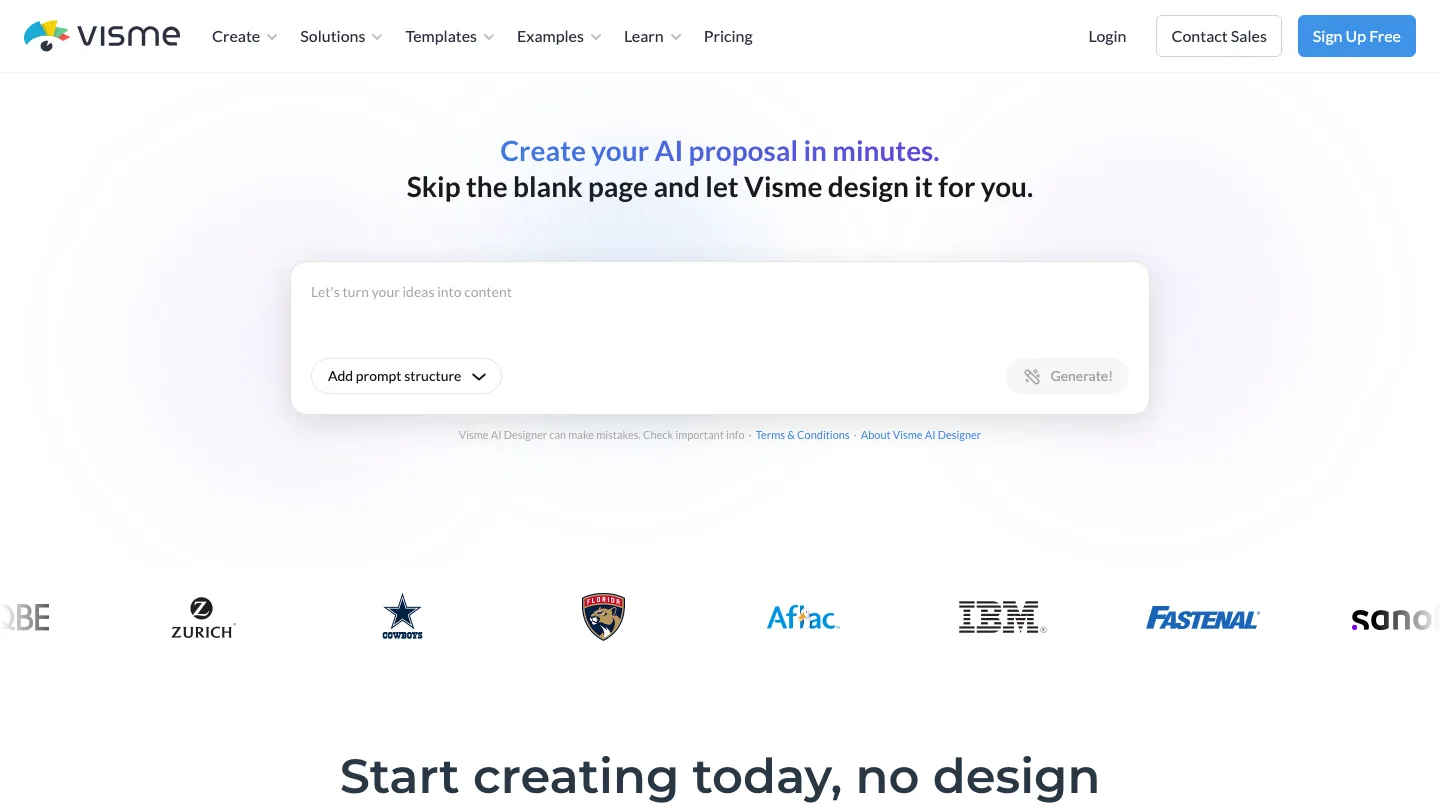
Visme is a visual content tool with premium charts and data.
Best for: decks where the numbers are the argument.
If you are building quarterly reviews, research summaries, or anything where a chart carries the point, Visme handles it better than a general presentation tool. Its charts can pull from live data, and its infographic tooling is a step up from what Beautiful.ai offers.
Top feature: interactive data widgets and charts that update from a connected source, so last quarter’s deck is not wrong the moment the numbers change.
- Deep chart and infographic library
- Interactive visualizations your audience can engage with, plus interactive maps for location data
- Analytics and lead capture on shared content
Pros: The strongest charting of anything here. Very customizable. Strong free plan.
Cons: More complex than everything else on this list, and it looks it. The learning curve is real, and if you are not doing data-heavy work you are paying that cost for nothing.
Pricing: Free plan. Starter $12.25/month, Pro $24.75/month.
7. Prezi
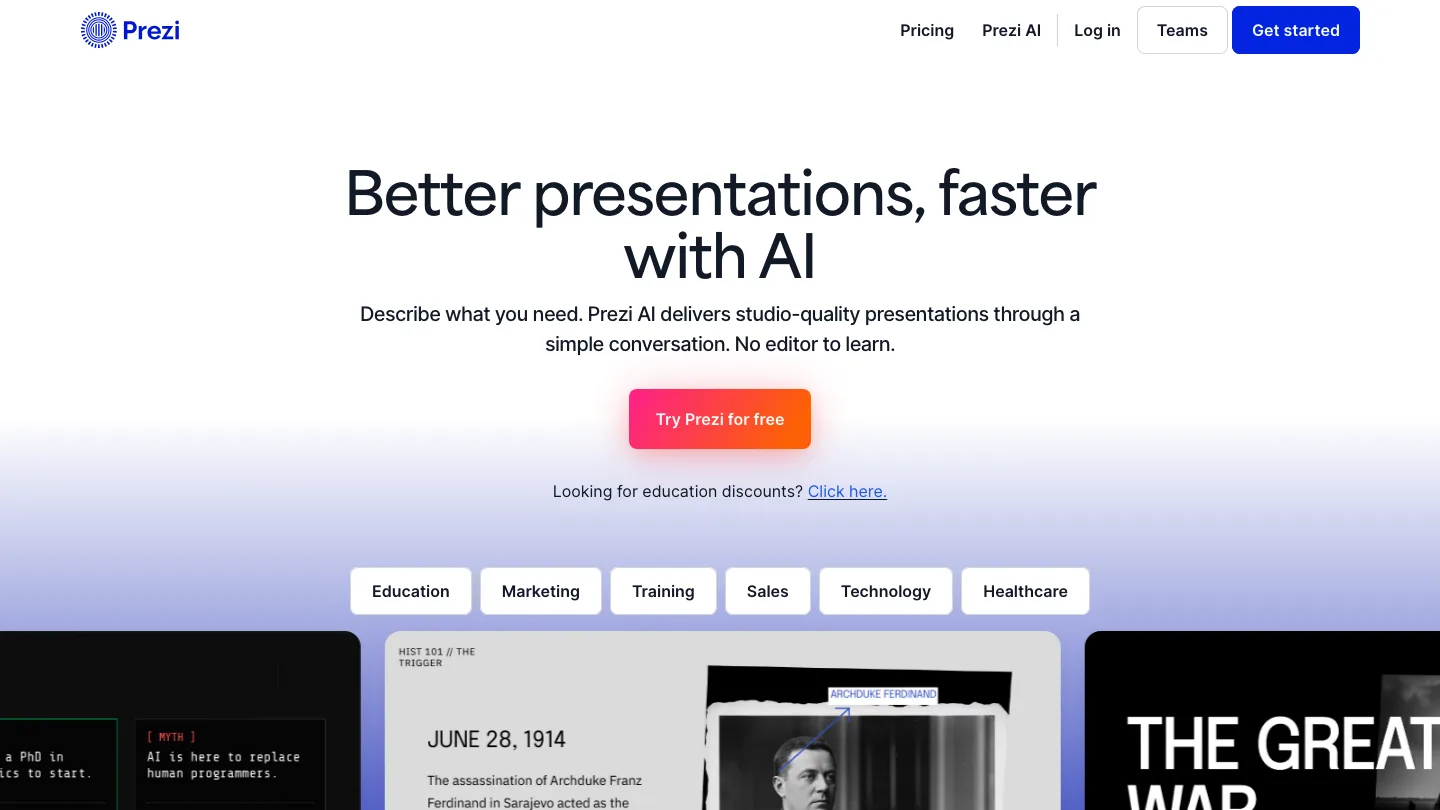
Prezi replaces the slide sequence with a single zooming canvas you move around during the talk.
Best for: presentations where the structure is a map, not a list.
Prezi is the specialist here, so I would only recommend it deliberately. When it fits, nothing else comes close: a concept whose parts relate spatially, a talk where you zoom out to show how the pieces connect. When it does not fit, it is a slide tool that makes people motion-sick.
Top feature: the zooming canvas. Seventeen years after Prezi launched, it is still the only mainstream tool that abandons the sequence of rectangles entirely.
- Non-linear navigation, so you can jump to whatever a question is about
- Prezi Video, which puts you on screen alongside your content for calls
- Unlimited AI generation and PDF/PPT import on the Plus plan
Pros: Memorable in a way nothing else here is. Useful for teaching and for complex explanations. Video features are strong for remote presenting.
Cons: The format is polarizing and easy to overuse. Exporting a zooming canvas to a flat file loses the entire point. AI features are behind the Plus plan.
Pricing: Standard is about $5/month billed annually. Plus, the tier with unlimited AI generation, is $19/month billed annually, and Premium is $29/month.
Why people leave Beautiful.ai
The complaint I hear most is about control.
Smart Slides auto-format every slide as you add content, which is good when you are starting from nothing and maddening when you need one element two inches to the left. Over a 30-slide deck the same handful of layouts start to repeat, and anyone who has seen a Beautiful.ai deck before will recognize the second one. The AI writing is thin enough that most people rewrite it.
Then there is the price. Beautiful.ai has no free plan, only a 14-day trial, and Pro costs $12 per month billed annually or $45 per month if you pay month to month. That is 3.75x for not committing to a year, which is the part I find hard to defend. Teams pay $40 per user per month annually, or $50 monthly.
Most people looking for a Beautiful.ai alternative are already paying for it. If that is you, read moving your decks off Beautiful.ai before you cancel anything.
What is the best Beautiful.ai alternative?
The best Beautiful.ai alternative depends on what you are starting from. SlideSpeak is best for turning documents you already have into decks, Plus AI for slides that already live in Google Slides or PowerPoint, and Gamma is the strongest all-round replacement. Canva is best for template range, Pitch for teams building decks together, Visme for data-heavy decks, and Prezi for non-linear presentations.
It is tempting to rank presentation tools purely on how fast they turn a prompt into a deck, but that assumes you are starting from nothing. About 68% of paying SlideSpeak customers work primarily from source material rather than from a prompt.
How to move your decks off Beautiful.ai
Export first, then cancel.
Export what you can. Beautiful.ai exports to editable PowerPoint, Google Slides, and PDF. Per their own export documentation, an editable PowerPoint export gives you a .pptx where the elements stay editable, presenter notes included. It is available on Pro, Team, and Enterprise.
Know what breaks. External platforms do not support Beautiful.ai’s transitions and animations, so those are lost on export. If a deck depends on a build or a reveal for its timing, budget time to rebuild that wherever you land. Static content, text, and notes come across.
Do it while you still have access. Export rights end when your subscription does. Take everything before you cancel, including decks you have not opened in a year.
Then cancel. You do it from the Billing section of your profile. You keep access until the end of the cycle you have already paid for.
Then pick where they land. If those .pptx files are what you will keep working from, a tool that reads PowerPoint properly matters more than one that generates prettily.
Beautiful.ai alternatives FAQ
What is the best free alternative to Beautiful.ai?
Canva and Gamma have the most usable free plans. Canva’s is close to unlimited for presentations, and Gamma gives you 400 credits at sign-up. Pitch, Visme, and SlideSpeak also have free tiers. Beautiful.ai has none, only a 14-day trial.
Is Beautiful.ai free?
No. Beautiful.ai offers a 14-day free trial and no permanent free plan. After the trial you need a paid subscription starting at $12 per month billed annually.
How much does Beautiful.ai cost?
Pro is $12 per month billed annually, or $45 month to month. Team is $40 per user per month annually, or $50 monthly, for 2 to 20 seats. Enterprise is custom-priced.
Is Beautiful.ai worth it?
It is worth it if you value never thinking about layout and you accept the template’s judgment when you disagree with it. It is not worth it if you need fine control over slides, want a free tier, or are paying $45 month to month. At that price most of this list is better value.
Can I export a Beautiful.ai presentation to PowerPoint?
Yes. Editable PowerPoint and Google Slides export is available on Pro, Team, and Enterprise plans, and the resulting file stays editable including presenter notes. Transitions and animations do not survive the export.
How do I cancel my Beautiful.ai subscription?
Cancel from the Billing section of your profile. Access continues until the end of your current billing cycle. Export any decks you want to keep before you cancel.
Wrapping up…
Pick based on what you are starting from, not on which tool has the nicest templates. If you are carrying documents, that is the whole decision. Starting from nothing? Gamma. If your company runs on PowerPoint, Plus AI and stop reading.
Run the same real deck through two of these before committing. Not a demo or a test topic, but an actual presentation you have given, where you know what good looks like. Most of these tools are impressive for ten minutes and reveal their limits at slide 25. The free tiers exist so you find that out before you pay for a year.
And export your Beautiful.ai decks before you cancel. It is the one step here that cannot be undone.
Did we miss your favorite Beautiful.ai alternative? Let us know!


